Creative Studio
API
Resources
Features
About Us
Download

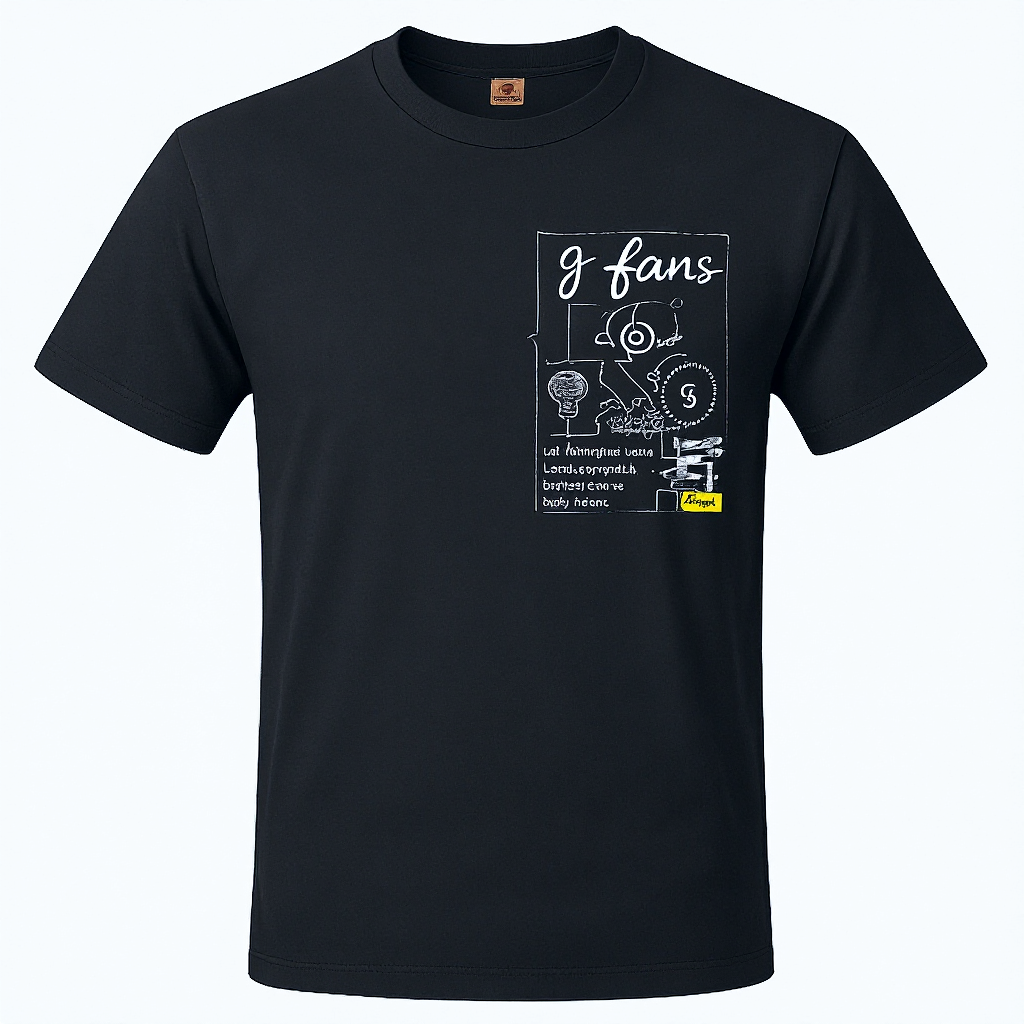
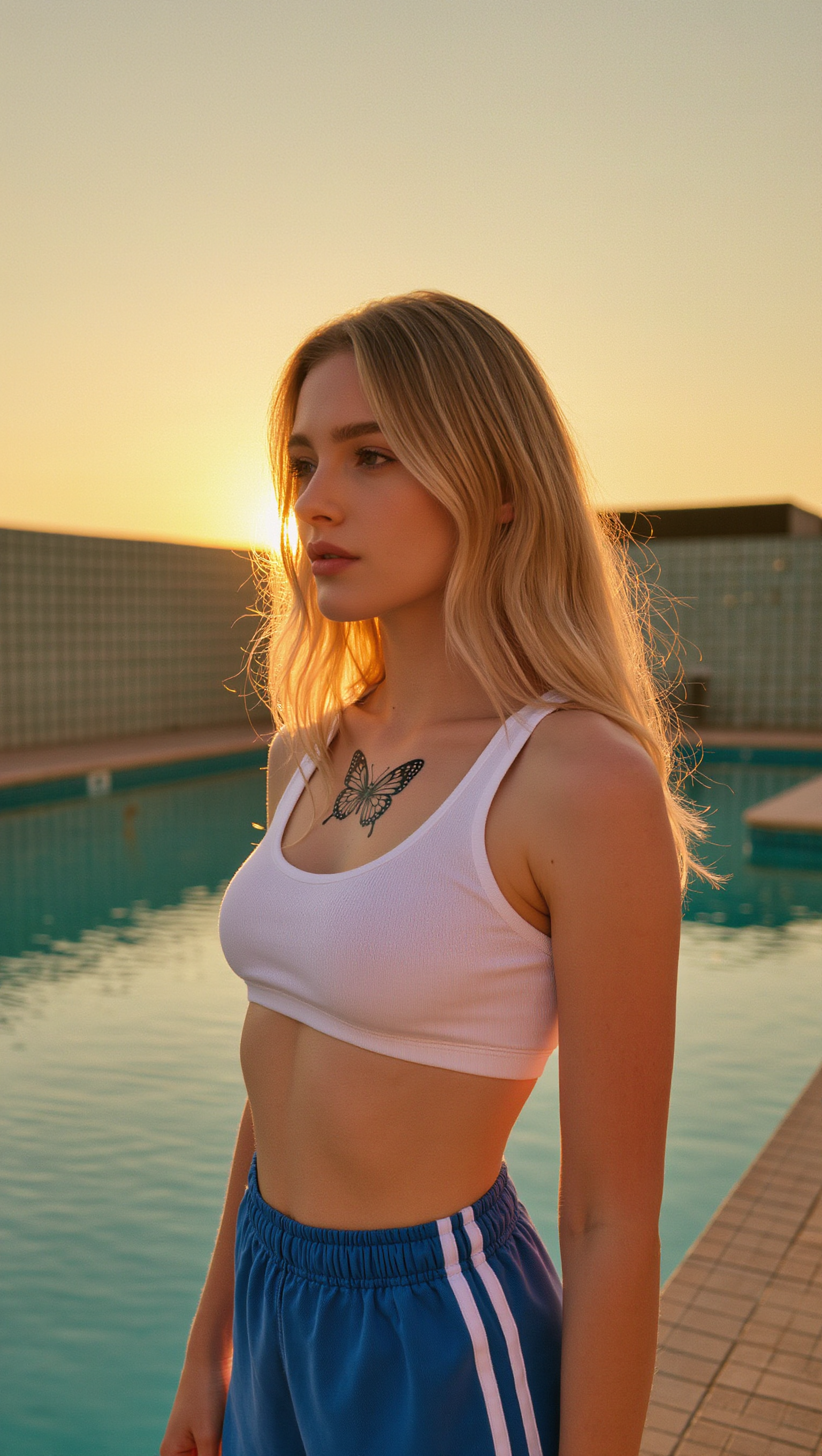
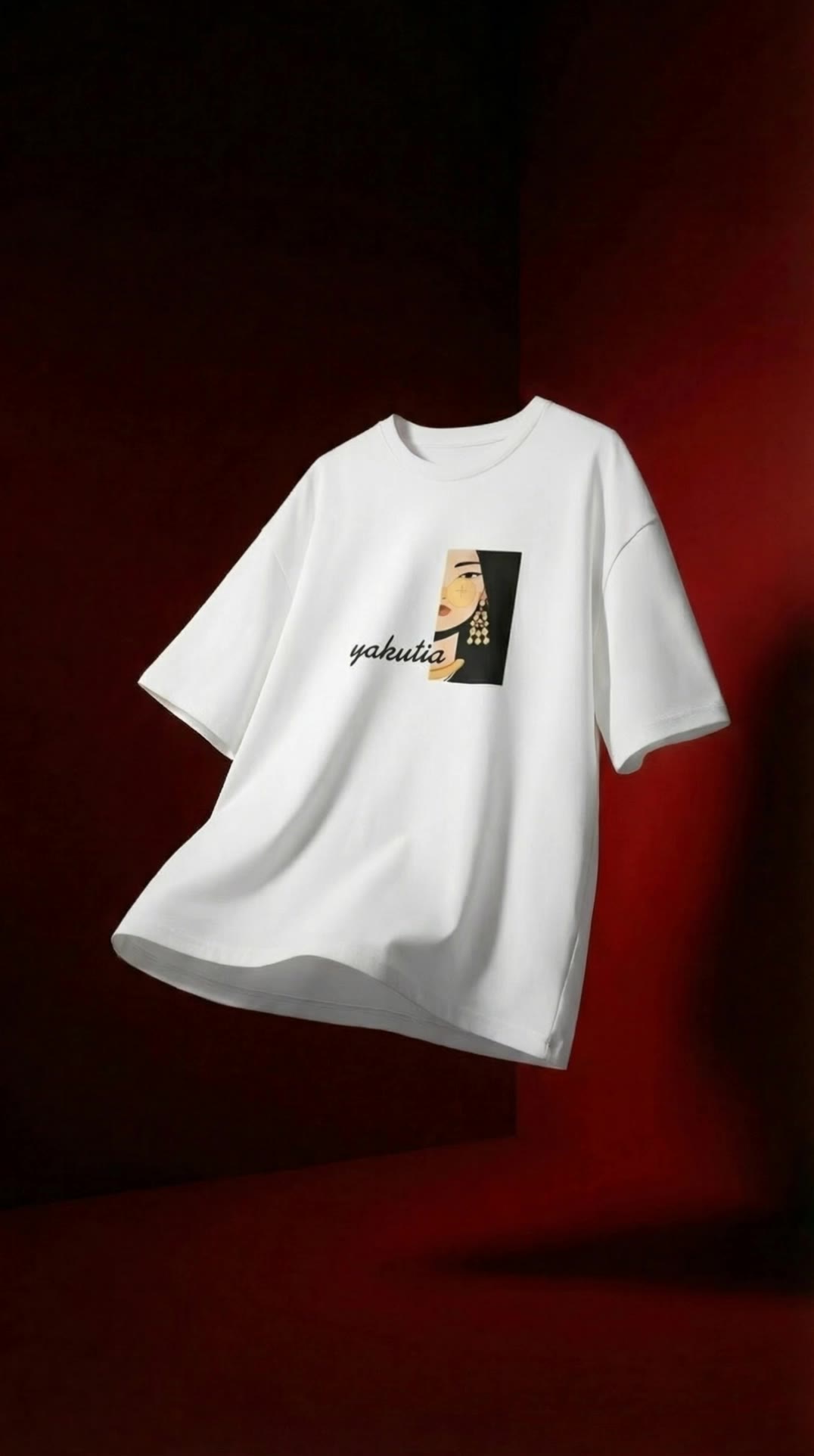
t shirt generator - Tropical Fun & Romantic Aesthetics

Unleash your creativity with unique circular shirt designs and AI-powered t-shirt aesthetics inspired by retro film and romantic compositions. Start exploring t shirt generator ideas and generate your own content with AI.

t shirt generator - Tropical Fun & Romantic Aesthetics

Recommended

T shirt  - t shirt generator AI video
bZGSwXFX avatar
bZGSwXFX
Kling AI work 315513943660682 - t shirt generator AI video
yjsuPmdP avatar
yjsuPmdP
Kling AI work 308515696662664 - t shirt generator AI video
Dilim2030 avatar
Dilim2030
Kling AI work 296408857503236 - t shirt generator AI image
wfwEhHja avatar
wfwEhHja
Kling AI work 307295096538193 - t shirt generator AI image
iZHvPuKq avatar
iZHvPuKq
best shirt - t shirt generator AI video
AmbMkFHI avatar
AmbMkFHI
Kling AI work 300463709658867 - t shirt generator AI video
kxsrJGVb avatar
kxsrJGVb
Kling AI work 296356195526786 - t shirt generator AI image
ℹ️MissKAKADU🌼 avatar
ℹ️MissKAKADU🌼
Kling AI work 315174109507871 - t shirt generator AI video
fOsXURnp avatar
fOsXURnp
t shirt - t shirt generator AI video
Ai4you avatar
Ai4you
Shirt Kurta. - t shirt generator AI video
fEKwuuZj avatar
fEKwuuZj
Kling AI work 314126806618227 - t shirt generator AI video
OjcWLzoR avatar
OjcWLzoR
Kling AI work 309073593616374 - t shirt generator AI image
yLIXScPO avatar
yLIXScPO
Pretty Manola🥰 - t shirt generator AI image
silenceboy🥺 avatar
silenceboy🥺
Black Shirt Men’s Fashion – Prem - t shirt generator AI video
00:10
RFNxQPwN avatar
RFNxQPwN
Kling AI work 321229034523296 - t shirt generator AI video
mewLGPUP avatar
mewLGPUP
Kling AI work 318748569617222 - t shirt generator AI image
yNfQTDmO avatar
yNfQTDmO
Shirt - t shirt generator AI video
00:06
tRkMwelc avatar
tRkMwelc

How to Use Kling AI Face Swap

Step 1: Upload Your Target and References

Step 1: Upload Your Target and References

Add the photo or video you want to edit, then add the face reference you want Kling AI to follow. For video, you can also use multiple views or a character element when you need stronger identity consistency across different angles.

Step 2: Describe the Face Swap You Want

Step 2: Describe the Face Swap You Want

Tell Kling AI which face to replace and what reference to use. For example: "Replace the face in [Image 1] with the face from [Image 2] while keeping all other content unchanged."

Step 3: Generate Your Face Swap

Step 3: Generate Your Face Swap

Choose your preferred output settings, such as the generation mode and aspect ratio, then click Generate. Kling AI will apply your instructions and chosen settings to create your face-swapped image or video.

Shape AI Characters, Build Creative Worlds

Create Characters from Prompts or References

Create Characters from Prompts or References

Start with a text prompt to shape an original character, from facial features and hairstyle to clothing, expression, pose, and visual style. If you already have a specific look in mind, add reference images to guide the result more closely. Kling IMAGE 3.0 Omni supports creative directions ranging from realistic and cinematic characters to anime-inspired, fantasy, and CG-style designs.

Turn One Character into a Visual Series

Turn One Character into a Visual Series

Once you have a character you like, use Kling IMAGE 3.0 Omni Series Mode to build a connected set of images around it. Explore new expressions, viewpoints, scenes, and story moments while keeping the character and overall visual direction consistent across the series. It's well suited for storyboards, comics, campaign concepts, social content, and ongoing character development.

Build a Reusable Character Element

Build a Reusable Character Element

Create a reusable Character Element from a reference image, multiple views, or a supported character video. You can start with one main image and let Kling AI generate additional views, add your own reference angles for more visual information, or use a video to capture richer character details. Once saved, the Element can be called up again in supported image and video workflows without redefining the character from scratch.

Apps

Image to Video
Image to Video

Image to Video

Text to Video
Text to Video

Text to Video

Omni
Omni

Omni

Digital Human
Digital Human

Digital Human

Restyle
Restyle

Restyle

Text to Image
Text to Image

Text to Image

60M+
60M+
Users
600M+
600M+
AI Videos Generated
4.7 ★
4.7 ★
App Store
Industry-Leading
Industry-Leading
Cinematic 4K

Reviews

Vincent Smadja

Vincent Smadja

★★★★★

Kling AI seamlessly integrates into my creative workflow, playing a key role in transforming my images. After generating and upscaling an image, Kling becomes a crucial element, bringing my creations to life with movement and depth.

KakuDrop

KakuDrop

★★★★★

I have successfully collaborated with world-renowned artists and well-known companies that are recognized globally

Déborah

Déborah

★★★★★

I use Kling AI every day. It's amazing to see the almost daily progress it makes. I used AI for fun at first, and I now find that Kling AI's animations allow me to gain professional visibility, with three times more views on my animated posts than on my static posts.

FAQ

Q1Is it suitable for product demo videos?
Q2Can I use this for global AI video marketing?
Q3Does Video 3.0 support multiple characters speaking?

Turn Text into Cinematic Videos

Create 4K videos with native audio and consistent characters from a single prompt.

Free tier available | Watermark-free membership | HD to 4K export | Fast generation