
Creative Studio
API
Resources
Features
About Us
Download

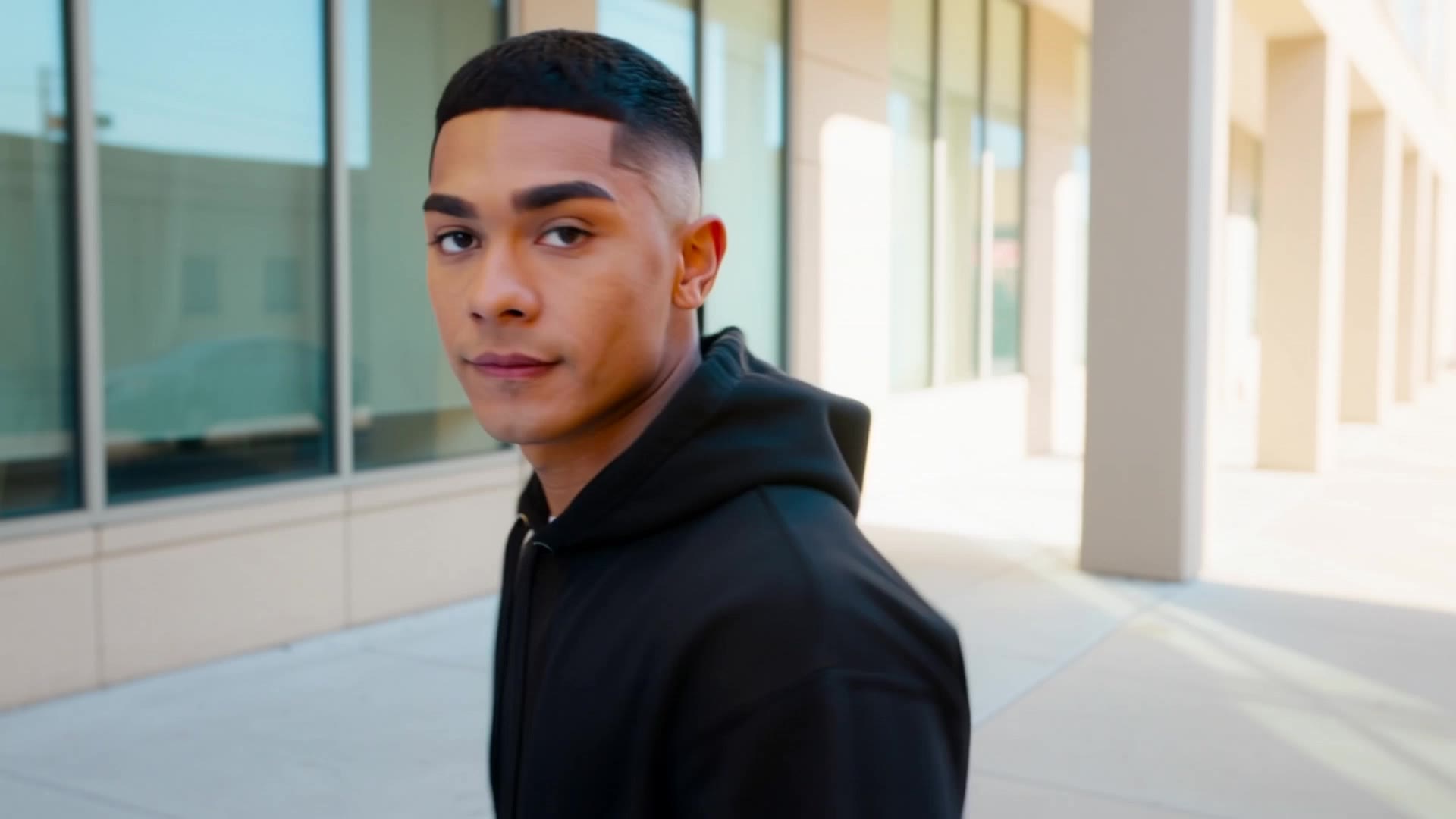
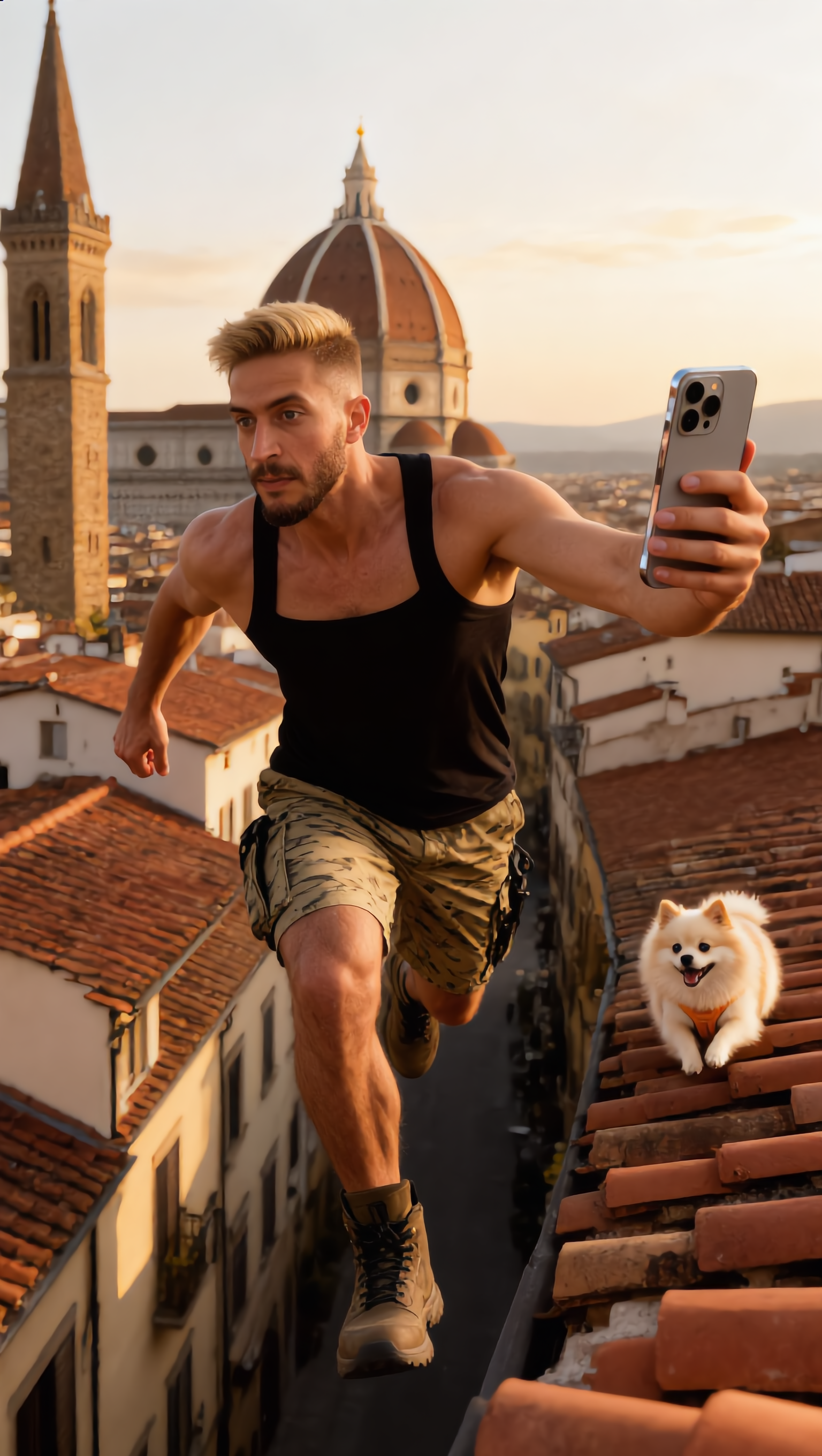
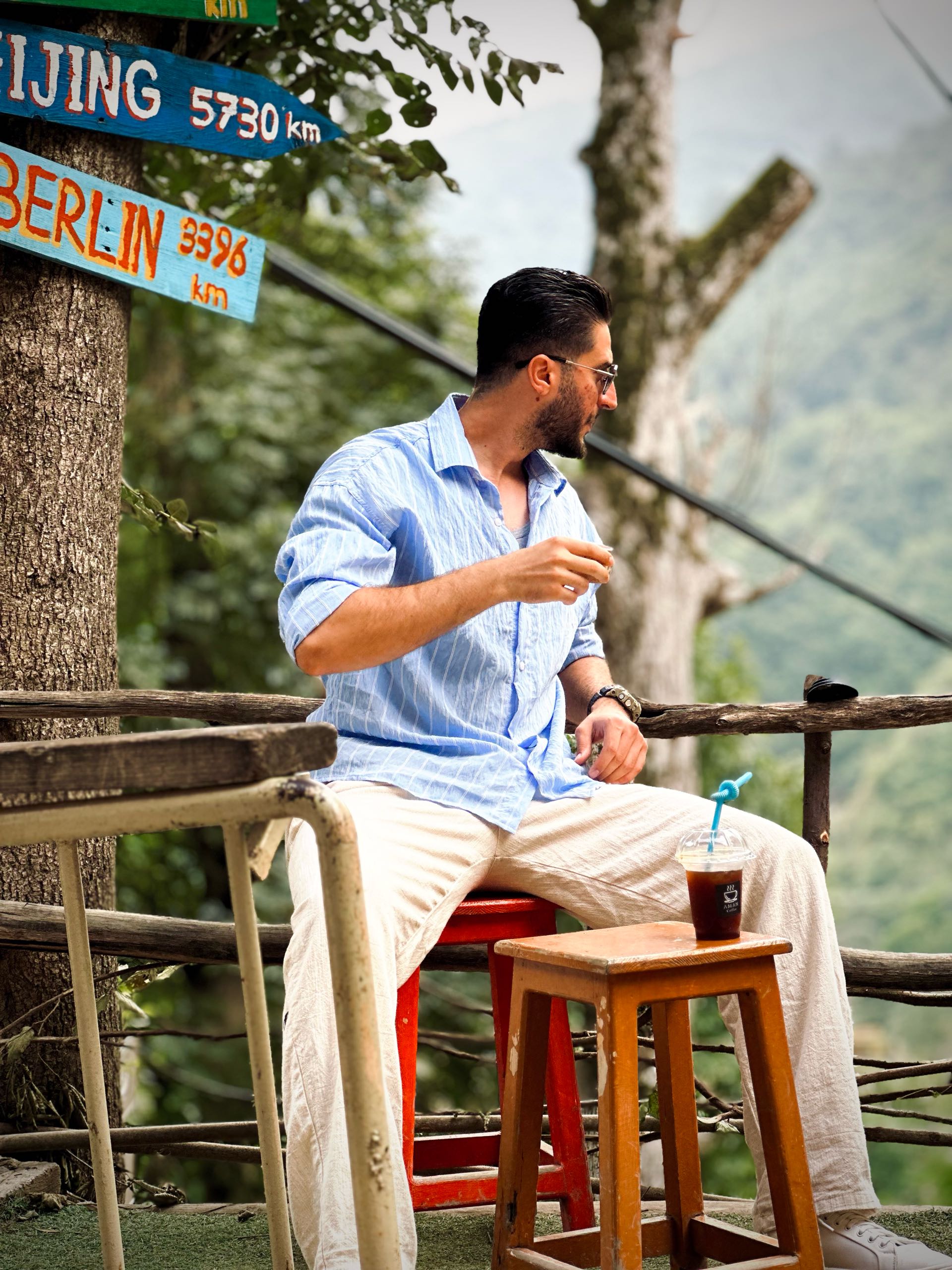
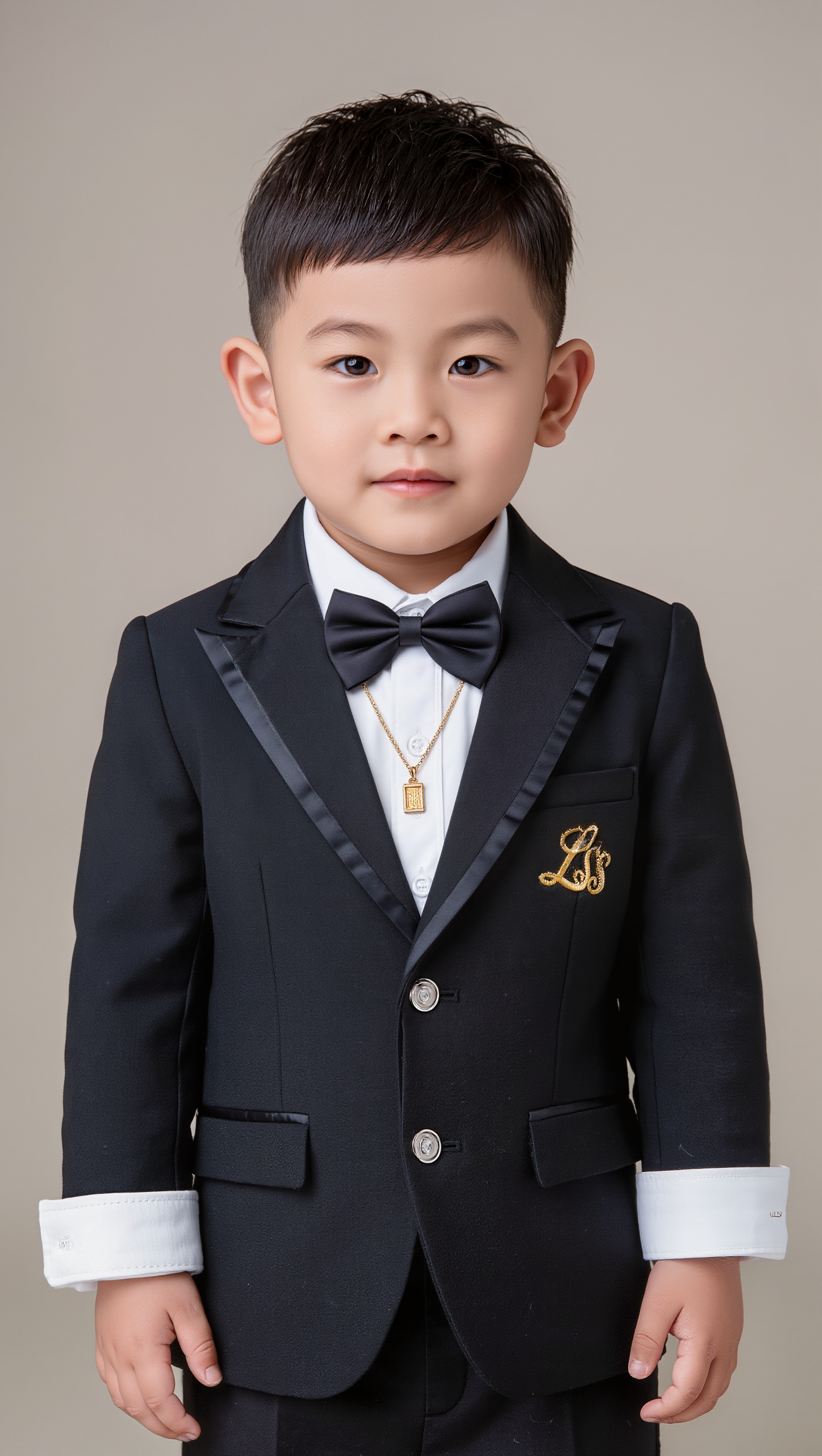
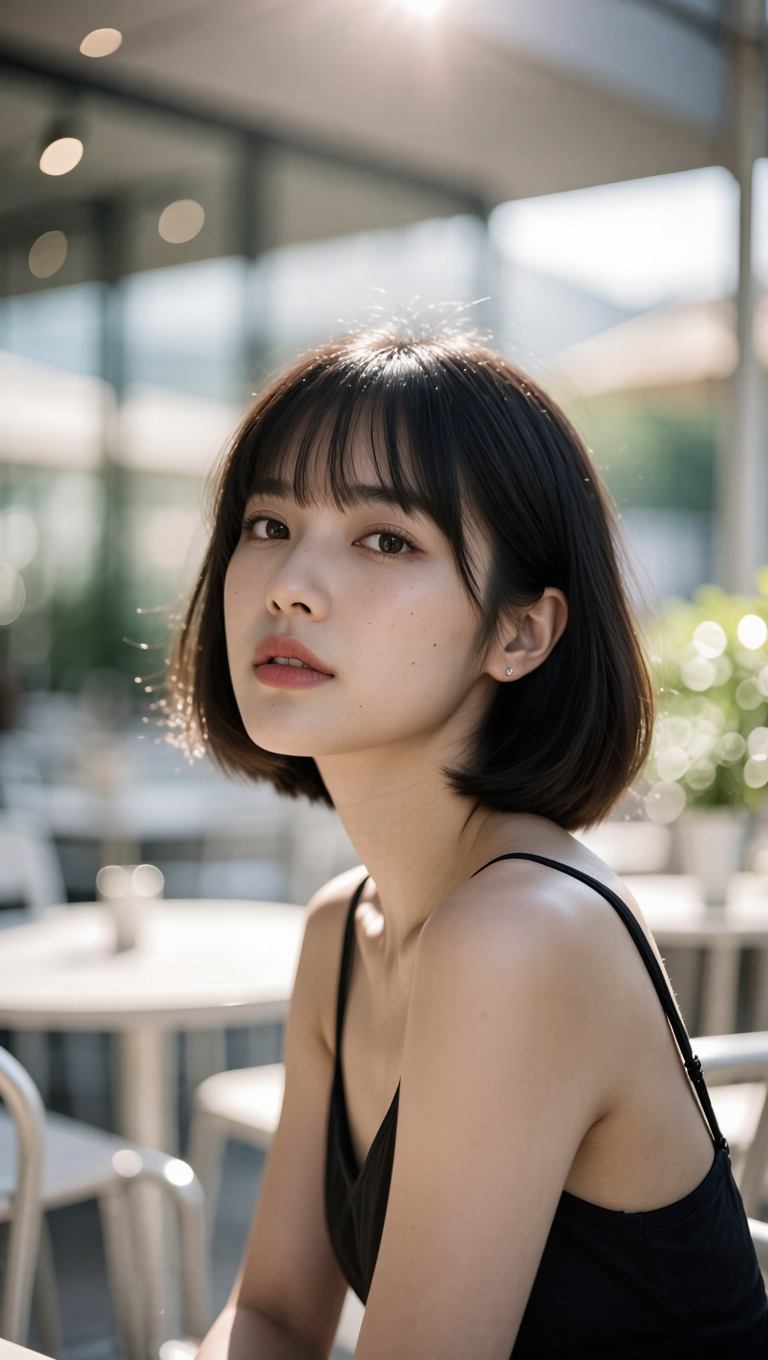
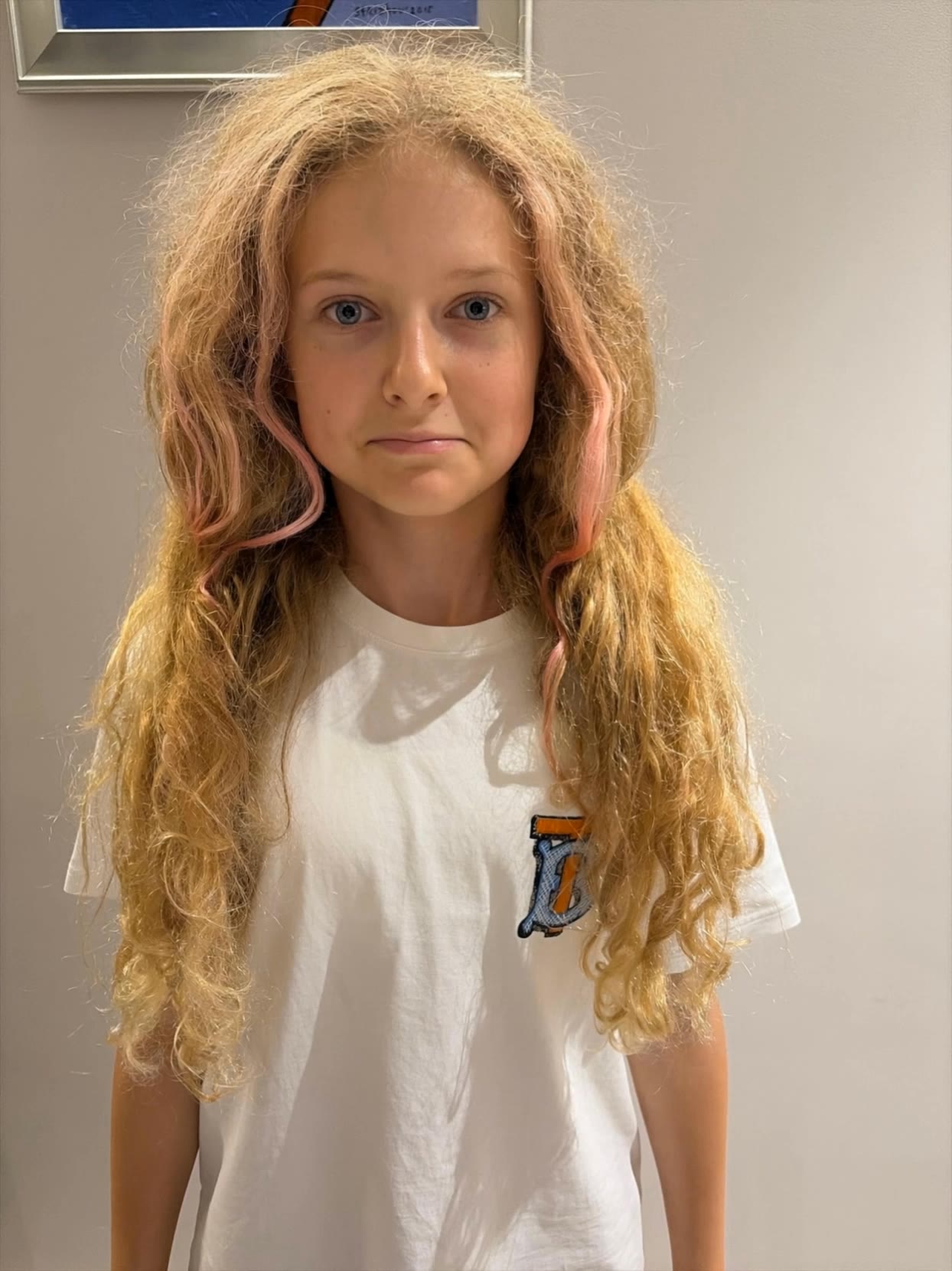
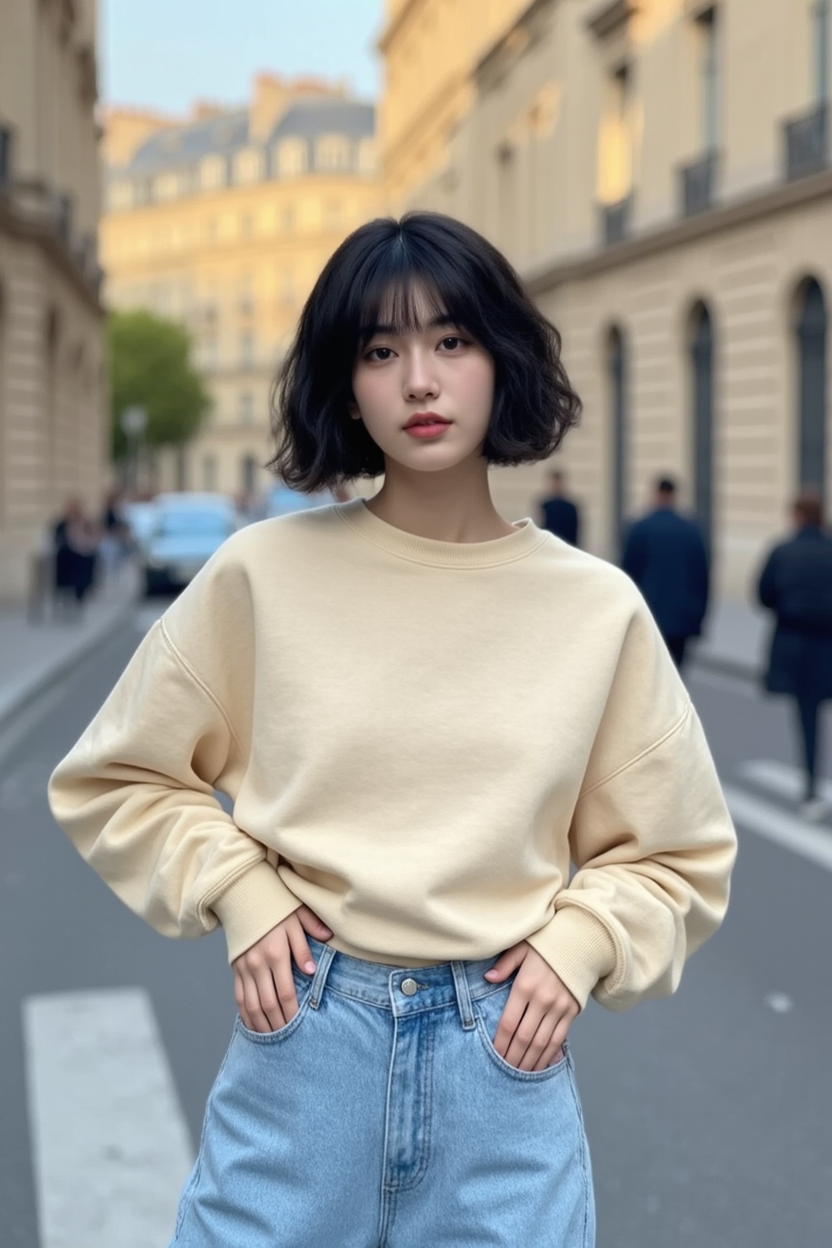
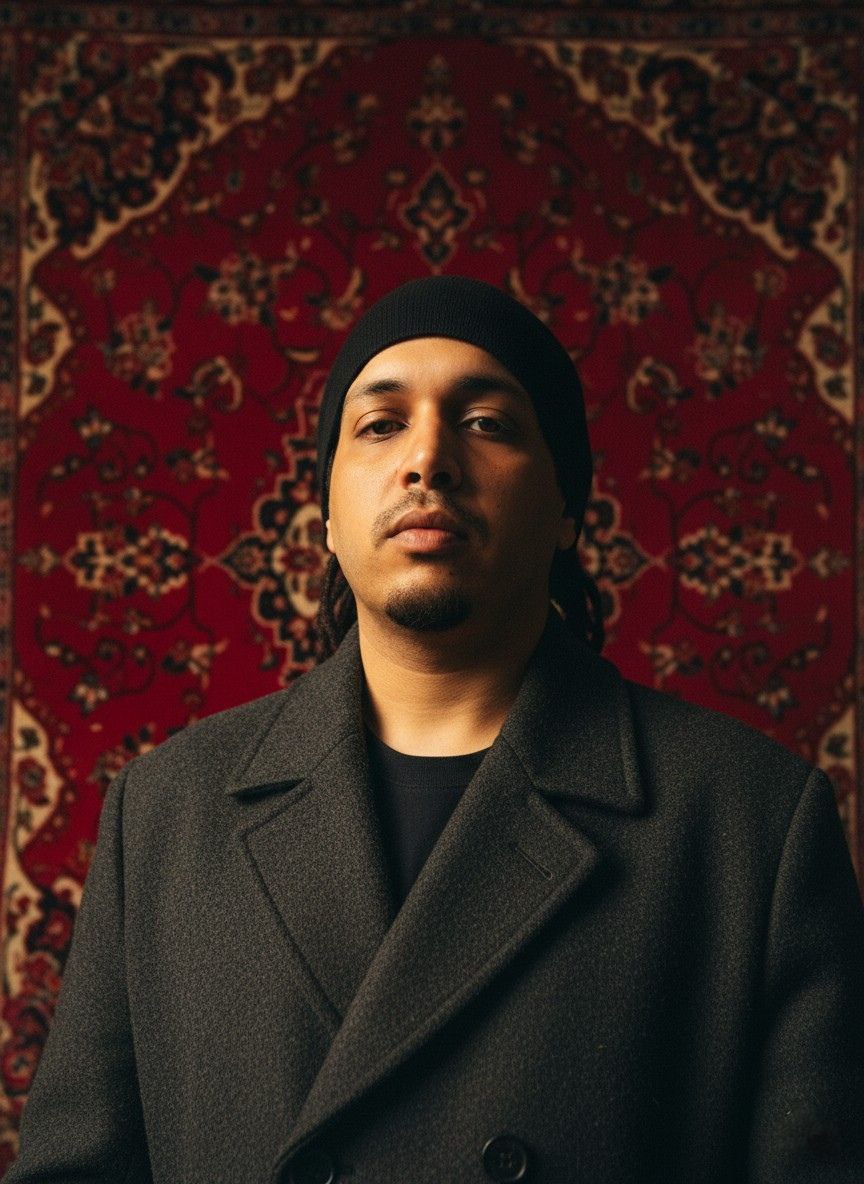
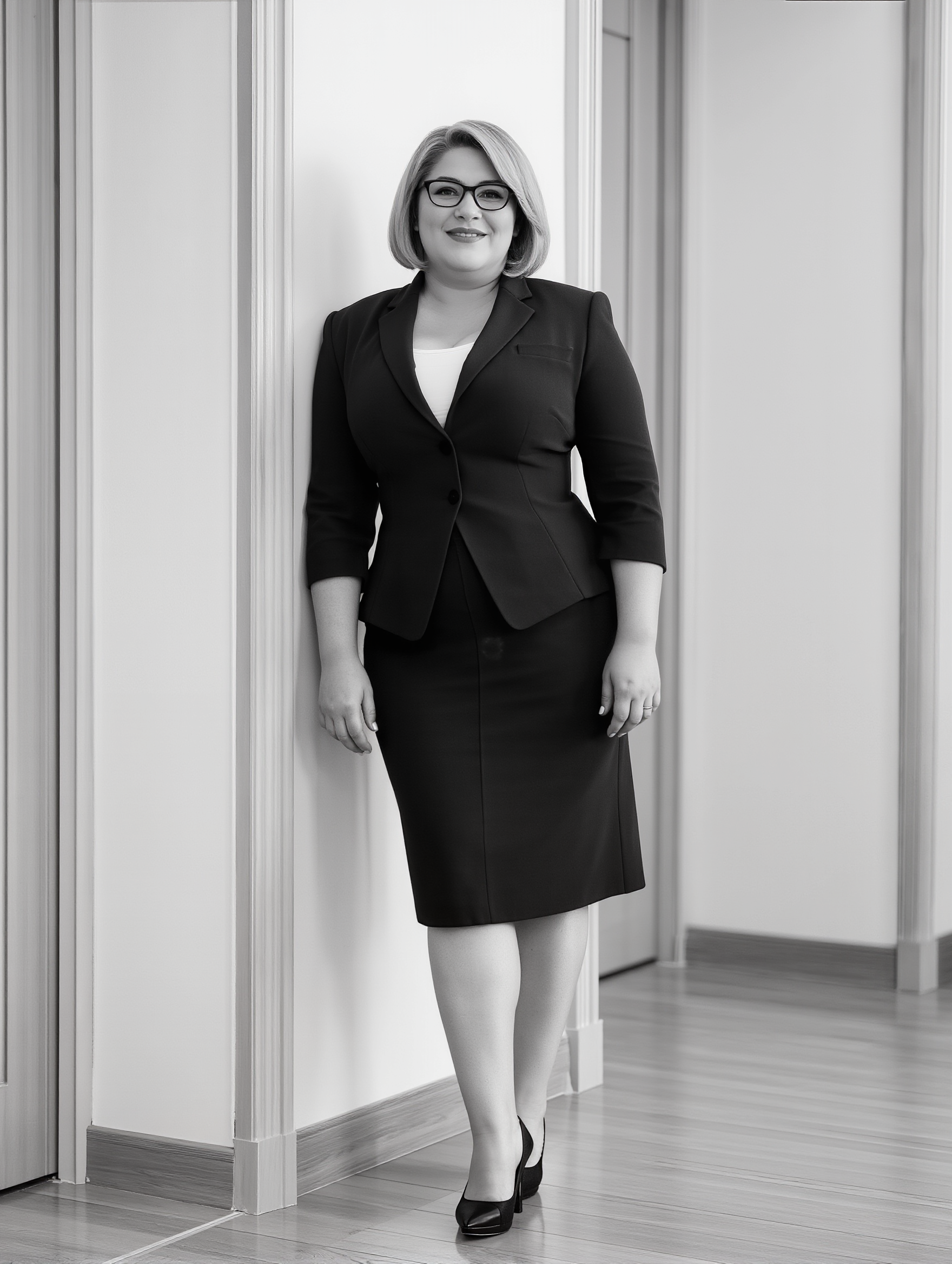
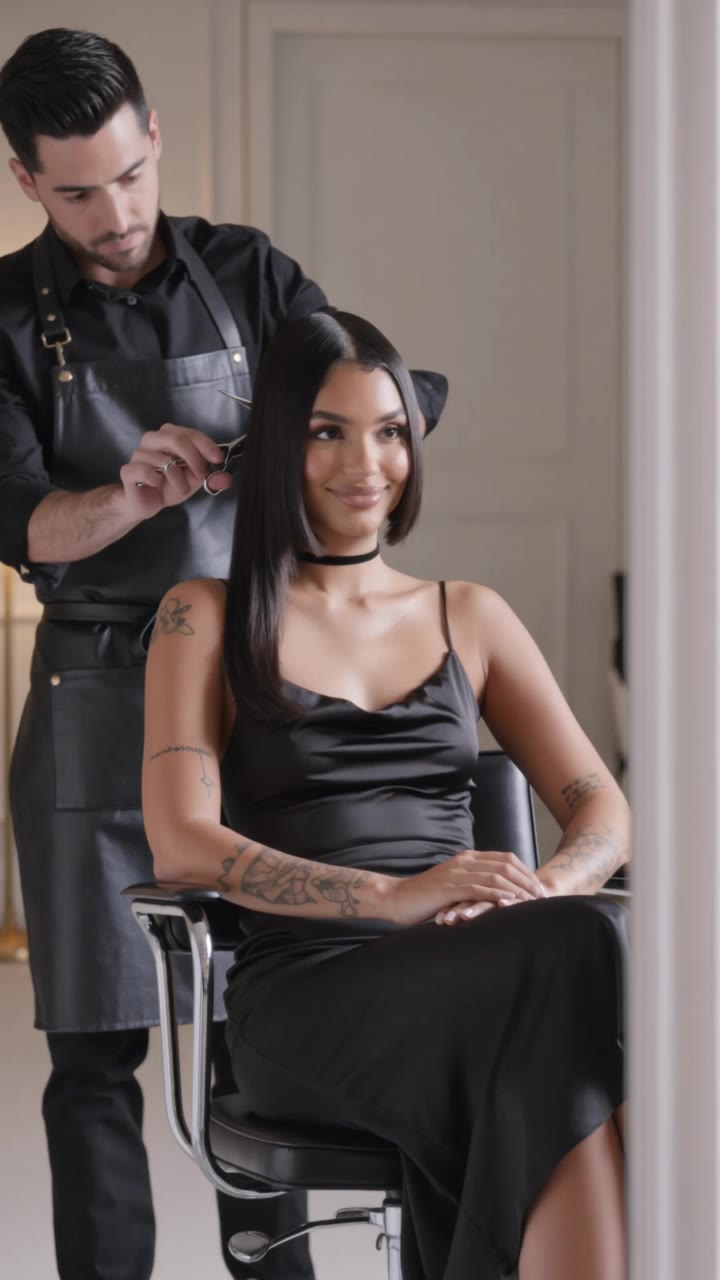
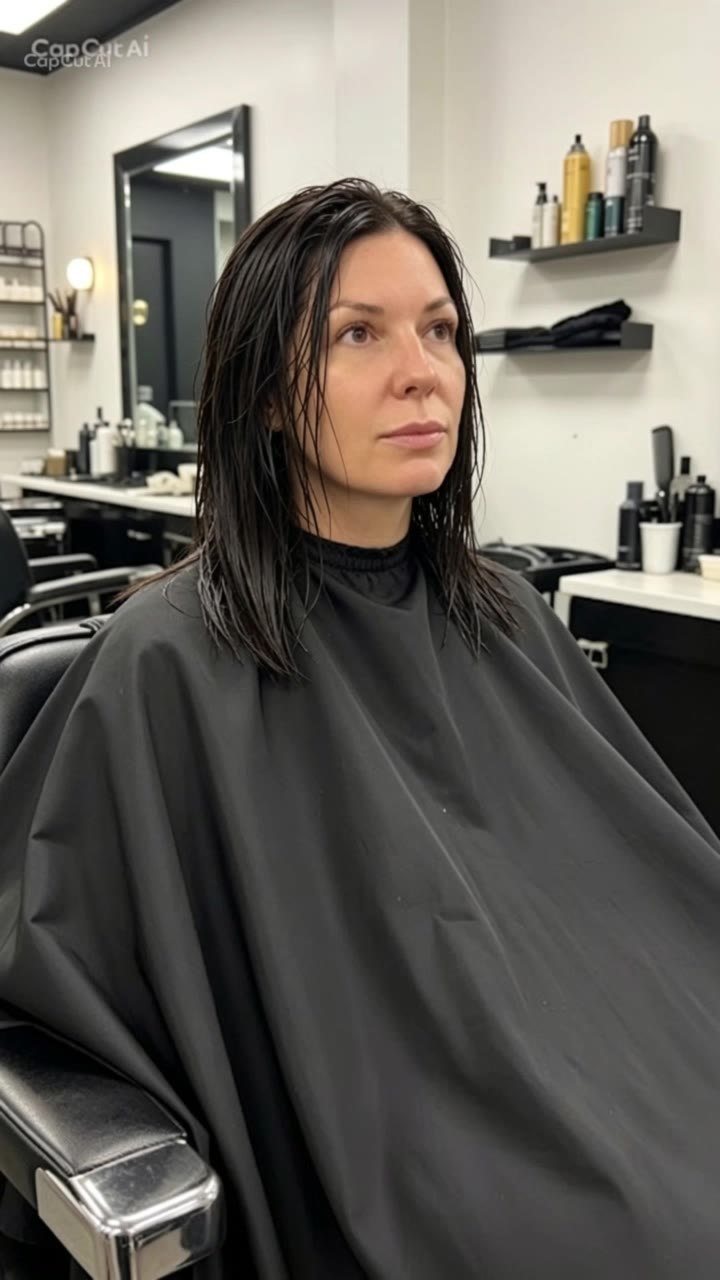
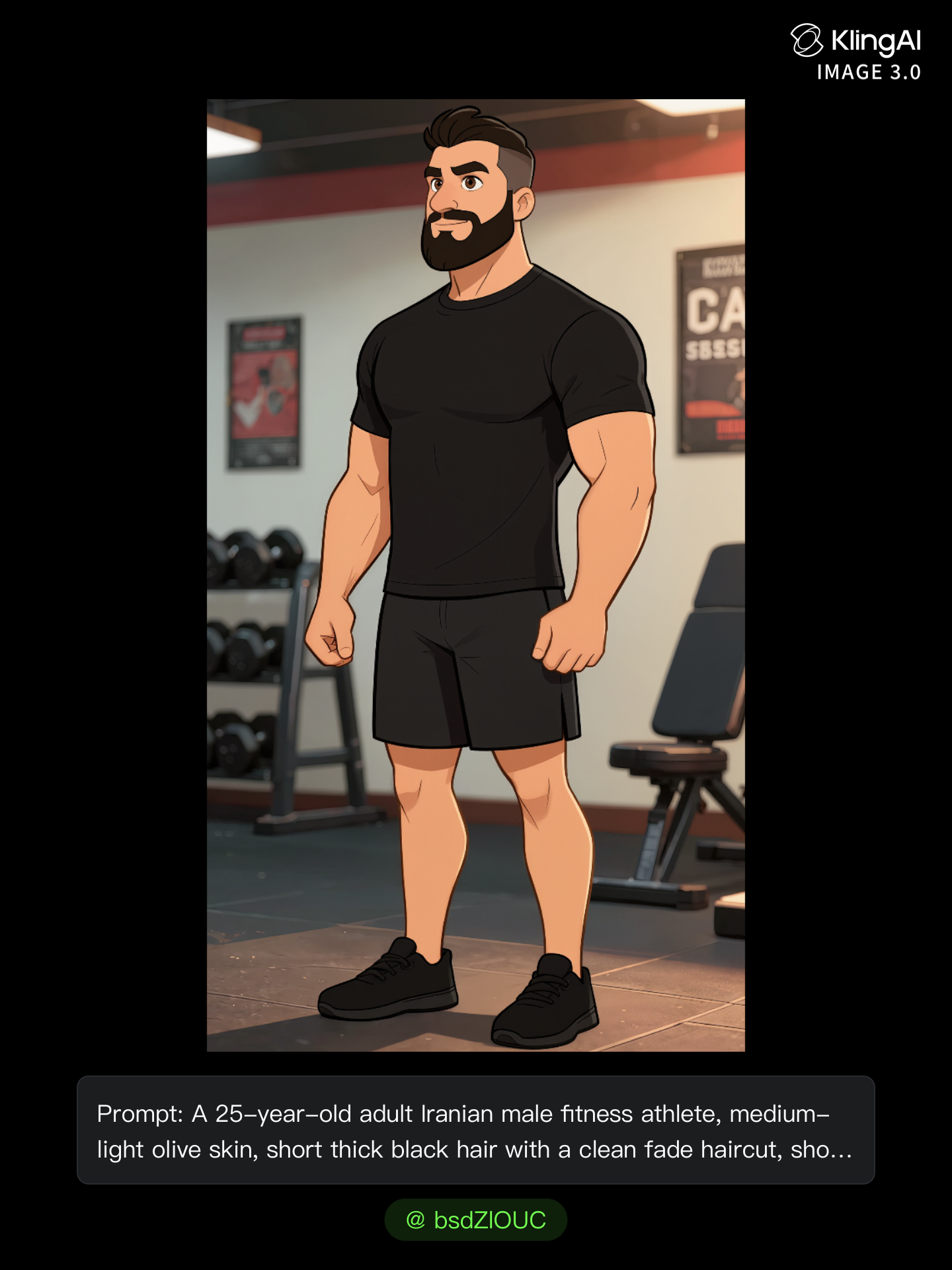
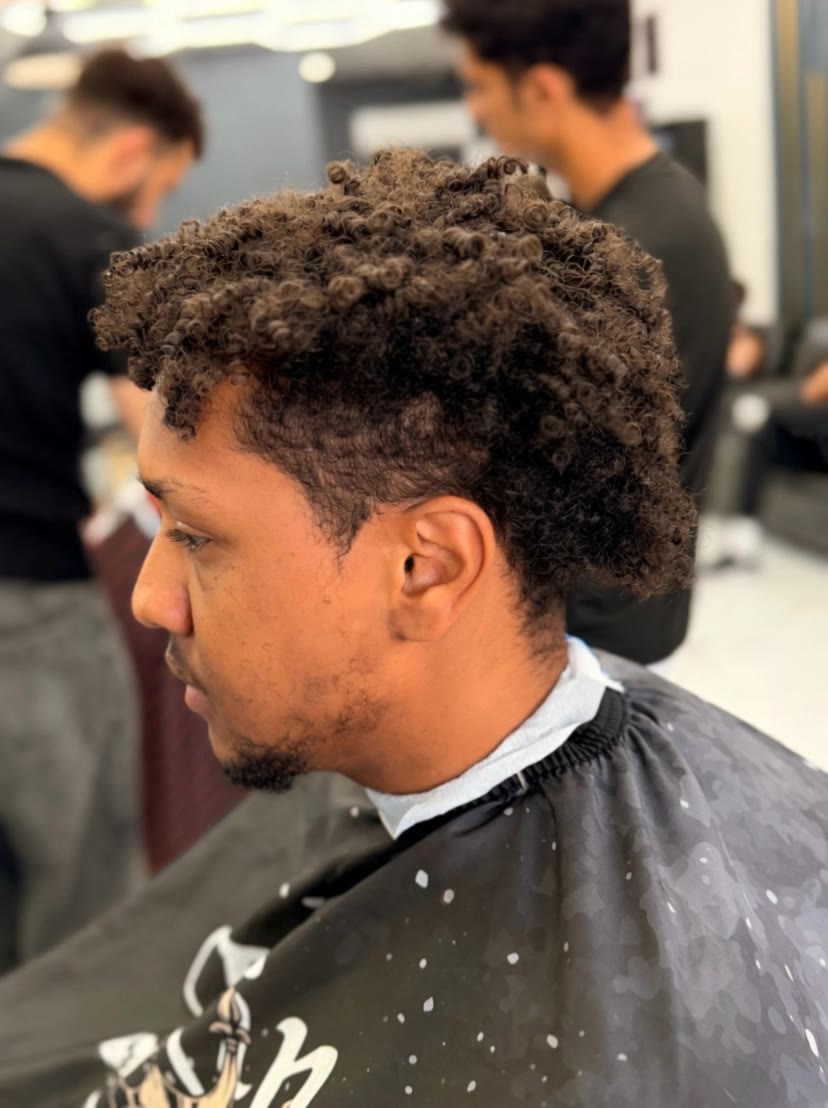
taper haircut short - lion style & surprise transformation

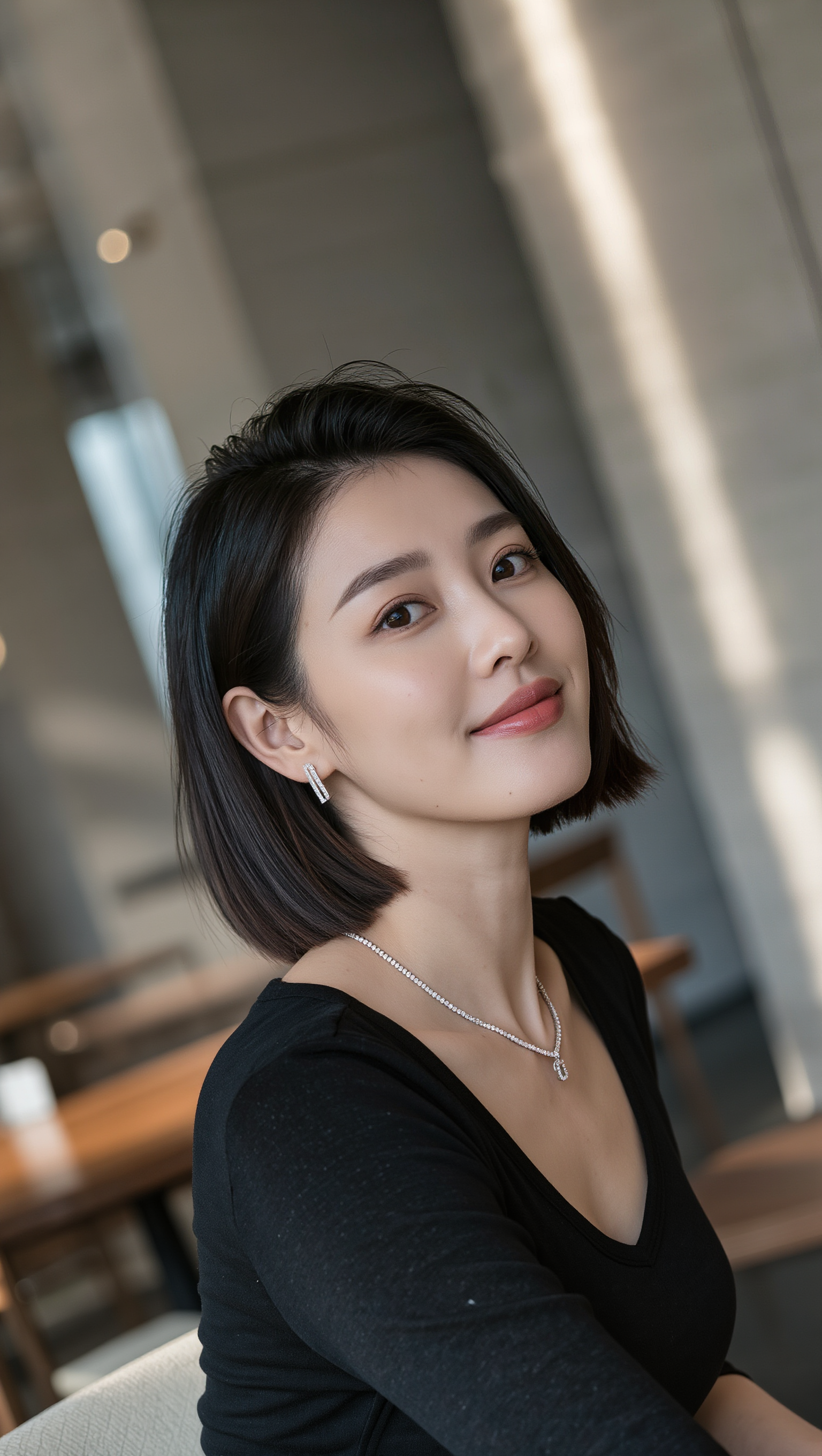
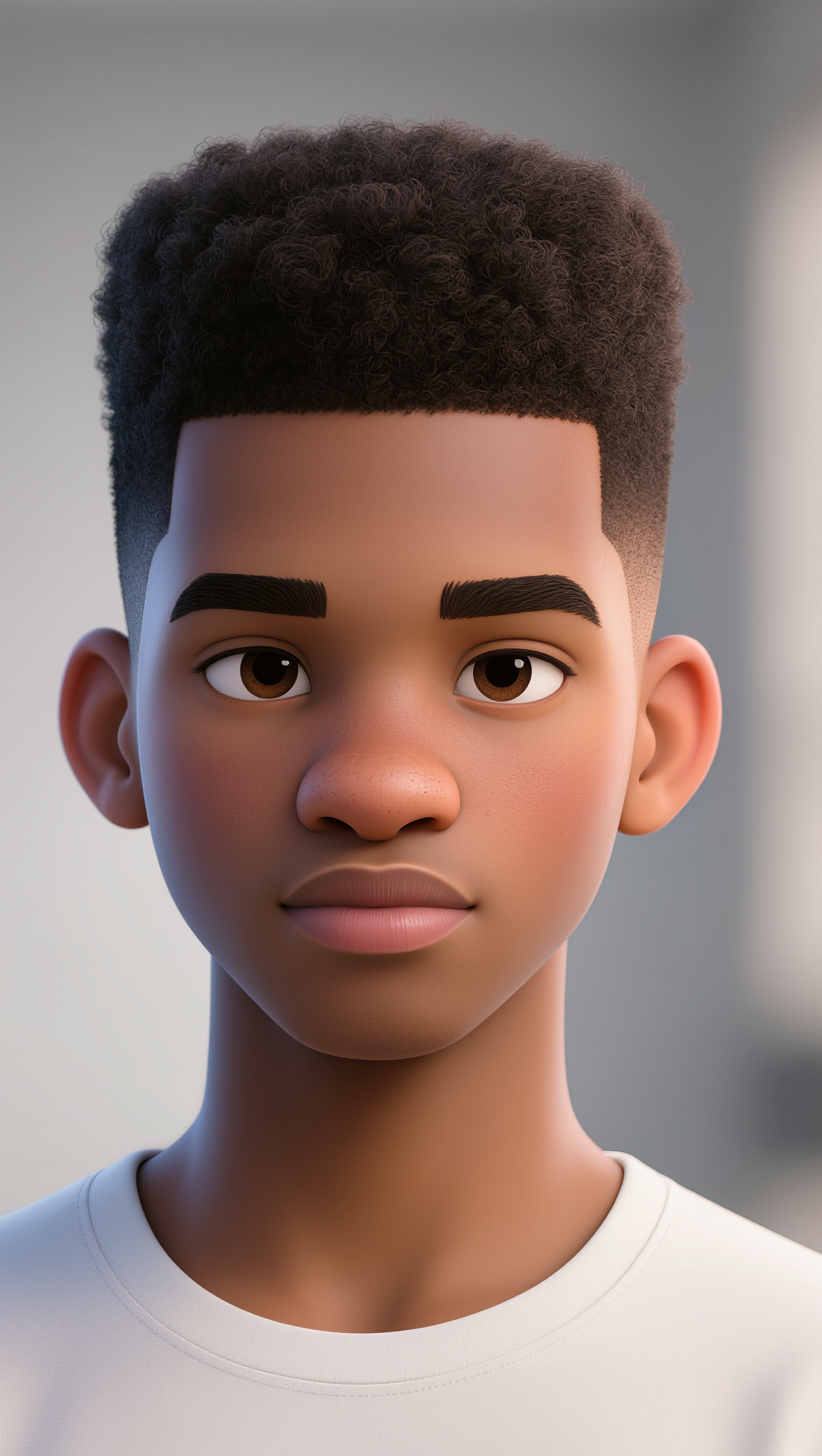
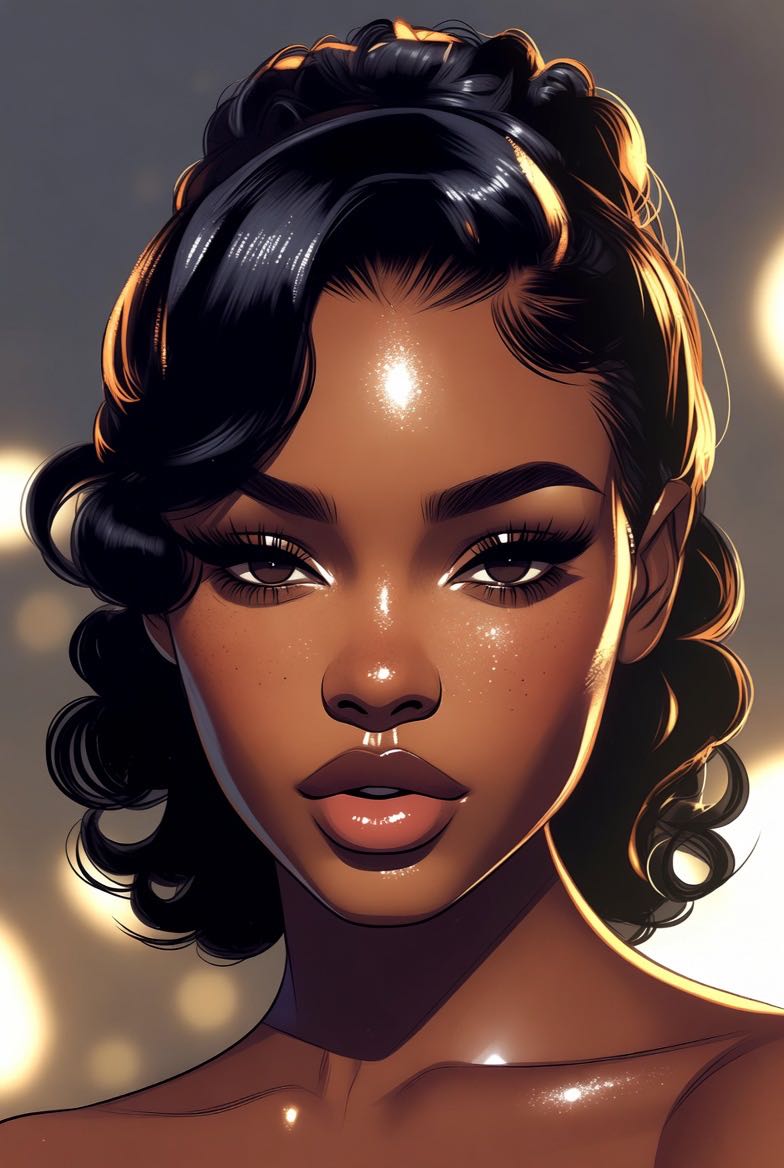
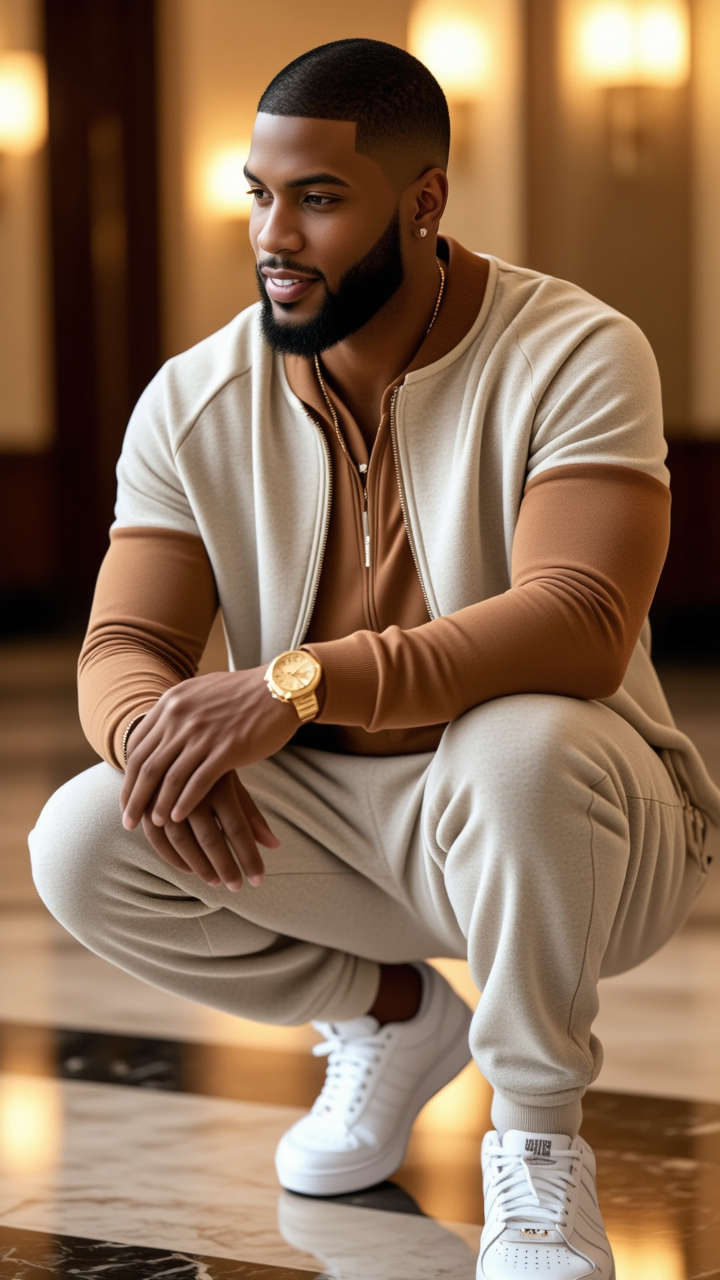
Embrace modern style with sleek taper haircut short designs inspired by cinematic fashion portraits and surprise transformations. Start exploring taper haircut short ideas and generate your own content with AI.

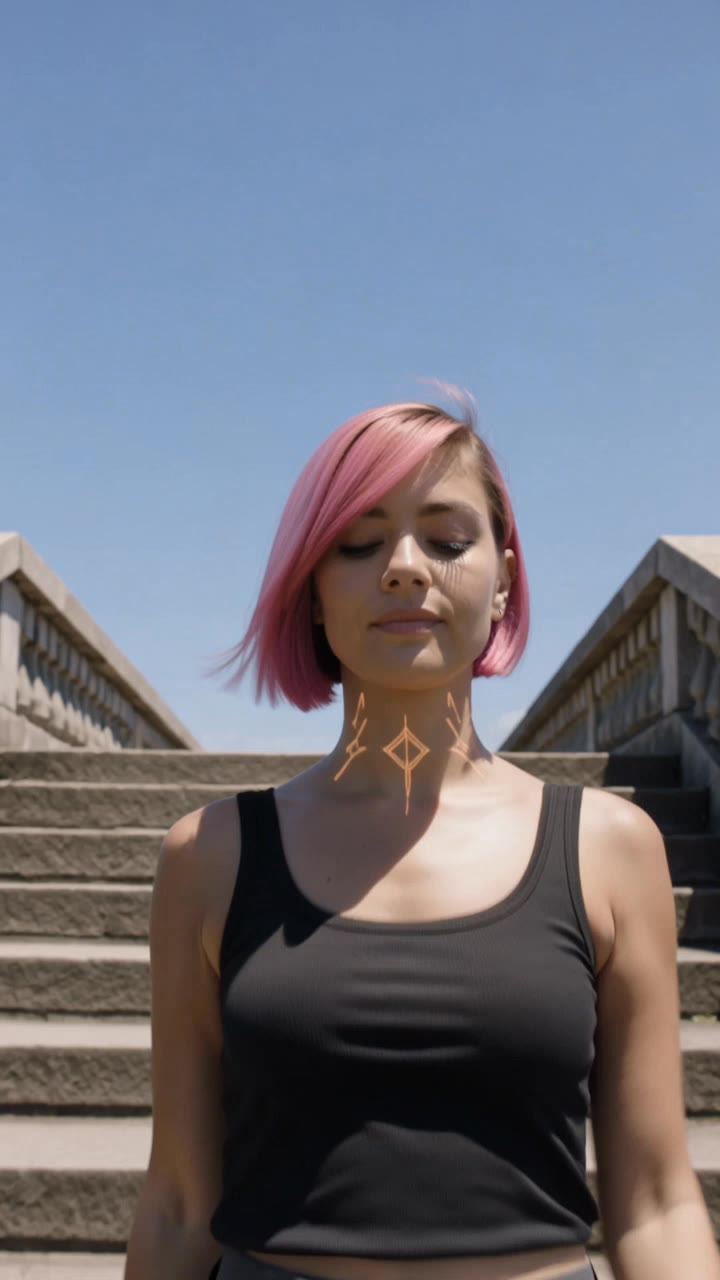
taper haircut short - lion style & surprise transformation

Recommended

Kling AI work 317490949507453 - taper haircut short AI video
wxxPSMAW avatar
wxxPSMAW
Rio de Janeiro  - taper haircut short AI video
ovBAIOZR avatar
ovBAIOZR
Kling AI work 321136819501337 - taper haircut short AI image
Nayana avatar
Nayana
Kling AI work 299865217508543 - taper haircut short AI image
Lisa Renee avatar
Lisa Renee
Kling AI work 310643317661846 - taper haircut short AI image
uTwDBBMa avatar
uTwDBBMa
Kling AI work 307673829666569 - taper haircut short AI image
QiEGTGgt avatar
QiEGTGgt
Kling AI work 321111671665544 - taper haircut short AI image
Nayana avatar
Nayana
Kling AI work 298506758500291 - taper haircut short AI video
FOYXgtlO avatar
FOYXgtlO
Kling AI work 319904584616049 - taper haircut short AI video
ovBAIOZR avatar
ovBAIOZR
Kling AI work 316913171323631 - taper haircut short AI image
Ehsan avatar
Ehsan
Kling AI work 316703297524465 - taper haircut short AI video
QsWDIGph avatar
QsWDIGph
Kling AI work 310547412616129 - taper haircut short AI image
Lisa Renee avatar
Lisa Renee
Kling AI work 307316631662747 - taper haircut short AI image
zgOAUAro avatar
zgOAUAro
Kling AI work 319220585500468 - taper haircut short AI video
cdTWmJdz avatar
cdTWmJdz
Kling AI work 235172346 - taper haircut short AI image
Yasersun avatar
Yasersun
Kling AI work 294885994618790 - taper haircut short AI image
jZjvFqfv avatar
jZjvFqfv
Kling AI work 316824802524431 - taper haircut short AI video
LaalBxjr avatar
LaalBxjr
Kling AI work 311804489508266 - taper haircut short AI video
MAWGfWDz avatar
MAWGfWDz
vgjbgy - taper haircut short AI image
bsdZlOUC avatar
bsdZlOUC

How to Create an AI Video from a Script

Start with a Scene or Story Beat

Start with a Scene or Story Beat

Paste in the part of your script you want to see on screen. Include the setting, characters, action, and dialogue that matter to the scene. Camera direction and visual style can stay simple at first, you can get more specific when you start shaping the shots.

Turn the Scene into a Shot Sequence

Turn the Scene into a Shot Sequence

Switch on Multi-Shot and let Kling work out the scene transitions and camera coverage from your prompt. Already have the sequence in your head? Open Custom Multi-Shot and lay out the individual shots yourself, including how long they last and what happens in each one.

Generate with Native Audio

Generate with Native Audio

Set the duration and available output options, then generate your sequence. Native Audio can bring dialogue, ambience, and sound effects into the same generation, so the result does not have to begin as a silent set of shots. Kling VIDEO 3.0 supports scenes up to 15 seconds in a single generation.

Create AI Art with More Creative Control

Bring More Than a Prompt to Your Art

Bring More Than a Prompt to Your Art

Start with words, a sketch, a photo, or the references that already capture part of your idea. IMAGE 3.0 can use up to 10 reference images, so you can bring a character from one image, an outfit from another, and a different setting or art style into the same creation. Use references for the details you want to keep, then use your prompt to decide what changes.

Find the Look That Fits Your Idea

Find the Look That Fits Your Idea

Create pencil drawings, watercolor paintings, anime art, comics, concept art, 3D-inspired images, and more. Try a completely different style, or fine-tune the one you already have. Kling AI also gives you control beyond the art style. Reframe the scene, shift the viewing angle, change the lighting or color palette, and keep refining the image until the whole piece comes together

Create a Series, Not Just a Single Image

Create a Series, Not Just a Single Image

Keep a character, setting, or visual style recognizable across multiple pieces of artwork with IMAGE 3.0 Omni. Generate new poses, scenes, and compositions while keeping the details that tie the series together. It works especially well for character concepts, comics, storyboards, and other ideas that need to develop across several images. Generate in native 2K or 4K when you want more detail in the finished artwork.

Apps

Image to Video
Image to Video

Image to Video

Text to Video
Text to Video

Text to Video

Omni
Omni

Omni

Digital Human
Digital Human

Digital Human

Restyle
Restyle

Restyle

Text to Image
Text to Image

Text to Image

60M+
60M+
Users
600M+
600M+
AI Videos Generated
4.7 ★
4.7 ★
App Store
Industry-Leading
Industry-Leading
Cinematic 4K

Reviews

Huang Lu (Elson)

Huang Lu (Elson)

★★★★★

I’ve been using Kling AI since its initial release, and it’s remained one of the leading AI media generators ever since. With Kling AI, I’ve created hundreds of videos, collectively amassing millions of views.

Déborah

Déborah

★★★★★

I use Kling AI every day. It's amazing to see the almost daily progress it makes. I used AI for fun at first, and I now find that Kling AI's animations allow me to gain professional visibility, with three times more views on my animated posts than on my static posts.

Vincent Smadja

Vincent Smadja

★★★★★

Kling AI seamlessly integrates into my creative workflow, playing a key role in transforming my images. After generating and upscaling an image, Kling becomes a crucial element, bringing my creations to life with movement and depth.

FAQ

Q1Can I use an image to change a video background?
Q2How do I remove the background from a video?
Q3Do I need to mask the subject frame by frame?

Give Photos and Videos a Whole New Face

Upload your photo or video, add the face you want to swap in, and let Kling AI recreate the scene while keeping the look, motion, and surroundings feeling natural.

Effortless Face Swaps | Facial Detail Control | Natural Blending