Creative Studio
API
Resources
Features
About Us
Download

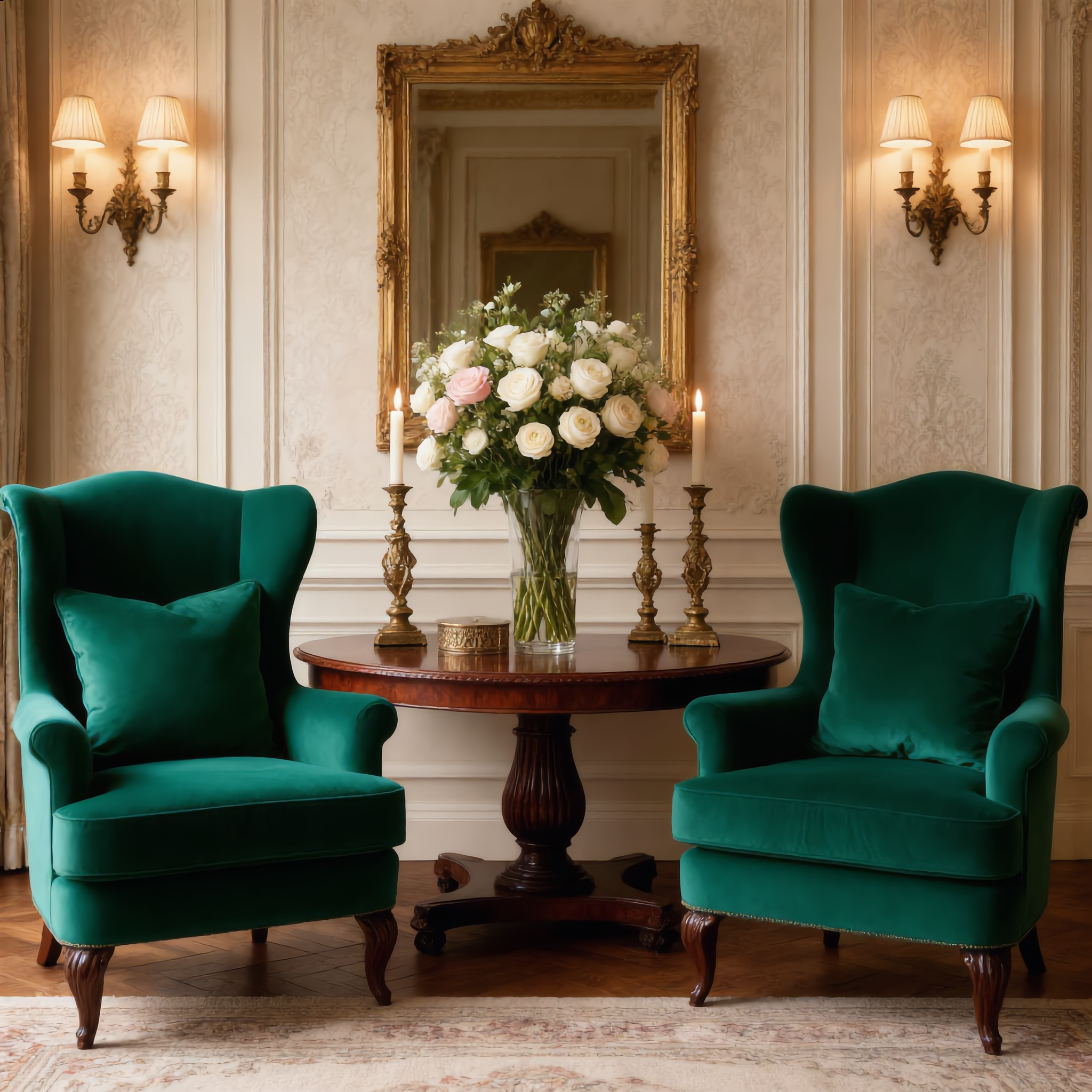
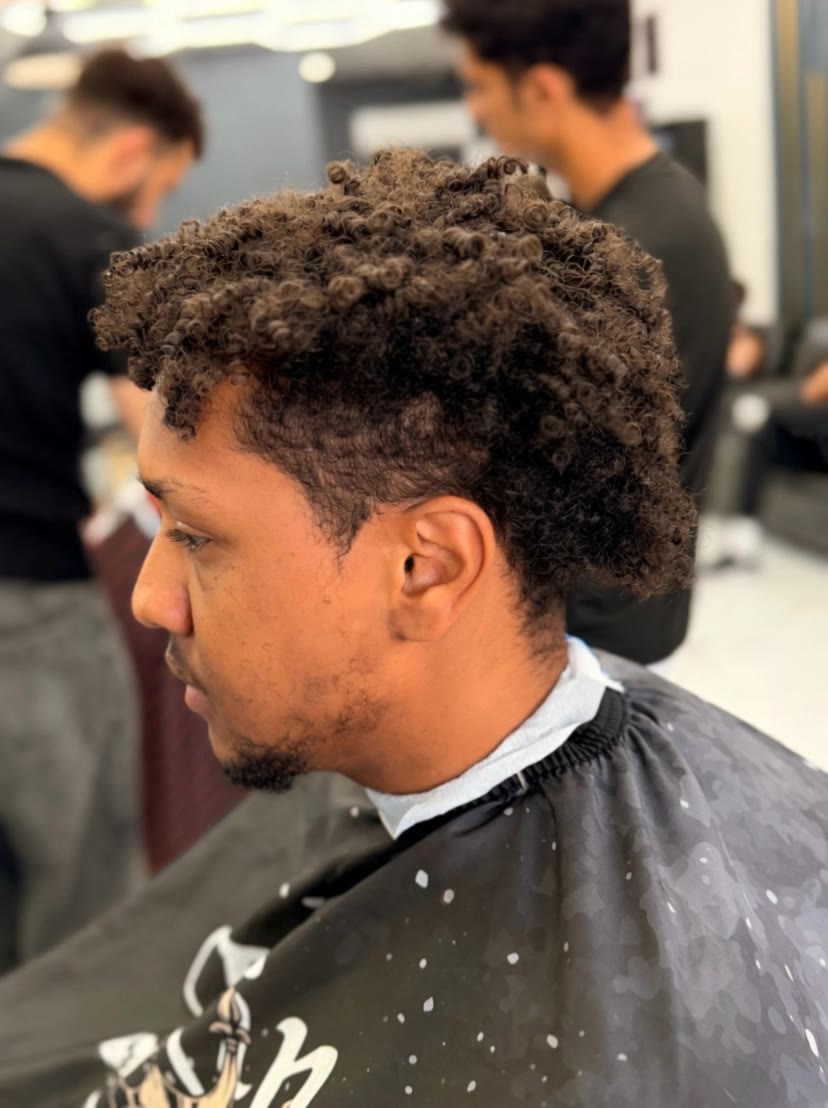
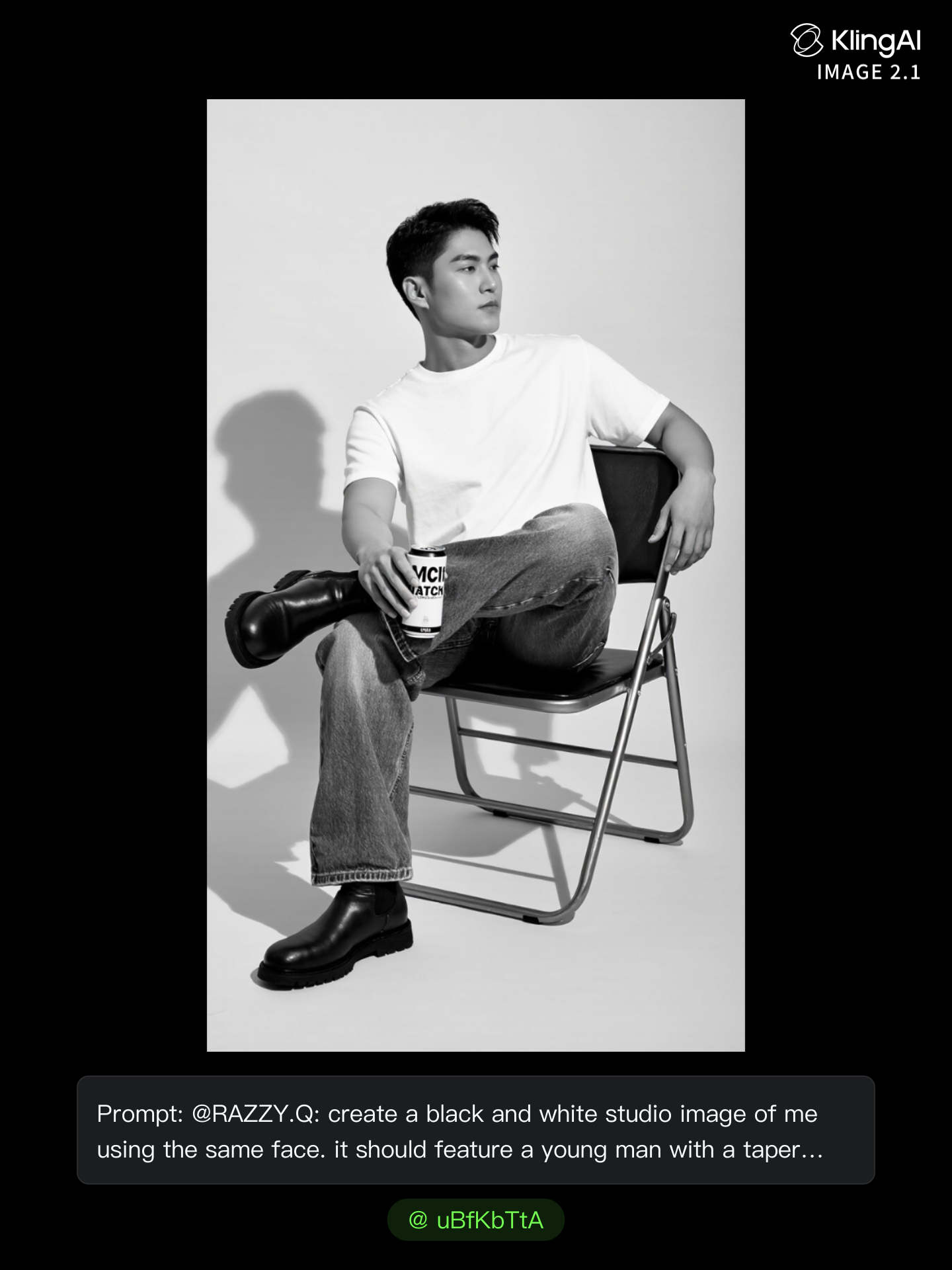
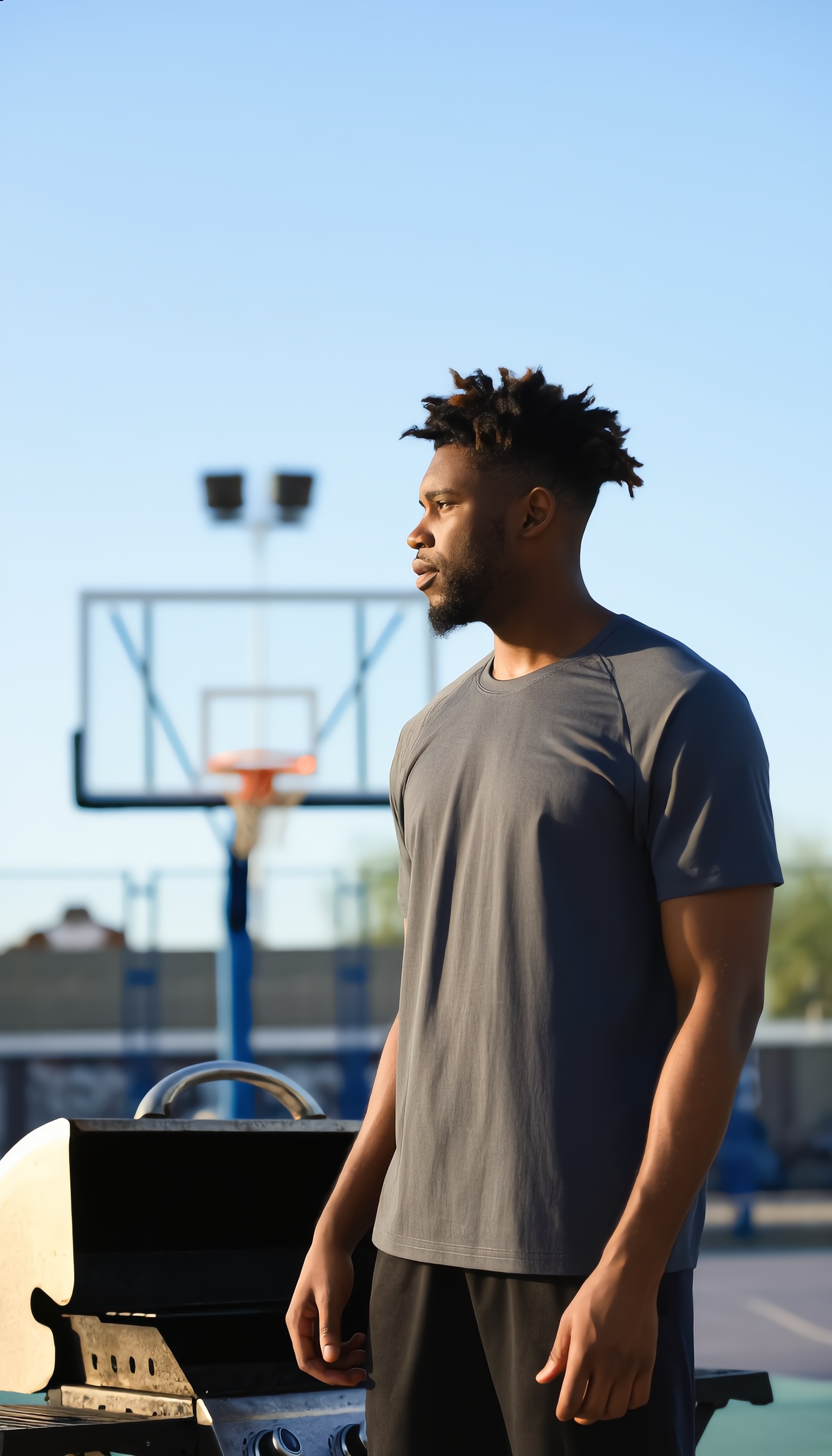
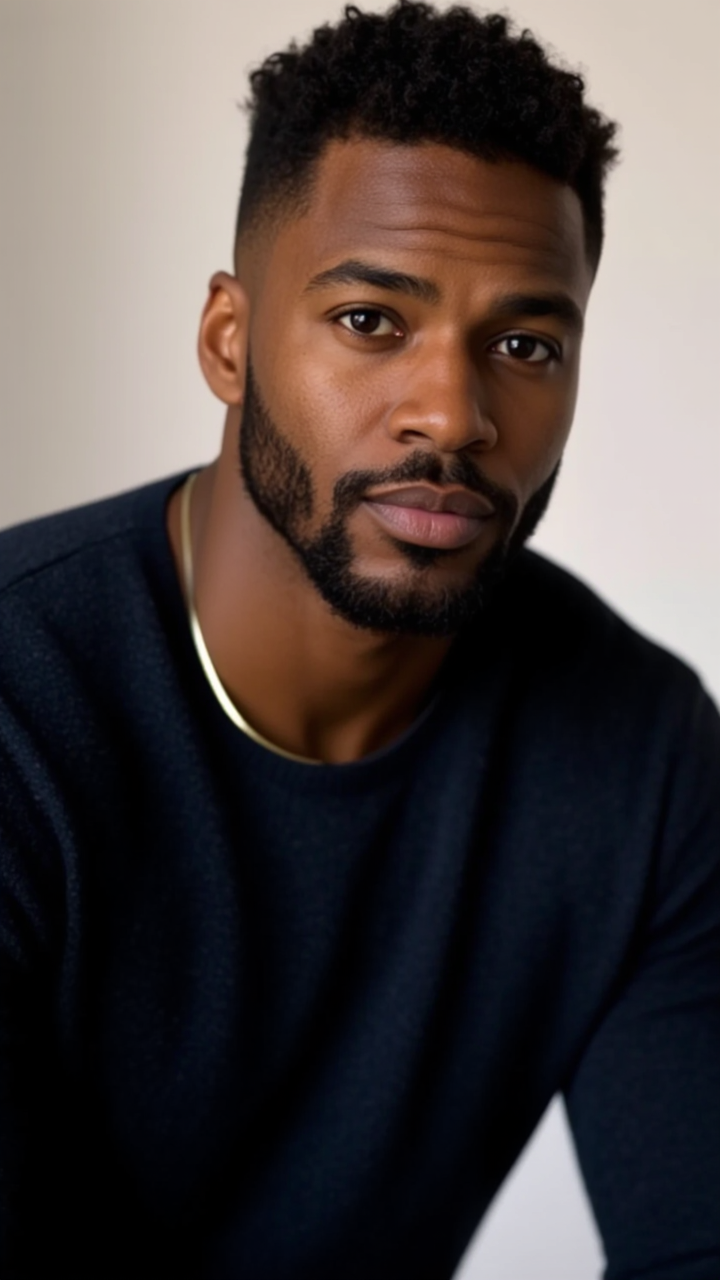
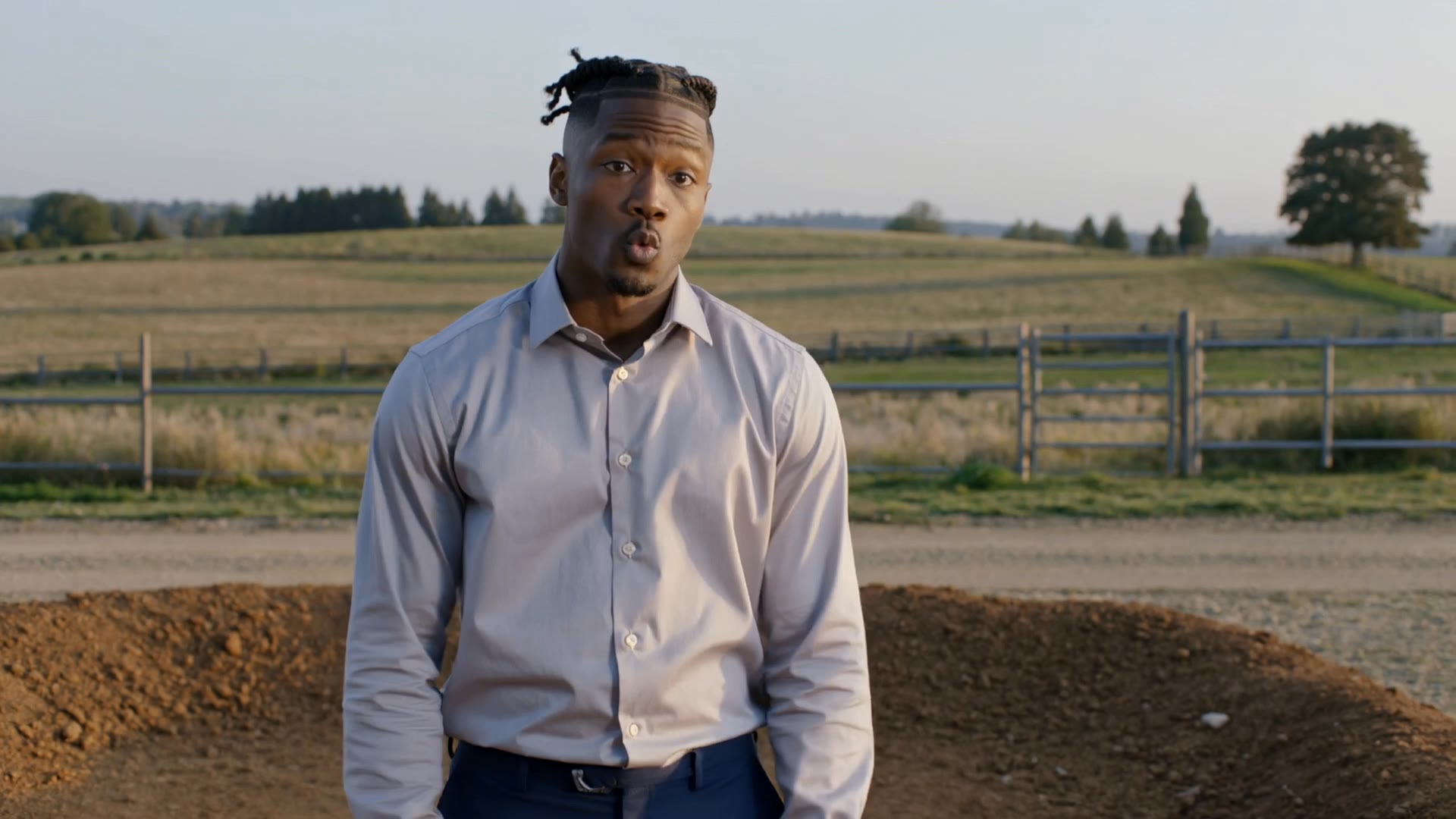
taper on the sides - STREET SHEEK & fashion show

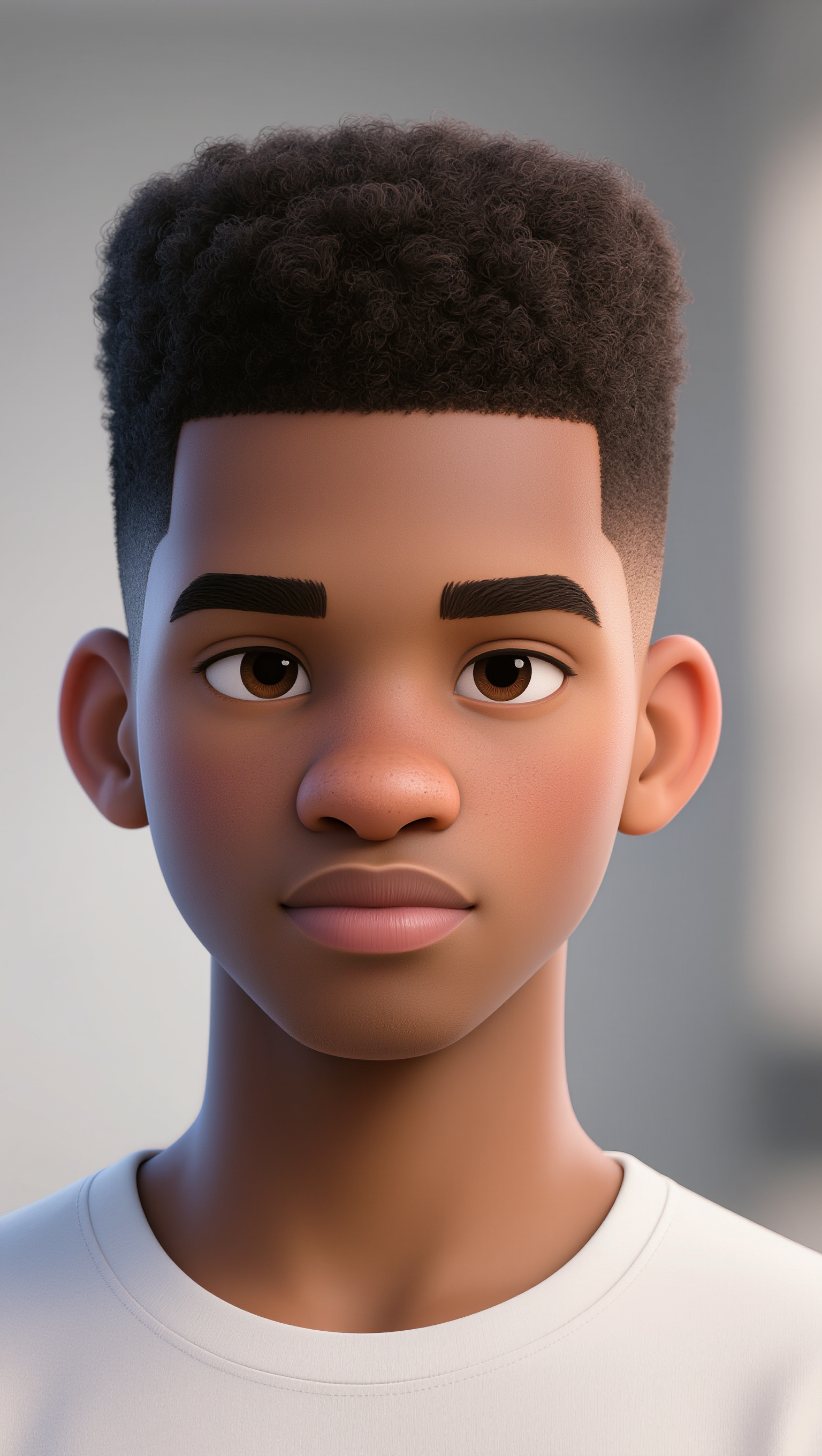
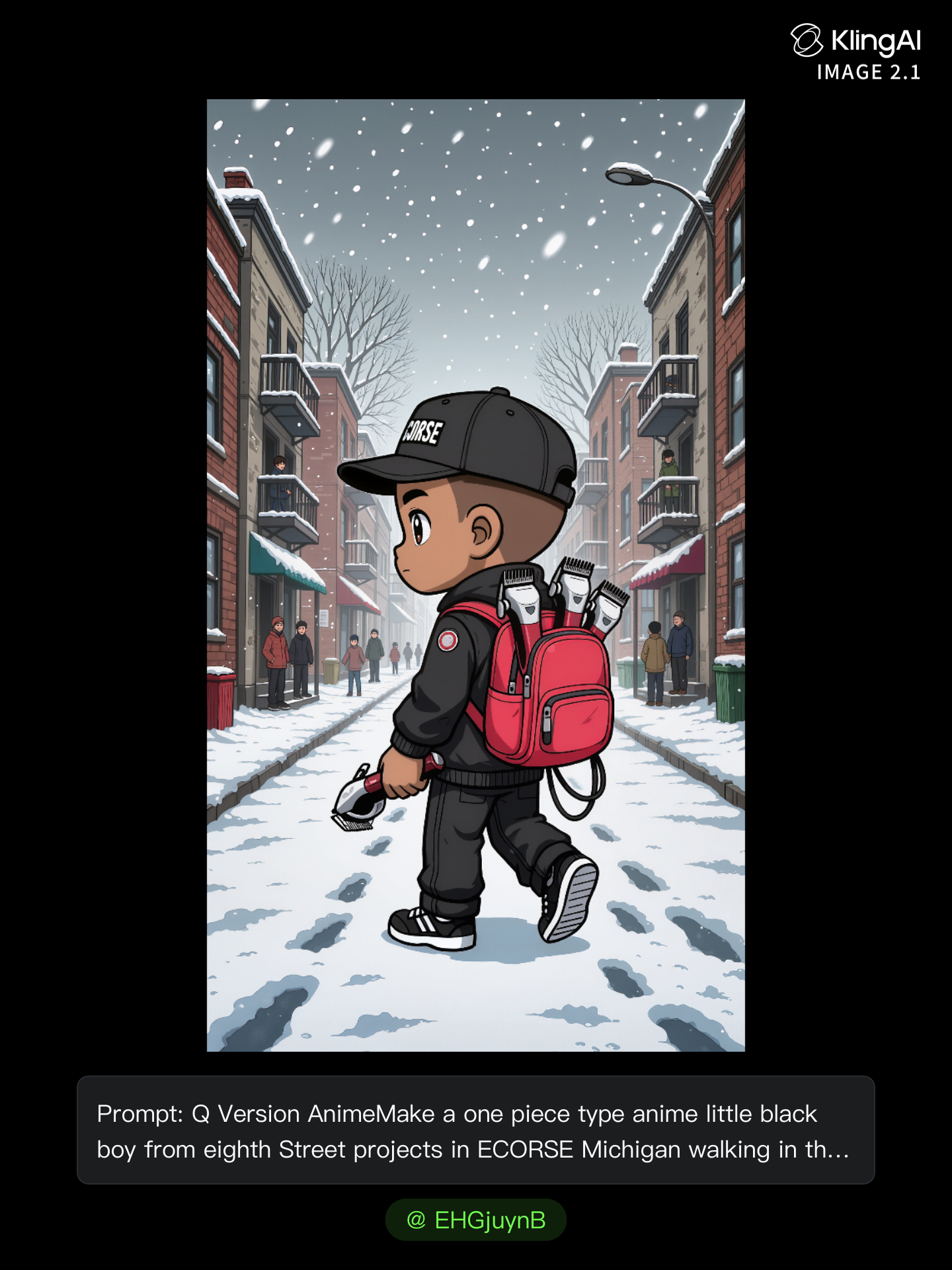
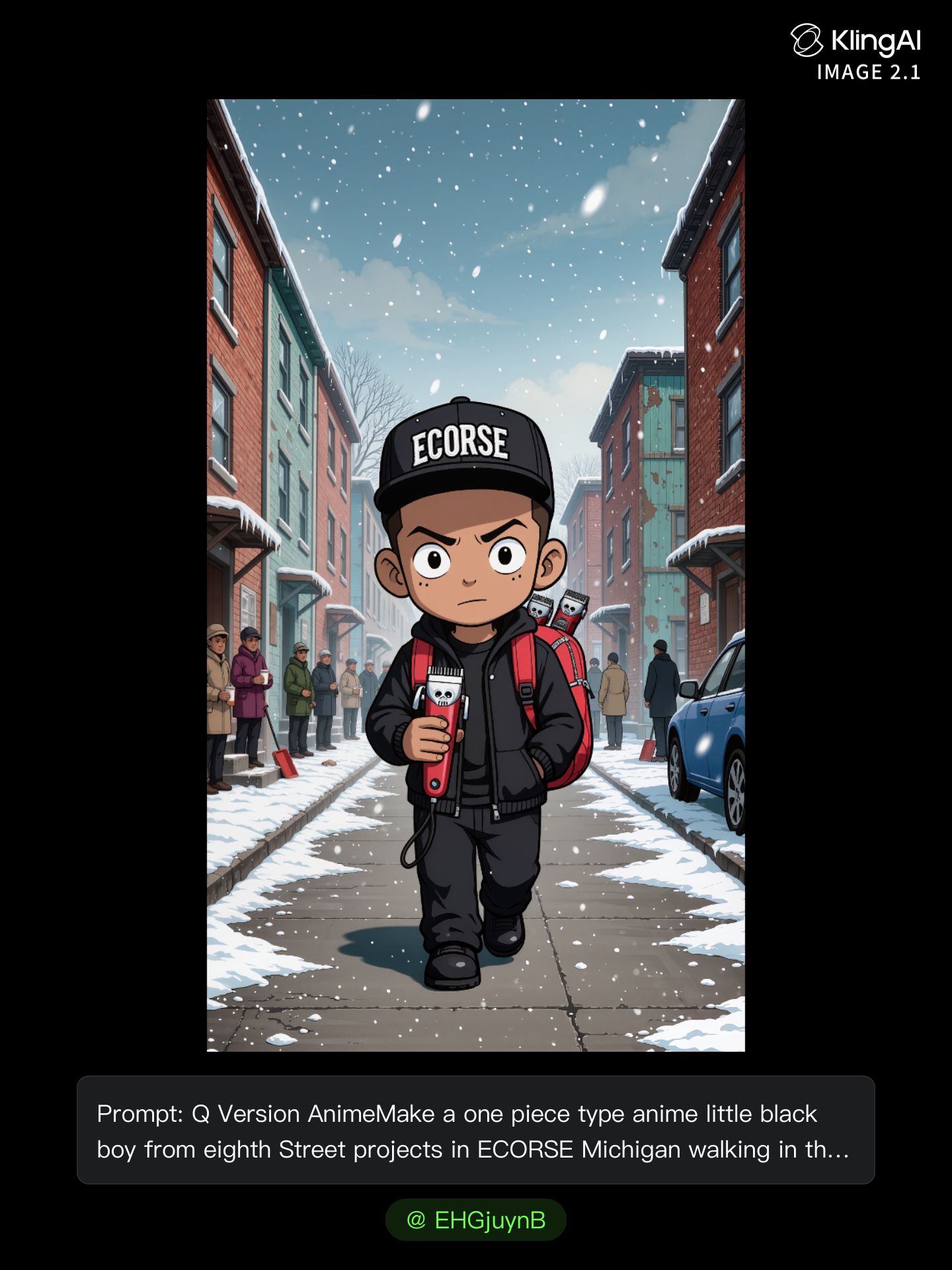
Embrace modern style with sleek taper on the sides haircuts, inspired by street chic aesthetics and fresh fashion show trends. Start exploring taper on the sides ideas and generate your own content with AI.

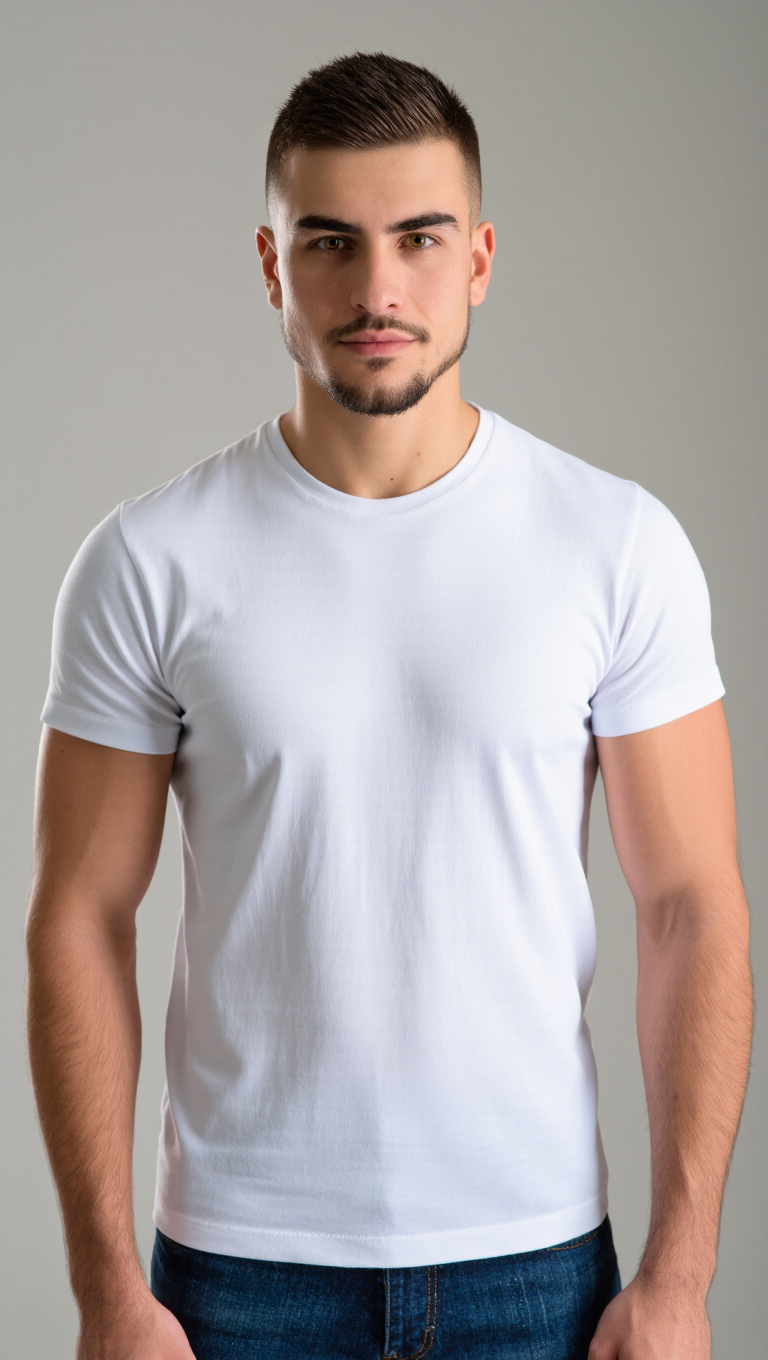
taper on the sides - STREET SHEEK & fashion show

Recommended

Kling AI work 287071097662839 - taper on the sides AI video
DwBHvCuI avatar
DwBHvCuI
Kling AI work 315064078527623 - taper on the sides AI image
dXDzauIZ avatar
dXDzauIZ
trial one - taper on the sides AI video
ulaDqeKM avatar
ulaDqeKM
Kling AI work 303243975532914 - taper on the sides AI image
Alex avatar
Alex
Elite Creator
Kling AI work 317490949507453 - taper on the sides AI video
wxxPSMAW avatar
wxxPSMAW
Kling AI work 283093504528634 - taper on the sides AI image
SJeBBXso avatar
SJeBBXso
High-top curls +low taper - taper on the sides AI video
ItZWnBnK avatar
ItZWnBnK
Kling AI work 309625480527252 - taper on the sides AI image
kHqTYhvZ avatar
kHqTYhvZ
Kling AI work 284230702501163 - taper on the sides AI image
MpOZeIUz avatar
MpOZeIUz
Kling AI work 299734133502500 - taper on the sides AI image
AeipMBDS avatar
AeipMBDS
Kling AI work 310294989506177 - taper on the sides AI image
awkwAlbz avatar
awkwAlbz
Kling AI work 317734972666765 - taper on the sides AI video
sOsKRXrw avatar
sOsKRXrw
Kling AI work 314108110667958 - taper on the sides AI image
KGMkWTKK avatar
KGMkWTKK
Kling AI work 311173789668835 - taper on the sides AI image
uBfKbTtA avatar
uBfKbTtA
Kling AI work 311169921667657 - taper on the sides AI image
uBfKbTtA avatar
uBfKbTtA
Kling AI work 305347324503583 - taper on the sides AI image
AITV avatar
AITV
Kling AI work 309937721662363 - taper on the sides AI image
FrxdFmwJ avatar
FrxdFmwJ
Kling AI work 317669855506311 - taper on the sides AI image
Secret in the city avatar
Secret in the city
Kling AI work 299865217508543 - taper on the sides AI image
Lisa Renee avatar
Lisa Renee
Kling AI work 298405922507966 - taper on the sides AI video
zQRIdEKn avatar
zQRIdEKn

How To Create AI Video From Text

Write Your Prompt

Write Your Prompt

Choose a model and describe the video you want to create in natural language. You can include scenes, characters, actions, or style references.

Customize Your Video

Customize Your Video

Use prompts to guide multiple scenes, actions, and styles within a single generation. Kling AI also supports native multilingual voiceovers and sound effects, so you can shape dialogue and audio direction directly through your prompt.

Generate & Export

Generate & Export

Select your format, including resolution (720p, 1080p, or 4K), duration (3 - 15 seconds), and aspect ratio (16:9, 9:16, or 1:1). Then download your video or keep iterating with new variations for your project.

Why Kling Sets the Standard for Video Creation

Flawless Character Consistency for High-Quality Videos

Flawless Character Consistency for High-Quality Videos

Unlike standard tools that distort faces when moving, Kling Video 3.0 lets you strictly lock a character’s appearance. Upload a single photo, or use a short video/multiple angles as a reference to completely eliminate the “AI morphing” effect.

All-in-One Native Audio & Lip-Sync

All-in-One Native Audio & Lip-Sync

Your video isn’t just silent footage; it speaks. Generate perfectly matched voices and realistic lip movements in multiple languages or regional accents. Even in multi-character scenes, you can precisely assign who speaks—no third-party tools required.

Up to 15s Multi-Shot Cinematic Output

Up to 15s Multi-Shot Cinematic Output

Go beyond a basic 3-second clip. Kling 3.0 extends generation to 15 seconds of smooth, uninterrupted narrative. You can even use native storyboard controls to direct multi-shot sequences in a single click—outputting in crystal-clear 4K for professional use.

Apps

Image to Video
Image to Video

Image to Video

Text to Video
Text to Video

Text to Video

Omni
Omni

Omni

Digital Human
Digital Human

Digital Human

Restyle
Restyle

Restyle

Text to Image
Text to Image

Text to Image

60M+
60M+
Users
600M+
600M+
AI Videos Generated
4.7 ★
4.7 ★
App Store
Industry-Leading
Industry-Leading
Cinematic 4K

Reviews

Déborah

Déborah

★★★★★

I use Kling AI every day. It's amazing to see the almost daily progress it makes. I used AI for fun at first, and I now find that Kling AI's animations allow me to gain professional visibility, with three times more views on my animated posts than on my static posts.

Vincent Smadja

Vincent Smadja

★★★★★

Kling AI seamlessly integrates into my creative workflow, playing a key role in transforming my images. After generating and upscaling an image, Kling becomes a crucial element, bringing my creations to life with movement and depth.

Maria Rubtsova

Maria Rubtsova

★★★★★

I’m Maria Rubtsova, an AIGC digital artist passionate about creating stunning visuals in the worlds of fashion, aesthetics, and fantasy. I use KlingAi to bring imagination to life through video. My work is all about exploring beauty, emotion, and the limitless possibilities of digital art.

FAQ

Q1How does AI dubbing work?
Q2Can Kling VIDEO 3.0 handle multiple characters in one conversation?
Q3Can AI dubbing include ambience and sound effects?

Start Creating AI Videos with Kling

Turn your image into a talking, high-quality video in seconds. No watermarks, no complicated setup.

Free tier available (Memberships are watermark-free) | 1080p export (Memberships unlock 4K) | Instant results