Creative Studio
API
Resources
Features
About Us
Download

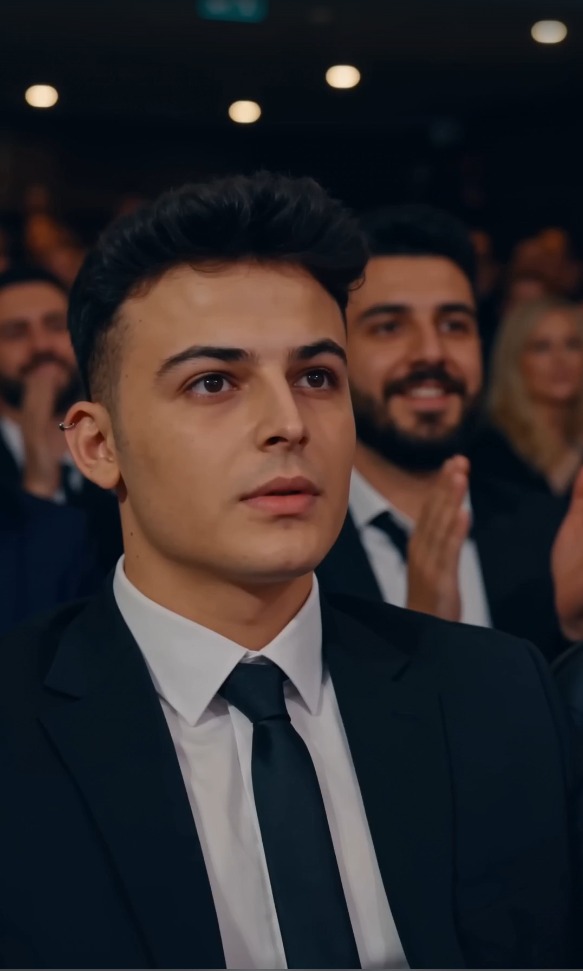
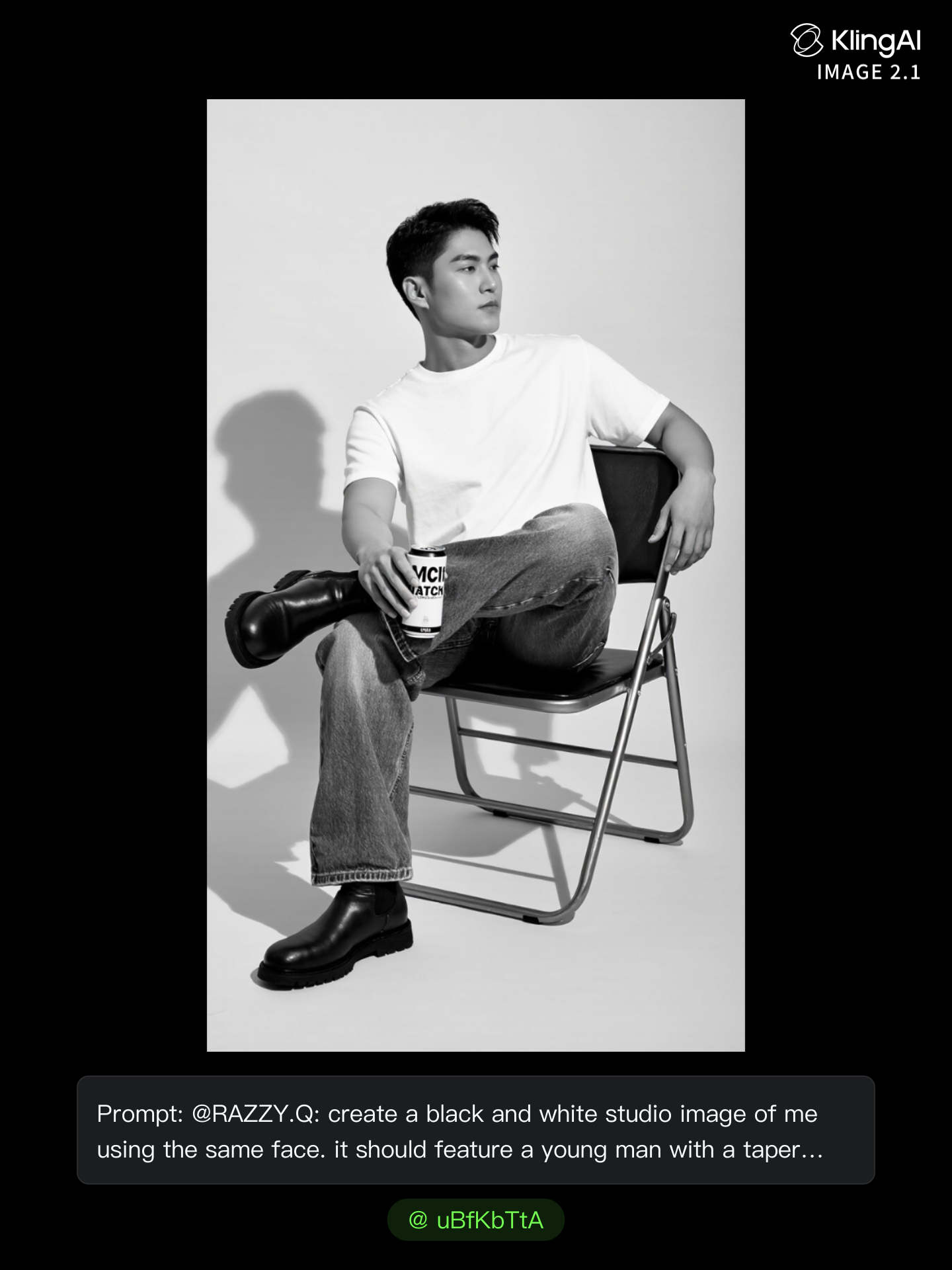
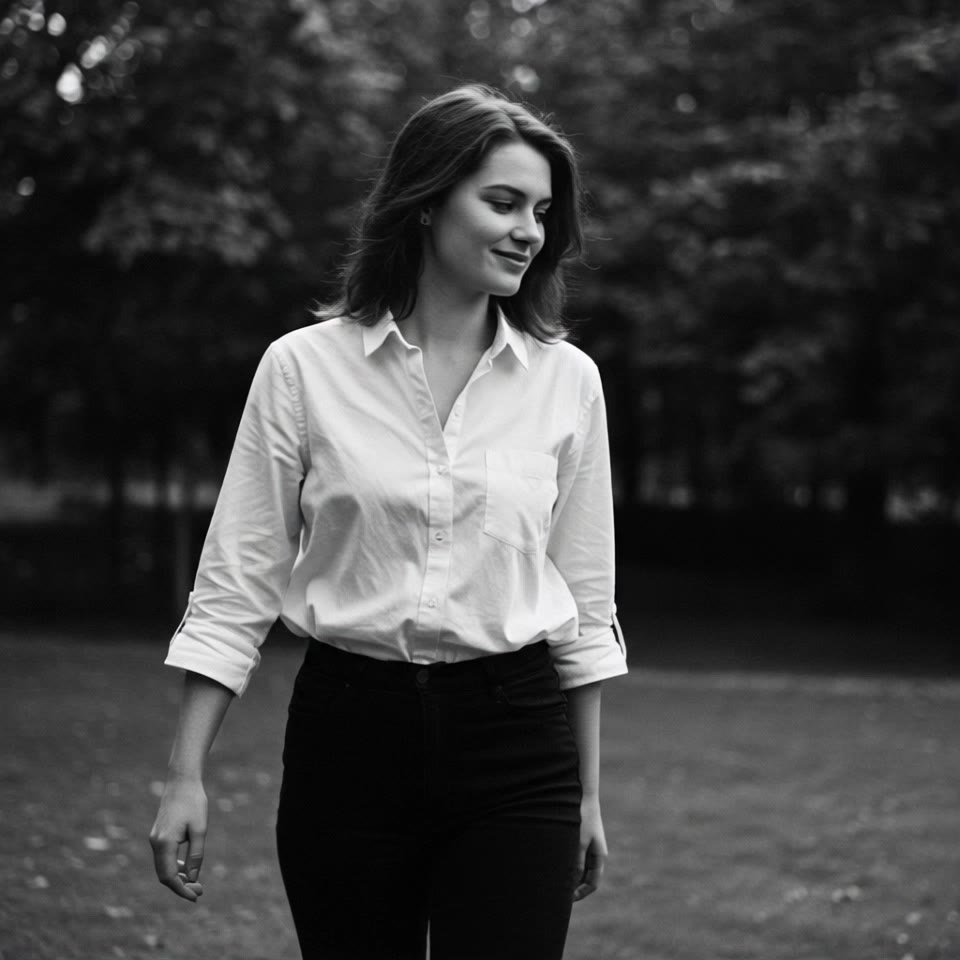
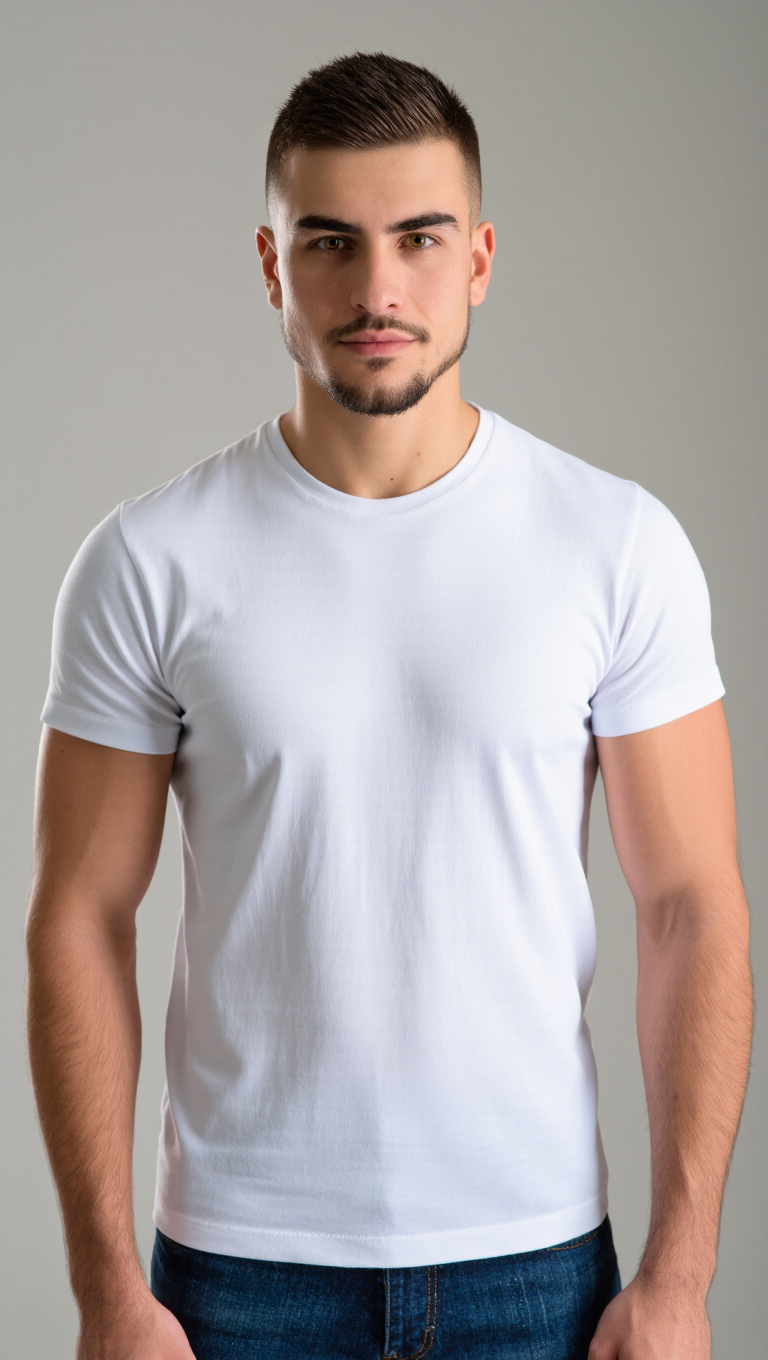
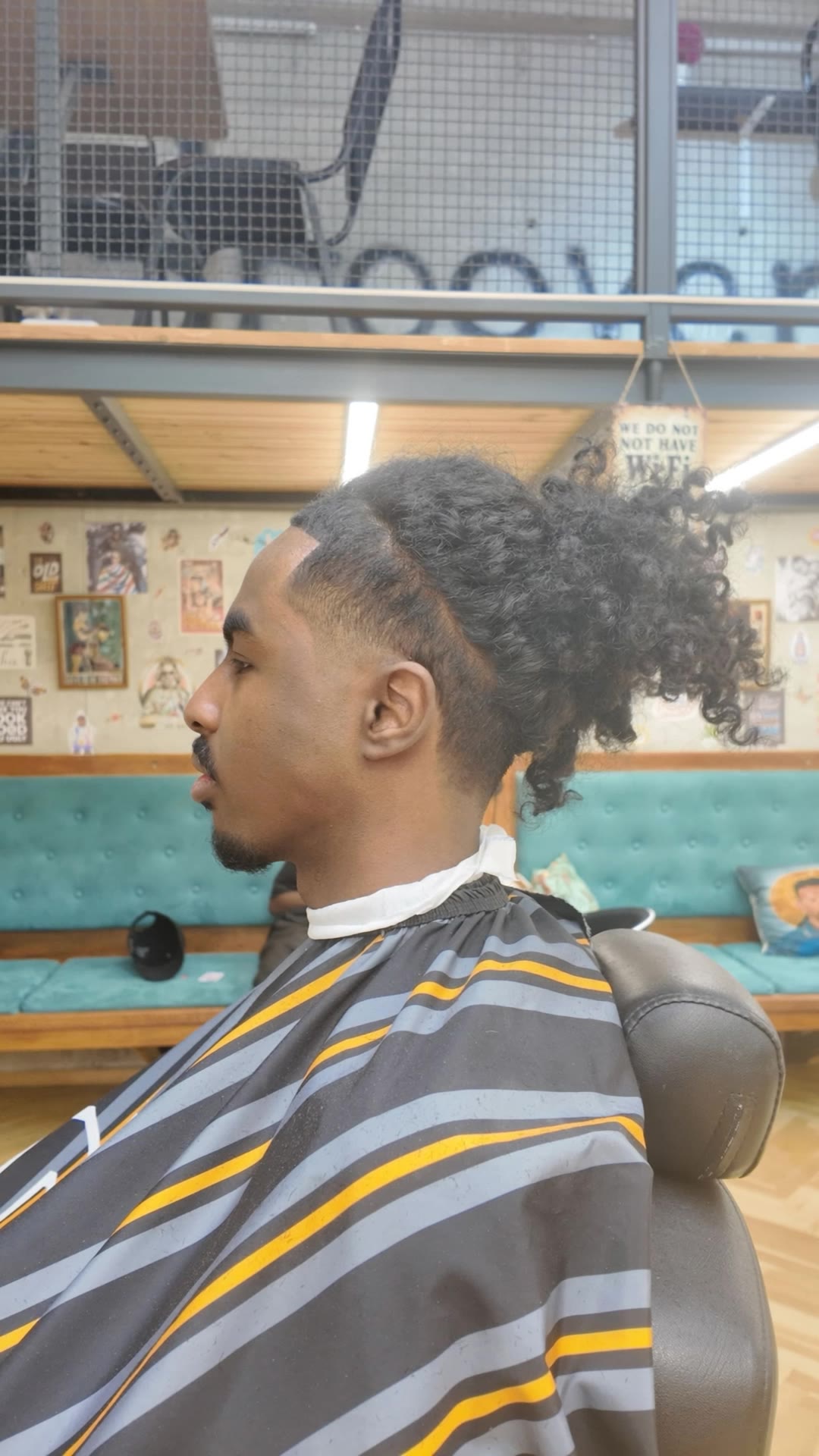
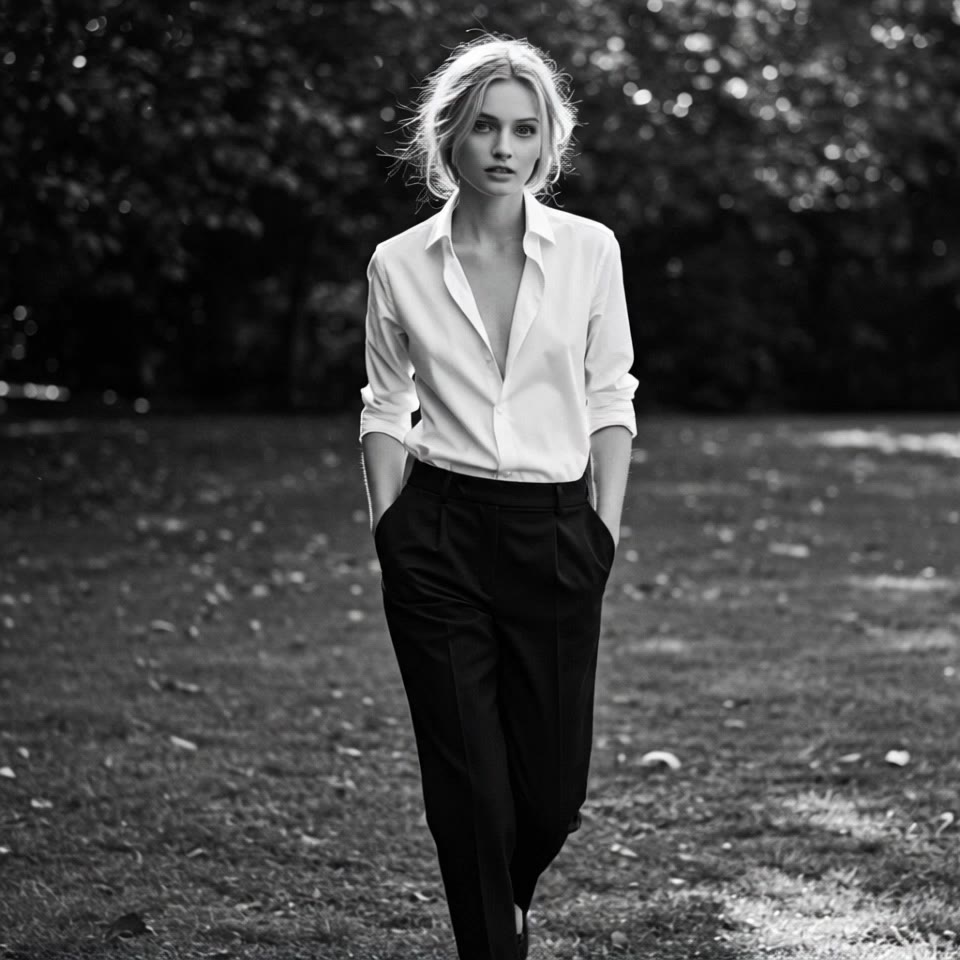
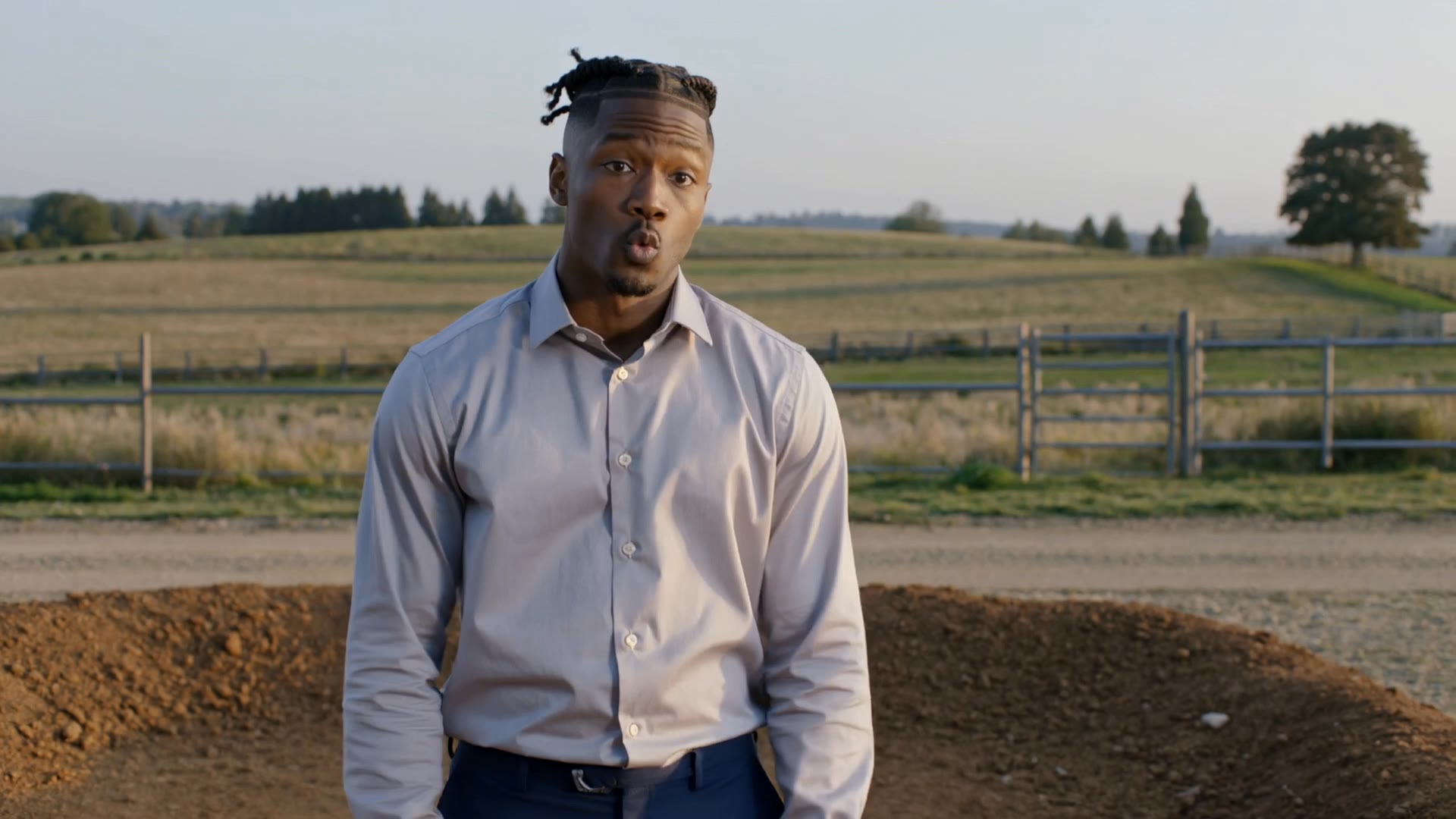
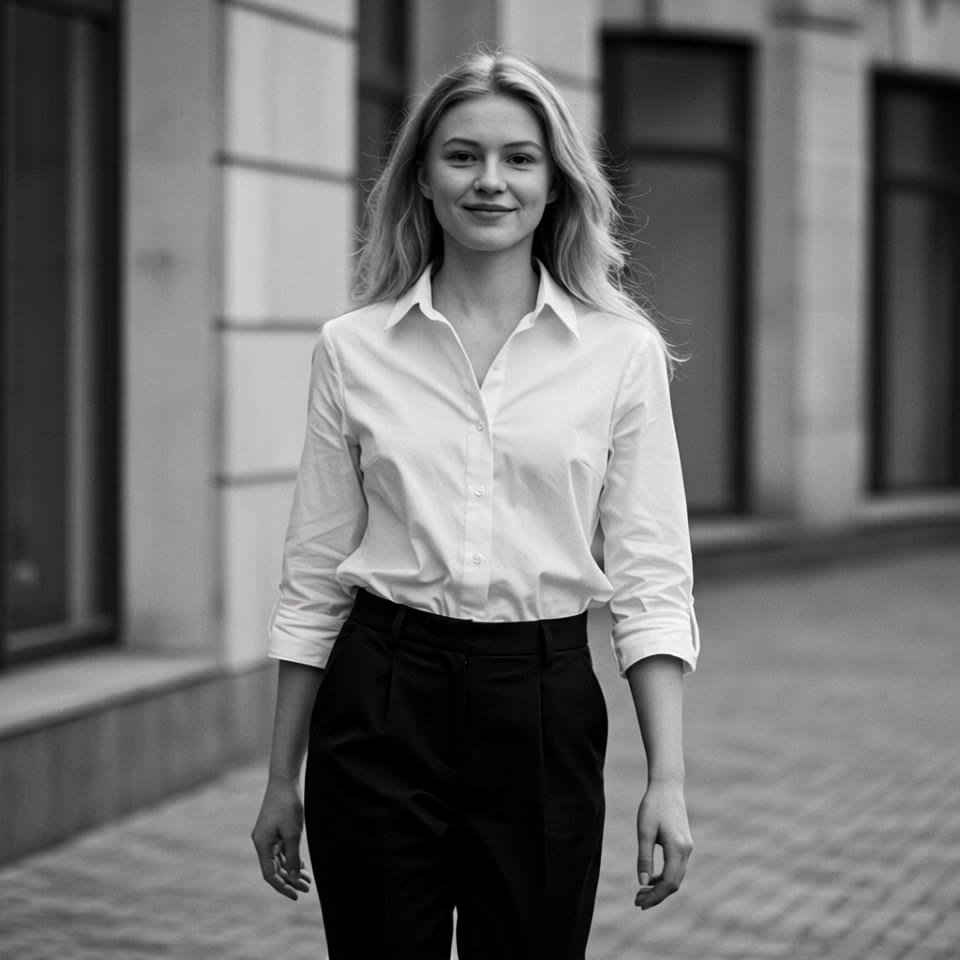
taper with comb over - woman walking & cinematic monkey haircut

Witness the artistry of a capuchin monkey receiving a meticulous taper with comb over in a vintage barber setting, juxtaposed with serene nature walks and comb-themed ASMR elements. Start exploring taper with comb over ideas and generate your own content with AI.

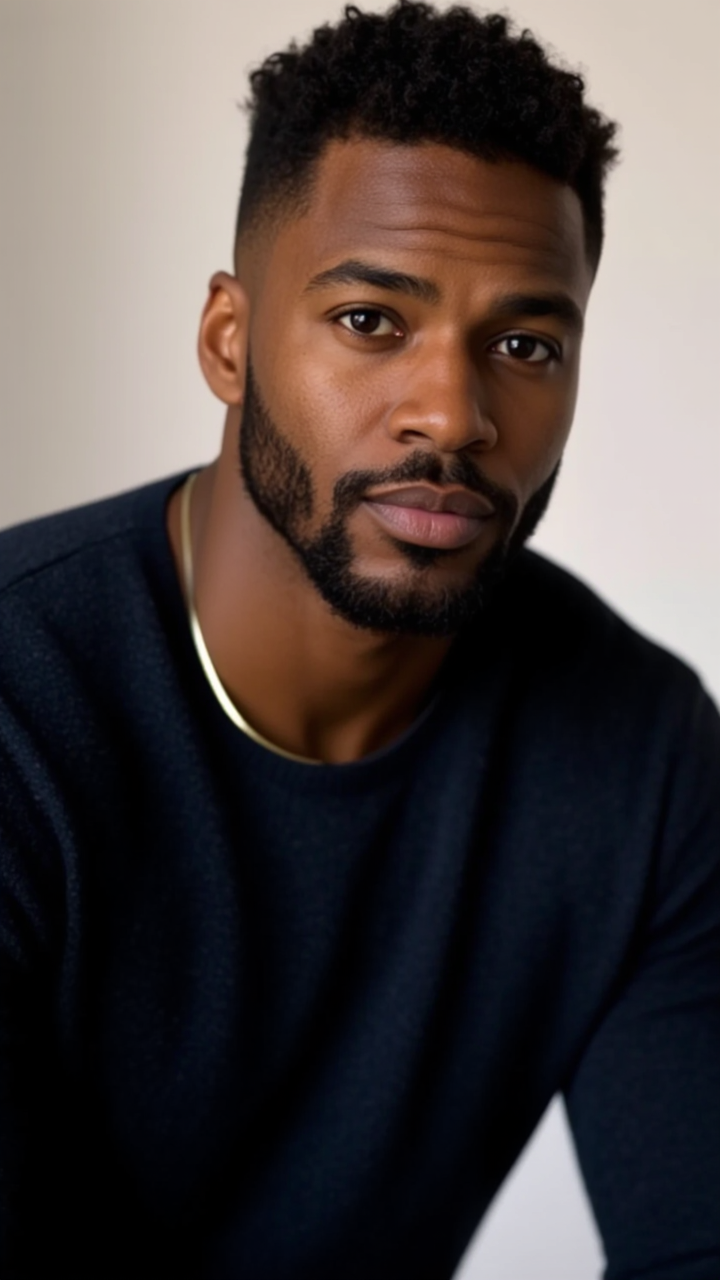
taper with comb over - woman walking & cinematic monkey haircut

Recommended

Kling AI work 298405922507966 - taper with comb over AI video
zQRIdEKn avatar
zQRIdEKn
Kling AI work 317669855506311 - taper with comb over AI image
Secret in the city avatar
Secret in the city
Kling AI work 309937721662363 - taper with comb over AI image
FrxdFmwJ avatar
FrxdFmwJ
Kling AI work 313919440661850 - taper with comb over AI video
cloudymoodtr avatar
cloudymoodtr
Kling AI work 317412074500009 - taper with comb over AI image
zNgdEYUZ avatar
zNgdEYUZ
Kling AI work 311173789668835 - taper with comb over AI image
uBfKbTtA avatar
uBfKbTtA
comb hair - taper with comb over AI video
sinon | AI_video avatar
sinon | AI_video
Kling AI work 315196986616102 - taper with comb over AI video
ljKqyqUC avatar
ljKqyqUC
Kling AI work 306723568665464 - taper with comb over AI image
UpdNvrhQ avatar
UpdNvrhQ
Kling AI work 315399444506743 - taper with comb over AI video
idUmpjKa avatar
idUmpjKa
Kling AI work 310870251522192 - taper with comb over AI video
Lahlahlahyuioa avatar
Lahlahlahyuioa
Kling AI work 311196438528467 - taper with comb over AI image
mirrorx avatar
mirrorx
Kling AI work 295811520660147 - taper with comb over AI video
Natali avatar
Natali
Kling AI work 311169921667657 - taper with comb over AI image
uBfKbTtA avatar
uBfKbTtA
comb hair - taper with comb over AI video
sinon | AI_video avatar
sinon | AI_video
Kling AI work 313016784507925 - taper with comb over AI video
vXvJIYiL avatar
vXvJIYiL
Kling AI work 313137420506501 - taper with comb over AI video
RDqBkCje avatar
RDqBkCje
trial one - taper with comb over AI video
ulaDqeKM avatar
ulaDqeKM
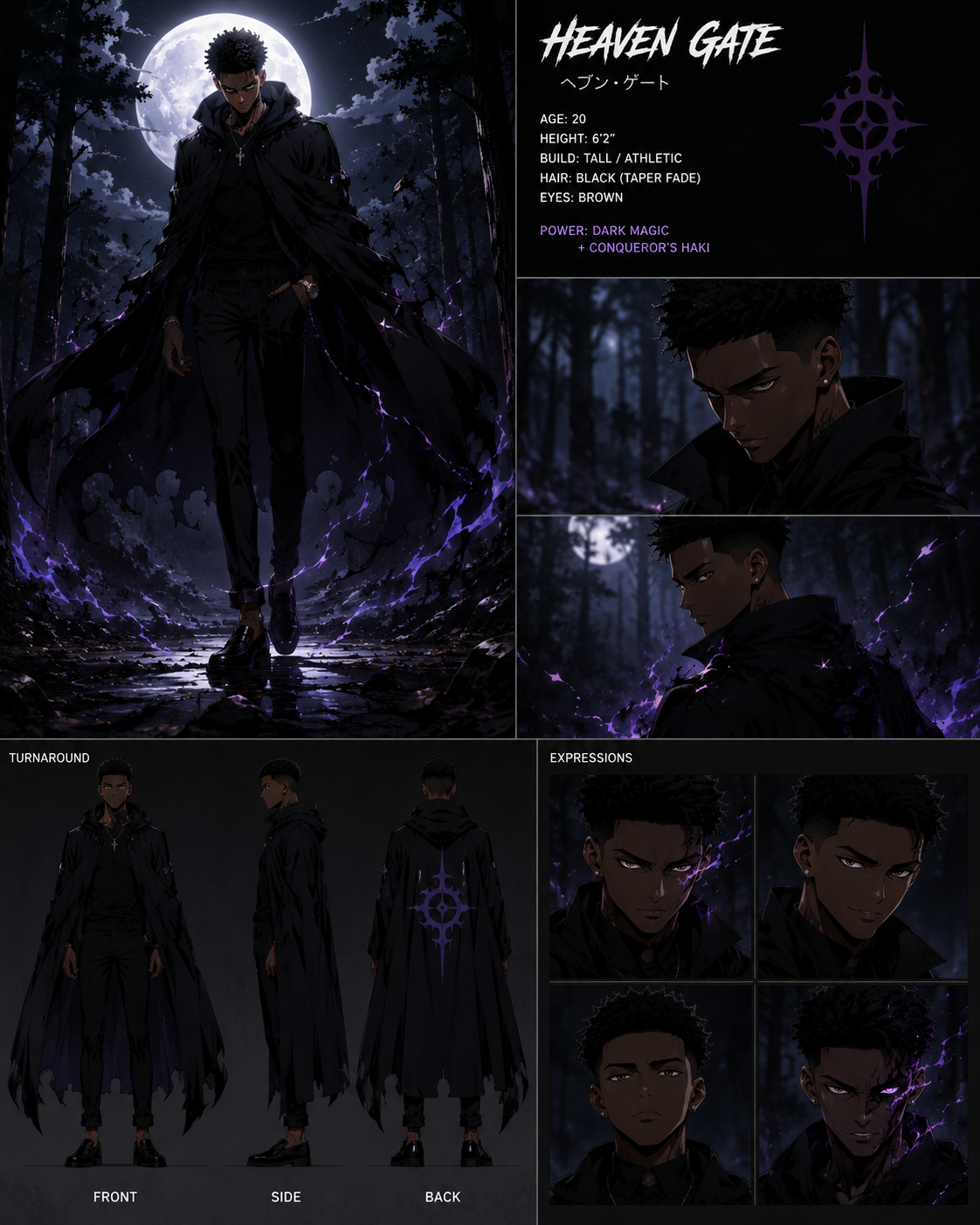
Heaven gate  - taper with comb over AI image
HeavenGate avatar
HeavenGate
comb hair - taper with comb over AI video
sinon | AI_video avatar
sinon | AI_video

How to Remove an Object from an Image with Kling

Step 1: Upload the Photo You Want to Clean Up

Step 1: Upload the Photo You Want to Clean Up

Upload the photo you want to edit. Start with a clear source image where the unwanted object and surrounding details are easy to distinguish.

Step 2: Describe What You Want to Remove

Step 2: Describe What You Want to Remove

Tell Kling IMAGE 3.0 which object, person, text, or other element you want to remove. Add details such as its position, appearance, or nearby context when the image contains similar elements, and specify what should stay unchanged around the edit.

Step 3: Generate Your Cleaned Image

Step 3: Generate Your Cleaned Image

Choose your preferred image ratio and output quality, then generate your edited image. Select up to 2K resolution for clearer, higher-resolution output.

Edit the Parts That Matter

Change Subjects, Backgrounds, and Style

Change Subjects, Backgrounds, and Style

Keep what works and change what does not. Replace a character or product, update an outfit, remove a distraction, or move the action into a different setting. You can also change the weather, lighting, time of day, or overall look. With Kling VIDEO 3.0 Omni, you can start with a prompt and add a reference image when a face, product, or branded detail needs a closer match.

Reframe the Shot

Reframe the Shot

Keep the original action, then change how the moment is framed. Move in for a close-up, open to a wider view, shift the angle, or rebalance the composition around the subject. The source footage keeps the motion and scene context in place while your prompt sets the new framing.

Extend the Video

Extend the Video

Continue a clip beyond its current ending without building the next scene from scratch. Kling carries the subject, motion, and setting into the new footage; add a prompt when you want to steer what happens next. Use Video Extension when a clip ends too soon, an action needs more time, or the next beat is still missing.

Apps

Image to Video
Image to Video

Image to Video

Text to Video
Text to Video

Text to Video

Omni
Omni

Omni

Digital Human
Digital Human

Digital Human

Restyle
Restyle

Restyle

Text to Image
Text to Image

Text to Image

60M+
60M+
Users
600M+
600M+
AI Videos Generated
4.7 ★
4.7 ★
App Store
Industry-Leading
Industry-Leading
Cinematic 4K

Reviews

KakuDrop

KakuDrop

★★★★★

I have successfully collaborated with world-renowned artists and well-known companies that are recognized globally

Ozan Sihay

Ozan Sihay

★★★★★

Kling AI allows me to rapidly prototype ideas, refine storytelling elements, and produce visually compelling content efficiently. It has not only accelerated my creative processes, but also deepened my understanding of how AI can enrich visual storytelling.

James Phillips

James Phillips

★★★★★

Kling AI has transformed my workflow by collapsing timelines and democratizing production. It’s shifted my mindset from resource-dependent filmmaking to a boundless creative sandbox, where experimentation yields unexpected beauty.

FAQ

Q1Can I transfer an outfit from one photo to another person?
Q2What is an AI clothes changer?
Q3Can I change clothes using text prompts or reference images?

Go Beyond the Original Frame

Turn tightly framed images into fuller scenes with Kling IMAGE 3.0. Extend the scene, guide what appears beyond the edges, and keep key subjects and visual style consistent.