
Creative Studio
API
Resources
Features
About Us
Download

tatoo generator - album covers & feminine tattoos

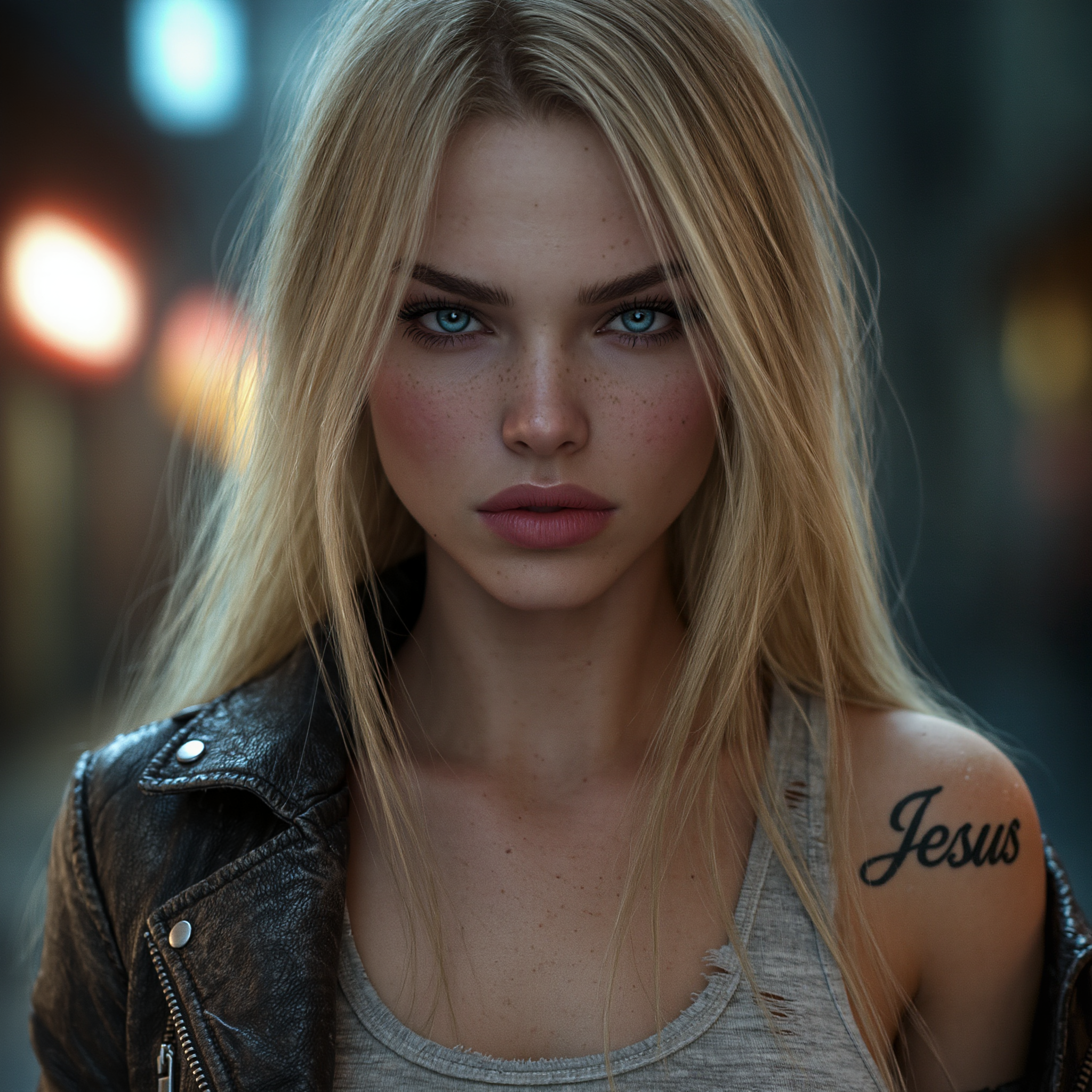
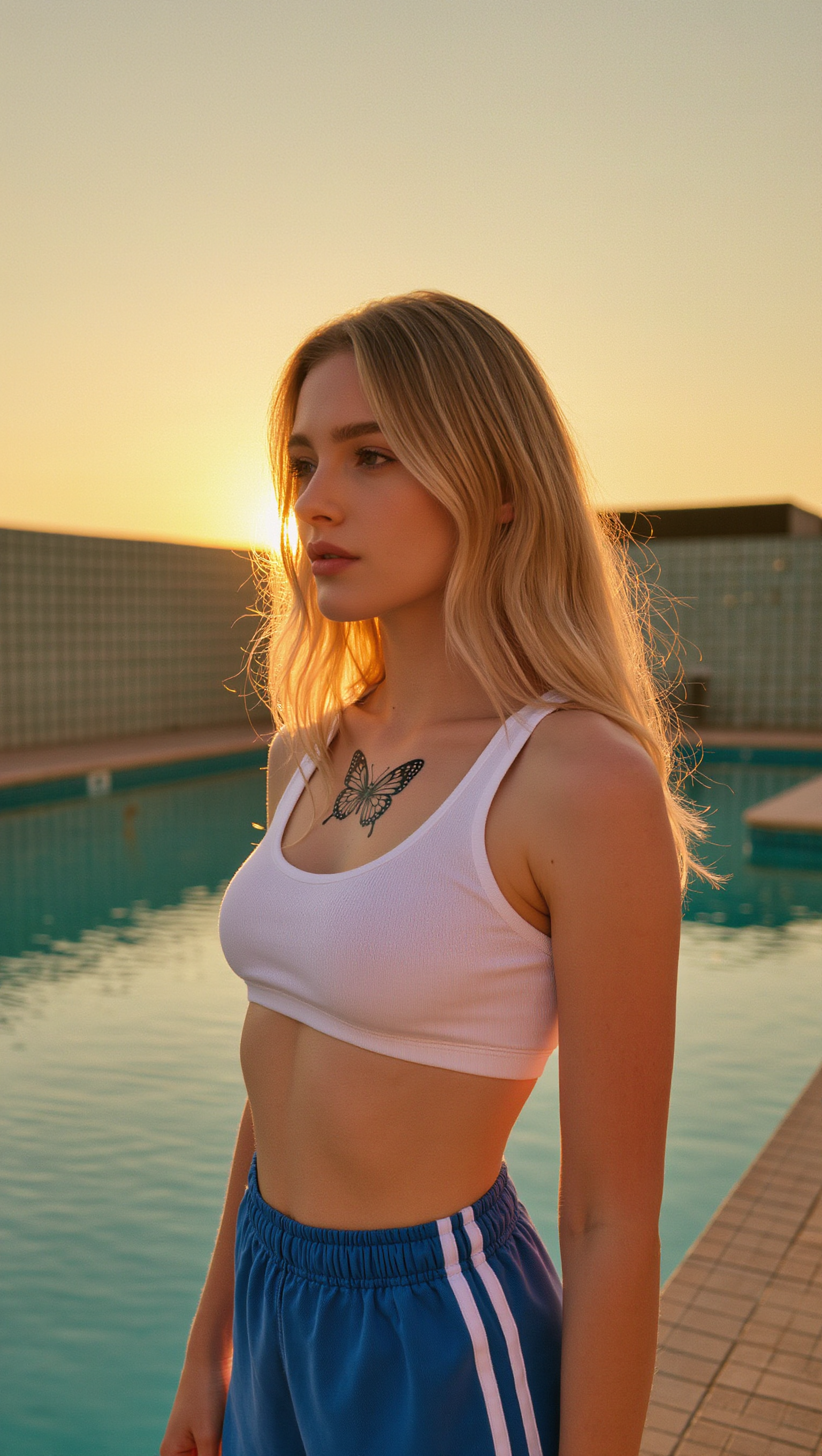
Unleash your creativity with unique, photorealistic tattoos like black and blue butterflies or artistic dragon designs. Transform scenes with romantic aesthetics and intricate tattoo details. Start exploring tatoo generator ideas and generate your own content with AI.

tatoo generator - album covers & feminine tattoos

Recommended

Kling AI work 296356195526786 - tatoo generator AI image
ℹ️MissKAKADU🌼 avatar
ℹ️MissKAKADU🌼
Kling AI work 300609574654483 - tatoo generator AI image
wwwynOTN avatar
wwwynOTN
Kling AI work 306761238668923 - tatoo generator AI image
33333 avatar
33333
evening  - tatoo generator AI image
sVpvEzTz avatar
sVpvEzTz
Kling AI work 297437505611800 - tatoo generator AI image
fractured ink avatar
fractured ink
Kling AI work 300895824655674 - tatoo generator AI image
Life's Journey avatar
Life's Journey
Kling AI work 309073593616374 - tatoo generator AI image
yLIXScPO avatar
yLIXScPO
Kling AI work 296408857503236 - tatoo generator AI image
wfwEhHja avatar
wfwEhHja
Prompt generator gambar AI mahak - tatoo generator AI image
ℹ️MissKAKADU🌼 avatar
ℹ️MissKAKADU🌼
Kling AI work 300897404523012 - tatoo generator AI image
Life's Journey avatar
Life's Journey
Pretty Manola🥰 - tatoo generator AI image
silenceboy🥺 avatar
silenceboy🥺
Kling AI work 314126806618227 - tatoo generator AI video
OjcWLzoR avatar
OjcWLzoR
Kling AI work 316339476667844 - tatoo generator AI image
wOmmDNGx avatar
wOmmDNGx
Kling AI work 311373146523020 - tatoo generator AI image
WIspvfQs avatar
WIspvfQs
Kling AI work 318748569617222 - tatoo generator AI image
yNfQTDmO avatar
yNfQTDmO
Kling AI work 317404760527066 - tatoo generator AI video
QvkCcAKH Berrys&milk avatar
QvkCcAKH Berrys&milk
Kling AI work 300896599654368 - tatoo generator AI image
Life's Journey avatar
Life's Journey
Kling AI work 311373410618540 - tatoo generator AI image
WIspvfQs avatar
WIspvfQs
Kling AI work 310739389500669 - tatoo generator AI image
UURTuGBi avatar
UURTuGBi

How to Change Clothes with Kling AI

Step 1: Upload the Model Photo and Outfit References

Step 1: Upload the Model Photo and Outfit References

Upload the model's photo you want to edit, then add references for the clothing, shoes, hats, bags, or accessories you want to use. You can combine multiple references when different parts of the final look come from different images.

Step 2: Describe the Outfit Change

Step 2: Describe the Outfit Change

Tell Kling AI how each reference should be used. For example, use Image 1 as the base person, then apply the shirt from Image 2, jacket from Image 3, skirt from Image 4, and shoes from Image 5.

Step 3: Generate Your Outfit Change

Step 3: Generate Your Outfit Change

Choose your preferred aspect ratio and 2K or 4K resolution, then generate your new look. Preview the final composite and download your favorite result.

One Image-to-Image Generator, More Ways to Create

Refine With Precision

Refine With Precision

Bring in up to 10 reference images to keep the subject, color, shape, and visual details that matter, then update only what needs to change. Whether you’re reworking a background, adjusting lighting, or refining a product or character, IMAGE 3.0 helps the new image stay true to the original while making the edit feel clean, natural, and intentional.

Restyle With Freedom

Restyle With Freedom

Give any image a fresh look in more than one way. Start with the built-in style library to recreate a look in one click, or upload your original image with a reference to follow a specific visual direction. Kling AI image-to-image model carries over the qualities that define the style while keeping the subject clear and the composition intact.

Generate Image Series in 4K

Generate Image Series in 4K

Start with one image or several references and generate a connected set in one pass. IMAGE 3.0 Omni keeps characters, products, style, and tone consistent from image to image, while still allowing new actions, framing, camera angles, and shot types. Native 4K output makes it well suited to cinematic multi-shot storyboards, product image sets, and character design.

Apps

Image to Video
Image to Video

Image to Video

Text to Video
Text to Video

Text to Video

Omni
Omni

Omni

Digital Human
Digital Human

Digital Human

Restyle
Restyle

Restyle

Text to Image
Text to Image

Text to Image

60M+
60M+
Users
600M+
600M+
AI Videos Generated
4.7 ★
4.7 ★
App Store
Industry-Leading
Industry-Leading
Cinematic 4K

Reviews

Jyo John Mulloor

Jyo John Mulloor

★★★★★

Kling AI has been instrumental in transforming my creative workflow, unlocking new dimensions of artistic expression that were once unimaginable. I use Kling AI extensively to develop high-concept visuals, animate surreal dreamscapes, and create AI-assisted films that blur the line between reality and fantasy. Kling AI’s deep learning capabilities have not only enhanced my creative efficiency but also inspired me to explore storytelling in ways I never thought possible.

Déborah

Déborah

★★★★★

I use Kling AI every day. It's amazing to see the almost daily progress it makes. I used AI for fun at first, and I now find that Kling AI's animations allow me to gain professional visibility, with three times more views on my animated posts than on my static posts.

Ozan Sihay

Ozan Sihay

★★★★★

Kling AI allows me to rapidly prototype ideas, refine storytelling elements, and produce visually compelling content efficiently. It has not only accelerated my creative processes, but also deepened my understanding of how AI can enrich visual storytelling.

FAQ

Q1How do I create an AI image with Kling AI?
Q2Can I edit an existing image with Kling AI?
Q3Is Kling AI image generator free to use?

Change the Shot Without Reshooting It

Upload your footage, describe the result, and let Kling rebuild the scene around your direction.

Free tier available | Simple prompt editing | Up to 4K output | Fast generation