Creative Studio
API
Resources
Features
About Us
Download

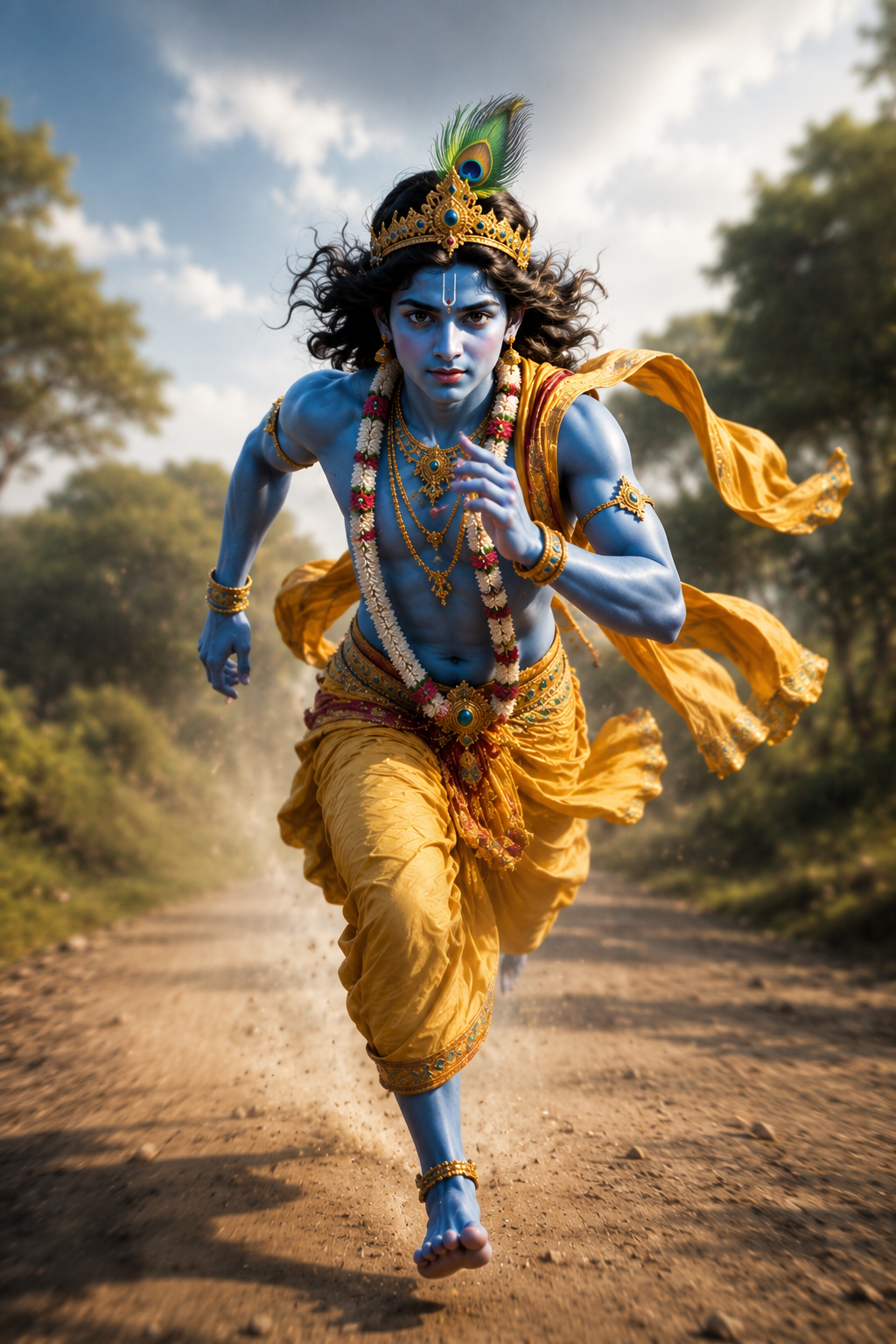
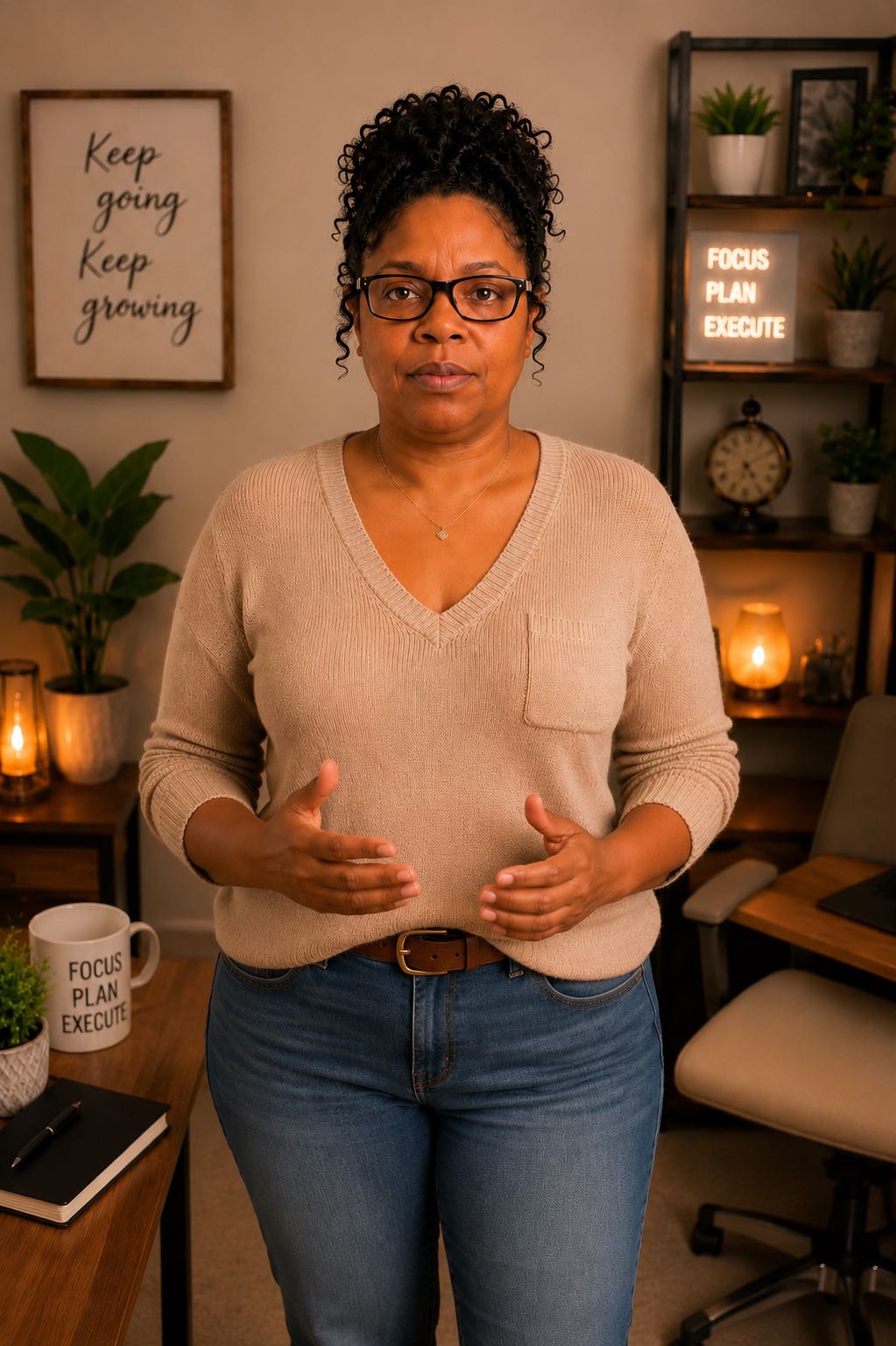
tatto creator - Anime/Fashion & divine technology merge

Immerse in dynamic action themes and mystical transformations to inspire unique tattoo designs. Unleash your creativity with AI-driven concepts that blend divinity with technology. Start exploring tatto creator ideas and generate your own content with AI.

tatto creator - Anime/Fashion & divine technology merge

Recommended

Kling AI work 296997784520844 - tatto creator AI image
MAHEN avatar
MAHEN
digital creator  - tatto creator AI video
F1 Live
HtSWHTVu avatar
HtSWHTVu
Kling AI work 313665085610139 - tatto creator AI image
hsLbrGVl avatar
hsLbrGVl
Kling AI work 314663318320253 - tatto creator AI video
NovaFable avatar
NovaFable
Kling AI work 311491818501229 - tatto creator AI video
FUSION BY RIZWAN avatar
FUSION BY RIZWAN
Kling AI work 307014972530923 - tatto creator AI video
lLkJqrqc avatar
lLkJqrqc
digital creator - tatto creator AI video
00:18
ETWUbfxq avatar
ETWUbfxq
The creator story - tatto creator AI video
00:05
Fell8Trix Pantyhose avatar
Fell8Trix Pantyhose
Indonesian creator talking - tatto creator AI video
WZphfUcL avatar
WZphfUcL
Elite Creator
creator - tatto creator AI video
Chinese trend
sAPHhQgK avatar
sAPHhQgK
The Creator - tatto creator AI video
00:10
KLING5969 avatar
KLING5969
soft + warm + confident - tatto creator AI image
mqBqKIhk avatar
mqBqKIhk
Creator - tatto creator AI video
00:04
tgDJWtNU avatar
tgDJWtNU
Digital creator  - tatto creator AI video
fmCLxzOL avatar
fmCLxzOL
Kling AI work 308971159610406 - tatto creator AI video
HeaVIbhe avatar
HeaVIbhe
Kling AI work 317268827506229 - tatto creator AI image
rcUKnNCT avatar
rcUKnNCT
Kling AI work 311034683505071 - tatto creator AI video
Blessed avatar
Blessed
Creator - tatto creator AI video
00:49
bwVxpNGT avatar
bwVxpNGT
Digital Creator - tatto creator AI video
mtbYoyQs avatar
mtbYoyQs

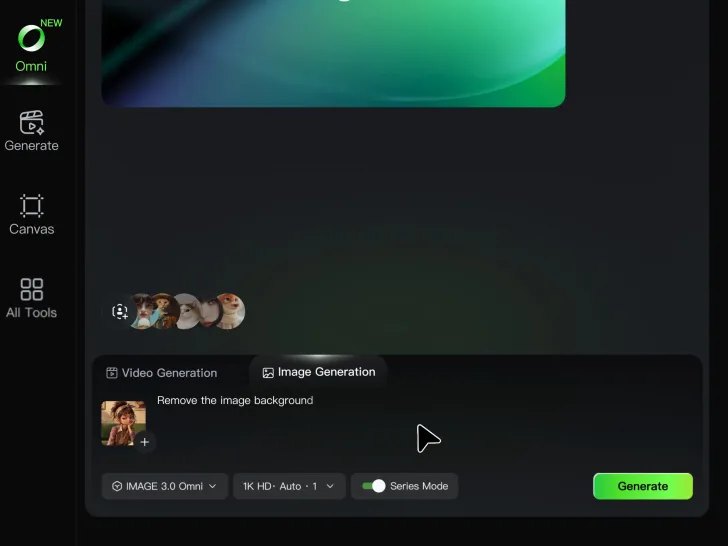
How to Remove Background from Image

Step 1: Upload Your Image

Step 1: Upload Your Image

Upload the image you want to edit and choose the subject you want to keep. A clear source image makes it easier to separate the subject from the surrounding background.

Step 2: Remove or Replace the Background

Step 2: Remove or Replace the Background

Use a simple prompt to remove the existing background while keeping the main subject intact. Keep the result transparent when you need a clean cutout, or describe a new setting if you want to replace the original background directly.

Step 3: Generate and Download

Step 3: Generate and Download

Generate your edited image and review the result. Download the background-free image, or continue refining the new setting, subject details, and overall look with Kling AI.

Create More Realistic Looks with Kling AI

Use Different References for Specific Outfit Details

Use Different References for Specific Outfit Details

Mix and match details from multiple reference images instead of relying on just one. Assign each reference to a different part of the look, from clothing and footwear to smaller accessories, while IMAGE 3.0 Omni combines them into a single outfit. The result is a more controlled styling process and a final look that stays closer to your creative direction.

Change the Outfit, Keep the Person

Change the Outfit, Keep the Person

Changing the clothes should not make the person look like someone else. IMAGE 3.0 Omni helps keep key details such as the face, hairstyle, pose, and overall appearance familiar and recognizable, making it easier to try casual looks, formalwear, or completely different styles while keeping the same person consistent.

Make New Clothes Look Like Part of the Photo

Make New Clothes Look Like Part of the Photo

A convincing AI clothes swap should look like the outfit belongs in the original image. IMAGE 3.0 Omni works with the existing lighting, perspective, textures, and surroundings so the new outfit blends more naturally with the scene, helping fabric, folds, accessories, and other details feel less edited and more like part of a real fashion photo.

Apps

Image to Video
Image to Video

Image to Video

Text to Video
Text to Video

Text to Video

Omni
Omni

Omni

Digital Human
Digital Human

Digital Human

Restyle
Restyle

Restyle

Text to Image
Text to Image

Text to Image

60M+
60M+
Users
600M+
600M+
AI Videos Generated
4.7 ★
4.7 ★
App Store
Industry-Leading
Industry-Leading
Cinematic 4K

Reviews

Jyo John Mulloor

Jyo John Mulloor

★★★★★

Kling AI has been instrumental in transforming my creative workflow, unlocking new dimensions of artistic expression that were once unimaginable. I use Kling AI extensively to develop high-concept visuals, animate surreal dreamscapes, and create AI-assisted films that blur the line between reality and fantasy. Kling AI’s deep learning capabilities have not only enhanced my creative efficiency but also inspired me to explore storytelling in ways I never thought possible.

Maria Rubtsova

Maria Rubtsova

★★★★★

I’m Maria Rubtsova, an AIGC digital artist passionate about creating stunning visuals in the worlds of fashion, aesthetics, and fantasy. I use KlingAi to bring imagination to life through video. My work is all about exploring beauty, emotion, and the limitless possibilities of digital art.

Déborah

Déborah

★★★★★

I use Kling AI every day. It's amazing to see the almost daily progress it makes. I used AI for fun at first, and I now find that Kling AI's animations allow me to gain professional visibility, with three times more views on my animated posts than on my static posts.

FAQ

Q1Do I need to mask the subject frame by frame?
Q2How do I remove the background from a video?
Q3Can I remove a video background without a green screen?

Give Photos and Videos a Whole New Face

Upload your photo or video, add the face you want to swap in, and let Kling AI recreate the scene while keeping the look, motion, and surroundings feeling natural.

Effortless Face Swaps | Facial Detail Control | Natural Blending