
Creative Studio
API
Resources
Features
About Us
Download

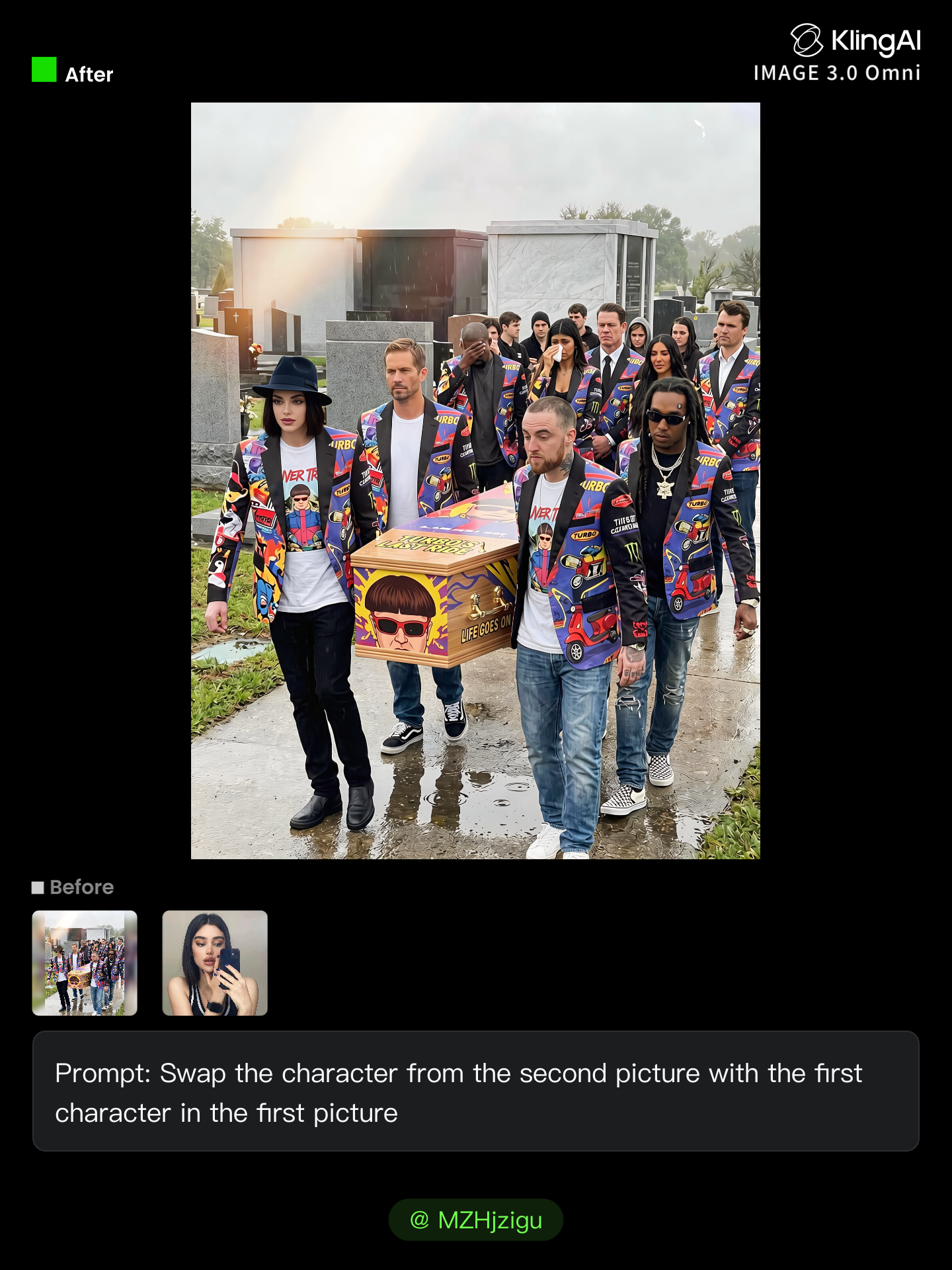
Tattoo AI Character Swap Ideas – Unique and Artistic Transformations

Browse through AI-created tattoo character swap ideas. Get unique and artistic transformations that can be tailored to your preferences. Perfect for quick and personalized design projects.

Tattoo AI Character Swap Ideas – Unique and Artistic Transformations

Recommended

Kling AI work 314466234661245 - tattoo ai character swap AI image
MZHjzigu avatar
MZHjzigu
Kling AI work 308738382661677 - tattoo ai character swap AI video
SBgLqPPE avatar
SBgLqPPE
Kling AI work 296318636615975 - tattoo ai character swap AI video
Fozhan avatar
Fozhan
Kling AI work 313916078663918 - tattoo ai character swap AI image
Future avatar
Future
Kling AI work 318581398525912 - tattoo ai character swap AI video
azys avatar
azys
Elite Creator
Kling AI work 310807915615890 - tattoo ai character swap AI video
Phade & Tatloc avatar
Phade & Tatloc
Kling AI work 309263907611920 - tattoo ai character swap AI image
NWrPVMeJ avatar
NWrPVMeJ
Kling AI work 311118571500832 - tattoo ai character swap AI video
MKZIMBxT avatar
MKZIMBxT
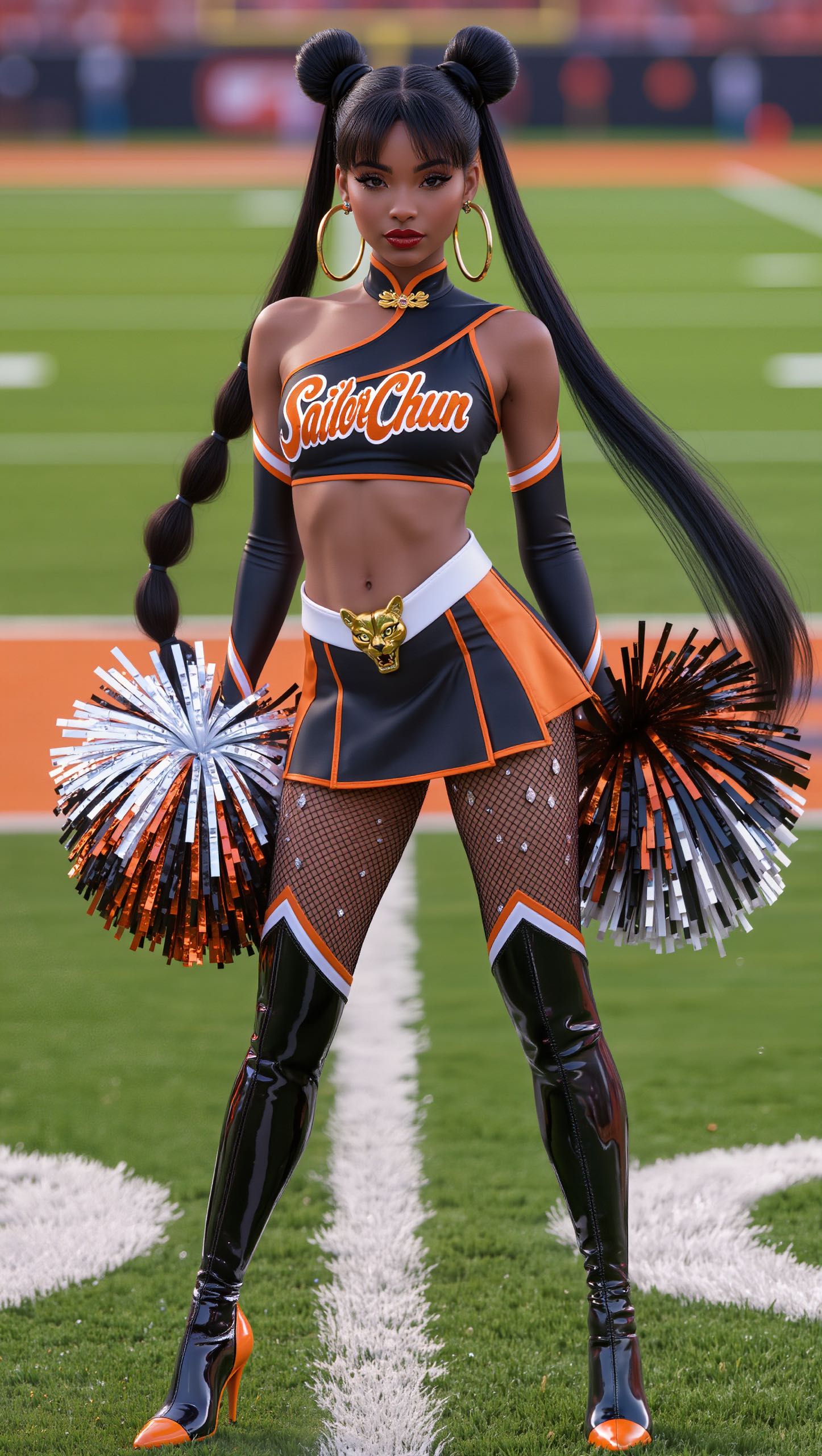
Character Swap AI - tattoo ai character swap AI image
BHzmNhKN avatar
BHzmNhKN
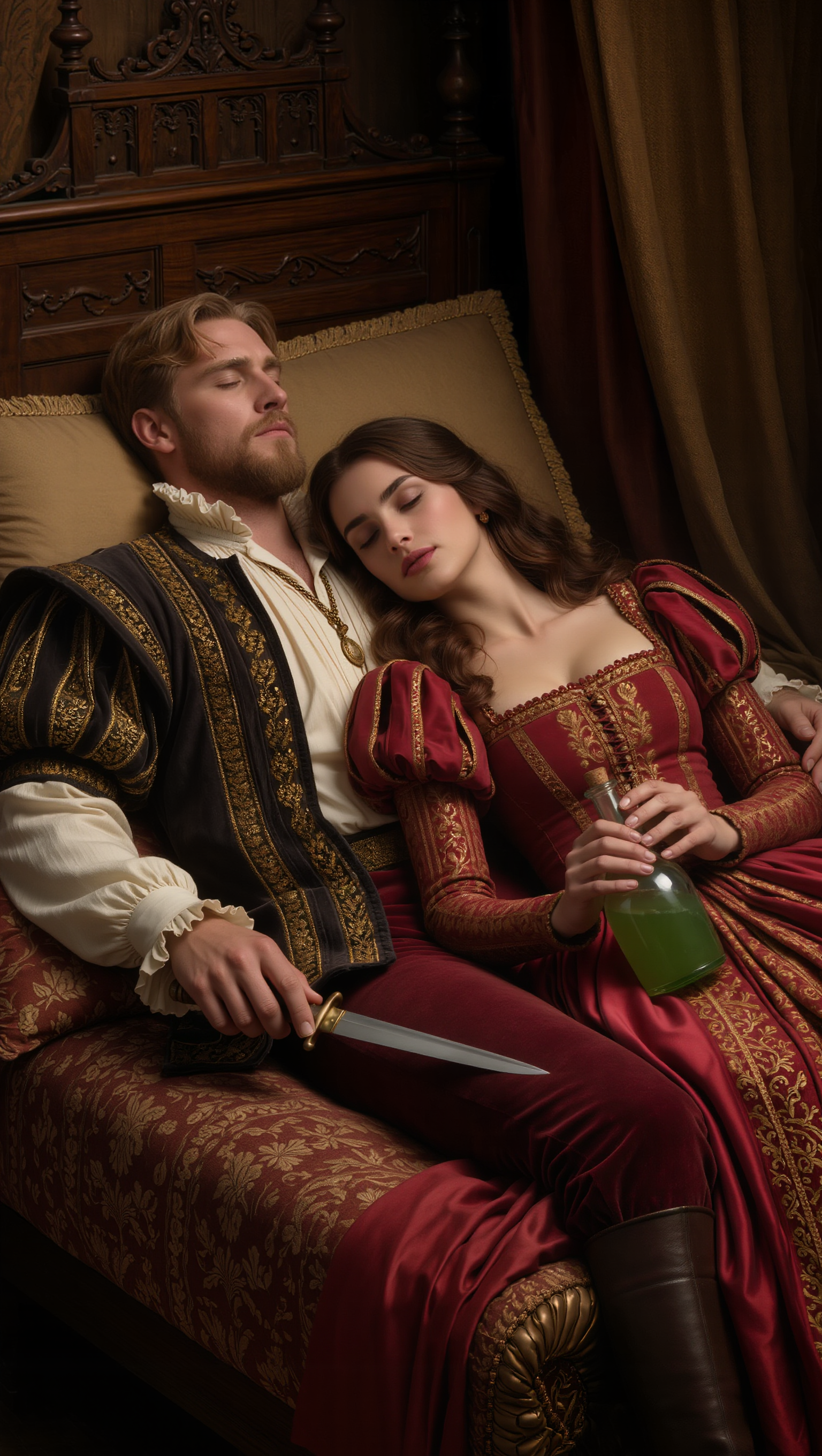
Julian & Roma - tattoo ai character swap AI image
YQIeLnqq avatar
YQIeLnqq
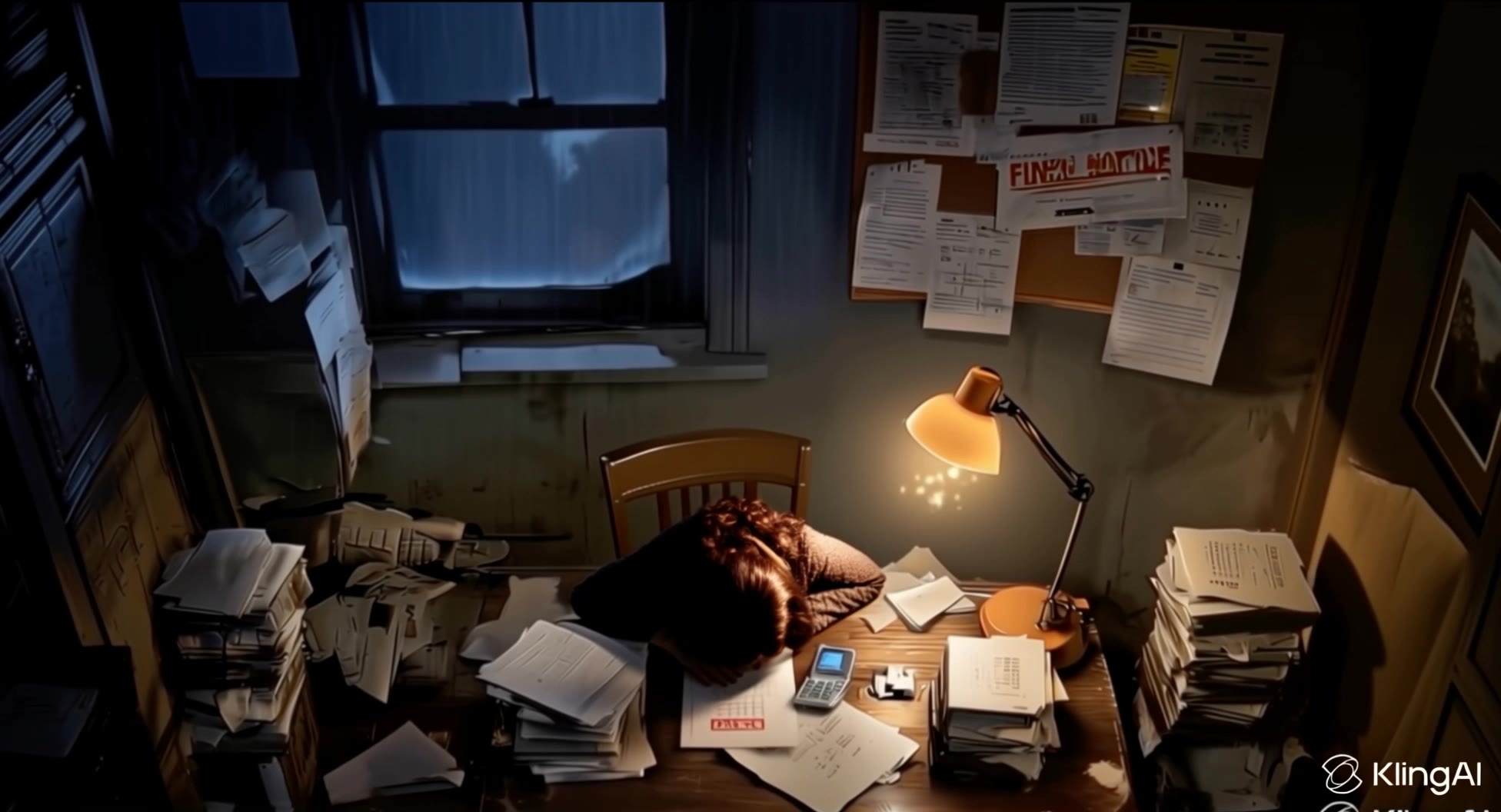
phone buzz + tired gasp - tattoo ai character swap AI video
lorsSnHH avatar
lorsSnHH
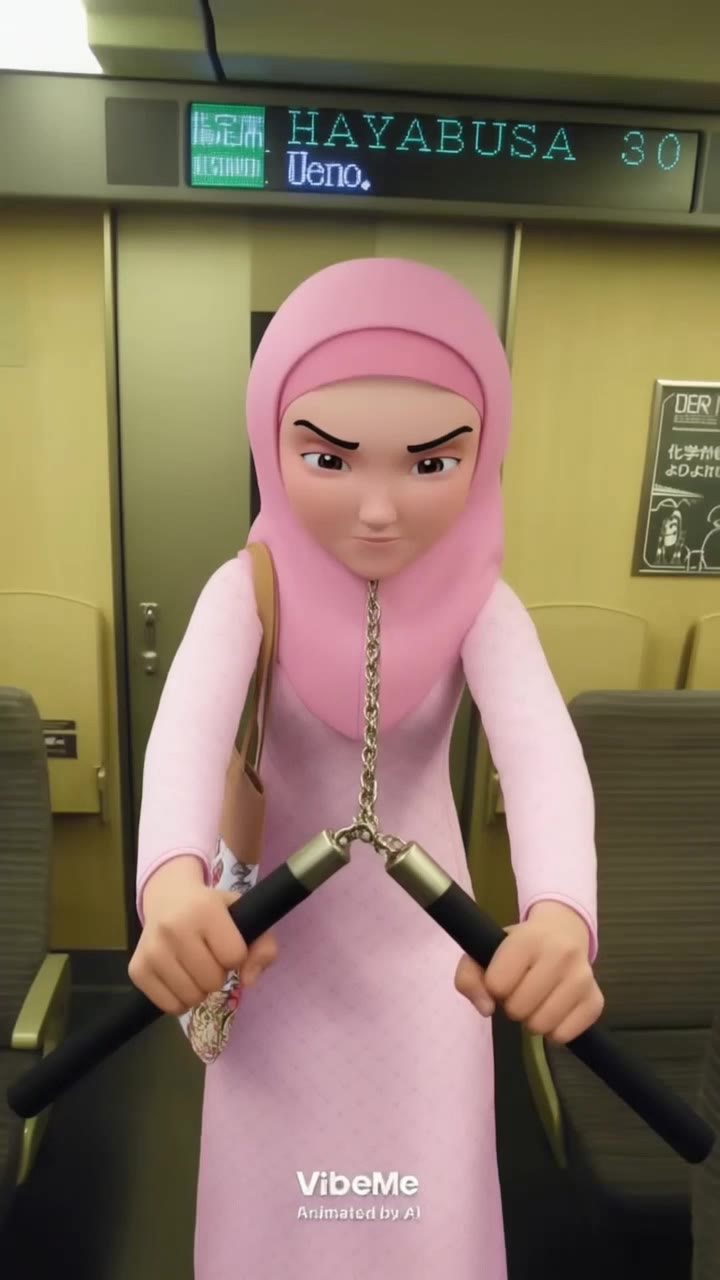
Kak Ros Bruce Lee - tattoo ai character swap AI video
uUxRSDhQ avatar
uUxRSDhQ
yuta - tattoo ai character swap AI video
wEhupANs avatar
wEhupANs
Fineline tattoo - tattoo ai character swap AI video
YPiqaavB avatar
YPiqaavB
Montcalm at Golden Hour - tattoo ai character swap AI video
KLING1663 avatar
KLING1663
different face, face swap, face  - tattoo ai character swap AI video
00:14
ujSwUVGQ avatar
ujSwUVGQ
fully ai character - tattoo ai character swap AI video
00:12
Martino avatar
Martino
manualtracking 🪄 - tattoo ai character swap AI video
susu avatar
susu

How to Create Images with Kling AI

Write Down You Ideas

Write Down You Ideas

Open the AI Image Generator and choose the model that fits your project. Describe the subject and scene, then add details such as lighting, color, and visual style to shape the result.

Add References Or Not

Add References Or Not

Upload reference images for a character, product, composition, or style. References are optional, but they give Kling AI a clearer visual foundation when specific features, colors, or design details need to carry into the final image.

Generate Your Image

Generate Your Image

Choose your preferred format and output settings, then hit Generate. Once the result is ready, download it directly or open it in the image-to-video workflow to bring it to life with motion.

Remove Objects from Images with More Control

Remove Objects with Simple Text Prompts

Remove Objects with Simple Text Prompts

Skip complex masks and manual retouching. Tell Kling IMAGE 3.0 what you want gone in a text prompt, and it interprets your instruction as a targeted image edit. It gives you a faster way to clean up photos without a complicated editing workflow.

Target the Exact Object You Want Gone

Target the Exact Object You Want Gone

When several similar people or objects appear in the same image, describe the target by its position, appearance, or nearby context. Clearer instructions give you more control over which element is removed while helping reduce unintended changes to unrelated parts of the scene.

Keep the Edited Area Visually Consistent

Keep the Edited Area Visually Consistent

Removing an object also means recreating the area it once covered. Kling IMAGE 3.0 is designed to preserve surrounding style, lighting, and texture during targeted edits, helping the cleared area feel more connected to the rest of the image instead of standing out as an obvious edit.

Apps

Image to Video
Image to Video

Image to Video

Text to Video
Text to Video

Text to Video

Omni
Omni

Omni

Digital Human
Digital Human

Digital Human

Restyle
Restyle

Restyle

Text to Image
Text to Image

Text to Image

60M+
60M+
Users
600M+
600M+
AI Videos Generated
4.7 ★
4.7 ★
App Store
Industry-Leading
Industry-Leading
Cinematic 4K

Reviews

PJ Ace

PJ Ace

★★★★★

Kling AI has made it easy for us to generate world class visuals for Fortune 500 companies, TV shows and music for big artists. We love the easy of use of the platform and the quality of the generations. My first time using Kling AI, I got 22 million views on just one video. It's that good.

Vincent Smadja

Vincent Smadja

★★★★★

Kling AI seamlessly integrates into my creative workflow, playing a key role in transforming my images. After generating and upscaling an image, Kling becomes a crucial element, bringing my creations to life with movement and depth.

Déborah

Déborah

★★★★★

I use Kling AI every day. It's amazing to see the almost daily progress it makes. I used AI for fun at first, and I now find that Kling AI's animations allow me to gain professional visibility, with three times more views on my animated posts than on my static posts.

FAQ

Q1Can Kling keep the same character and voice consistent across scenes and videos?
Q2Does script-to-video AI automatically split a script into shots?
Q3How long can a script-to-video AI video be?

Give Your Next Video a Cinematic 4K Finish

Start with the footage you already have. Improve visual quality, refine lighting and color with prompts, and choose 4K output when you need a higher-resolution result.