Creative Studio
API
Resources
Features
About Us
Download

tattoo builder - tattoos come alive & transformative tattoos

Unleash your creativity with dynamic tattoo designs and watch as static ink transforms into captivating, animated art. Dive into unique stencil creations and explore futuristic tattoo trends. Start exploring tattoo builder ideas and generate your own content with AI.

tattoo builder - tattoos come alive & transformative tattoos

Recommended

Kling AI work 316705655614914 - tattoo builder AI image
mhdish7 avatar
mhdish7
Kling AI work 310807915615890 - tattoo builder AI video
Phade & Tatloc avatar
Phade & Tatloc
Kling AI work 306520928611588 - tattoo builder AI image
WENpnTkK avatar
WENpnTkK
Kling AI work 310722990667142 - tattoo builder AI video
Phade & Tatloc avatar
Phade & Tatloc
Kling AI work 300282932654597 - tattoo builder AI image
kat.katrin avatar
kat.katrin
Kling AI work 310978989522611 - tattoo builder AI video
vKmdjAXg avatar
vKmdjAXg
Kling AI work 312223813528083 - tattoo builder AI image
YnsDuXhE avatar
YnsDuXhE
Kling AI work 318911659660219 - tattoo builder AI video
vWTXlXTU avatar
vWTXlXTU
Kling AI work 296318636615975 - tattoo builder AI video
Fozhan avatar
Fozhan
Kling AI work 298456447524363 - tattoo builder AI video
KLING5274 avatar
KLING5274
Eye tattoo - tattoo builder AI image
AlexCreo avatar
AlexCreo
Kling AI work 319868848508927 - tattoo builder AI image
hi im kiana avatar
hi im kiana
Tattoo session 🥰 - tattoo builder AI video
VisualWoW avatar
VisualWoW
Elite Creator
Kling AI work 310683795503173 - tattoo builder AI video
Phade & Tatloc avatar
Phade & Tatloc
Kling AI work 317861473521111 - tattoo builder AI video
Garoustattoo avatar
Garoustattoo
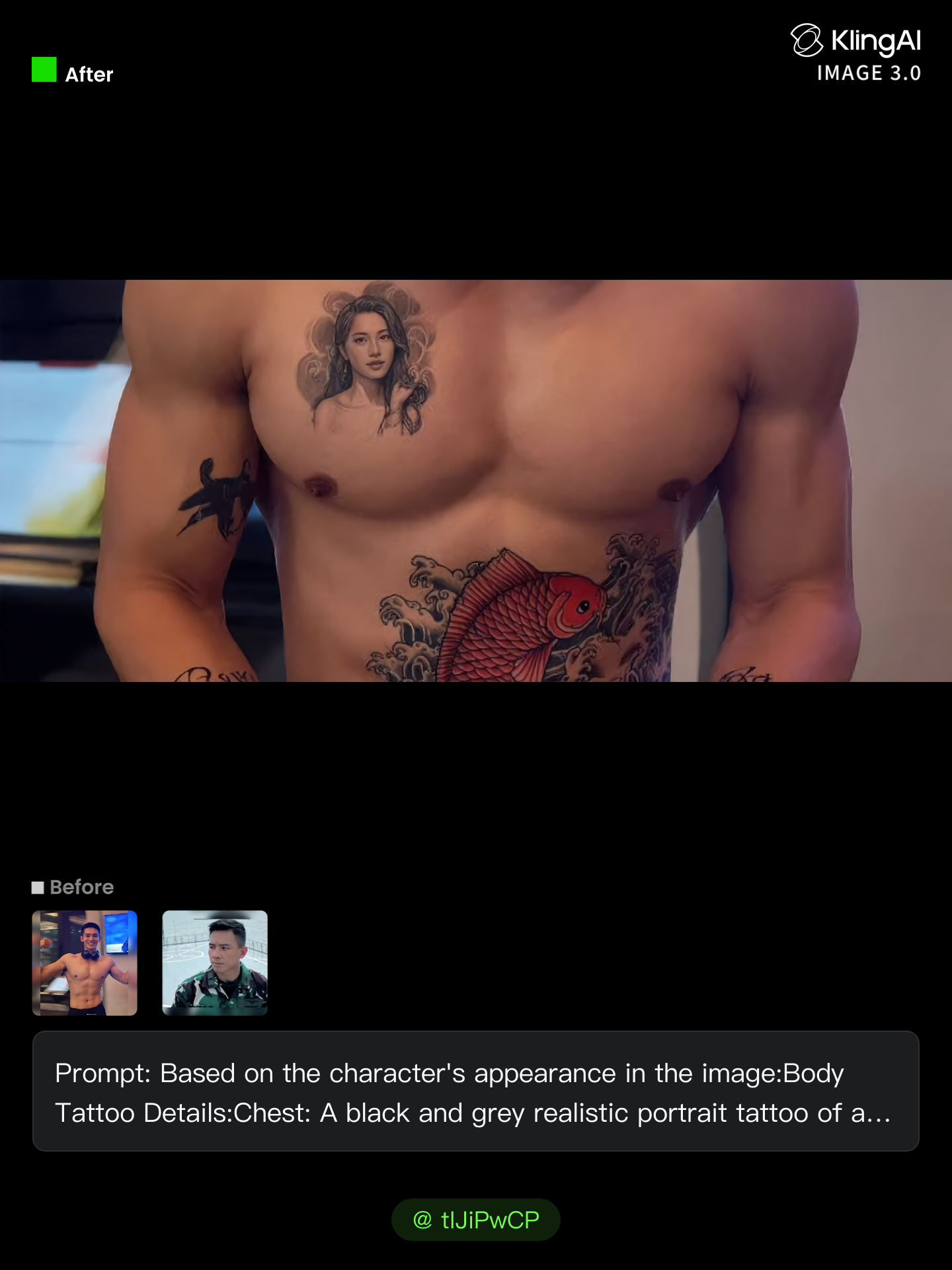
Kling AI work 306508512617290 - tattoo builder AI image
tIJiPwCP avatar
tIJiPwCP
Kling AI work 300693911529868 - tattoo builder AI video
ndLlPncE avatar
ndLlPncE
Kling AI work 310793640668521 - tattoo builder AI image
Nyxelle GL avatar
Nyxelle GL

How to Create an AI Video from a Script

Start with a Scene or Story Beat

Start with a Scene or Story Beat

Paste in the part of your script you want to see on screen. Include the setting, characters, action, and dialogue that matter to the scene. Camera direction and visual style can stay simple at first, you can get more specific when you start shaping the shots.

Turn the Scene into a Shot Sequence

Turn the Scene into a Shot Sequence

Switch on Multi-Shot and let Kling work out the scene transitions and camera coverage from your prompt. Already have the sequence in your head? Open Custom Multi-Shot and lay out the individual shots yourself, including how long they last and what happens in each one.

Generate with Native Audio

Generate with Native Audio

Set the duration and available output options, then generate your sequence. Native Audio can bring dialogue, ambience, and sound effects into the same generation, so the result does not have to begin as a silent set of shots. Kling VIDEO 3.0 supports scenes up to 15 seconds in a single generation.

Create AI Art with More Creative Control

Bring More Than a Prompt to Your Art

Bring More Than a Prompt to Your Art

Start with words, a sketch, a photo, or the references that already capture part of your idea. IMAGE 3.0 can use up to 10 reference images, so you can bring a character from one image, an outfit from another, and a different setting or art style into the same creation. Use references for the details you want to keep, then use your prompt to decide what changes.

Find the Look That Fits Your Idea

Find the Look That Fits Your Idea

Create pencil drawings, watercolor paintings, anime art, comics, concept art, 3D-inspired images, and more. Try a completely different style, or fine-tune the one you already have. Kling AI also gives you control beyond the art style. Reframe the scene, shift the viewing angle, change the lighting or color palette, and keep refining the image until the whole piece comes together

Create a Series, Not Just a Single Image

Create a Series, Not Just a Single Image

Keep a character, setting, or visual style recognizable across multiple pieces of artwork with IMAGE 3.0 Omni. Generate new poses, scenes, and compositions while keeping the details that tie the series together. It works especially well for character concepts, comics, storyboards, and other ideas that need to develop across several images. Generate in native 2K or 4K when you want more detail in the finished artwork.

Apps

Image to Video
Image to Video

Image to Video

Text to Video
Text to Video

Text to Video

Omni
Omni

Omni

Digital Human
Digital Human

Digital Human

Restyle
Restyle

Restyle

Text to Image
Text to Image

Text to Image

60M+
60M+
Users
600M+
600M+
AI Videos Generated
4.7 ★
4.7 ★
App Store
Industry-Leading
Industry-Leading
Cinematic 4K

Reviews

PJ Ace

PJ Ace

★★★★★

Kling AI has made it easy for us to generate world class visuals for Fortune 500 companies, TV shows and music for big artists. We love the easy of use of the platform and the quality of the generations. My first time using Kling AI, I got 22 million views on just one video. It's that good.

KakuDrop

KakuDrop

★★★★★

I have successfully collaborated with world-renowned artists and well-known companies that are recognized globally

Samuele Poggi (@visualsk2)

Samuele Poggi (@visualsk2)

★★★★★

I use Kling AI daily to push the limits of AI filmmaking. It allows me to create highly cinematic content, blending AI and VFX to develop innovative projects. It has significantly impacted my creative process, enabling me to achieve complex animations that would otherwise require high production budgets.

FAQ

Q1Can an object remover work on complex backgrounds?
Q2What happens to the area after an object is removed?
Q3Can I use Kling AI to remove a person from a photo?

Create an Avatar That Feels Like Yours

Start with a photo or a prompt, explore different styles, and keep shaping the details until the character fits the look you want.