Creative Studio
API
Resources
Features
About Us
Download

tattoo creator online - blackout tattoo & Dragon Tattoo Awakens

Unleash your creativity with dynamic ink drops and tattoos coming to life, inspired by diverse global styles and AI-driven designs. Start exploring tattoo creator online ideas and generate your own content with AI.

tattoo creator online - blackout tattoo & Dragon Tattoo Awakens

Recommended

Kling AI work 310808530667186 - tattoo creator online AI video
Phade & Tatloc avatar
Phade & Tatloc
Kling AI work 316514405614215 - tattoo creator online AI video
EtdjsbpI avatar
EtdjsbpI
Kling AI work 312223813528083 - tattoo creator online AI image
YnsDuXhE avatar
YnsDuXhE
Dragon Tattoo Awakens - tattoo creator online AI image
Bodine 3.0 avatar
Bodine 3.0
Kling AI work 316705655614914 - tattoo creator online AI image
mhdish7 avatar
mhdish7
Eye tattoo - tattoo creator online AI image
AlexCreo avatar
AlexCreo
Tattoo session 🥰 - tattoo creator online AI video
VisualWoW avatar
VisualWoW
Elite Creator
Kling AI work 315642430618098 - tattoo creator online AI image
YtwgpNkD avatar
YtwgpNkD
Kling AI work 310683795503173 - tattoo creator online AI video
Phade & Tatloc avatar
Phade & Tatloc
Kling AI work 312980915508538 - tattoo creator online AI video
Mushahid Hussain avatar
Mushahid Hussain
Kling AI work 310956978661542 - tattoo creator online AI video
PIKACHU avatar
PIKACHU
Kling AI work 316048302611126 - tattoo creator online AI video
iskIyXgn avatar
iskIyXgn
Kling AI work 310722990667142 - tattoo creator online AI video
Phade & Tatloc avatar
Phade & Tatloc
Kling AI work 317840616506998 - tattoo creator online AI image
PNunLEkX avatar
PNunLEkX
Kling AI work 310793640668521 - tattoo creator online AI image
Nyxelle GL avatar
Nyxelle GL
Online course - tattoo creator online AI video
Viktor_Fox avatar
Viktor_Fox
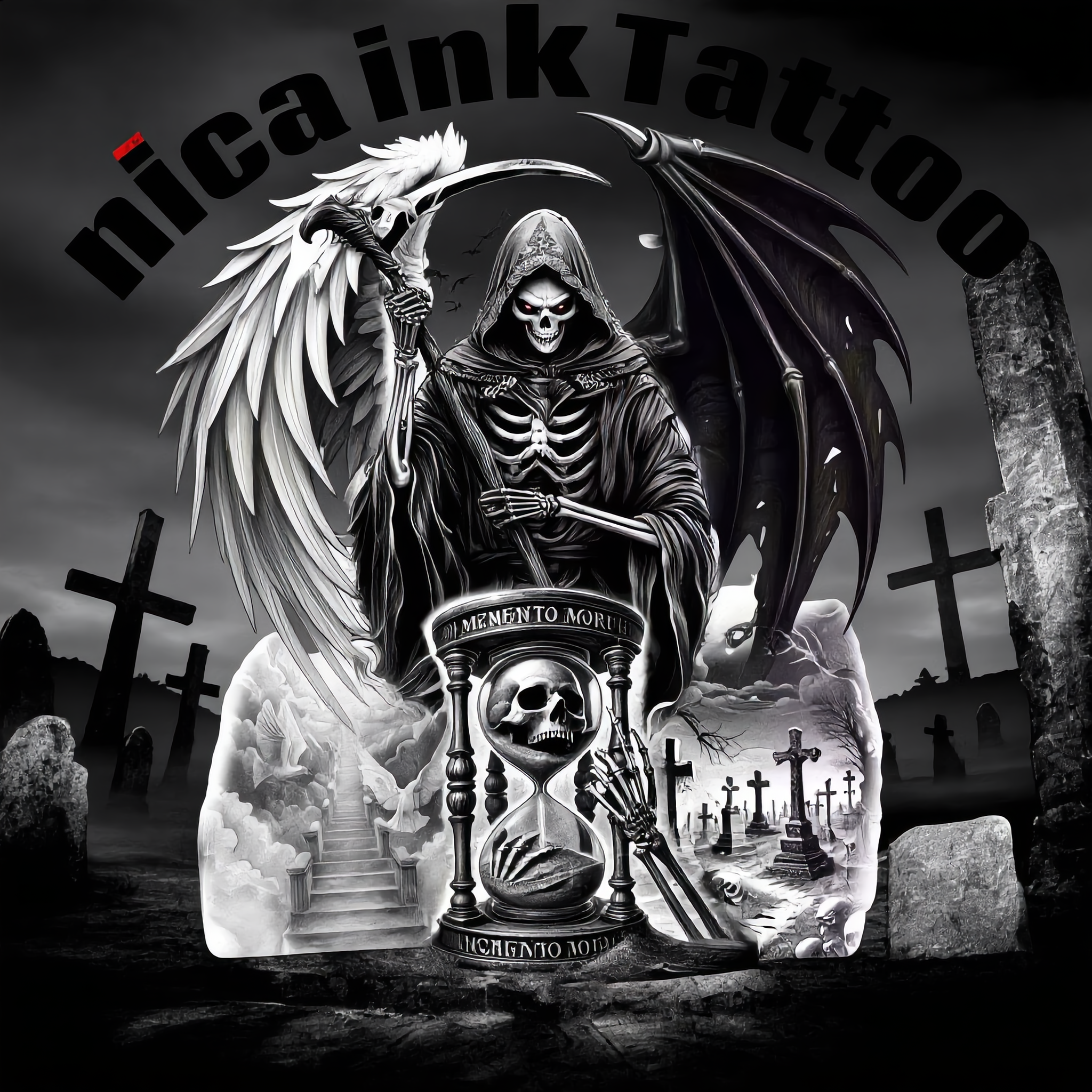
nica ink Tattoo  - tattoo creator online AI image
QqUqeBnl avatar
QqUqeBnl
Fineline tattoo - tattoo creator online AI video
YPiqaavB avatar
YPiqaavB
neck tattoo - tattoo creator online AI video
Logotypin avatar
Logotypin
Elite Creator

How to Extend an Image with AI

Step 1: Upload and Describe

Step 1: Upload and Describe

Upload the image you want to expand, such as a portrait, product photo, landscape, or social media visual. Use a text prompt to specify which side to extend and what should appear in the new area, such as more sky, scenery, or background details, while keeping the main subject unchanged.

Step 2: Choose the Output Settings and Generate

Step 2: Choose the Output Settings and Generate

Choose the image ratio, number of outputs, and resolution, then generate your extended image. Creating multiple versions makes it easier to compare the results and choose your favorite.

Step 3: Expand Your Image with Image Expansion

Step 3: Expand Your Image with Image Expansion

Open the Image Expansion workflow when you want a dedicated way to extend an existing image. Upload your source image, describe what should appear beyond the original frame, choose from the available output settings, and generate the expanded result.

Choose the Right Voice Workflow

Add New Audio to an Existing Video

Add New Audio to an Existing Video

Use the dedicated Lip Sync tool when your character video is already created. Upload a voiceover or song, or generate speech from text, then match the new audio to the character’s mouth movements.

Generate Dialogue with the Scene

Generate Dialogue with the Scene

Starting from scratch? Kling VIDEO 3.0 and VIDEO 3.0 Omni create dialogue, lip movement, visuals, sound effects, and ambience together. Native Audio supports Chinese, English, Japanese, Korean, and Spanish.

Keep Character and Voice Consistent

Keep Character and Voice Consistent

Create a reusable Character Element from images or a video, bind a voice tone, and carry the same appearance and voice into new scenes with VIDEO 3.0 Omni.

Apps

Image to Video
Image to Video

Image to Video

Text to Video
Text to Video

Text to Video

Omni
Omni

Omni

Digital Human
Digital Human

Digital Human

Restyle
Restyle

Restyle

Text to Image
Text to Image

Text to Image

60M+
60M+
Users
600M+
600M+
AI Videos Generated
4.7 ★
4.7 ★
App Store
Industry-Leading
Industry-Leading
Cinematic 4K

Reviews

Maria Rubtsova

Maria Rubtsova

★★★★★

I’m Maria Rubtsova, an AIGC digital artist passionate about creating stunning visuals in the worlds of fashion, aesthetics, and fantasy. I use KlingAi to bring imagination to life through video. My work is all about exploring beauty, emotion, and the limitless possibilities of digital art.

Jyo John Mulloor

Jyo John Mulloor

★★★★★

Kling AI has been instrumental in transforming my creative workflow, unlocking new dimensions of artistic expression that were once unimaginable. I use Kling AI extensively to develop high-concept visuals, animate surreal dreamscapes, and create AI-assisted films that blur the line between reality and fantasy. Kling AI’s deep learning capabilities have not only enhanced my creative efficiency but also inspired me to explore storytelling in ways I never thought possible.

PJ Ace

PJ Ace

★★★★★

Kling AI has made it easy for us to generate world class visuals for Fortune 500 companies, TV shows and music for big artists. We love the easy of use of the platform and the quality of the generations. My first time using Kling AI, I got 22 million views on just one video. It's that good.

FAQ

Q1Can Kling AI keep characters consistent across multiple images?
Q2Can I create images from reference photos?
Q3How do I write a good AI image prompt?

Change the Shot Without Reshooting It

Upload your footage, describe the result, and let Kling rebuild the scene around your direction.

Free tier available | Simple prompt editing | Up to 4K output | Fast generation