


thoi trang
4
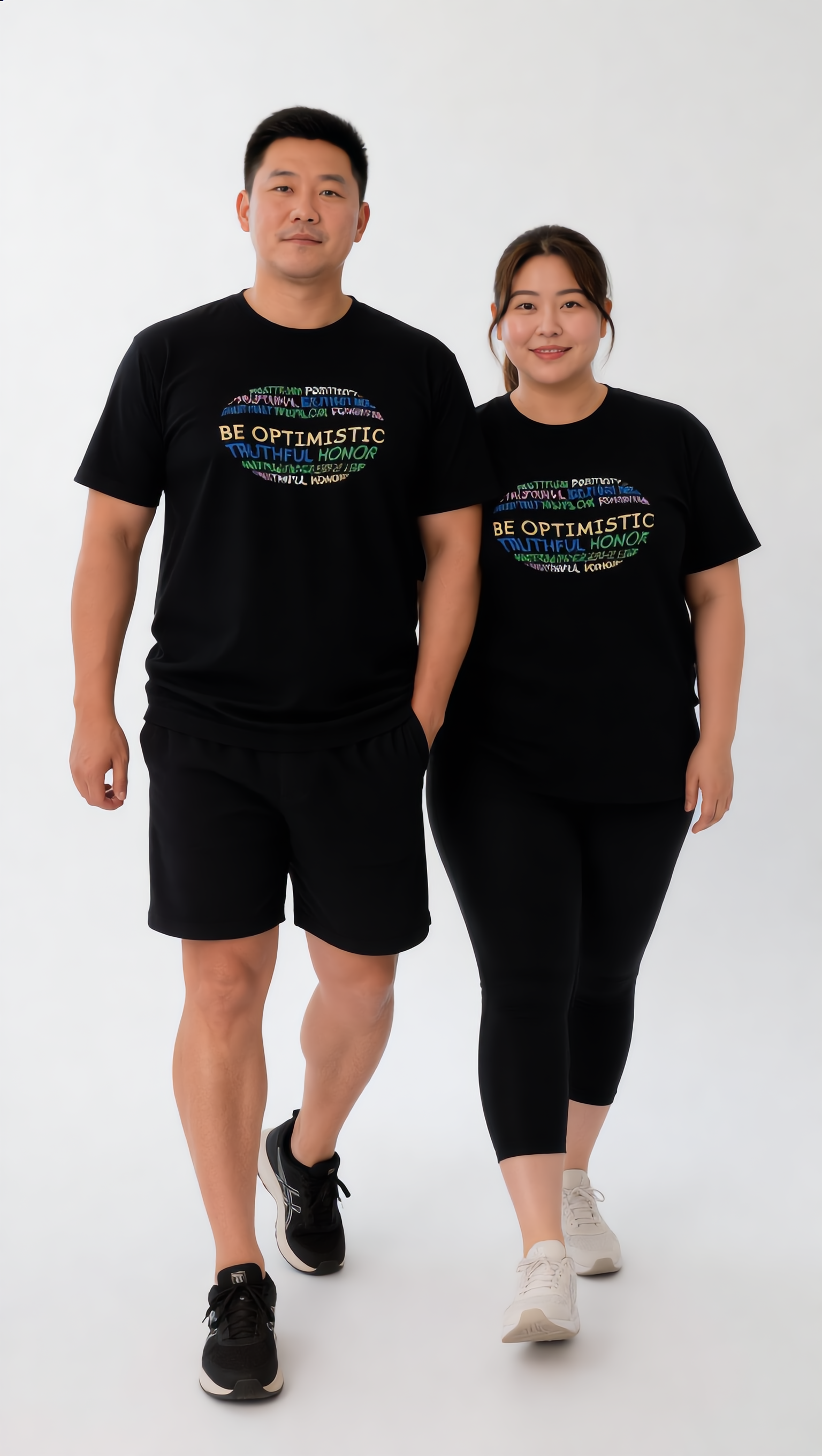
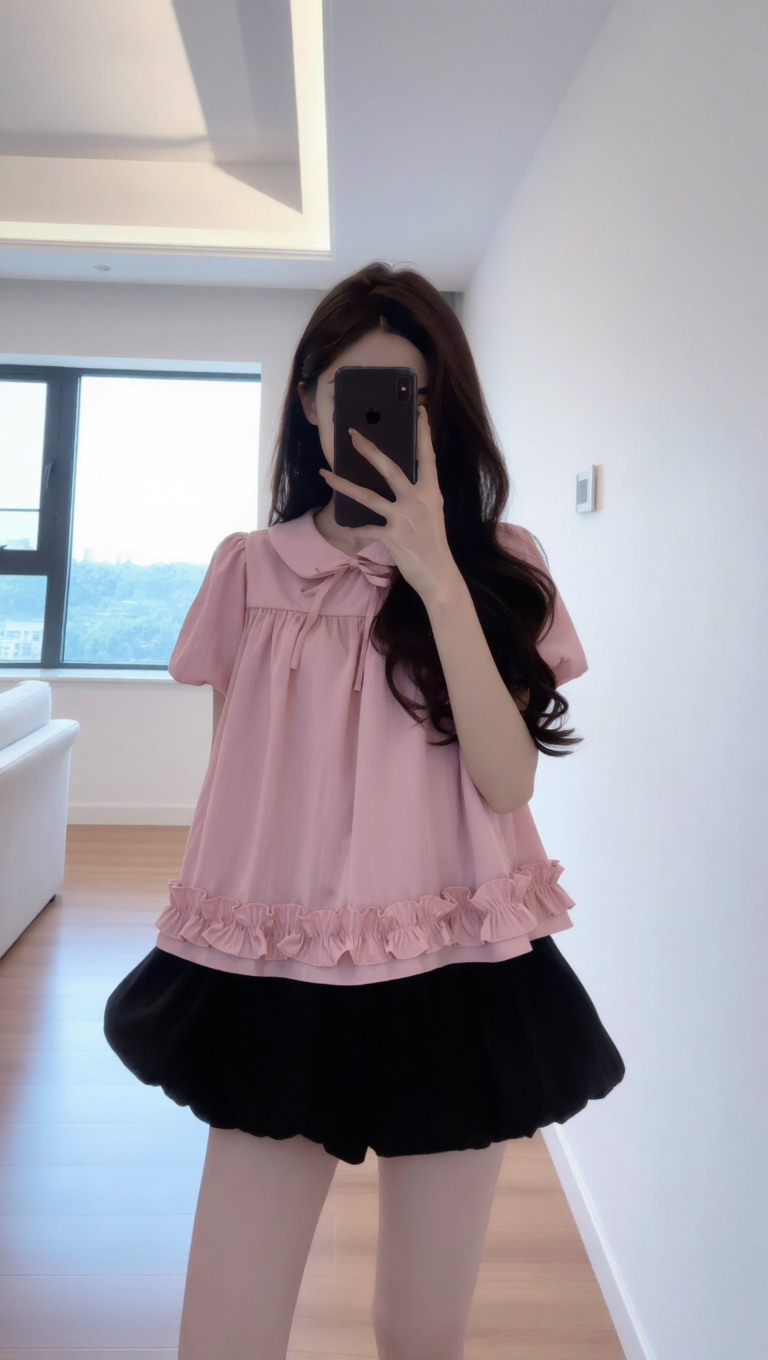
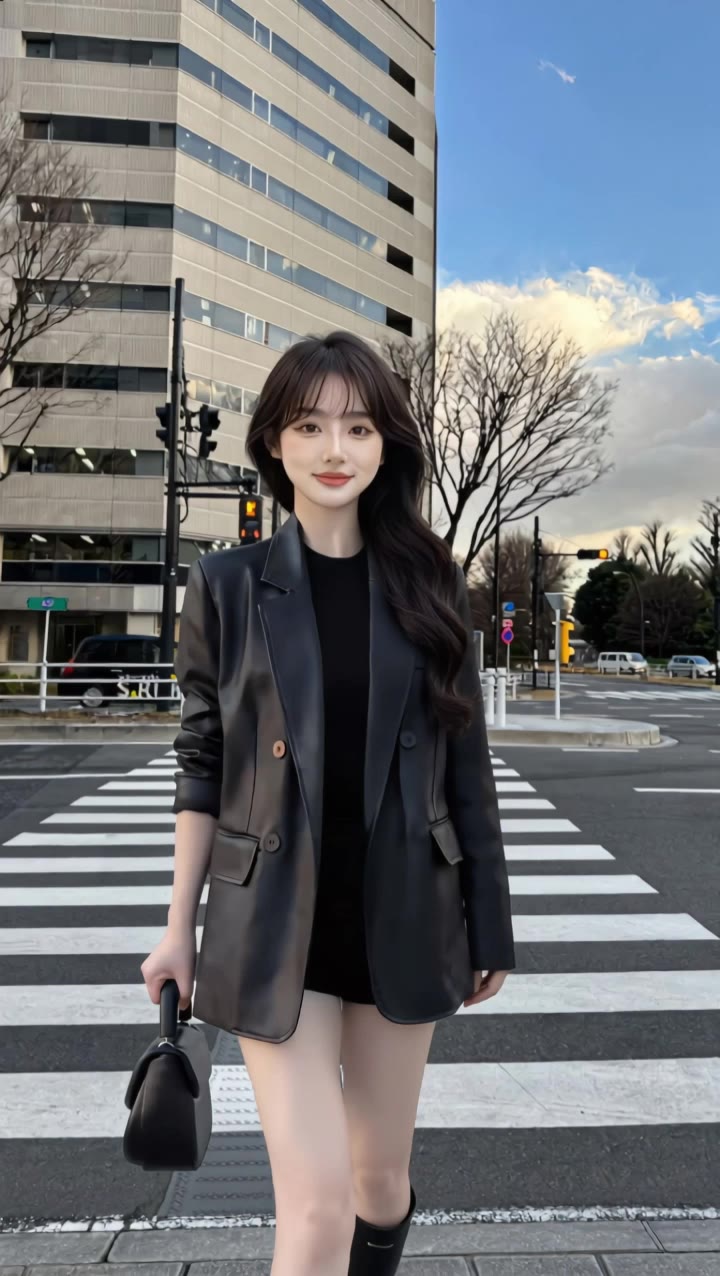
Explore thời trang wallpaper ideas with AI. Find designs that can be personalized to your liking. Benefit from AI-made visuals that are simple to adapt and use.
















-8x.png?x-kcdn-pid=112372&x-oss-process=image%2Fresize%2Cw_100%2Ch_100%2Cm_mfit)





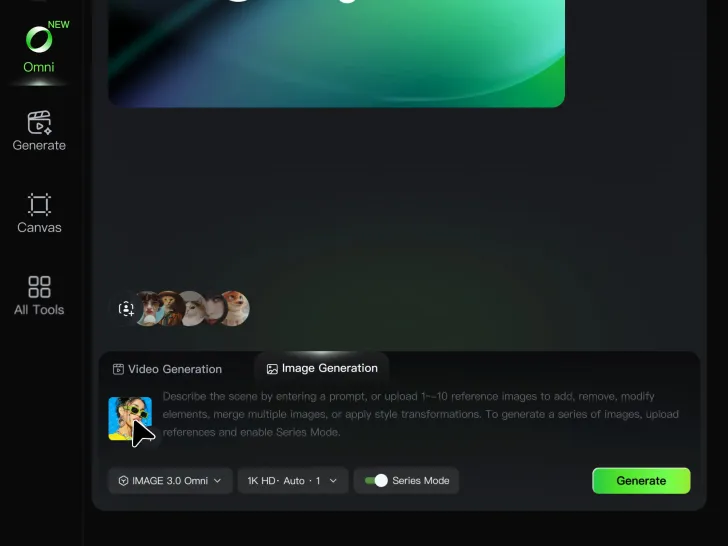
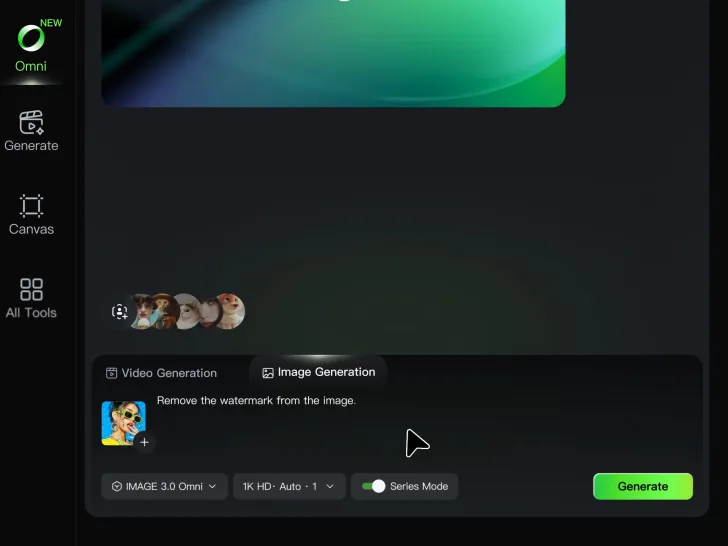
Cinematic AI Video Generator with Native Audio Create multi-shot cinematic sequences with native audio and precise character-level lip-sync in one seamless automated content creation output. This next-generation AI video production model ensures perfect audio-visual alignment for professional storytelling.
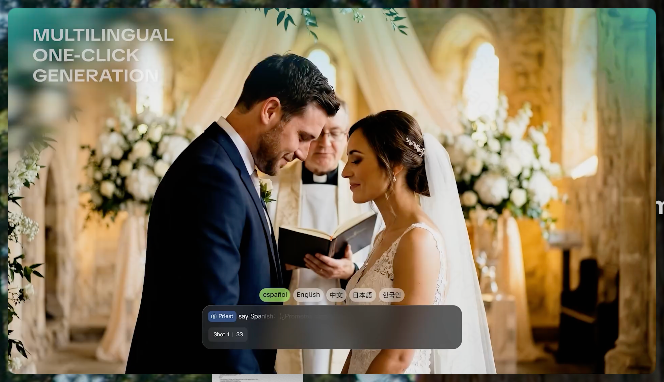
Stable Character Consistency for Professional Filmmaking Maintain perfect character consistency and object stability across frames, ensuring a reliable visual identity even with complex camera movements. Our AI video model locks subjects to prevent flickering, delivering high-fidelity results for advanced video generation.
High-Fidelity 15s Sequences and Native Text Rendering Produce up to 15 seconds of uninterrupted video featuring clear, readable native text rendering—perfect for professional ads, product demos, and commercial content. This feature optimizes commercial video production by preserving brand elements directly within the AI-generated video.

















I’ve been using Kling AI since its initial release, and it’s remained one of the leading AI media generators ever since. With Kling AI, I’ve created hundreds of videos, collectively amassing millions of views.

I use Kling AI daily to push the limits of AI filmmaking. It allows me to create highly cinematic content, blending AI and VFX to develop innovative projects. It has significantly impacted my creative process, enabling me to achieve complex animations that would otherwise require high production budgets.

I have successfully collaborated with world-renowned artists and well-known companies that are recognized globally
Explore a different product color, refresh an outfit, rethink a room, or give an existing creative a new direction with Kling IMAGE 3.0. Describe the change, and generate a new version now.