

EOhFgwoW
3
Explore AI-generated TikTok video ideas. Create social media clips quickly with AI assistance.

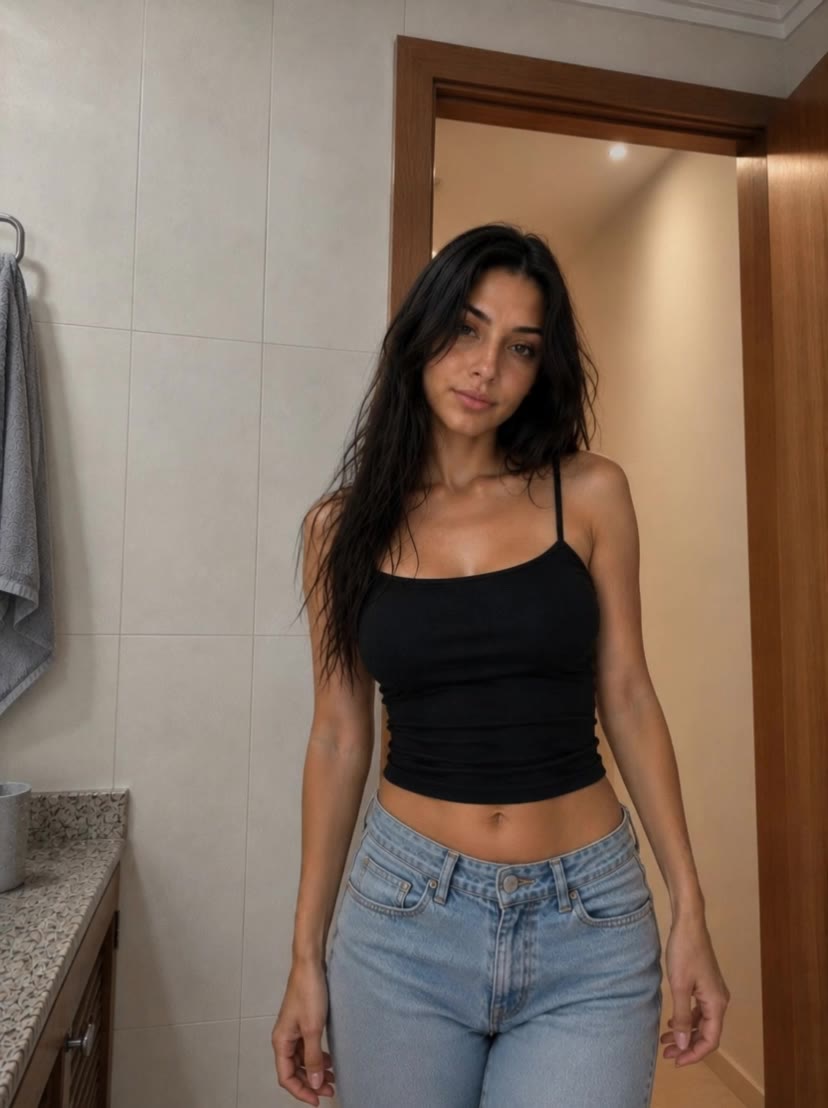
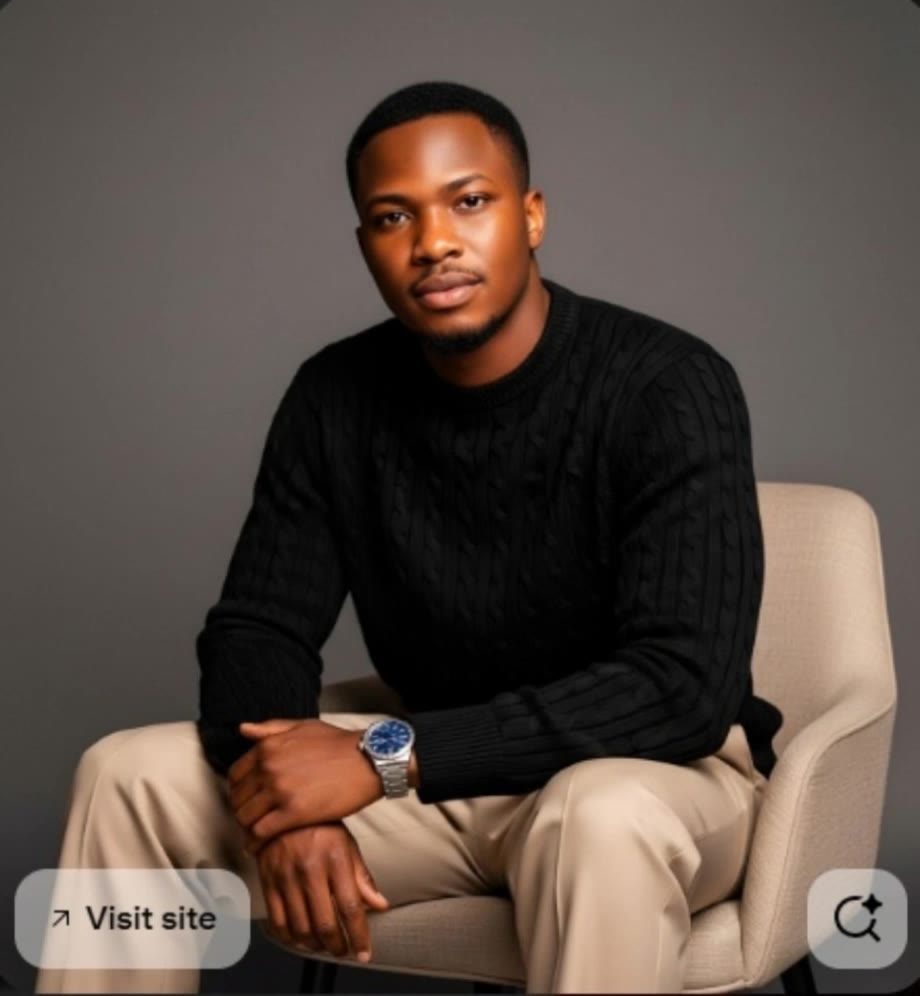
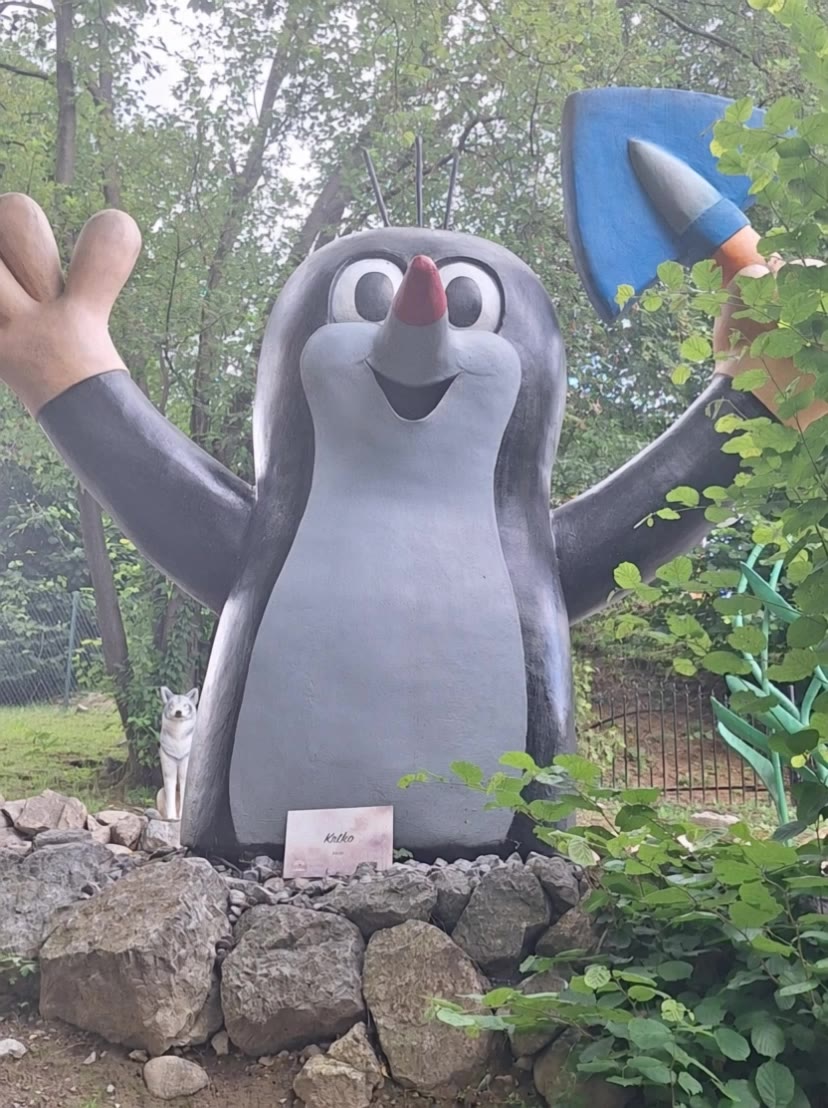
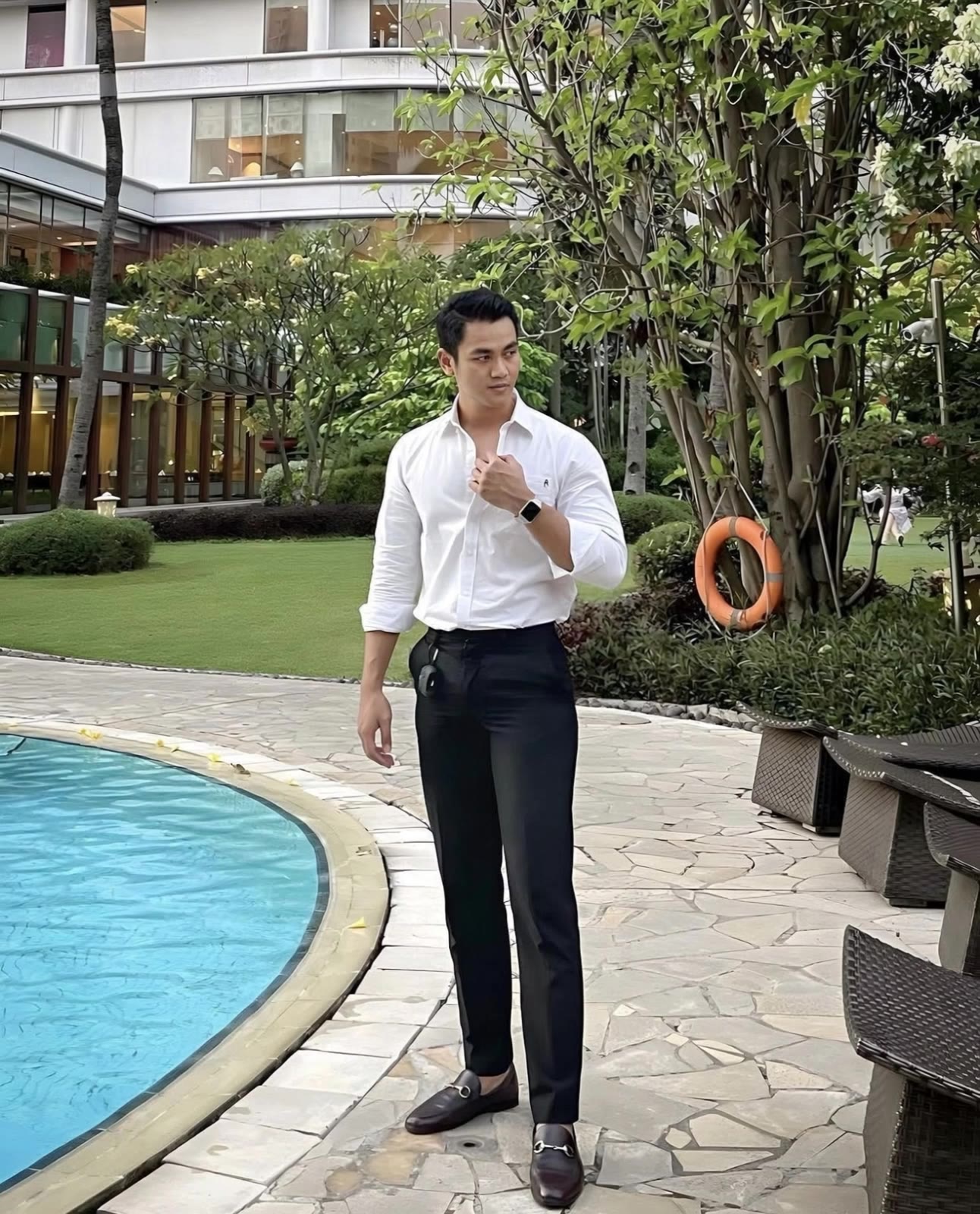
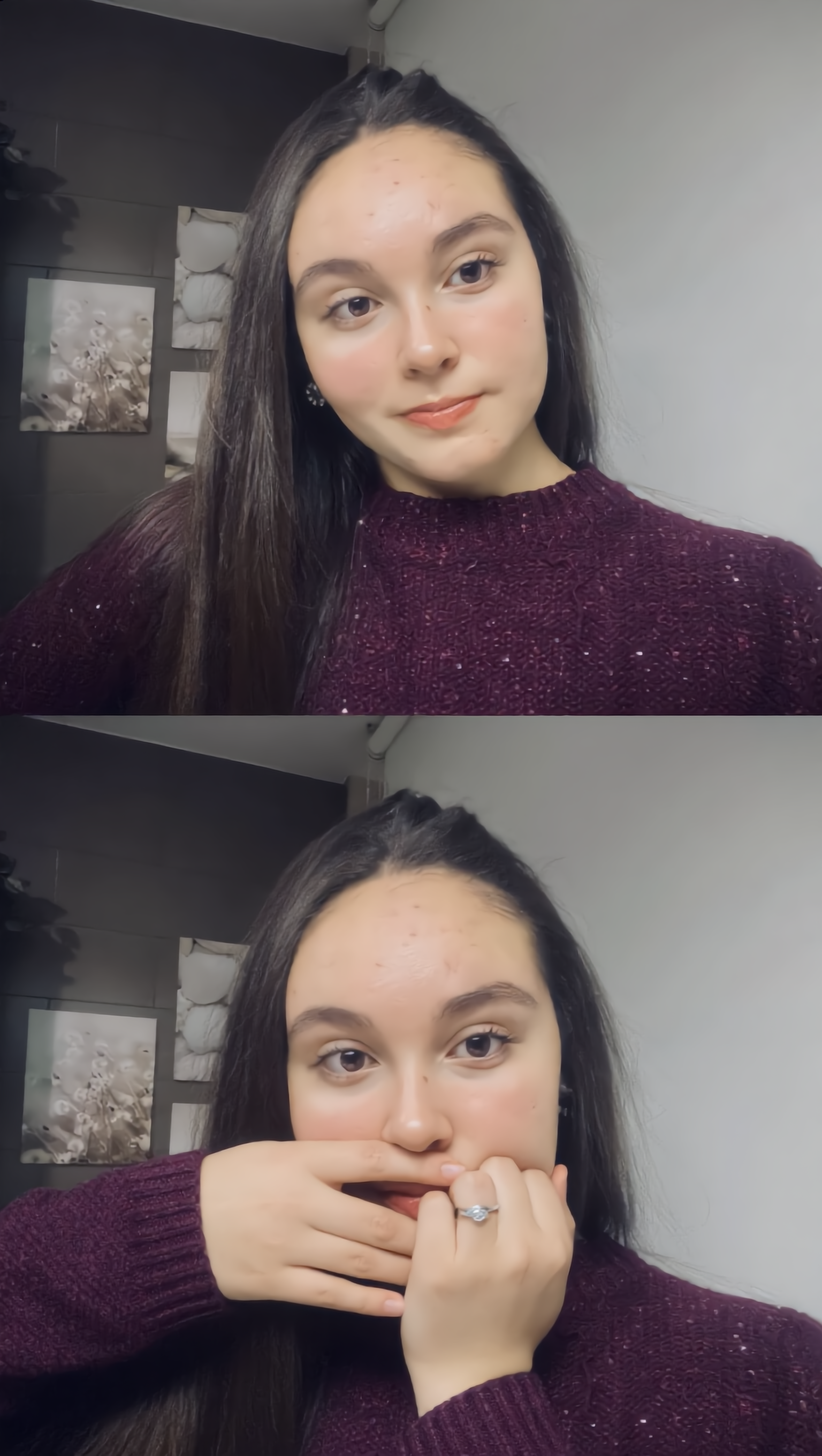
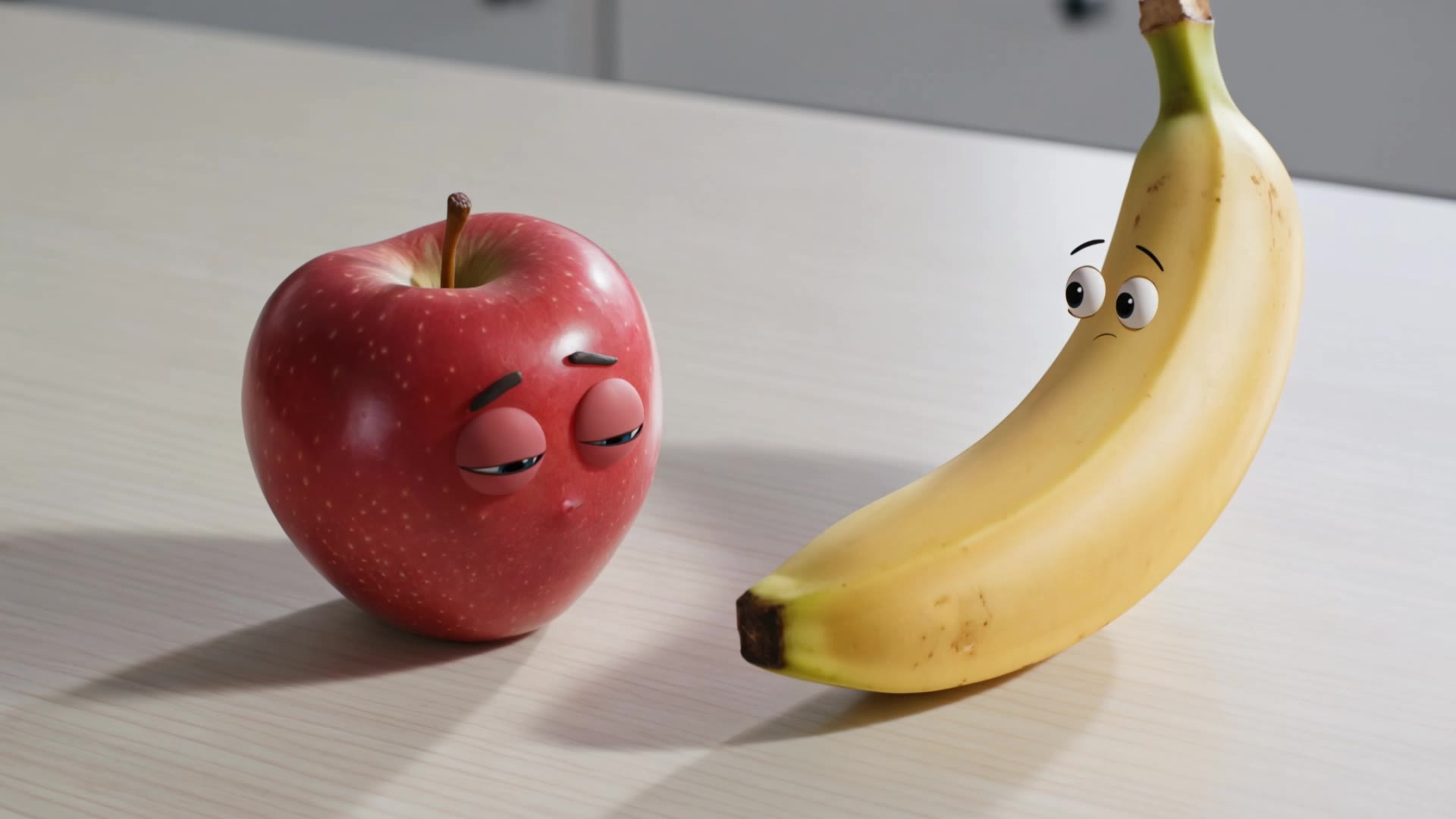
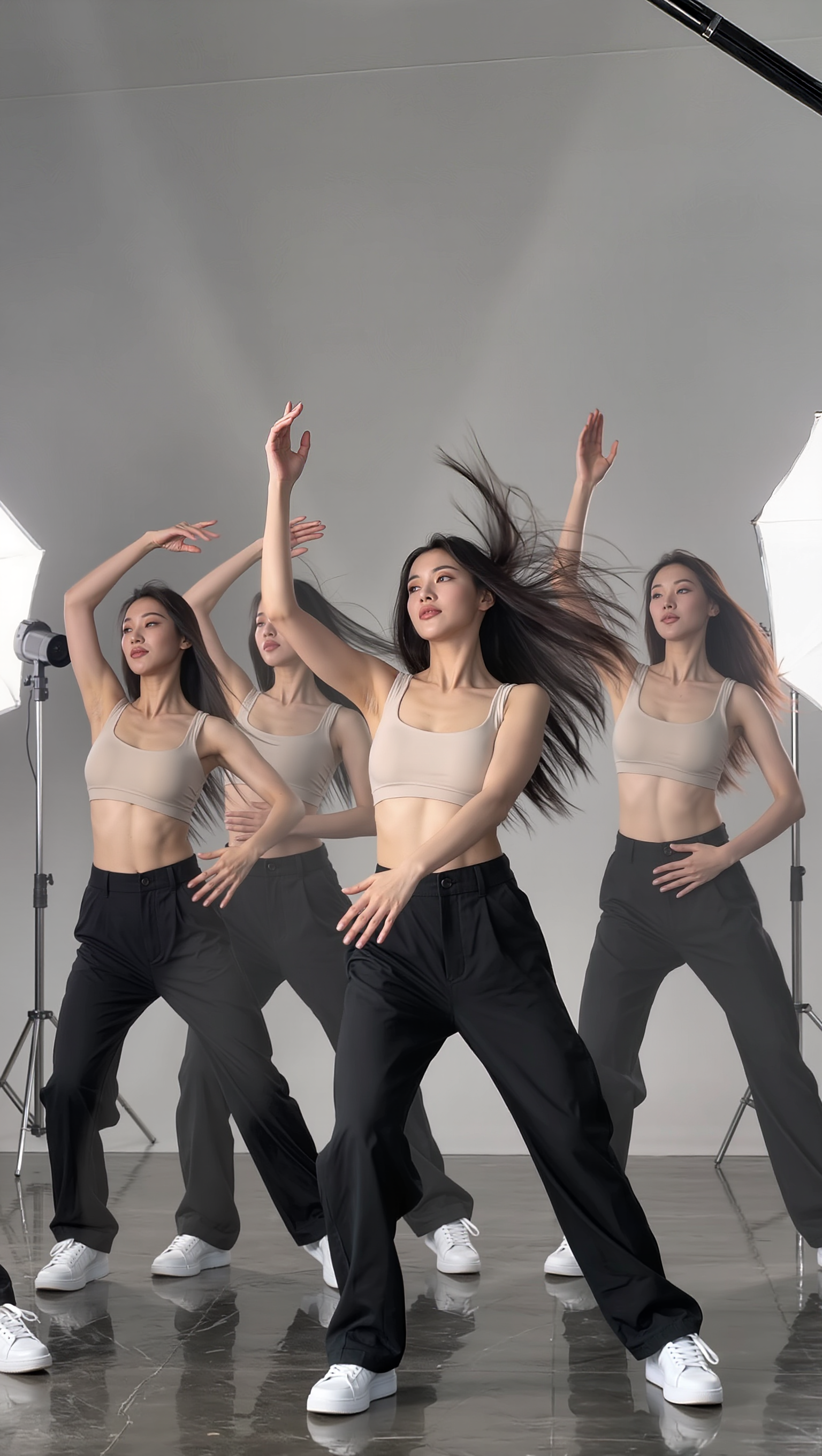
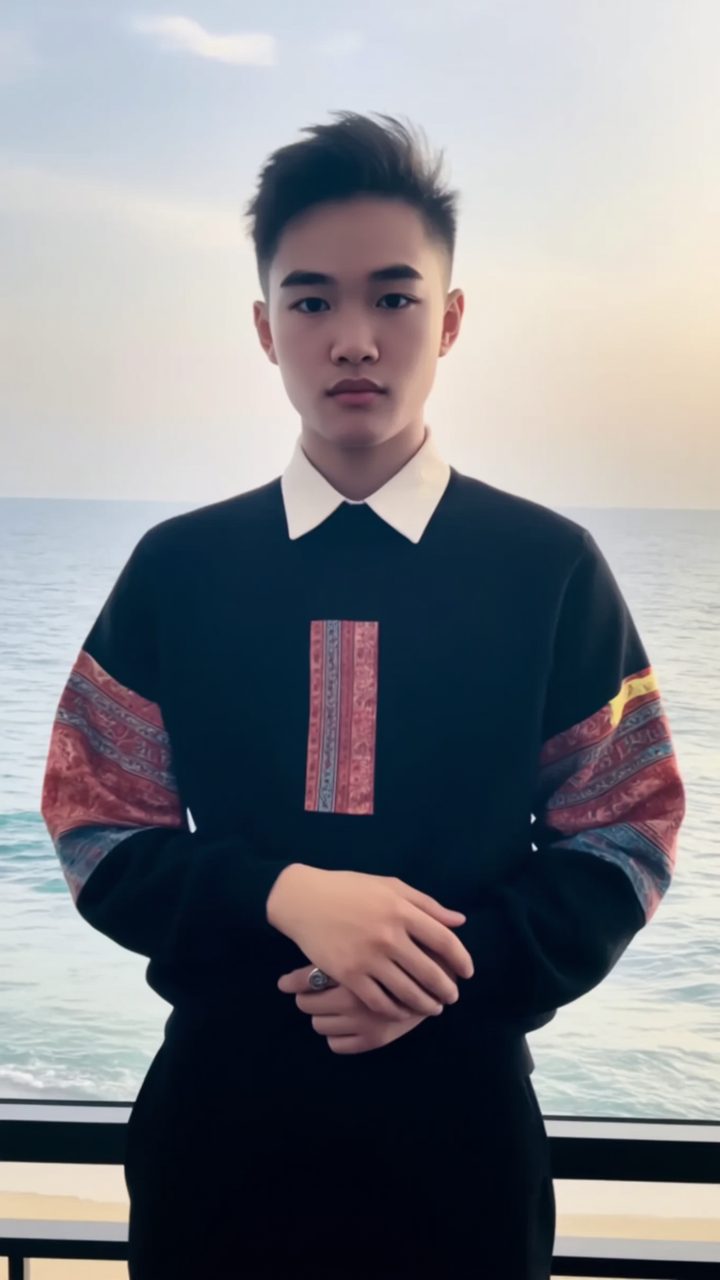
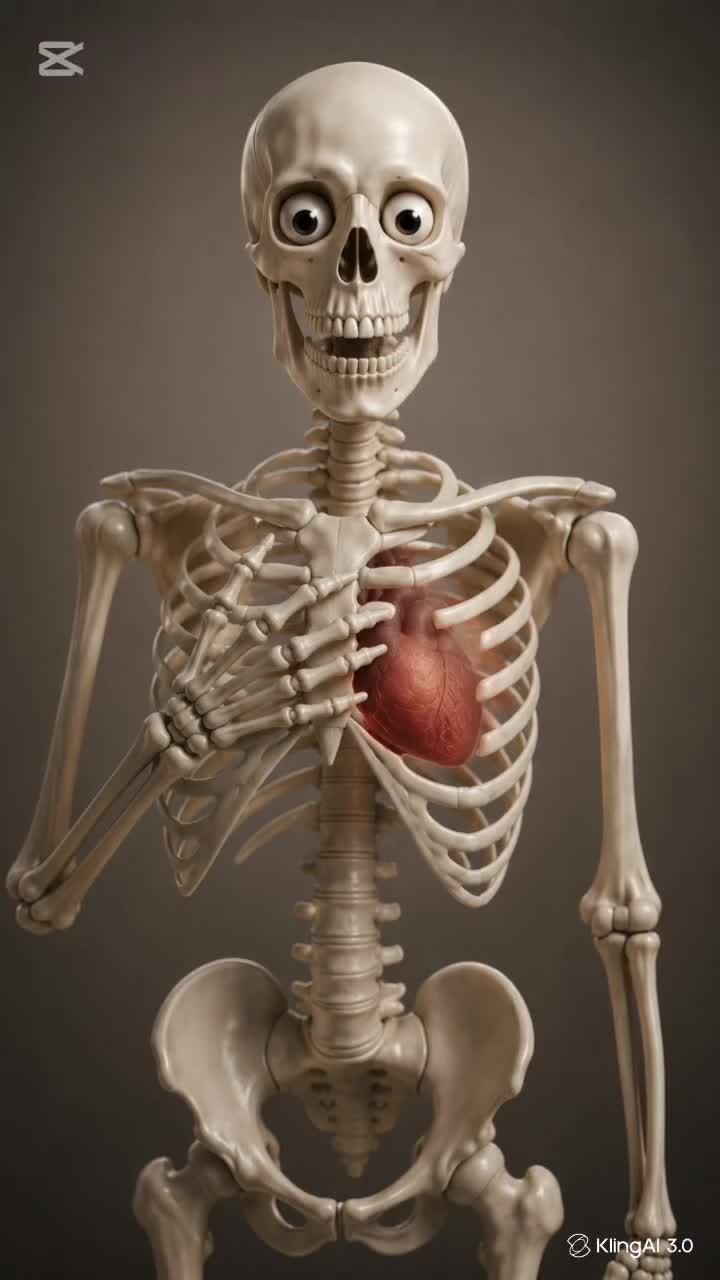
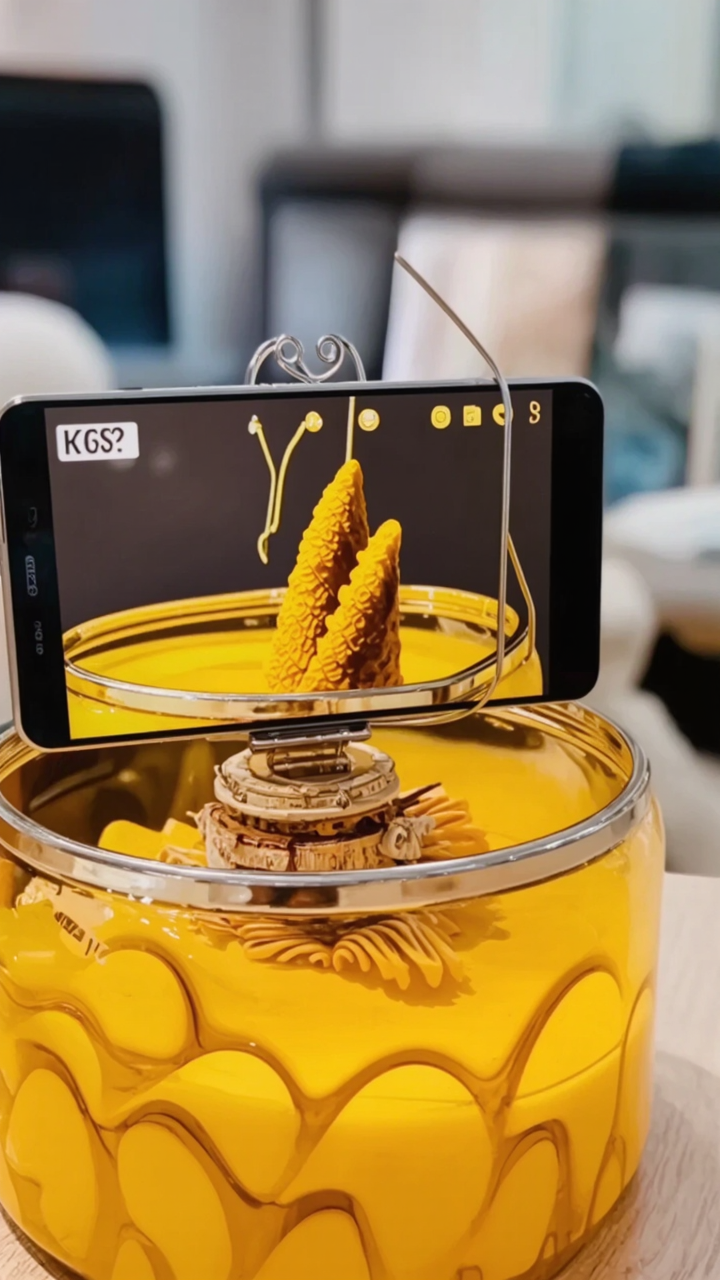

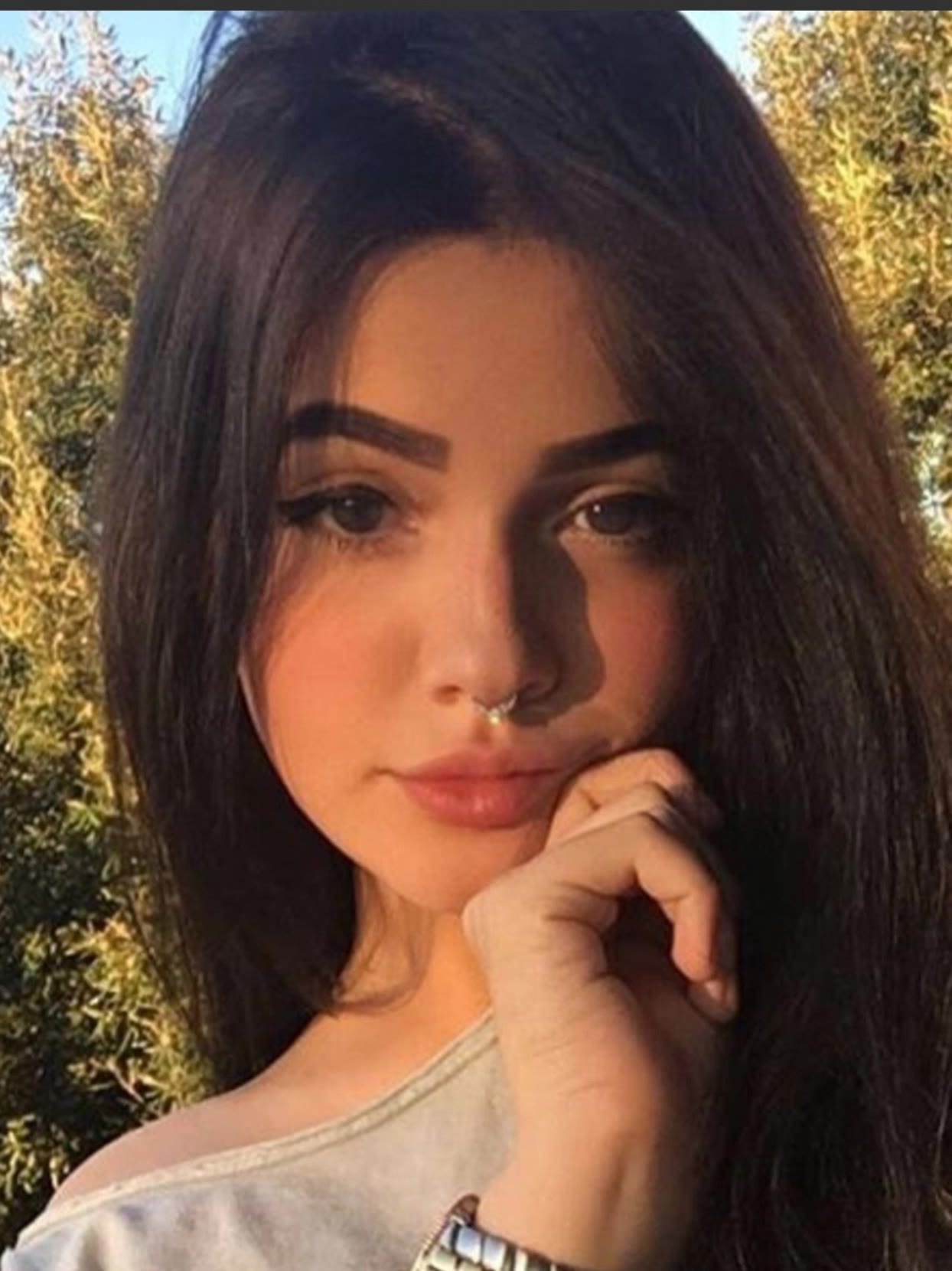
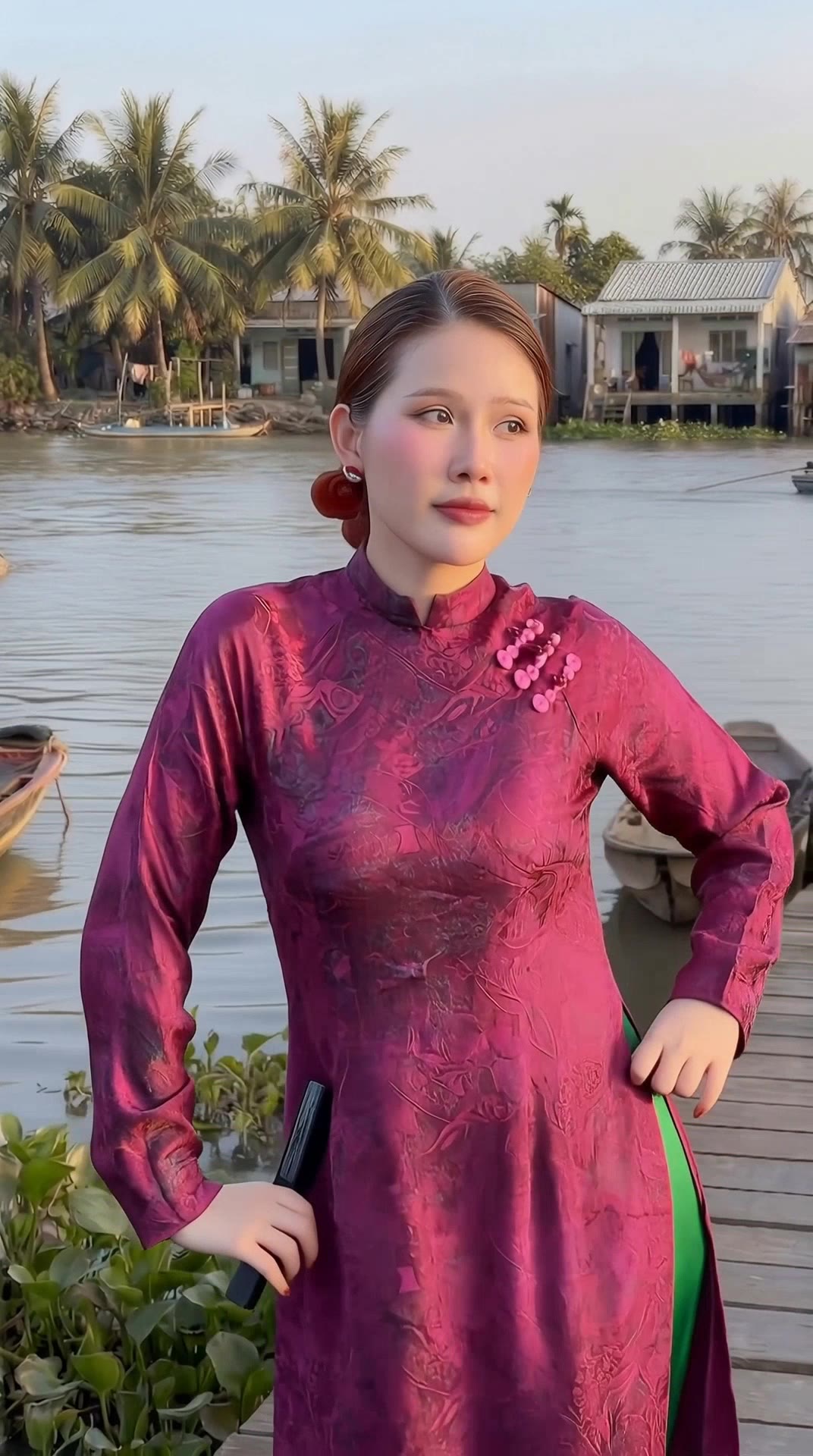
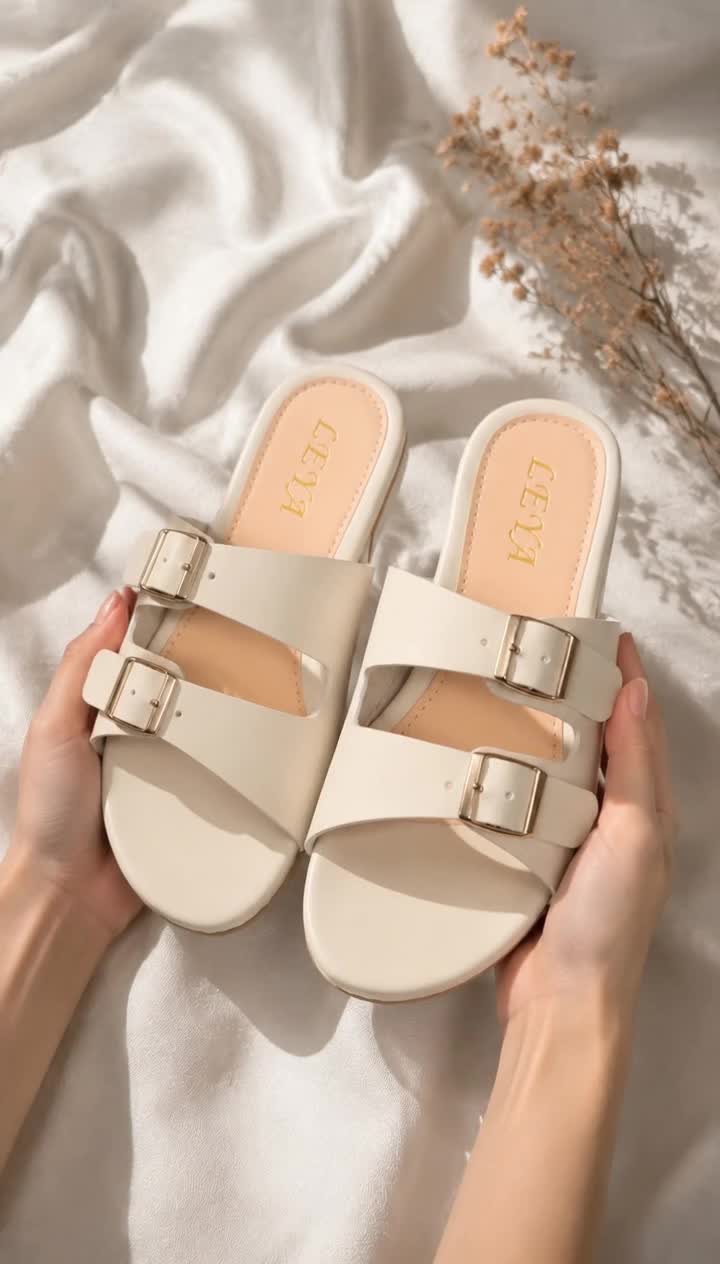
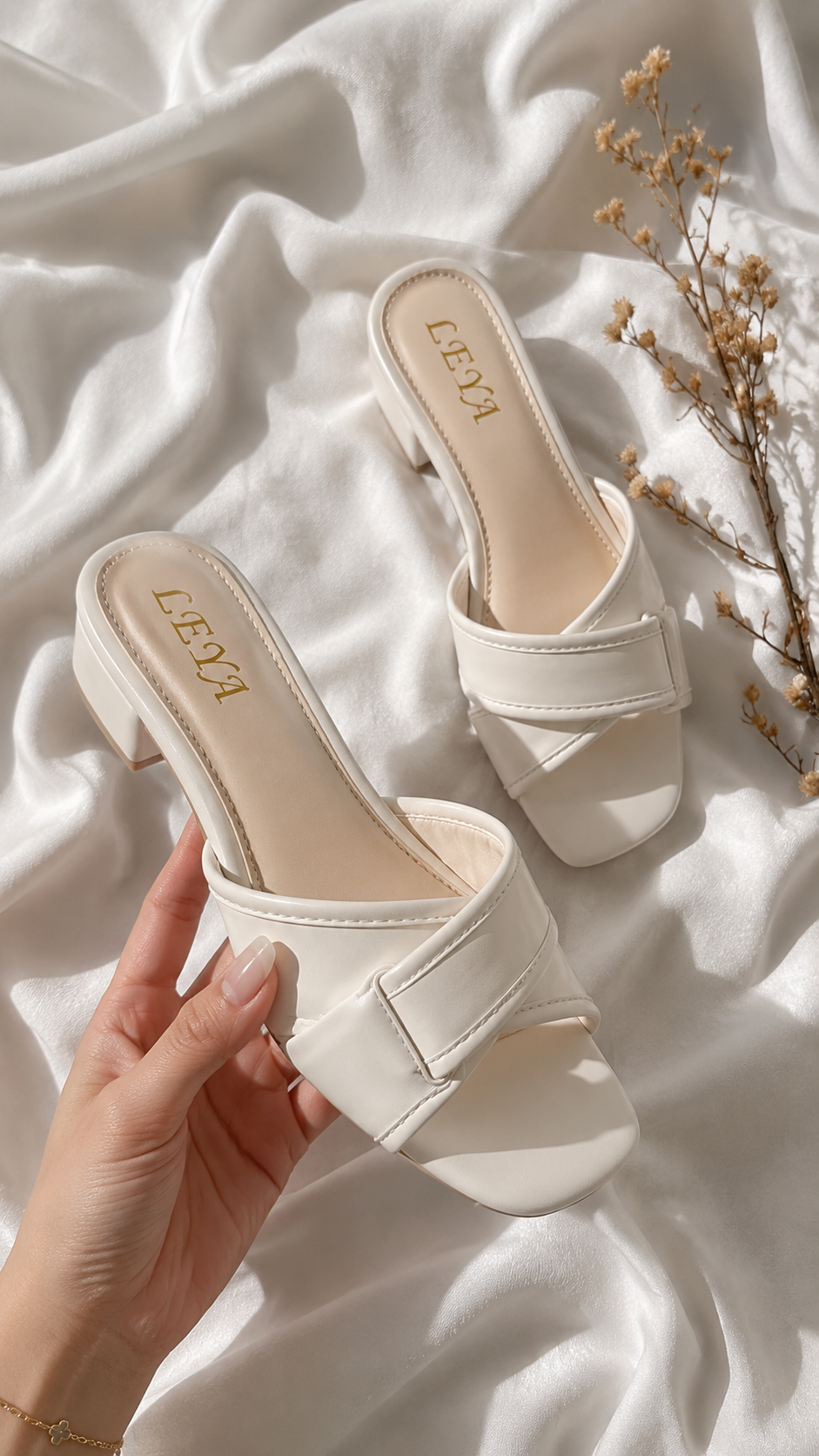
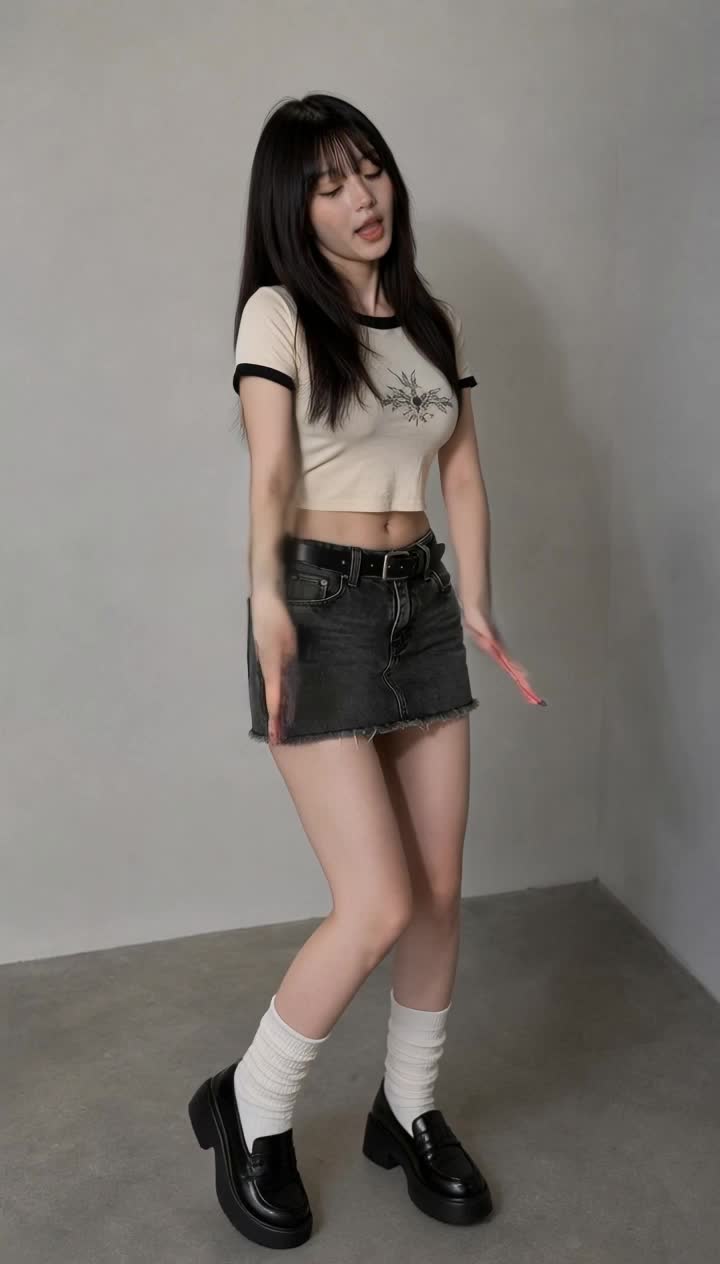
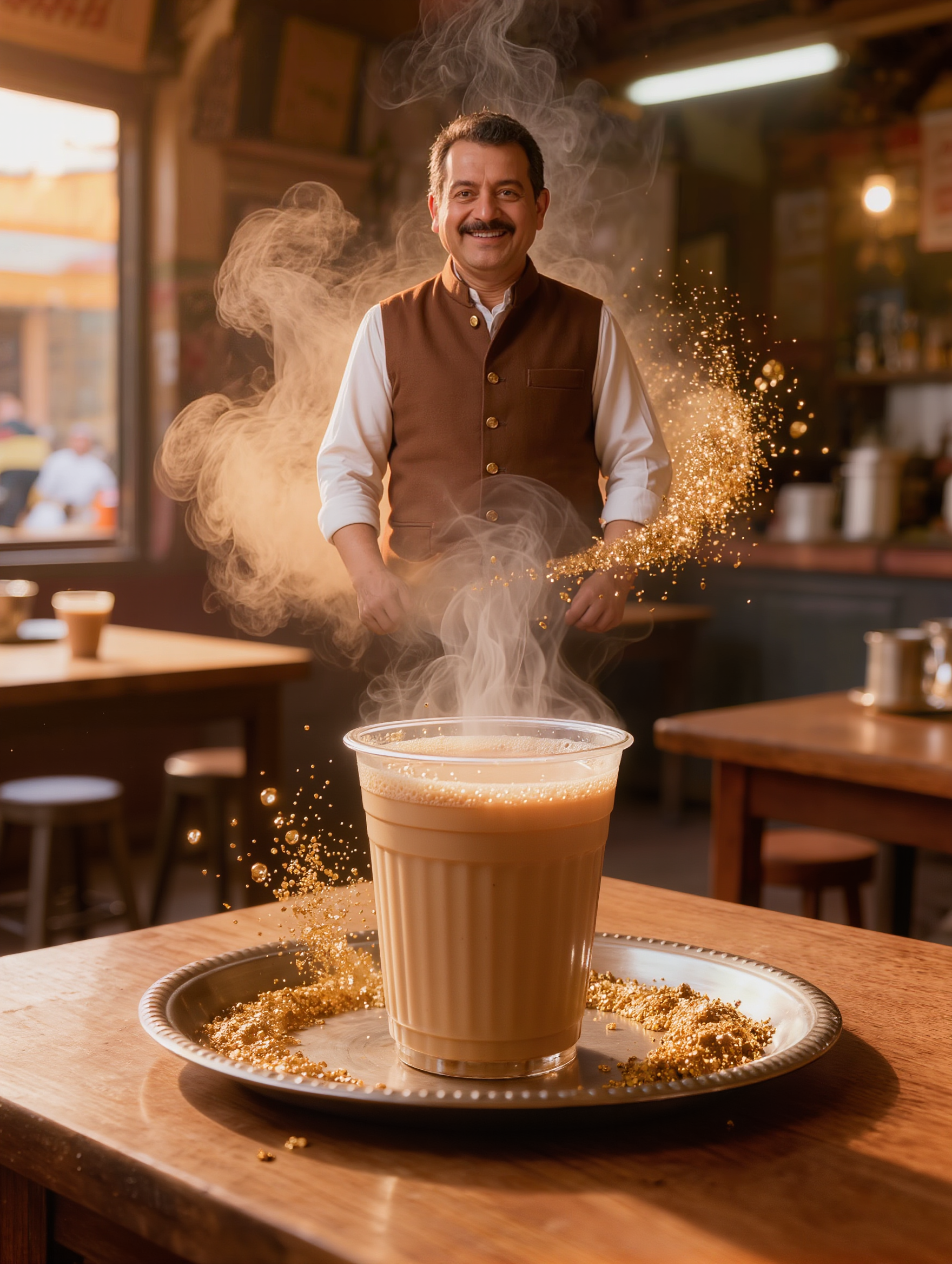
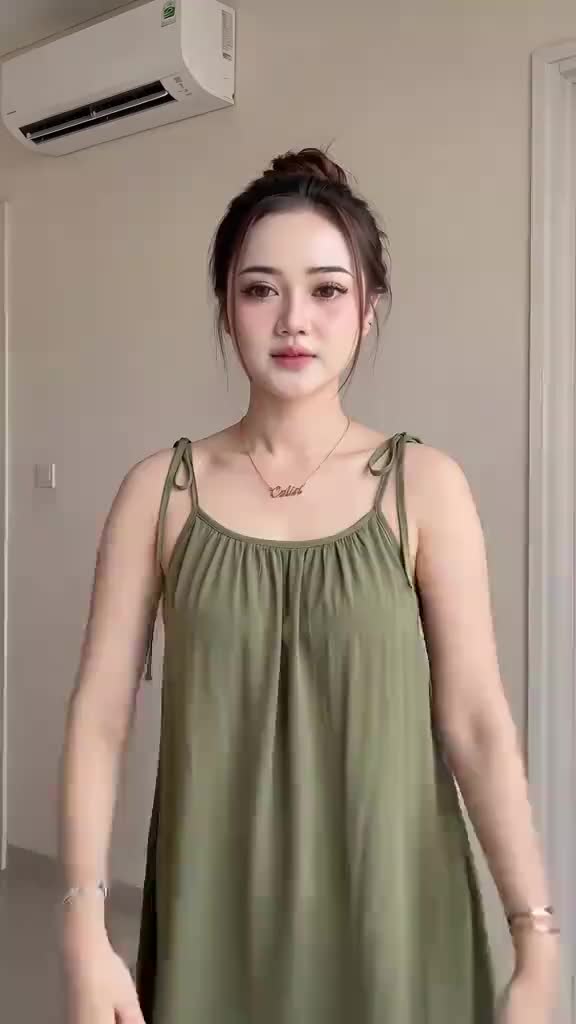
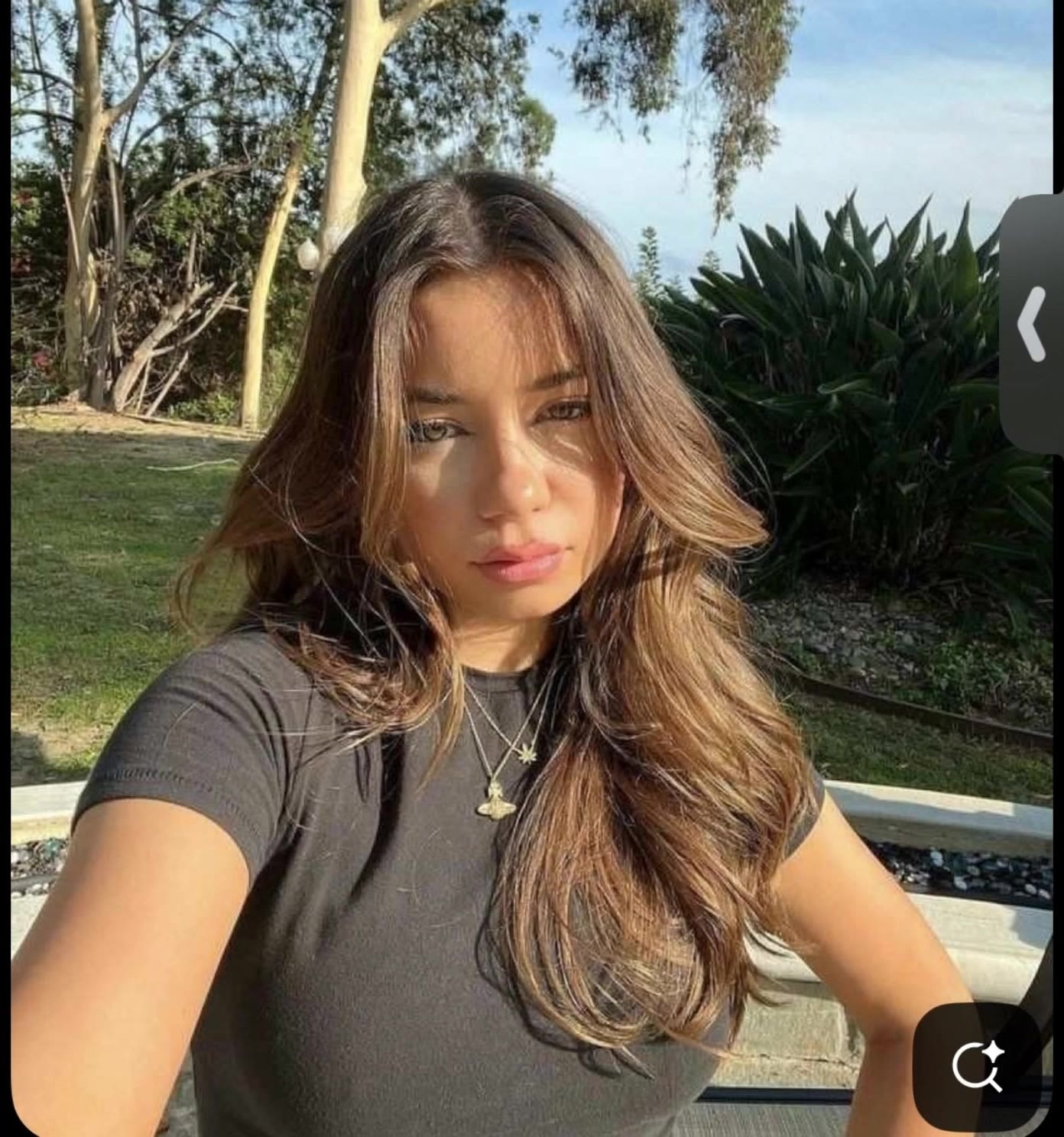



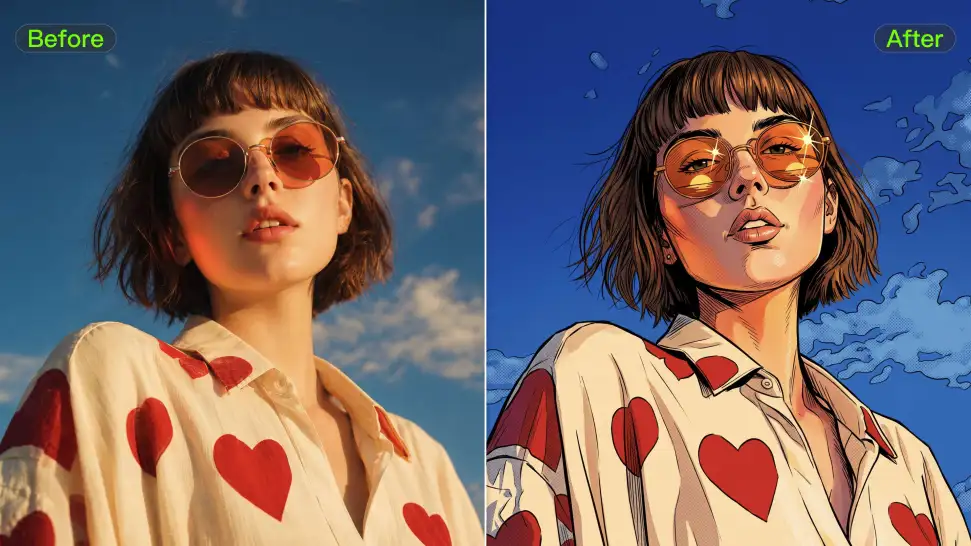
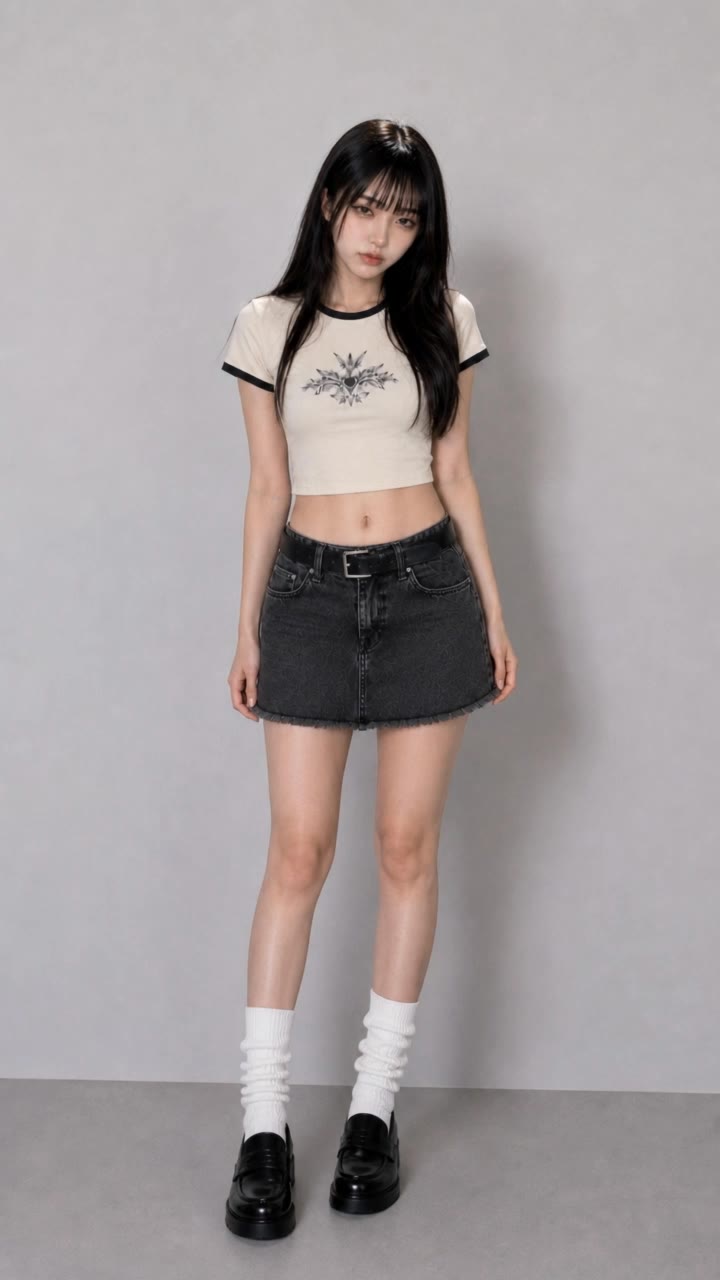
Ever wondered what you would look like as an anime character, a clean 3D-style portrait, a cartoon, or an illustrated character? Use your photo as the starting point and take it in a new visual direction, or use a style reference when there is already a look you love.
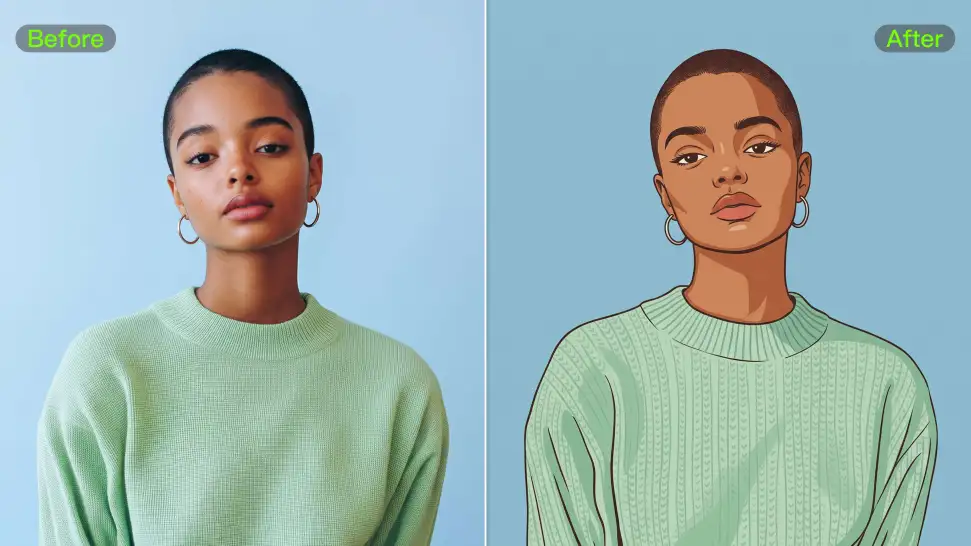
A strong avatar can look completely different without losing the features that make the person recognizable. Your reference photo gives Kling IMAGE 3.0 something familiar to work from, so details such as the face and hairstyle can stay closer to the source even when the clothing, setting, or art style changes.
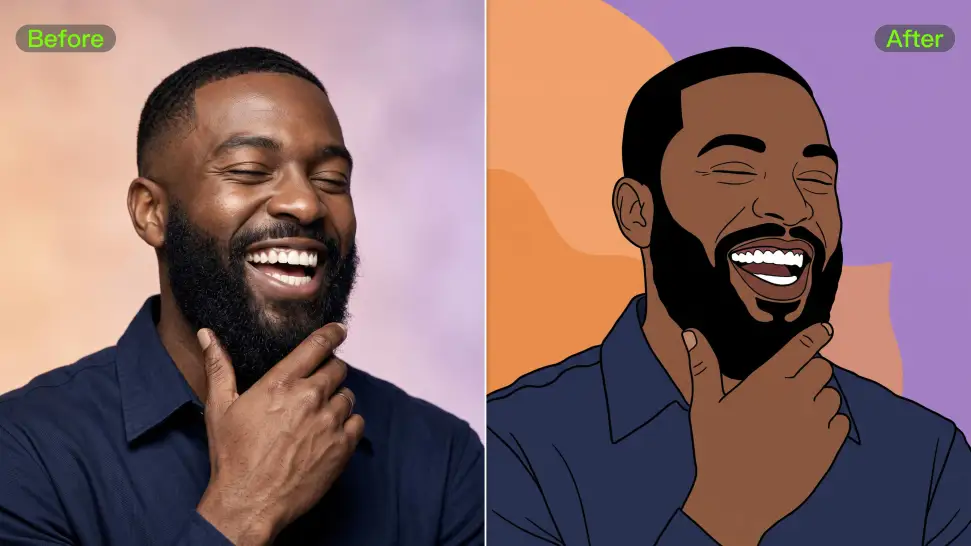
Upload a portrait to create an avatar that resembles you, or start with a text prompt to design an original character from scratch. Kling IMAGE 3.0 supports both approaches, giving you the freedom to create your own avatar even without a reference image.

















I use AI daily and Kling AI is a crucial part of my workflow, whether for client work or personal projects. What I love most about using Kling AI is that it provides all the tools I need in one place, from keyframes to character references, elements and special effects.

I’ve been using Kling AI since its initial release, and it’s remained one of the leading AI media generators ever since. With Kling AI, I’ve created hundreds of videos, collectively amassing millions of views.

Kling AI has transformed my workflow by collapsing timelines and democratizing production. It’s shifted my mindset from resource-dependent filmmaking to a boundless creative sandbox, where experimentation yields unexpected beauty.
Turn tightly framed images into fuller scenes with Kling IMAGE 3.0. Extend the scene, guide what appears beyond the edges, and keep key subjects and visual style consistent.