Creative Studio
API
Resources
Features
About Us
Download

tool music video - rhythmic dance & 1980's style visuals

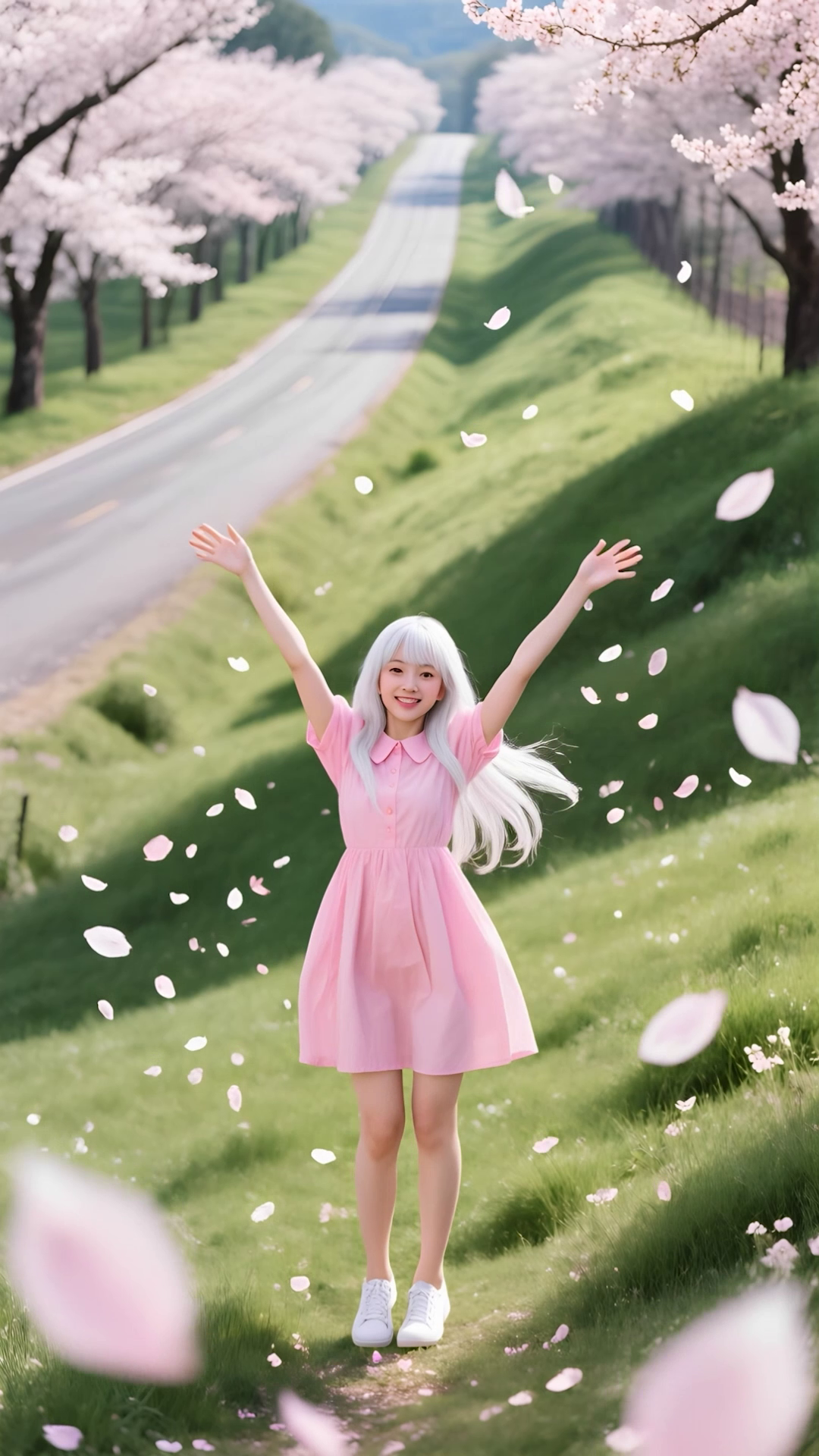
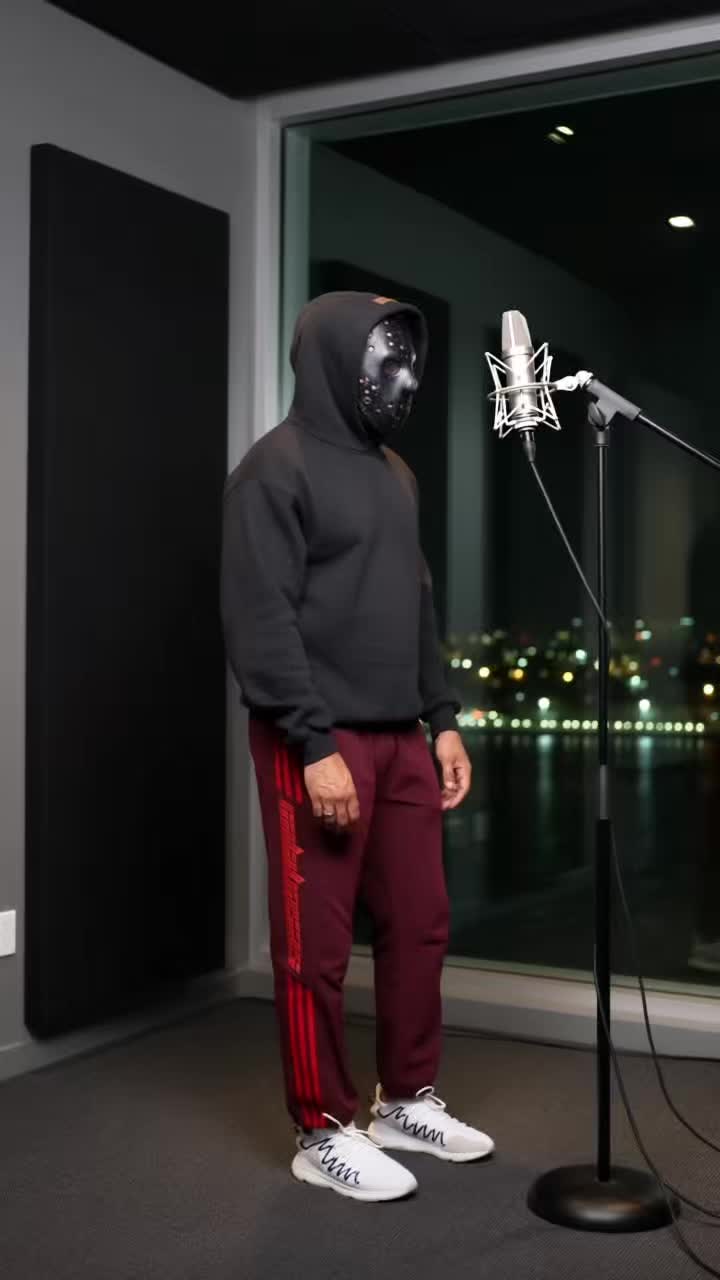
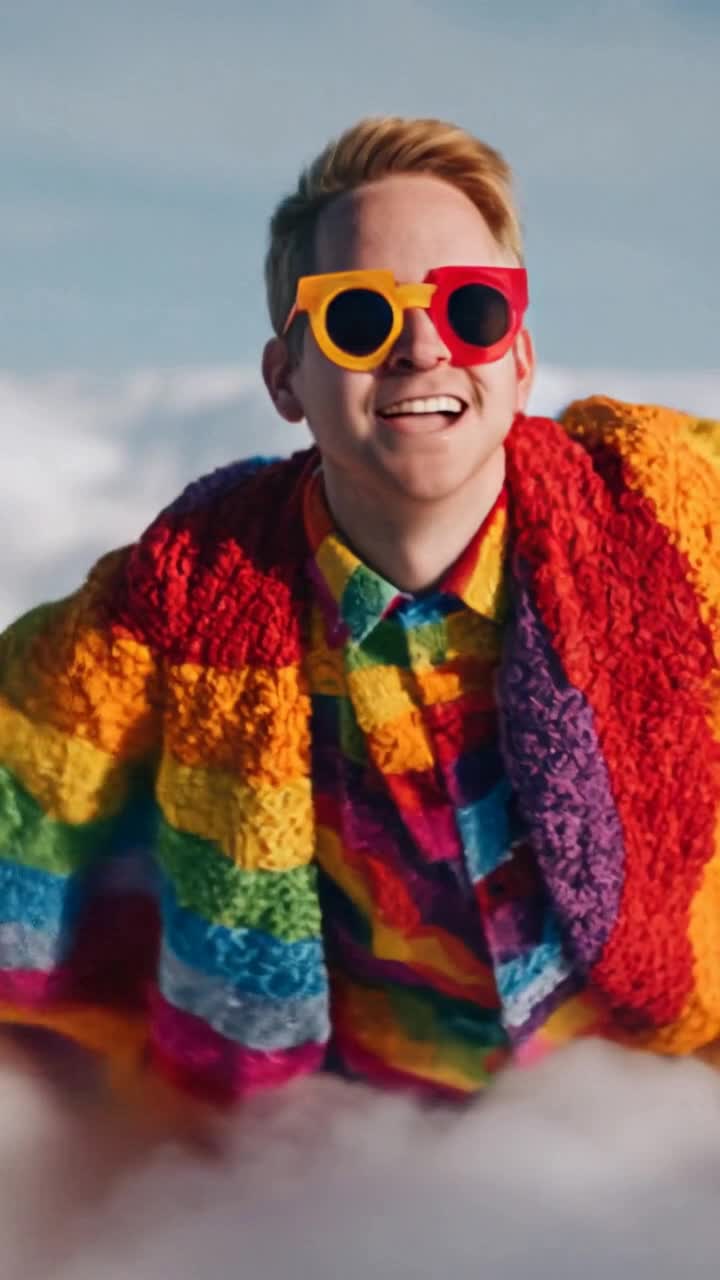
Immerse in the rhythmic dance of characters like a cat-headed figure and a leather-jacketed lion, alongside nostalgic 1980's style visuals and Eurobeat animations. Start exploring tool music video ideas and generate your own content with AI.


tool music video - rhythmic dance & 1980's style visuals

Recommended

Use Kling to make a music video - tool music video AI video
01:56
iduMrOfn avatar
iduMrOfn
Cinematic Music Video - tool music video AI video
01:28
Ray Man avatar
Ray Man
Kling AI work 311028749524319 - tool music video AI video
rHMKzCPK avatar
rHMKzCPK
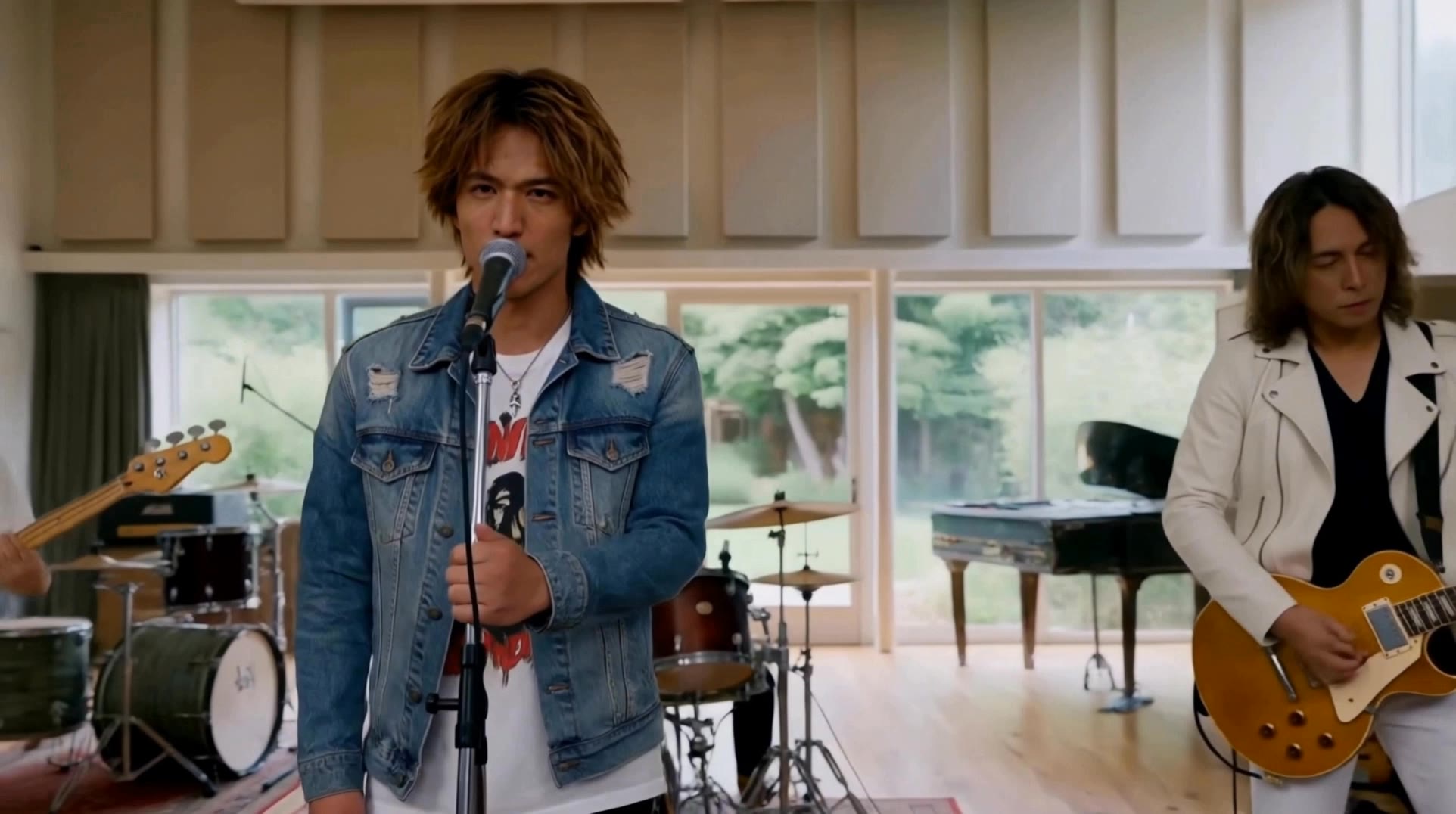
A scene from the music video - tool music video AI video
kaei_wat avatar
kaei_wat
Kling AI work 313202653664350 - tool music video AI image
ODESHIEBA NANA KWAKU avatar
ODESHIEBA NANA KWAKU
An AI-generated music video - tool music video AI video
03:13
PixelBenj avatar
PixelBenj
Kling AI work 313669833614823 - tool music video AI video
kemal Ziyad avatar
kemal Ziyad
ANIMATION MUSIC VIDEO - tool music video AI video
00:32
bzmDlDas avatar
bzmDlDas
Music Video - tool music video AI video
04:03
Ugur Takoz avatar
Ugur Takoz
Exciting music video - tool music video AI video
00:51
SecondPlan avatar
SecondPlan
Elite Creator
90s style music video vibe - tool music video AI video
Judy-Moody avatar
Judy-Moody
AI Music Video - tool music video AI video
00:48
BrngxGvq avatar
BrngxGvq
Rap of  audio and video - tool music video AI video
BozzyBoy avatar
BozzyBoy
Beautiful music video - tool music video AI video
01:23
mugi avatar
mugi
Lipsynced Music Video Snippet - tool music video AI video
John-Ivar avatar
John-Ivar
Elite Creator
Me Lip Sync Tool - tool music video AI video
EpbmNHYv avatar
EpbmNHYv
Kling AI work 298971976500666 - tool music video AI video
DC_HELP avatar
DC_HELP
Music Video Promo - tool music video AI video
00:44
iYbppLOu avatar
iYbppLOu
Kling AI work 297208160616483 - tool music video AI video
Bvmbino Motion avatar
Bvmbino Motion

How to Use Kling AI Text to Speech

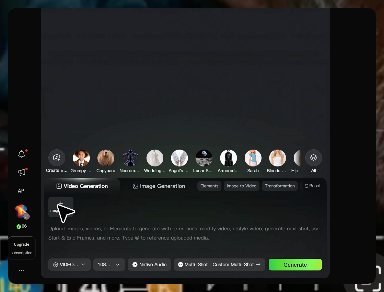
Step 1: Enter the Video Generation Workspace

Step 1: Enter the Video Generation Workspace

Edit your prompt to set the scene, characters, and style, or upload a reference image to shape the look of your video.

Step 2: Add Dialogue and Speech Instructions

Step 2: Add Dialogue and Speech Instructions

Add dialogue to your prompt and clearly specify which character speaks each line. You can also describe the language or dialect, speaking pace, tone, and delivery style in the prompt to guide how each character sounds.

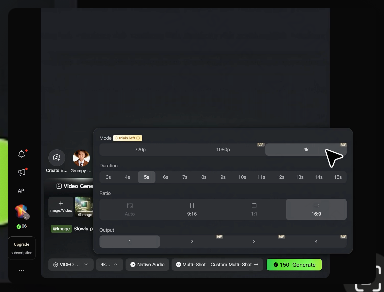
Step 3: Choose Your Settings and Generate

Step 3: Choose Your Settings and Generate

Choose your resolution (720p, 1080p, or 4K), video length (3–15 seconds), and aspect ratio (16:9, 9:16, or 1:1). Then click Generate to create your video.

One Image-to-Image Generator, More Ways to Create

Refine With Precision

Refine With Precision

Bring in up to 10 reference images to keep the subject, color, shape, and visual details that matter, then update only what needs to change. Whether you’re reworking a background, adjusting lighting, or refining a product or character, IMAGE 3.0 helps the new image stay true to the original while making the edit feel clean, natural, and intentional.

Restyle With Freedom

Restyle With Freedom

Give any image a fresh look in more than one way. Start with the built-in style library to recreate a look in one click, or upload your original image with a reference to follow a specific visual direction. Kling AI image-to-image model carries over the qualities that define the style while keeping the subject clear and the composition intact.

Generate Image Series in 4K

Generate Image Series in 4K

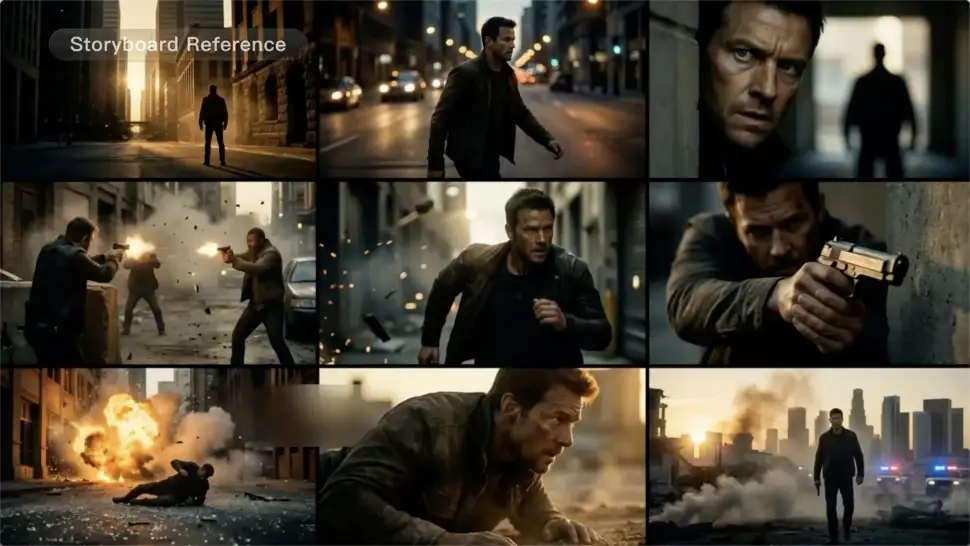
Start with one image or several references and generate a connected set in one pass. IMAGE 3.0 Omni keeps characters, products, style, and tone consistent from image to image, while still allowing new actions, framing, camera angles, and shot types. Native 4K output makes it well suited to cinematic multi-shot storyboards, product image sets, and character design.

Apps

Image to Video
Image to Video

Image to Video

Text to Video
Text to Video

Text to Video

Omni
Omni

Omni

Digital Human
Digital Human

Digital Human

Restyle
Restyle

Restyle

Text to Image
Text to Image

Text to Image

60M+
60M+
Users
600M+
600M+
AI Videos Generated
4.7 ★
4.7 ★
App Store
Industry-Leading
Industry-Leading
Cinematic 4K

Reviews

KakuDrop

KakuDrop

★★★★★

I have successfully collaborated with world-renowned artists and well-known companies that are recognized globally

Vincent Smadja

Vincent Smadja

★★★★★

Kling AI seamlessly integrates into my creative workflow, playing a key role in transforming my images. After generating and upscaling an image, Kling becomes a crucial element, bringing my creations to life with movement and depth.

Déborah

Déborah

★★★★★

I use Kling AI every day. It's amazing to see the almost daily progress it makes. I used AI for fun at first, and I now find that Kling AI's animations allow me to gain professional visibility, with three times more views on my animated posts than on my static posts.

FAQ

Q1How can I customize my AI character?
Q2What character styles can I create with Kling AI?
Q3Can I keep the same character consistent across different images?

Bring Every Voice Into the Story

Create character dialogue, multilingual voices, consistent voice identities, ambience, and sound effects with Kling VIDEO 3.0.

Multilingual Dialogue | Multi-Character Voices | Native Audio