Creative Studio
API
Resources
Features
About Us
Download

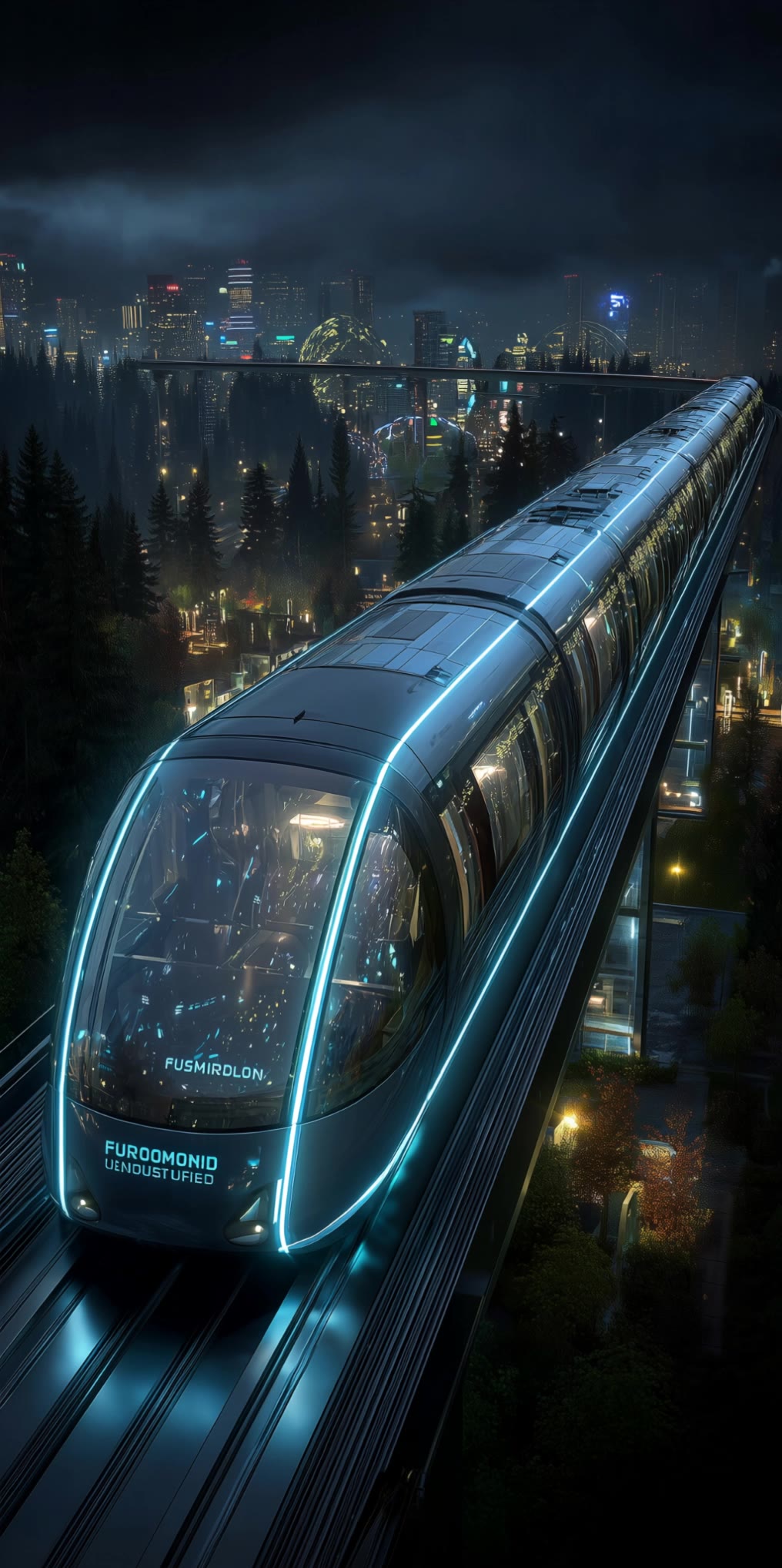
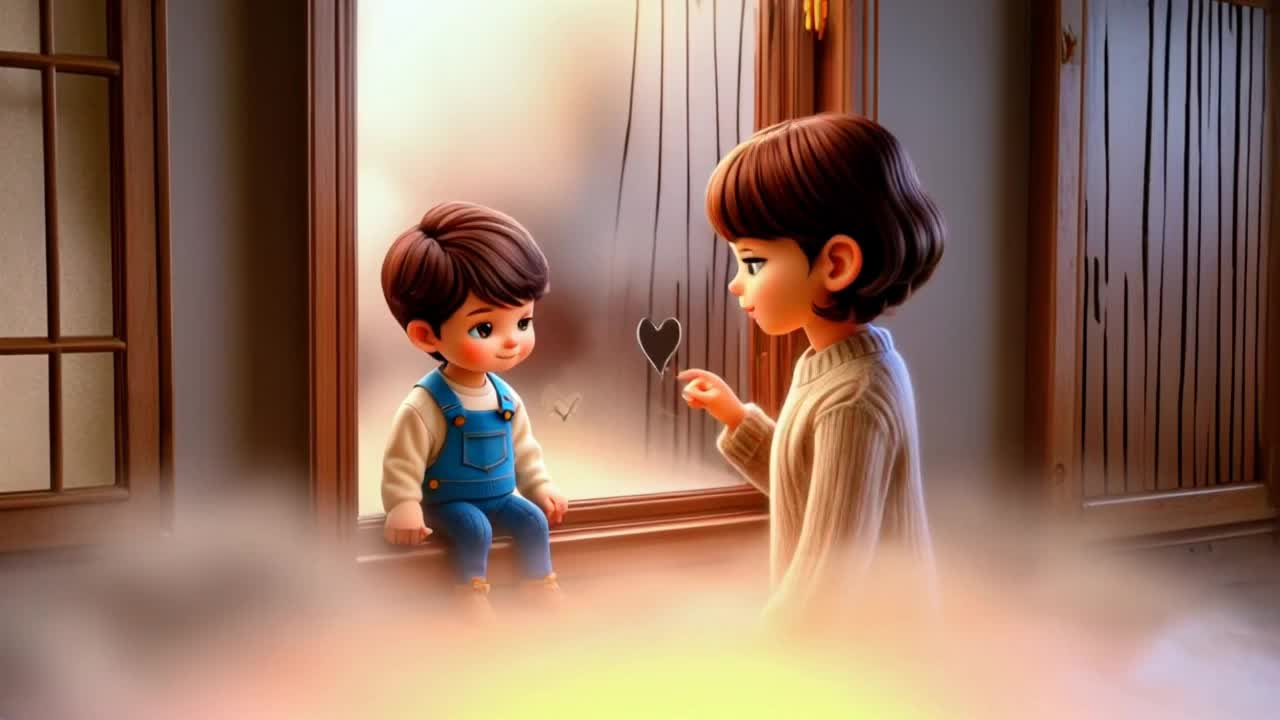
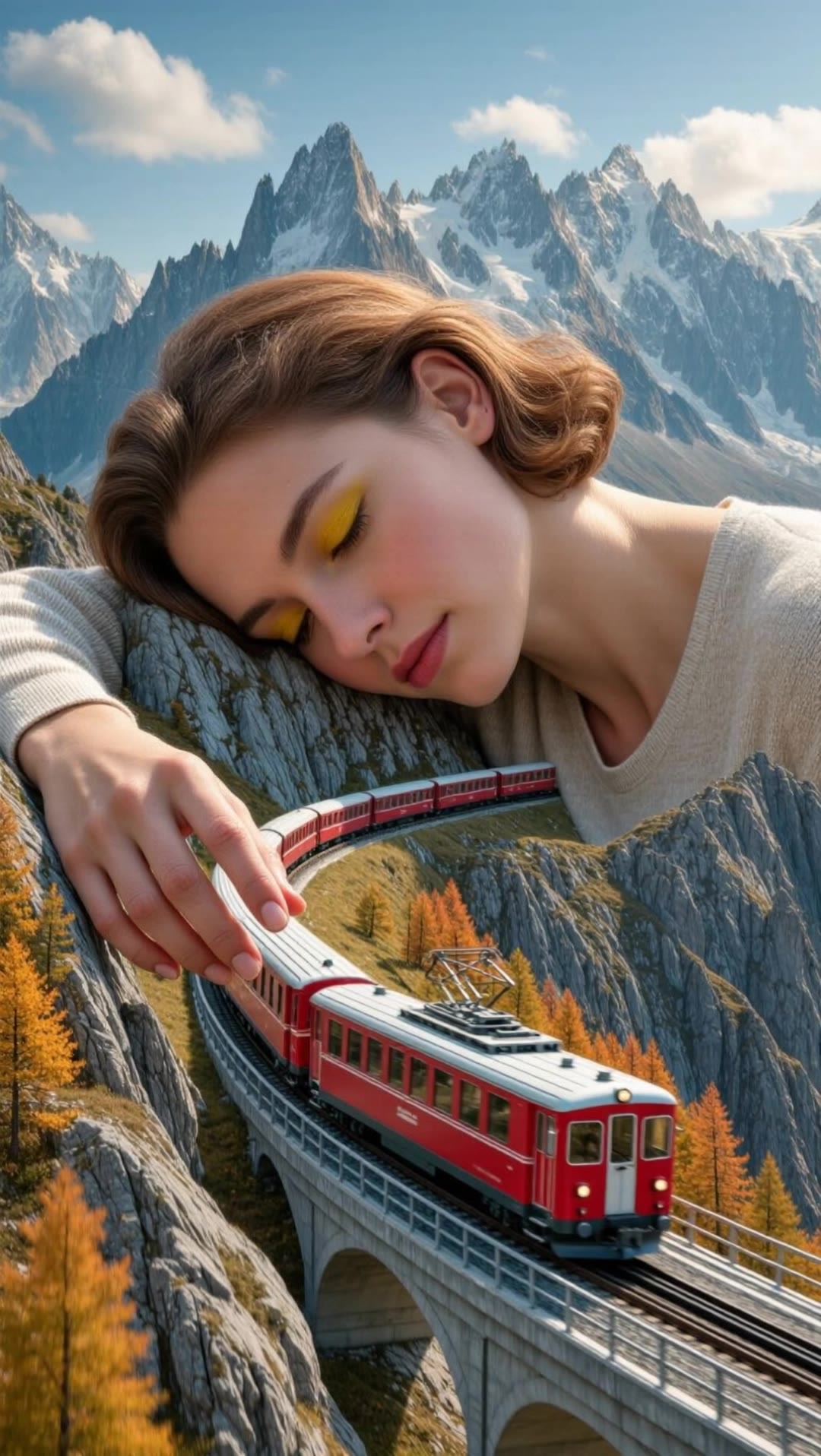
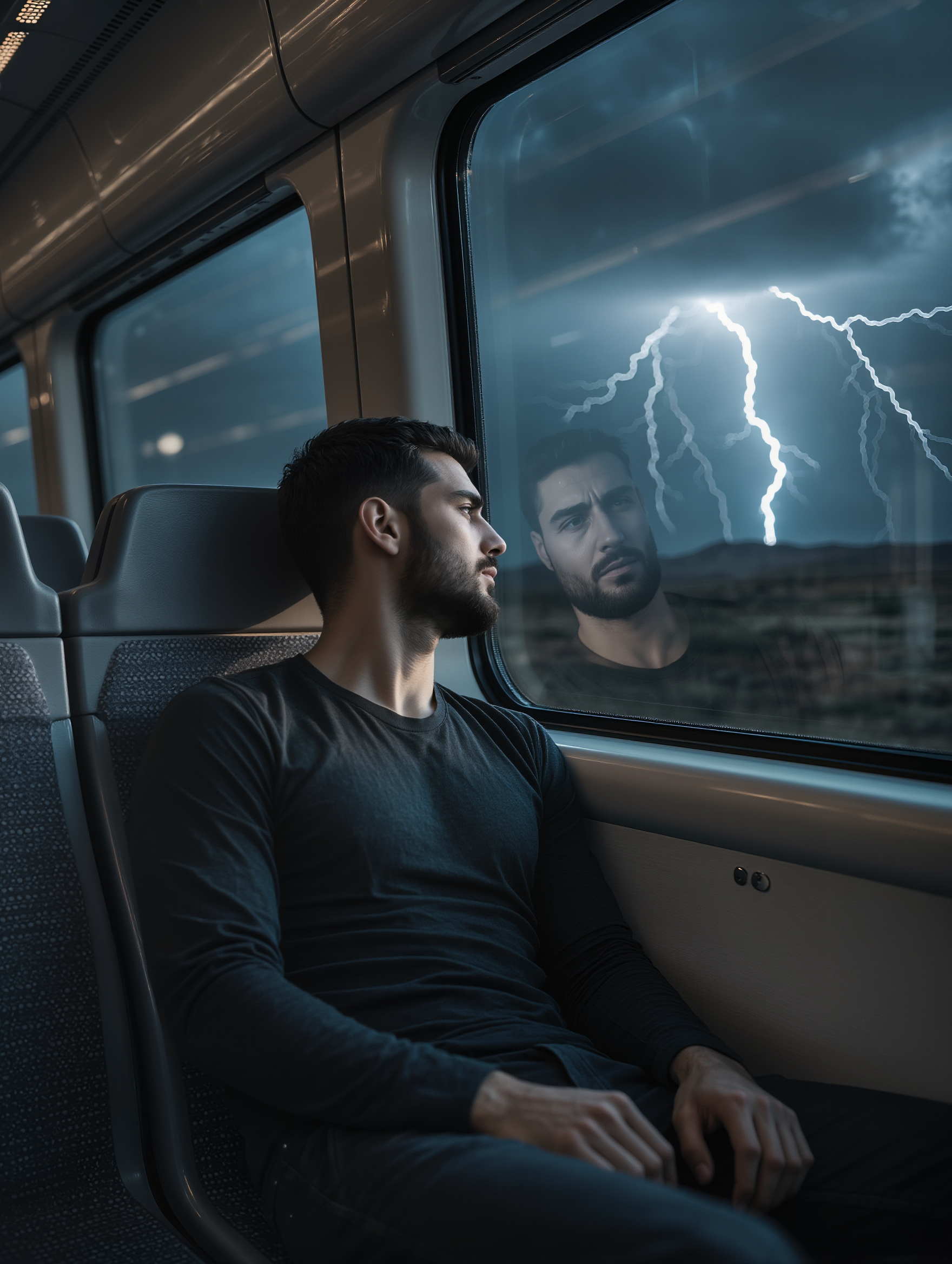
AI-generated train scene concepts

Explore dynamic AI-made train scenes. Customize and create exciting railway visuals with AI assistance.

AI-generated train scene concepts

Recommended

Kling AI work 296651647500153 - train scene AI video
QxpGMlXr avatar
QxpGMlXr
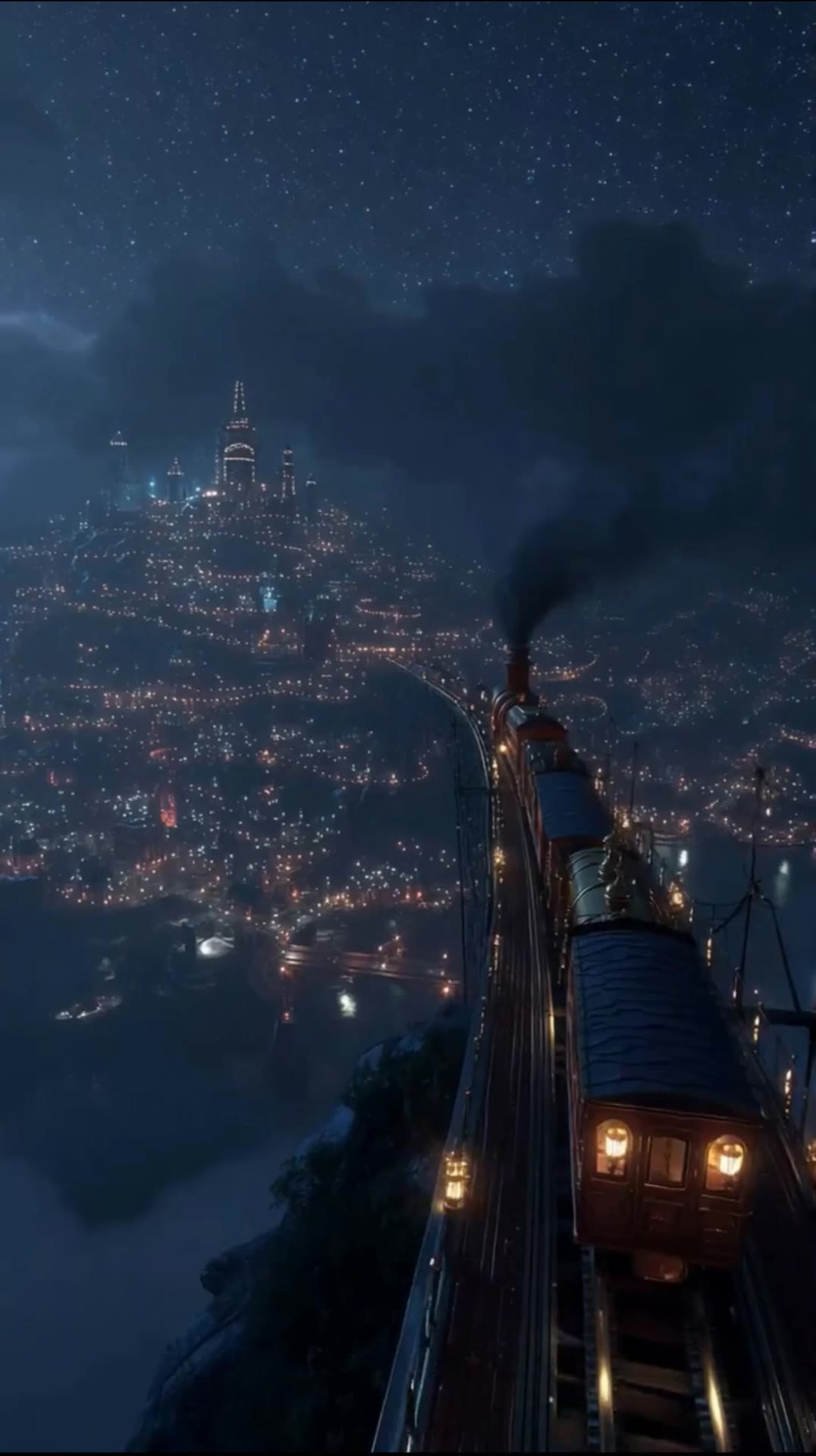
The train slowly moves forward - train scene AI image
MsdsAqnP avatar
MsdsAqnP
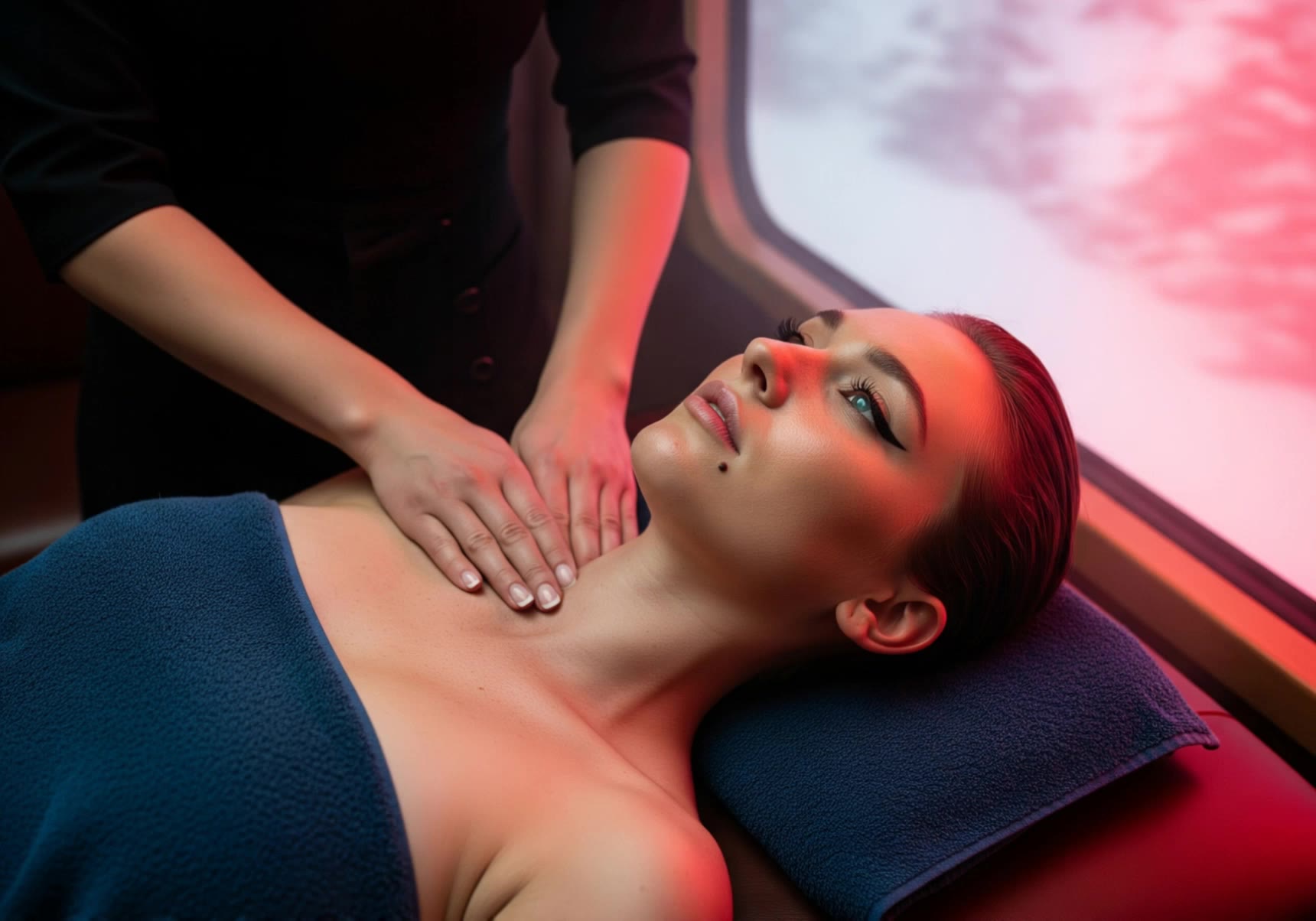
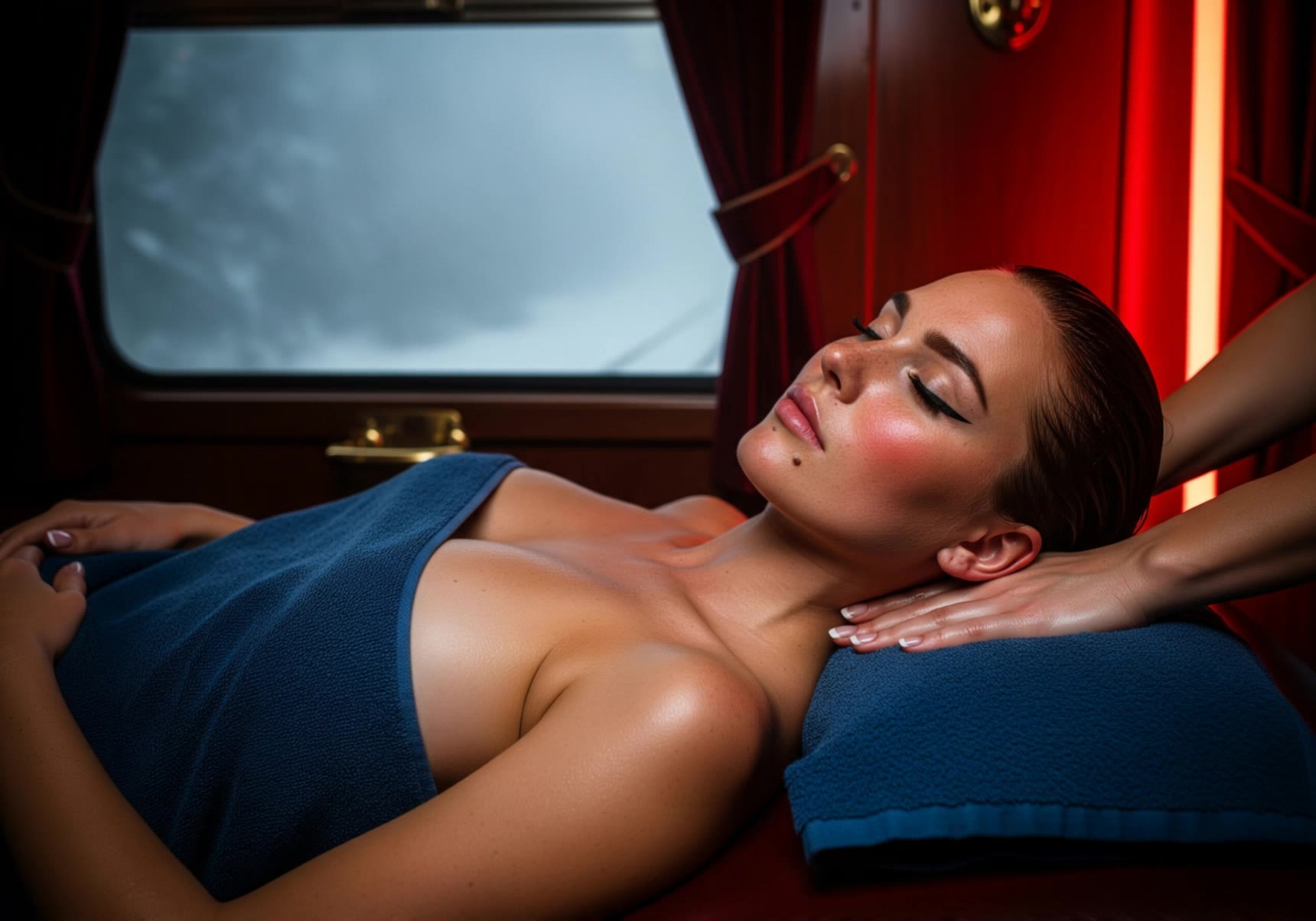
Relaxing train spa 4 - train scene AI video
Tolkeen avatar
Tolkeen
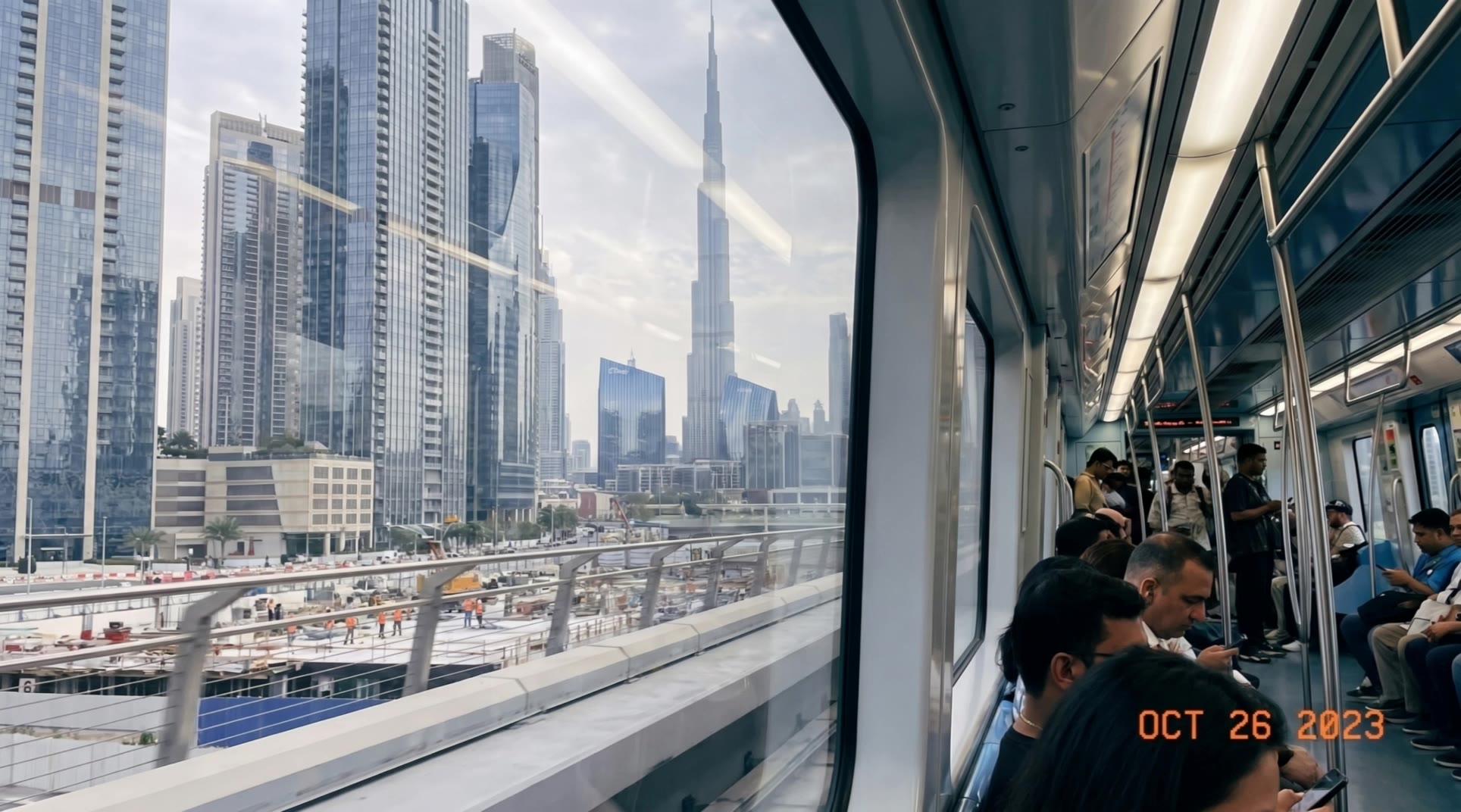
Metro train - train scene AI video
Inna avatar
Inna
Elite Creator
Kling AI work 290187742654999 - train scene AI video
ZpcWVLCQ avatar
ZpcWVLCQ
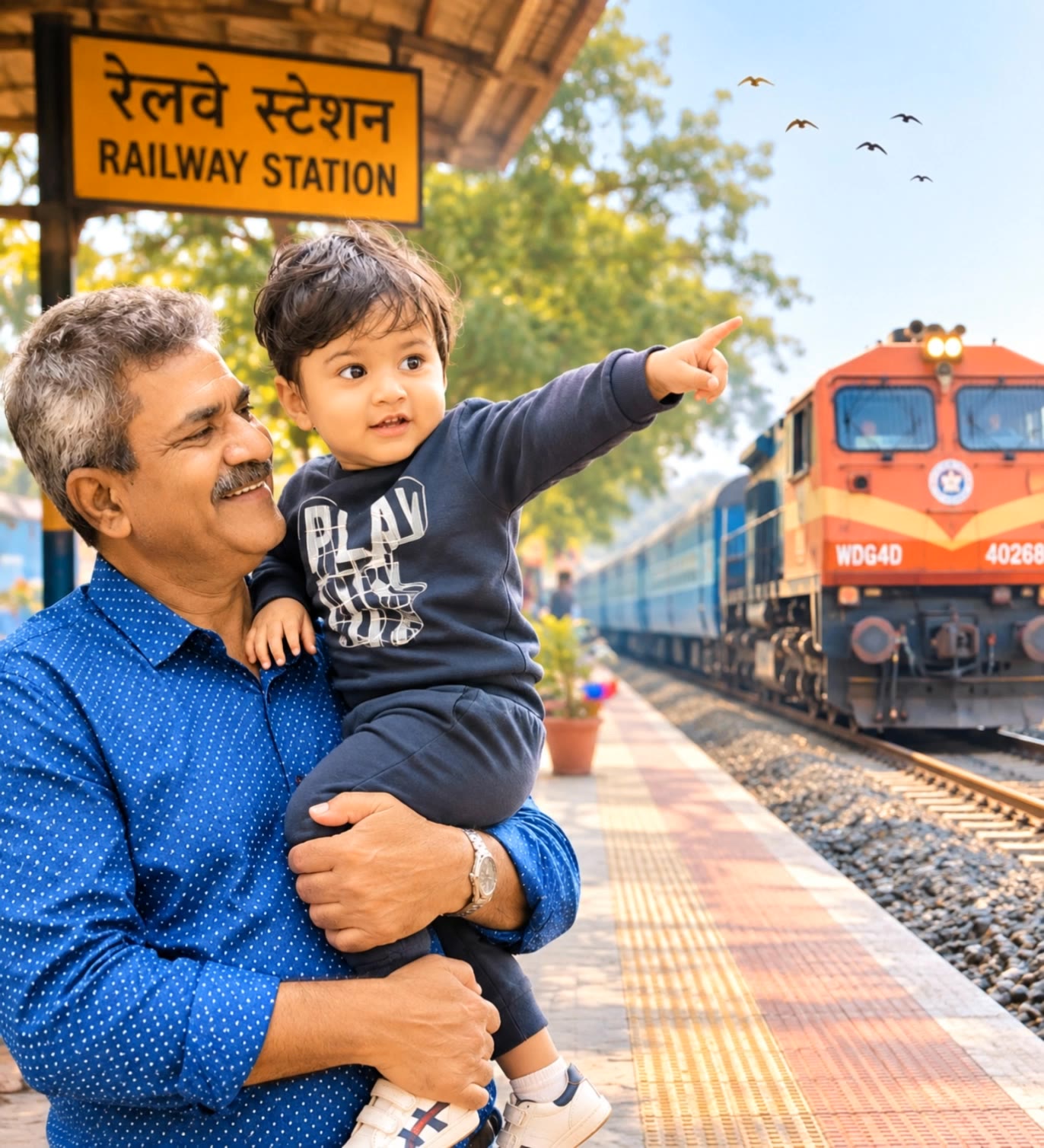
happy kid watching the train  - train scene AI video
xfciCLVt avatar
xfciCLVt
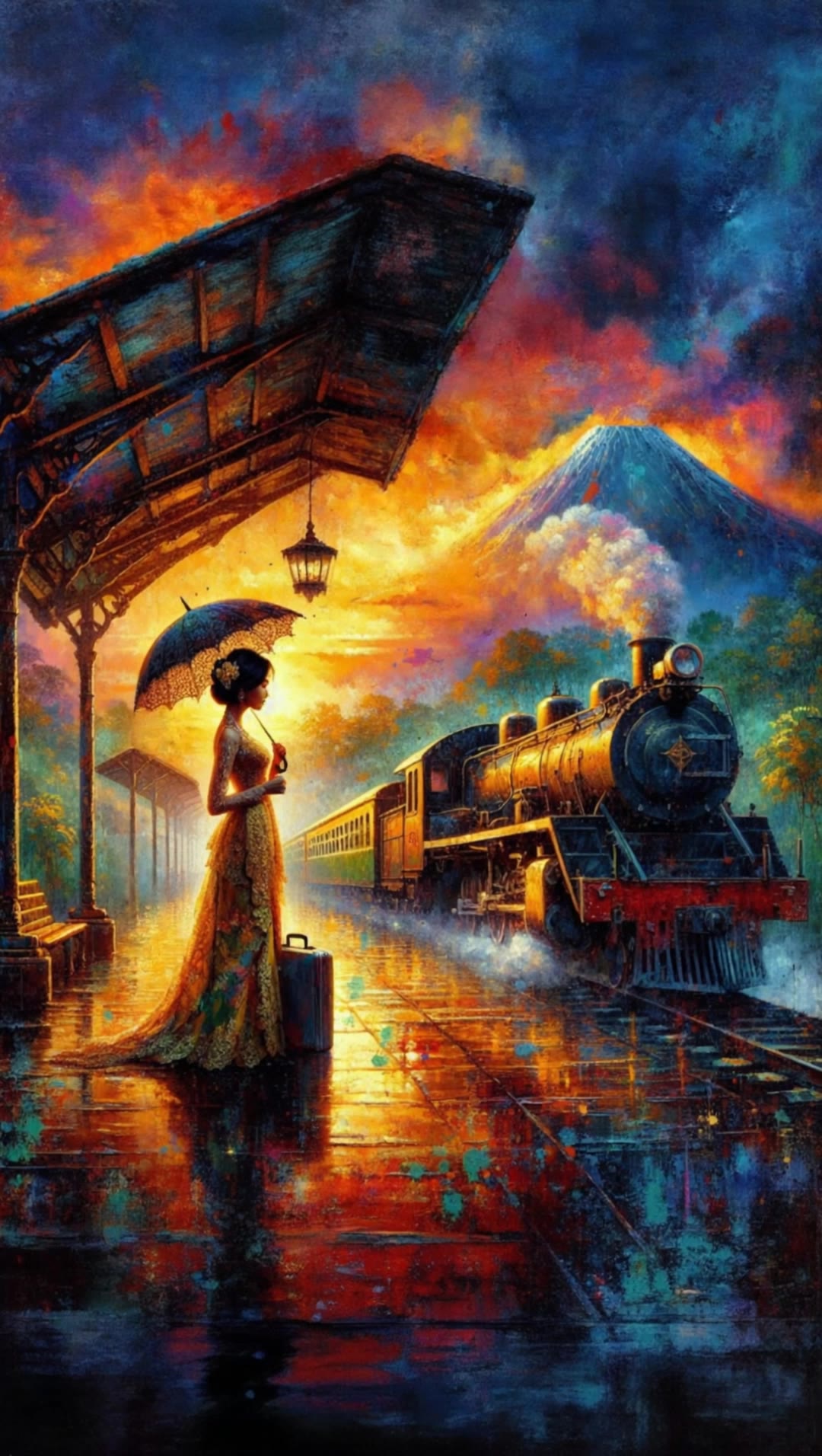
Waiting for the train - train scene AI video
Aryluke avatar
Aryluke
Elite Creator
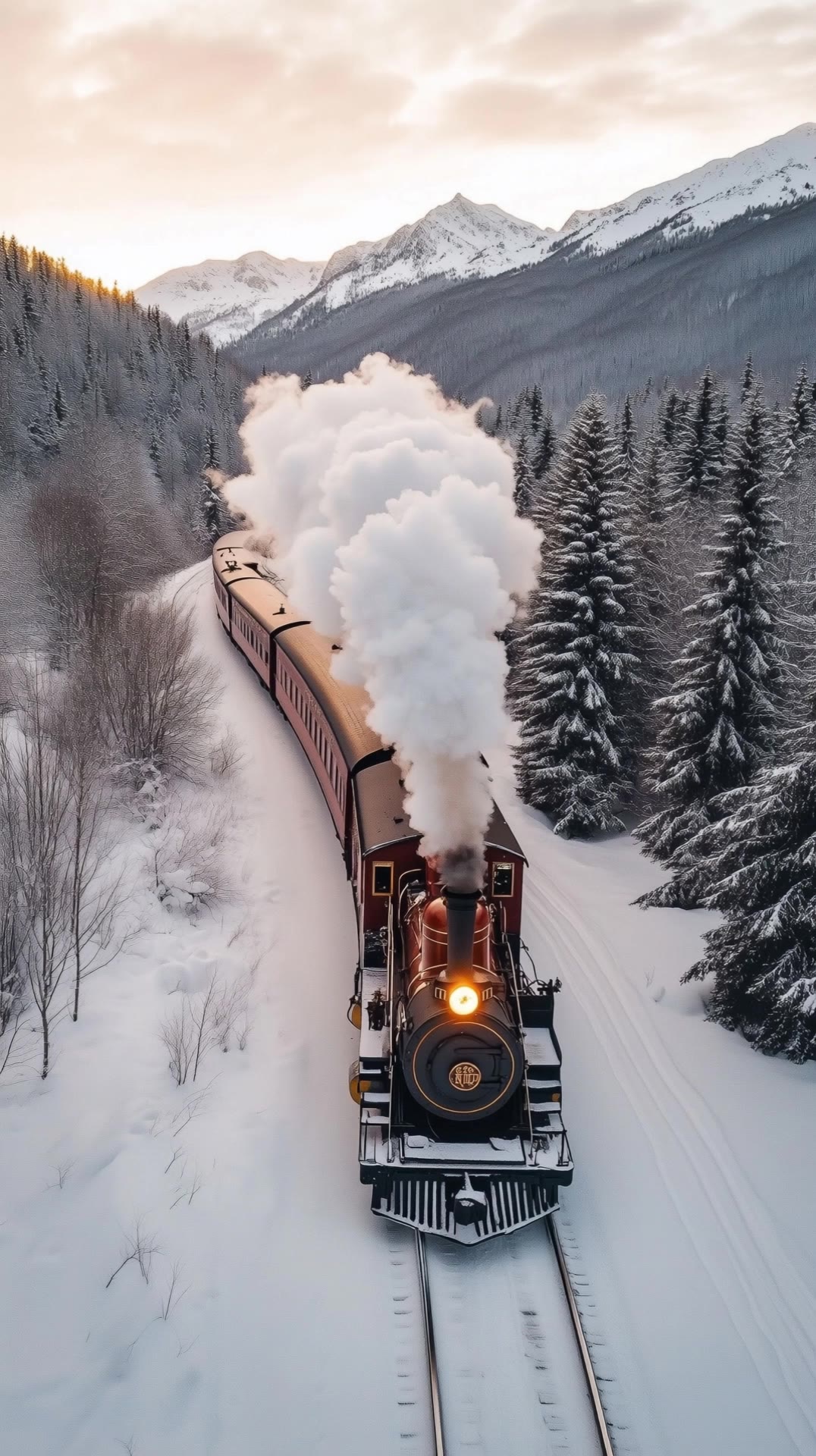
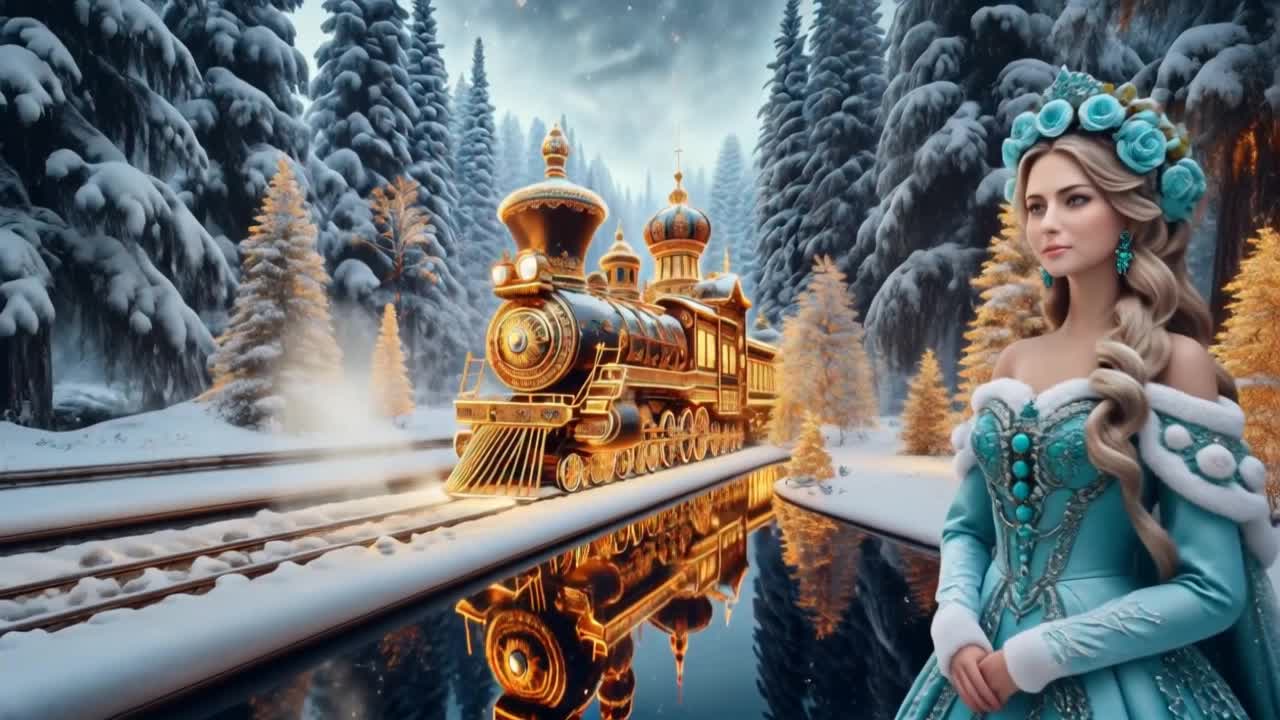
Winter Steam Train - train scene AI video
Ruslana Kravchenko avatar
Ruslana Kravchenko
Elite Creator
fast-paced action scene - train scene AI video
Be Direct Ai avatar
Be Direct Ai
Elite Creator
Relaxing train spa 6 - train scene AI video
Tolkeen avatar
Tolkeen
The Last Train Home - train scene AI video
urMCDSMu avatar
urMCDSMu
Night Train Confession - train scene AI video
National Gods avatar
National Gods
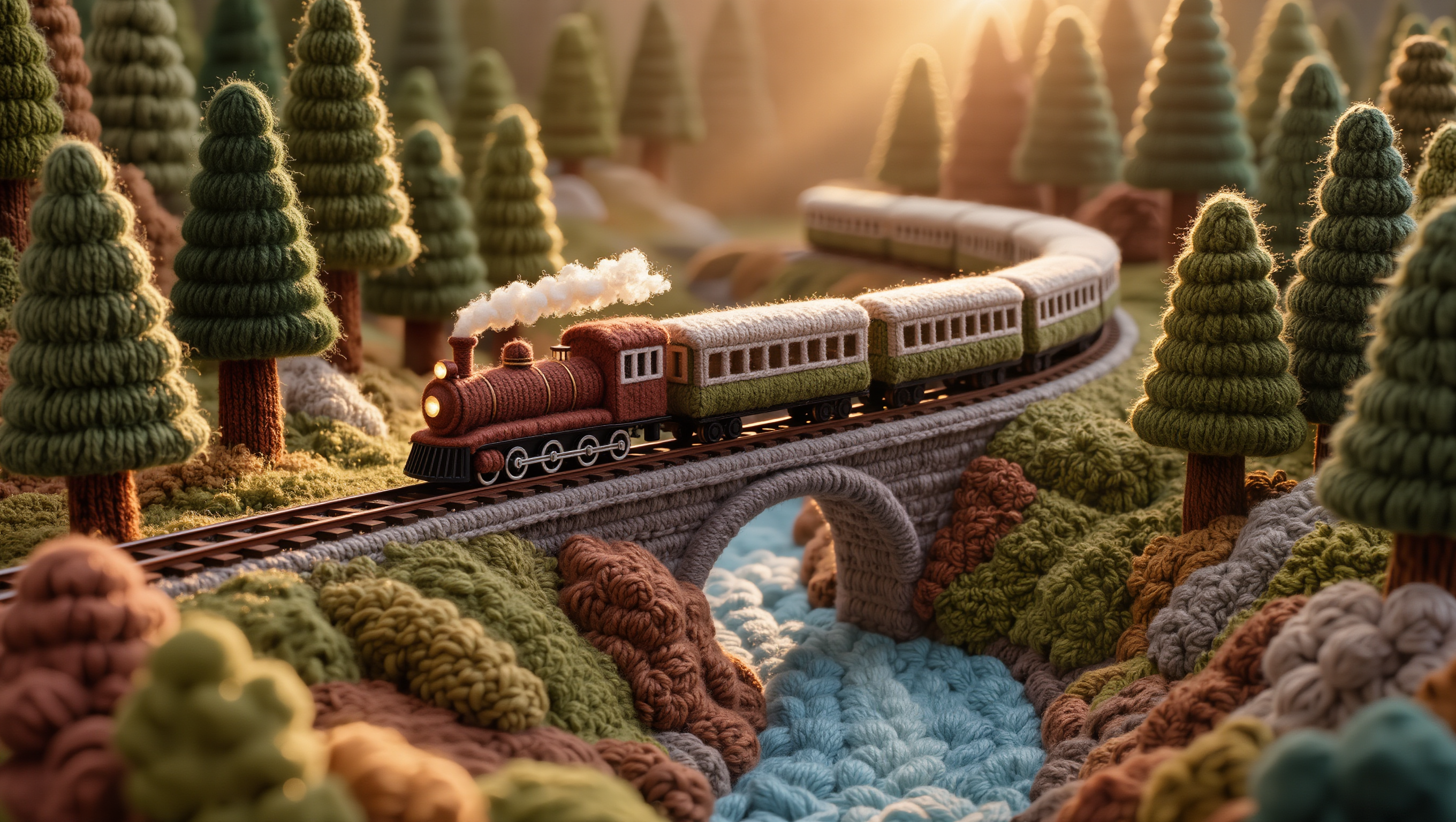
Woolen Train Landscape - train scene AI image
gGEEsYTj avatar
gGEEsYTj
Kling AI work 314954435661680 - train scene AI video
Dwwfjqyo avatar
Dwwfjqyo
The majestic golden train - train scene AI video
Manuetta Moon avatar
Manuetta Moon
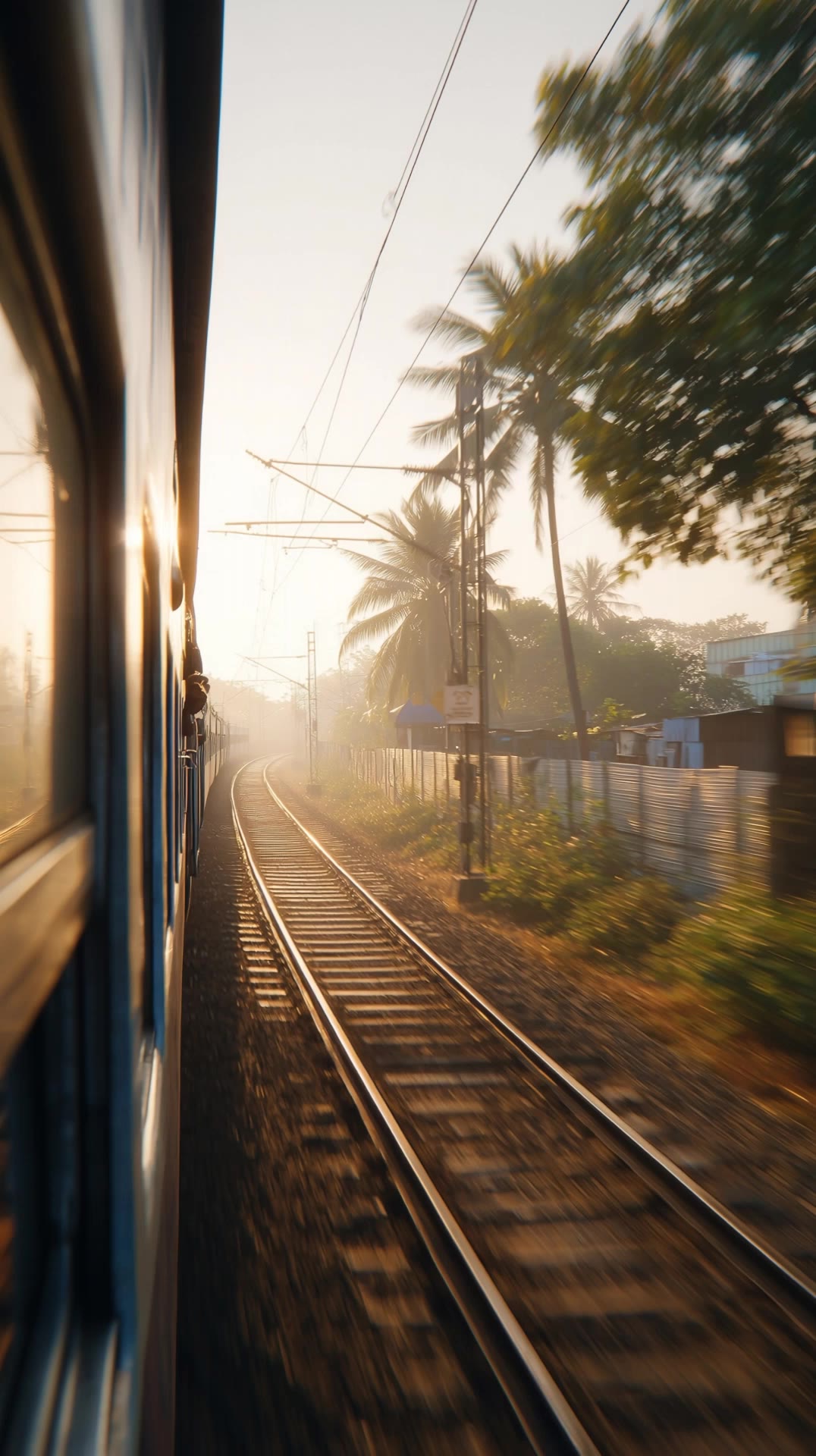
indian train - train scene AI video
KLINGer avatar
KLINGer
Woolen Train in Yarn Forest - train scene AI image
gGEEsYTj avatar
gGEEsYTj
Endless Train Bullet - train scene AI video
Vladimir 𝗣𝗥𝗢 avatar
Vladimir 𝗣𝗥𝗢
Elite Creator
Kling AI work 297628163661699 - train scene AI video
ElleTriX avatar
ElleTriX

How to Use Kling AI Text to Speech

Step 1: Enter the Video Generation Workspace

Step 1: Enter the Video Generation Workspace

Edit your prompt to set the scene, characters, and style, or upload a reference image to shape the look of your video.

Step 2: Add Dialogue and Speech Instructions

Step 2: Add Dialogue and Speech Instructions

Add dialogue to your prompt and clearly specify which character speaks each line. You can also describe the language or dialect, speaking pace, tone, and delivery style in the prompt to guide how each character sounds.

Step 3: Choose Your Settings and Generate

Step 3: Choose Your Settings and Generate

Choose your resolution (720p, 1080p, or 4K), video length (3–15 seconds), and aspect ratio (16:9, 9:16, or 1:1). Then click Generate to create your video.

Repair, Refine, and Restore Old Photos

Restore Multiple Types of Photo Damage with AI

Restore Multiple Types of Photo Damage with AI

Kling AI helps restore old photos affected by scratches, dust, stains, creases, faded areas, and other visible signs of aging. Describe the restoration you want with natural language prompts and improve multiple types of damage in one workflow while keeping the original image structure consistent.

Preserve Faces and Original Visual Identity

Preserve Faces and Original Visual Identity

When restoring old portrait photos, keeping people recognizable is essential. Kling AI uses your uploaded photo as a visual reference to help preserve facial features, expressions, clothing details, and original composition, keeping the restored result closely connected to the original image.

Generate a Higher-Resolution Restored Version

Generate a Higher-Resolution Restored Version

Use IMAGE 3.0 Omni to generate restored photos with 2K or 4K high-resolution output. Higher-resolution images provide clearer details, smoother total transitions, and richer textures for family archives, photo books, digital collections, large displays, and high-quality printing.

Apps

Image to Video
Image to Video

Image to Video

Text to Video
Text to Video

Text to Video

Omni
Omni

Omni

Digital Human
Digital Human

Digital Human

Restyle
Restyle

Restyle

Text to Image
Text to Image

Text to Image

60M+
60M+
Users
600M+
600M+
AI Videos Generated
4.7 ★
4.7 ★
App Store
Industry-Leading
Industry-Leading
Cinematic 4K

Reviews

James Phillips

James Phillips

★★★★★

Kling AI has transformed my workflow by collapsing timelines and democratizing production. It’s shifted my mindset from resource-dependent filmmaking to a boundless creative sandbox, where experimentation yields unexpected beauty.

Samuele Poggi (@visualsk2)

Samuele Poggi (@visualsk2)

★★★★★

I use Kling AI daily to push the limits of AI filmmaking. It allows me to create highly cinematic content, blending AI and VFX to develop innovative projects. It has significantly impacted my creative process, enabling me to achieve complex animations that would otherwise require high production budgets.

PJ Ace

PJ Ace

★★★★★

Kling AI has made it easy for us to generate world class visuals for Fortune 500 companies, TV shows and music for big artists. We love the easy of use of the platform and the quality of the generations. My first time using Kling AI, I got 22 million views on just one video. It's that good.

FAQ

Q1Can I edit a video with AI using text?
Q2How is an AI video editor different from an AI video generator?
Q3Do I need professional video editing experience when using AI video editor?

Take Your Photo in a New Direction

Start with the image you have and rework it for the look, message, or moment you have in mind.

Object removal | Background changes | Portrait retouching | Photo restyling