Creative Studio
API
Resources
Features
About Us
Download

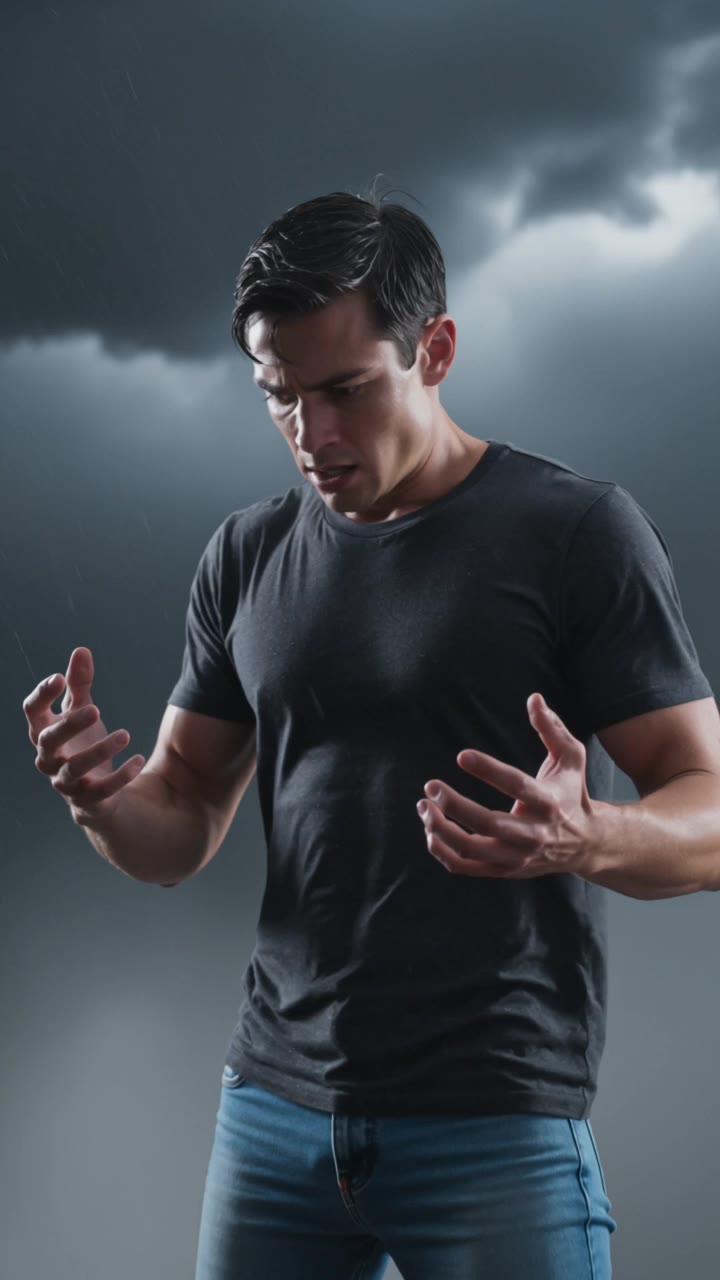
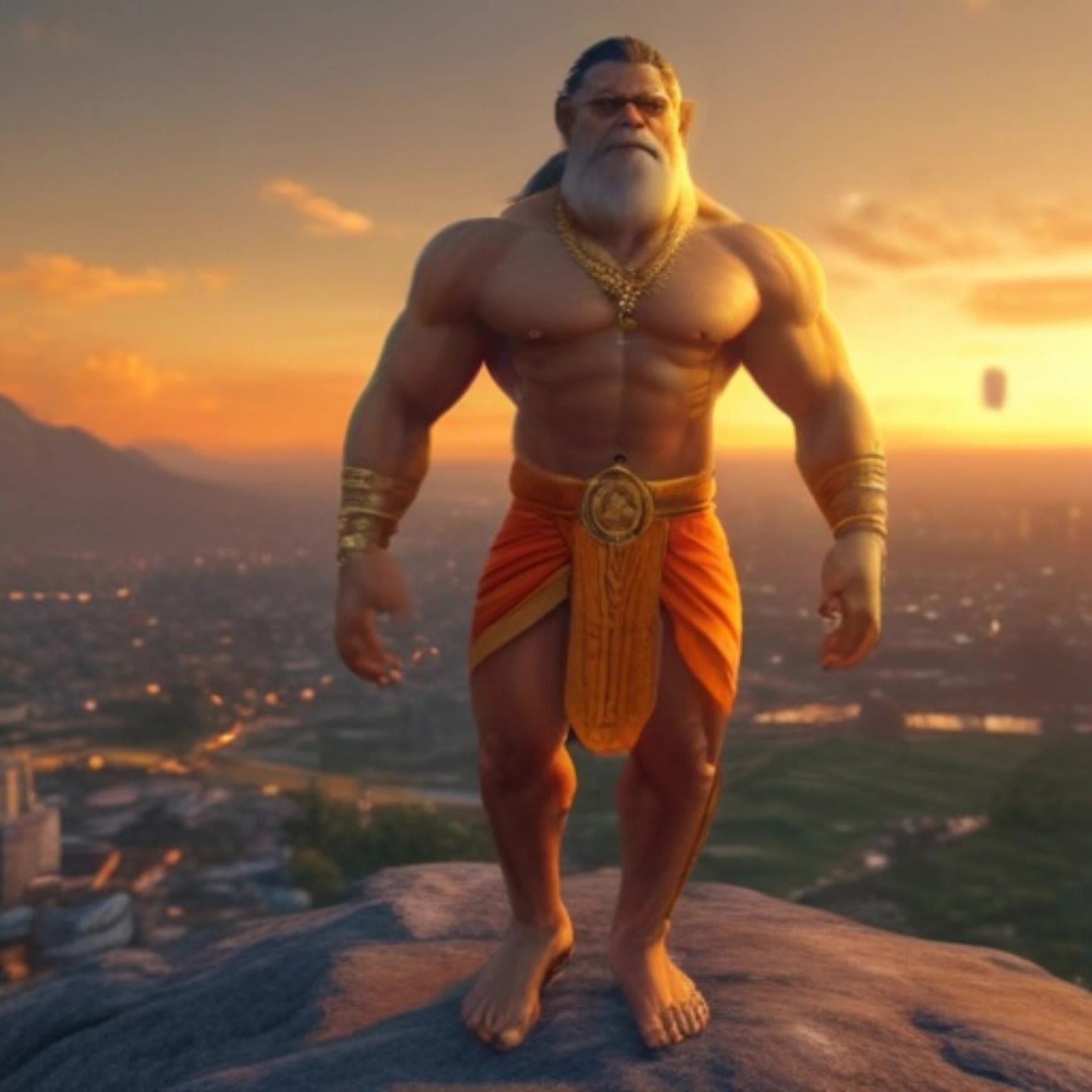
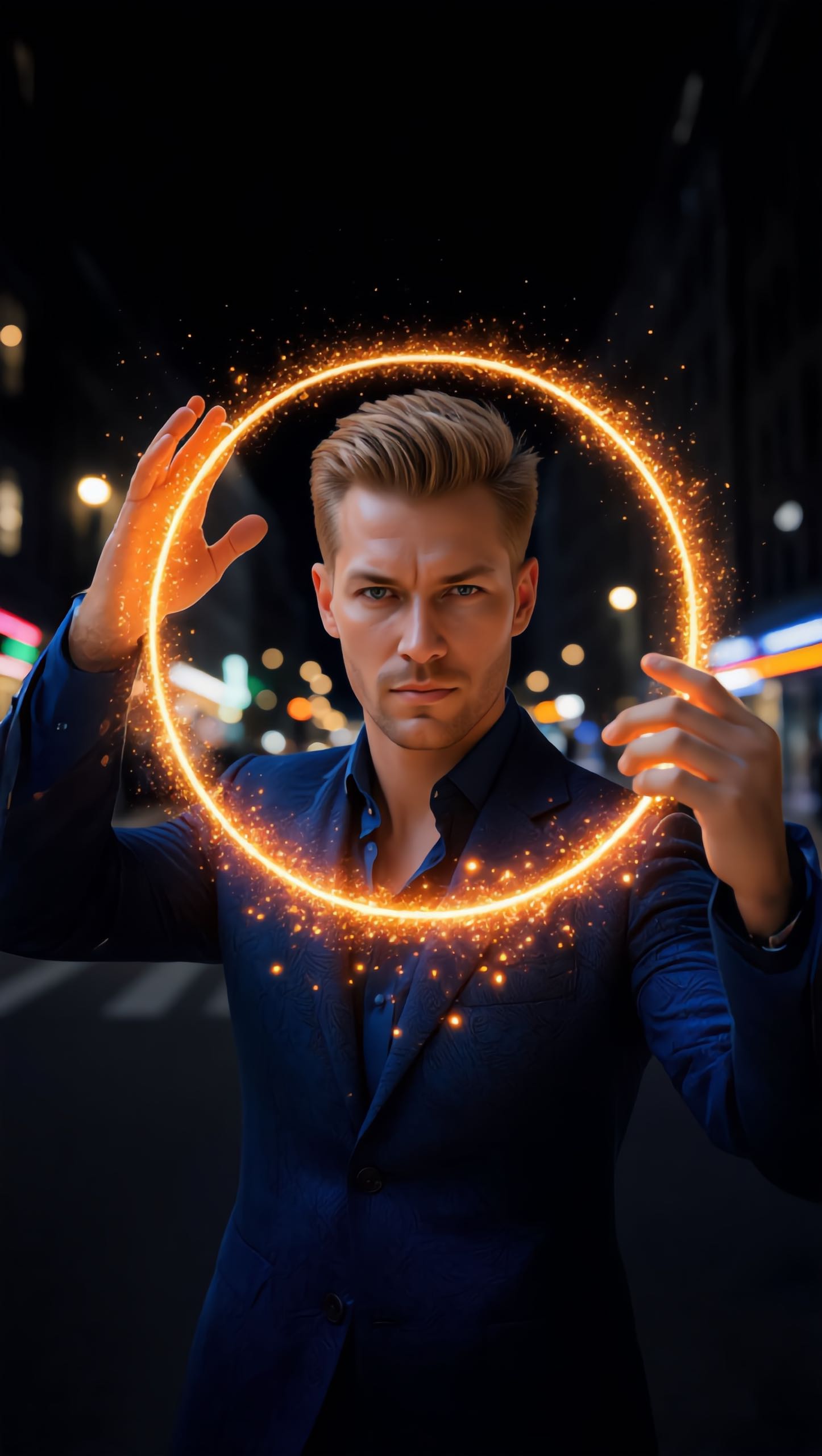
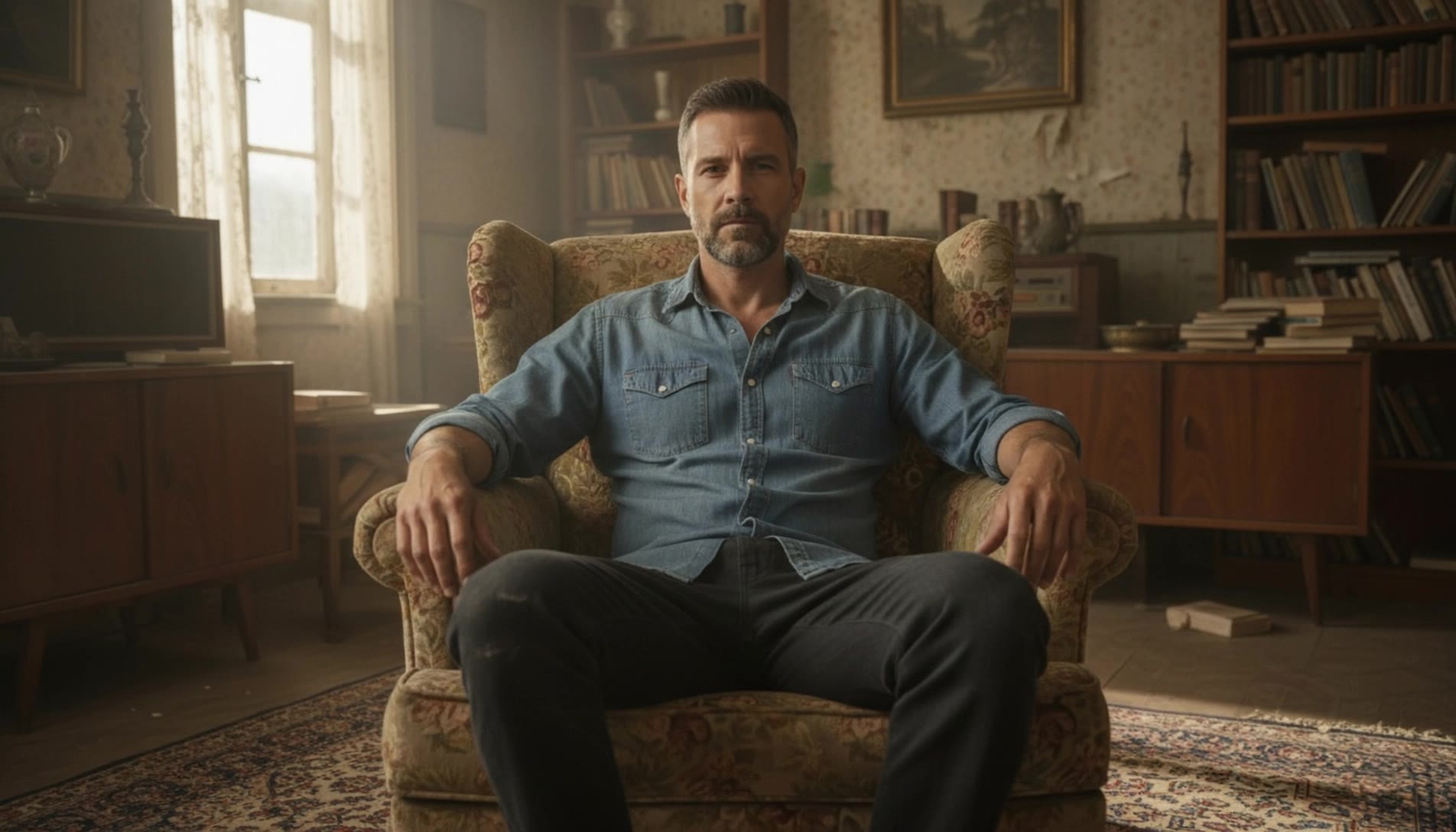
Transformation Scene – Poster Design Ideas

Get AI-created transformation scene poster designs. Easily explore and adapt these AI-generated ideas.

Transformation Scene – Poster Design Ideas

Recommended

Stag transformation #9 - transformation scene AI video
My_AI_Fails avatar
My_AI_Fails
Transformation - transformation scene AI video
Viktor_Fox avatar
Viktor_Fox
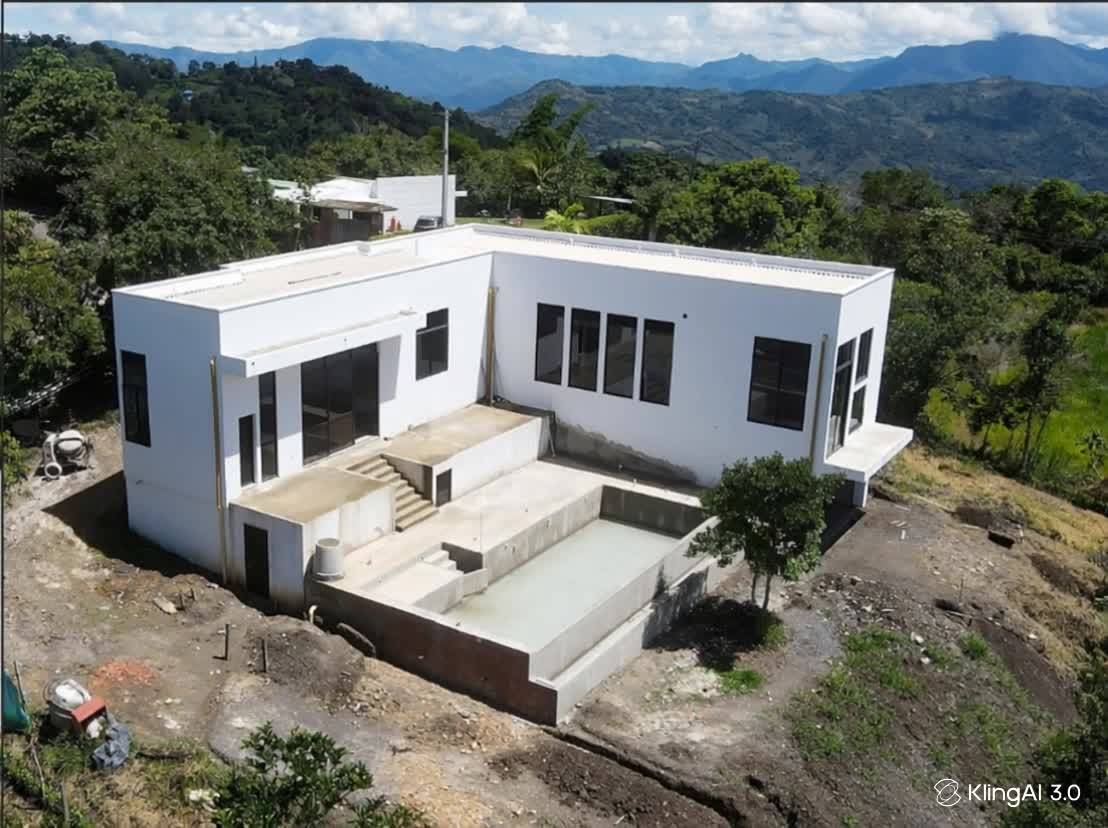
time-lapse transformation home - transformation scene AI video
ZNxJQTuE avatar
ZNxJQTuE
cinematic transformation - transformation scene AI video
RamZ avatar
RamZ
Elite Creator
Kling AI work 311534606505540 - transformation scene AI video
qtfSmItl avatar
qtfSmItl
Kling AI work 312550414660111 - transformation scene AI video
qSswAyuj avatar
qSswAyuj
BRIGHT FORCE TRANSFORMATION - transformation scene AI video
CUWegioF avatar
CUWegioF
seamless transformation - transformation scene AI video
priori avatar
priori
Perfect transformation? - transformation scene AI video
SnakepiT avatar
SnakepiT
Elite Creator
The transformation - transformation scene AI video
00:15
AI_Austria avatar
AI_Austria
Kling AI work 310158557664217 - transformation scene AI video
nGvbKArM avatar
nGvbKArM
6 Scene Evo Transformation! - transformation scene AI video
01:07
lwrKnCjf avatar
lwrKnCjf
Portrait Transformation | Two-Fr - transformation scene AI video
KLING3046 avatar
KLING3046
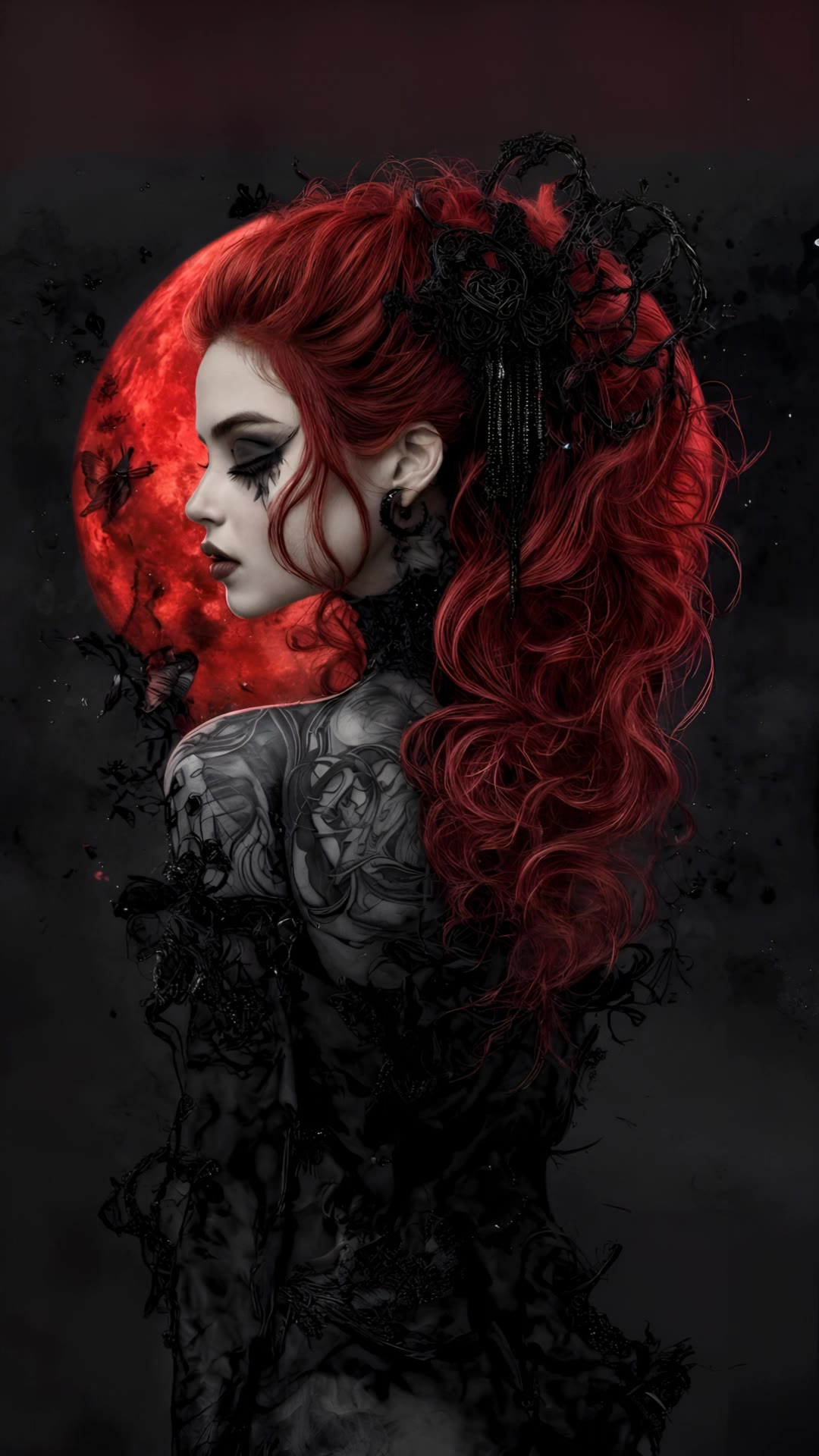
Red Moon Transformation - transformation scene AI video
DeathTime avatar
DeathTime
Transformation - transformation scene AI video
00:06
LXFNjyLg avatar
LXFNjyLg
Transformation  - transformation scene AI video
DDhFcoSH avatar
DDhFcoSH
Transformation - transformation scene AI video
RawDataAI avatar
RawDataAI
Transformation - transformation scene AI video
Viktor_Fox avatar
Viktor_Fox
Kling AI work 315615059664137 - transformation scene AI video
KC with Power Cosmic avatar
KC with Power Cosmic

How to Generate AI Voices from Text with Kling AI

Step 1: Set Up Your Characters

Step 1: Set Up Your Characters

Start with a character in your prompt, or add a supported image, Character Element, or video reference when you already have a specific character in mind.

Step 2: Add Dialogue and Voice Direction

Step 2: Add Dialogue and Voice Direction

Write each character's dialogue and make the speaker clear in your prompt. Add directions for the language, accent, tone, emotion, or delivery when they matter to the scene. For scenes with multiple speakers, keep each character's name, line, and voice direction clearly connected.

Step 3: Generate Videos with Native Audio

Step 3: Generate Videos with Native Audio

Generate with Native Audio to create the dialogue as part of the video itself. Kling VIDEO 3.0 Omni produces voice, facial performance, lip movement, visuals, ambience, and supporting sound within the same generation.

Make Every Voice Feel Part of the Story

Generate Dubbing Together with Video

Generate Dubbing Together with Video

Dubbing does not have to begin after the visuals are done. Kling VIDEO 3.0 can generate character dialogue, lip movements, ambience, and sound effects alongside the video, so more of the scene comes together in one pass. Spend less time recording separate voiceovers, layering audio, and lining up tracks later, and more time shaping the story and visuals.
Reach More Audiences with Multilingual Dialogue

Reach More Audiences with Multilingual Dialogue

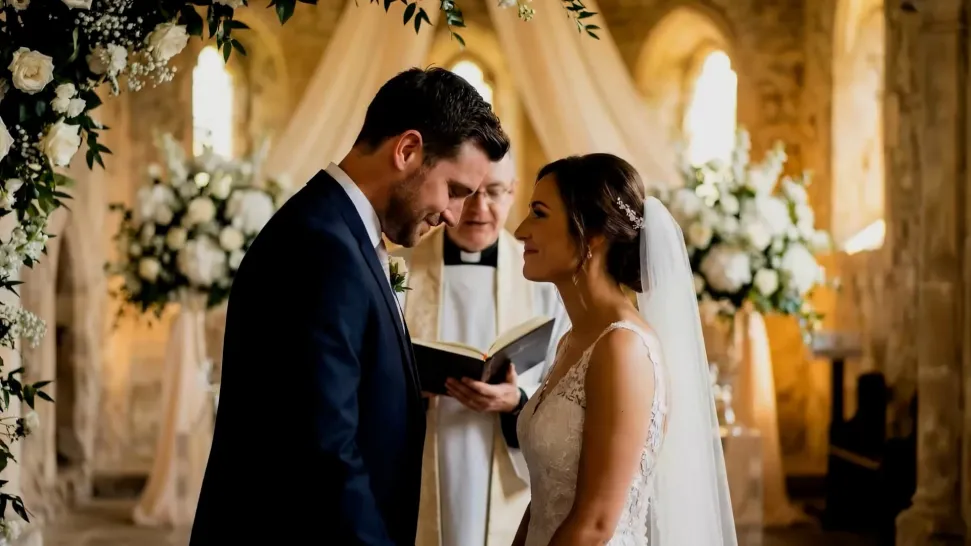
Create dialogue in Chinese, English, Japanese, Korean, and Spanish, or let characters switch between supported languages within the same scene. You can also specify supported dialects and accents in your prompt, giving you more flexibility for cross-cultural stories, travel content, global campaigns, and multilingual character interactions.
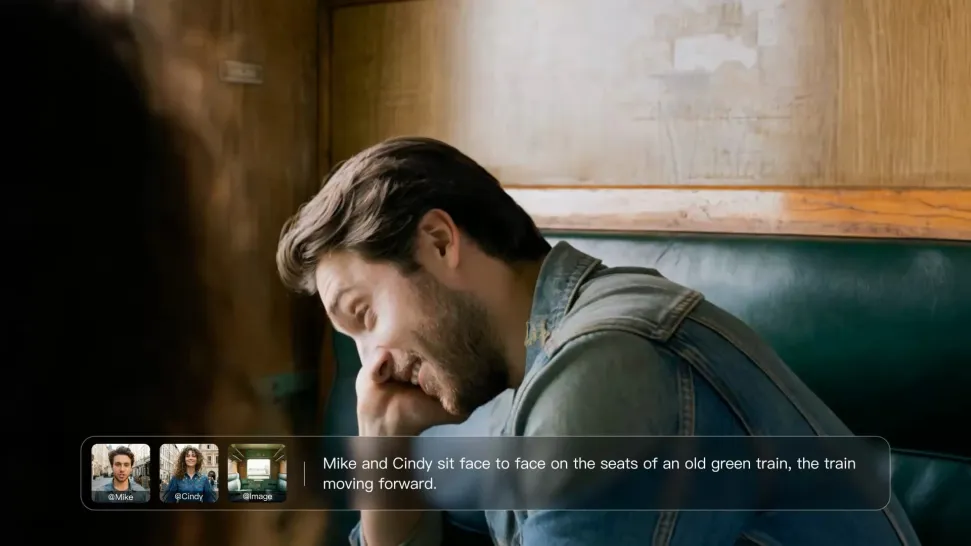
Direct Tone and Speaking Style Through Prompts

Direct Tone and Speaking Style Through Prompts

When several characters share a scene, keep each line connected to the intended speaker. Kling VIDEO 3.0 supports multi-character dialogue and speaker matching, making it easier to create interviews, group conversations, family scenes, and story-driven videos where several characters speak.

Apps

Image to Video
Image to Video

Image to Video

Text to Video
Text to Video

Text to Video

Omni
Omni

Omni

Digital Human
Digital Human

Digital Human

Restyle
Restyle

Restyle

Text to Image
Text to Image

Text to Image

60M+
60M+
Users
600M+
600M+
AI Videos Generated
4.7 ★
4.7 ★
App Store
Industry-Leading
Industry-Leading
Cinematic 4K

Reviews

Maria Rubtsova

Maria Rubtsova

★★★★★

I’m Maria Rubtsova, an AIGC digital artist passionate about creating stunning visuals in the worlds of fashion, aesthetics, and fantasy. I use KlingAi to bring imagination to life through video. My work is all about exploring beauty, emotion, and the limitless possibilities of digital art.

James Phillips

James Phillips

★★★★★

Kling AI has transformed my workflow by collapsing timelines and democratizing production. It’s shifted my mindset from resource-dependent filmmaking to a boundless creative sandbox, where experimentation yields unexpected beauty.

Déborah

Déborah

★★★★★

I use Kling AI every day. It's amazing to see the almost daily progress it makes. I used AI for fun at first, and I now find that Kling AI's animations allow me to gain professional visibility, with three times more views on my animated posts than on my static posts.

FAQ

Q1What kind of prompt works best for AI image expansion?
Q2How is AI image extension different from resizing or stretching an image?
Q3What is AI outpainting?

Make Your Profile Picture Stand Out

Start with the photo you already have and turn it into something you feel better putting your name next to. Keep it professional, make it more personal, or give it a completely different mood—the final look is yours to shape.