
Creative Studio
API
Resources
Features
About Us
Download

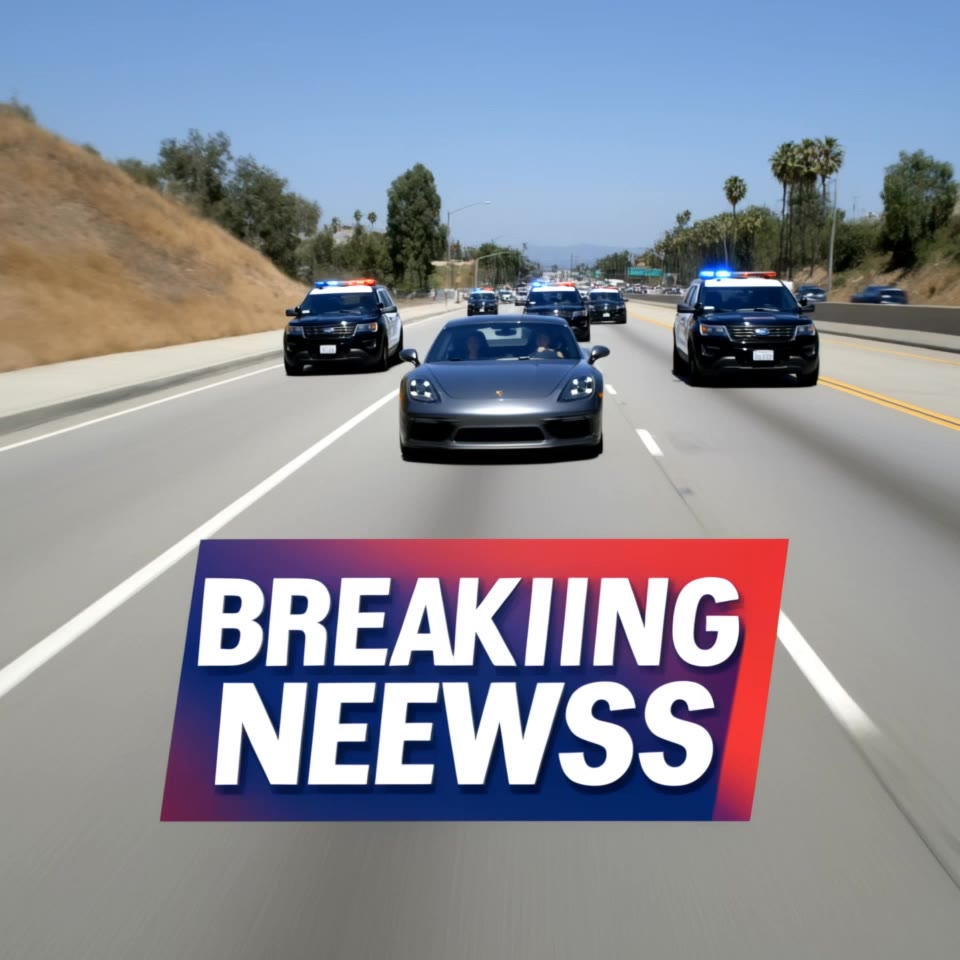
turbo 4 - dragon ball & Dodge Daytona

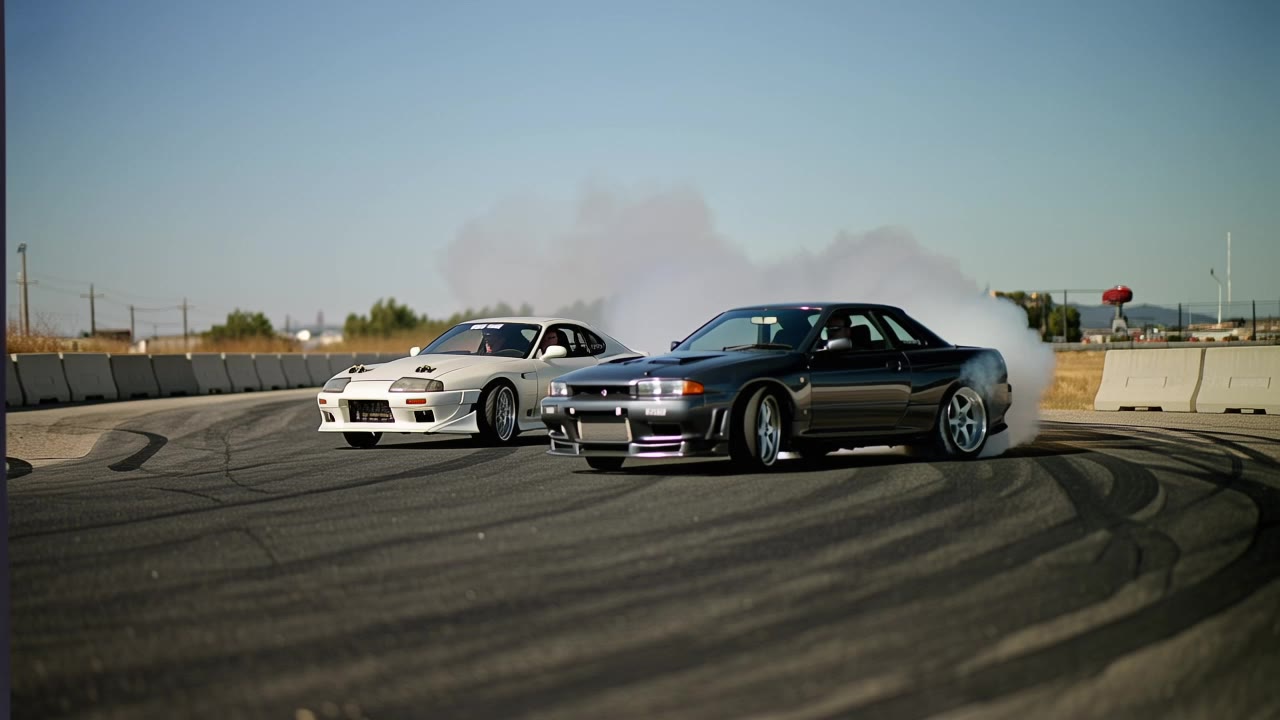
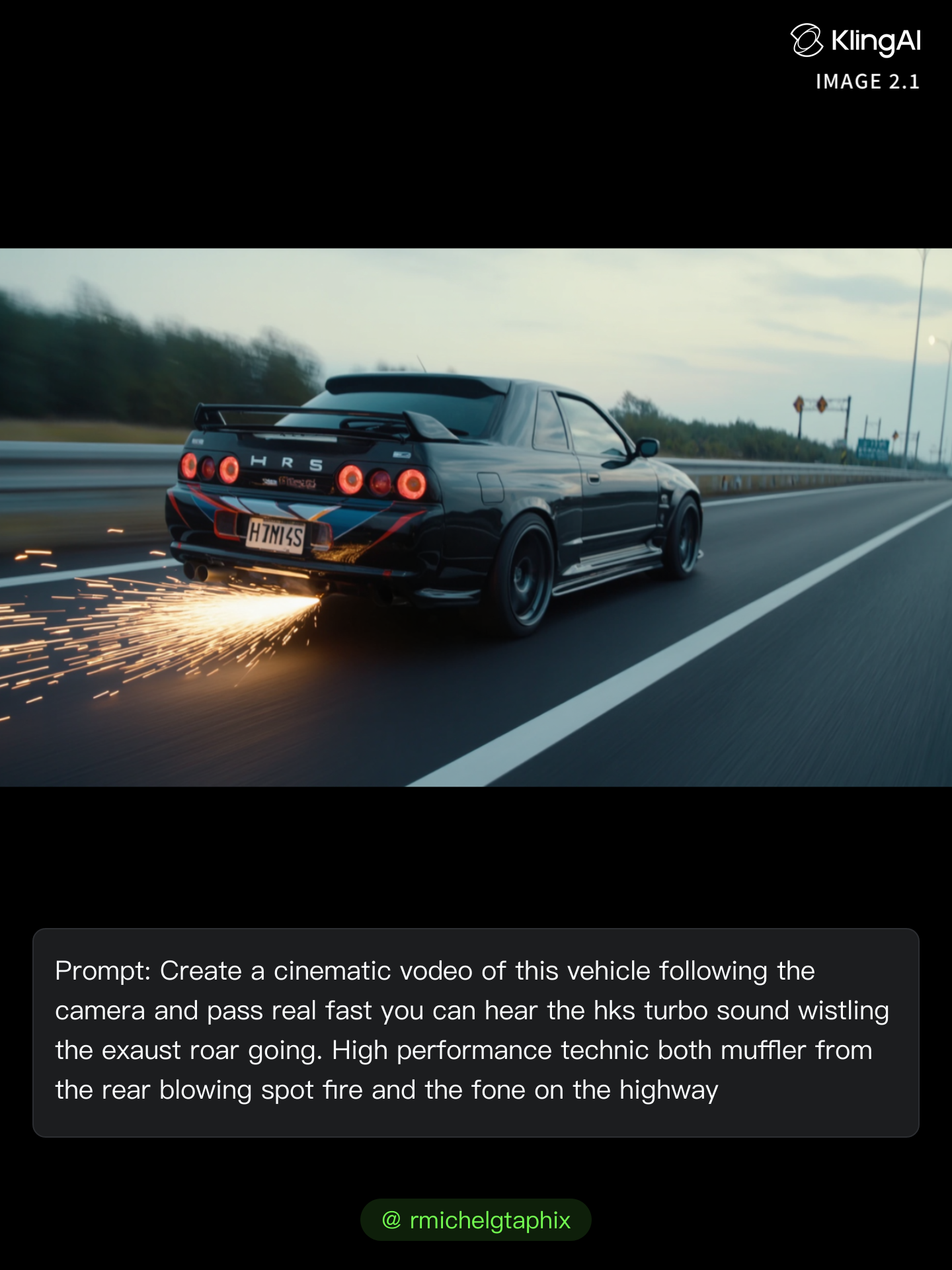
Uncover the power of turbo coffee and iconic transformations from 1969 Dodge Charger Daytona to 1986 Dodge Daytona Turbo Z. Start exploring turbo 4 ideas and generate your own content with AI.

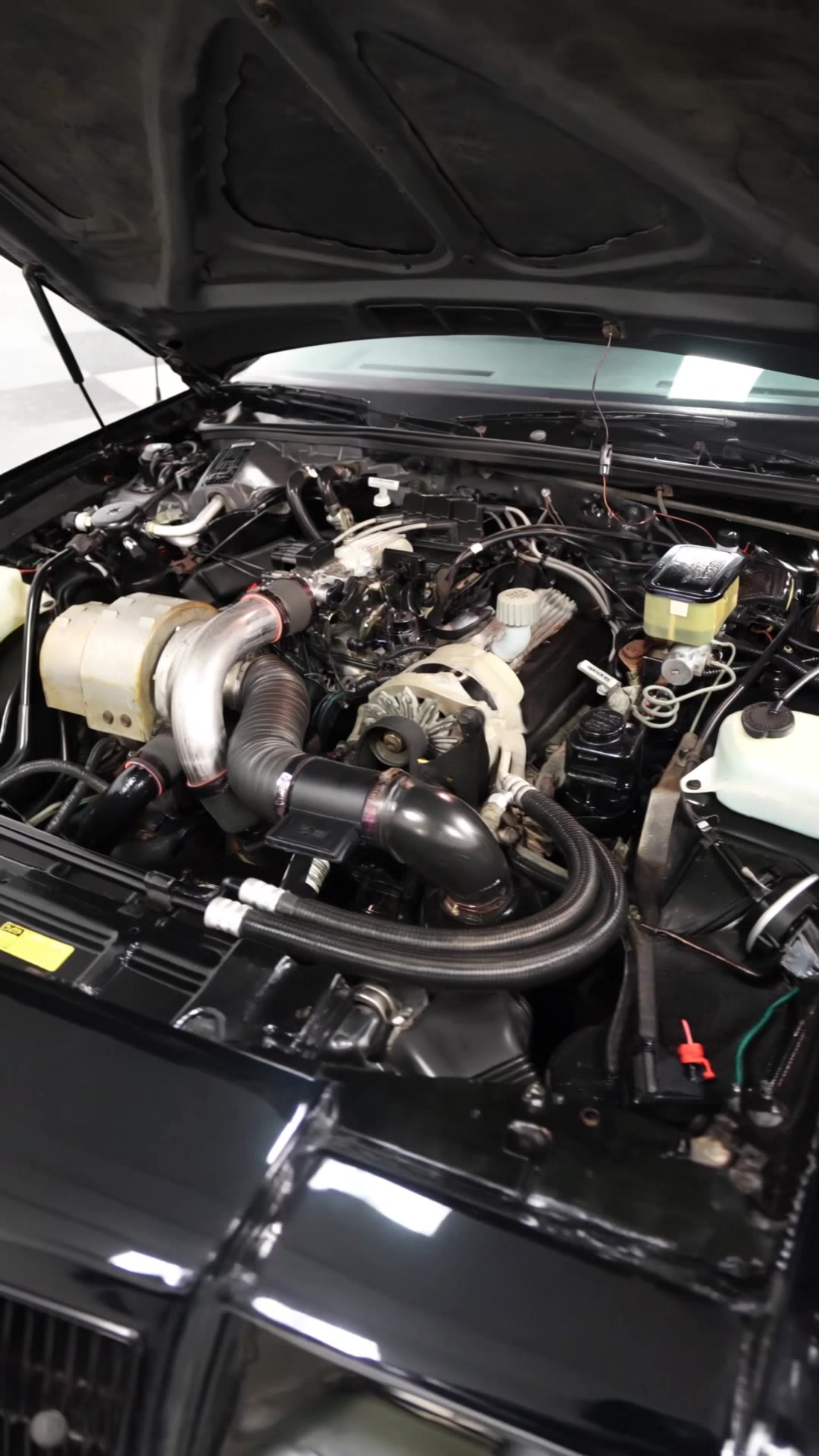
turbo 4 - dragon ball & Dodge Daytona

Recommended

4 - turbo 4 AI image
klingai.video.ai avatar
klingai.video.ai
Kling AI work 315226854507163 - turbo 4 AI video
ポニョえもん avatar
ポニョえもん
밤의 이야기 - turbo 4 AI video
XOYywSek avatar
XOYywSek
Kling AI work 315226693505438 - turbo 4 AI video
ポニョえもん avatar
ポニョえもん
Kling AI work 315183365613789 - turbo 4 AI video
ポニョえもん avatar
ポニョえもん
Kling AI work 314330177500721 - turbo 4 AI image
vFEuWkmS avatar
vFEuWkmS
Kling AI work 315226773610871 - turbo 4 AI video
ポニョえもん avatar
ポニョえもん
Kling AI work 316165167617790 - turbo 4 AI video
FabiM avatar
FabiM
Kling AI work 312929033662907 - turbo 4 AI video
VzffdagQ avatar
VzffdagQ
Kling AI work 315183397505867 - turbo 4 AI video
ポニョえもん avatar
ポニョえもん
Kling AI work 314329973663240 - turbo 4 AI image
vFEuWkmS avatar
vFEuWkmS
Kling AI work 315226825664965 - turbo 4 AI video
ポニョえもん avatar
ポニョえもん
Kling AI work 315183454615058 - turbo 4 AI video
ポニョえもん avatar
ポニョえもん
Kling AI work 316078305615947 - turbo 4 AI video
FabiM avatar
FabiM
Kling AI work 318416648665372 - turbo 4 AI image
njDQICmd avatar
njDQICmd
Kling AI work 295285168500206 - turbo 4 AI video
Franky avatar
Franky
Kling AI work 318416648665386 - turbo 4 AI image
njDQICmd avatar
njDQICmd
Kling AI work 315183501611746 - turbo 4 AI video
ポニョえもん avatar
ポニョえもん
Kling AI work 314075706308386 - turbo 4 AI video
Max Casu avatar
Max Casu
Elite Creator

How to Create Images with Kling AI

Write Down You Ideas

Write Down You Ideas

Open the AI Image Generator and choose the model that fits your project. Describe the subject and scene, then add details such as lighting, color, and visual style to shape the result.

Add References Or Not

Add References Or Not

Upload reference images for a character, product, composition, or style. References are optional, but they give Kling AI a clearer visual foundation when specific features, colors, or design details need to carry into the final image.

Generate Your Image

Generate Your Image

Choose your preferred format and output settings, then hit Generate. Once the result is ready, download it directly or open it in the image-to-video workflow to bring it to life with motion.

Make Avatars Perform, Not Just Speak

More Choice, Without Losing Consistency

More Choice, Without Losing Consistency

Start with a preset avatar, select a character from your Kling AI Assets, upload an image of your own, or create someone new with AI Image. Use a polished presenter for a product demo, a creator-style host for an ad, or a more stylized character when the idea calls for it. For recurring content, save the character with the voice and performance settings you use most. The same on-screen identity is ready for the next script, without putting the setup together again.

Give Each Script the Right Delivery

Give Each Script the Right Delivery

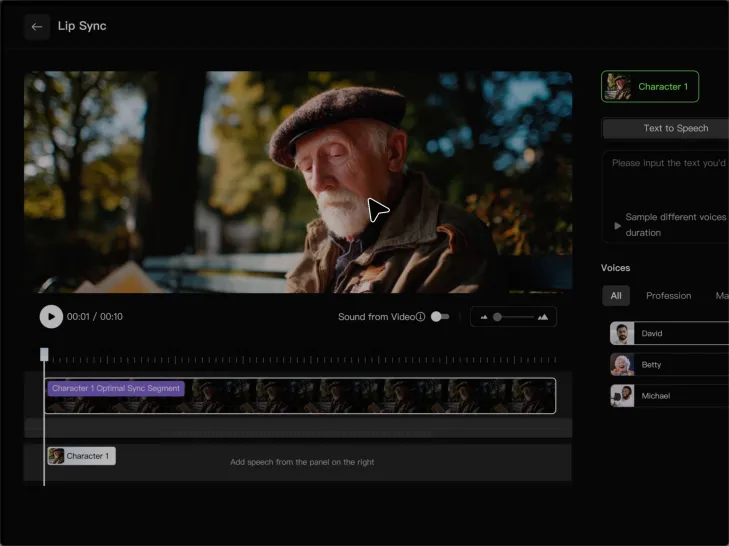
Use a finished voiceover when the delivery is already in place, or start with written copy and choose a text-to-speech voice. Adjust the pace and emotional tone so a product pitch feels confident, a lesson stays clear, and social content can take on more energy. You can write your own performance direction or use one of Kling AI’s suggestions for the selected character. The same avatar can also deliver content in English, Chinese, Japanese, or Korean while keeping a familiar appearance on screen.

Let Movement Carry the Message

Let Movement Carry the Message

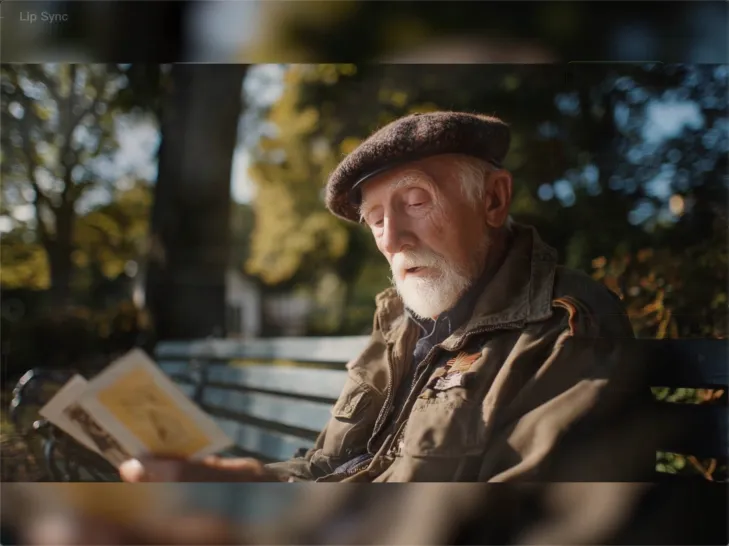
Natural lip sync is only part of the performance. An avatar can point to a product, handle an object, gesture through an explanation, react to the words, or move with the rhythm of a song. Avatar 2.0 improves hand stability and overall action quality, so the movement supports the scene instead of drawing attention away from it. Voice, expression, and body language come together as one performance—not a still image with audio layered over it.

Apps

Image to Video
Image to Video

Image to Video

Text to Video
Text to Video

Text to Video

Omni
Omni

Omni

Digital Human
Digital Human

Digital Human

Restyle
Restyle

Restyle

Text to Image
Text to Image

Text to Image

60M+
60M+
Users
600M+
600M+
AI Videos Generated
4.7 ★
4.7 ★
App Store
Industry-Leading
Industry-Leading
Cinematic 4K

Reviews

Vincent Smadja

Vincent Smadja

★★★★★

Kling AI seamlessly integrates into my creative workflow, playing a key role in transforming my images. After generating and upscaling an image, Kling becomes a crucial element, bringing my creations to life with movement and depth.

James Phillips

James Phillips

★★★★★

Kling AI has transformed my workflow by collapsing timelines and democratizing production. It’s shifted my mindset from resource-dependent filmmaking to a boundless creative sandbox, where experimentation yields unexpected beauty.

PJ Ace

PJ Ace

★★★★★

Kling AI has made it easy for us to generate world class visuals for Fortune 500 companies, TV shows and music for big artists. We love the easy of use of the platform and the quality of the generations. My first time using Kling AI, I got 22 million views on just one video. It's that good.

FAQ

Q1Can I generate AI videos from text prompts?
Q2Can I use AI-generated videos for commercial use?
Q3Does Kling support audio and talking characters?

Start Creating AI Videos with Kling

Turn your text or images into a stunning, high-quality video in seconds. No watermarks, No complicated setup.

Free tier includes watermark (Memberships are watermark-free) | 1080p export (Pro unlocks 4K) | Instant results