Creative Studio
API
Resources
Features
About Us
Download

ugc add ai - Vertical POV videos & Furniture transitions

Transform your spaces with AI-generated furniture placements and captivating UGC avatars. Witness the evolution of product visuals and ad content creation through advanced AI technology. Start exploring ugc add ai ideas and generate your own content with AI.

ugc add ai - Vertical POV videos & Furniture transitions

Recommended

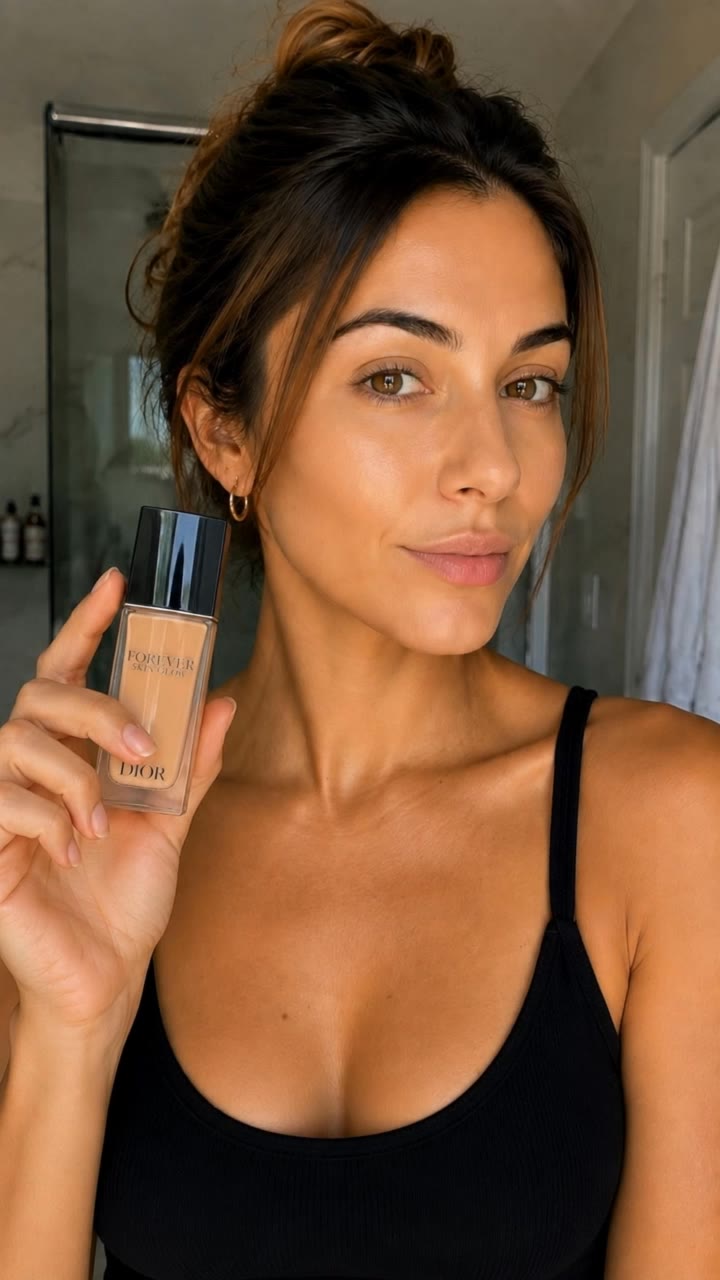
AI UGC Beauty Concept - ugc add ai AI video
Lady Kay avatar
Lady Kay
Kling AI work 312933524525633 - ugc add ai AI image
caDeEnYY avatar
caDeEnYY
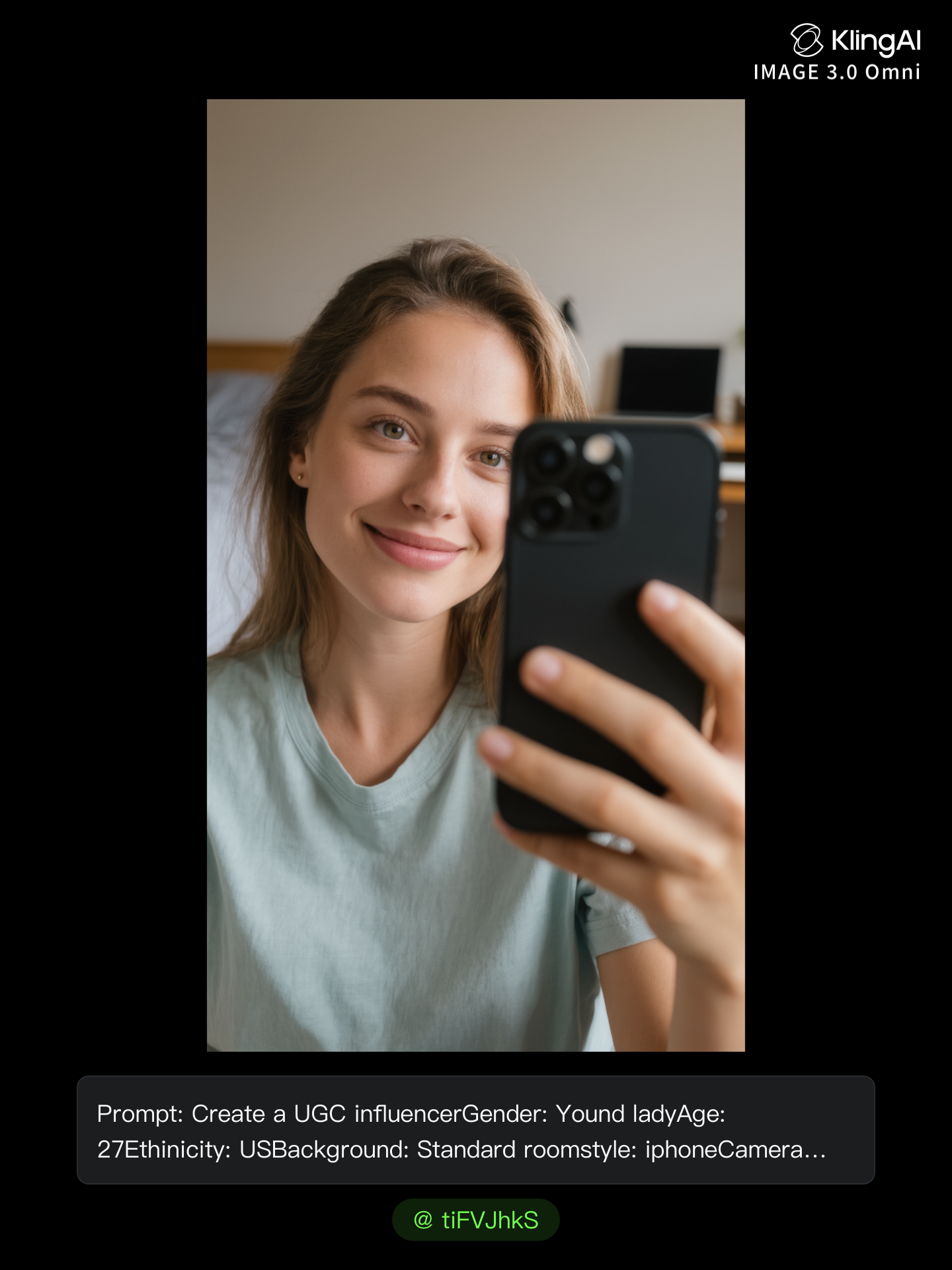
AI UGC influencer - ugc add ai AI image
tiFVJhkS avatar
tiFVJhkS
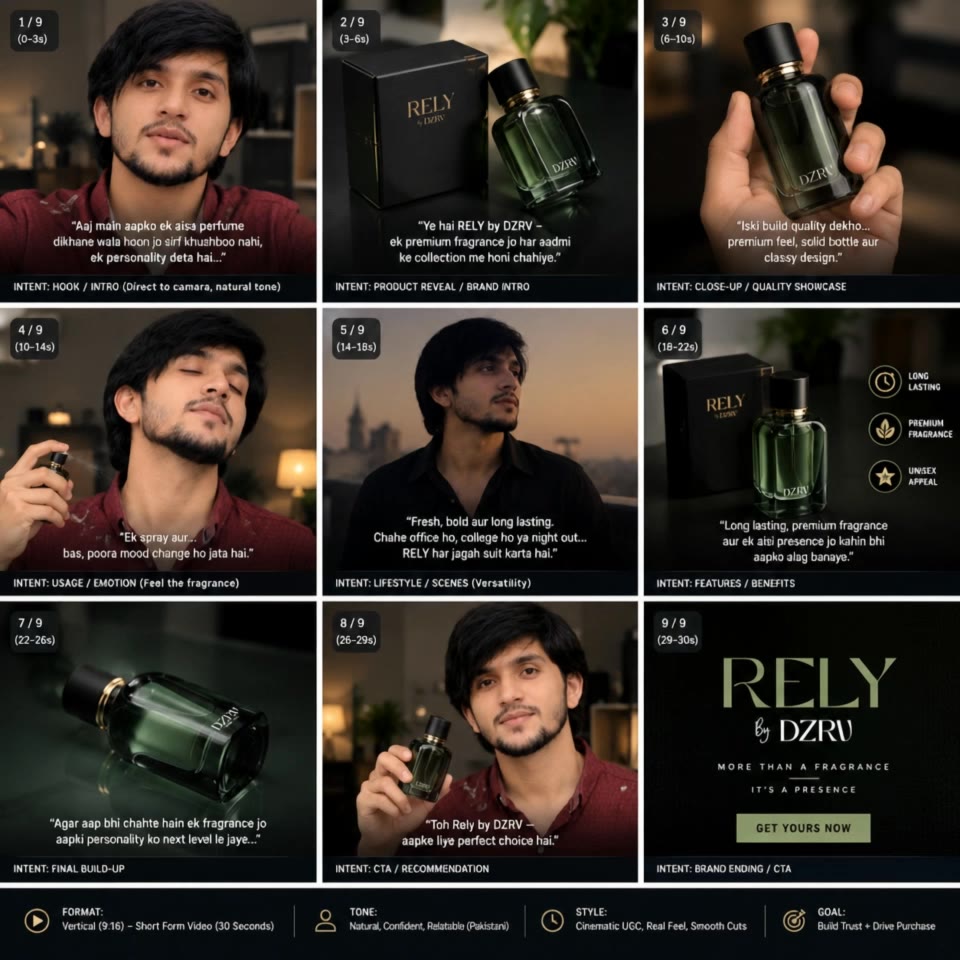
Made a UGC AD for a product - ugc add ai AI video
01:01
qSSYvGXz avatar
qSSYvGXz
Kling AI work 311404873523415 - ugc add ai AI image
tbfvVJhO avatar
tbfvVJhO
Kling AI work 312086000523058 - ugc add ai AI video
lopAMtxs avatar
lopAMtxs
Kling AI work 321175364657553 - ugc add ai AI video
CCLqhVyM avatar
CCLqhVyM
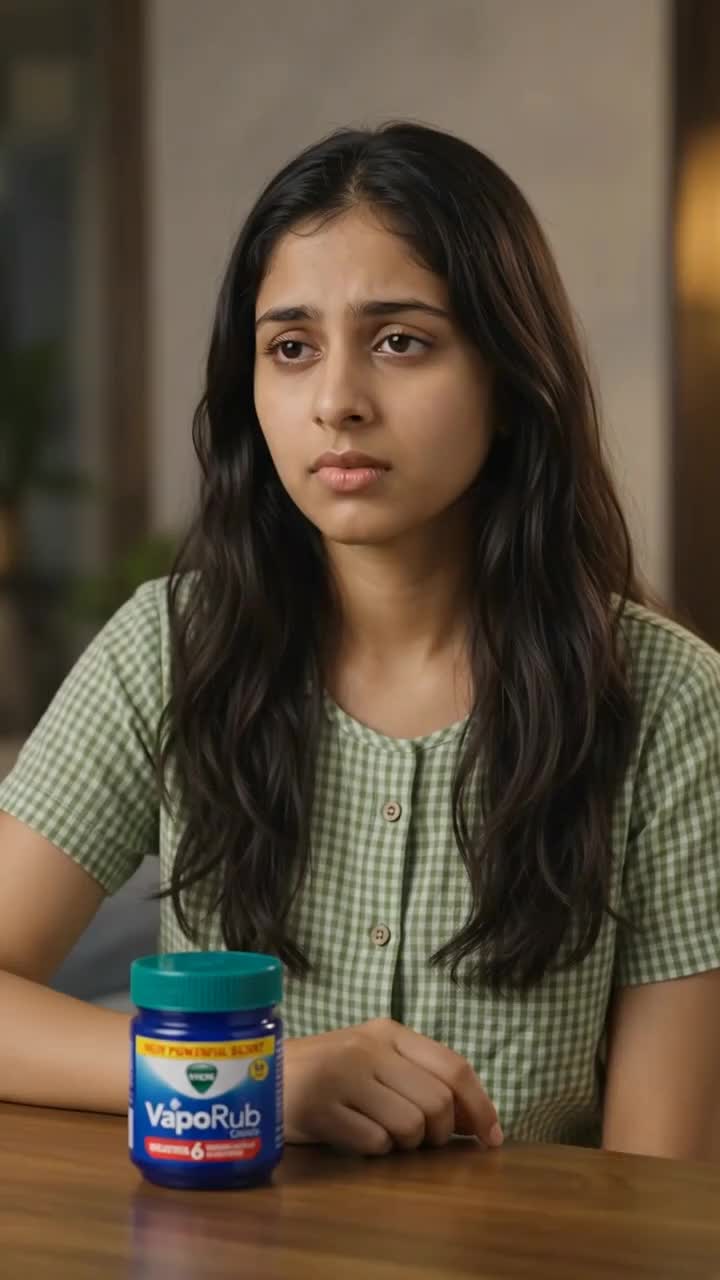
Vaporub UGC AD - ugc add ai AI video
00:10
D'Sign.ai avatar
D'Sign.ai
Kling AI work 315987946501566 - ugc add ai AI image
Pro Editor avatar
Pro Editor
Kling AI work 314278953507006 - ugc add ai AI video
kmxxMCNP avatar
kmxxMCNP
Kling AI work 905591625375027209 - ugc add ai AI video
00:20
fOsXURnp avatar
fOsXURnp
Econiya UGC AD - ugc add ai AI video
00:39
D'Sign.ai avatar
D'Sign.ai
Kling AI work 313515551504832 - ugc add ai AI video
ibTnpJdO avatar
ibTnpJdO
Kling AI work 312933524501639 - ugc add ai AI image
caDeEnYY avatar
caDeEnYY
Kling AI work 311447478527802 - ugc add ai AI video
Snowy avatar
Snowy
Kling AI work 318793046662588 - ugc add ai AI video
LXILyzrv avatar
LXILyzrv
Kling AI work 311793194665178 - ugc add ai AI image
jKGnKRMc avatar
jKGnKRMc
Anniversary Treat - ugc add ai AI video
imagepathways avatar
imagepathways
IA MODELS - ugc add ai AI video
mGqsQFsB avatar
mGqsQFsB

How to Use Kling AI Text to Speech

Step 1: Enter the Video Generation Workspace

Step 1: Enter the Video Generation Workspace

Edit your prompt to set the scene, characters, and style, or upload a reference image to shape the look of your video.

Step 2: Add Dialogue and Speech Instructions

Step 2: Add Dialogue and Speech Instructions

Add dialogue to your prompt and clearly specify which character speaks each line. You can also describe the language or dialect, speaking pace, tone, and delivery style in the prompt to guide how each character sounds.

Step 3: Choose Your Settings and Generate

Step 3: Choose Your Settings and Generate

Choose your resolution (720p, 1080p, or 4K), video length (3–15 seconds), and aspect ratio (16:9, 9:16, or 1:1). Then click Generate to create your video.

Repair, Refine, and Restore Old Photos

Restore Multiple Types of Photo Damage with AI

Restore Multiple Types of Photo Damage with AI

Kling AI helps restore old photos affected by scratches, dust, stains, creases, faded areas, and other visible signs of aging. Describe the restoration you want with natural language prompts and improve multiple types of damage in one workflow while keeping the original image structure consistent.

Preserve Faces and Original Visual Identity

Preserve Faces and Original Visual Identity

When restoring old portrait photos, keeping people recognizable is essential. Kling AI uses your uploaded photo as a visual reference to help preserve facial features, expressions, clothing details, and original composition, keeping the restored result closely connected to the original image.

Generate a Higher-Resolution Restored Version

Generate a Higher-Resolution Restored Version

Use IMAGE 3.0 Omni to generate restored photos with 2K or 4K high-resolution output. Higher-resolution images provide clearer details, smoother total transitions, and richer textures for family archives, photo books, digital collections, large displays, and high-quality printing.

Apps

Image to Video
Image to Video

Image to Video

Text to Video
Text to Video

Text to Video

Omni
Omni

Omni

Digital Human
Digital Human

Digital Human

Restyle
Restyle

Restyle

Text to Image
Text to Image

Text to Image

60M+
60M+
Users
600M+
600M+
AI Videos Generated
4.7 ★
4.7 ★
App Store
Industry-Leading
Industry-Leading
Cinematic 4K

Reviews

Jyo John Mulloor

Jyo John Mulloor

★★★★★

Kling AI has been instrumental in transforming my creative workflow, unlocking new dimensions of artistic expression that were once unimaginable. I use Kling AI extensively to develop high-concept visuals, animate surreal dreamscapes, and create AI-assisted films that blur the line between reality and fantasy. Kling AI’s deep learning capabilities have not only enhanced my creative efficiency but also inspired me to explore storytelling in ways I never thought possible.

Samuele Poggi (@visualsk2)

Samuele Poggi (@visualsk2)

★★★★★

I use Kling AI daily to push the limits of AI filmmaking. It allows me to create highly cinematic content, blending AI and VFX to develop innovative projects. It has significantly impacted my creative process, enabling me to achieve complex animations that would otherwise require high production budgets.

KakuDrop

KakuDrop

★★★★★

I have successfully collaborated with world-renowned artists and well-known companies that are recognized globally

FAQ

Q1What is an AI photo editor?
Q2Can I use another photo to guide an edit?
Q3Can I change the background of a photo?

Remove the Background. Create What Comes Next.

Remove the background, replace the scene, and take your visual somewhere new with Kling AI.

Free tier available | Image and video workflows | High-resolution options