Creative Studio
API
Resources
Features
About Us
Download

UGC KlingAI Wallpaper – User-Generated Content

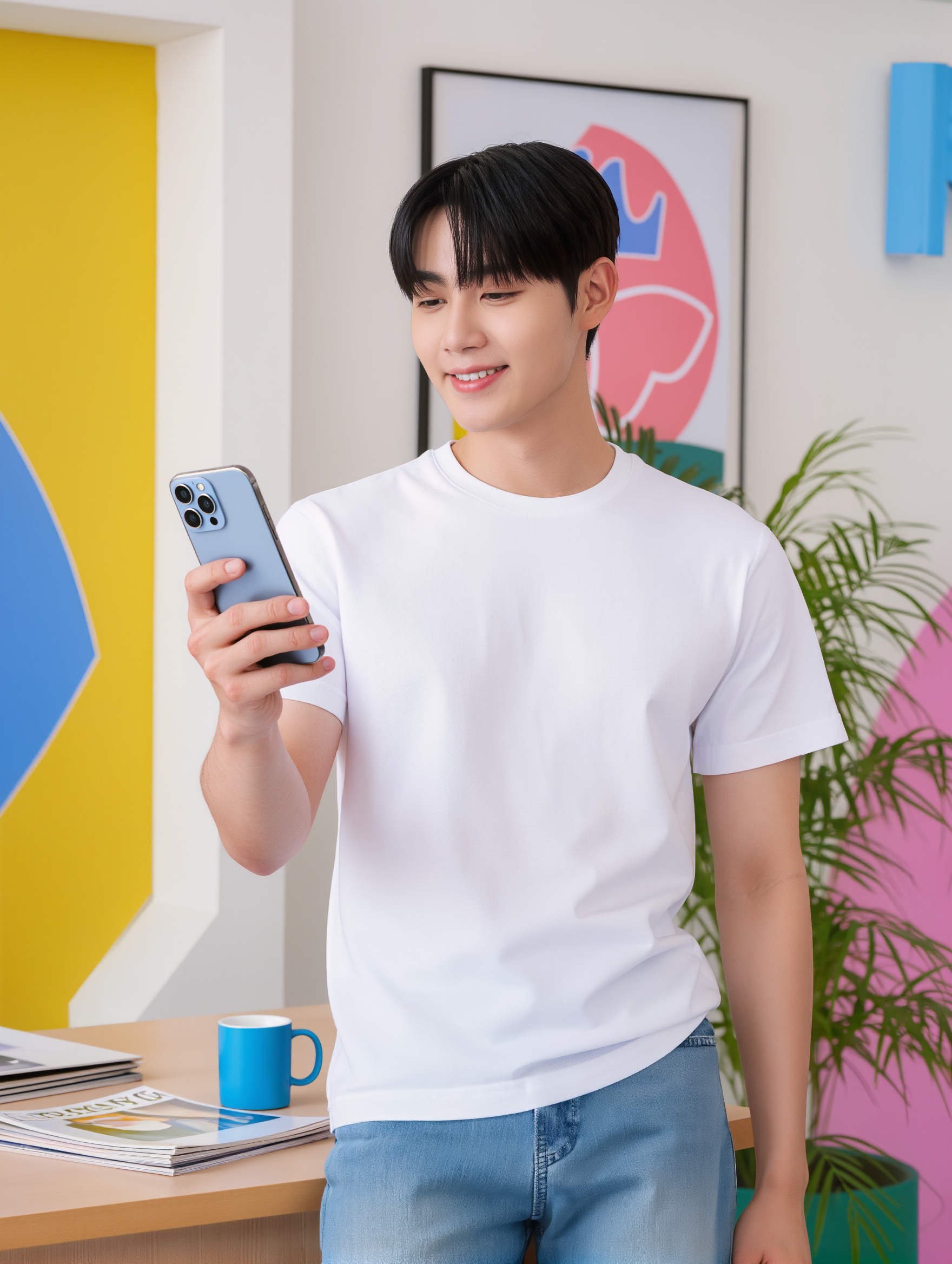
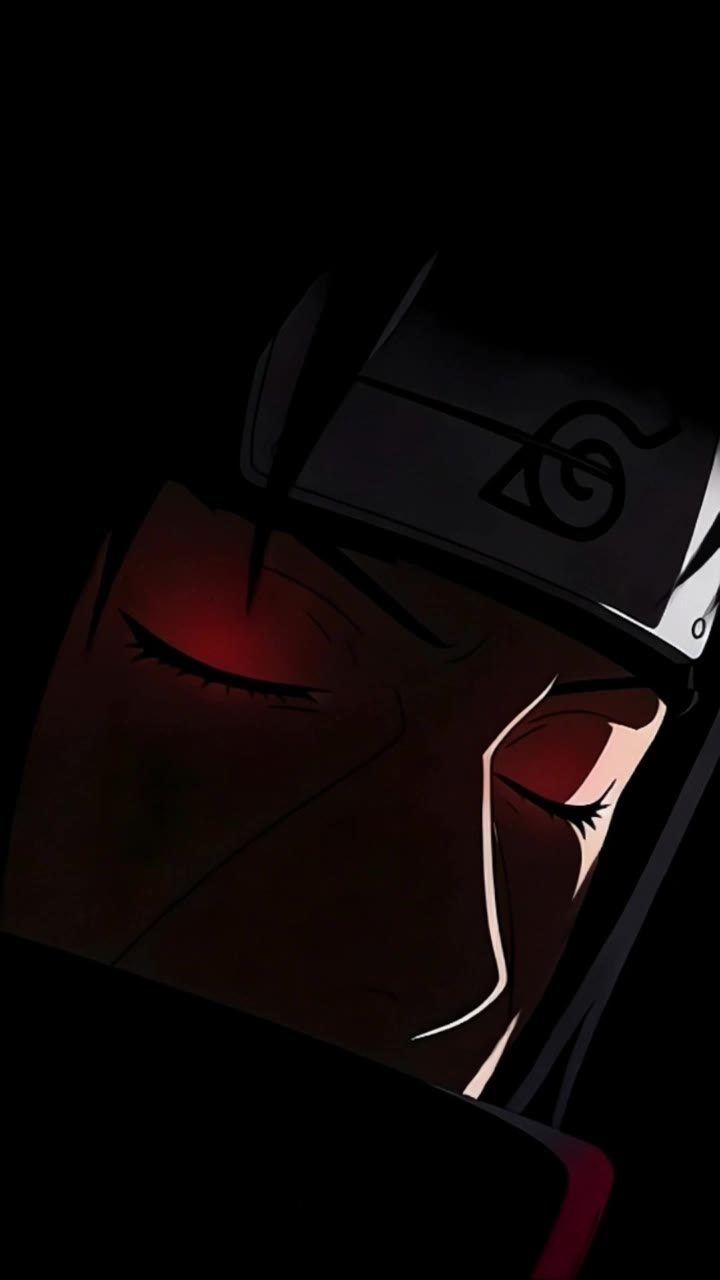
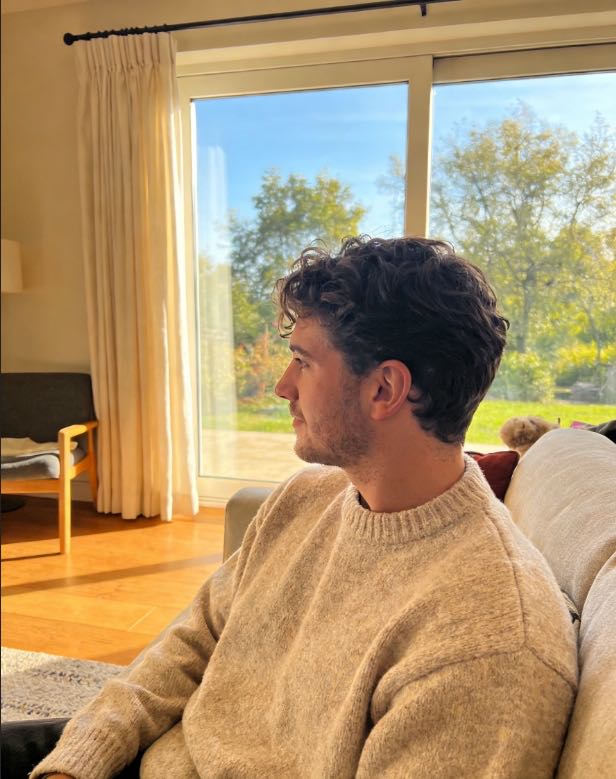
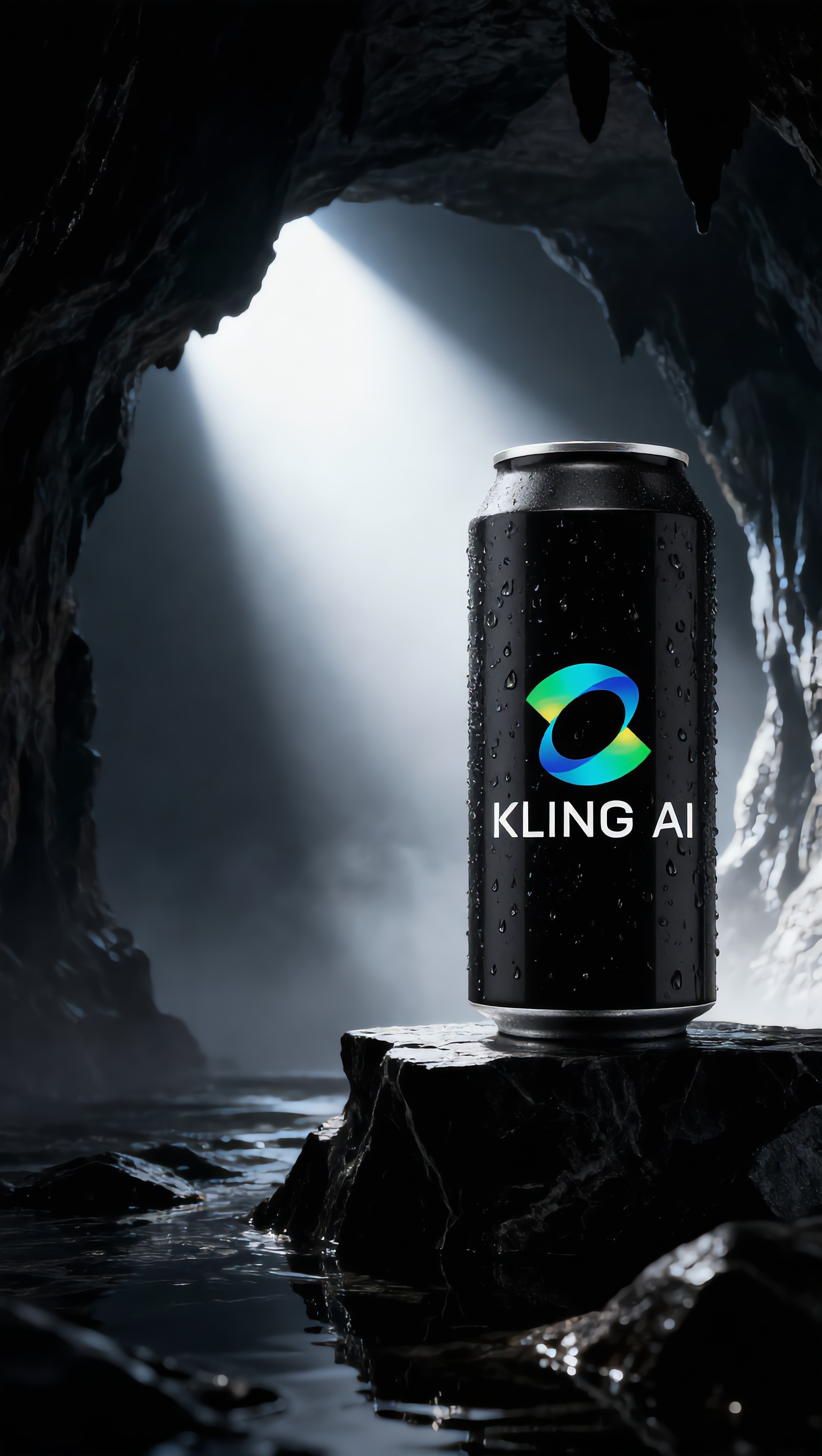
Dive into user-generated content with UGC wallpapers generated by KlingAI. These AI-made visuals provide quick and customizable design options for your device.


UGC KlingAI Wallpaper – User-Generated Content

Recommended

AI UGC Beauty Concept - ugc kling ai wallpaper AI video
Lady Kay avatar
Lady Kay
Kling AI work 310335821661328 - ugc kling ai wallpaper AI image
Dreaming avatar
Dreaming
Elite Creator
UGC - ugc kling ai wallpaper AI video
00:09
DuFNQSVJ avatar
DuFNQSVJ
Kling IMAGE 3.0 Model User Guide - ugc kling ai wallpaper AI image
YxIAgcaB avatar
YxIAgcaB
Kling AI Turns 2 - ugc kling ai wallpaper AI video
RamZ avatar
RamZ
Elite Creator
Live Wallpaper - ugc kling ai wallpaper AI video
Louis avatar
Louis
Elite Creator
Kling AI work 309155892611817 - ugc kling ai wallpaper AI image
Dreaming avatar
Dreaming
Elite Creator
AI UGC influencer - ugc kling ai wallpaper AI image
tiFVJhkS avatar
tiFVJhkS
ugc - ugc kling ai wallpaper AI video
00:08
PEArLyJd avatar
PEArLyJd
Kling AI work 311404873523415 - ugc kling ai wallpaper AI image
tbfvVJhO avatar
tbfvVJhO
wallpaper - ugc kling ai wallpaper AI video
EDCxWRhK avatar
EDCxWRhK
Kling AI Can - ugc kling ai wallpaper AI image
UN_RE_AI_vision avatar
UN_RE_AI_vision
super hero kling ai - ugc kling ai wallpaper AI video
medtkr avatar
medtkr
kling saves humanity - ugc kling ai wallpaper AI video
medtkr avatar
medtkr
Kling AI work 309178580610711 - ugc kling ai wallpaper AI video
wallpaper avatar
wallpaper
Kling IMAGE 3.0 Model User Guide - ugc kling ai wallpaper AI image
YxIAgcaB avatar
YxIAgcaB
Kling AI without limits - ugc kling ai wallpaper AI video
KLING6928 avatar
KLING6928
Kling AI work 306506598531373 - ugc kling ai wallpaper AI image
CHARCOVISION STUDIOS avatar
CHARCOVISION STUDIOS
super hero kling ai - ugc kling ai wallpaper AI video
medtkr avatar
medtkr

How to Change Clothes with Kling AI

Step 1: Upload the Model Photo and Outfit References

Step 1: Upload the Model Photo and Outfit References

Upload the model's photo you want to edit, then add references for the clothing, shoes, hats, bags, or accessories you want to use. You can combine multiple references when different parts of the final look come from different images.

Step 2: Describe the Outfit Change

Step 2: Describe the Outfit Change

Tell Kling AI how each reference should be used. For example, use Image 1 as the base person, then apply the shirt from Image 2, jacket from Image 3, skirt from Image 4, and shoes from Image 5.

Step 3: Generate Your Outfit Change

Step 3: Generate Your Outfit Change

Choose your preferred aspect ratio and 2K or 4K resolution, then generate your new look. Preview the final composite and download your favorite result.

One Image-to-Image Generator, More Ways to Create

Refine With Precision

Refine With Precision

Bring in up to 10 reference images to keep the subject, color, shape, and visual details that matter, then update only what needs to change. Whether you’re reworking a background, adjusting lighting, or refining a product or character, IMAGE 3.0 helps the new image stay true to the original while making the edit feel clean, natural, and intentional.

Restyle With Freedom

Restyle With Freedom

Give any image a fresh look in more than one way. Start with the built-in style library to recreate a look in one click, or upload your original image with a reference to follow a specific visual direction. Kling AI image-to-image model carries over the qualities that define the style while keeping the subject clear and the composition intact.

Generate Image Series in 4K

Generate Image Series in 4K

Start with one image or several references and generate a connected set in one pass. IMAGE 3.0 Omni keeps characters, products, style, and tone consistent from image to image, while still allowing new actions, framing, camera angles, and shot types. Native 4K output makes it well suited to cinematic multi-shot storyboards, product image sets, and character design.

Apps

Image to Video
Image to Video

Image to Video

Text to Video
Text to Video

Text to Video

Omni
Omni

Omni

Digital Human
Digital Human

Digital Human

Restyle
Restyle

Restyle

Text to Image
Text to Image

Text to Image

60M+
60M+
Users
600M+
600M+
AI Videos Generated
4.7 ★
4.7 ★
App Store
Industry-Leading
Industry-Leading
Cinematic 4K

Reviews

PJ Ace

PJ Ace

★★★★★

Kling AI has made it easy for us to generate world class visuals for Fortune 500 companies, TV shows and music for big artists. We love the easy of use of the platform and the quality of the generations. My first time using Kling AI, I got 22 million views on just one video. It's that good.

Jyo John Mulloor

Jyo John Mulloor

★★★★★

Kling AI has been instrumental in transforming my creative workflow, unlocking new dimensions of artistic expression that were once unimaginable. I use Kling AI extensively to develop high-concept visuals, animate surreal dreamscapes, and create AI-assisted films that blur the line between reality and fantasy. Kling AI’s deep learning capabilities have not only enhanced my creative efficiency but also inspired me to explore storytelling in ways I never thought possible.

Huang Lu (Elson)

Huang Lu (Elson)

★★★★★

I’ve been using Kling AI since its initial release, and it’s remained one of the leading AI media generators ever since. With Kling AI, I’ve created hundreds of videos, collectively amassing millions of views.

FAQ

Q1Can Kling AI retouch portraits?
Q2How do I edit a photo with Kling AI?
Q3Can Kling AI restore an old or damaged photo?

Remove the Background. Create What Comes Next.

Remove the background, replace the scene, and take your visual somewhere new with Kling AI.

Free tier available | Image and video workflows | High-resolution options