Creative Studio
API
Resources
Features
About Us
Download

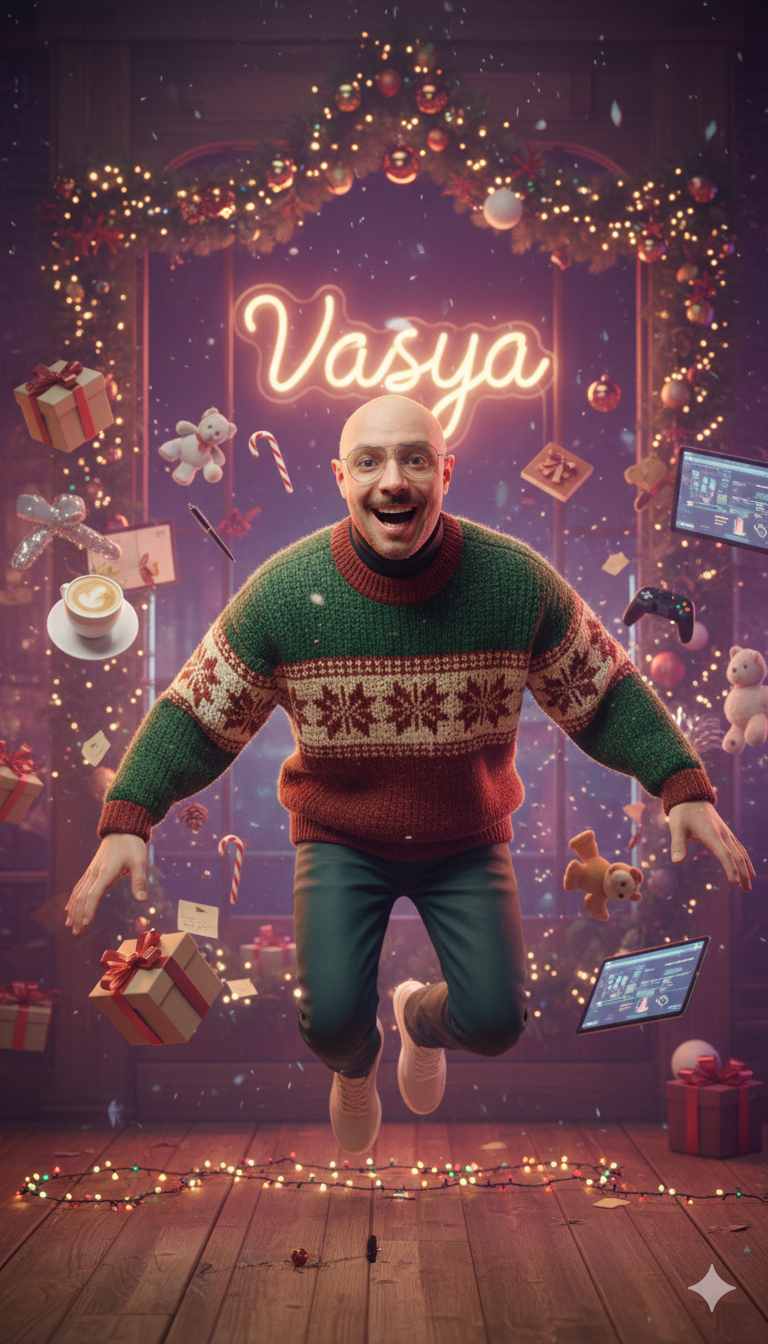
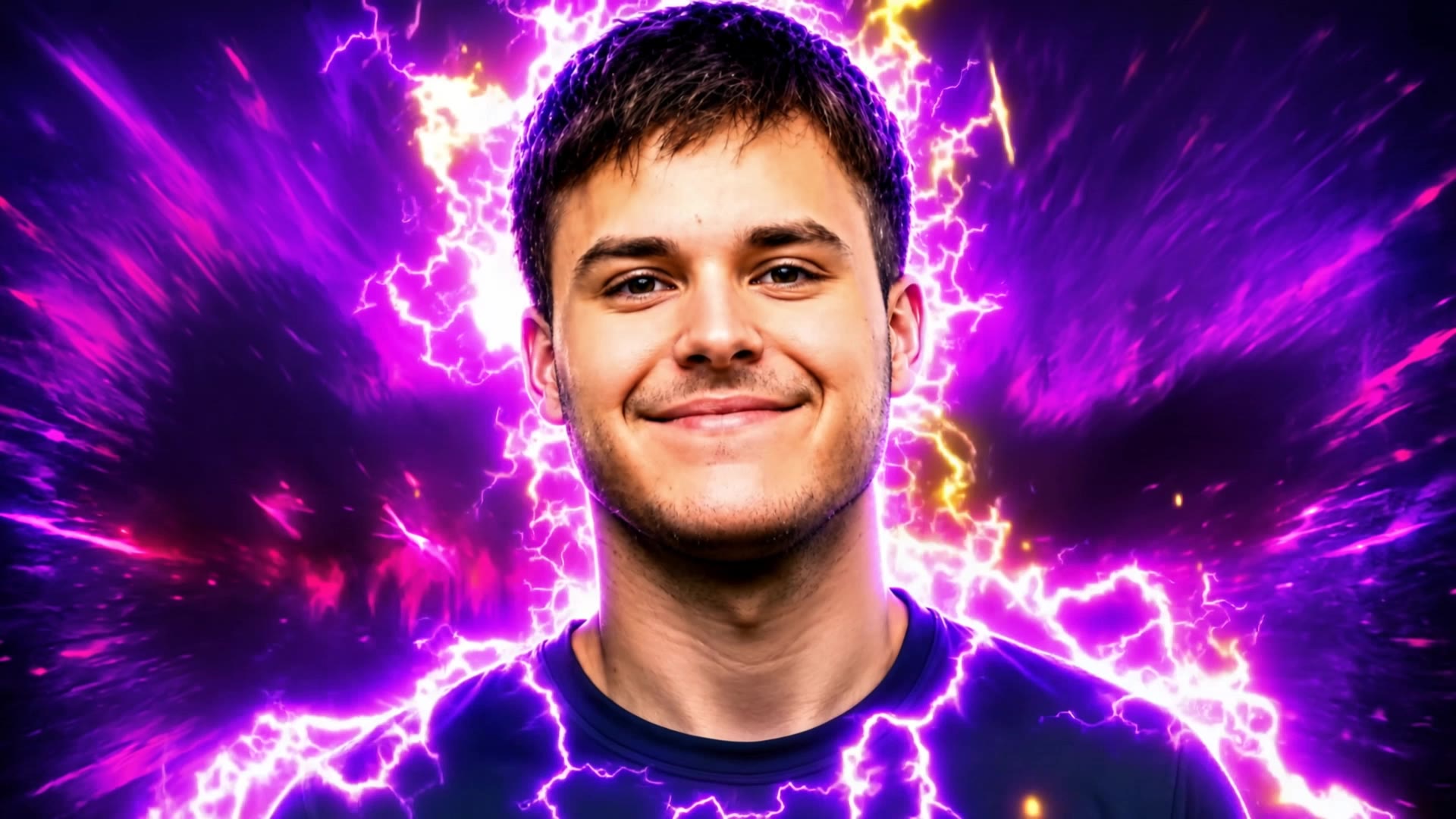
UGC YouTube Thumbnail Ideas – AI Image Concepts

Explore UGC-themed YouTube thumbnails generated by AI. Quickly find and customize these AI results for your channel.

UGC YouTube Thumbnail Ideas – AI Image Concepts

Recommended

Kling AI work 298492465527985 - ugc youtube thumbnail AI image
VASYA avatar
VASYA
Gaming Intro @Ian77 - ugc youtube thumbnail AI video
RunbJbBG avatar
RunbJbBG
Kling AI work 297519072664897 - ugc youtube thumbnail AI image
egfTPZDz avatar
egfTPZDz
Kling AI work 312100981616453 - ugc youtube thumbnail AI image
pwdsGdco avatar
pwdsGdco
Kling AI work 298451220310471 - ugc youtube thumbnail AI image
VASYA avatar
VASYA
Kling AI work 299787239613018 - ugc youtube thumbnail AI image
jUEfOhTq avatar
jUEfOhTq
Kling AI work 320045914506540 - ugc youtube thumbnail AI video
DxiDUfIg avatar
DxiDUfIg
Kling AI work 316053495615474 - ugc youtube thumbnail AI video
mpXXMDwi avatar
mpXXMDwi
Kling AI work 298632886527731 - ugc youtube thumbnail AI image
VASYA avatar
VASYA
Kling AI work 312511311668756 - ugc youtube thumbnail AI video
Olympics avatar
Olympics
Kling AI work 315532622508979 - ugc youtube thumbnail AI image
keezounlocked avatar
keezounlocked
Kling AI work 309234009662026 - ugc youtube thumbnail AI image
LSqQrVrV avatar
LSqQrVrV
UGC VIdeo - ugc youtube thumbnail AI video
00:10
GkDXOwsc avatar
GkDXOwsc
ugc - ugc youtube thumbnail AI video
00:08
PEArLyJd avatar
PEArLyJd
Kling AI work 315147294663697 - ugc youtube thumbnail AI image
ALWLdGnx avatar
ALWLdGnx
Kling AI work 316944330526809 - ugc youtube thumbnail AI image
TAHSPHRg avatar
TAHSPHRg
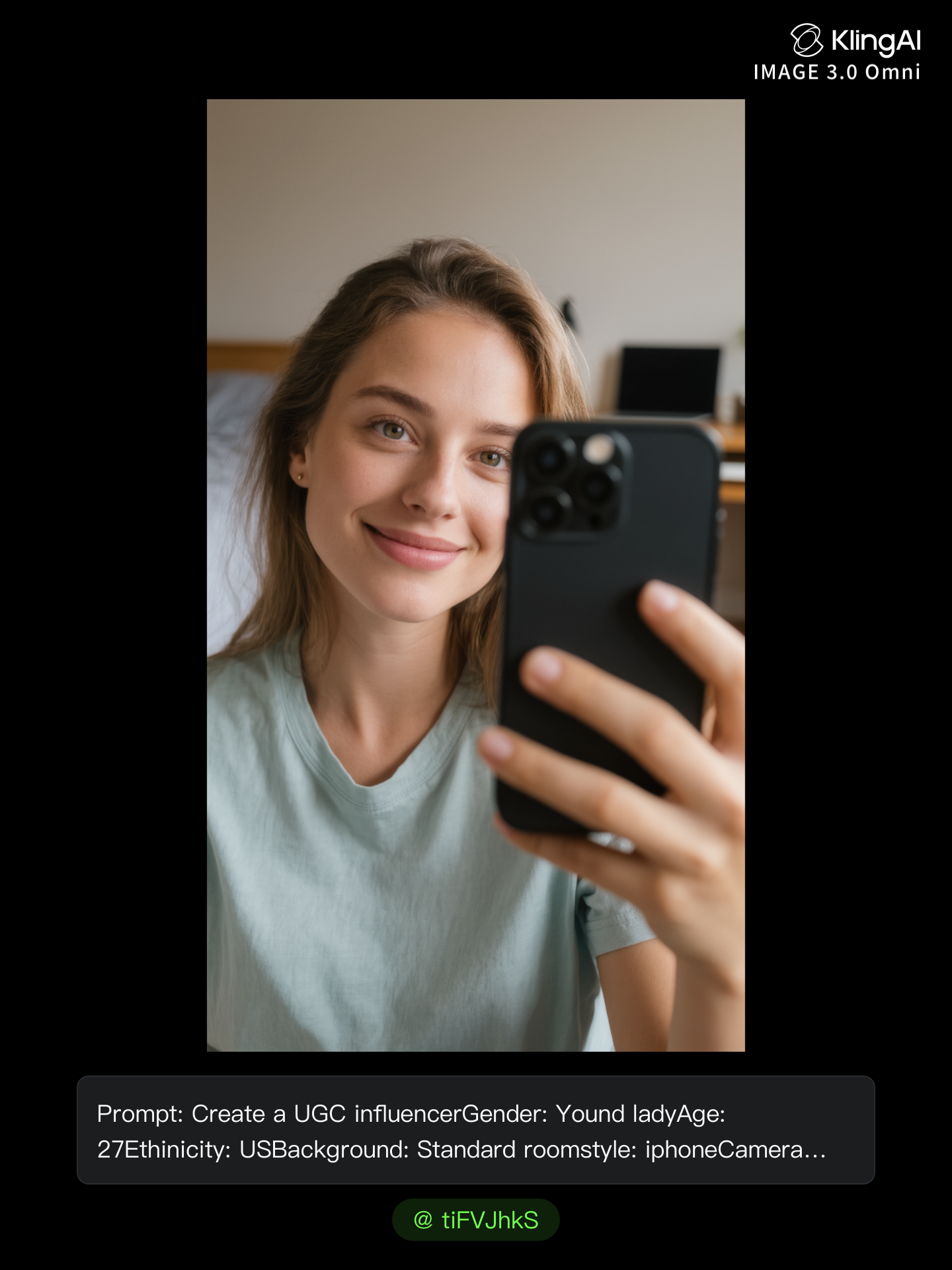
AI UGC influencer - ugc youtube thumbnail AI image
tiFVJhkS avatar
tiFVJhkS
Kling AI work 314619108664423 - ugc youtube thumbnail AI image
AtBJSUiJ avatar
AtBJSUiJ
UGC Infeluncer Video - ugc youtube thumbnail AI video
BestOfBoth avatar
BestOfBoth

How to Extend an Image with AI

Step 1: Upload and Describe

Step 1: Upload and Describe

Upload the image you want to expand, such as a portrait, product photo, landscape, or social media visual. Use a text prompt to specify which side to extend and what should appear in the new area, such as more sky, scenery, or background details, while keeping the main subject unchanged.

Step 2: Choose the Output Settings and Generate

Step 2: Choose the Output Settings and Generate

Choose the image ratio, number of outputs, and resolution, then generate your extended image. Creating multiple versions makes it easier to compare the results and choose your favorite.

Step 3: Expand Your Image with Image Expansion

Step 3: Expand Your Image with Image Expansion

Open the Image Expansion workflow when you want a dedicated way to extend an existing image. Upload your source image, describe what should appear beyond the original frame, choose from the available output settings, and generate the expanded result.

Choose the Right Voice Workflow

Add New Audio to an Existing Video

Add New Audio to an Existing Video

Use the dedicated Lip Sync tool when your character video is already created. Upload a voiceover or song, or generate speech from text, then match the new audio to the character’s mouth movements.

Generate Dialogue with the Scene

Generate Dialogue with the Scene

Starting from scratch? Kling VIDEO 3.0 and VIDEO 3.0 Omni create dialogue, lip movement, visuals, sound effects, and ambience together. Native Audio supports Chinese, English, Japanese, Korean, and Spanish.

Keep Character and Voice Consistent

Keep Character and Voice Consistent

Create a reusable Character Element from images or a video, bind a voice tone, and carry the same appearance and voice into new scenes with VIDEO 3.0 Omni.

Apps

Image to Video
Image to Video

Image to Video

Text to Video
Text to Video

Text to Video

Omni
Omni

Omni

Digital Human
Digital Human

Digital Human

Restyle
Restyle

Restyle

Text to Image
Text to Image

Text to Image

60M+
60M+
Users
600M+
600M+
AI Videos Generated
4.7 ★
4.7 ★
App Store
Industry-Leading
Industry-Leading
Cinematic 4K

Reviews

Huang Lu (Elson)

Huang Lu (Elson)

★★★★★

I’ve been using Kling AI since its initial release, and it’s remained one of the leading AI media generators ever since. With Kling AI, I’ve created hundreds of videos, collectively amassing millions of views.

Halim Alrasihi

Halim Alrasihi

★★★★★

I use AI daily and Kling AI is a crucial part of my workflow, whether for client work or personal projects. What I love most about using Kling AI is that it provides all the tools I need in one place, from keyframes to character references, elements and special effects.

Maria Rubtsova

Maria Rubtsova

★★★★★

I’m Maria Rubtsova, an AIGC digital artist passionate about creating stunning visuals in the worlds of fashion, aesthetics, and fantasy. I use KlingAi to bring imagination to life through video. My work is all about exploring beauty, emotion, and the limitless possibilities of digital art.

FAQ

Q1What should I look for in the best AI background generator?
Q2Can I create several backgrounds with the same visual direction?
Q3How do I ask AI to change the background of a photo?

See Your Image in a Whole New Color

Explore a different product color, refresh an outfit, rethink a room, or give an existing creative a new direction with Kling IMAGE 3.0. Describe the change, and generate a new version now.