
Creative Studio
API
Resources
Features
About Us
Download

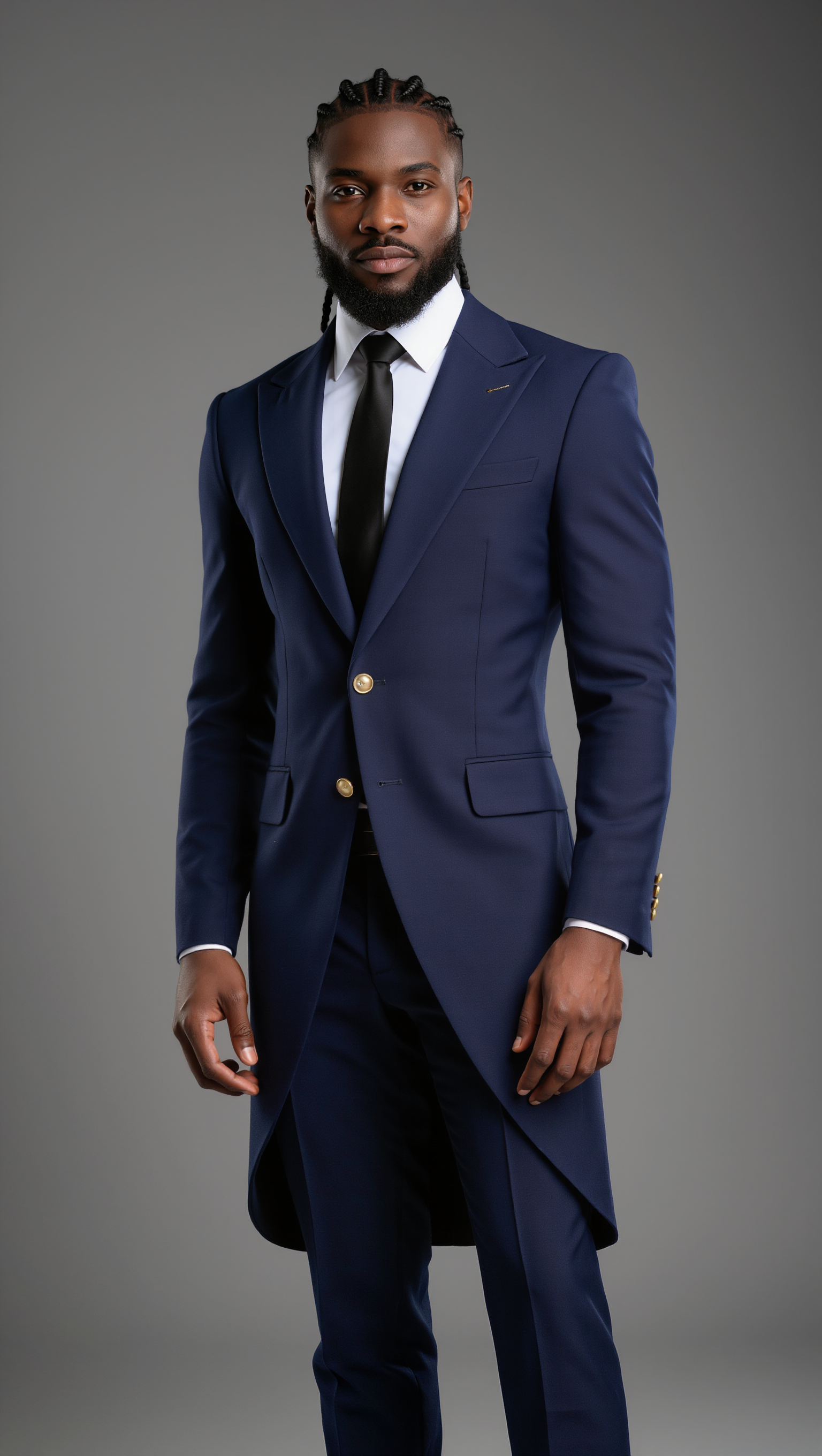
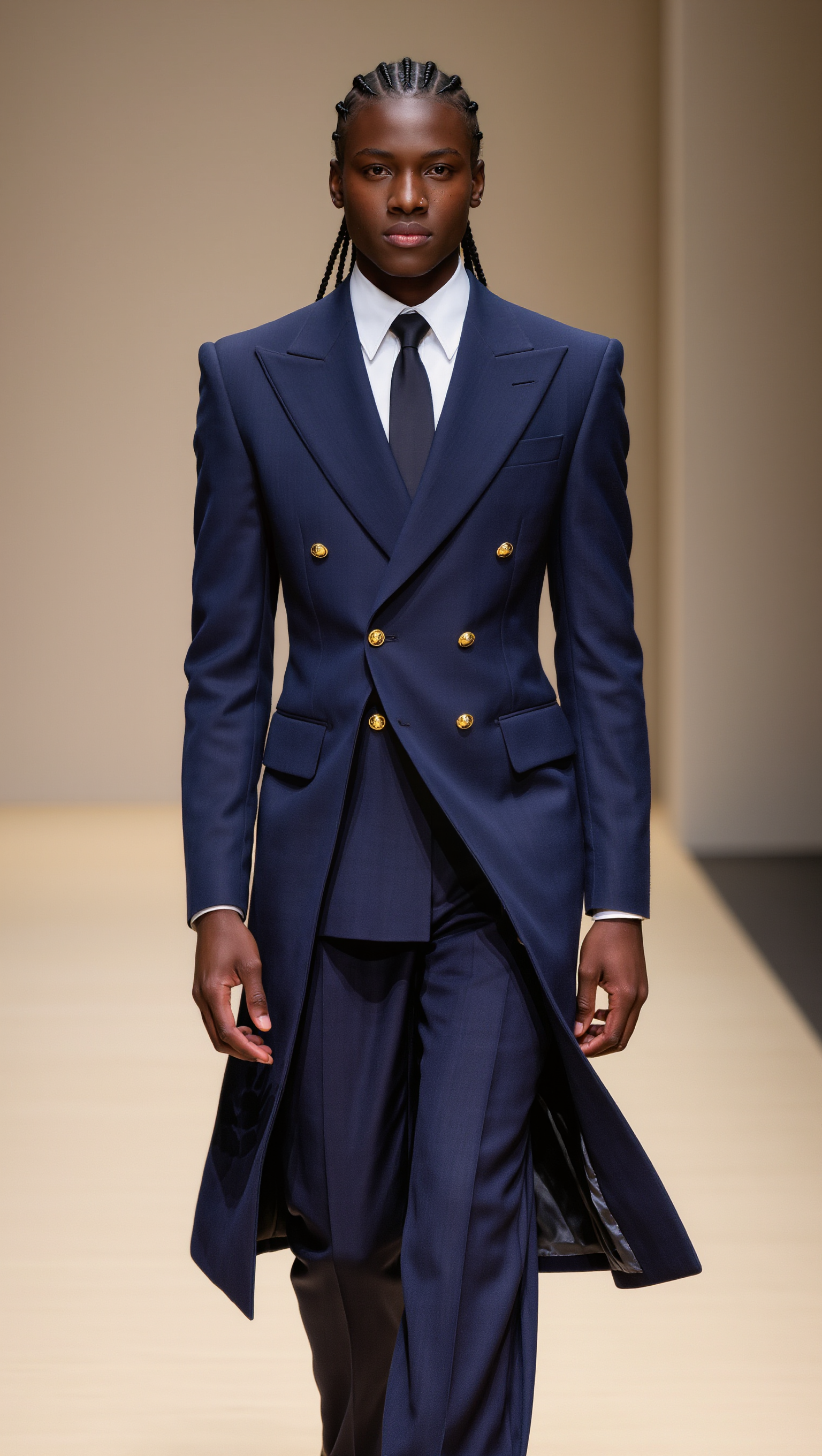
undercut styles - neon tribal & surreal morphing

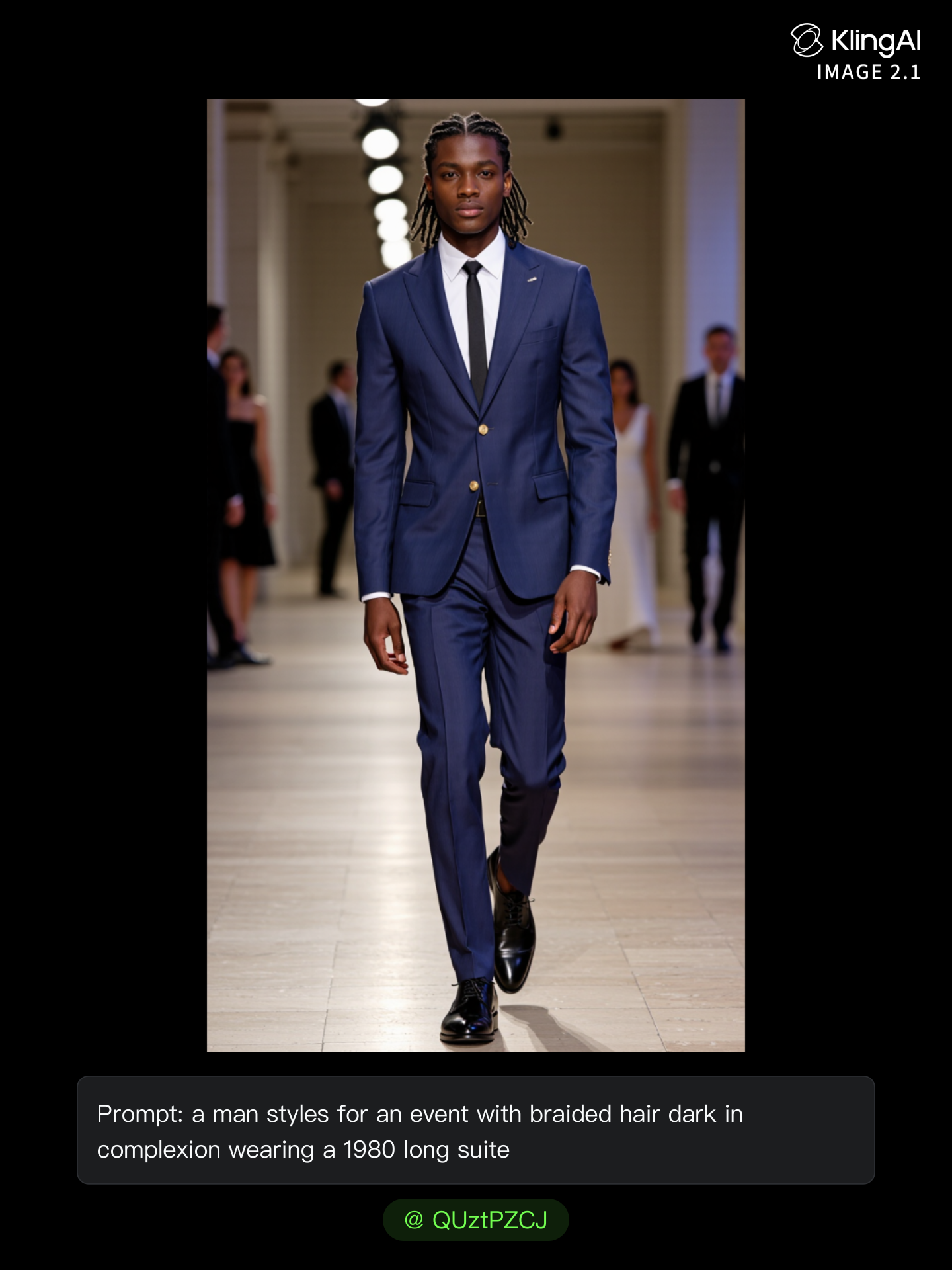
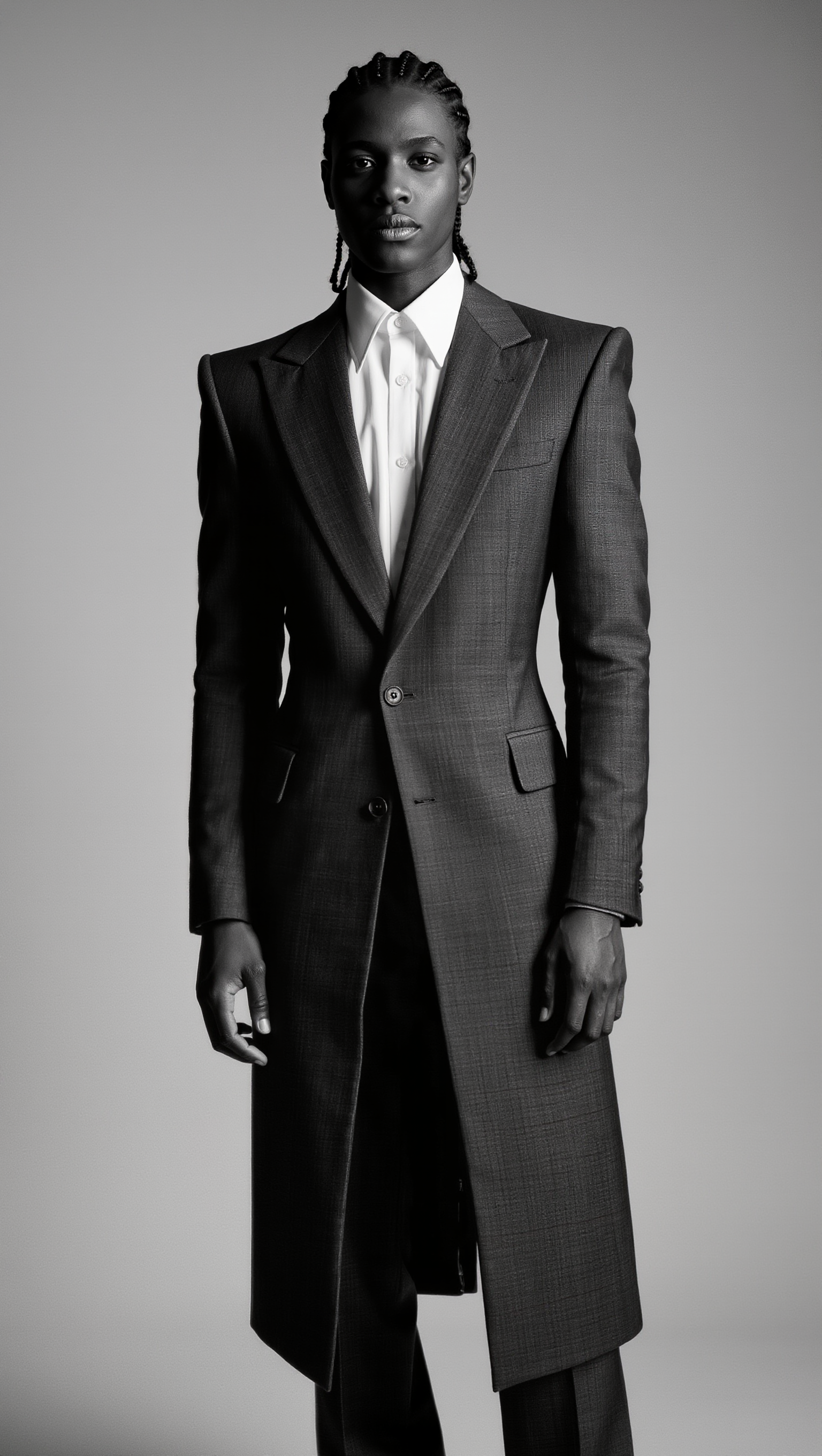
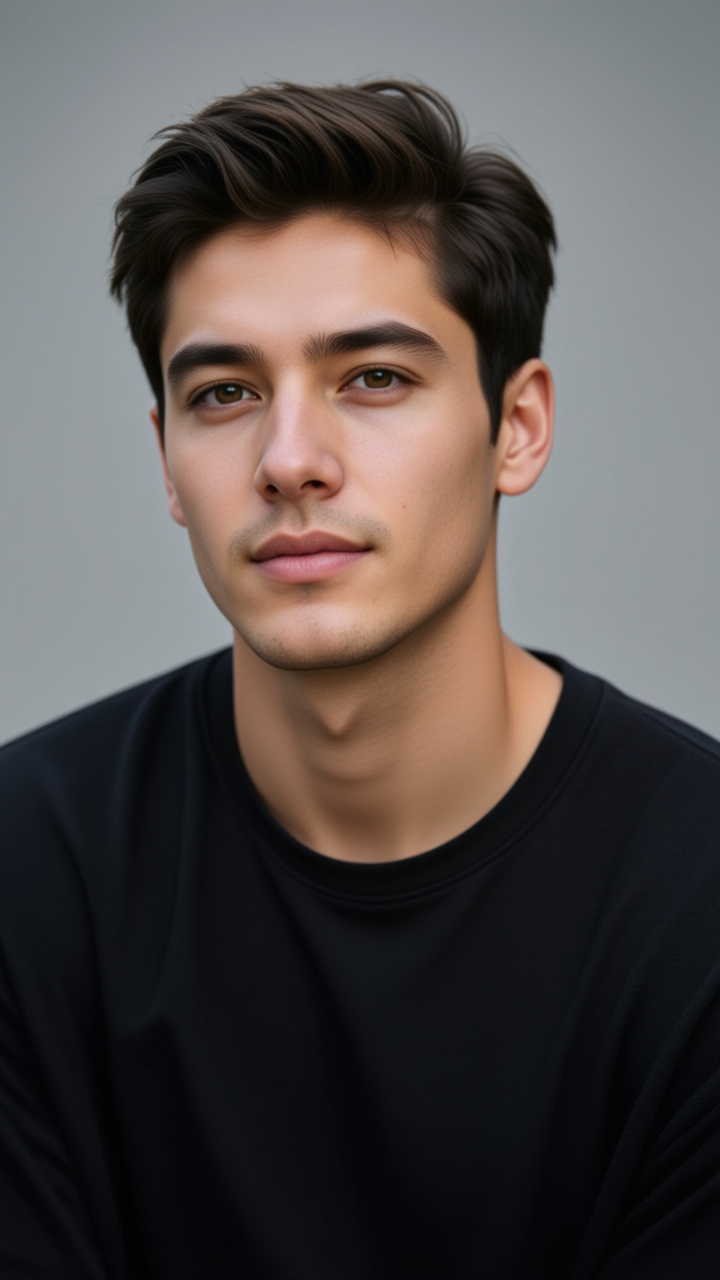
Embrace the fusion of futuristic neon aesthetics and transformative architectural styles in unique undercut hairstyles. Draw inspiration from dynamic reflections and surreal morphing elements to craft distinctive looks. Start exploring undercut styles ideas and generate your own content with AI.

undercut styles - neon tribal & surreal morphing

Recommended

Ken Smith - undercut styles AI image
FaoguUAQ avatar
FaoguUAQ
Kling AI work 320762537658093 - undercut styles AI video
Nott.heirworld avatar
Nott.heirworld
Kling AI work 309169806502113 - undercut styles AI image
kcKZrMgC avatar
kcKZrMgC
Kling AI work 306813065667256 - undercut styles AI image
JTfWAsUS avatar
JTfWAsUS
Kling AI work 311492141524122 - undercut styles AI image
KYOHJrjg avatar
KYOHJrjg
Kling AI work 307888557507728 - undercut styles AI video
FvsevlgS avatar
FvsevlgS
Kling AI work 309452836522443 - undercut styles AI image
rialAFur avatar
rialAFur
Kling AI work 308950841663681 - undercut styles AI image
PKADKlqz avatar
PKADKlqz
Kling AI work 312724082520110 - undercut styles AI video
GOOpvKFj avatar
GOOpvKFj
Kling AI work 308999227615120 - undercut styles AI image
aGnOzsjX avatar
aGnOzsjX
Kling AI work 309097605611184 - undercut styles AI image
GTVkouJV avatar
GTVkouJV
Kling AI work 309076098525087 - undercut styles AI image
SxYKfDnN avatar
SxYKfDnN
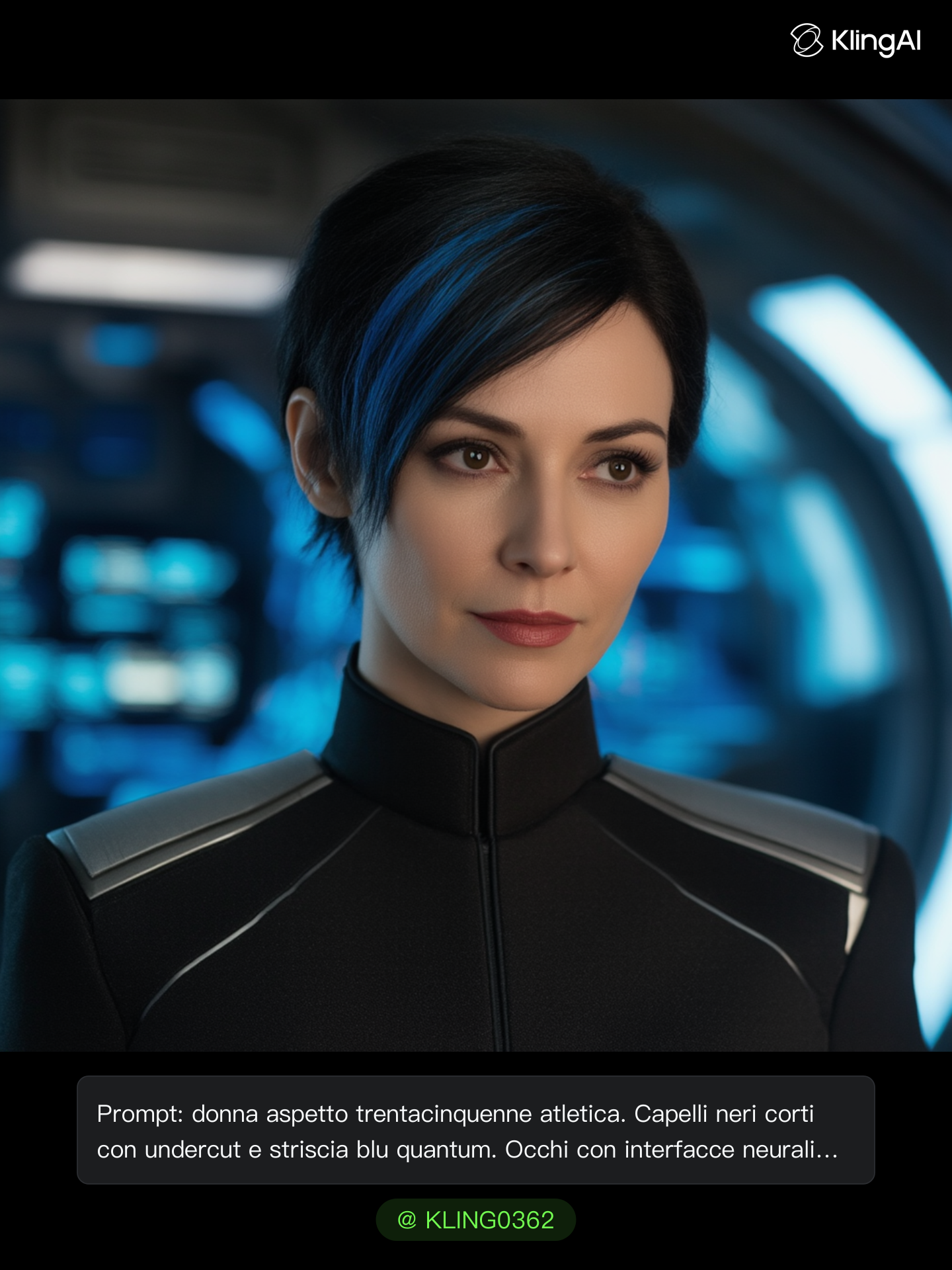
Capitano donna dell'ammiraglia - undercut styles AI image
KLING0362 avatar
KLING0362
Kling AI work 308236541500371 - undercut styles AI image
jeron avatar
jeron
Kling AI work 311672262667346 - undercut styles AI image
ONjoXdYL avatar
ONjoXdYL
Kling AI work 308740073615434 - undercut styles AI image
ROFuZleR avatar
ROFuZleR
Kling AI work 312576364618219 - undercut styles AI image
WRwEgrlp avatar
WRwEgrlp
Kling AI work 308859136502538 - undercut styles AI image
QUztPZCJ avatar
QUztPZCJ
Kling AI work 309310099665479 - undercut styles AI image
AqdZGyho avatar
AqdZGyho

How to Enhance Video Quality in 4K

Upload Your Video

Upload Your Video

Upload a 3–10 second existing video to Kling VIDEO 3.0 Omni. Start with older footage, a family recording, a social clip, or a creative project you want to enhance.

Describe What You Want to Improve

Describe What You Want to Improve

Use a prompt to guide the changes you want to see. Refine lighting and color, adjust the composition or overall look, or ask for clearer visual detail while keeping your original video as the starting point.

Choose 4K and Generate

Choose 4K and Generate

Select 4K as the output resolution, then generate your enhanced video. Once generation is complete, download the result. The output setting determines the resolution, while your prompt guides the visual changes.

Repair, Refine, and Restore Old Photos

Restore Multiple Types of Photo Damage with AI

Restore Multiple Types of Photo Damage with AI

Kling AI helps restore old photos affected by scratches, dust, stains, creases, faded areas, and other visible signs of aging. Describe the restoration you want with natural language prompts and improve multiple types of damage in one workflow while keeping the original image structure consistent.

Preserve Faces and Original Visual Identity

Preserve Faces and Original Visual Identity

When restoring old portrait photos, keeping people recognizable is essential. Kling AI uses your uploaded photo as a visual reference to help preserve facial features, expressions, clothing details, and original composition, keeping the restored result closely connected to the original image.

Generate a Higher-Resolution Restored Version

Generate a Higher-Resolution Restored Version

Use IMAGE 3.0 Omni to generate restored photos with 2K or 4K high-resolution output. Higher-resolution images provide clearer details, smoother total transitions, and richer textures for family archives, photo books, digital collections, large displays, and high-quality printing.

Apps

Image to Video
Image to Video

Image to Video

Text to Video
Text to Video

Text to Video

Omni
Omni

Omni

Digital Human
Digital Human

Digital Human

Restyle
Restyle

Restyle

Text to Image
Text to Image

Text to Image

60M+
60M+
Users
600M+
600M+
AI Videos Generated
4.7 ★
4.7 ★
App Store
Industry-Leading
Industry-Leading
Cinematic 4K

Reviews

Huang Lu (Elson)

Huang Lu (Elson)

★★★★★

I’ve been using Kling AI since its initial release, and it’s remained one of the leading AI media generators ever since. With Kling AI, I’ve created hundreds of videos, collectively amassing millions of views.

Halim Alrasihi

Halim Alrasihi

★★★★★

I use AI daily and Kling AI is a crucial part of my workflow, whether for client work or personal projects. What I love most about using Kling AI is that it provides all the tools I need in one place, from keyframes to character references, elements and special effects.

KakuDrop

KakuDrop

★★★★★

I have successfully collaborated with world-renowned artists and well-known companies that are recognized globally

FAQ

Q1What makes Kling IMAGE 3.0 different from other text-to-image tools?
Q2What types of images can I create with Kling AI?
Q3Can I use reference images with Kling AI?

Your Next Visual Starts Here

Start with a sentence, a sketch, or a reference photo. Shape the composition, dial in the details, and keep iterating in Kling AI.

Free tier available | Text-to-image | Image-to-image | Fast generation