Creative Studio
API
Resources
Features
About Us
Download

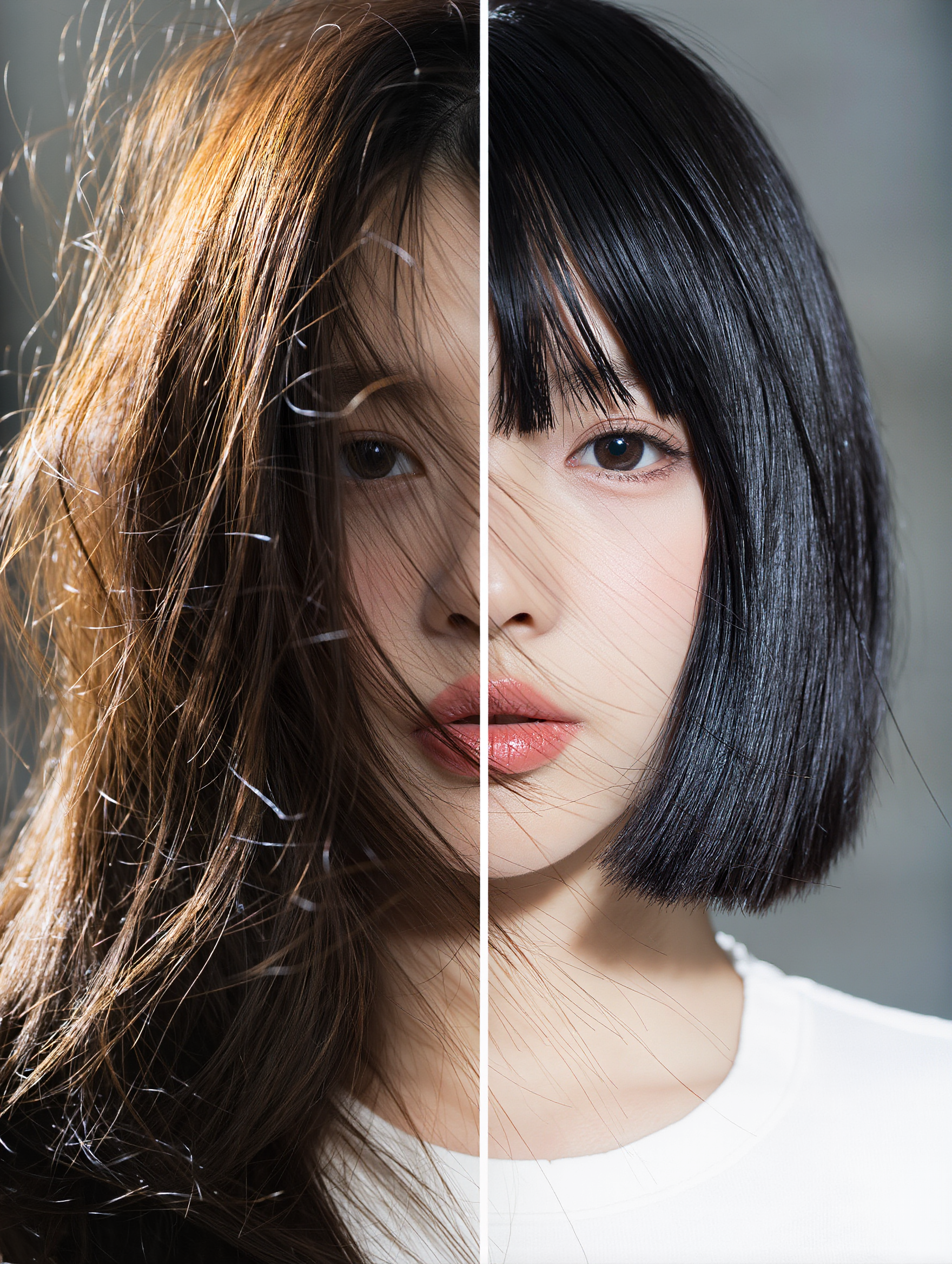
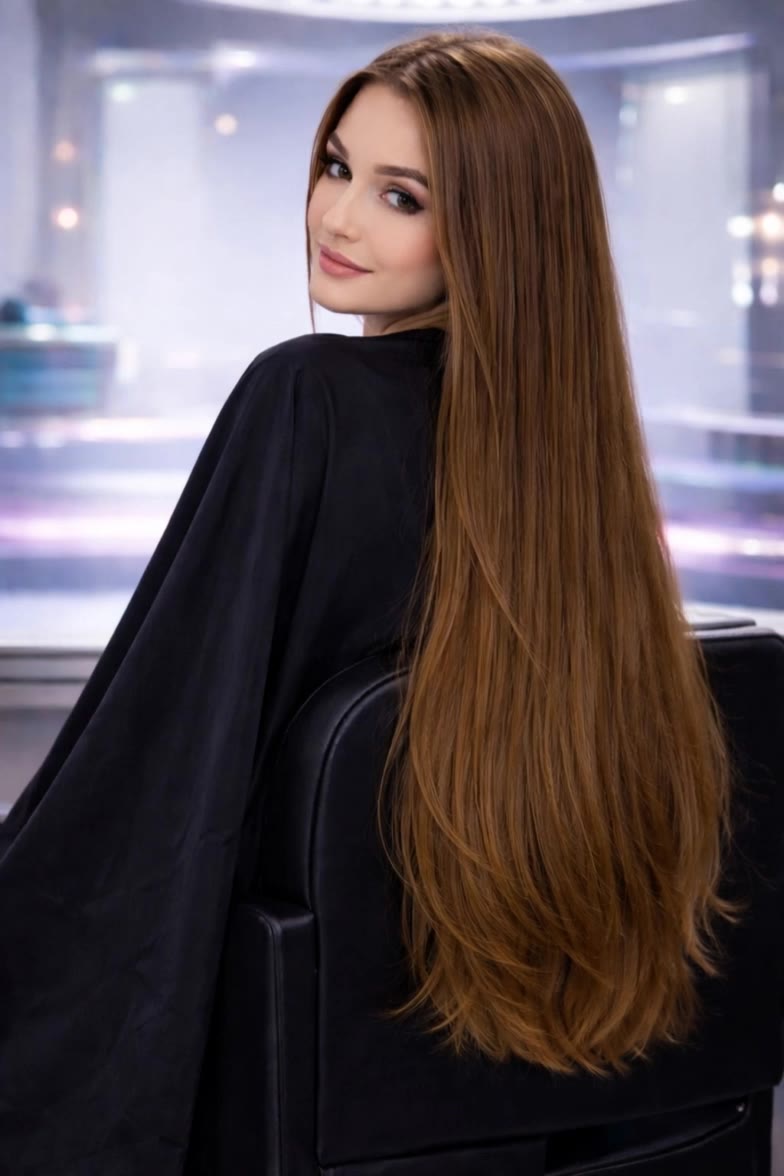
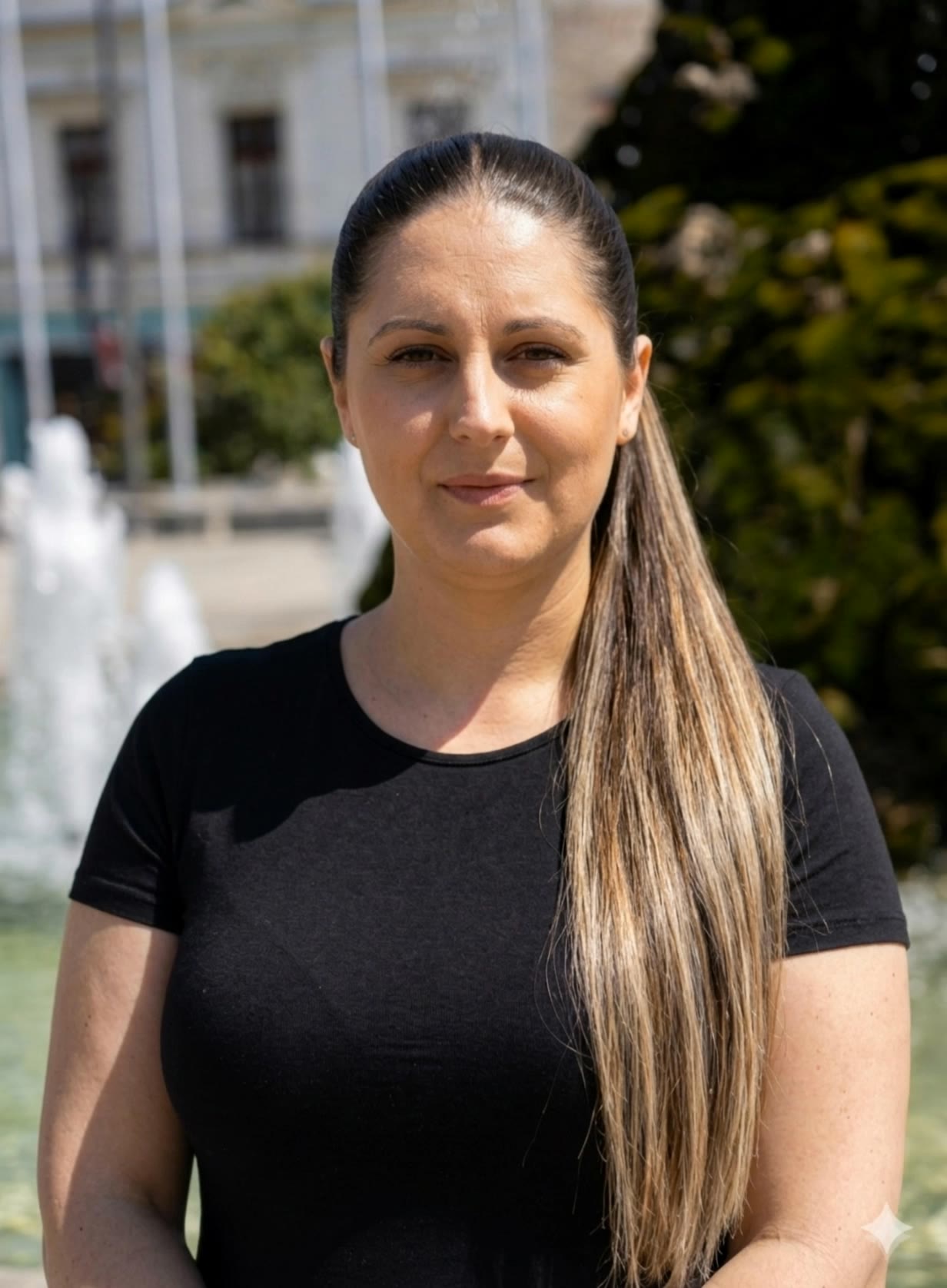
undercutting long hair - wind dynamics & elegant animation

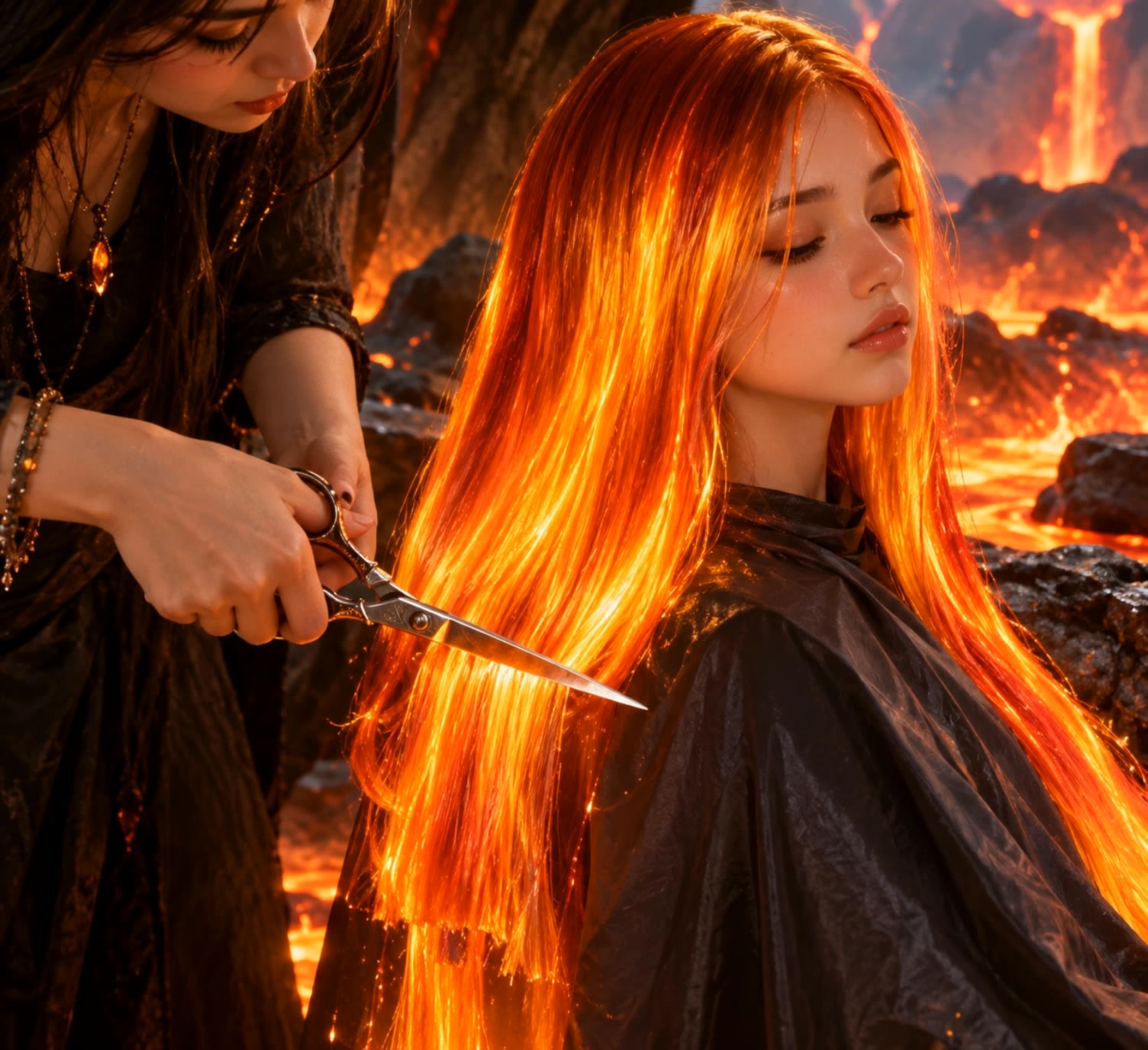
Embrace the fierce elegance of wind-swept hair against dynamic fjord landscapes and the serene beauty of floral-adorned tresses in vacation bliss. Start exploring undercutting long hair ideas and generate your own content with AI.

undercutting long hair - wind dynamics & elegant animation

Recommended

Kling AI work 307982512508918 - undercutting long hair AI video
SIUOIGnX avatar
SIUOIGnX
Kling AI work 306086865617845 - undercutting long hair AI video
UWWmnpnt avatar
UWWmnpnt
shorrt hair - undercutting long hair AI image
klingai.video.ai avatar
klingai.video.ai
blowing blonde hair - undercutting long hair AI video
sinon | AI_video avatar
sinon | AI_video
Kling AI work 307982019535446 - undercutting long hair AI video
SIUOIGnX avatar
SIUOIGnX
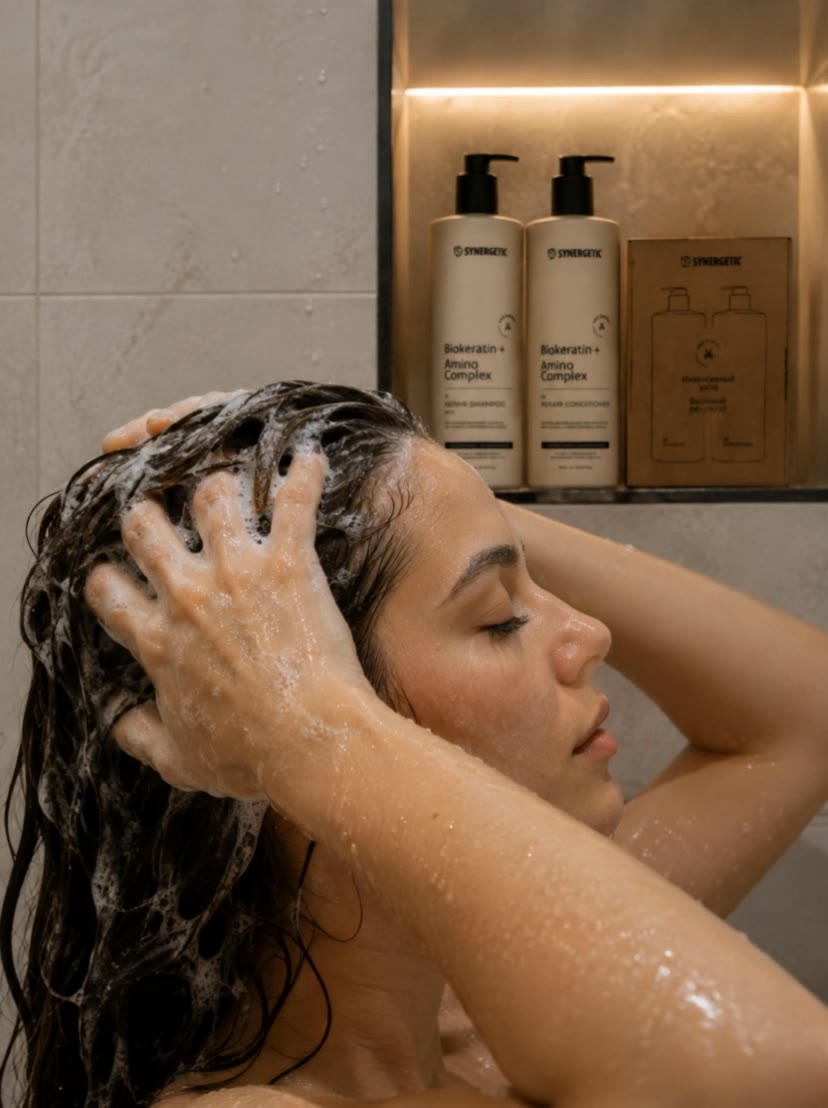
 woman is washing hair - undercutting long hair AI video
htjxBhMn avatar
htjxBhMn
Kling AI work 310128029663152 - undercutting long hair AI video
sweet avatar
sweet
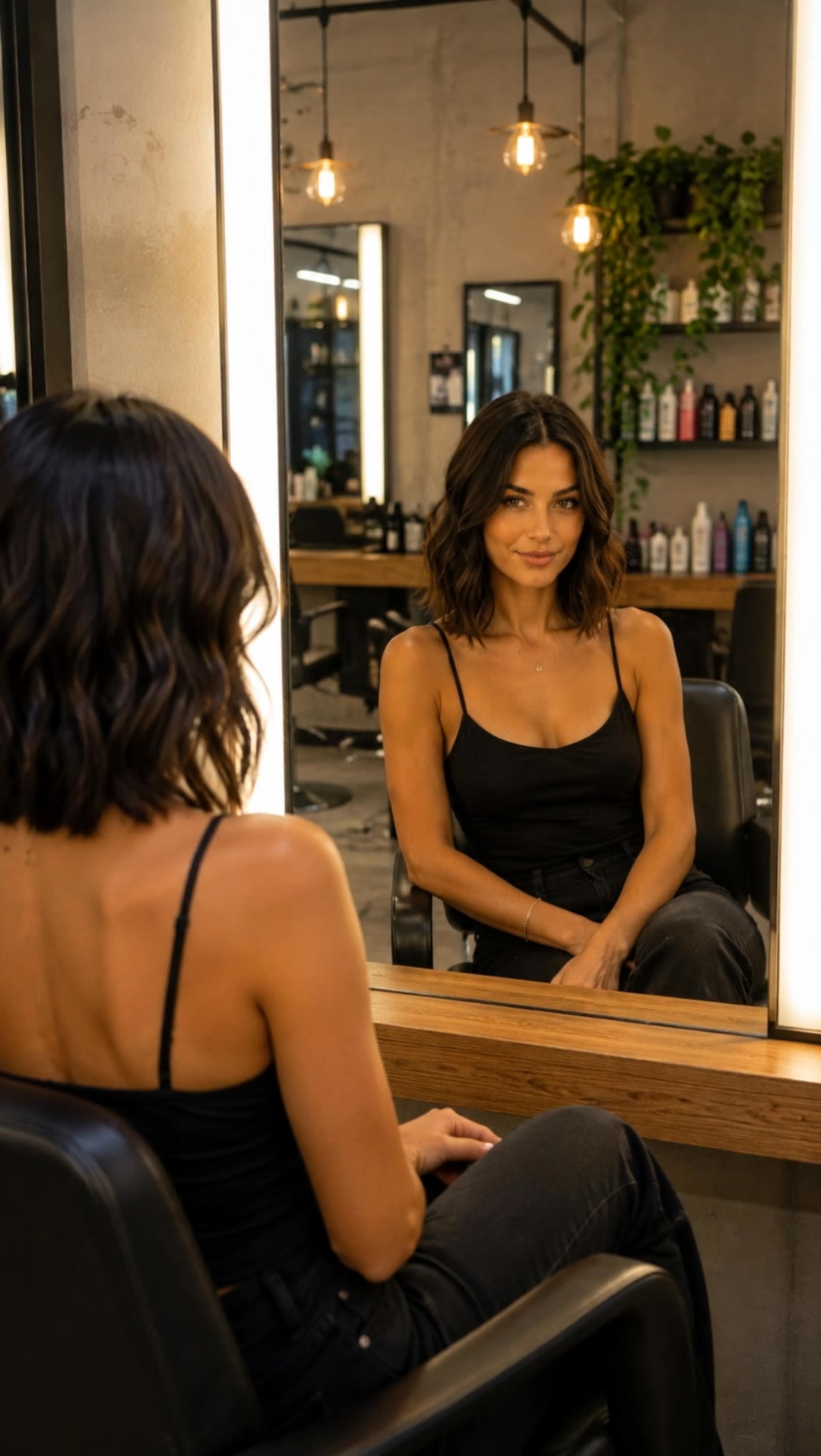
hair beauty model - undercutting long hair AI video
OpvxZylI avatar
OpvxZylI
Kling AI work 319038277527288 - undercutting long hair AI video
puveZTYm avatar
puveZTYm
Kling AI work 295710993528740 - undercutting long hair AI video
gSaqtXbT avatar
gSaqtXbT
Playing with hair - undercutting long hair AI video
kJSjIMLi avatar
kJSjIMLi
Kling AI work 307990035507713 - undercutting long hair AI video
SIUOIGnX avatar
SIUOIGnX
hair flip with cool pose - undercutting long hair AI video
EbLQssGx avatar
EbLQssGx
Kling AI work 312395265501613 - undercutting long hair AI video
nWlCHEQu avatar
nWlCHEQu
green eyes pink hair silver top - undercutting long hair AI image
BunnyLOVE Studios avatar
BunnyLOVE Studios
New Hair, New Look - undercutting long hair AI video
Freya Sage avatar
Freya Sage
Curly hair - new viral cut - undercutting long hair AI video
tIcSdcoX avatar
tIcSdcoX
Hair in the wind - undercutting long hair AI video
Proxy avatar
Proxy

How to Use Kling AI Text to Speech

Step 1: Enter the Video Generation Workspace

Step 1: Enter the Video Generation Workspace

Edit your prompt to set the scene, characters, and style, or upload a reference image to shape the look of your video.

Step 2: Add Dialogue and Speech Instructions

Step 2: Add Dialogue and Speech Instructions

Add dialogue to your prompt and clearly specify which character speaks each line. You can also describe the language or dialect, speaking pace, tone, and delivery style in the prompt to guide how each character sounds.

Step 3: Choose Your Settings and Generate

Step 3: Choose Your Settings and Generate

Choose your resolution (720p, 1080p, or 4K), video length (3–15 seconds), and aspect ratio (16:9, 9:16, or 1:1). Then click Generate to create your video.

Make Avatars Perform, Not Just Speak

More Choice, Without Losing Consistency

More Choice, Without Losing Consistency

Start with a preset avatar, select a character from your Kling AI Assets, upload an image of your own, or create someone new with AI Image. Use a polished presenter for a product demo, a creator-style host for an ad, or a more stylized character when the idea calls for it. For recurring content, save the character with the voice and performance settings you use most. The same on-screen identity is ready for the next script, without putting the setup together again.

Give Each Script the Right Delivery

Give Each Script the Right Delivery

Use a finished voiceover when the delivery is already in place, or start with written copy and choose a text-to-speech voice. Adjust the pace and emotional tone so a product pitch feels confident, a lesson stays clear, and social content can take on more energy. You can write your own performance direction or use one of Kling AI’s suggestions for the selected character. The same avatar can also deliver content in English, Chinese, Japanese, or Korean while keeping a familiar appearance on screen.

Let Movement Carry the Message

Let Movement Carry the Message

Natural lip sync is only part of the performance. An avatar can point to a product, handle an object, gesture through an explanation, react to the words, or move with the rhythm of a song. Avatar 2.0 improves hand stability and overall action quality, so the movement supports the scene instead of drawing attention away from it. Voice, expression, and body language come together as one performance—not a still image with audio layered over it.

Apps

Image to Video
Image to Video

Image to Video

Text to Video
Text to Video

Text to Video

Omni
Omni

Omni

Digital Human
Digital Human

Digital Human

Restyle
Restyle

Restyle

Text to Image
Text to Image

Text to Image

60M+
60M+
Users
600M+
600M+
AI Videos Generated
4.7 ★
4.7 ★
App Store
Industry-Leading
Industry-Leading
Cinematic 4K

Reviews

Déborah

Déborah

★★★★★

I use Kling AI every day. It's amazing to see the almost daily progress it makes. I used AI for fun at first, and I now find that Kling AI's animations allow me to gain professional visibility, with three times more views on my animated posts than on my static posts.

Jyo John Mulloor

Jyo John Mulloor

★★★★★

Kling AI has been instrumental in transforming my creative workflow, unlocking new dimensions of artistic expression that were once unimaginable. I use Kling AI extensively to develop high-concept visuals, animate surreal dreamscapes, and create AI-assisted films that blur the line between reality and fantasy. Kling AI’s deep learning capabilities have not only enhanced my creative efficiency but also inspired me to explore storytelling in ways I never thought possible.

Huang Lu (Elson)

Huang Lu (Elson)

★★★★★

I’ve been using Kling AI since its initial release, and it’s remained one of the leading AI media generators ever since. With Kling AI, I’ve created hundreds of videos, collectively amassing millions of views.

FAQ

Q1Can an object remover work on complex backgrounds?
Q2Can I remove multiple objects from one image?
Q3Can I remove text or signs from a photo?

Start Controlling Character Motion

Stop accepting distorted AI movements. Upload your reference and let Kling replicate it precisely.

Works on humans, anime & 3D | High-precision motion | Zero distortion