Creative Studio
API
Resources
Features
About Us
Download

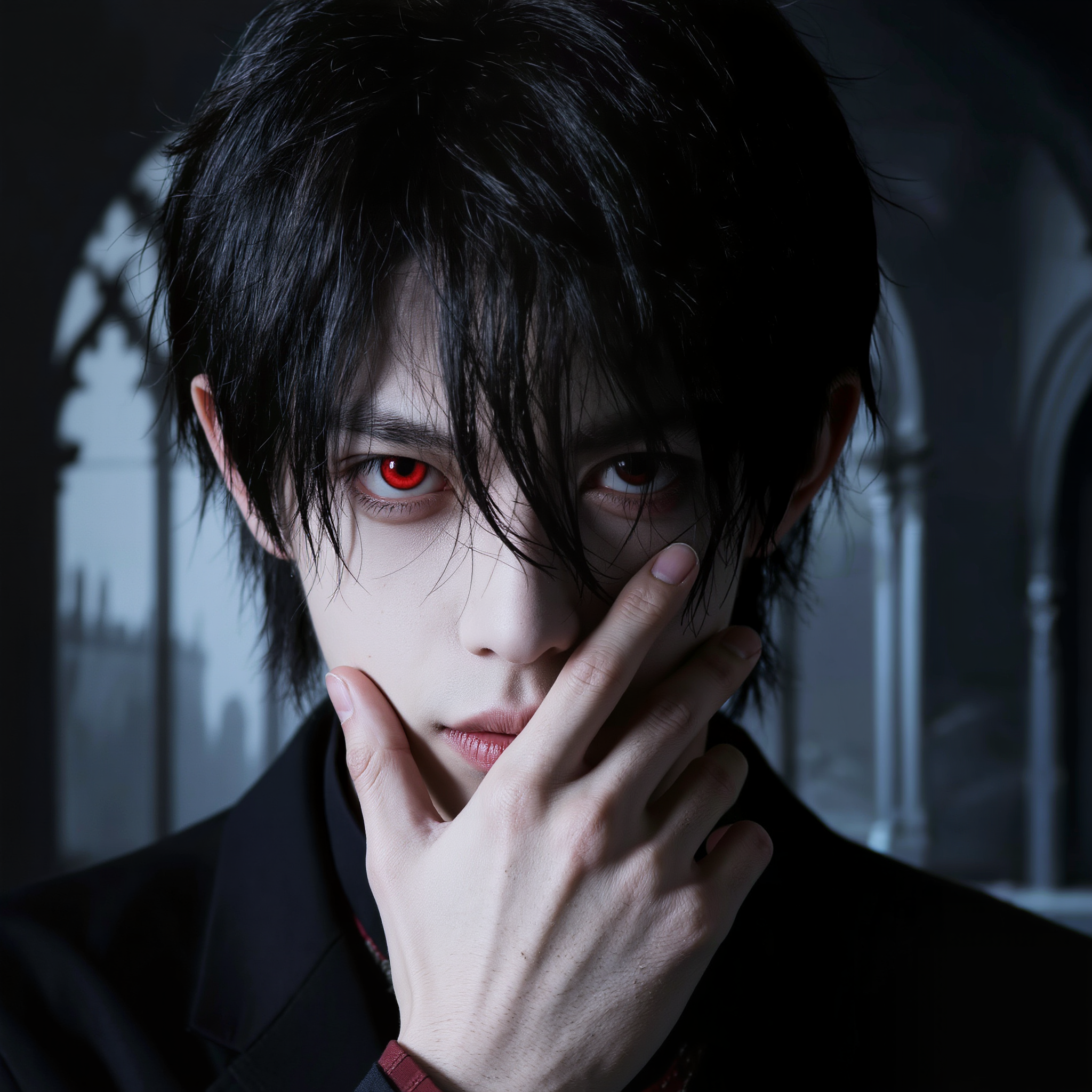
Vampire Banner Design Ideas – AI-Generated Art

Browse AI-generated vampire banner design ideas. Quickly find art that you can customize to create mysterious and engaging banners.

Vampire Banner Design Ideas – AI-Generated Art

Recommended

Kling AI work 313764558522734 - vampire banner design AI video
AD Payne avatar
AD Payne
Kling AI work 297900845521452 - vampire banner design AI image
Kyle  avatar
Kyle
Kling AI work 310143467660724 - vampire banner design AI image
TnShpqal avatar
TnShpqal
Haunting you  - vampire banner design AI image
XSLVoKPp avatar
XSLVoKPp
Eternally Young Royal Vampire - vampire banner design AI image
Ady Media Design avatar
Ady Media Design
Elite Creator
Vampire tracks down Woman - vampire banner design AI video
ThisTwistedGame avatar
ThisTwistedGame
Elite Creator
Kling AI work 317070642527790 - vampire banner design AI image
LukasLeonhardt avatar
LukasLeonhardt
Kling AI work 317230001325550 - vampire banner design AI video
The Eighth Edit avatar
The Eighth Edit
Elite Creator
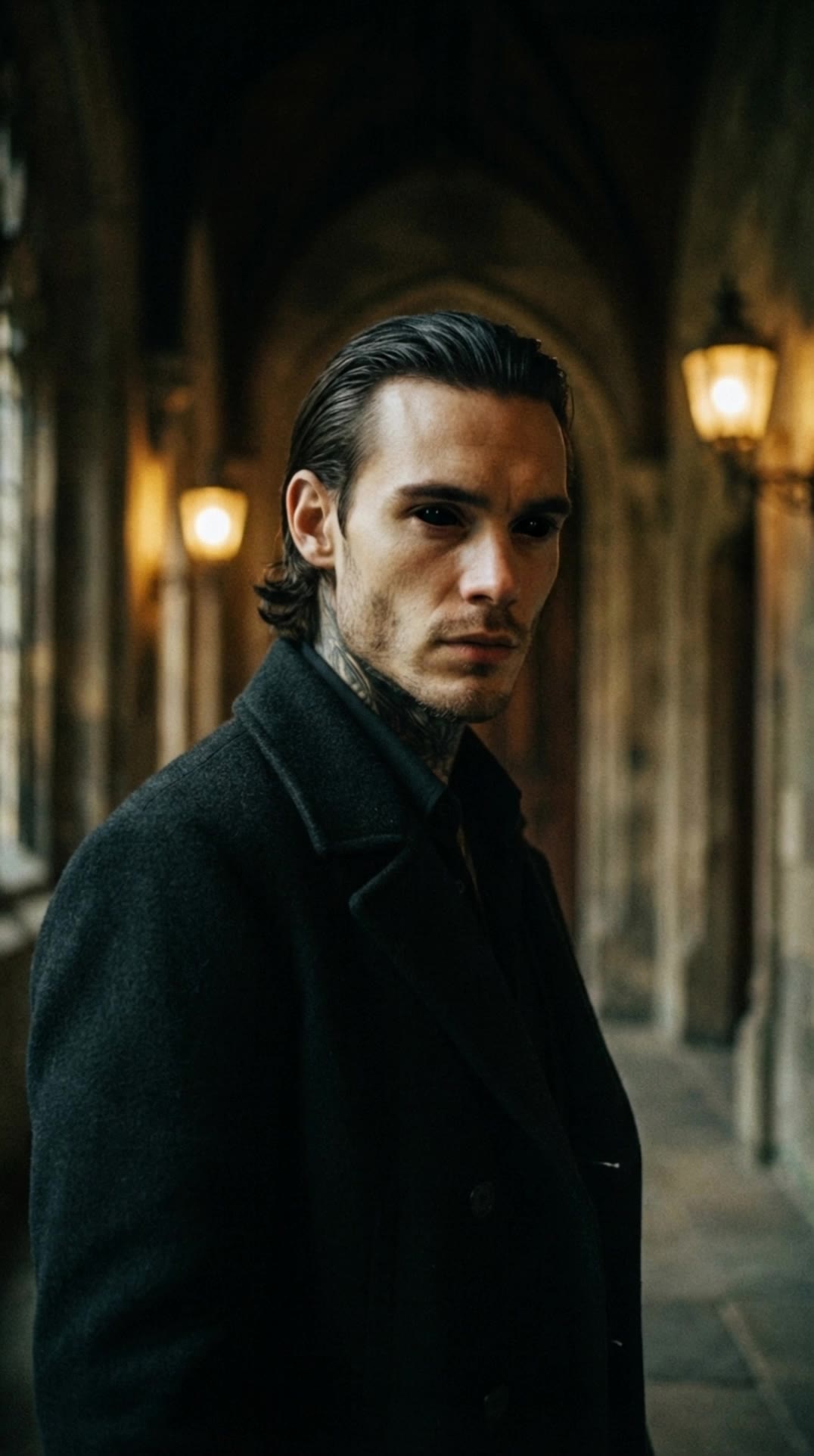
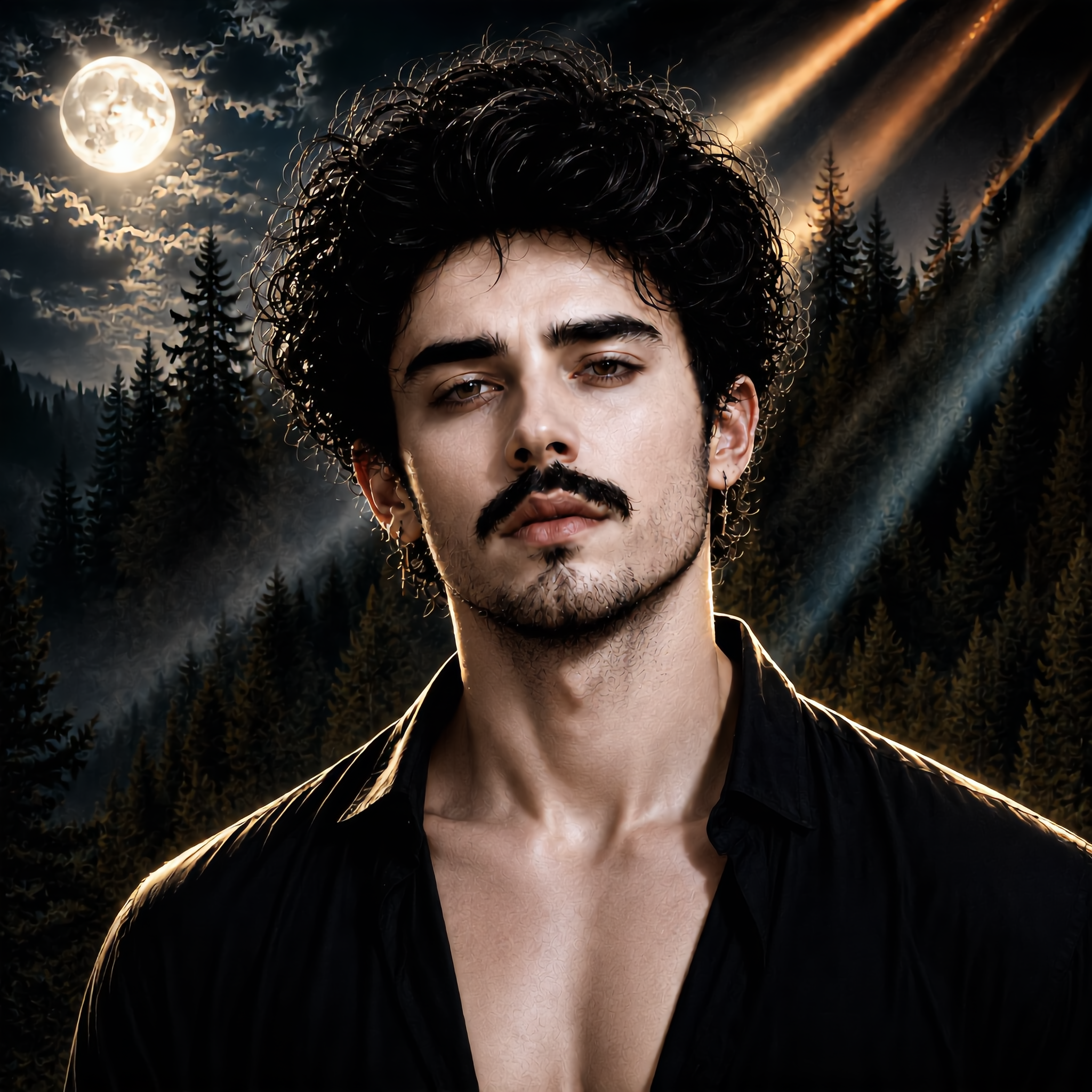
Vampire Man Royal Baroque Roses - vampire banner design AI image
Ady Media Design avatar
Ady Media Design
Elite Creator
Kling AI work 317070026504114 - vampire banner design AI image
LukasLeonhardt avatar
LukasLeonhardt
Kling AI work 308913891616479 - vampire banner design AI image
cSYssDWo avatar
cSYssDWo
Getting closer  - vampire banner design AI image
XSLVoKPp avatar
XSLVoKPp
Vampire Woman Sharp Moonlit - vampire banner design AI image
Ady Media Design avatar
Ady Media Design
Elite Creator
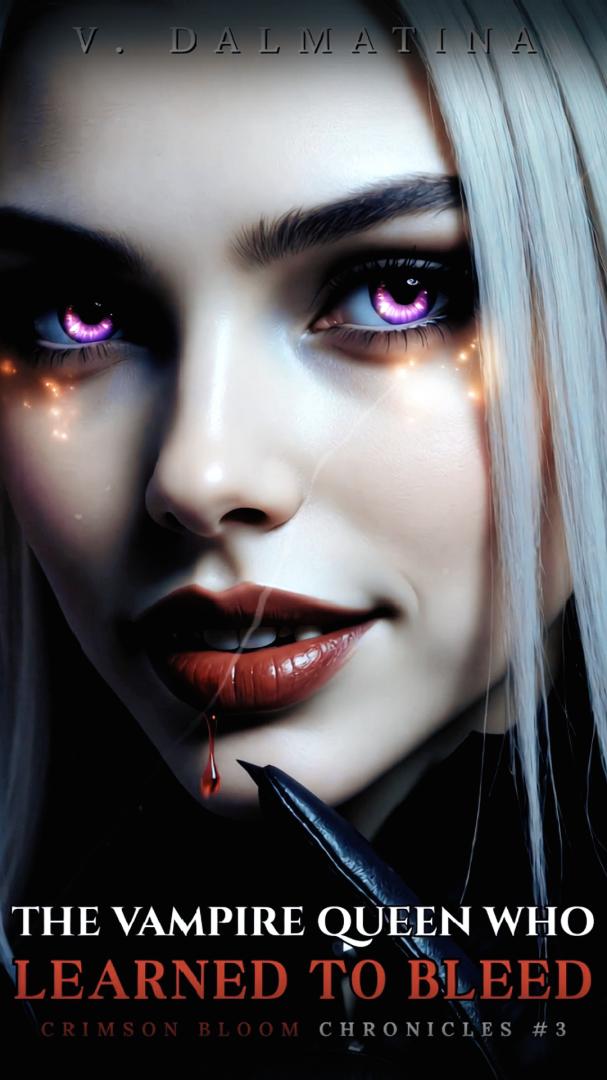
👑The vampire queen👑 - vampire banner design AI video
01:01
V. Dalmatina avatar
V. Dalmatina
Kling AI work 310143227616136 - vampire banner design AI image
TnShpqal avatar
TnShpqal
Kling AI work 311777759306749 - vampire banner design AI video
Fashion Island avatar
Fashion Island
Elite Creator
Kling AI work 308603133508546 - vampire banner design AI image
KsVQuHFV avatar
KsVQuHFV
Kling AI work 312050838505999 - vampire banner design AI image
raxmXPJI avatar
raxmXPJI
Kling AI work 307211392610775 - vampire banner design AI image
zbeBoIzD avatar
zbeBoIzD

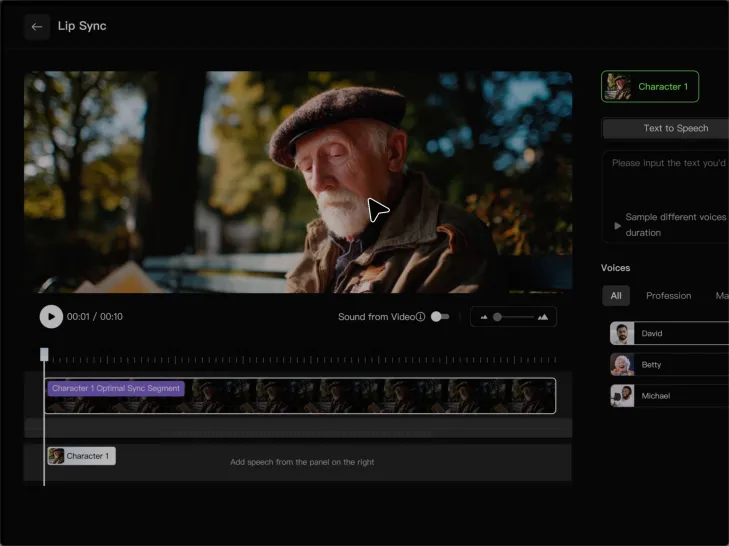
How to Lip Sync a Video in Kling AI

Choose a Clear Character Video

Choose a Clear Character Video

Choose a supported Kling AI clip with a full, clearly visible face. Lip Sync works with realistic, 3D, and 2D human characters.

Add Audio or Enter a Script

Add Audio or Enter a Script

Upload a voiceover or singing track, or use Text to Speech to generate a voice. Trim the audio if it runs longer than the video.

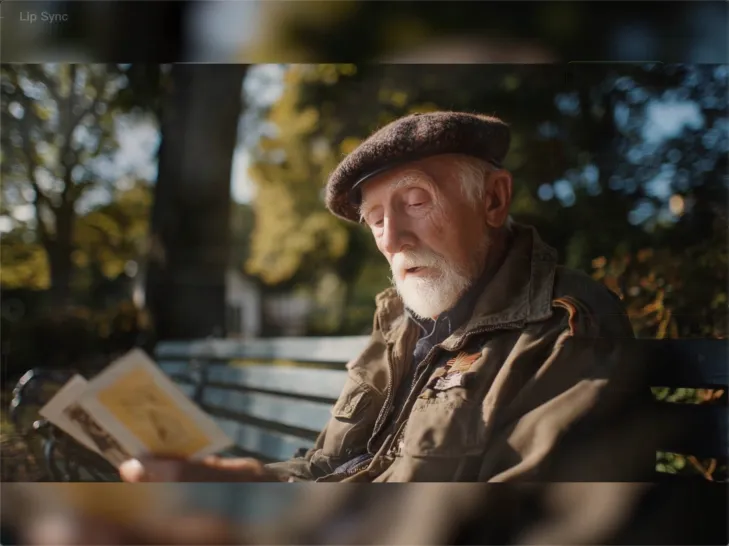
Generate and Review

Generate and Review

Generate the lip sync and preview the result. If the timing feels off, trim the audio or adjust the Text to Speech speed.

Make a Stronger First Impression Wherever You Show Up

Give a Casual Photo a More Put-Together Look

Give a Casual Photo a More Put-Together Look

You do not need a new photoshoot every time your profile picture feels dated. Start with a photo you already like, then improve the lighting, composition, styling, or overall presentation to give it a cleaner, more intentional look for a résumé profile, business page, creator account, or personal site.
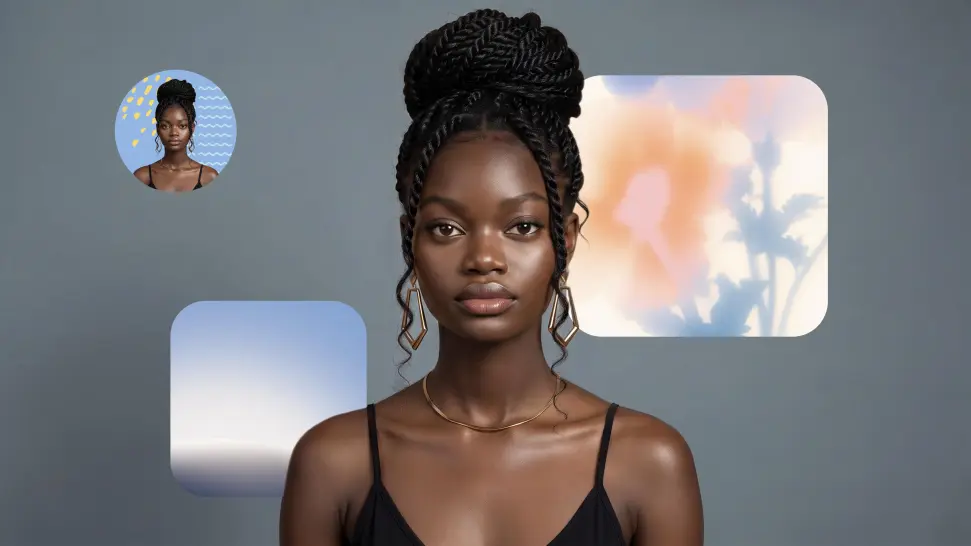
Keep the Face People Already Know

Keep the Face People Already Know

A new profile picture should still feel familiar. Use your portrait as the visual reference while you change the mood, styling, background, or setting, so recognizable facial details and your overall appearance can stay closer to the photo you started with.
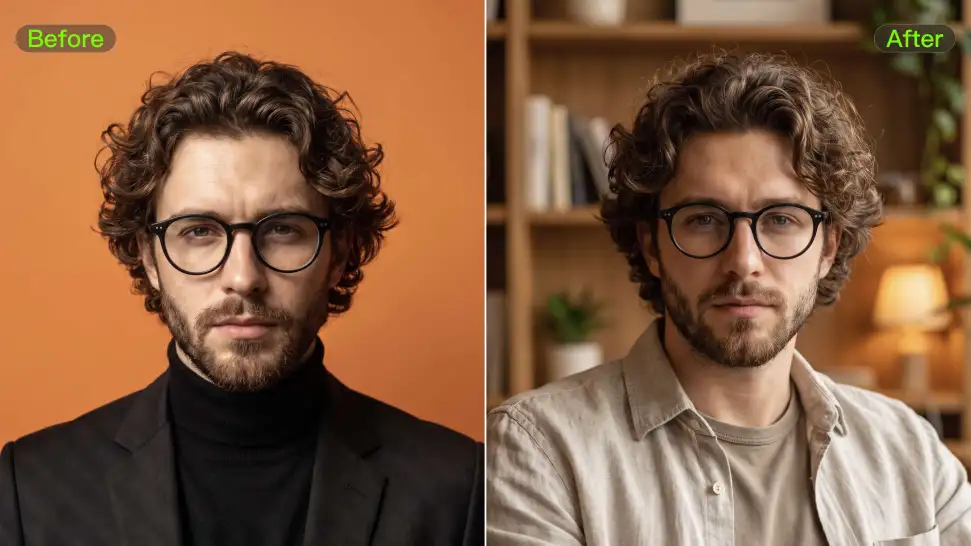
Change the Look to Fit the Platform

Change the Look to Fit the Platform

The photo that works on LinkedIn may not be the one you want on YouTube, Instagram, Discord, or a gaming profile. Give the same portrait a different mood, crop, background, or visual treatment depending on where you plan to use it. Go understated for work, more expressive for social, or give your creator profile a look that feels more like your brand.

Apps

Image to Video
Image to Video

Image to Video

Text to Video
Text to Video

Text to Video

Omni
Omni

Omni

Digital Human
Digital Human

Digital Human

Restyle
Restyle

Restyle

Text to Image
Text to Image

Text to Image

60M+
60M+
Users
600M+
600M+
AI Videos Generated
4.7 ★
4.7 ★
App Store
Industry-Leading
Industry-Leading
Cinematic 4K

Reviews

Samuele Poggi (@visualsk2)

Samuele Poggi (@visualsk2)

★★★★★

I use Kling AI daily to push the limits of AI filmmaking. It allows me to create highly cinematic content, blending AI and VFX to develop innovative projects. It has significantly impacted my creative process, enabling me to achieve complex animations that would otherwise require high production budgets.

Jyo John Mulloor

Jyo John Mulloor

★★★★★

Kling AI has been instrumental in transforming my creative workflow, unlocking new dimensions of artistic expression that were once unimaginable. I use Kling AI extensively to develop high-concept visuals, animate surreal dreamscapes, and create AI-assisted films that blur the line between reality and fantasy. Kling AI’s deep learning capabilities have not only enhanced my creative efficiency but also inspired me to explore storytelling in ways I never thought possible.

Halim Alrasihi

Halim Alrasihi

★★★★★

I use AI daily and Kling AI is a crucial part of my workflow, whether for client work or personal projects. What I love most about using Kling AI is that it provides all the tools I need in one place, from keyframes to character references, elements and special effects.

FAQ

Q1Can Kling AI generate a standalone voice file without a video?
Q2What can I use an AI voice generator for?
Q3Does Kling AI support multiple languages?

Bring Every Voice Into the Story

Create character dialogue, multilingual voices, consistent voice identities, ambience, and sound effects with Kling VIDEO 3.0.

Multilingual Dialogue | Multi-Character Voices | Native Audio