Creative Studio
API
Resources
Features
About Us
Download

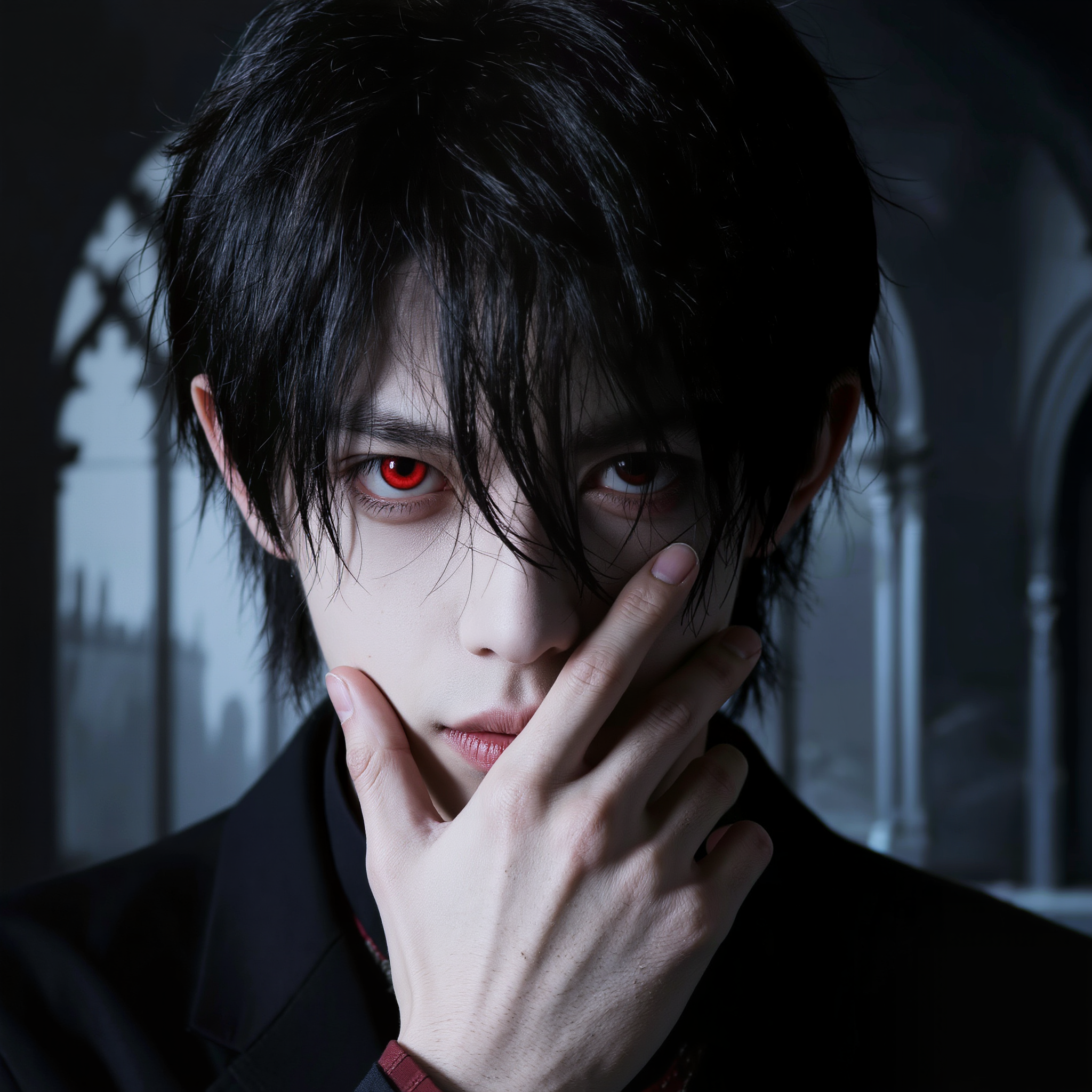
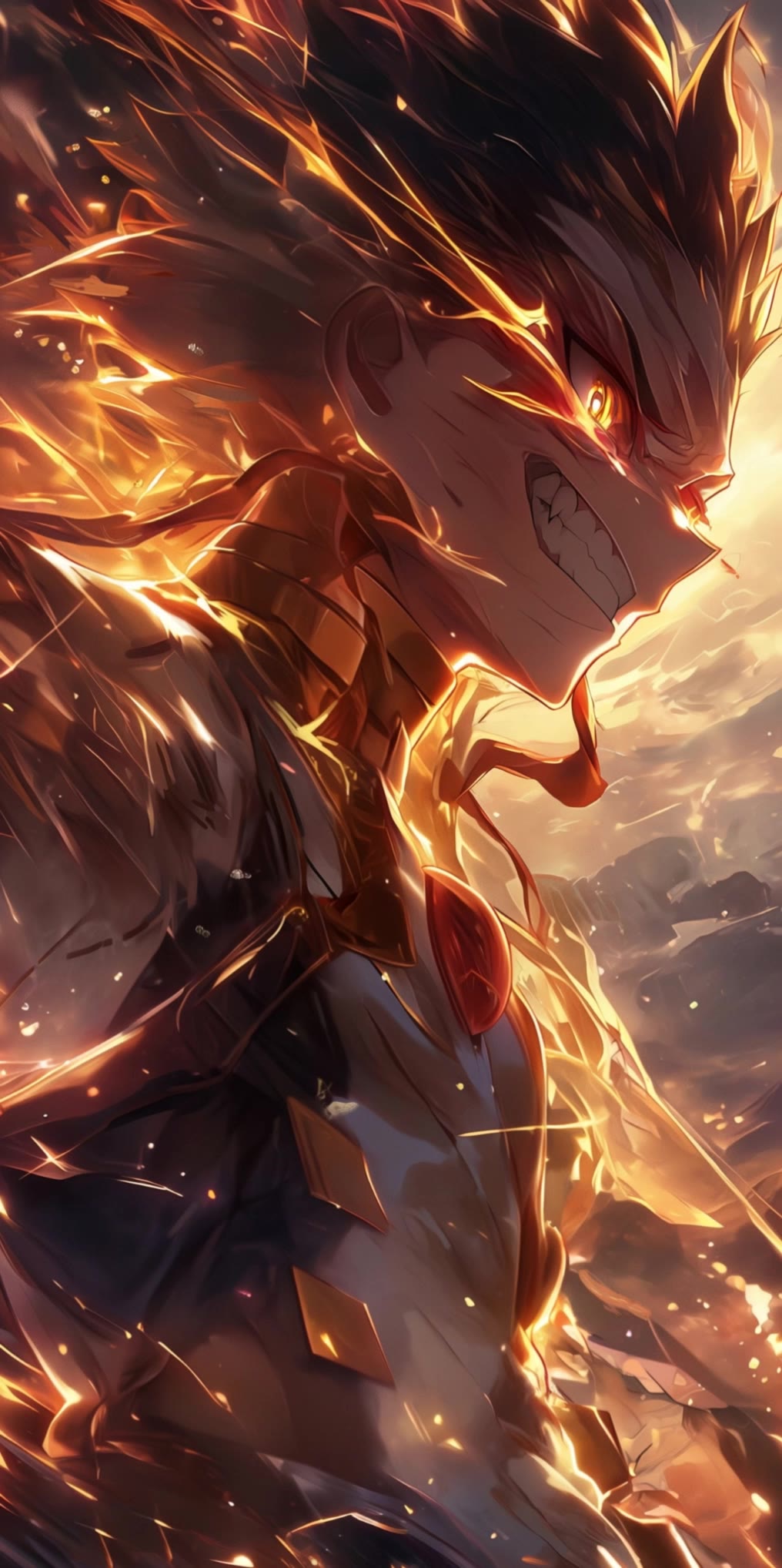
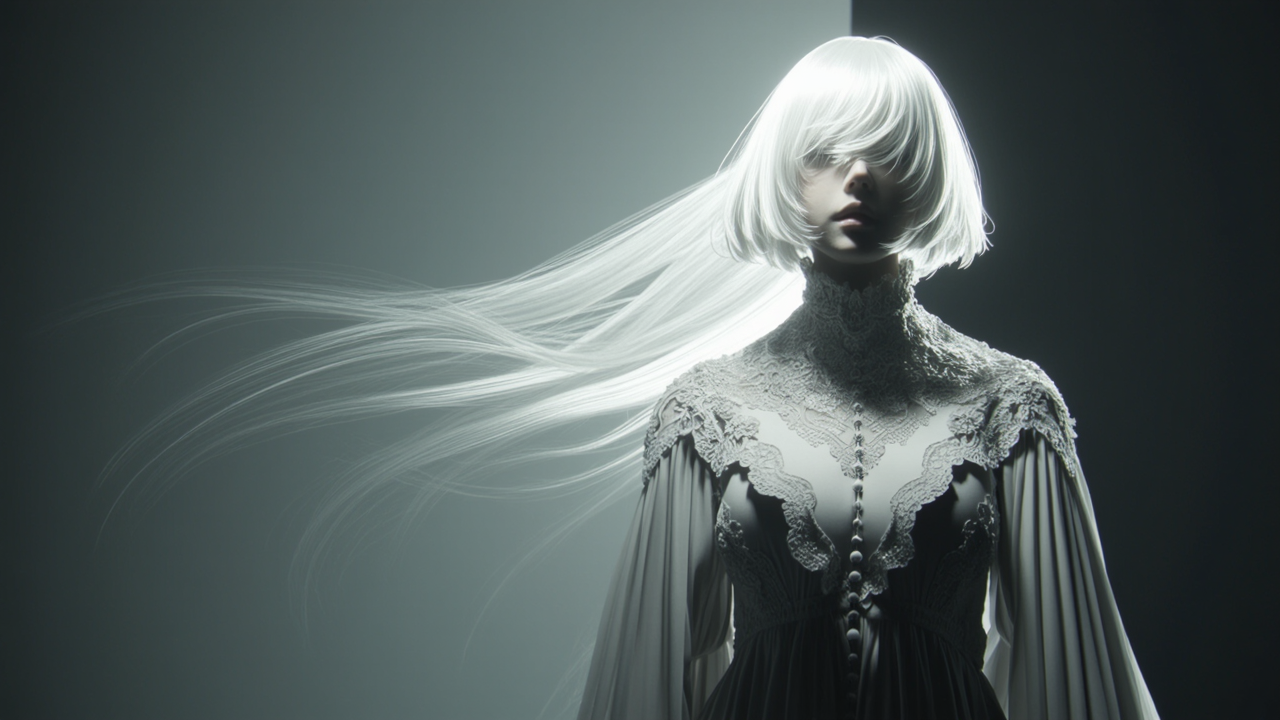
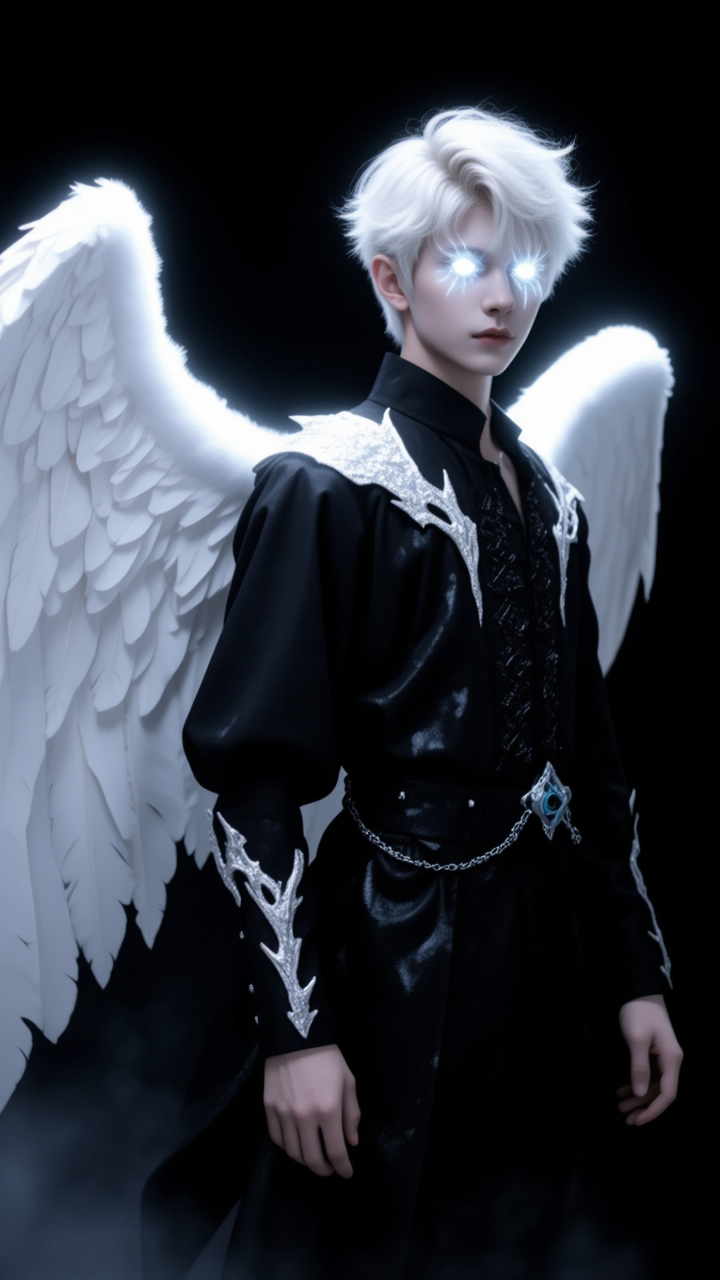
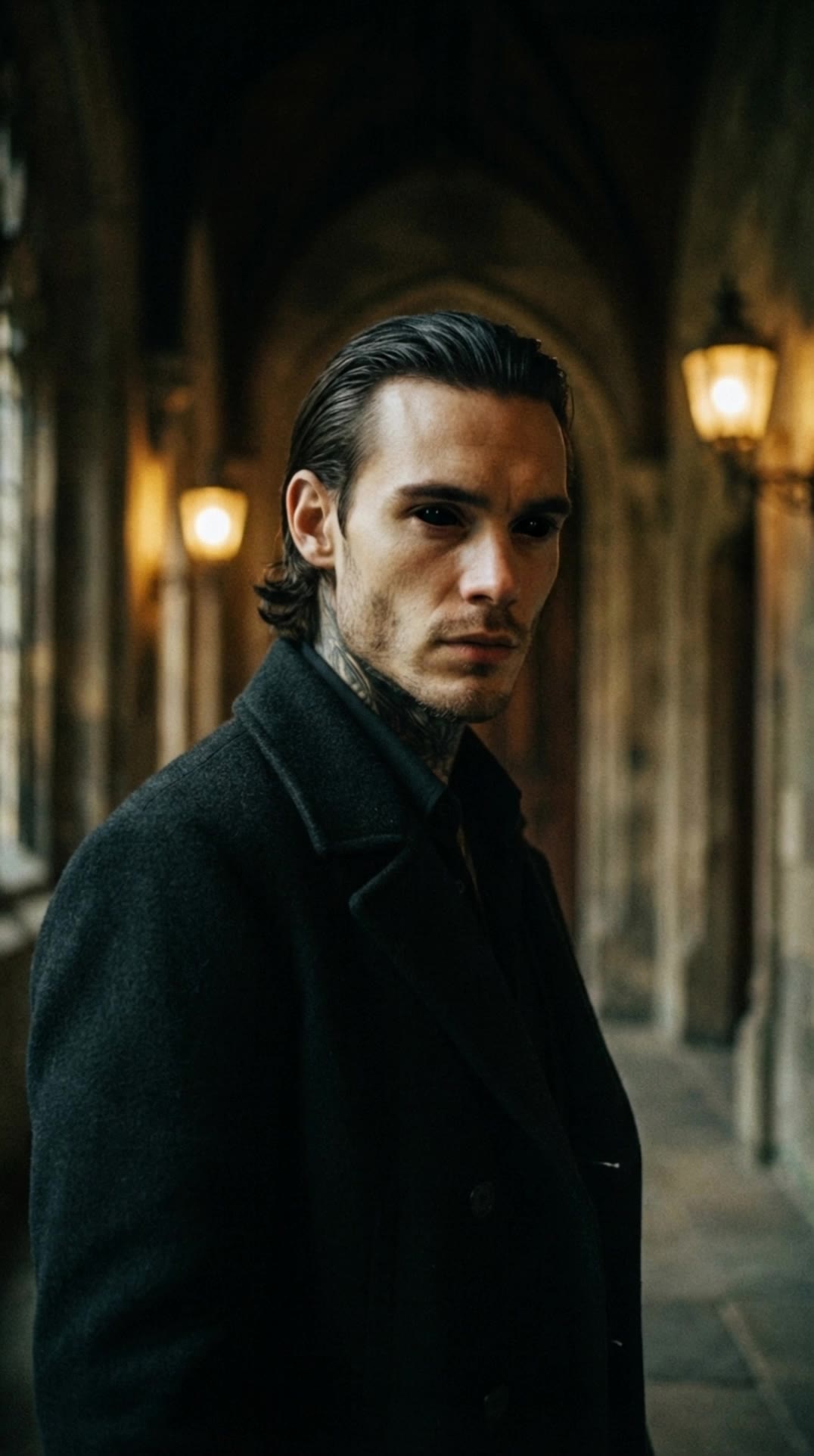
AI vampire desktop wallpapers – Mysterious and dark

Explore mysterious and dark vampire desktop wallpapers generated by AI. These wallpapers offer quick and customizable options for any gothic theme.

AI vampire desktop wallpapers – Mysterious and dark

Recommended

Kling AI work 311415884666657 - vampire desktop wallpaper AI image
IzIkdtPU avatar
IzIkdtPU
Vampire tracks down Woman - vampire desktop wallpaper AI video
ThisTwistedGame avatar
ThisTwistedGame
Elite Creator
Vampire Elegance in 35mm - vampire desktop wallpaper AI video
Anton K. avatar
Anton K.
Kling AI work 311416476611858 - vampire desktop wallpaper AI video
IzIkdtPU avatar
IzIkdtPU
Kling AI work 312050838505999 - vampire desktop wallpaper AI image
raxmXPJI avatar
raxmXPJI
Kling AI work 309155892611817 - vampire desktop wallpaper AI image
Dreaming avatar
Dreaming
Elite Creator
Anime character wallpaper  - vampire desktop wallpaper AI video
Epic Live Wallpaper  avatar
Epic Live Wallpaper
Kling AI work 317581797663735 - vampire desktop wallpaper AI video
obVZVXqQ avatar
obVZVXqQ
Eternally Young Royal Vampire - vampire desktop wallpaper AI image
Ady Media Design avatar
Ady Media Design
Elite Creator
Kling AI work 314265054527114 - vampire desktop wallpaper AI video
Buyo avatar
Buyo
Kling AI work 310701529505781 - vampire desktop wallpaper AI image
Free wallpaper HD avatar
Free wallpaper HD
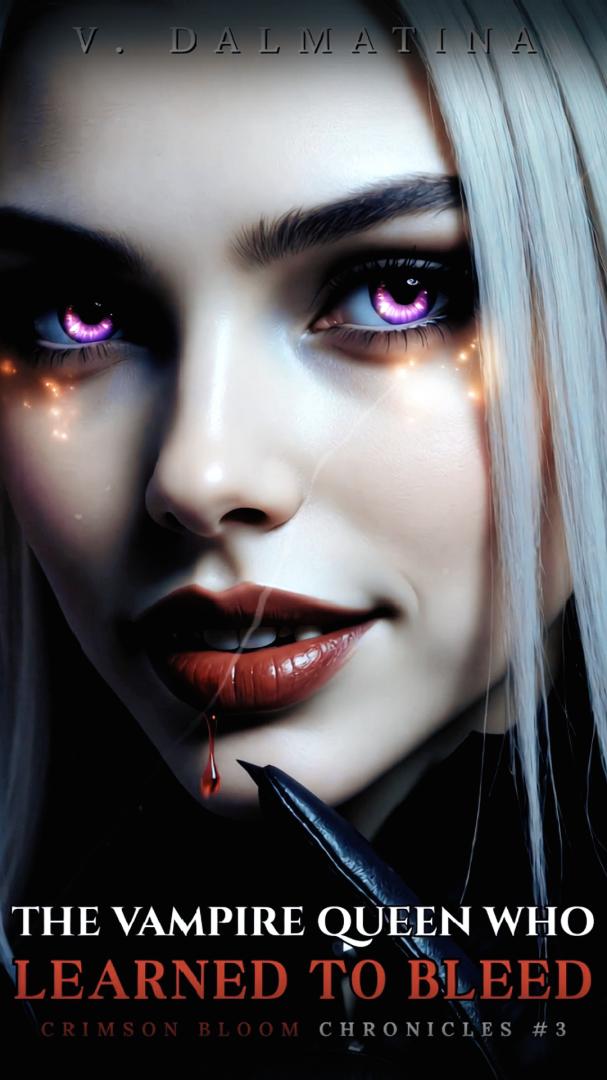
👑The vampire queen👑 - vampire desktop wallpaper AI video
01:01
V. Dalmatina avatar
V. Dalmatina
Kling AI work 310335821661328 - vampire desktop wallpaper AI image
Dreaming avatar
Dreaming
Elite Creator
Vampire Woman Sharp Moonlit - vampire desktop wallpaper AI image
Ady Media Design avatar
Ady Media Design
Elite Creator
Kling AI work 310143227616136 - vampire desktop wallpaper AI image
TnShpqal avatar
TnShpqal
Desktop Oled wallpaper - vampire desktop wallpaper AI video
00:10
vaDUEQlW avatar
vaDUEQlW
Vampire Man Royal Baroque Roses - vampire desktop wallpaper AI image
Ady Media Design avatar
Ady Media Design
Elite Creator
Haunting you  - vampire desktop wallpaper AI image
XSLVoKPp avatar
XSLVoKPp
Live Wallpaper - vampire desktop wallpaper AI video
Louis avatar
Louis
Elite Creator

How to Change Clothes with Kling AI

Step 1: Upload the Model Photo and Outfit References

Step 1: Upload the Model Photo and Outfit References

Upload the model's photo you want to edit, then add references for the clothing, shoes, hats, bags, or accessories you want to use. You can combine multiple references when different parts of the final look come from different images.

Step 2: Describe the Outfit Change

Step 2: Describe the Outfit Change

Tell Kling AI how each reference should be used. For example, use Image 1 as the base person, then apply the shirt from Image 2, jacket from Image 3, skirt from Image 4, and shoes from Image 5.

Step 3: Generate Your Outfit Change

Step 3: Generate Your Outfit Change

Choose your preferred aspect ratio and 2K or 4K resolution, then generate your new look. Preview the final composite and download your favorite result.

Expand Images Beyond the Frame with More Control

Extend the Scene Naturally Beyond the Frame

Extend the Scene Naturally Beyond the Frame

Add new visual space around your existing image while keeping the expansion connected to the original scene. Kling IMAGE 3.0 can follow visual details such as scenery, color, lighting, and texture, helping newly generated content feel consistent with the source image.

Keep Key Subjects Consistent as the Scene Expands

Keep Key Subjects Consistent as the Scene Expands

Expanding the frame should not change the subject that anchors the image. Kling IMAGE 3.0 automatically preserves your key subjects during extension. Simply specify the person, product, or central element in your prompt to keep them consistent with the original image.

Choose What Appears in the Expanded Area

Choose What Appears in the Expanded Area

The new space does not have to be left entirely to the model. Describe what you want outside the original frame, from a wider room or distant landscape to more sky, architecture, plants, or decorative details, and let Kling IMAGE 3.0 continue the scene around your idea.

Apps

Image to Video
Image to Video

Image to Video

Text to Video
Text to Video

Text to Video

Omni
Omni

Omni

Digital Human
Digital Human

Digital Human

Restyle
Restyle

Restyle

Text to Image
Text to Image

Text to Image

60M+
60M+
Users
600M+
600M+
AI Videos Generated
4.7 ★
4.7 ★
App Store
Industry-Leading
Industry-Leading
Cinematic 4K

Reviews

Déborah

Déborah

★★★★★

I use Kling AI every day. It's amazing to see the almost daily progress it makes. I used AI for fun at first, and I now find that Kling AI's animations allow me to gain professional visibility, with three times more views on my animated posts than on my static posts.

Ozan Sihay

Ozan Sihay

★★★★★

Kling AI allows me to rapidly prototype ideas, refine storytelling elements, and produce visually compelling content efficiently. It has not only accelerated my creative processes, but also deepened my understanding of how AI can enrich visual storytelling.

Maria Rubtsova

Maria Rubtsova

★★★★★

I’m Maria Rubtsova, an AIGC digital artist passionate about creating stunning visuals in the worlds of fashion, aesthetics, and fantasy. I use KlingAi to bring imagination to life through video. My work is all about exploring beauty, emotion, and the limitless possibilities of digital art.

FAQ

Q1Can Kling AI edit existing images?
Q2What makes Kling IMAGE 3.0 different from other text-to-image tools?
Q3Can I use reference images with Kling AI?

Your Next Visual Starts Here

Start with a sentence, a sketch, or a reference photo. Shape the composition, dial in the details, and keep iterating in Kling AI.

Free tier available | Text-to-image | Image-to-image | Fast generation