Creative Studio
API
Resources
Features
About Us
Download

Vampire Lipsync Ideas – AI-Generated Concepts

Find AI-generated vampire lipsync ideas. Create spooky content quickly with customizable templates.

Vampire Lipsync Ideas – AI-Generated Concepts

Recommended

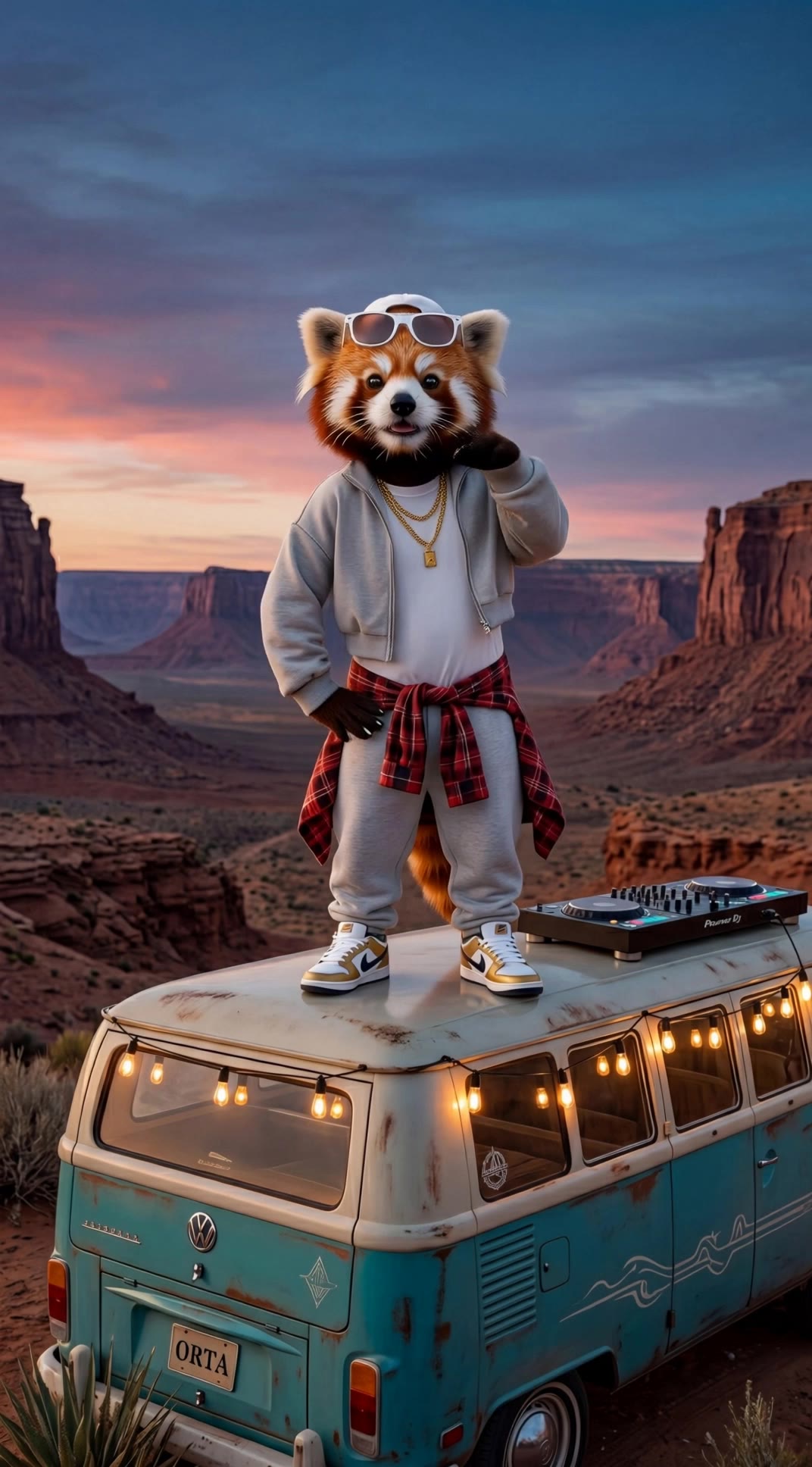
Kling AI work 293794209532062 - vampire lipsync AI video
DreamWeaverAI avatar
DreamWeaverAI
Elite Creator
Dance video and lipsync - vampire lipsync AI video
VJZxNcoa avatar
VJZxNcoa
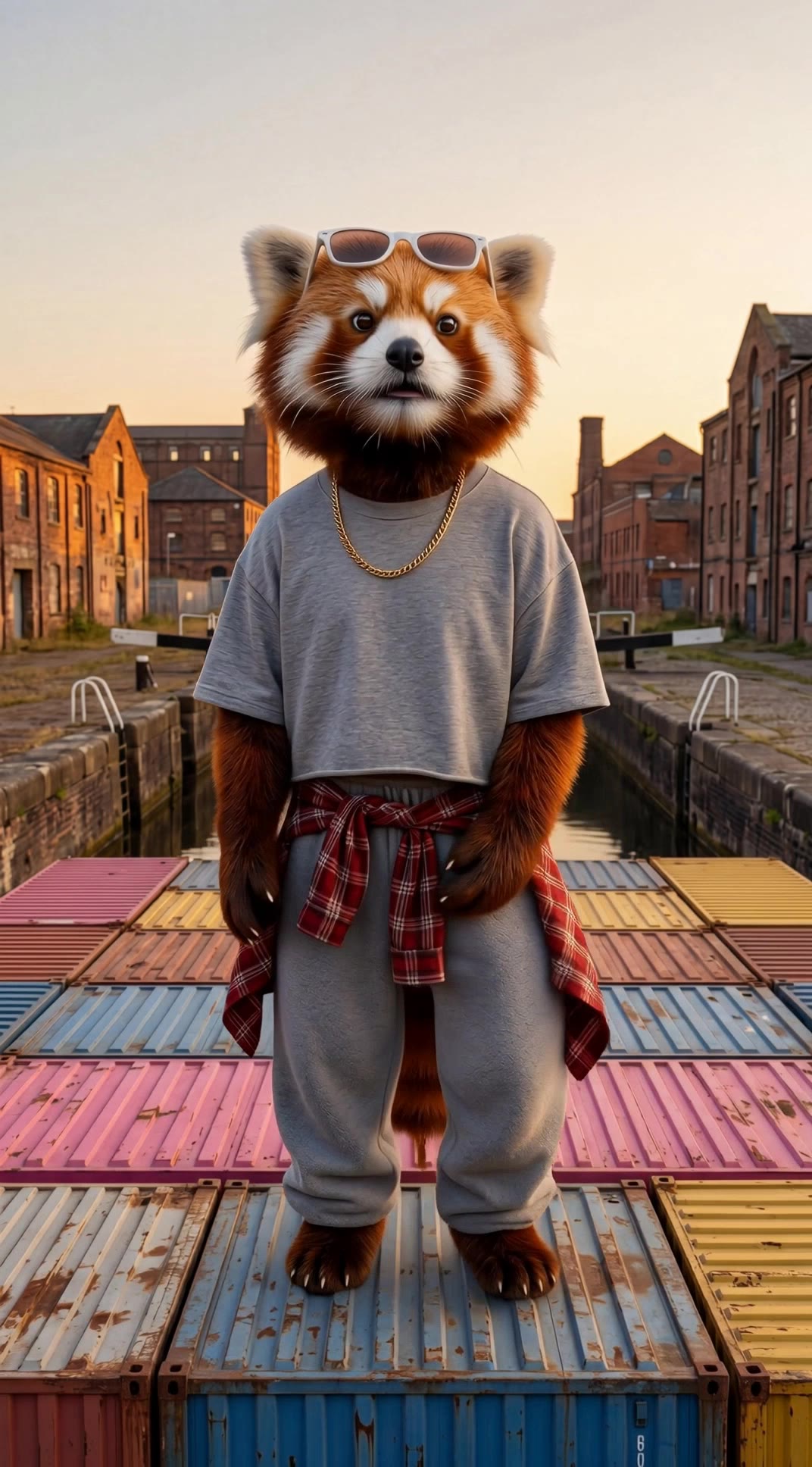
Kling AI work 313685949662015 - vampire lipsync AI video
RedPandaVX avatar
RedPandaVX
Elite Creator
lipsync testing with russian - vampire lipsync AI video
XhIrTsLo avatar
XhIrTsLo
Kling AI work 319158379663544 - vampire lipsync AI video
EsPAhfFI avatar
EsPAhfFI
Kling AI work 313685208661559 - vampire lipsync AI video
RedPandaVX avatar
RedPandaVX
Elite Creator
Kling AI work 313686166611835 - vampire lipsync AI video
RedPandaVX avatar
RedPandaVX
Elite Creator
Kling AI work 313685834615892 - vampire lipsync AI video
RedPandaVX avatar
RedPandaVX
Elite Creator
lipsync testing video - vampire lipsync AI video
XhIrTsLo avatar
XhIrTsLo
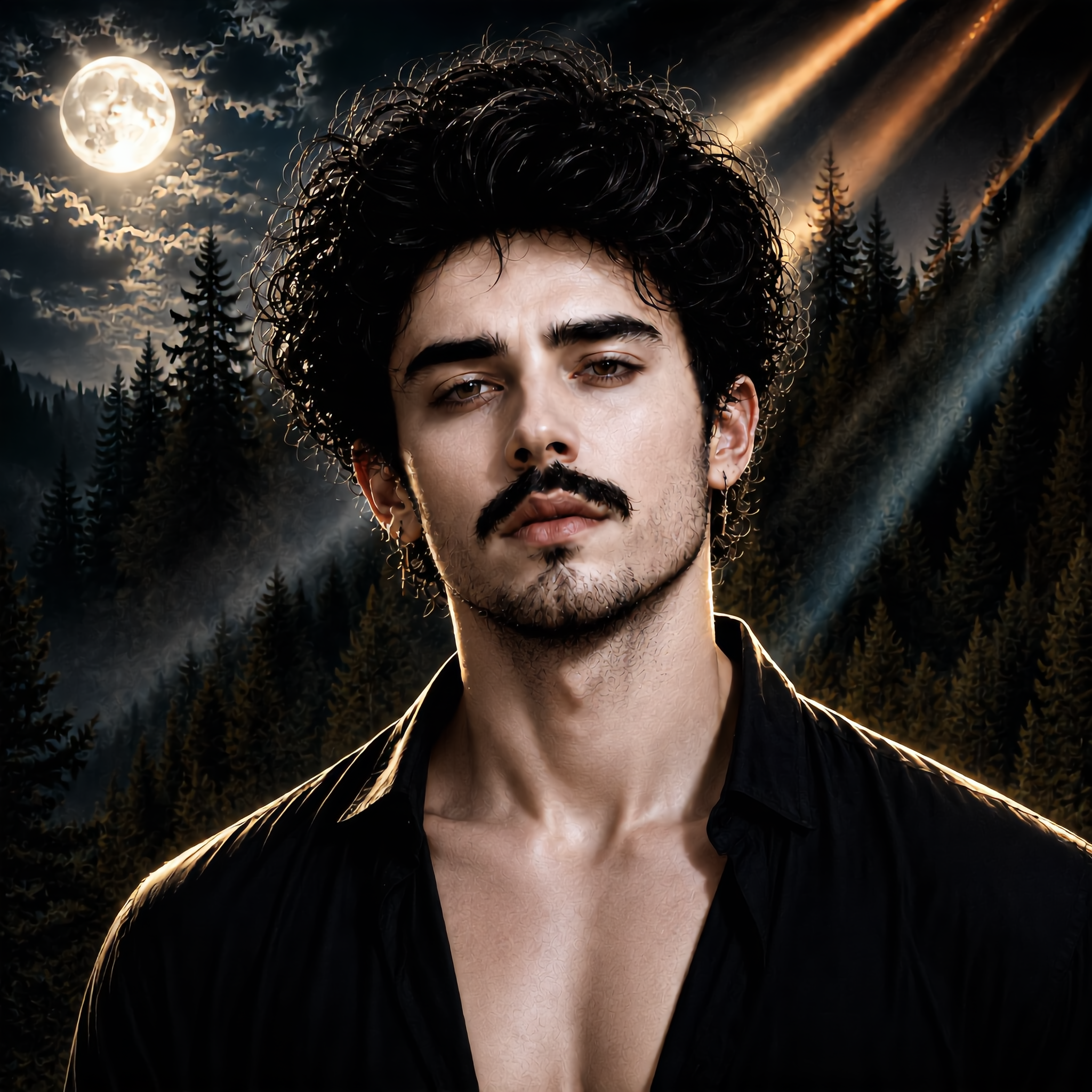
Kling AI work 313522480614939 - vampire lipsync AI image
Kyle  avatar
Kyle
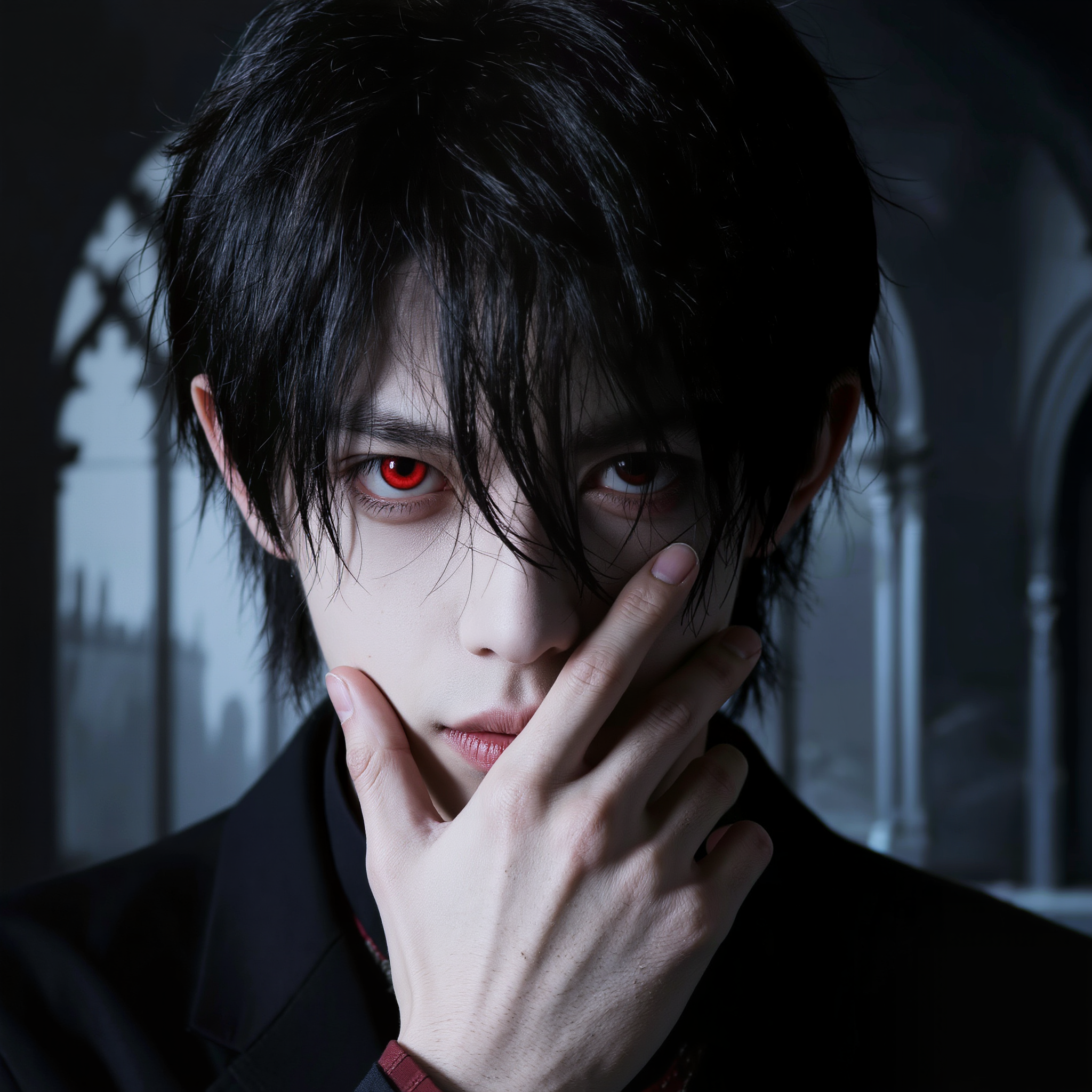
Kling AI work 317070026504114 - vampire lipsync AI image
LukasLeonhardt avatar
LukasLeonhardt
Kling AI work 312050838505999 - vampire lipsync AI image
raxmXPJI avatar
raxmXPJI
Testing the lip-sync function - vampire lipsync AI video
00:24
Tatiana avatar
Tatiana
Avatar AI Lipsync Luna - vampire lipsync AI video
Tu Casa Express avatar
Tu Casa Express
Kling AI work 313686435508020 - vampire lipsync AI video
RedPandaVX avatar
RedPandaVX
Elite Creator
Kling AI work 297900845521452 - vampire lipsync AI image
Kyle  avatar
Kyle
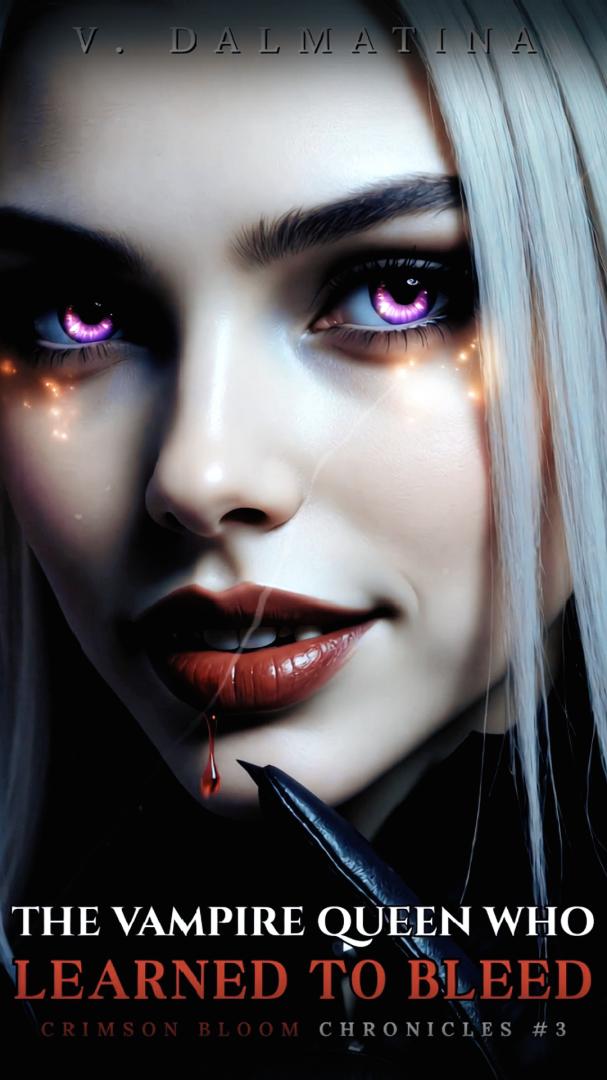
👑The vampire queen👑 - vampire lipsync AI video
01:01
V. Dalmatina avatar
V. Dalmatina
Kling AI work 313685863614930 - vampire lipsync AI video
RedPandaVX avatar
RedPandaVX
Elite Creator
Kling AI work 313685802611936 - vampire lipsync AI video
RedPandaVX avatar
RedPandaVX
Elite Creator

How to Enhance Image Quality with Kling

Step 1: Upload Your Image

Step 1: Upload Your Image

Upload the image you want to improve to Kling 3.0 Omni. Start with a portrait, product photo, artwork, social visual, or any other existing image you want to recreate at a higher resolution.

Step 2: Generate Up to 4K

Step 2: Generate Up to 4K

Describe what you want to improve, such as facial details, textures, or other important parts of the image. Choose your preferred resolution, including 2K or 4K, then generate the enhanced result.

Step 3: Upscale Existing AI Images

Step 3: Upscale Existing AI Images

Already generated an image with Kling AI? Hover over the result and select Upscale to increase its resolution without uploading the image again. Choose the available output quality that fits your needs.

Remove Watermarks Without Rebuilding the Whole Image

Remove Watermarks with a Simple Prompt

Remove Watermarks with a Simple Prompt

Kling AI makes watermark removal easier with intuitive text-based editing. Simply describe what you want to remove, such as a watermark, logo, or unwanted text, and Kling IMAGE 3.0 analyzes your instructions to create a cleaner image. No complex editing skills are required, making professional-quality image cleanup accessible to everyone.

Keep the Original Look Familiar

Keep the Original Look Familiar

A small cleanup should not require changing the whole image. Kling IMAGE 3.0 supports localized editing while helping preserve surrounding style, lighting, texture, and composition. This makes it easier to remove a distracting mark while keeping the rest of the image close to the source.

Select the Area Yourself with the Eraser Pen

Select the Area Yourself with the Eraser Pen

When the unwanted mark is easy to identify visually, use Kling AI's separate Removel tool to mark the area directly. It gives you another way to start the cleanup when selecting the target yourself feels more straightforward than describing the edit in a prompt.

Apps

Image to Video
Image to Video

Image to Video

Text to Video
Text to Video

Text to Video

Omni
Omni

Omni

Digital Human
Digital Human

Digital Human

Restyle
Restyle

Restyle

Text to Image
Text to Image

Text to Image

60M+
60M+
Users
600M+
600M+
AI Videos Generated
4.7 ★
4.7 ★
App Store
Industry-Leading
Industry-Leading
Cinematic 4K

Reviews

James Phillips

James Phillips

★★★★★

Kling AI has transformed my workflow by collapsing timelines and democratizing production. It’s shifted my mindset from resource-dependent filmmaking to a boundless creative sandbox, where experimentation yields unexpected beauty.

Jyo John Mulloor

Jyo John Mulloor

★★★★★

Kling AI has been instrumental in transforming my creative workflow, unlocking new dimensions of artistic expression that were once unimaginable. I use Kling AI extensively to develop high-concept visuals, animate surreal dreamscapes, and create AI-assisted films that blur the line between reality and fantasy. Kling AI’s deep learning capabilities have not only enhanced my creative efficiency but also inspired me to explore storytelling in ways I never thought possible.

Déborah

Déborah

★★★★★

I use Kling AI every day. It's amazing to see the almost daily progress it makes. I used AI for fun at first, and I now find that Kling AI's animations allow me to gain professional visibility, with three times more views on my animated posts than on my static posts.

FAQ

Q1Does Kling AI support 2K or 4K image generation?
Q2What is an AI image generator?
Q3How do I write a good AI image prompt?

Change the Shot Without Reshooting It

Upload your footage, describe the result, and let Kling rebuild the scene around your direction.

Free tier available | Simple prompt editing | Up to 4K output | Fast generation