
Creative Studio
API
Resources
Features
About Us
Download

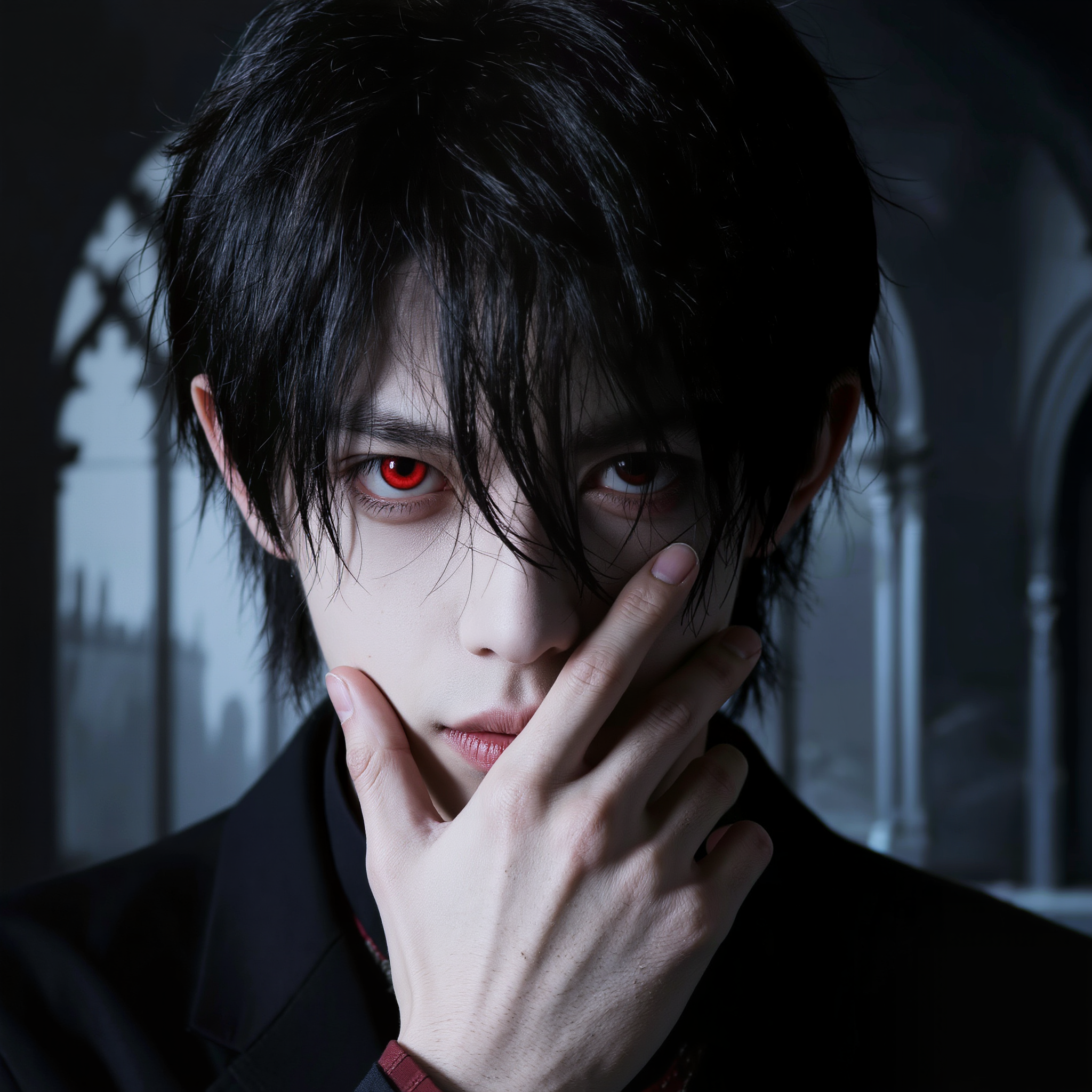
Vampire TikTok Profile Picture Ideas – AI Inspiration

Discover AI inspiration for vampire TikTok profile pictures. Get quick and customizable ideas to create a mysterious and captivating profile.

Vampire TikTok Profile Picture Ideas – AI Inspiration

Recommended

Kling AI work 312050838505999 - vampire tiktok profile picture AI image
raxmXPJI avatar
raxmXPJI
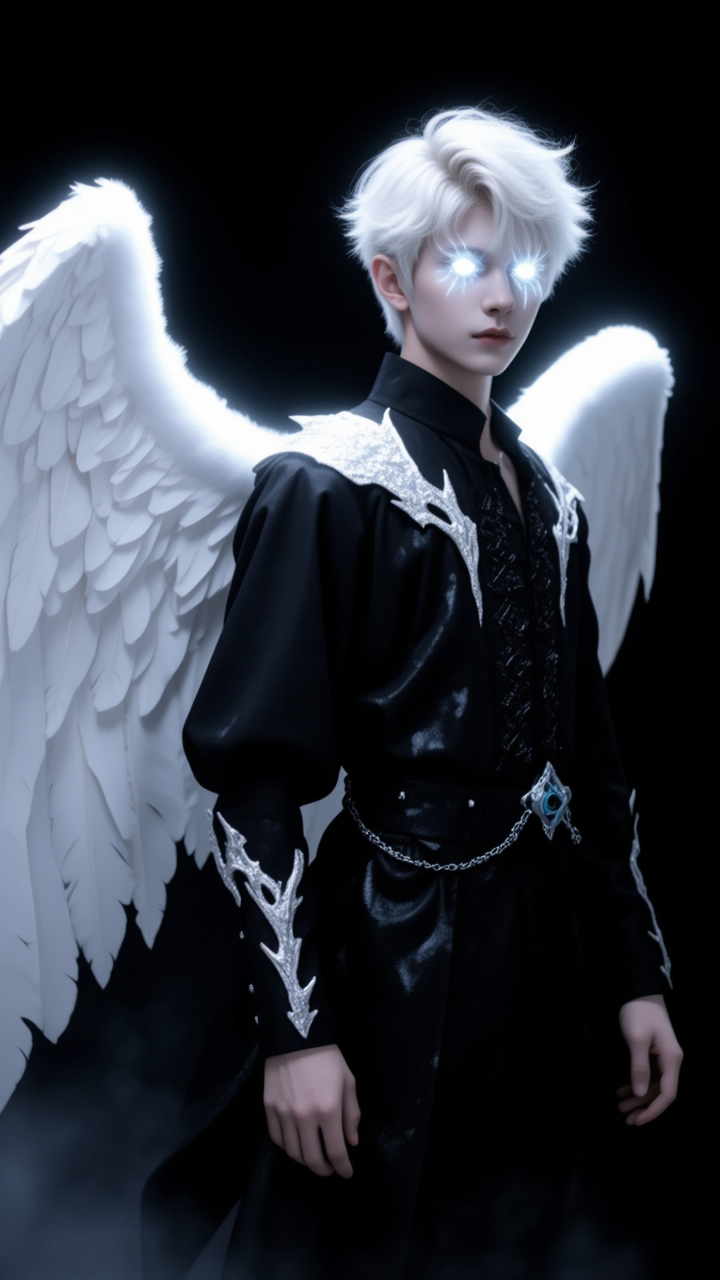
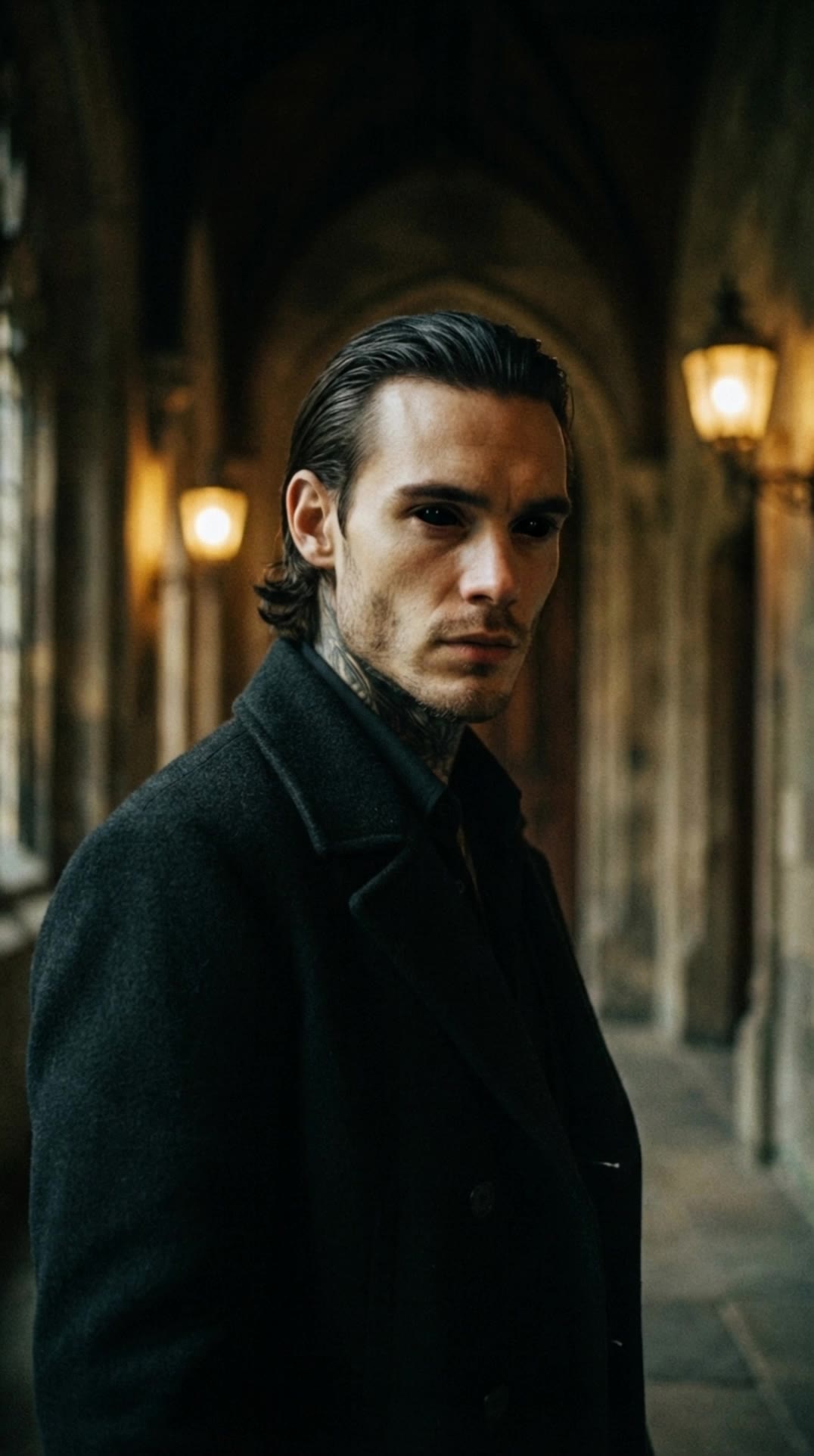
Victorian Vampire Lord - vampire tiktok profile picture AI image
UN_RE_AI_vision avatar
UN_RE_AI_vision
Haunting you  - vampire tiktok profile picture AI image
XSLVoKPp avatar
XSLVoKPp
Kling AI work 309961435501521 - vampire tiktok profile picture AI image
DfUBVbln avatar
DfUBVbln
Eternally Young Royal Vampire - vampire tiktok profile picture AI image
Ady Media Design avatar
Ady Media Design
Elite Creator
Kling AI work 310143227616136 - vampire tiktok profile picture AI image
TnShpqal avatar
TnShpqal
Kling AI work 306821036662361 - vampire tiktok profile picture AI image
lime#v avatar
lime#v
tiktok before - vampire tiktok profile picture AI video
EOhFgwoW avatar
EOhFgwoW
Vampire Man Royal Baroque Roses - vampire tiktok profile picture AI image
Ady Media Design avatar
Ady Media Design
Elite Creator
Kling AI work 317434236612861 - vampire tiktok profile picture AI video
Twi Light avatar
Twi Light
Kling AI work 321277890522414 - vampire tiktok profile picture AI image
BNMqPzud avatar
BNMqPzud
Getting closer  - vampire tiktok profile picture AI image
XSLVoKPp avatar
XSLVoKPp
Vampire tracks down Woman - vampire tiktok profile picture AI video
ThisTwistedGame avatar
ThisTwistedGame
Elite Creator
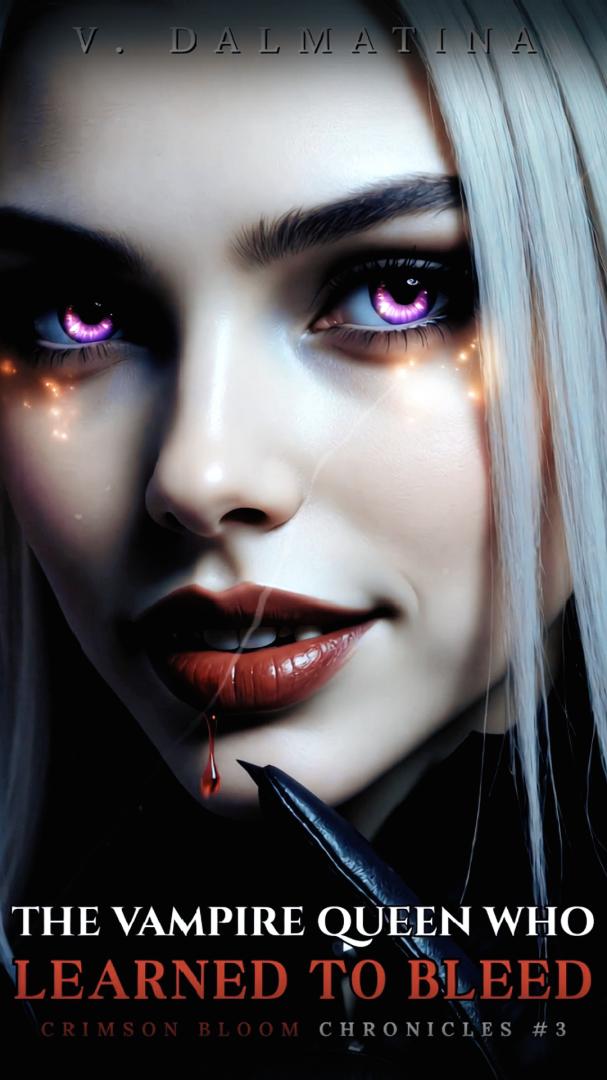
👑The vampire queen👑 - vampire tiktok profile picture AI video
01:01
V. Dalmatina avatar
V. Dalmatina
Kling AI work 321277759522820 - vampire tiktok profile picture AI image
BNMqPzud avatar
BNMqPzud
Kling AI work 317230001325550 - vampire tiktok profile picture AI video
The Eighth Edit avatar
The Eighth Edit
Elite Creator
Vampire Woman Sharp Moonlit - vampire tiktok profile picture AI image
Ady Media Design avatar
Ady Media Design
Elite Creator
Kling AI work 321277890528426 - vampire tiktok profile picture AI image
BNMqPzud avatar
BNMqPzud
Kling AI work 319701768521260 - vampire tiktok profile picture AI video
UFUbCDhu avatar
UFUbCDhu

How to Make an Avatar with Kling

Bring a Photo or an Idea

Bring a Photo or an Idea

Have an original photo to recreate? Upload it and use it as the visual starting point. If you would rather invent someone new, skip the photo and begin with a description.

Make the Look Your Own

Make the Look Your Own

Describe the avater you want to see, including the features, hairstyle, or outfit, or take the whole image into a different art style. The more specific the direction, the easier it is to shape the result around your idea.

Generate Your Avatar

Generate Your Avatar

Choose the available image settings and generate your avatar. Found one that feels close? Use it on other platforms right away.

Edit Any Part with Kling AI

Add, Remove, or Replace Image Content

Add, Remove, or Replace Image Content

Tell Kling what you want to change in text prompts. Replace a person, remove an object, or fine-tune details such as color, material, pose, and expression. Even detailed edits take fewer and easier steps because you can change the photo with AI instead of with traditional photo editing tools. IMAGE 3.0 follows your instruction while keeping the photo’s original style, lighting, and texture in place, so the edited area still belongs in the same shot.

Change the Color, Lighting, or Style

Change the Color, Lighting, or Style

Give an existing photo a different mood effortlessly. Lift a dim scene, soften harsh light, warm or cool the colors, or bring color to a black-and-white photo or line drawing. A short prompt replaces the usual round of manual adjustments. Looking for a bigger shift? Add a style reference or spell out the visual direction. IMAGE 3.0 carries the palette, texture, and atmosphere across the whole image, so the new look feels cohesive rather than pasted on. Use it for studio-style professional headshots, distinctive portrait treatments, cinematic scene design, or a visual style that feels entirely your own.

Rework the Shot or Camera Angle

Rework the Shot or Camera Angle

Tell Kling how you want the shot to look in a text prompt. Turn a front-facing photo into a side view, move the camera higher or lower, or change a wide shot into a close-up. You can explore a new composition around the same subject without setting up another shoot. IMAGE 3.0 rebuilds the scene from the angle you request, adjusting the perspective, camera height, shot size, focal length, and depth of field along with it. The result is a newly generated view based on the source photo, rather than hidden details recovered from outside the original frame.

Apps

Image to Video
Image to Video

Image to Video

Text to Video
Text to Video

Text to Video

Omni
Omni

Omni

Digital Human
Digital Human

Digital Human

Restyle
Restyle

Restyle

Text to Image
Text to Image

Text to Image

60M+
60M+
Users
600M+
600M+
AI Videos Generated
4.7 ★
4.7 ★
App Store
Industry-Leading
Industry-Leading
Cinematic 4K

Reviews

Samuele Poggi (@visualsk2)

Samuele Poggi (@visualsk2)

★★★★★

I use Kling AI daily to push the limits of AI filmmaking. It allows me to create highly cinematic content, blending AI and VFX to develop innovative projects. It has significantly impacted my creative process, enabling me to achieve complex animations that would otherwise require high production budgets.

Maria Rubtsova

Maria Rubtsova

★★★★★

I’m Maria Rubtsova, an AIGC digital artist passionate about creating stunning visuals in the worlds of fashion, aesthetics, and fantasy. I use KlingAi to bring imagination to life through video. My work is all about exploring beauty, emotion, and the limitless possibilities of digital art.

Huang Lu (Elson)

Huang Lu (Elson)

★★★★★

I’ve been using Kling AI since its initial release, and it’s remained one of the leading AI media generators ever since. With Kling AI, I’ve created hundreds of videos, collectively amassing millions of views.

FAQ

Q1Can I adjust my image after enhancement?
Q2Can I improve image quality without changing the original style?
Q3What is an AI Image Enhancer?

Remove Watermarks, Create Clean Visuals

Remove unwanted watermarks, logos, and distractions with Kling AI. Create cleaner visuals while keeping the important elements, style, and character that make your images unique.

Watermark Removal | Logo & Text Removal | 2K/4K output