
Creative Studio
API
Resources
Features
About Us
Download

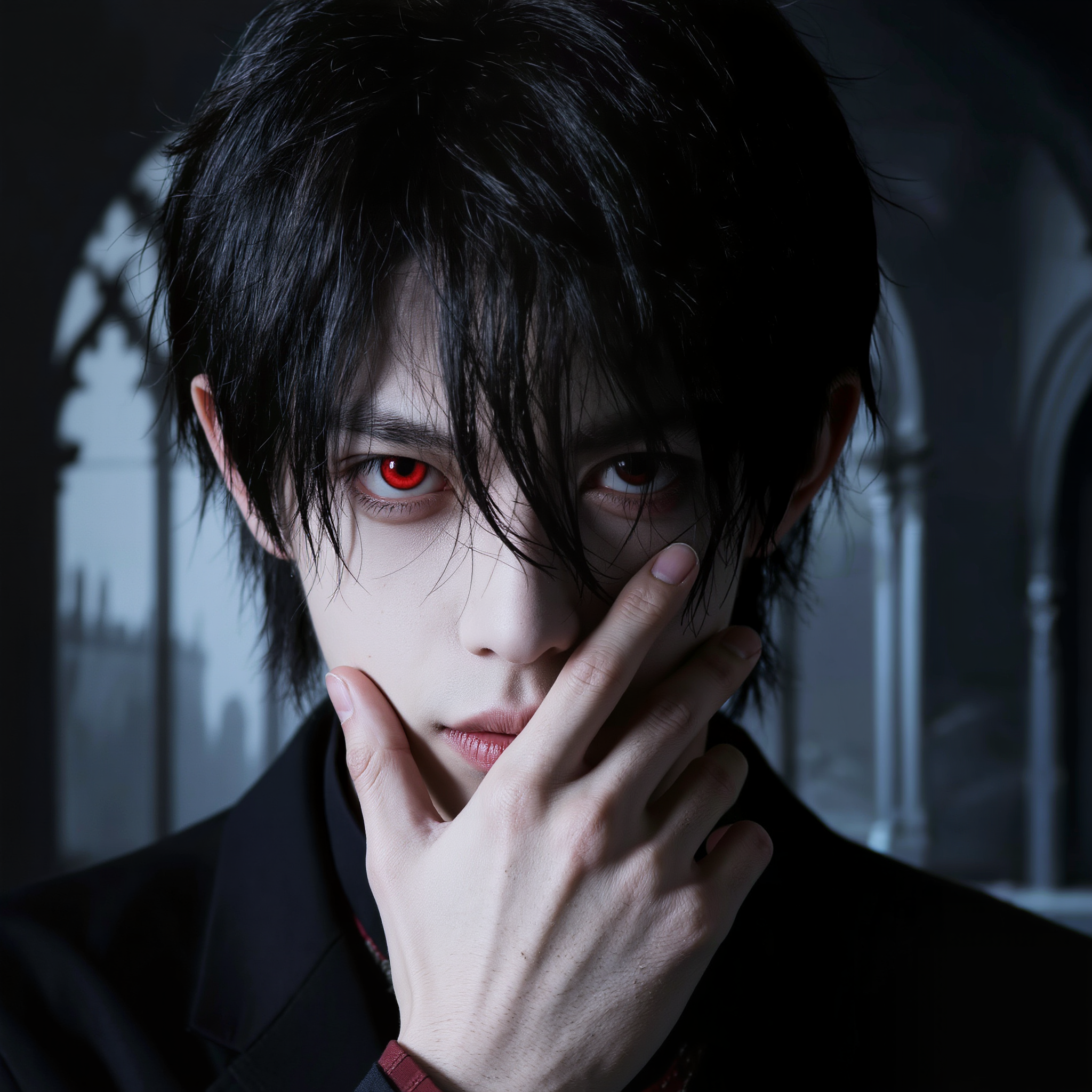
Vampire YouTube Thumbnail Ideas – AI-Generated Art

Browse AI-generated vampire YouTube thumbnail ideas. Quickly find art that you can customize to create mysterious and engaging thumbnails.

Vampire YouTube Thumbnail Ideas – AI-Generated Art

Recommended

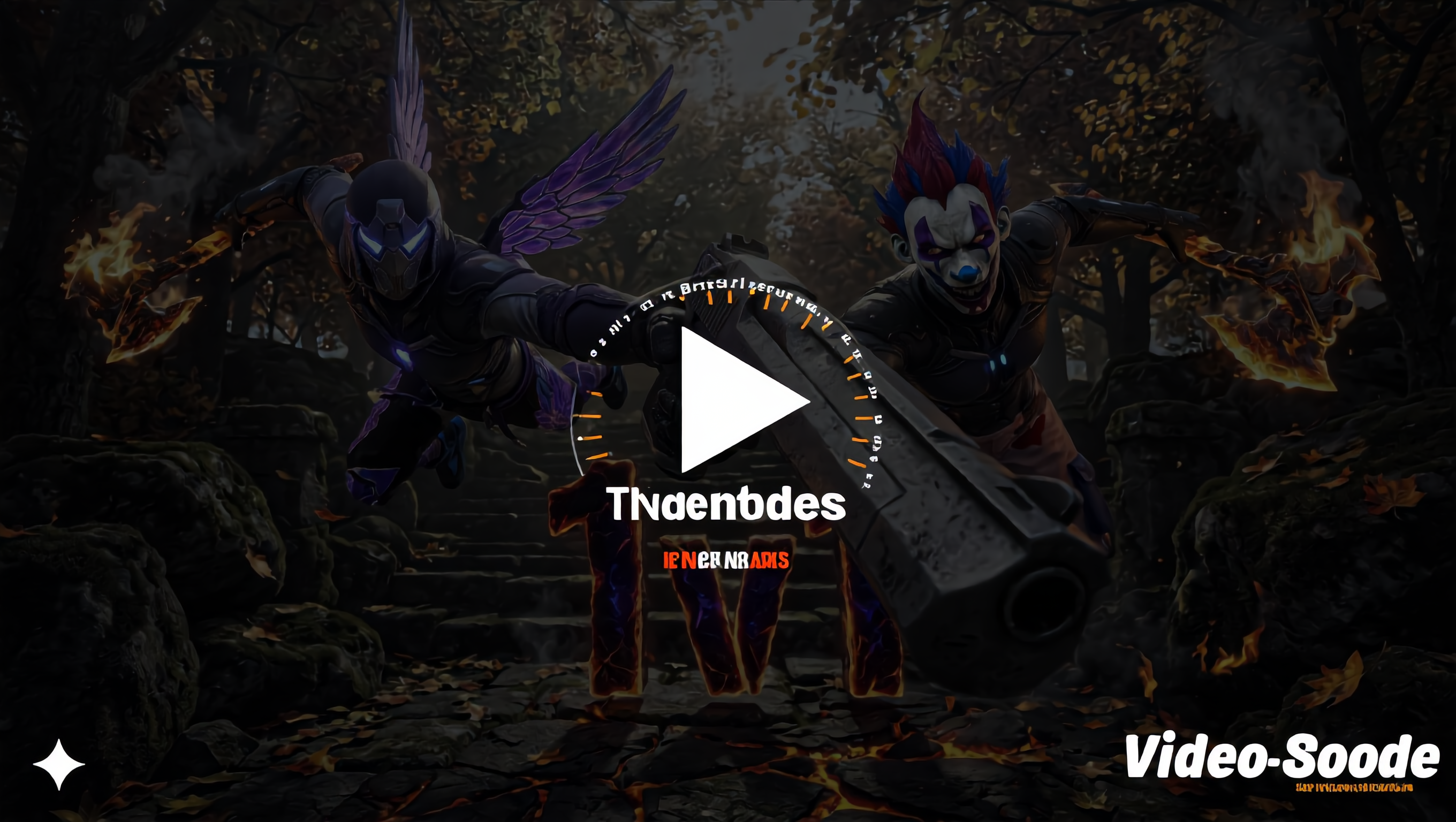
Gaming Intro @Ian77 - vampire youtube thumbnail AI video
RunbJbBG avatar
RunbJbBG
Kling AI work 312050838505999 - vampire youtube thumbnail AI image
raxmXPJI avatar
raxmXPJI
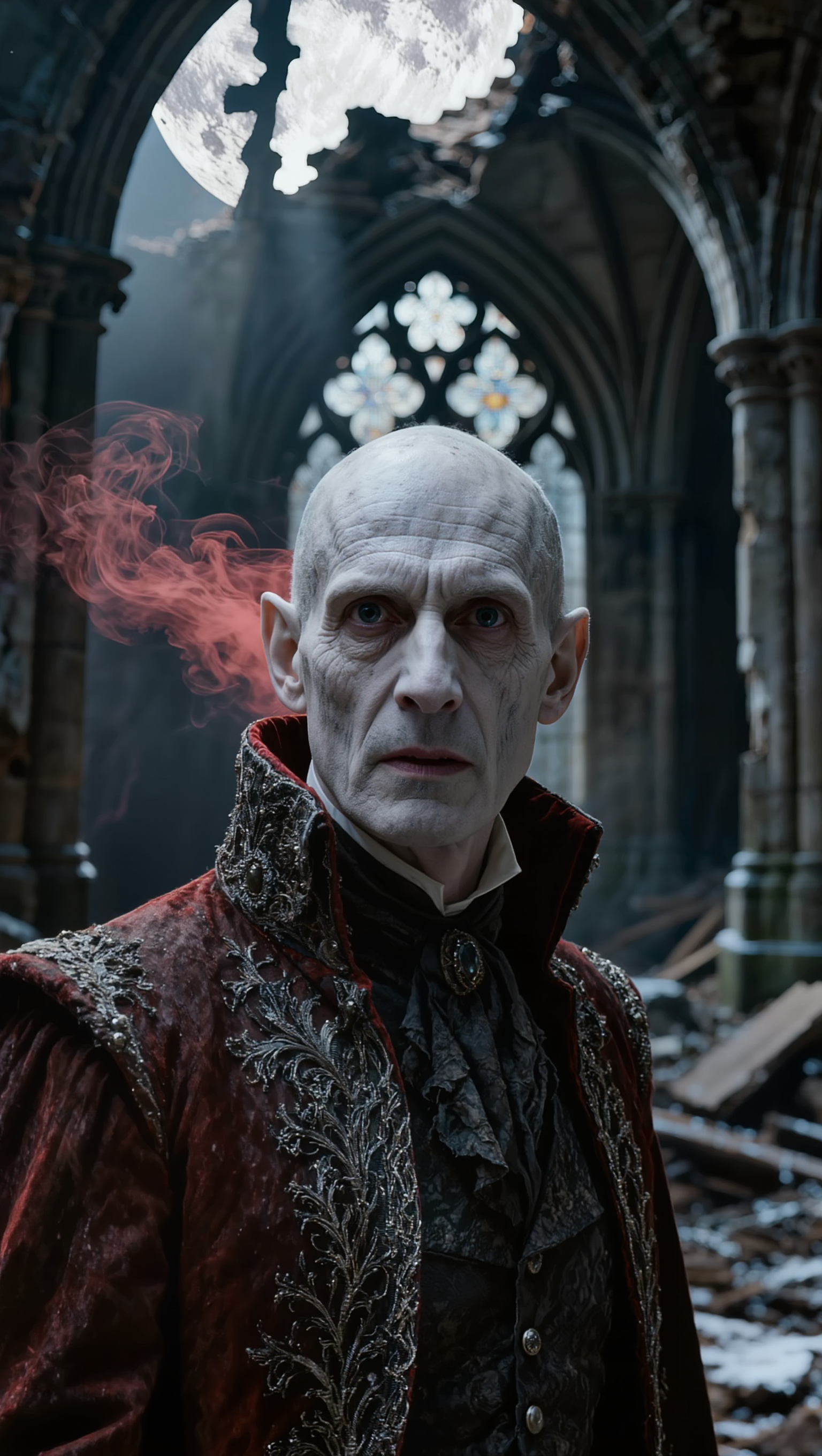
Victorian Vampire Lord - vampire youtube thumbnail AI image
UN_RE_AI_vision avatar
UN_RE_AI_vision
Thumbnail into Intro - vampire youtube thumbnail AI video
cJQAFmJs avatar
cJQAFmJs
Vampire tracks down Woman - vampire youtube thumbnail AI video
ThisTwistedGame avatar
ThisTwistedGame
Elite Creator
Kling AI work 314361837665993 - vampire youtube thumbnail AI video
ECAIvideos avatar
ECAIvideos
Kling AI work 315532622508979 - vampire youtube thumbnail AI image
keezounlocked avatar
keezounlocked
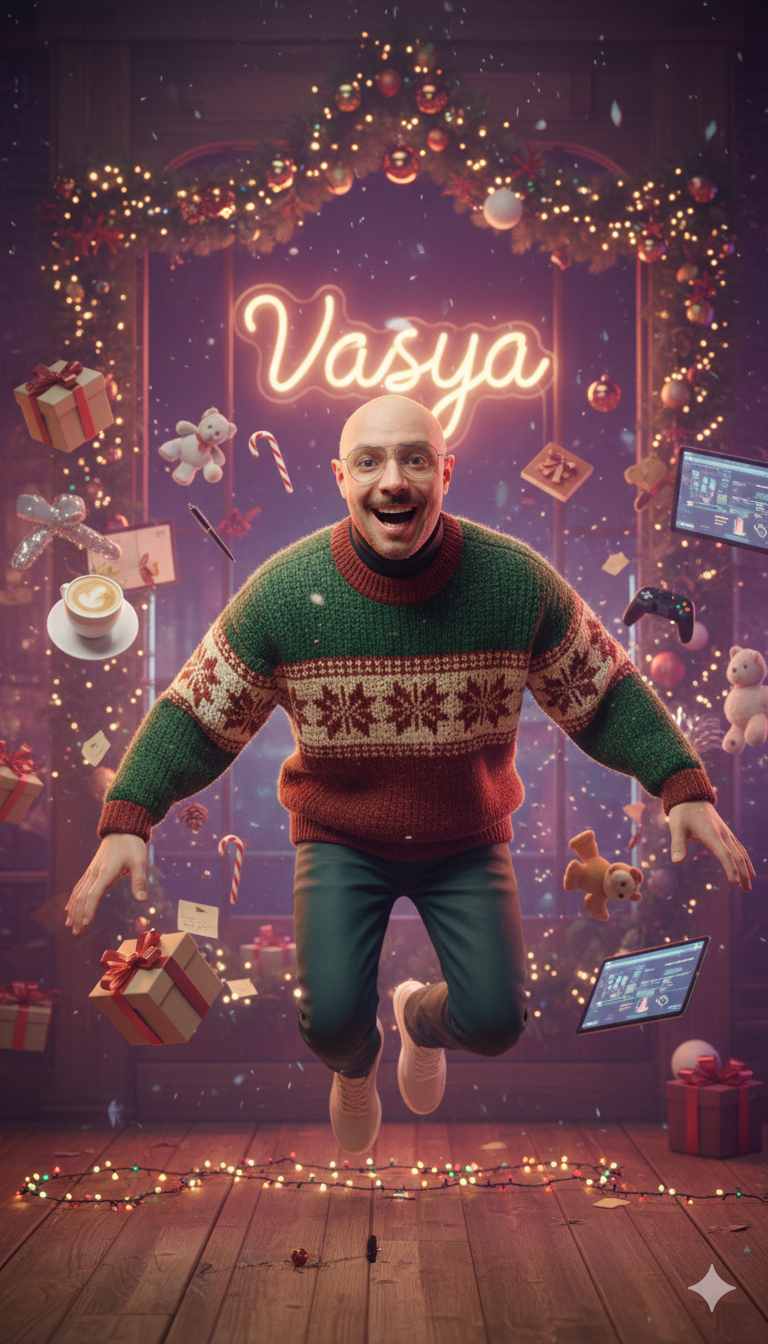
Kling AI work 298451220310471 - vampire youtube thumbnail AI image
VASYA avatar
VASYA
Kling AI work 314924693665020 - vampire youtube thumbnail AI video
DZVdkgdz avatar
DZVdkgdz
Kling AI work 312179907613565 - vampire youtube thumbnail AI video
QjVycWlP avatar
QjVycWlP
Kling AI work 310541571613849 - vampire youtube thumbnail AI image
Inggit avatar
Inggit
Kling AI work 311264767664649 - vampire youtube thumbnail AI video
Mikewu avatar
Mikewu
Eternally Young Royal Vampire - vampire youtube thumbnail AI image
Ady Media Design avatar
Ady Media Design
Elite Creator
Getting closer  - vampire youtube thumbnail AI image
XSLVoKPp avatar
XSLVoKPp
Kling AI work 313563131610855 - vampire youtube thumbnail AI image
evZCnDMI avatar
evZCnDMI
Kling AI work 317277588508991 - vampire youtube thumbnail AI video
aSGQMaYg avatar
aSGQMaYg
Vampire Man Royal Baroque Roses - vampire youtube thumbnail AI image
Ady Media Design avatar
Ady Media Design
Elite Creator
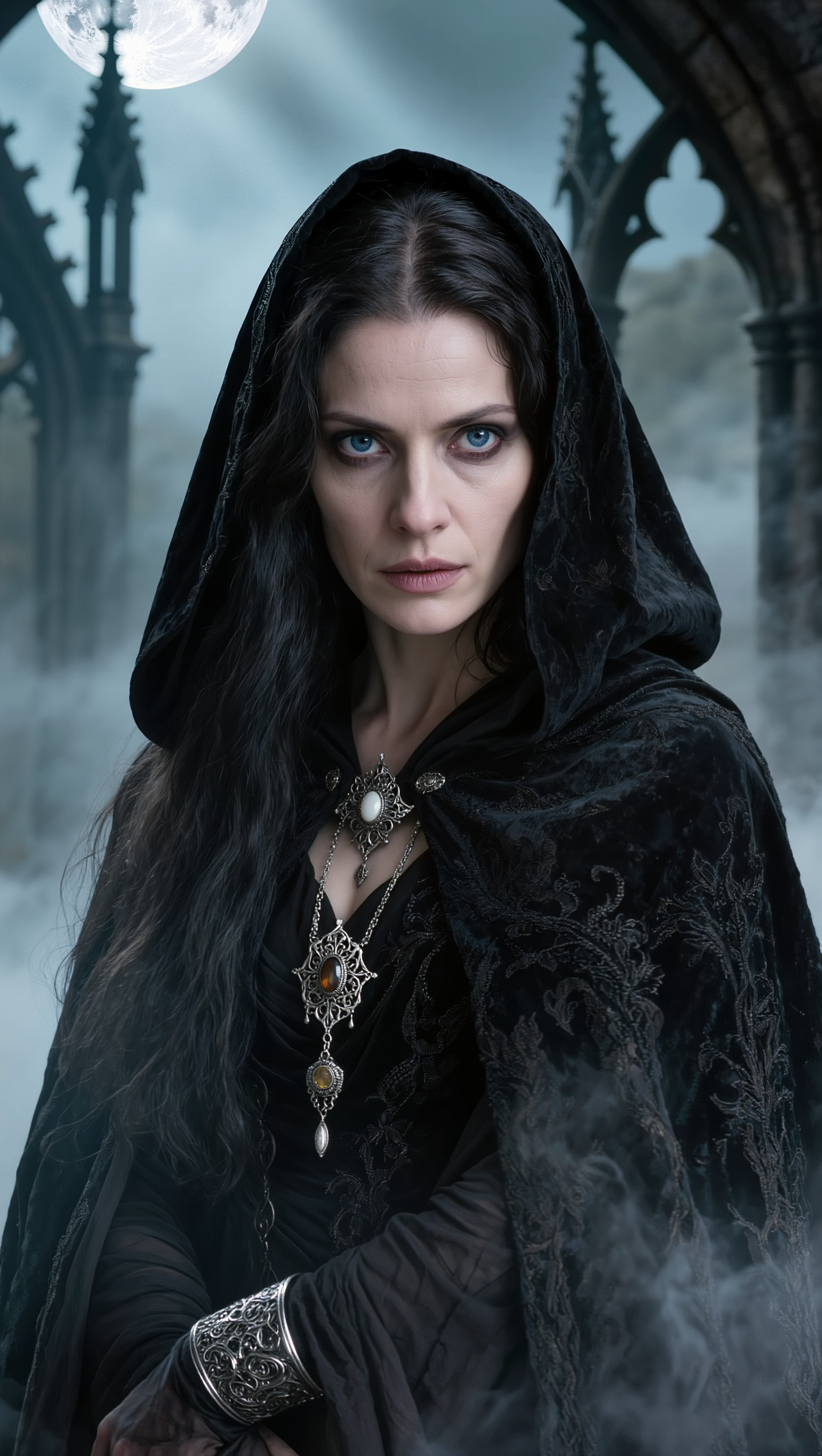
Vampire Woman Sharp Moonlit - vampire youtube thumbnail AI image
Ady Media Design avatar
Ady Media Design
Elite Creator
Kling AI work 298492465527985 - vampire youtube thumbnail AI image
VASYA avatar
VASYA

How to Create AI Characters with Kling AI

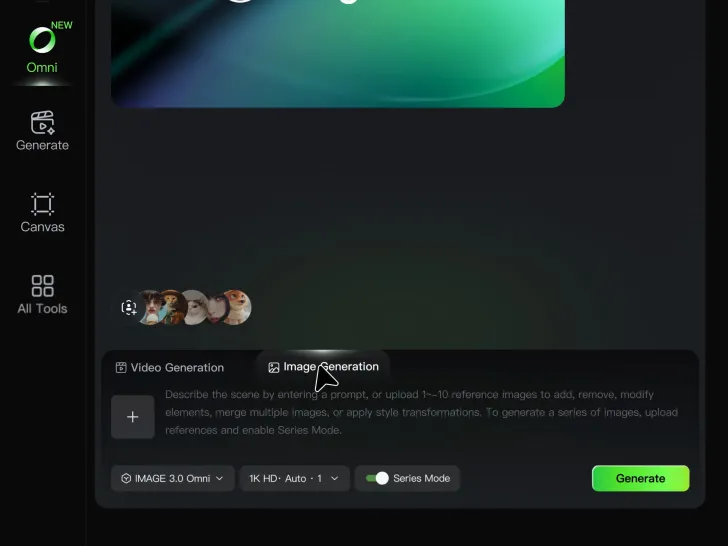
Step 1: Describe Your Character

Step 1: Describe Your Character

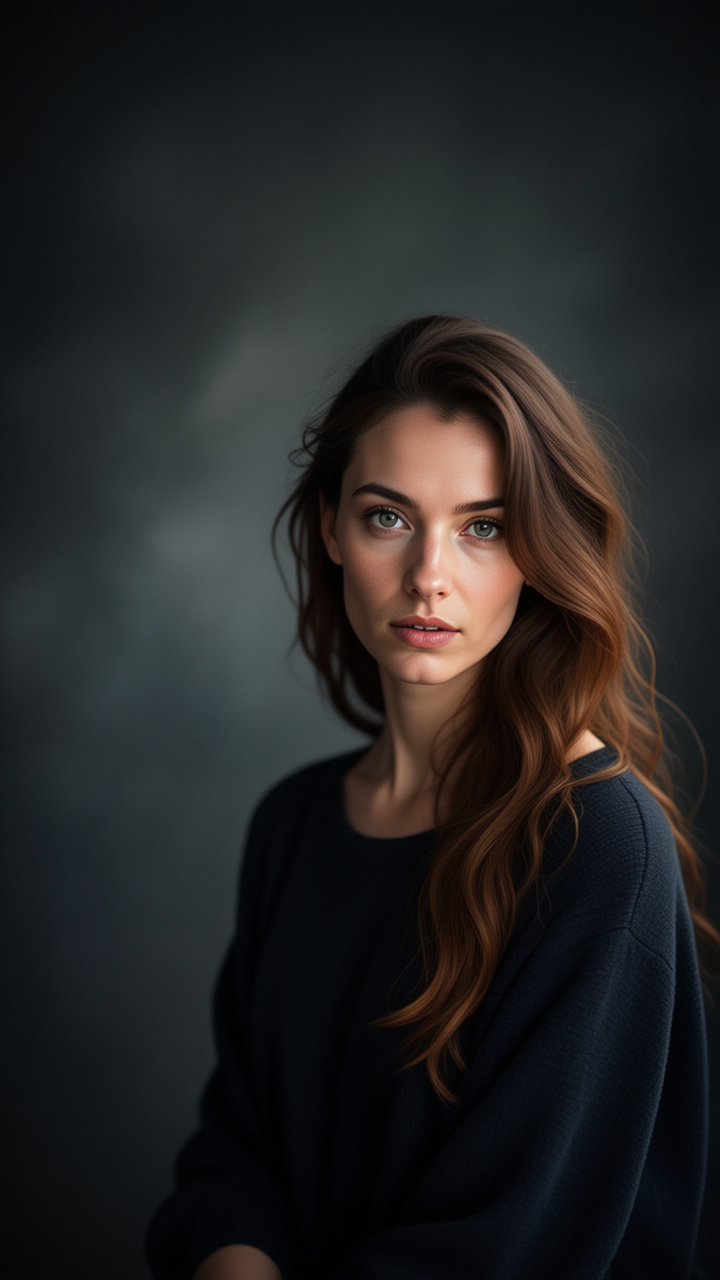
Start with a text prompt describing the character you want to create. Define key details such as appearance, hairstyle, clothing, visual style, expression, pose, or setting to help Kling AI generate a character that matches your description.

Step 2: Add Reference Images if Available

Step 2: Add Reference Images if Available

Already have a character design or visual direction in mind? Add one or more reference images to guide the character's appearance and key visual traits. Multiple views can help Kling AI maintain consistency across different angles.

Step 3: Generate and Develop Your Character

Step 3: Generate and Develop Your Character

Generate your character, review the result, and continue refining the design. Explore new poses, scenes, styles, and related images, or reuse the character in later creative workflows.

Why Kling Motion Control Stands Out

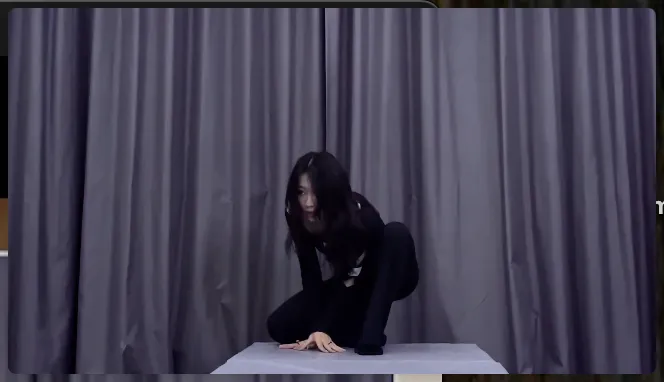
Flawless Facial Consistency in Any Angle

Flawless Facial Consistency in Any Angle

Unlike standard AI video generators that distort features during head turns, Kling locks your character’s identity for stable, recognizable results from any perspective.
Extreme Precision for Complex Emotions

Extreme Precision for Complex Emotions

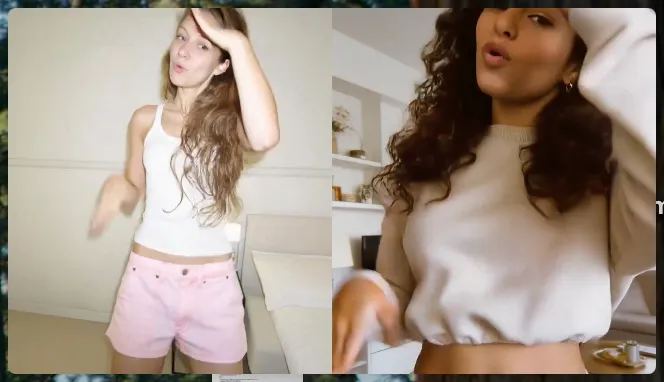
Replicate micro-expressions and dramatic emotional transitions with elite motion transfer technology. Kling captures every subtle muscle movement from your reference.
Stable Across Angles, Occlusion, and Distance

Stable Across Angles, Occlusion, and Distance

Maintain character consistency even when the subject is partially blocked or moves between close-up and long shots

Apps

Image to Video
Image to Video

Image to Video

Text to Video
Text to Video

Text to Video

Omni
Omni

Omni

Digital Human
Digital Human

Digital Human

Restyle
Restyle

Restyle

Text to Image
Text to Image

Text to Image

60M+
60M+
Users
600M+
600M+
AI Videos Generated
4.7 ★
4.7 ★
App Store
Industry-Leading
Industry-Leading
Cinematic 4K

Reviews

Vincent Smadja

Vincent Smadja

★★★★★

Kling AI seamlessly integrates into my creative workflow, playing a key role in transforming my images. After generating and upscaling an image, Kling becomes a crucial element, bringing my creations to life with movement and depth.

James Phillips

James Phillips

★★★★★

Kling AI has transformed my workflow by collapsing timelines and democratizing production. It’s shifted my mindset from resource-dependent filmmaking to a boundless creative sandbox, where experimentation yields unexpected beauty.

Ozan Sihay

Ozan Sihay

★★★★★

Kling AI allows me to rapidly prototype ideas, refine storytelling elements, and produce visually compelling content efficiently. It has not only accelerated my creative processes, but also deepened my understanding of how AI can enrich visual storytelling.

FAQ

Q1Can I replace the background after removing it?
Q2What is an AI image background remover?
Q3Can I use a reference image for a new background?

Create a Whole New Look from One Photo

Swap outfits, mix references, and explore new styles with IMAGE 3.0 Omni. Keep the person recognizable and let new clothing blend naturally into the original photo.