Creative Studio
API Platform
Resources
About Us

AI vegeta inpaint ideas – Unique character designs

Explore AI-generated vegeta inpaint ideas. These AI-made visuals offer quick, customizable character designs. Ideal for fans looking to create unique artwork without design skills.

AI vegeta inpaint ideas – Unique character designs

Recommended

work cover
video-play
EwvHQrOW
work cover
video-play
Maks_AI_Creator
work cover
AnimeLover
work cover
video-play
RefusetobeOrdinaryOG
work cover
video-play
NDTUibxE
work cover
Kasa Lee
work cover
video-play
Maks_AI_Creator
work cover
IZvYtEJH
work cover
video-play
WQDnrFza
work cover
video-play
simon
work cover
video-play
BSCnyetE
work cover
video-play
QZwrtdQq
work cover
video-play
ramsell
work cover
video-play
Maks_AI_Creator
work cover
video-play
Maks_AI_Creator
work cover
video-play
RJtzGWel

How to Master AI Motion Control in 3 Steps

Upload Your Assets

Upload Your Assets

Provide a static character image and a motion reference video showing the exact expressions you want to replicate.

Bind Face Subject

Bind Face Subject

Enable this feature to lock facial consistency. Upload multi-angle photos to create a precise facial reference map.

Generate & Export

Generate & Export

Process your motion-controlled video and download the final render in high resolution.

Why Kling Motion Control Stands Out

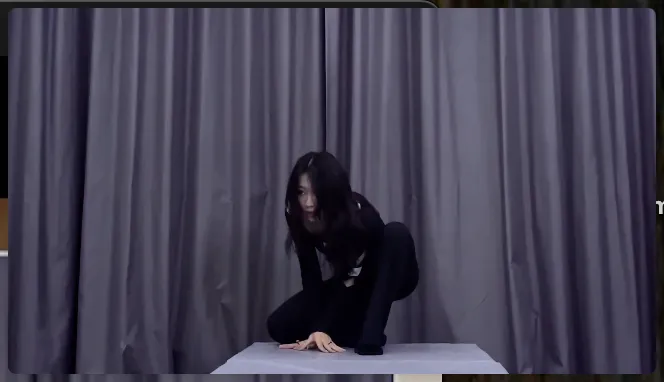
Flawless Facial Consistency in Any Angle

Flawless Facial Consistency in Any Angle

Unlike standard AI video generators that distort features during head turns, Kling locks your character’s identity for stable, recognizable results from any perspective.
Extreme Precision for Complex Emotions

Extreme Precision for Complex Emotions

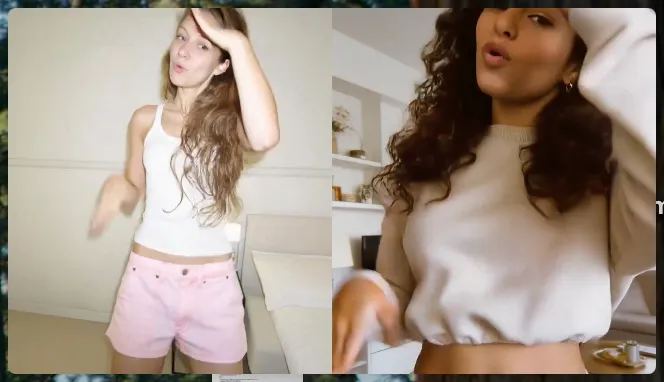
Replicate micro-expressions and dramatic emotional transitions with elite motion transfer technology. Kling captures every subtle muscle movement from your reference.
Stable Across Angles, Occlusion, and Distance

Stable Across Angles, Occlusion, and Distance

Maintain character consistency even when the subject is partially blocked or moves between close-up and long shots

Apps

Image to Video
Image to Video

Image to Video

Text to Video
Text to Video

Text to Video

Omni
Omni

Omni

Digital Human
Digital Human

Digital Human

Restyle
Restyle

Restyle

Text to Image
Text to Image

Text to Image

60M+
60M+
Users
600M+
600M+
AI Videos Generated
4.7 ★
4.7 ★
App Store
Industry-Leading
Industry-Leading
Cinematic 4K

Reviews

KakuDrop

KakuDrop

★★★★★

I have successfully collaborated with world-renowned artists and well-known companies that are recognized globally

Halim Alrasihi

Halim Alrasihi

★★★★★

I use AI daily and Kling AI is a crucial part of my workflow, whether for client work or personal projects. What I love most about using Kling AI is that it provides all the tools I need in one place, from keyframes to character references, elements and special effects.

Samuele Poggi (@visualsk2)

Samuele Poggi (@visualsk2)

★★★★★

I use Kling AI daily to push the limits of AI filmmaking. It allows me to create highly cinematic content, blending AI and VFX to develop innovative projects. It has significantly impacted my creative process, enabling me to achieve complex animations that would otherwise require high production budgets.

FAQ

Q1Is there a free AI video generator with no watermark?
Q2What is the best AI video generator?
Q3Does Kling support audio and talking characters?

Experience Video 3.0 on Kling

Create cinematic, multi-shot videos with native audio and precise control—all in one generation.

Native audio | Multi-shot control | Up to 15s continuous output