
Creative Studio
API
Resources
Features
About Us
Download

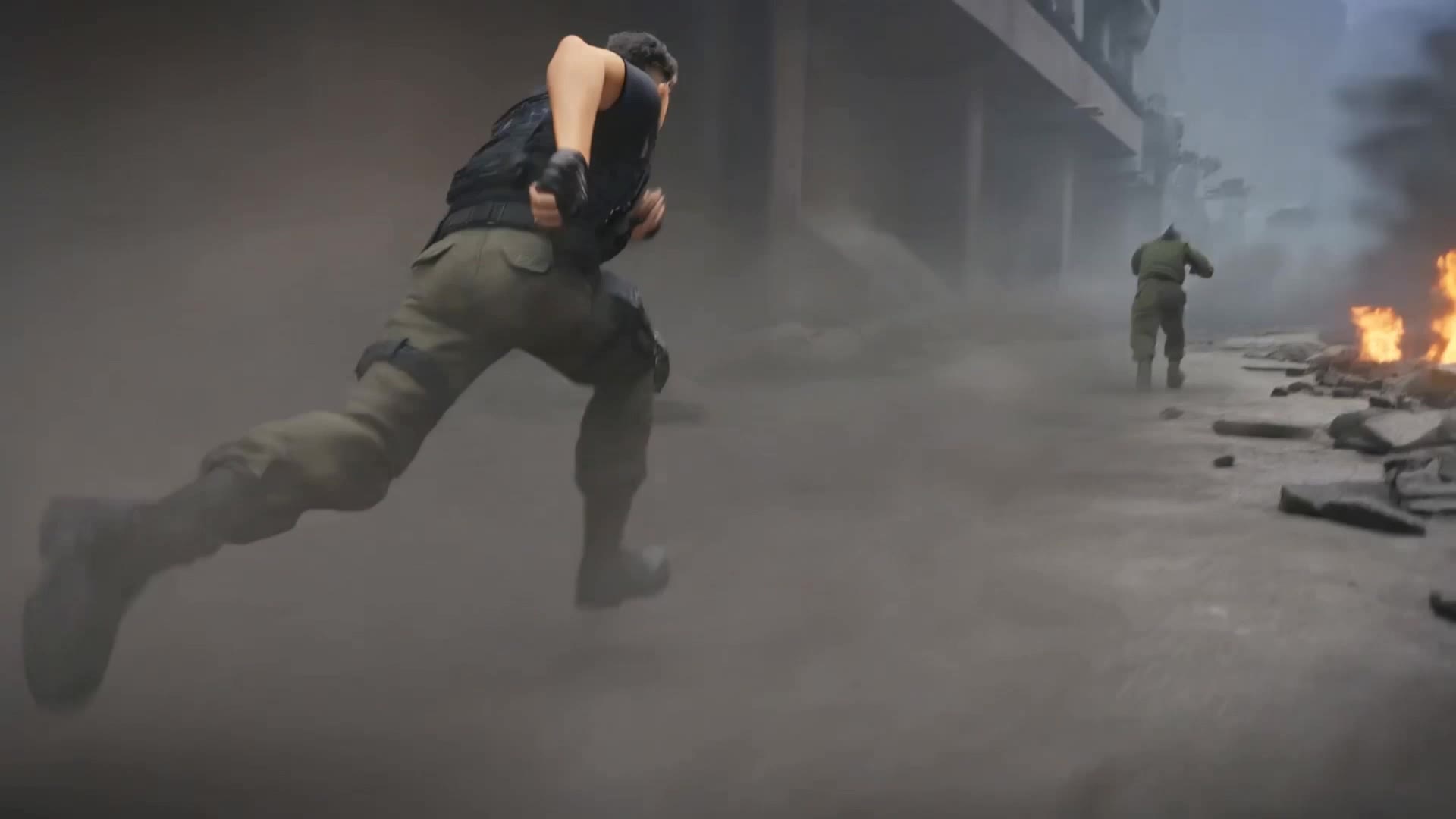
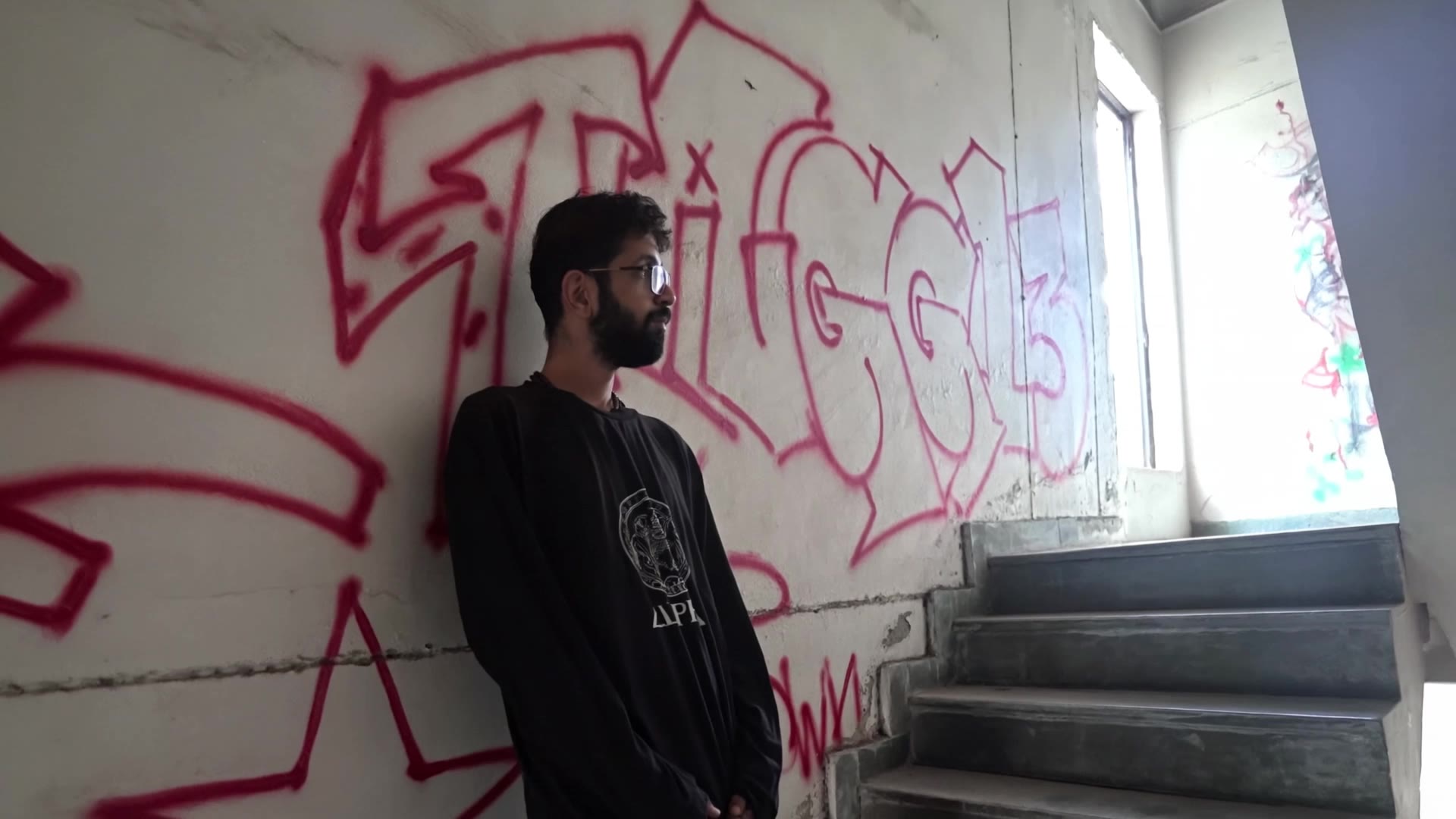
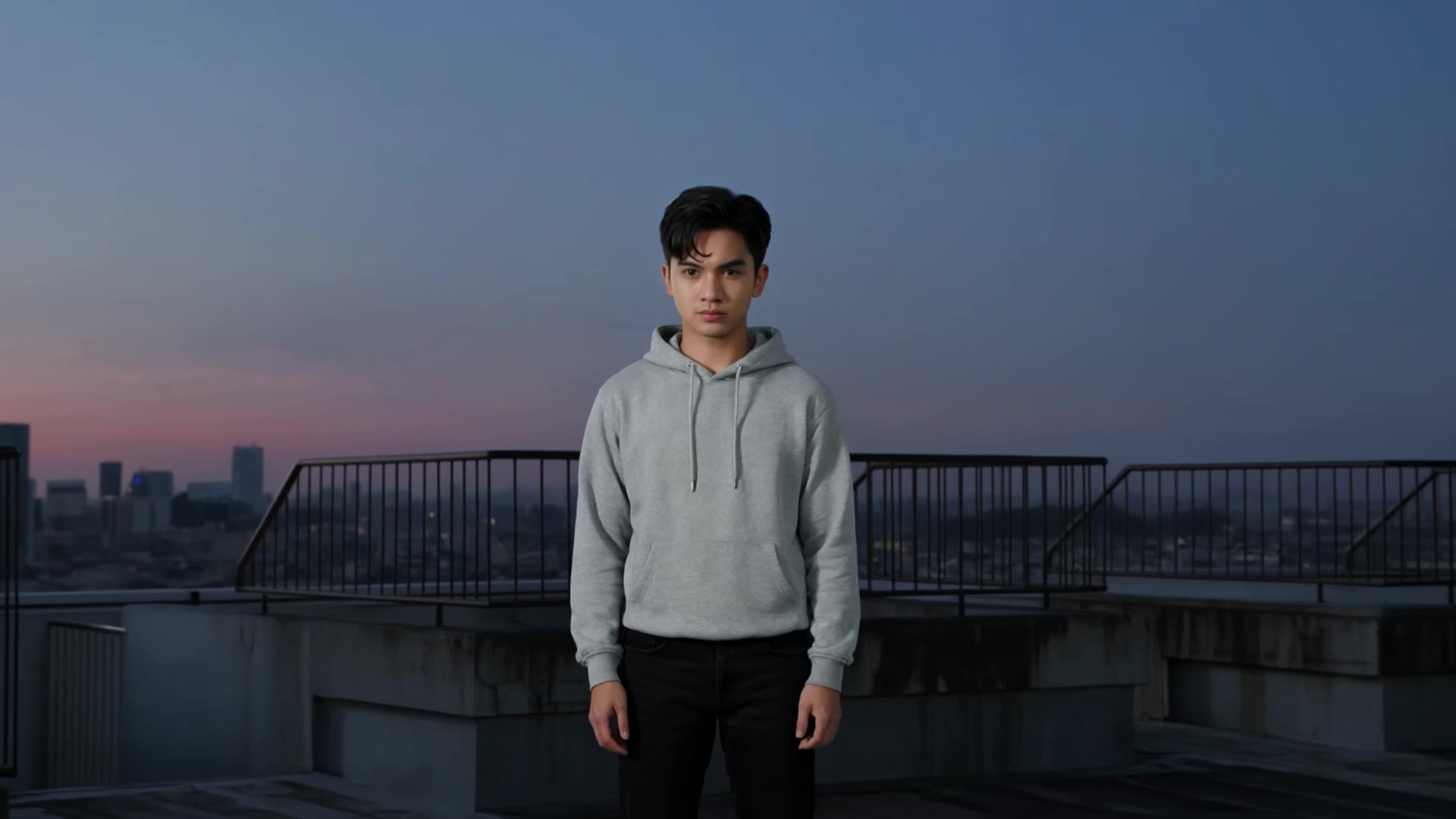
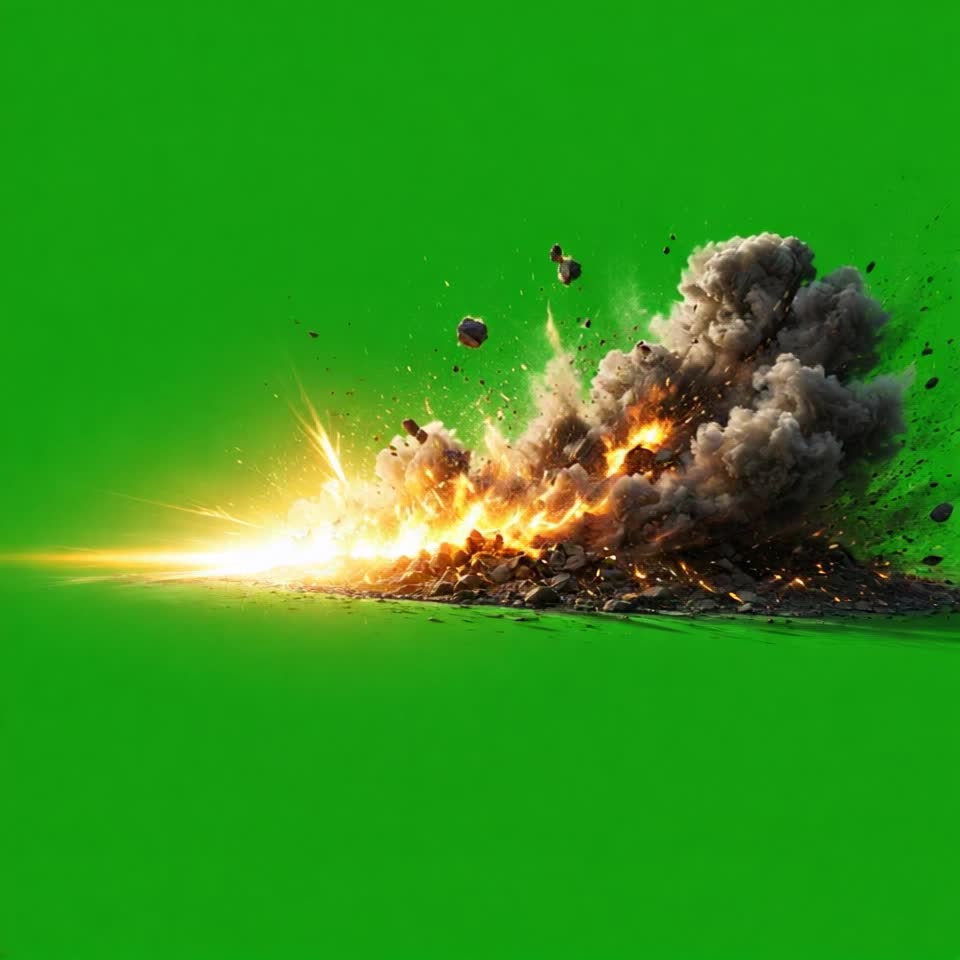
VFX Video Ideas – AI-Generated Concepts

Discover AI-generated VFX video ideas. Create stunning visual effects quickly with customizable templates.

VFX Video Ideas – AI-Generated Concepts

Recommended

video - vfx video AI video
VpKXuzJn avatar
VpKXuzJn
Kling AI work 293173890533124 - vfx video AI video
ISCTavwU avatar
ISCTavwU
Kling AI work 288940383307749 - vfx video AI video
DAVEOP avatar
DAVEOP
video oromoo  - vfx video AI image
PpqmtOUs avatar
PpqmtOUs
Create realistic video - vfx video AI image
DYdlsTDQ avatar
DYdlsTDQ
I want a video - vfx video AI image
QzqGLkwZ avatar
QzqGLkwZ
Kling AI work 311913377504476 - vfx video AI video
Shanti avatar
Shanti
Kling AI work 310275279615781 - vfx video AI video
sHpPbFdI avatar
sHpPbFdI
Kling AI work 299092462502428 - vfx video AI video
mRjlrnEP avatar
mRjlrnEP
Kling AI work 312397980527818 - vfx video AI video
QbHjdyFK avatar
QbHjdyFK
AI UGC Video - vfx video AI video
Haiane avatar
Haiane
Elite Creator
Kling AI work 295698805666019 - vfx video AI video
Alpha male avatar
Alpha male
Transformation Fire and water - vfx video AI video
yJKWJyoM avatar
yJKWJyoM
Kling AI work 314230617521347 - vfx video AI video
jjiaEHmR avatar
jjiaEHmR
Kling AI work 315969023524045 - vfx video AI video
jWgrQihd avatar
jWgrQihd
text to video - vfx video AI video
love0destroy avatar
love0destroy
Elite Creator
Kling AI work 297080810505572 - vfx video AI video
KIDUVfnn avatar
KIDUVfnn
VFX Artist - vfx video AI video
DSFILMS avatar
DSFILMS
fantasy meditation - vfx video AI video
Maks_AI_Creator avatar
Maks_AI_Creator
Elite Creator

How to Use Kling AI Art Generator

Start with a Prompt

Start with a Prompt

Open IMAGE 3.0 Omni. Write what you want to make, upload an existing image, or add references that show the character, object, composition, or style you want Kling to follow.

Set the Art Direction

Set the Art Direction

Add the details that matter to the piece: medium, palette, mood, lighting, framing, perspective, or another visual cue. When you use several references, tell Kling what each one contributes instead of leaving the relationship between them ambiguous.

Generate and Keep Working

Generate and Keep Working

Generate the artwork, review the result, and adjust the prompt or creative direction if needed. For connected images, continue the idea with Image Series.

Shape AI Characters, Build Creative Worlds

Create Characters from Prompts or References

Create Characters from Prompts or References

Start with a text prompt to shape an original character, from facial features and hairstyle to clothing, expression, pose, and visual style. If you already have a specific look in mind, add reference images to guide the result more closely. Kling IMAGE 3.0 Omni supports creative directions ranging from realistic and cinematic characters to anime-inspired, fantasy, and CG-style designs.

Turn One Character into a Visual Series

Turn One Character into a Visual Series

Once you have a character you like, use Kling IMAGE 3.0 Omni Series Mode to build a connected set of images around it. Explore new expressions, viewpoints, scenes, and story moments while keeping the character and overall visual direction consistent across the series. It's well suited for storyboards, comics, campaign concepts, social content, and ongoing character development.

Build a Reusable Character Element

Build a Reusable Character Element

Create a reusable Character Element from a reference image, multiple views, or a supported character video. You can start with one main image and let Kling AI generate additional views, add your own reference angles for more visual information, or use a video to capture richer character details. Once saved, the Element can be called up again in supported image and video workflows without redefining the character from scratch.

Apps

Image to Video
Image to Video

Image to Video

Text to Video
Text to Video

Text to Video

Omni
Omni

Omni

Digital Human
Digital Human

Digital Human

Restyle
Restyle

Restyle

Text to Image
Text to Image

Text to Image

60M+
60M+
Users
600M+
600M+
AI Videos Generated
4.7 ★
4.7 ★
App Store
Industry-Leading
Industry-Leading
Cinematic 4K

Reviews

Halim Alrasihi

Halim Alrasihi

★★★★★

I use AI daily and Kling AI is a crucial part of my workflow, whether for client work or personal projects. What I love most about using Kling AI is that it provides all the tools I need in one place, from keyframes to character references, elements and special effects.

Huang Lu (Elson)

Huang Lu (Elson)

★★★★★

I’ve been using Kling AI since its initial release, and it’s remained one of the leading AI media generators ever since. With Kling AI, I’ve created hundreds of videos, collectively amassing millions of views.

Jyo John Mulloor

Jyo John Mulloor

★★★★★

Kling AI has been instrumental in transforming my creative workflow, unlocking new dimensions of artistic expression that were once unimaginable. I use Kling AI extensively to develop high-concept visuals, animate surreal dreamscapes, and create AI-assisted films that blur the line between reality and fantasy. Kling AI’s deep learning capabilities have not only enhanced my creative efficiency but also inspired me to explore storytelling in ways I never thought possible.

FAQ

Q1Can Kling AI change the background of a photo?
Q2Can I remove the background from a logo?
Q3Can I make an image background transparent?

Remove the Background. Create What Comes Next.

Remove the background, replace the scene, and take your visual somewhere new with Kling AI.

Free tier available | Image and video workflows | High-resolution options