Creative Studio
API
Resources
Features
About Us
Download

vheer video - ASMR experiences & music video moments

Engage with unique ASMR experiences and dynamic music video openings on vheer video. Start exploring vheer video ideas and generate your own content with AI.

vheer video - ASMR experiences & music video moments

Recommended

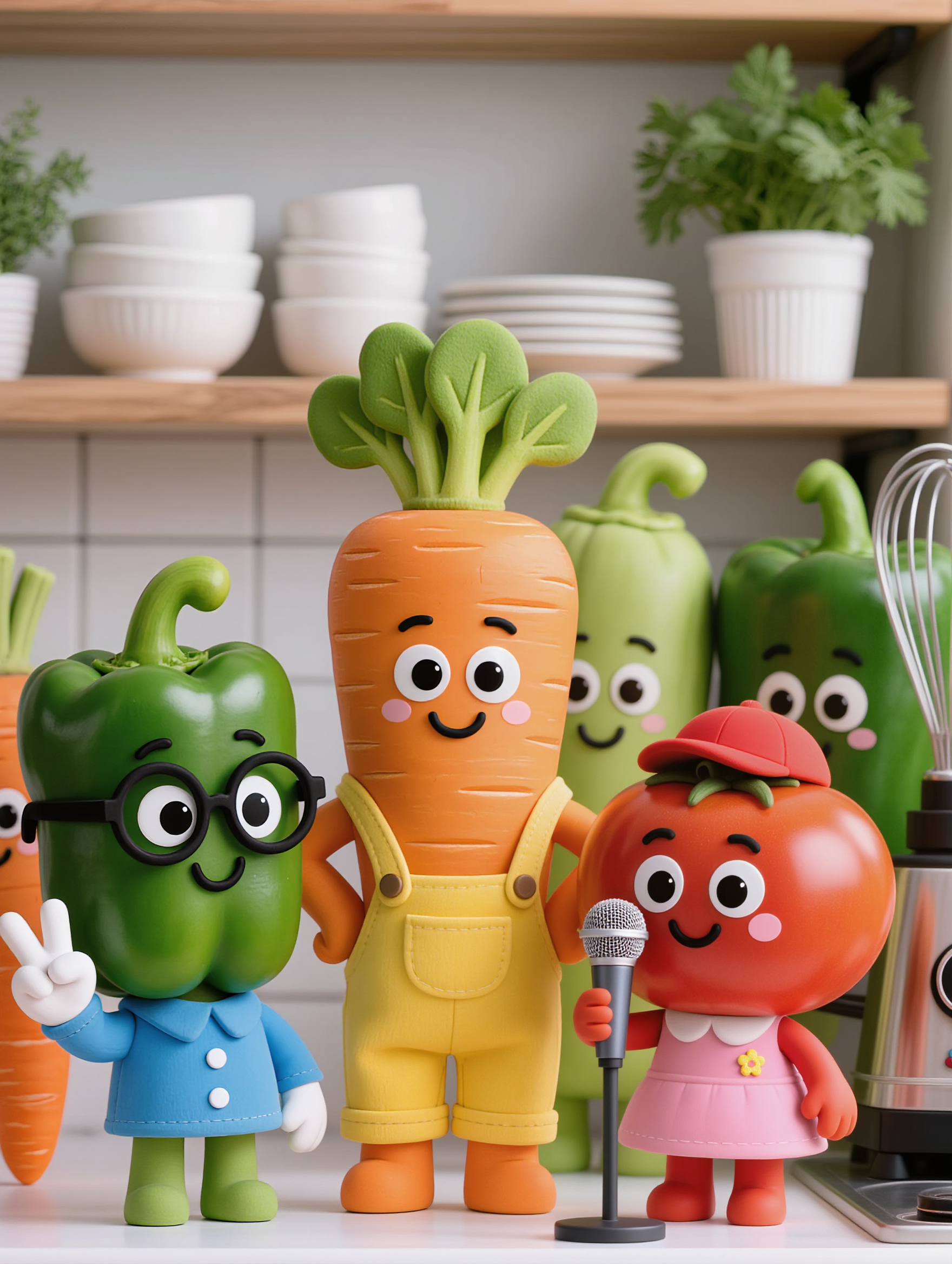
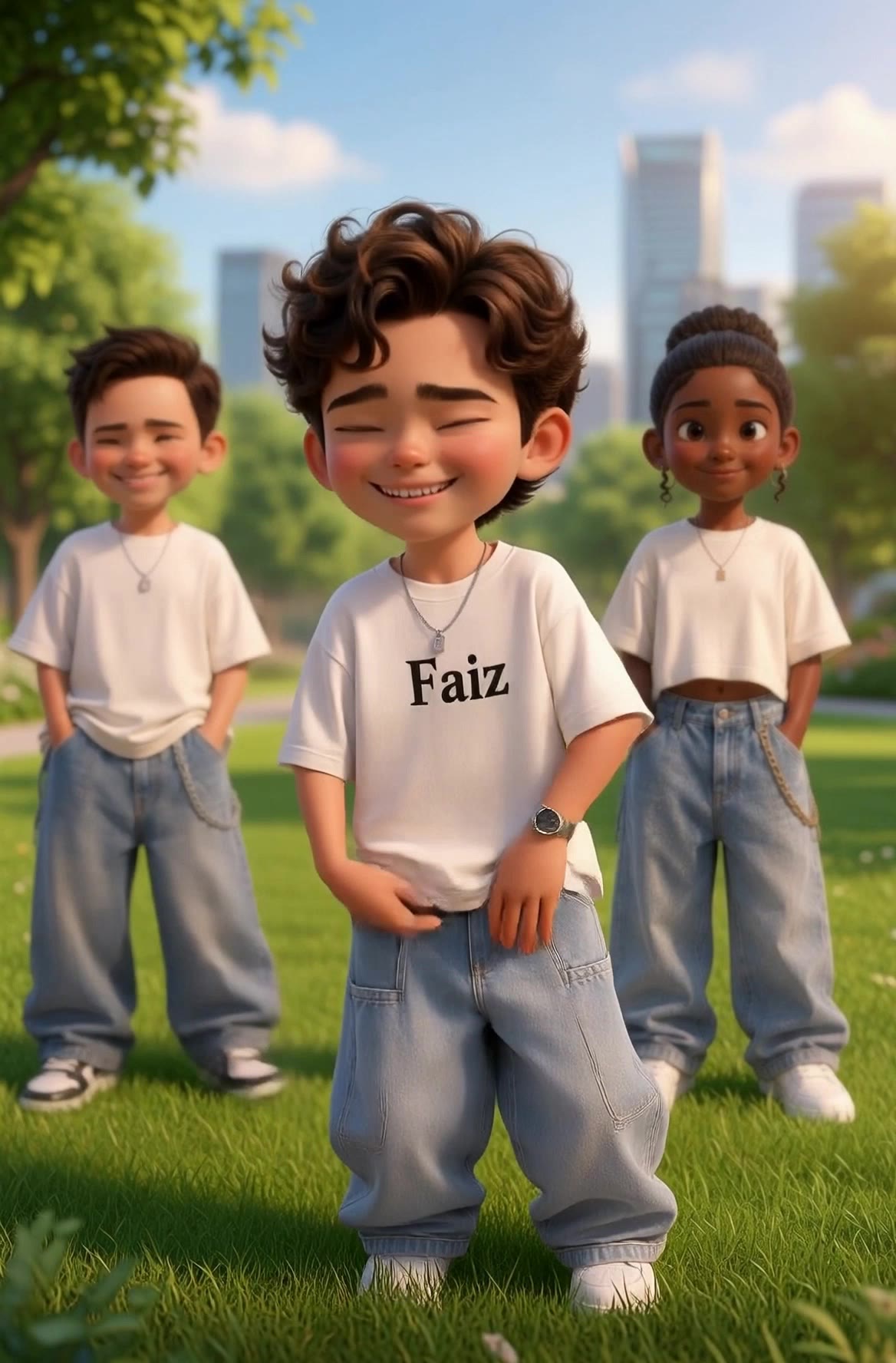
kids video - vheer video AI video
EgiWoPKf avatar
EgiWoPKf
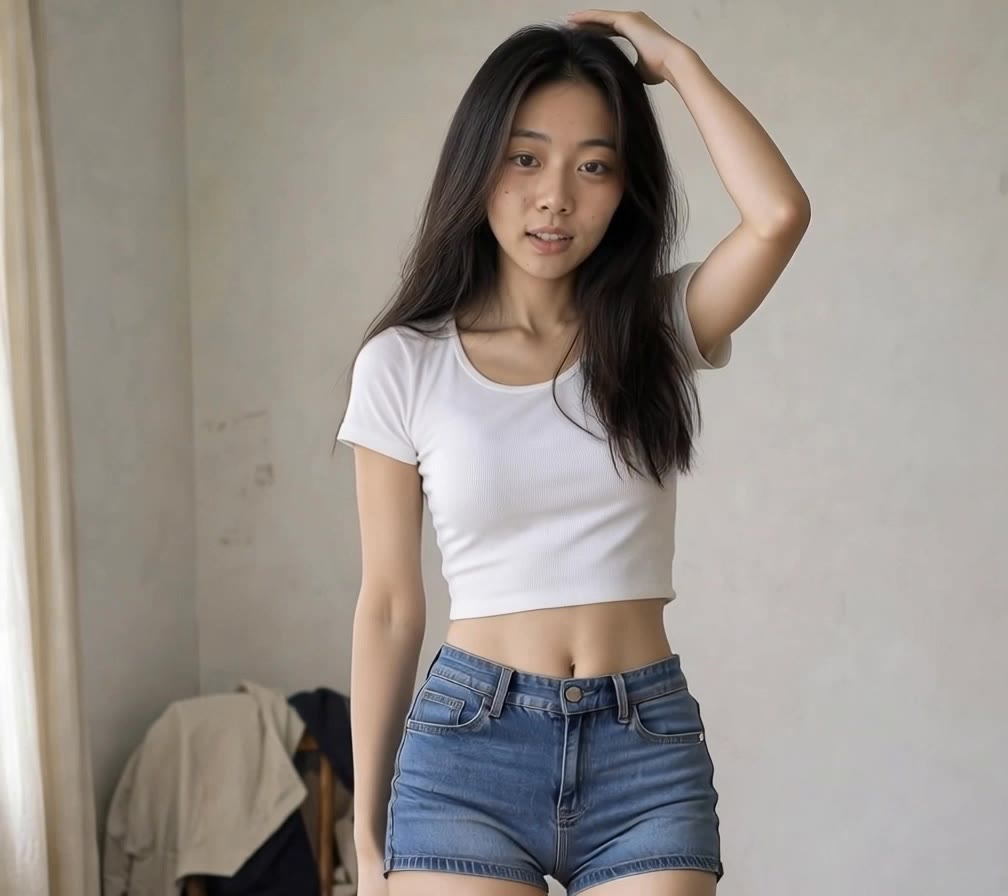
video 10 - vheer video AI image
tlErLayy avatar
tlErLayy
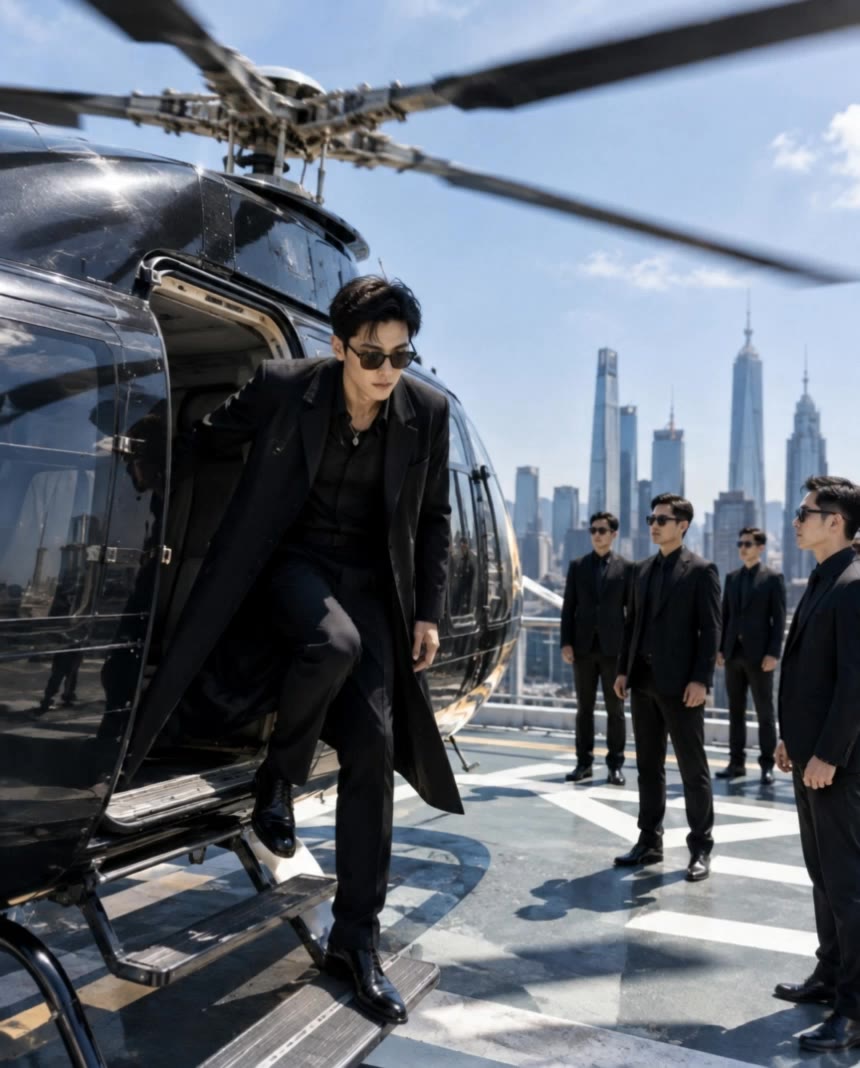
Ai video #trend
 - vheer video AI video
Mr galaxy avatar
Mr galaxy
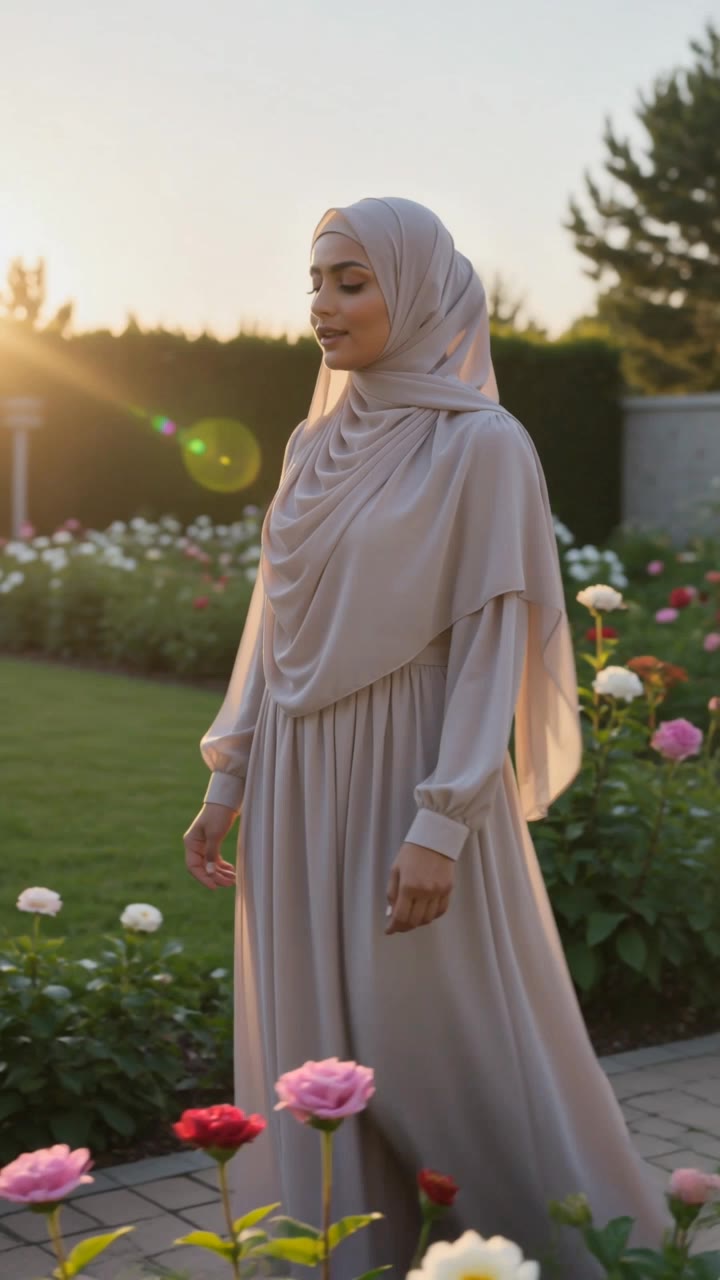
Muslims video  - vheer video AI video
CcVerNoh avatar
CcVerNoh
ಕಾಮಿಡಿ video - vheer video AI image
JcnOqdiV avatar
JcnOqdiV
Dance video - vheer video AI video
Lucas Benassi avatar
Lucas Benassi
Music video  - vheer video AI video
ltMNVhFp avatar
ltMNVhFp
my Fast  king  ai video - vheer video AI video
HHriGBWm avatar
HHriGBWm
video  - vheer video AI image
kUyzVMWa avatar
kUyzVMWa
Image to video - vheer video AI video
jc avatar
jc
Sport video - vheer video AI video
Alberto avatar
Alberto
Intro video - vheer video AI video
OgDqfxHk avatar
OgDqfxHk
Video  - vheer video AI video
KLING4103 avatar
KLING4103
Use this video and create amazin - vheer video AI video
ARjwUnmF avatar
ARjwUnmF
hacer video - vheer video AI image
wdgONJrh avatar
wdgONJrh
Use the uploaded video as the ex - vheer video AI image
NUFsXjGe avatar
NUFsXjGe
My video  - vheer video AI video
Ripan Das avatar
Ripan Das
video oromoo  - vheer video AI image
PpqmtOUs avatar
PpqmtOUs
ai video - vheer video AI video
pXJXCViA avatar
pXJXCViA

How to Create AI Video Dubbing with Kling

Step 1: Set Up Your Characters and Scene

Step 1: Set Up Your Characters and Scene

Describe the characters and scene you want to create, or add supported image or Character Element references when you already have a specific look in mind. Make each speaker easy to identify before adding dialogue.

Step 2: Add Dialogue and Set Each Voice

Step 2: Add Dialogue and Set Each Voice

Write each character’s lines and keep them clearly paired with the right speaker. Add the language, accent, tone, or delivery to your prompt when you want to shape how each line sounds, and mix supported languages within the same scene when needed.

Step 3: Generate with Native Audio

Step 3: Generate with Native Audio

Generate the video with Native Audio to create dialogue, lip movements, visuals, ambience, and supporting sound together. Enable Multi-Shot when you want the conversation to unfold across different shots, camera angles, or scene beats.

Key Features of Kling AI Image Generator

Turn Ideas into Images

Turn Ideas into Images

Describe the scene, character, product, or style you have in mind, and watch your idea come to life. Whether you're generating from scratch or fine-tuning an existing result, Kling IMAGE 3.0 follows your instructions, including tweaking the composition, shifting the lighting, and adjusting visual details until it looks right.

Bring References Into New Creations

Bring References Into New Creations

Bring in references for a character, product, color palette, material, composition, or visual style. IMAGE 3.0 draws on the defining qualities of up to 10 images and brings them together in one cohesive result, keeping the details that make each reference recognizable.

Produce Professional Image Series in 4K

Produce Professional Image Series in 4K

Plan and create a complete visual series as one cohesive project, rather than generating each image separately. IMAGE 3.0 Omni supports intentional shot progression, varied framing, and a unified creative direction across the set, with native 4K output for cinematic storyboards, product campaigns, character development, comics, and branded content.

Apps

Image to Video
Image to Video

Image to Video

Text to Video
Text to Video

Text to Video

Omni
Omni

Omni

Digital Human
Digital Human

Digital Human

Restyle
Restyle

Restyle

Text to Image
Text to Image

Text to Image

60M+
60M+
Users
600M+
600M+
AI Videos Generated
4.7 ★
4.7 ★
App Store
Industry-Leading
Industry-Leading
Cinematic 4K

Reviews

KakuDrop

KakuDrop

★★★★★

I have successfully collaborated with world-renowned artists and well-known companies that are recognized globally

Huang Lu (Elson)

Huang Lu (Elson)

★★★★★

I’ve been using Kling AI since its initial release, and it’s remained one of the leading AI media generators ever since. With Kling AI, I’ve created hundreds of videos, collectively amassing millions of views.

James Phillips

James Phillips

★★★★★

Kling AI has transformed my workflow by collapsing timelines and democratizing production. It’s shifted my mindset from resource-dependent filmmaking to a boundless creative sandbox, where experimentation yields unexpected beauty.

FAQ

Q1Can I use AI-generated art commercially?
Q2How can I keep a character or art style consistent across multiple images?
Q3What is an AI art generator?

Make Every Scene Speak

Turn your script into a video with native dialogue and sound for multi-character conversations, multilingual scenes, and more.

Native audio | Multi-Character Coreference | Multilingual Content Generation