
Creative Studio
API
Resources
Features
About Us
Download

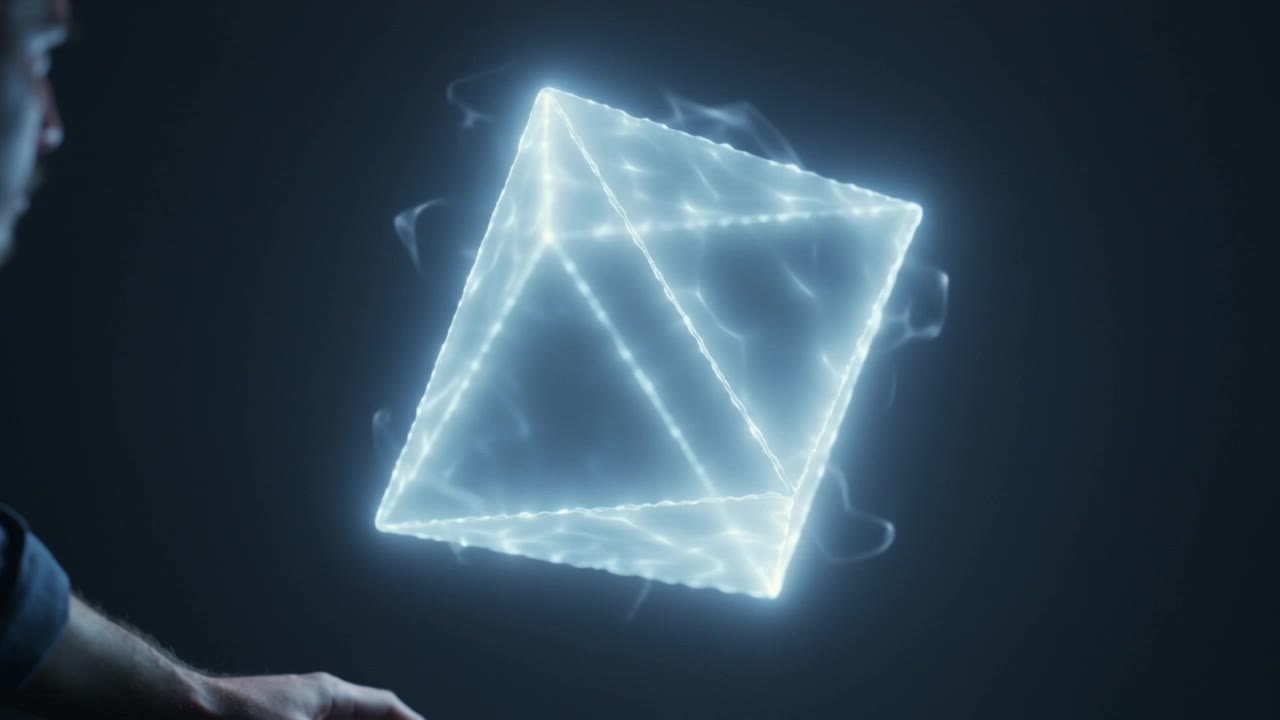
visual effect - visual rhythm & orbit function

Unveil the captivating world of visual rhythm and transformative AI-driven effects. Dive into immersive fidelity and dynamic orbit functions that elevate artistic expression. Start exploring visual effect ideas and generate your own content with AI.

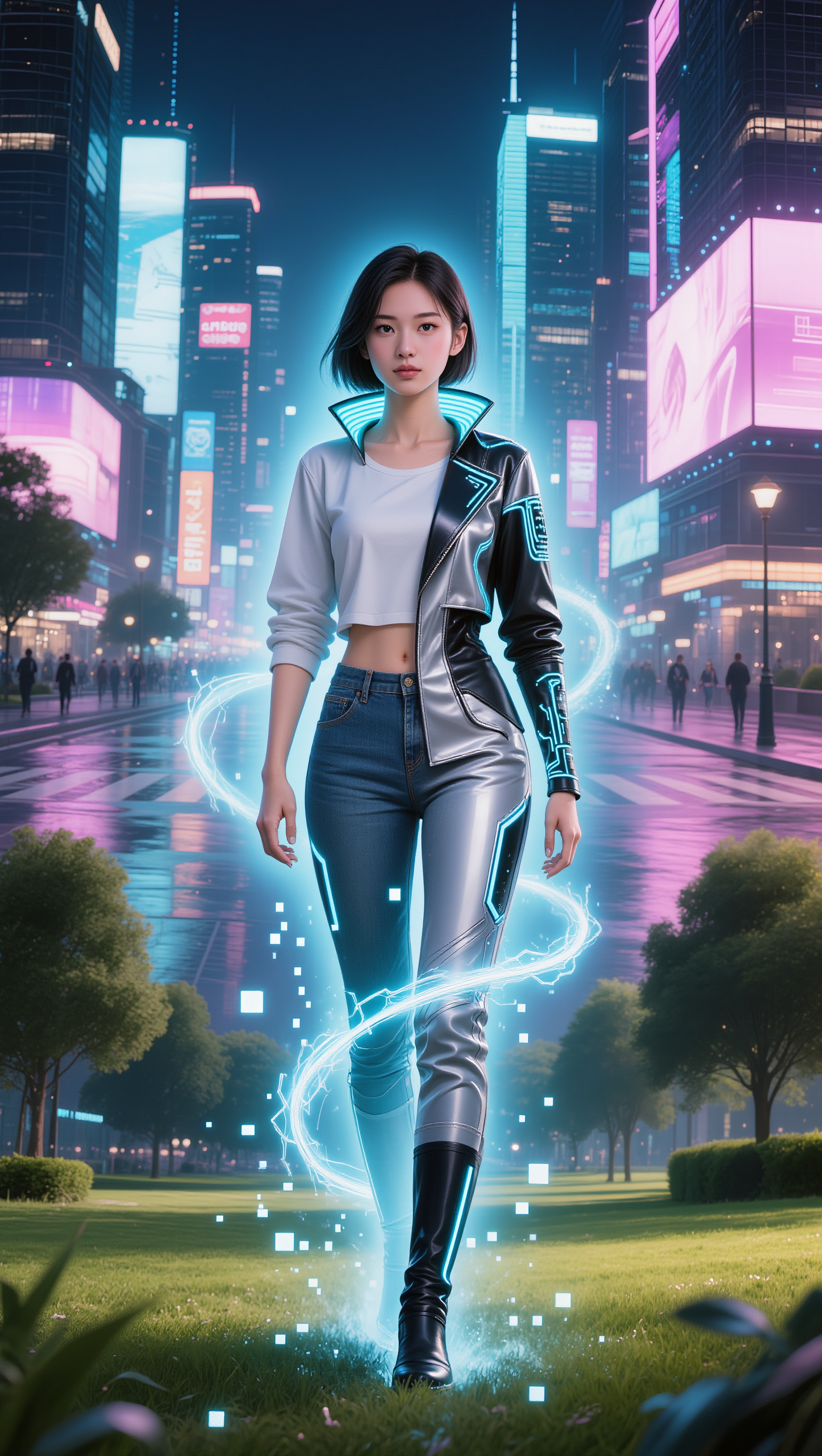
visual effect - visual rhythm & orbit function

Recommended

Kling AI work 310050277520762 - visual effect AI video
DunZvMqj avatar
DunZvMqj
visual rhythm - visual effect AI video
Logotypin avatar
Logotypin
Elite Creator
Nike Breakdance - visual effect AI video
Sfpjqfbe avatar
Sfpjqfbe
Kling AI work 311587489524578 - visual effect AI video
Anti-Hero avatar
Anti-Hero
visual rhythm - visual effect AI video
Logotypin avatar
Logotypin
Elite Creator
visual rhythm - visual effect AI video
Logotypin avatar
Logotypin
Elite Creator
Visual for the Brand Saint Laure - visual effect AI video
Natalie avatar
Natalie
Kling AI work 317539668668971 - visual effect AI image
FYtivcPm avatar
FYtivcPm
Kling AI work 299402334650331 - visual effect AI video
Mila avatar
Mila
Kling AI work 296343269660676 - visual effect AI image
gxhICqYp avatar
gxhICqYp
Kling AI work 310852185501827 - visual effect AI video
nUOFdLip avatar
nUOFdLip
Kling AI work 313776737618892 - visual effect AI image
BunnyLOVE Studios avatar
BunnyLOVE Studios
visual - visual effect AI video
01:00
tiktok.com/@visualpo avatar
tiktok.com/@visualpo
Visual Sound - visual effect AI video
Konstantin_S avatar
Konstantin_S
Polaroid - visual effect AI video
sDOSrwrK avatar
sDOSrwrK
visual noise, scratches of vario - visual effect AI image
KLING1766 avatar
KLING1766
visual rhythm - visual effect AI video
Logotypin avatar
Logotypin
Elite Creator
Kling AI work 299182956616461 - visual effect AI video
vjUVpywm avatar
vjUVpywm
Kling AI work 306500720536361 - visual effect AI video
bLcSEoRD avatar
bLcSEoRD

How to Use Kling AI Face Swap

Step 1: Upload Your Target and References

Step 1: Upload Your Target and References

Add the photo or video you want to edit, then add the face reference you want Kling AI to follow. For video, you can also use multiple views or a character element when you need stronger identity consistency across different angles.

Step 2: Describe the Face Swap You Want

Step 2: Describe the Face Swap You Want

Tell Kling AI which face to replace and what reference to use. For example: "Replace the face in [Image 1] with the face from [Image 2] while keeping all other content unchanged."

Step 3: Generate Your Face Swap

Step 3: Generate Your Face Swap

Choose your preferred output settings, such as the generation mode and aspect ratio, then click Generate. Kling AI will apply your instructions and chosen settings to create your face-swapped image or video.

Why Kling Sets the Standard for Video Creation

Flawless Character Consistency

Flawless Character Consistency

Unlike standard tools that distort faces when moving, Kling Video 3.0 lets you strictly lock a character’s appearance. Upload a single photo, or use a short video/multiple angles as a reference to completely eliminate the “AI morphing” effect.

Native Audio & Perfect Lip-Sync

Native Audio & Perfect Lip-Sync

Your image doesn’t just move; it speaks. Generate perfectly matched voices and realistic lip movements in multiple languages or regional accents. Even in multi-character scenes, you can precisely assign who speaks—no third-party tools required.

15s Duration & Motion Control

15s Duration & Motion Control

Go beyond simple loops with up to 15 seconds of smooth narrative. Use advanced Motion Control to direct camera pans, tilts, and zooms, or define exact transitions with start and end frame references.

Apps

Image to Video
Image to Video

Image to Video

Text to Video
Text to Video

Text to Video

Omni
Omni

Omni

Digital Human
Digital Human

Digital Human

Restyle
Restyle

Restyle

Text to Image
Text to Image

Text to Image

60M+
60M+
Users
600M+
600M+
AI Videos Generated
4.7 ★
4.7 ★
App Store
Industry-Leading
Industry-Leading
Cinematic 4K

Reviews

Vincent Smadja

Vincent Smadja

★★★★★

Kling AI seamlessly integrates into my creative workflow, playing a key role in transforming my images. After generating and upscaling an image, Kling becomes a crucial element, bringing my creations to life with movement and depth.

Halim Alrasihi

Halim Alrasihi

★★★★★

I use AI daily and Kling AI is a crucial part of my workflow, whether for client work or personal projects. What I love most about using Kling AI is that it provides all the tools I need in one place, from keyframes to character references, elements and special effects.

Huang Lu (Elson)

Huang Lu (Elson)

★★★★★

I’ve been using Kling AI since its initial release, and it’s remained one of the leading AI media generators ever since. With Kling AI, I’ve created hundreds of videos, collectively amassing millions of views.

FAQ

Q1How much does Kling AI Text to Speech cost?
Q2How does Kling AI Text to Speech work?
Q3What languages does Kling AI Text to Speech support?

Make Every Scene Speak

Turn your script into a video with native dialogue and sound for multi-character conversations, multilingual scenes, and more.

Native audio | Multi-Character Coreference | Multilingual Content Generation