
Creative Studio
API
Resources
Features
About Us
Download

w.a.p dance - Animals dancing & 3D Pixar style animation

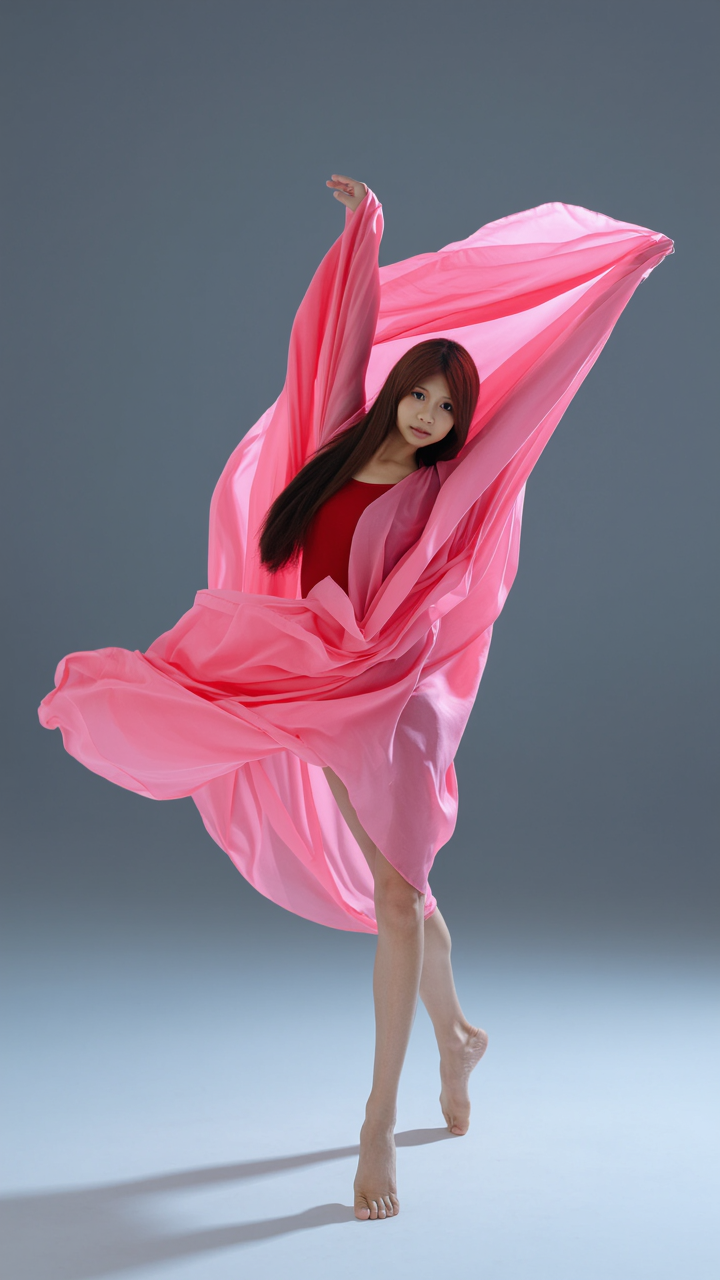
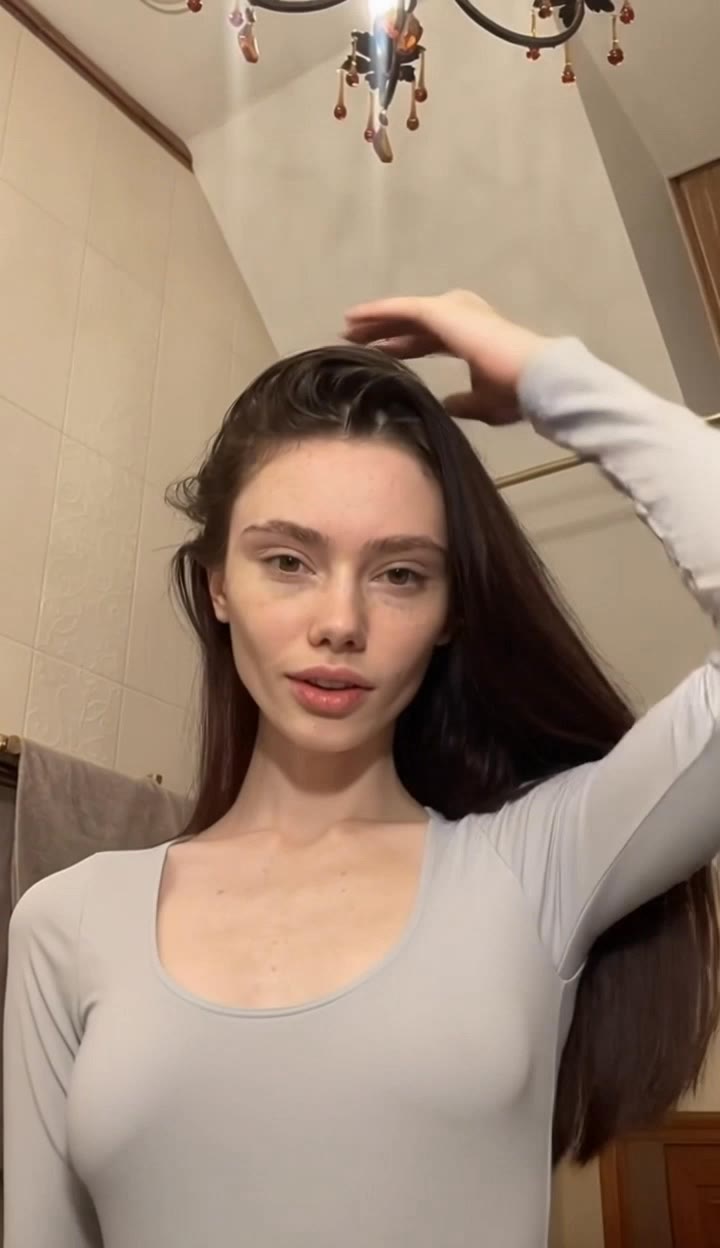
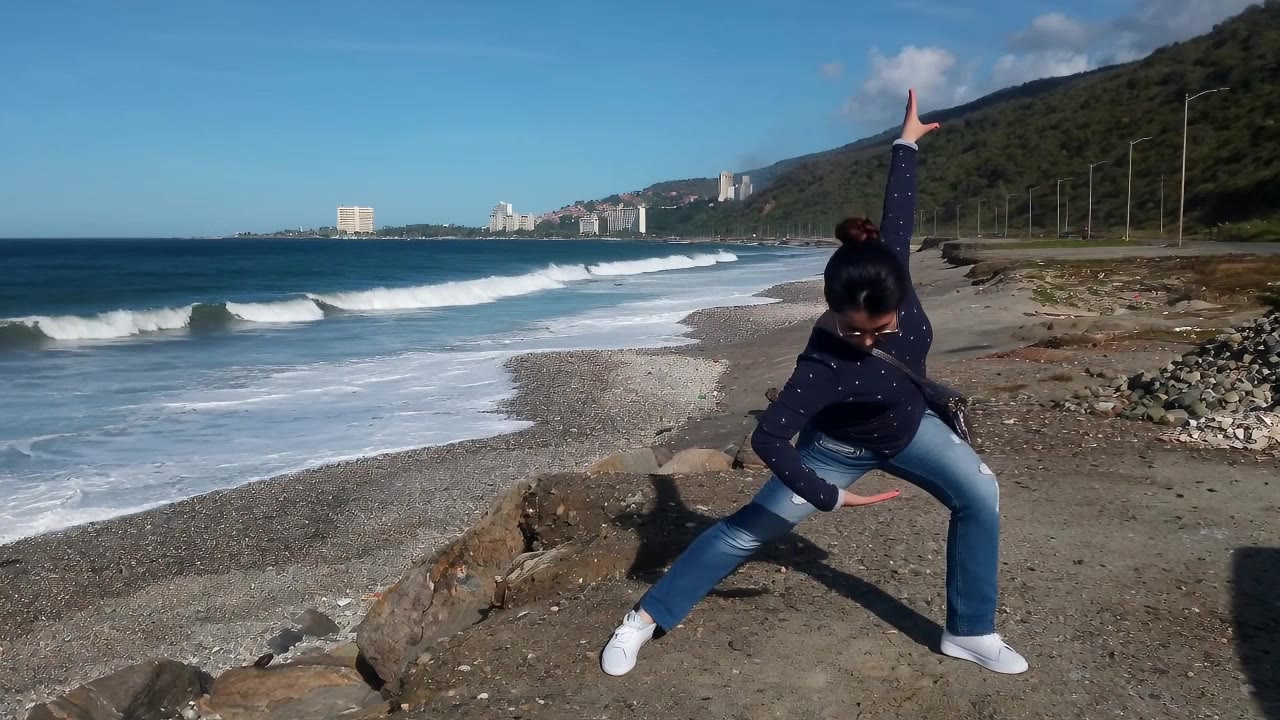
Immerse in unique w.a.p dance visuals featuring adorable animals and Pixar-style animations alongside modern and traditional dance styles. Start exploring w.a.p dance ideas and generate your own content with AI.

w.a.p dance - Animals dancing & 3D Pixar style animation

Recommended

dance  - w.a.p dance AI image
yVyjmFiC avatar
yVyjmFiC
dance - w.a.p dance AI video
WHkGoPsF avatar
WHkGoPsF
Fox dance - w.a.p dance AI video
The Femily avatar
The Femily
dance white chicken - w.a.p dance AI video
brenda esquilin avatar
brenda esquilin
dance digdig - w.a.p dance AI image
unCuaDWb avatar
unCuaDWb
Dance Vídeo  - w.a.p dance AI video
Bambi avatar
Bambi
Big Bong dance - w.a.p dance AI video
Turing2026 avatar
Turing2026
China Dance - w.a.p dance AI video
Sergio avatar
Sergio
My Heart Gesture Dance - w.a.p dance AI video
ggWTcGXd avatar
ggWTcGXd
Budots dance - w.a.p dance AI video
rTEQPLgB avatar
rTEQPLgB
OBH Combi Sachet Dance - w.a.p dance AI video
xRBGxwgG avatar
xRBGxwgG
dance - w.a.p dance AI video
rFGANUos avatar
rFGANUos
Dance video - w.a.p dance AI video
Lucas Benassi avatar
Lucas Benassi
dance part 1 - w.a.p dance AI video
YLQyZNFN avatar
YLQyZNFN
Viral dance💙👑 - w.a.p dance AI video
EHHlNAir avatar
EHHlNAir
Yuki Dance - w.a.p dance AI video
Yuto Shimikaze avatar
Yuto Shimikaze
Girl Dance  - w.a.p dance AI video
nqXmTOLZ avatar
nqXmTOLZ
cat dance - w.a.p dance AI video
Ujphtupr avatar
Ujphtupr
Dance with me - w.a.p dance AI video
xrEFWwQi avatar
xrEFWwQi

How to Remove an Object from an Image with Kling

Step 1: Upload the Photo You Want to Clean Up

Step 1: Upload the Photo You Want to Clean Up

Upload the photo you want to edit. Start with a clear source image where the unwanted object and surrounding details are easy to distinguish.

Step 2: Describe What You Want to Remove

Step 2: Describe What You Want to Remove

Tell Kling IMAGE 3.0 which object, person, text, or other element you want to remove. Add details such as its position, appearance, or nearby context when the image contains similar elements, and specify what should stay unchanged around the edit.

Step 3: Generate Your Cleaned Image

Step 3: Generate Your Cleaned Image

Choose your preferred image ratio and output quality, then generate your edited image. Select up to 2K resolution for clearer, higher-resolution output.

Make an Avatar That Looks the Part

Create Avatars Across Different Visual Styles

Create Avatars Across Different Visual Styles

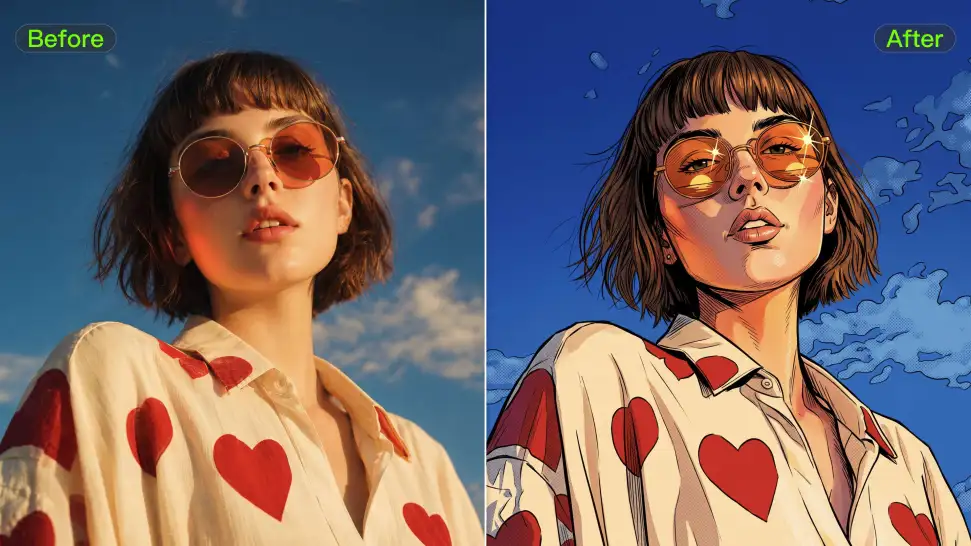
Ever wondered what you would look like as an anime character, a clean 3D-style portrait, a cartoon, or an illustrated character? Use your photo as the starting point and take it in a new visual direction, or use a style reference when there is already a look you love.
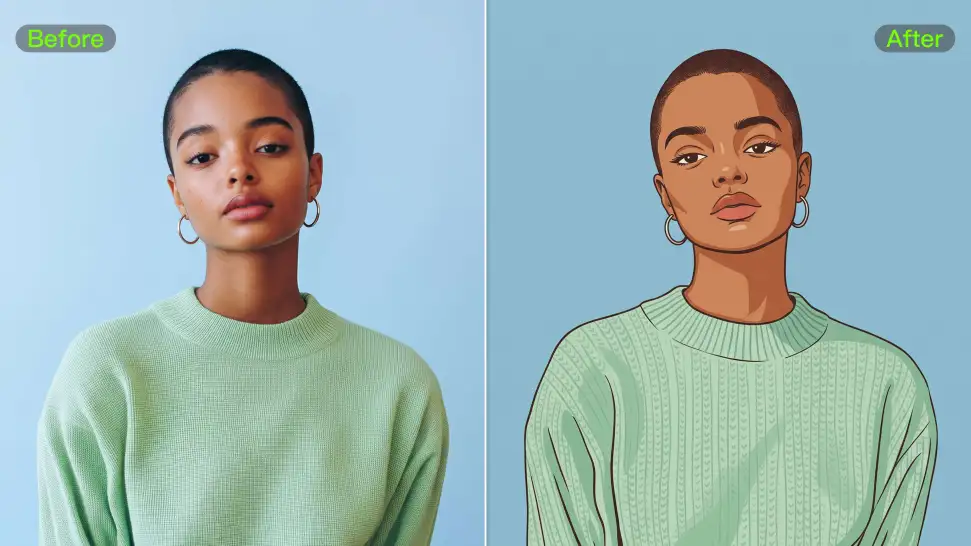
Keep the Details That Still Feel Like You

Keep the Details That Still Feel Like You

A strong avatar can look completely different without losing the features that make the person recognizable. Your reference photo gives Kling IMAGE 3.0 something familiar to work from, so details such as the face and hairstyle can stay closer to the source even when the clothing, setting, or art style changes.
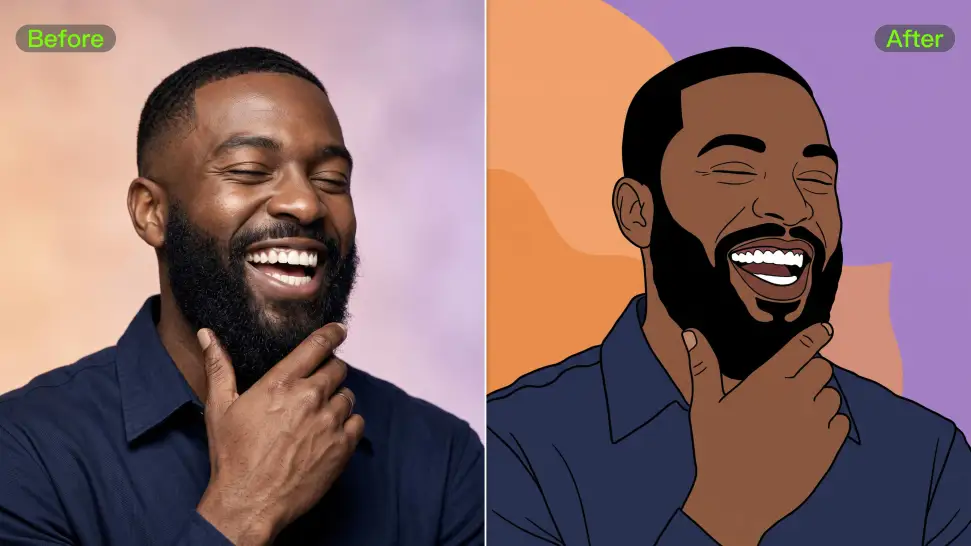
Create an Avatar with or Without a Photo

Create an Avatar with or Without a Photo

Upload a portrait to create an avatar that resembles you, or start with a text prompt to design an original character from scratch. Kling IMAGE 3.0 supports both approaches, giving you the freedom to create your own avatar even without a reference image.

Apps

Image to Video
Image to Video

Image to Video

Text to Video
Text to Video

Text to Video

Omni
Omni

Omni

Digital Human
Digital Human

Digital Human

Restyle
Restyle

Restyle

Text to Image
Text to Image

Text to Image

60M+
60M+
Users
600M+
600M+
AI Videos Generated
4.7 ★
4.7 ★
App Store
Industry-Leading
Industry-Leading
Cinematic 4K

Reviews

Jyo John Mulloor

Jyo John Mulloor

★★★★★

Kling AI has been instrumental in transforming my creative workflow, unlocking new dimensions of artistic expression that were once unimaginable. I use Kling AI extensively to develop high-concept visuals, animate surreal dreamscapes, and create AI-assisted films that blur the line between reality and fantasy. Kling AI’s deep learning capabilities have not only enhanced my creative efficiency but also inspired me to explore storytelling in ways I never thought possible.

Ozan Sihay

Ozan Sihay

★★★★★

Kling AI allows me to rapidly prototype ideas, refine storytelling elements, and produce visually compelling content efficiently. It has not only accelerated my creative processes, but also deepened my understanding of how AI can enrich visual storytelling.

Huang Lu (Elson)

Huang Lu (Elson)

★★★★★

I’ve been using Kling AI since its initial release, and it’s remained one of the leading AI media generators ever since. With Kling AI, I’ve created hundreds of videos, collectively amassing millions of views.

FAQ

Q1What kinds of characters can I lip sync?
Q2Can I create a lip sync video from audio online?
Q3Can I use my own voice?

Put Your Character in Front of the Screen

Start with an image, add the voice, and shape the performance. Kling AI Avatar brings the pieces together for your next campaign, lesson, social post, or story.

Custom AI avatars | Voice or text input | Lip sync | Expression and gesture control