Creative Studio
API Platform
Resources
About Us

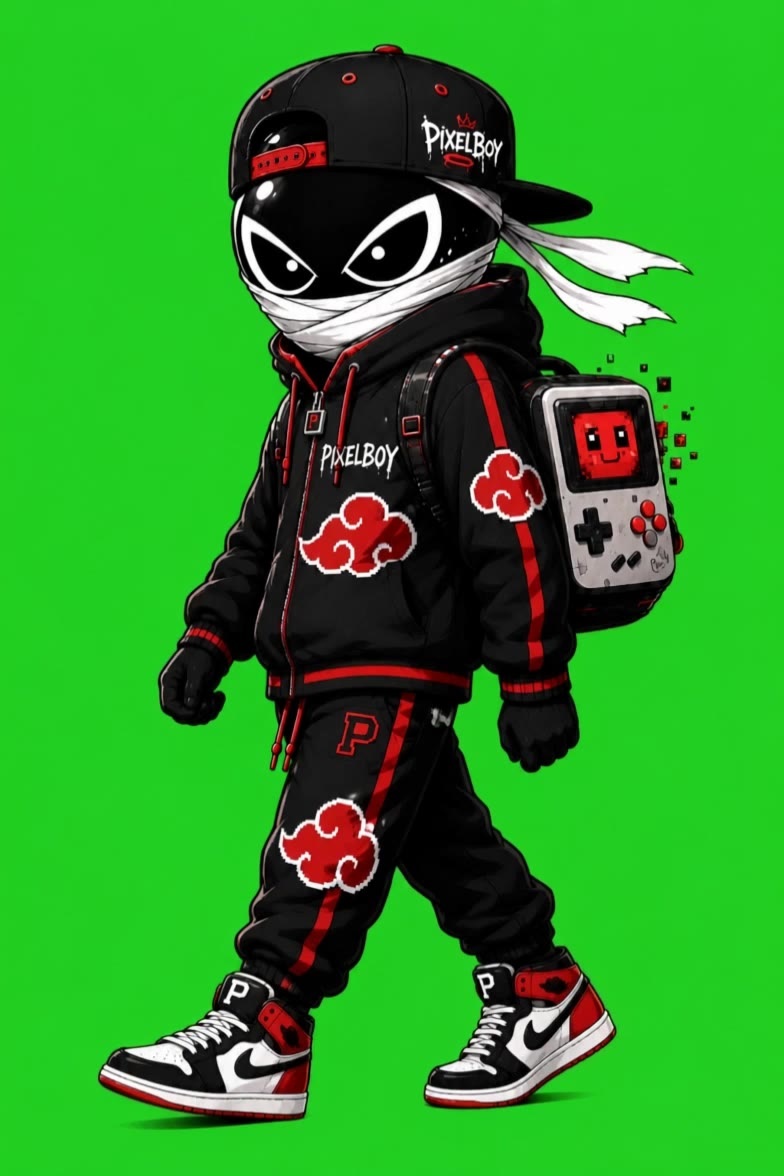
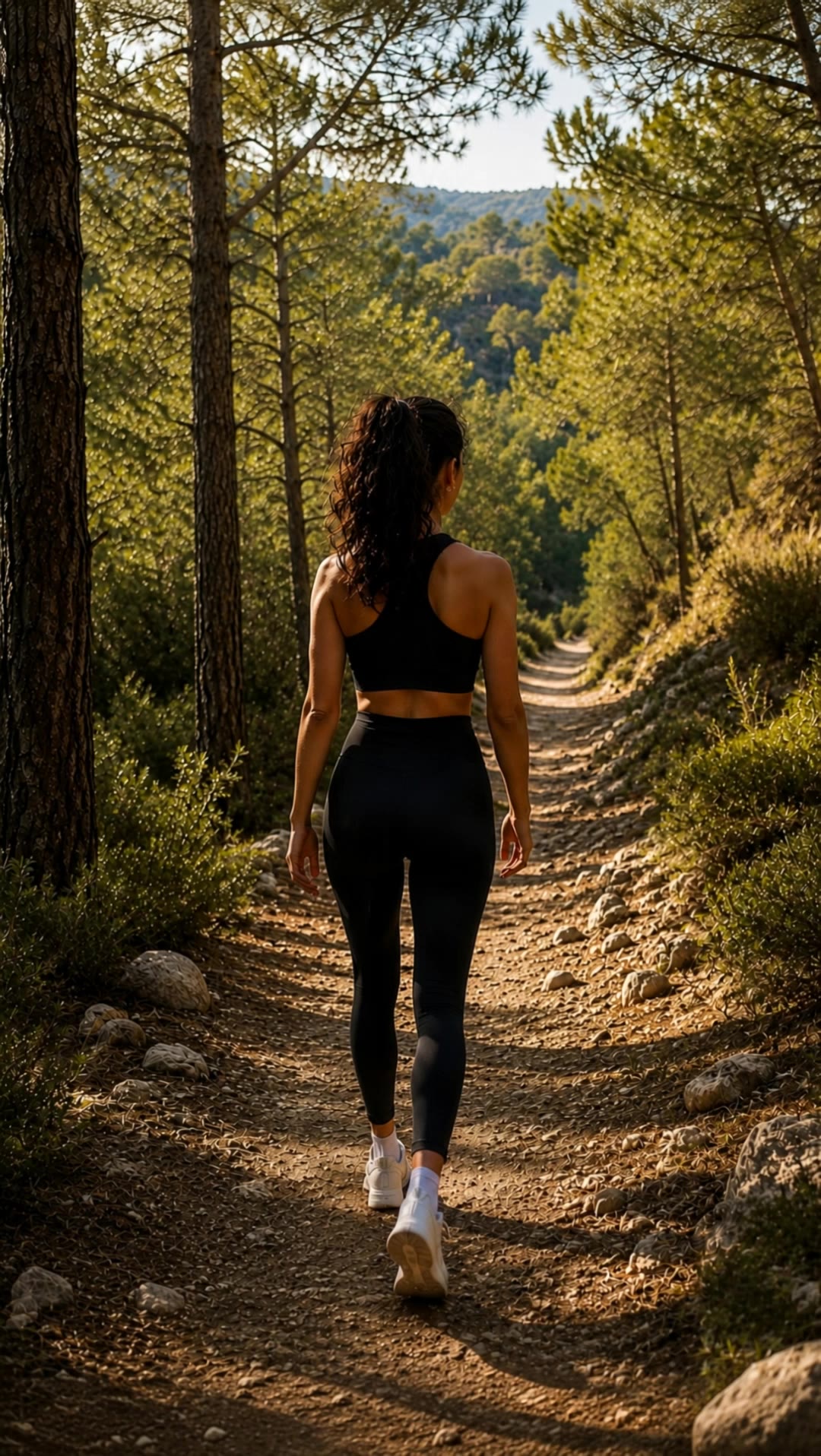
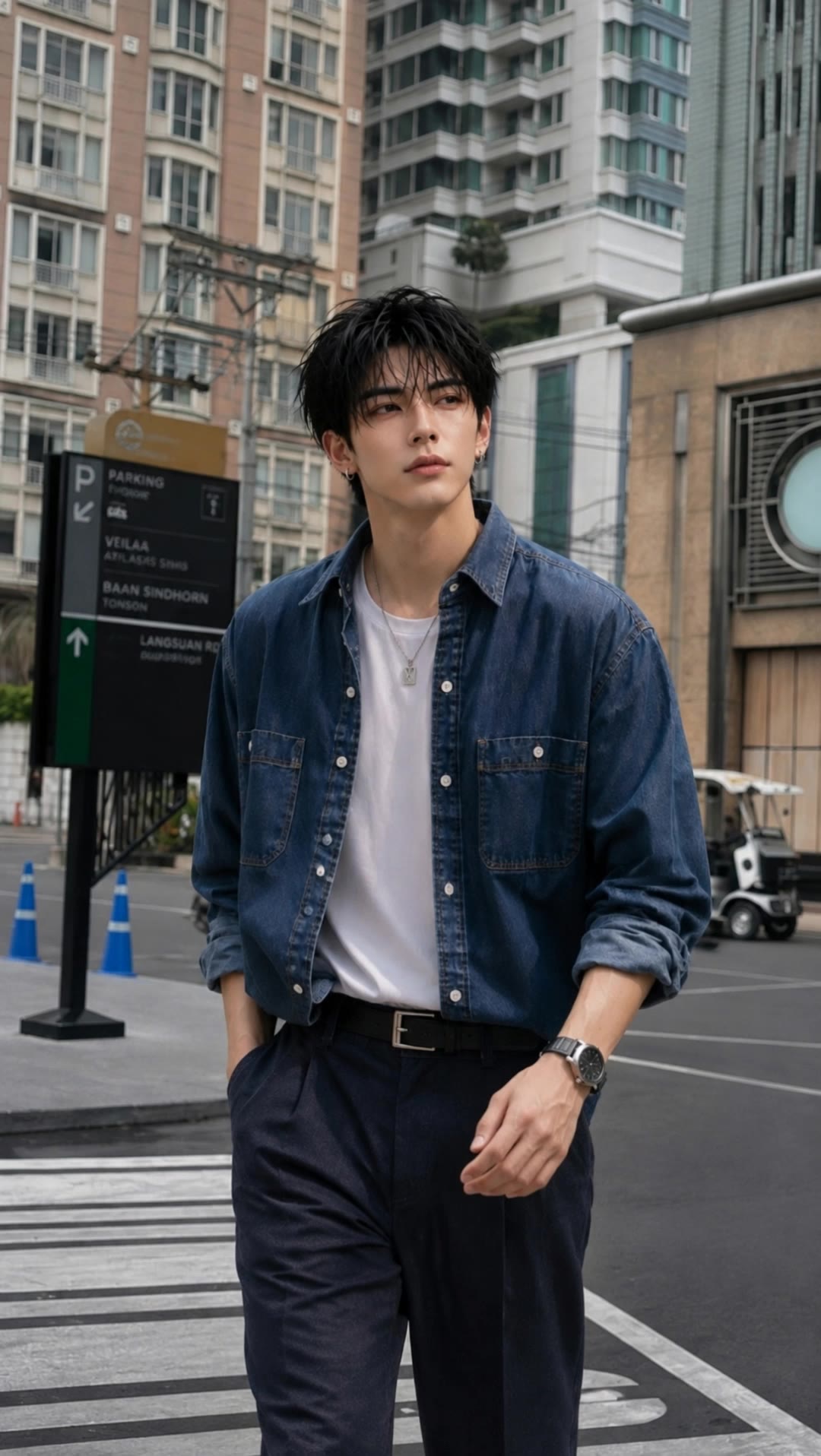
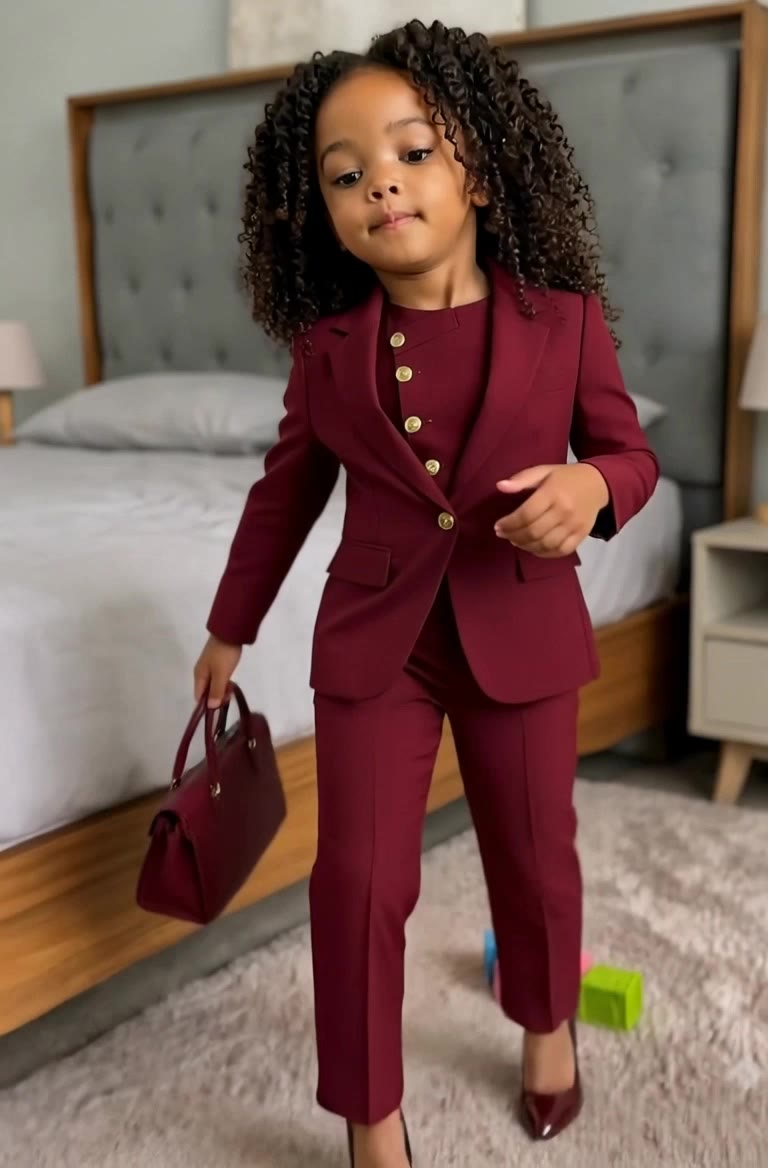
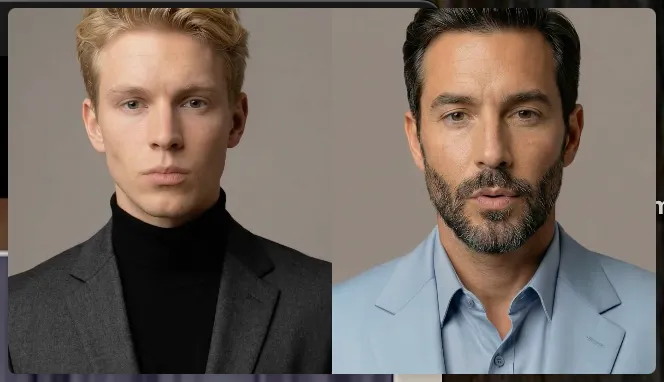
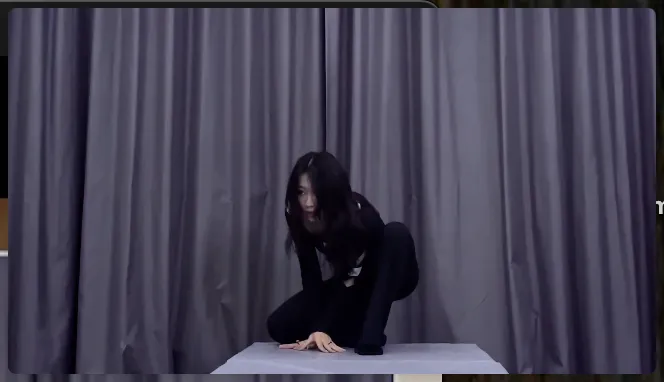
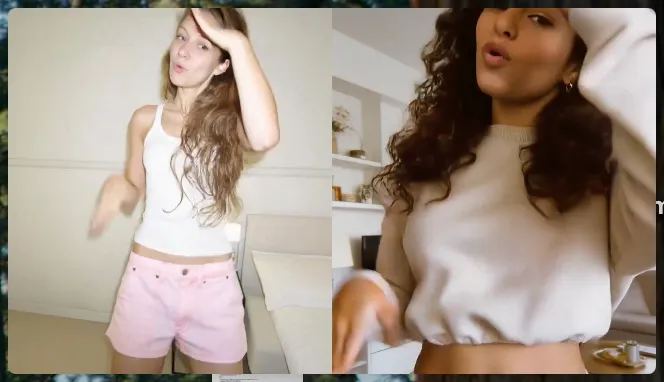
AI-generated walk animation ideas – Explore unique concepts

Discover AI-made walk animation concepts. Quickly generate unique ideas tailored to your theme and style. No design skills needed – just use our AI-generated templates.

AI-generated walk animation ideas – Explore unique concepts

Recommended

work cover
video-play
Vladimir 𝗣𝗥𝗢
work cover
video-play
edAi
work cover
video-play
OPIE FRD
work cover
video-play
BottlePelt
work cover
video-play
EeGzDAFZ
work cover
video-play
Sun
work cover
video-play
ydorBAiW
work cover
video-play
360 AI Family
work cover
video-play
Samsy_design
work cover
video-play
ASu
work cover
video-play
ProjbBQb
work cover
video-play
tzAXBzEw
work cover
video-play
Peakpoint AI
work cover
video-play
Samsy_design
work cover
video-play
TruthIsYourFriend
work cover
video-play
nrUYHiCI
work cover
video-play
OOpzlRcd
work cover
video-play
Natalia Le
work cover
video-play
猫の冒険者
work cover
video-play
LLVnSThF

How to Animate an Image

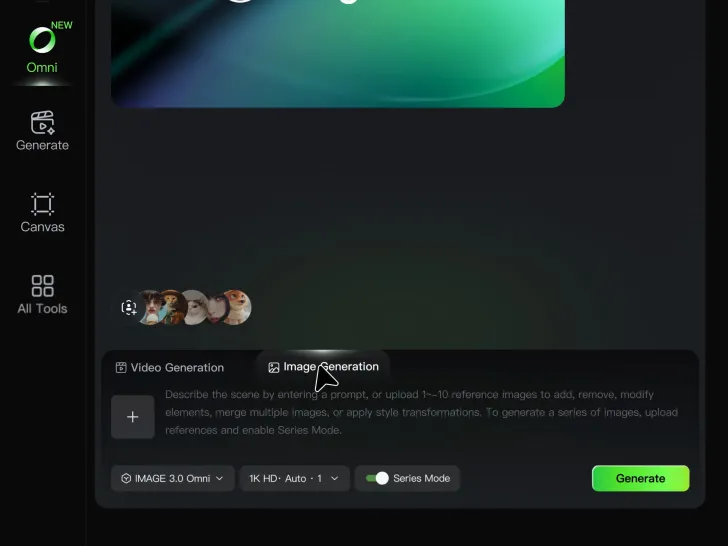
Upload Your Image

Upload Your Image

Upload any image—drag and drop a portrait, product photo, or illustration. Kling supports various formats and brings images to life while maintaining consistent, high-quality results.

Describe the Motion

Describe the Motion

Type what you want to see, like “she turns, smiles, and starts talking to the camera.” For advanced control, you can also upload a start and end frame to define the exact transition.

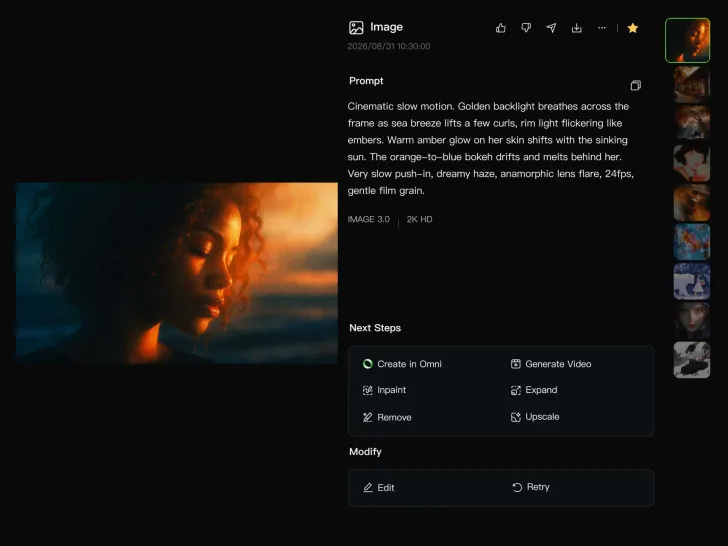
Generate & Export

Generate & Export

Hit generate, wait a few seconds, and download your animated video. Free image to video generation is available in 1080p, while Pro users can unlock stunning native 4K resolution.

Why Kling Sets the Standard for Video Creation

Flawless Character Consistency

Flawless Character Consistency

Unlike standard tools that distort faces when moving, Kling Video 3.0 lets you strictly lock a character’s appearance. Upload a single photo, or use a short video/multiple angles as a reference to completely eliminate the “AI morphing” effect.

Native Audio & Perfect Lip-Sync

Native Audio & Perfect Lip-Sync

Your image doesn’t just move; it speaks. Generate perfectly matched voices and realistic lip movements in multiple languages or regional accents. Even in multi-character scenes, you can precisely assign who speaks—no third-party tools required.

15s Duration & Motion Control

15s Duration & Motion Control

Go beyond simple loops with up to 15 seconds of smooth narrative. Use advanced Motion Control to direct camera pans, tilts, and zooms, or define exact transitions with start and end frame references.

Apps

Image to Video
Image to Video

Image to Video

Text to Video
Text to Video

Text to Video

Omni
Omni

Omni

Digital Human
Digital Human

Digital Human

Restyle
Restyle

Restyle

Text to Image
Text to Image

Text to Image

60M+
60M+
Users
600M+
600M+
AI Videos Generated
4.7 ★
4.7 ★
App Store
Industry-Leading
Industry-Leading
Cinematic 4K

Reviews

Ozan Sihay

Ozan Sihay

★★★★★

Kling AI allows me to rapidly prototype ideas, refine storytelling elements, and produce visually compelling content efficiently. It has not only accelerated my creative processes, but also deepened my understanding of how AI can enrich visual storytelling.

Samuele Poggi (@visualsk2)

Samuele Poggi (@visualsk2)

★★★★★

I use Kling AI daily to push the limits of AI filmmaking. It allows me to create highly cinematic content, blending AI and VFX to develop innovative projects. It has significantly impacted my creative process, enabling me to achieve complex animations that would otherwise require high production budgets.

Vincent Smadja

Vincent Smadja

★★★★★

Kling AI seamlessly integrates into my creative workflow, playing a key role in transforming my images. After generating and upscaling an image, Kling becomes a crucial element, bringing my creations to life with movement and depth.

FAQ

Q1What is Kling Video 3.0?
Q2What’s the difference between Video 2.6 and 3.0?
Q3Does Video 3.0 support multiple characters speaking?
Q4Can I use this for global AI video marketing?
Q5How long can videos be in Video 3.0?
Q6Is it suitable for product demo videos?

Start Creating AI Videos with Kling

Turn your text or images into a stunning, high-quality video in seconds. No watermarks, No complicated setup.

Free tier includes watermark (Memberships are watermark-free) | 1080p export (Pro unlocks 4K) | Instant results