


DHGodrEd
0
Generate walk intent sound effects with AI. Explore various options and adapt them to your needs quickly.






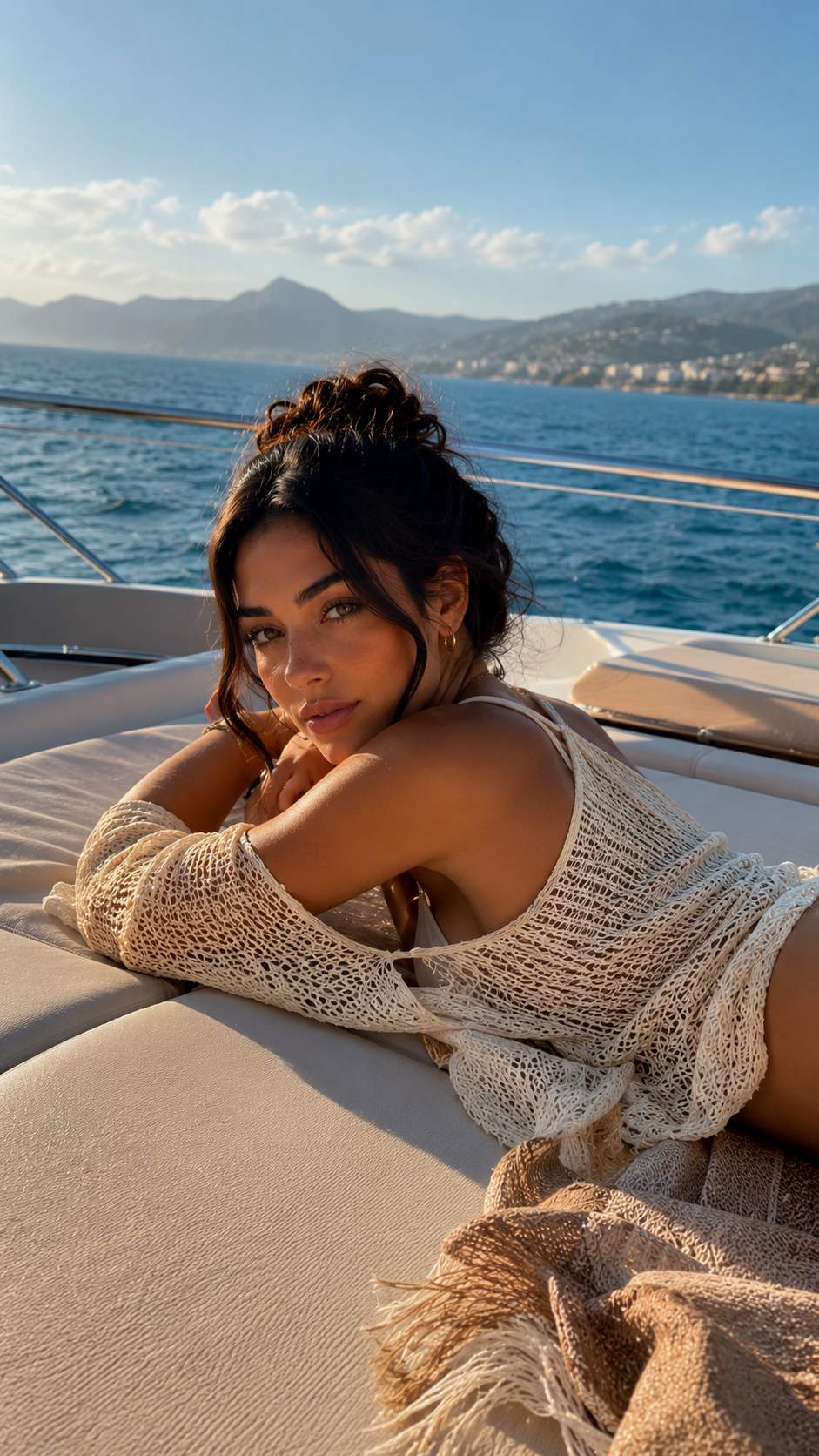

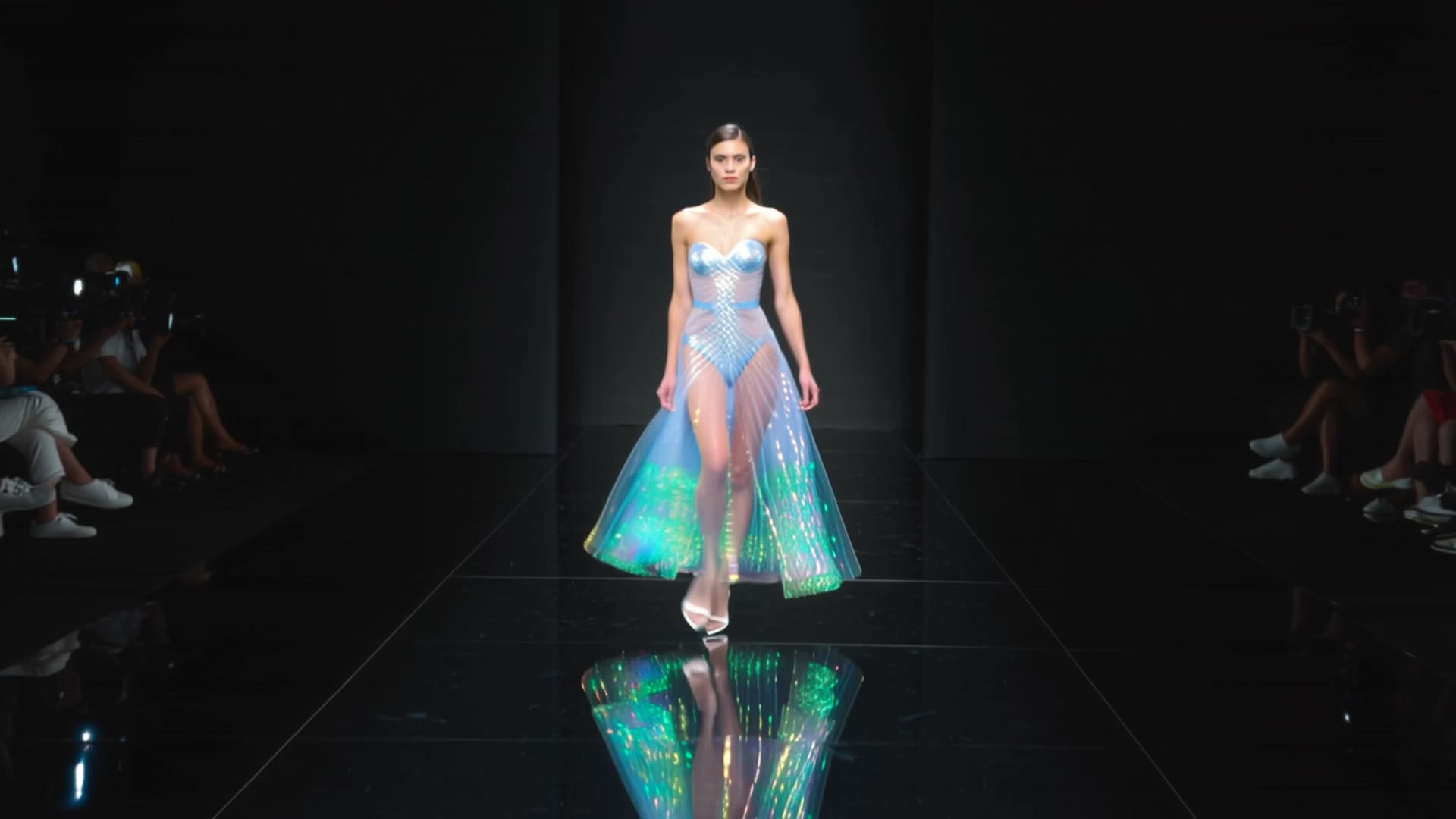


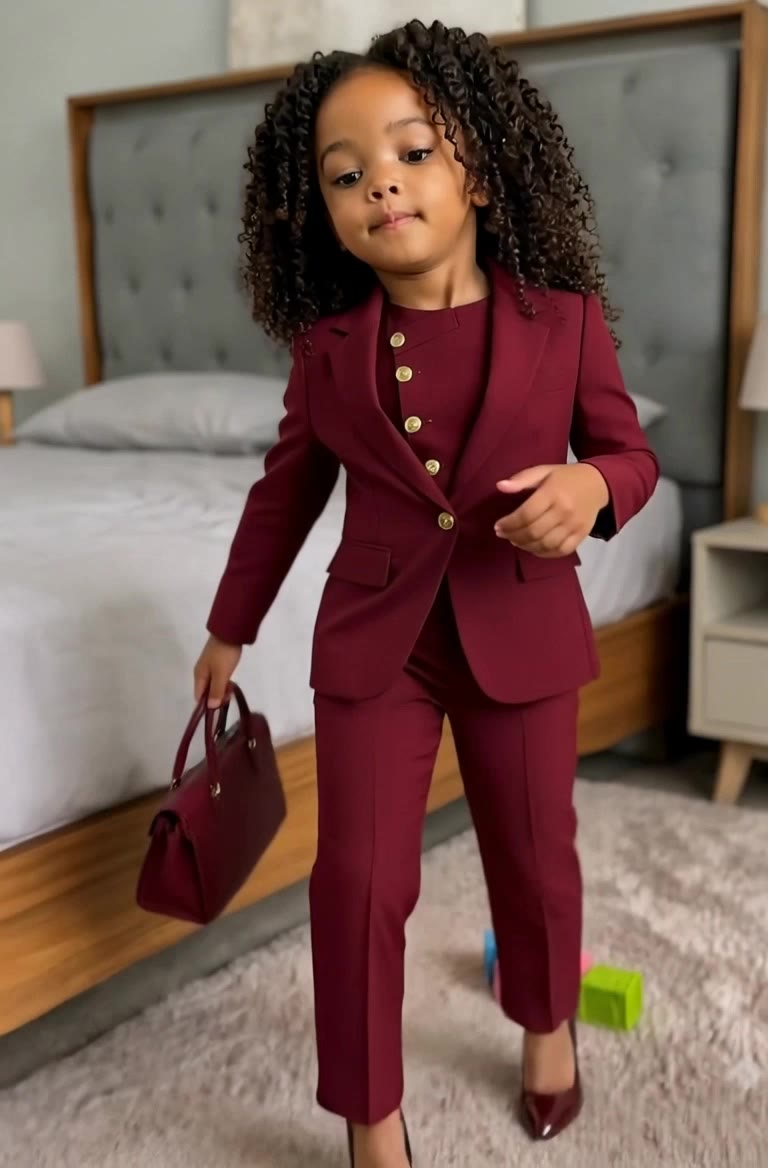




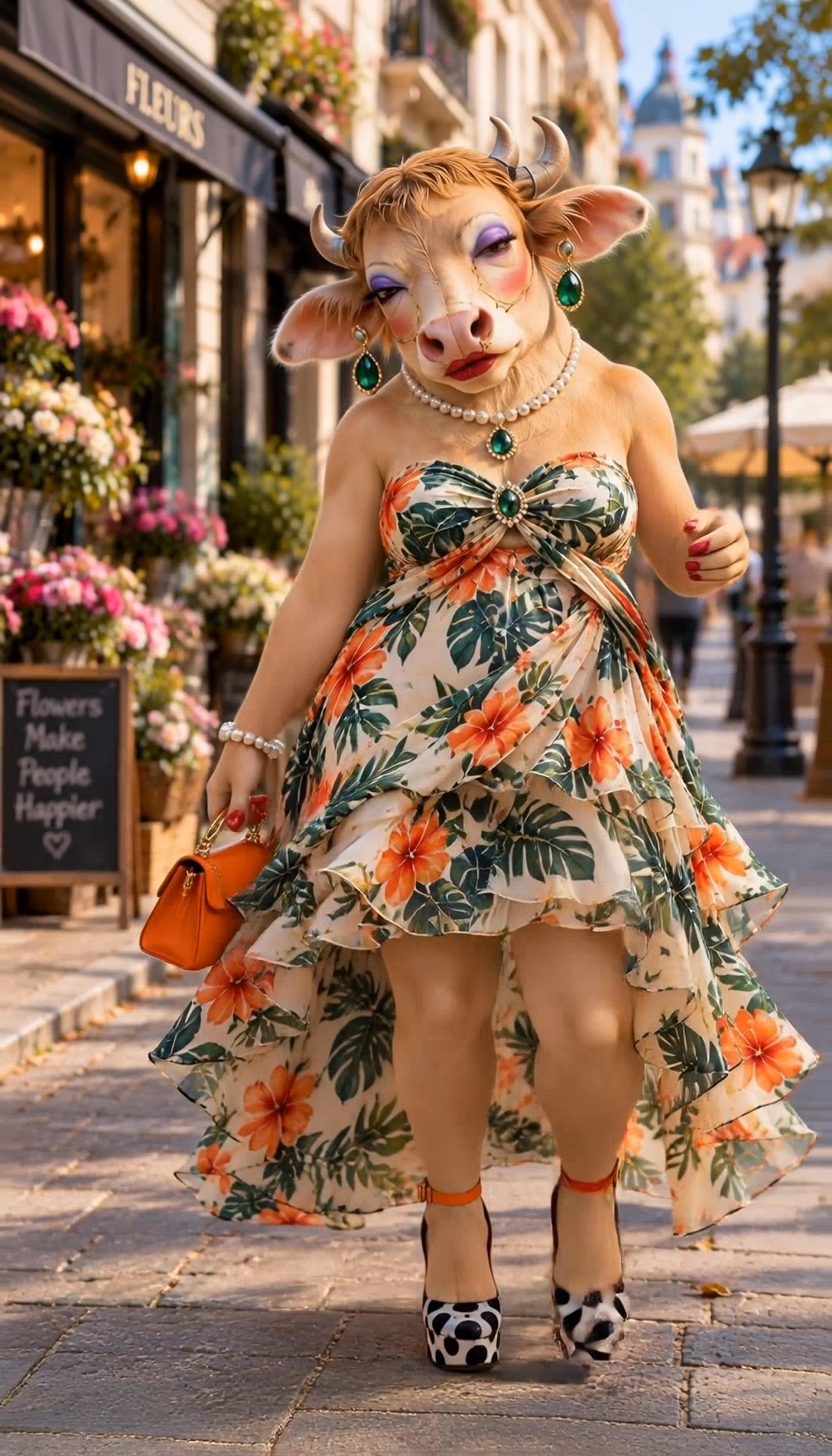




One photo can give you more than one look. Turn a single product shot, outfit, or creative asset into different color variations without rebuilding the image from scratch. Kling IMAGE 3.0 can update the color direction while helping keep the subject, composition, and surrounding scene consistent.

Sometimes a color is easier to show than describe. Upload a product, outfit, design, or other visual reference and tell Kling IMAGE 3.0 which color direction you want to follow. It gives you a simple way to communicate a palette, shade, or overall look without relying on words alone.

A new shade should still look right on the material underneath it. Kling IMAGE 3.0 can help retain visible details such as fabric texture, metallic reflections, wood grain, glass surfaces, and skin texture as you recolor an object. That means a blue jacket can still look like fabric, and a black cabinet can still look like painted wood.

















I have successfully collaborated with world-renowned artists and well-known companies that are recognized globally

Kling AI allows me to rapidly prototype ideas, refine storytelling elements, and produce visually compelling content efficiently. It has not only accelerated my creative processes, but also deepened my understanding of how AI can enrich visual storytelling.

I use AI daily and Kling AI is a crucial part of my workflow, whether for client work or personal projects. What I love most about using Kling AI is that it provides all the tools I need in one place, from keyframes to character references, elements and special effects.
Add a voice or script to turn your character video into a polished lip-sync performance.
Voiceover | Text to Speech | Audio trimming | Realistic, 3D & 2D character