Creative Studio
API
Resources
Features
About Us
Download

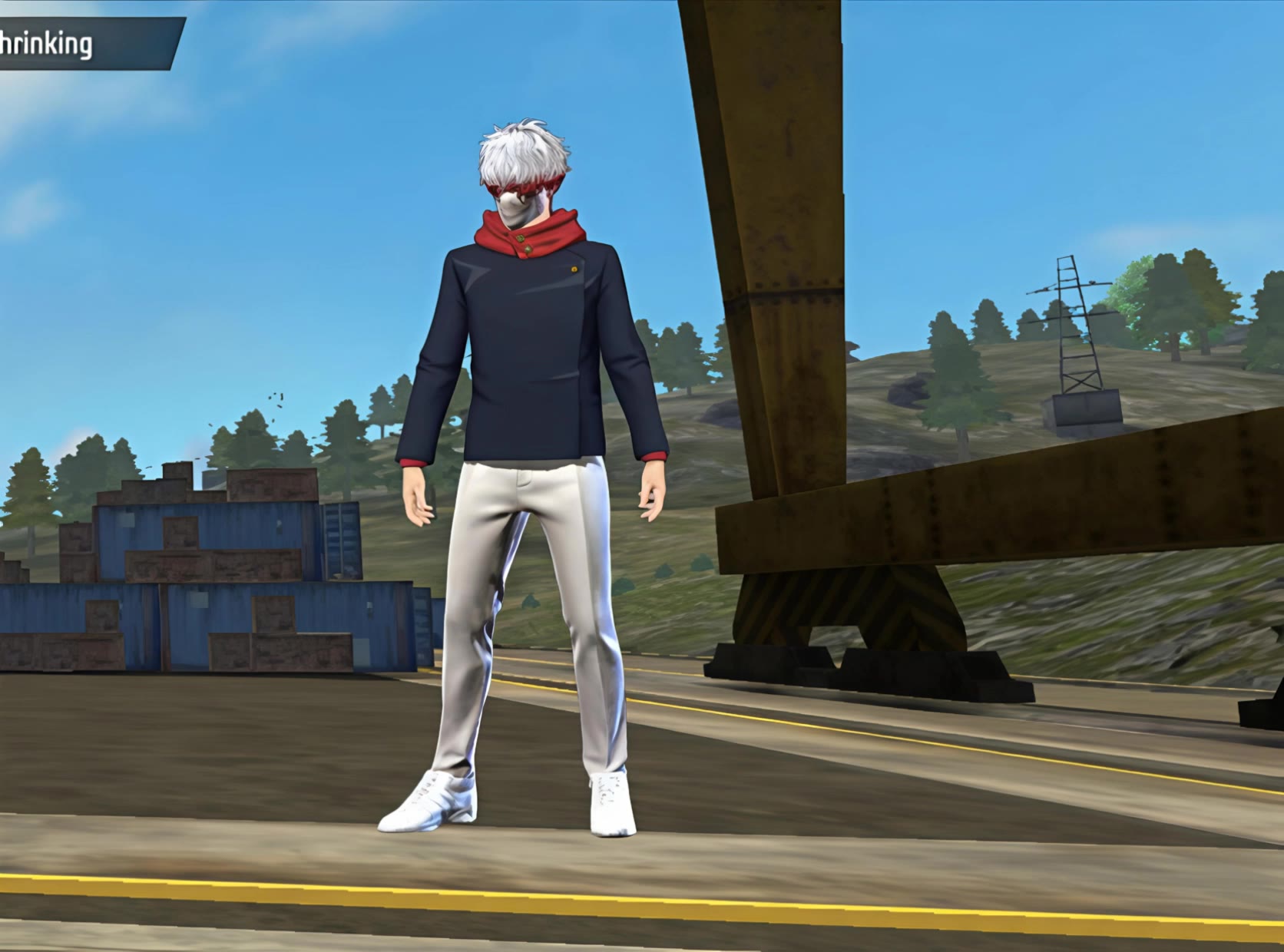
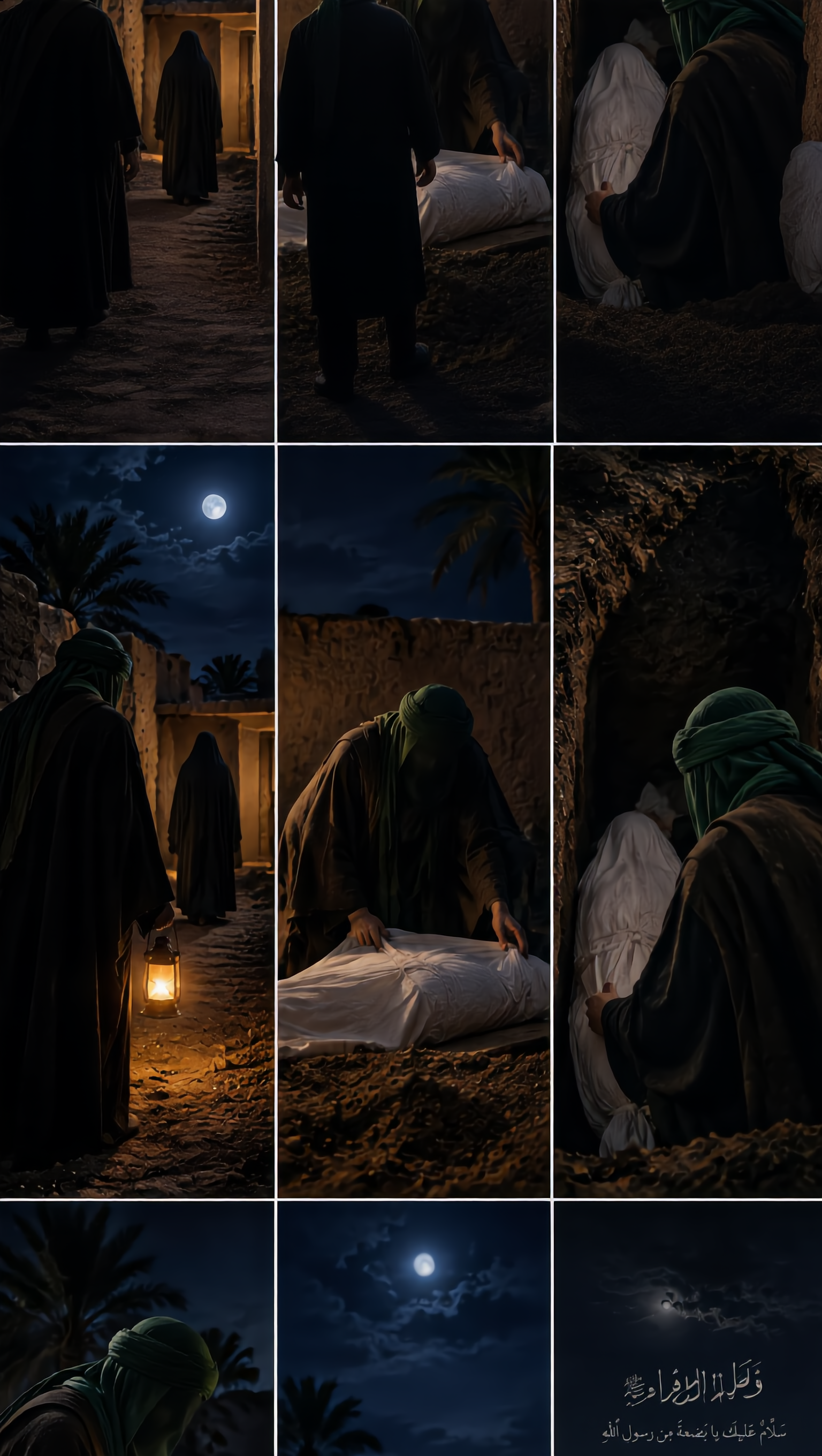
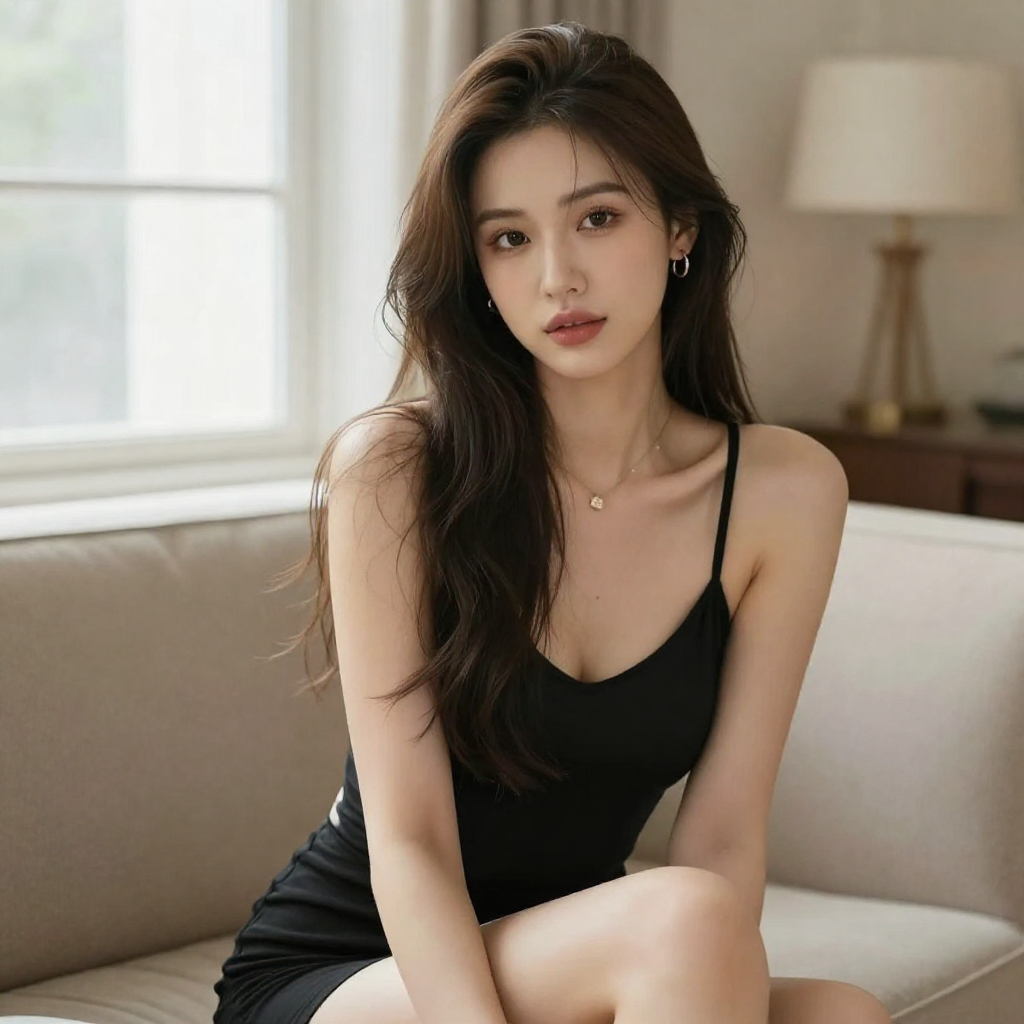
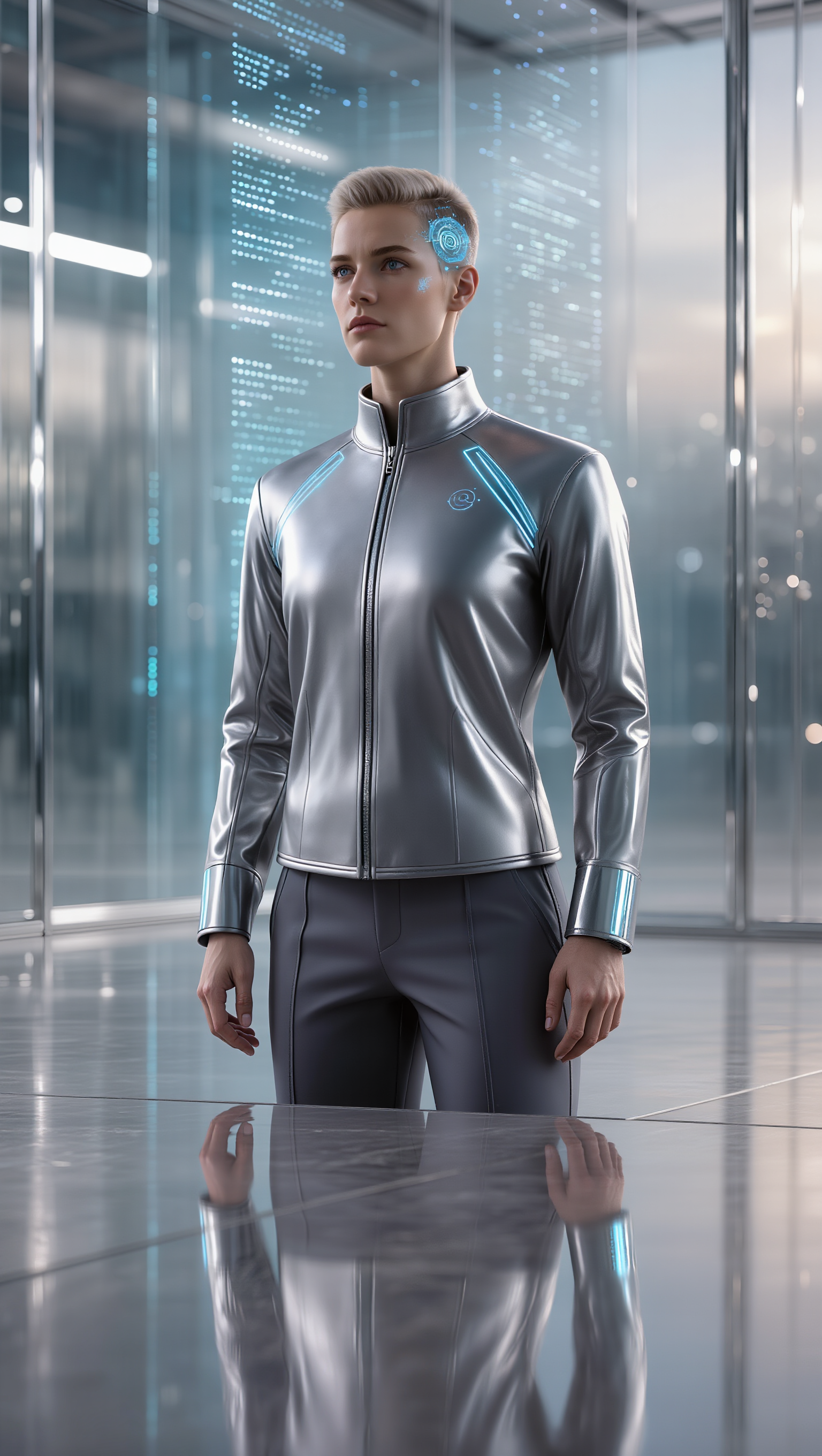
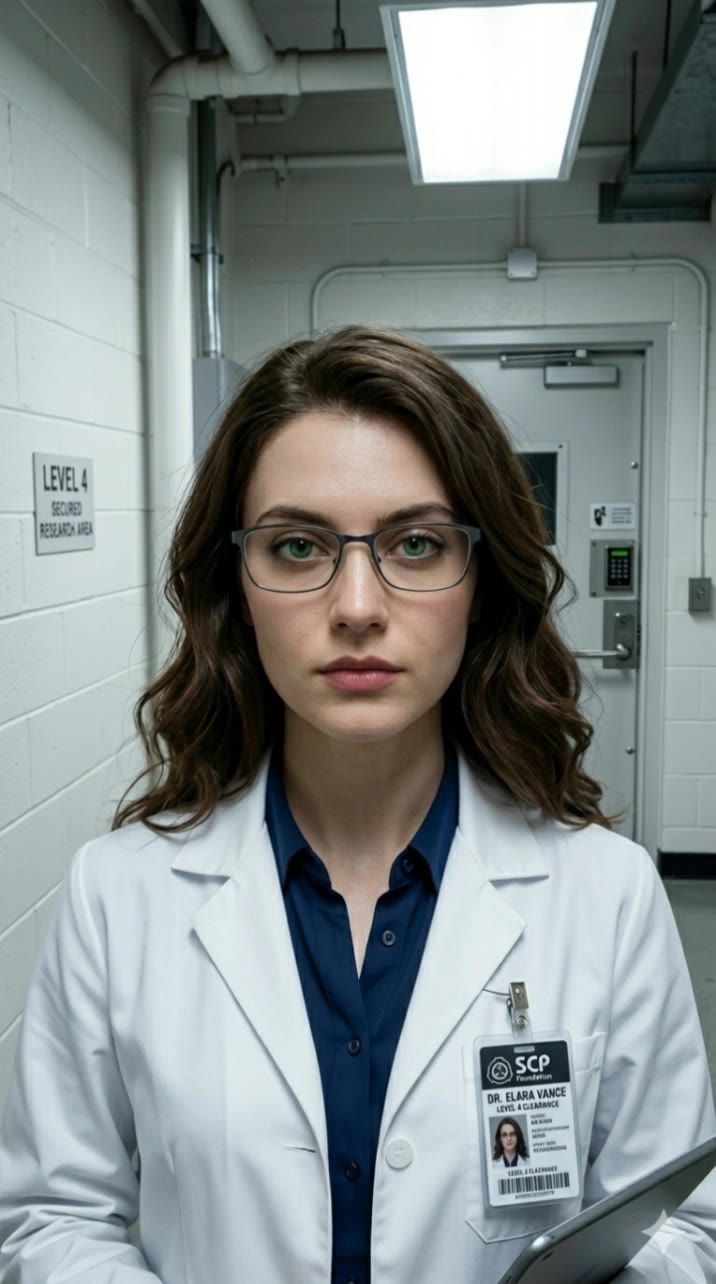
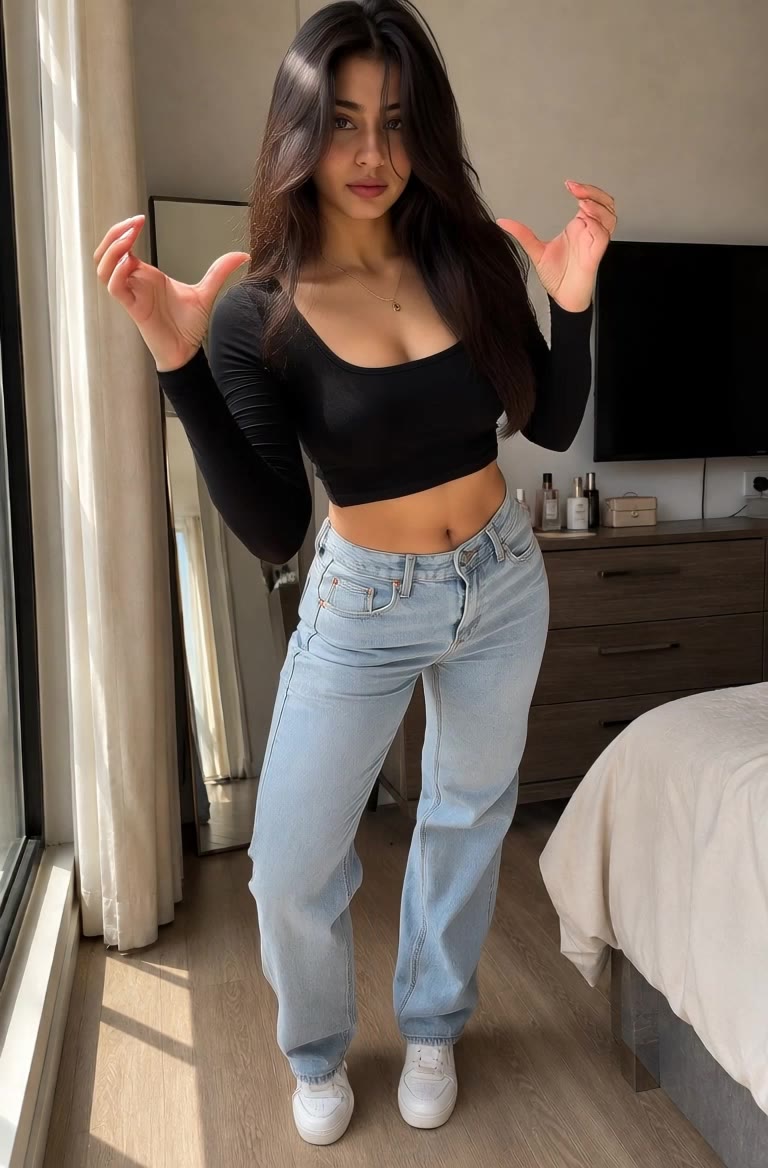
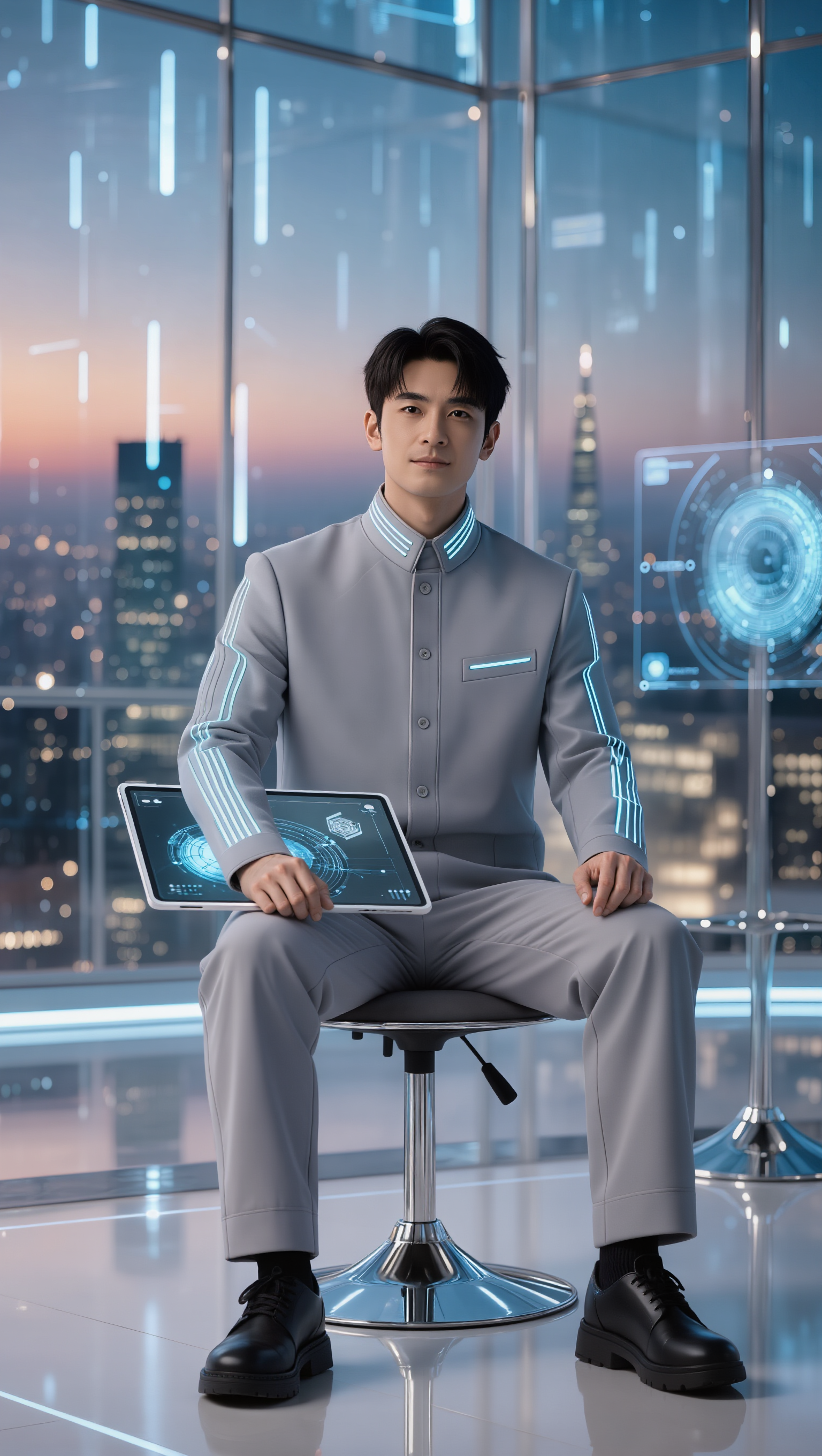
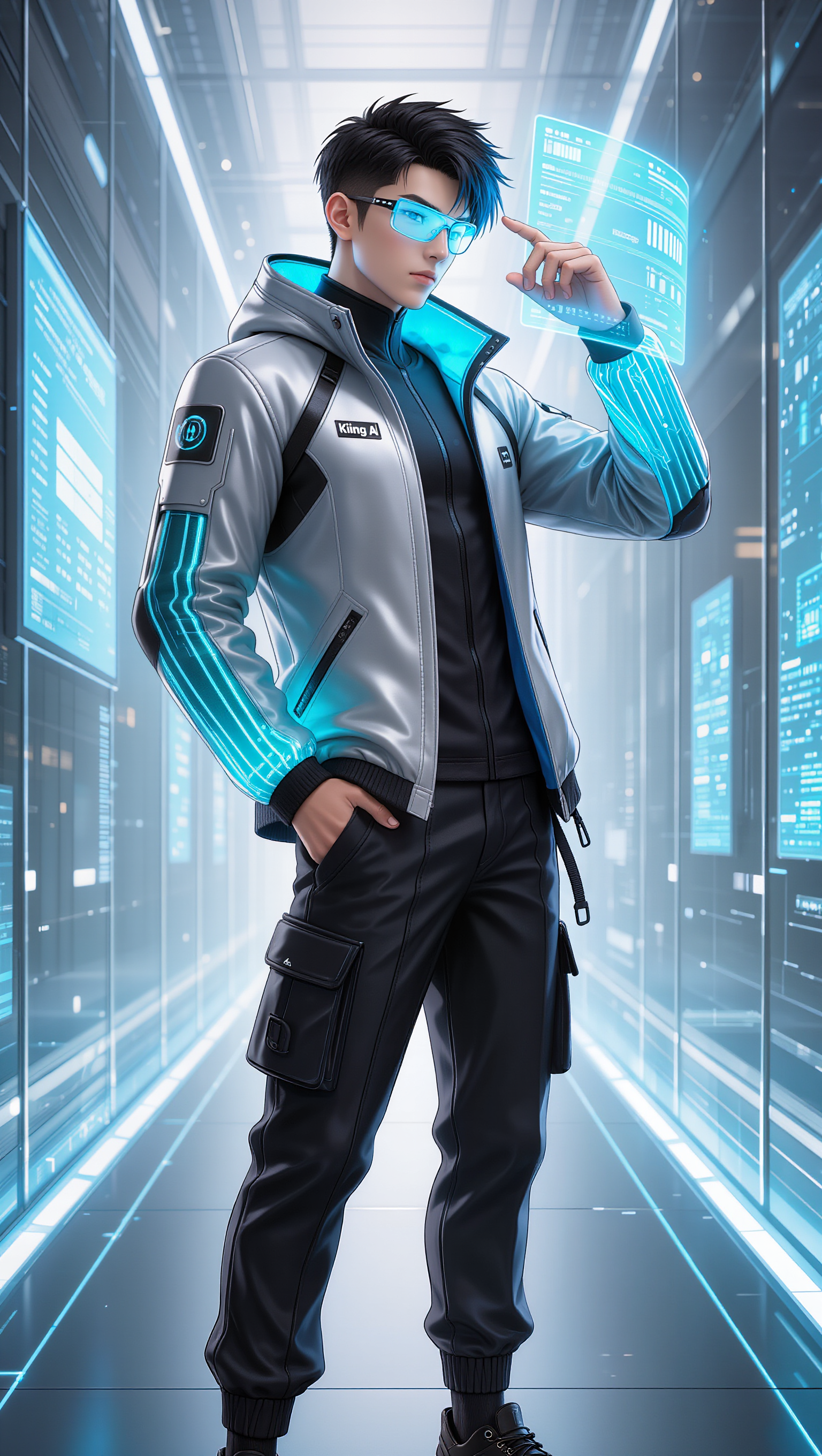
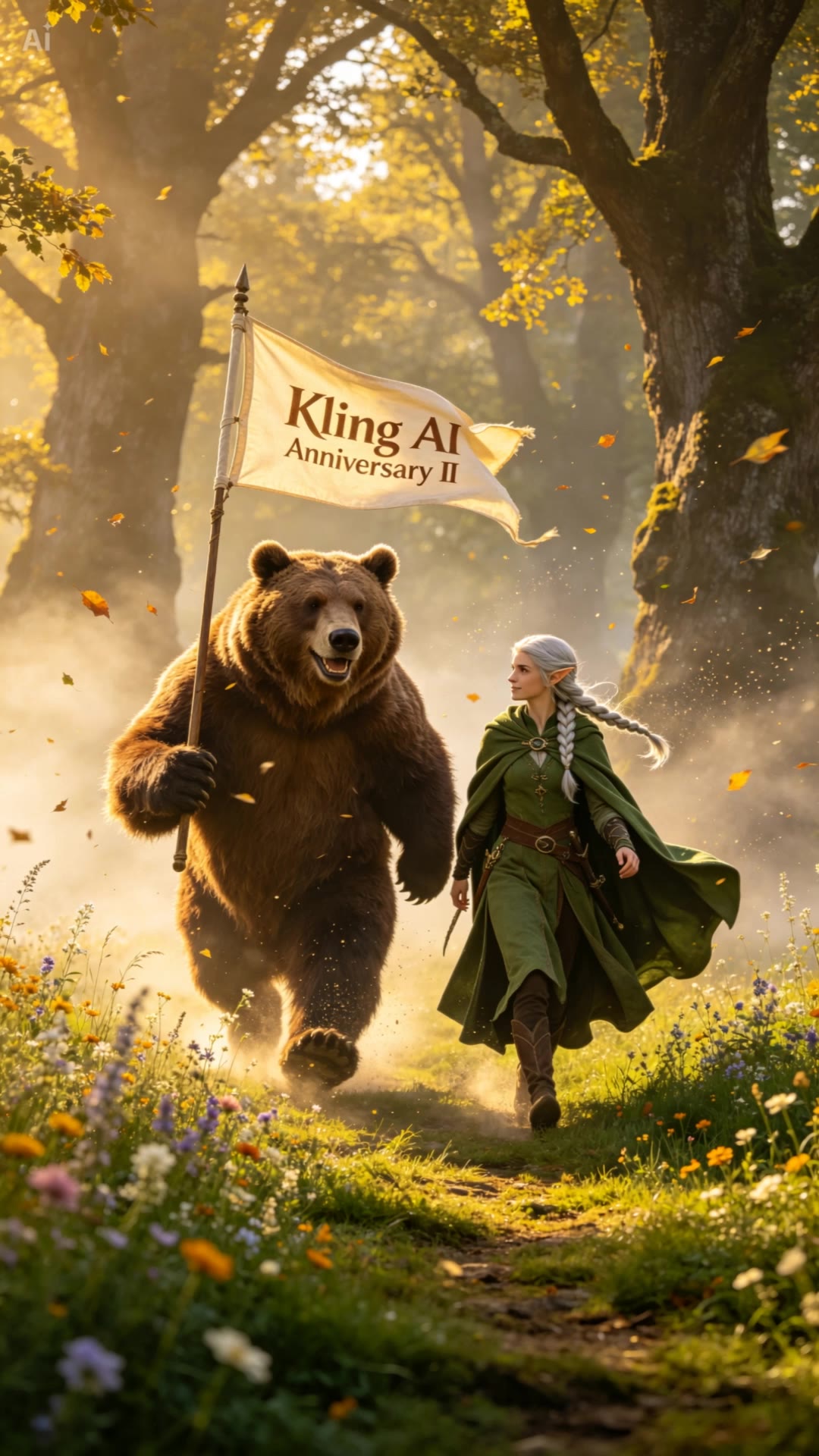
Walk-themed AI Art by KlingAI

Discover walk-themed AI art created by KlingAI. Perfect for creating motivational posters or wallpapers.

Walk-themed AI Art by KlingAI

Recommended

Kling AI without limits - walk kling ai AI video
KLING6928 avatar
KLING6928
Kling ai is good
 - walk kling ai AI video
sPomeRcP avatar
sPomeRcP
kling ai - walk kling ai AI video
nYDQIKuy avatar
nYDQIKuy
kling - walk kling ai AI video
00:15
OKCrtAKg avatar
OKCrtAKg
super hero kling ai - walk kling ai AI video
medtkr avatar
medtkr
Kling AI work 321227648523026 - walk kling ai AI image
GJTnARuY avatar
GJTnARuY
Kling AI - walk kling ai AI video
00:07
yXbwTWYR avatar
yXbwTWYR
Kling AI work 296490196615781 - walk kling ai AI image
BunnyLOVE Studios avatar
BunnyLOVE Studios
Kling AI work 319372593661829 - walk kling ai AI video
CvtSjPnZ avatar
CvtSjPnZ
Kling AI work 308235154300740 - walk kling ai AI video
ClassifiedCreepy avatar
ClassifiedCreepy
kling ai  - walk kling ai AI video
qOSCzkWK avatar
qOSCzkWK
A Little Dance on My Walk 🌿 - walk kling ai AI video
otetetete39393 avatar
otetetete39393
kling saves humanity - walk kling ai AI video
medtkr avatar
medtkr
Kling Ai is the best - walk kling ai AI video
00:33
oRsWyRYw avatar
oRsWyRYw
Kling AI Prompt:
Realistic hair  - walk kling ai AI image
pssEICto avatar
pssEICto
super hero kling ai - walk kling ai AI video
medtkr avatar
medtkr
Kling AI work 307998489662319 - walk kling ai AI video
BigVee avatar
BigVee
Kling AI work 309810873617607 - walk kling ai AI image
BunnyLOVE Studios avatar
BunnyLOVE Studios
Kling AI work 296490196612788 - walk kling ai AI image
BunnyLOVE Studios avatar
BunnyLOVE Studios

How to Use Kling AI Text to Speech

Step 1: Enter the Video Generation Workspace

Step 1: Enter the Video Generation Workspace

Edit your prompt to set the scene, characters, and style, or upload a reference image to shape the look of your video.

Step 2: Add Dialogue and Speech Instructions

Step 2: Add Dialogue and Speech Instructions

Add dialogue to your prompt and clearly specify which character speaks each line. You can also describe the language or dialect, speaking pace, tone, and delivery style in the prompt to guide how each character sounds.

Step 3: Choose Your Settings and Generate

Step 3: Choose Your Settings and Generate

Choose your resolution (720p, 1080p, or 4K), video length (3–15 seconds), and aspect ratio (16:9, 9:16, or 1:1). Then click Generate to create your video.

Repair, Refine, and Restore Old Photos

Restore Multiple Types of Photo Damage with AI

Restore Multiple Types of Photo Damage with AI

Kling AI helps restore old photos affected by scratches, dust, stains, creases, faded areas, and other visible signs of aging. Describe the restoration you want with natural language prompts and improve multiple types of damage in one workflow while keeping the original image structure consistent.

Preserve Faces and Original Visual Identity

Preserve Faces and Original Visual Identity

When restoring old portrait photos, keeping people recognizable is essential. Kling AI uses your uploaded photo as a visual reference to help preserve facial features, expressions, clothing details, and original composition, keeping the restored result closely connected to the original image.

Generate a Higher-Resolution Restored Version

Generate a Higher-Resolution Restored Version

Use IMAGE 3.0 Omni to generate restored photos with 2K or 4K high-resolution output. Higher-resolution images provide clearer details, smoother total transitions, and richer textures for family archives, photo books, digital collections, large displays, and high-quality printing.

Apps

Image to Video
Image to Video

Image to Video

Text to Video
Text to Video

Text to Video

Omni
Omni

Omni

Digital Human
Digital Human

Digital Human

Restyle
Restyle

Restyle

Text to Image
Text to Image

Text to Image

60M+
60M+
Users
600M+
600M+
AI Videos Generated
4.7 ★
4.7 ★
App Store
Industry-Leading
Industry-Leading
Cinematic 4K

Reviews

Samuele Poggi (@visualsk2)

Samuele Poggi (@visualsk2)

★★★★★

I use Kling AI daily to push the limits of AI filmmaking. It allows me to create highly cinematic content, blending AI and VFX to develop innovative projects. It has significantly impacted my creative process, enabling me to achieve complex animations that would otherwise require high production budgets.

Huang Lu (Elson)

Huang Lu (Elson)

★★★★★

I’ve been using Kling AI since its initial release, and it’s remained one of the leading AI media generators ever since. With Kling AI, I’ve created hundreds of videos, collectively amassing millions of views.

Maria Rubtsova

Maria Rubtsova

★★★★★

I’m Maria Rubtsova, an AIGC digital artist passionate about creating stunning visuals in the worlds of fashion, aesthetics, and fantasy. I use KlingAi to bring imagination to life through video. My work is all about exploring beauty, emotion, and the limitless possibilities of digital art.

FAQ

Q1How do I remove the background from an image online?
Q2What is a background remover?
Q3Can Kling AI remove or change a video background?

Keep the Shot. Change the Background.

Remove the background you do not want or move existing footage into a new scene - without rebuilding the shot frame by frame.