
Creative Studio
API
Resources
Features
About Us
Download

Walk Phone Wallpaper – AI Image Ideas

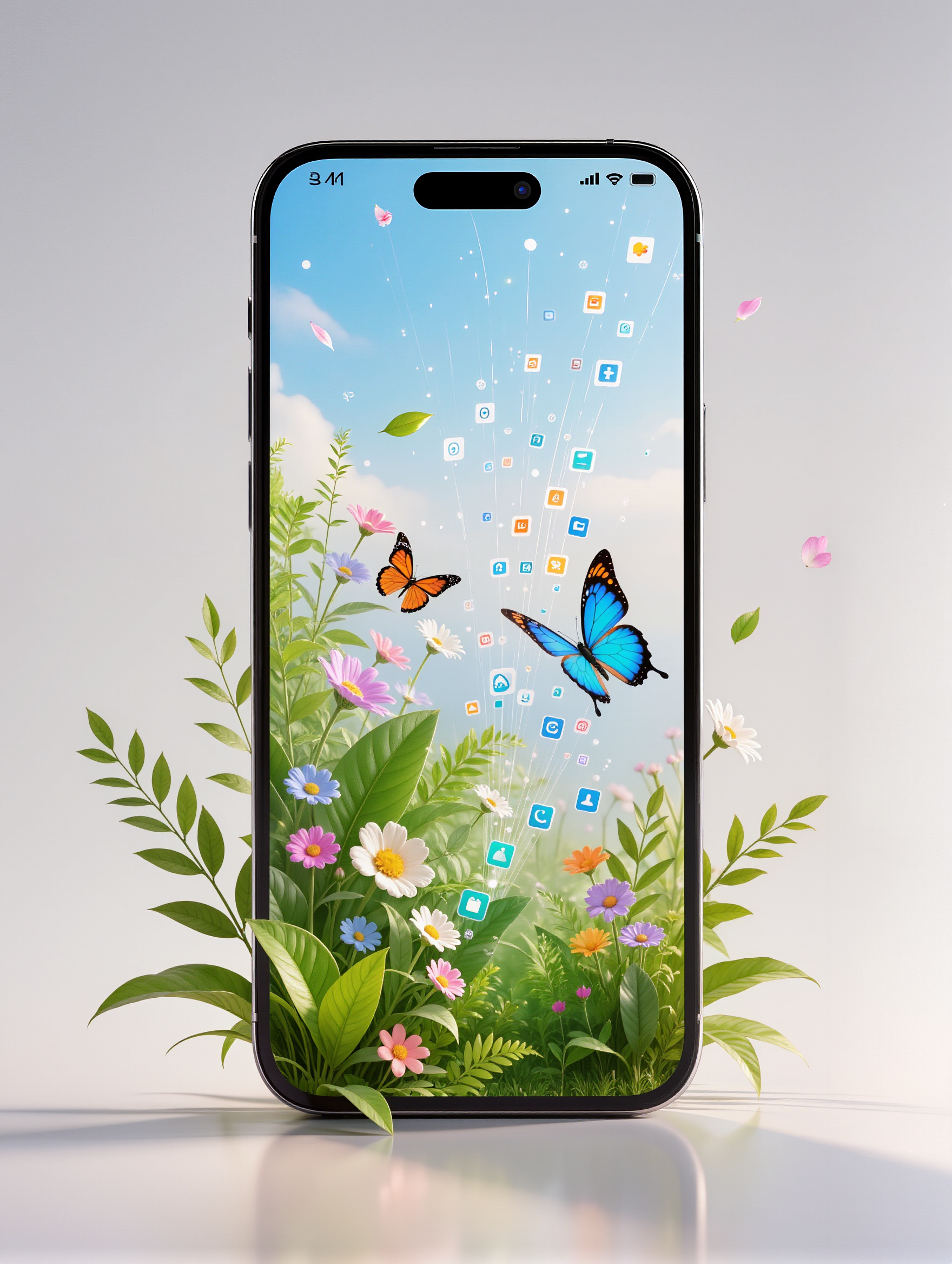
Browse AI-generated walk phone wallpapers. Customize these designs to match your active lifestyle.

Walk Phone Wallpaper – AI Image Ideas

Recommended

Kling AI work 310972006522352 - walk phone wallpaper AI image
QpOULOuw avatar
QpOULOuw
Kling AI work 312288007661930 - walk phone wallpaper AI image
klFeAEXq avatar
klFeAEXq
Kling AI work 312817695614051 - walk phone wallpaper AI image
rHFjRxzl avatar
rHFjRxzl
Kling AI work 311946302524405 - walk phone wallpaper AI video
XNTLuSEJ avatar
XNTLuSEJ
Kling AI work 307177867531230 - walk phone wallpaper AI video
UUpRhAuN avatar
UUpRhAuN
Kling AI work 310749546665555 - walk phone wallpaper AI image
sn00pz avatar
sn00pz
Kling AI work 306590643665630 - walk phone wallpaper AI image
Mic avatar
Mic
At the phone - walk phone wallpaper AI video
Julietteuniverse avatar
Julietteuniverse
Kling AI work 316055105665953 - walk phone wallpaper AI image
Dreaming avatar
Dreaming
Elite Creator
Kling AI work 314539786508991 - walk phone wallpaper AI image
jEPavyfA avatar
jEPavyfA
"Smartphone wallpaper format" - walk phone wallpaper AI image
CENCgEKU avatar
CENCgEKU
Kling AI work 309379297616914 - walk phone wallpaper AI image
KgSMpvBe avatar
KgSMpvBe
Kling AI work 312474589508797 - walk phone wallpaper AI video
sFdauqPG avatar
sFdauqPG
Kling AI work 308855324505863 - walk phone wallpaper AI image
YAEDnkOg avatar
YAEDnkOg
Kling AI work 306633872503389 - walk phone wallpaper AI image
Tasha avatar
Tasha
Kling AI work 311683021503857 - walk phone wallpaper AI image
aVHklzIU avatar
aVHklzIU
Kling AI work 310299137616417 - walk phone wallpaper AI video
CayOOxjo avatar
CayOOxjo
Kling AI work 310749683503972 - walk phone wallpaper AI image
sn00pz avatar
sn00pz
Friend: “Give me your phone, I w - walk phone wallpaper AI image
gSnEnbyH avatar
gSnEnbyH

How to Upscale Video to 4K with Kling AI

Upload Your Video

Upload Your Video

Upload the video you want to improve to Kling VIDEO 3.0 Omni. You can work with clips between 3 and 10 seconds, including lower-resolution, blurry, compressed, or AI-generated footage.

Describe the Result You Want

Describe the Result You Want

Enter a prompt for any changes you want alongside the upscale. You can ask for clearer detail or adjust lighting, color, atmosphere, background, and other visual elements while keeping the original footage as your starting point.

Generate Your 4K Video

Generate Your 4K Video

Select 4K as the output resolution and generate your new video. Review the result for clarity, detail, and subject appearance, then refine your prompt or references if you want another version.

Natural Face Swaps Without the Editing Hassle

Image Face Swap Without the Busywork

Image Face Swap Without the Busywork

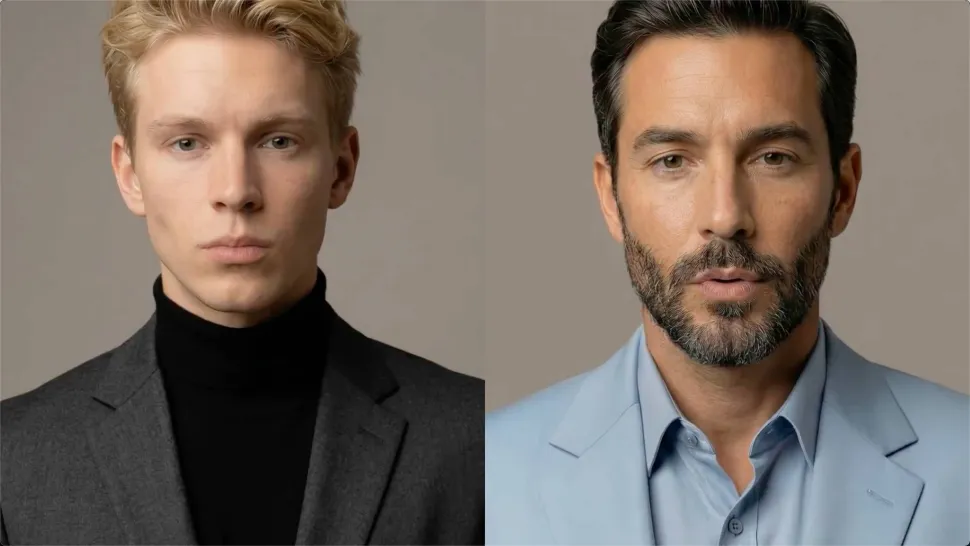
From portrait-style shots to playful creative images, Kling IMAGE 3.0 helps you create more natural and consistent face swaps. Add the photo you want to edit, provide a face reference, and tell Kling AI what you want to change. The edit can stay close to the original photo, helping the new face feel like part of the image rather than something added on top.
Keep the Same Face Across Angles and Shots

Keep the Same Face Across Angles and Shots

A single reference does not always show everything. Add multiple views or use a character element to give Kling AI more information about the person you want to preserve. Kling VIDEO 3.0 Omni uses those references to help maintain key identity features as the subject changes pose, the camera moves, or the scene shifts—especially useful for moving footage and multi-shot videos where consistency matters.
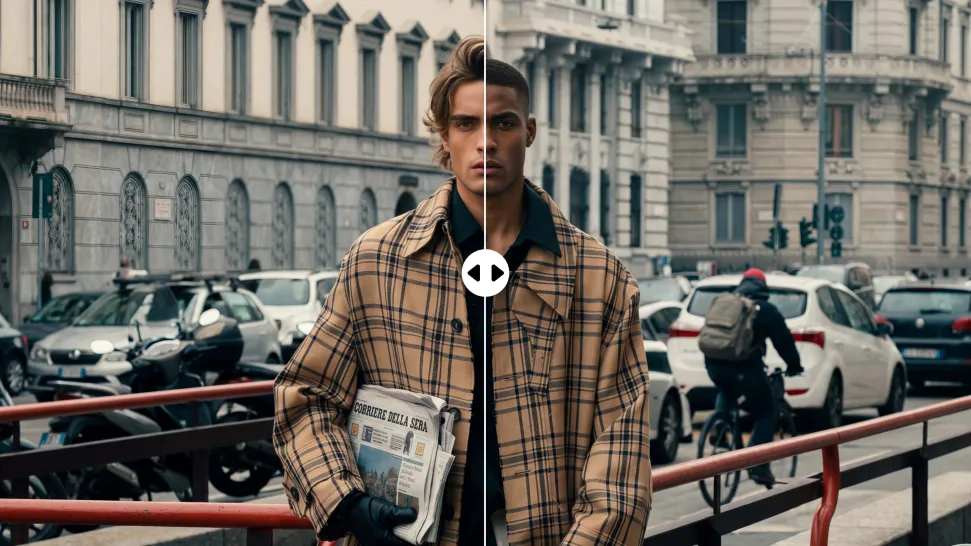
Change the Face, Keep the Scene

Change the Face, Keep the Scene

Swap the face, not the whole scene. Kling AI keeps the original lighting, mood, and overall look in place, helping the new face blend naturally into the shot while the setting and visual feel stay true to the original.

Apps

Image to Video
Image to Video

Image to Video

Text to Video
Text to Video

Text to Video

Omni
Omni

Omni

Digital Human
Digital Human

Digital Human

Restyle
Restyle

Restyle

Text to Image
Text to Image

Text to Image

60M+
60M+
Users
600M+
600M+
AI Videos Generated
4.7 ★
4.7 ★
App Store
Industry-Leading
Industry-Leading
Cinematic 4K

Reviews

Samuele Poggi (@visualsk2)

Samuele Poggi (@visualsk2)

★★★★★

I use Kling AI daily to push the limits of AI filmmaking. It allows me to create highly cinematic content, blending AI and VFX to develop innovative projects. It has significantly impacted my creative process, enabling me to achieve complex animations that would otherwise require high production budgets.

Halim Alrasihi

Halim Alrasihi

★★★★★

I use AI daily and Kling AI is a crucial part of my workflow, whether for client work or personal projects. What I love most about using Kling AI is that it provides all the tools I need in one place, from keyframes to character references, elements and special effects.

James Phillips

James Phillips

★★★★★

Kling AI has transformed my workflow by collapsing timelines and democratizing production. It’s shifted my mindset from resource-dependent filmmaking to a boundless creative sandbox, where experimentation yields unexpected beauty.

FAQ

Q1Can I continue editing an image after removing a watermark?
Q2Can I remove a watermark from someone else's image?
Q3Can I remove text from an image with Kling AI?

Create More with Every Background Change

Turn every background change into a new creative direction with Kling AI. Explore new scenes, reshape your visuals, and create images that keep the details and style that make them unique.

AI Background Removal | Scene Transformation | 2K/4K Image Creation