

Freya Sage
1
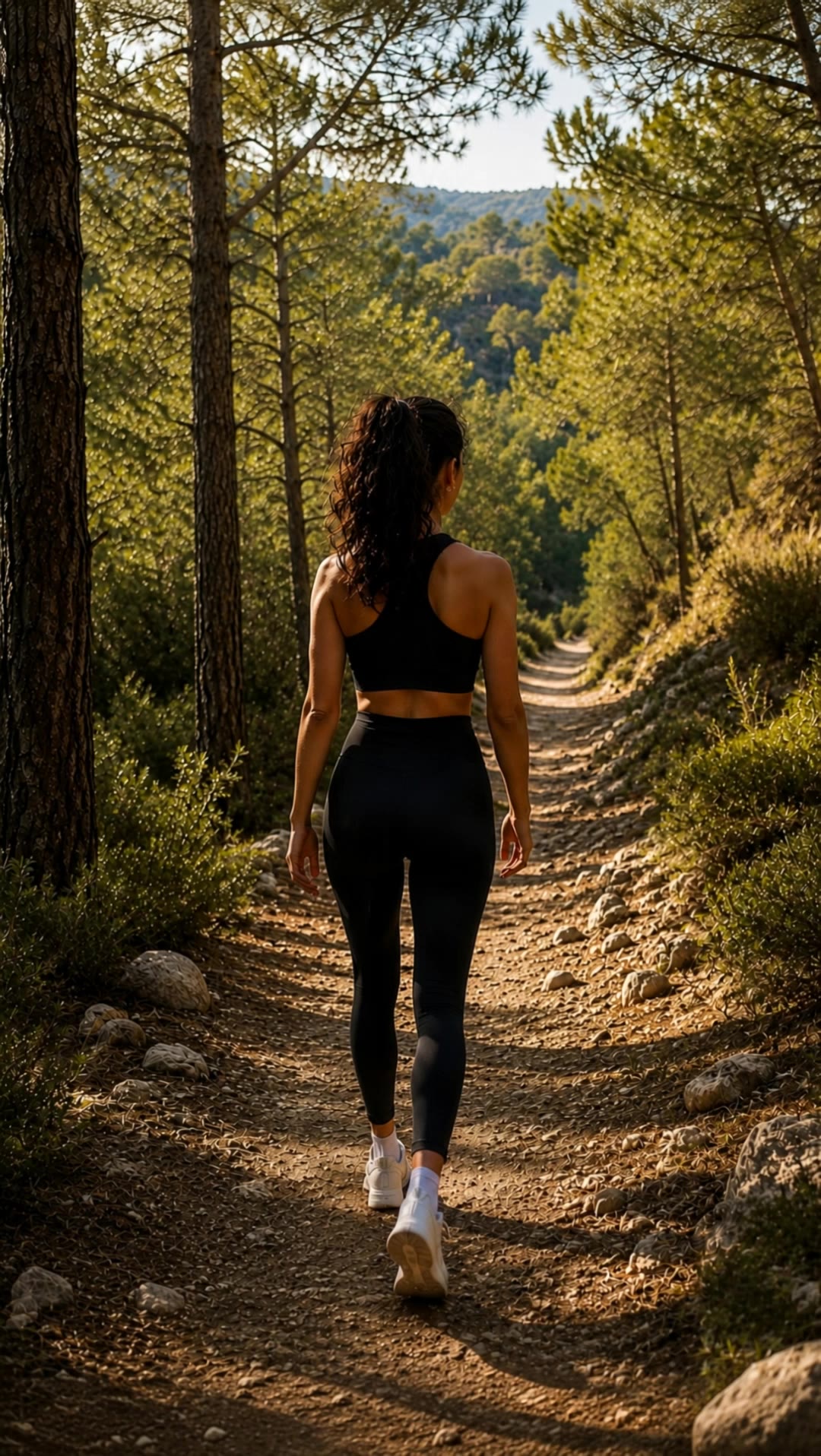
Browse AI-made walk scene desktop wallpapers. Easily explore and adapt these AI-generated designs.



-8x.png?x-kcdn-pid=112372&x-oss-process=image%2Fresize%2Cw_100%2Ch_100%2Cm_mfit)

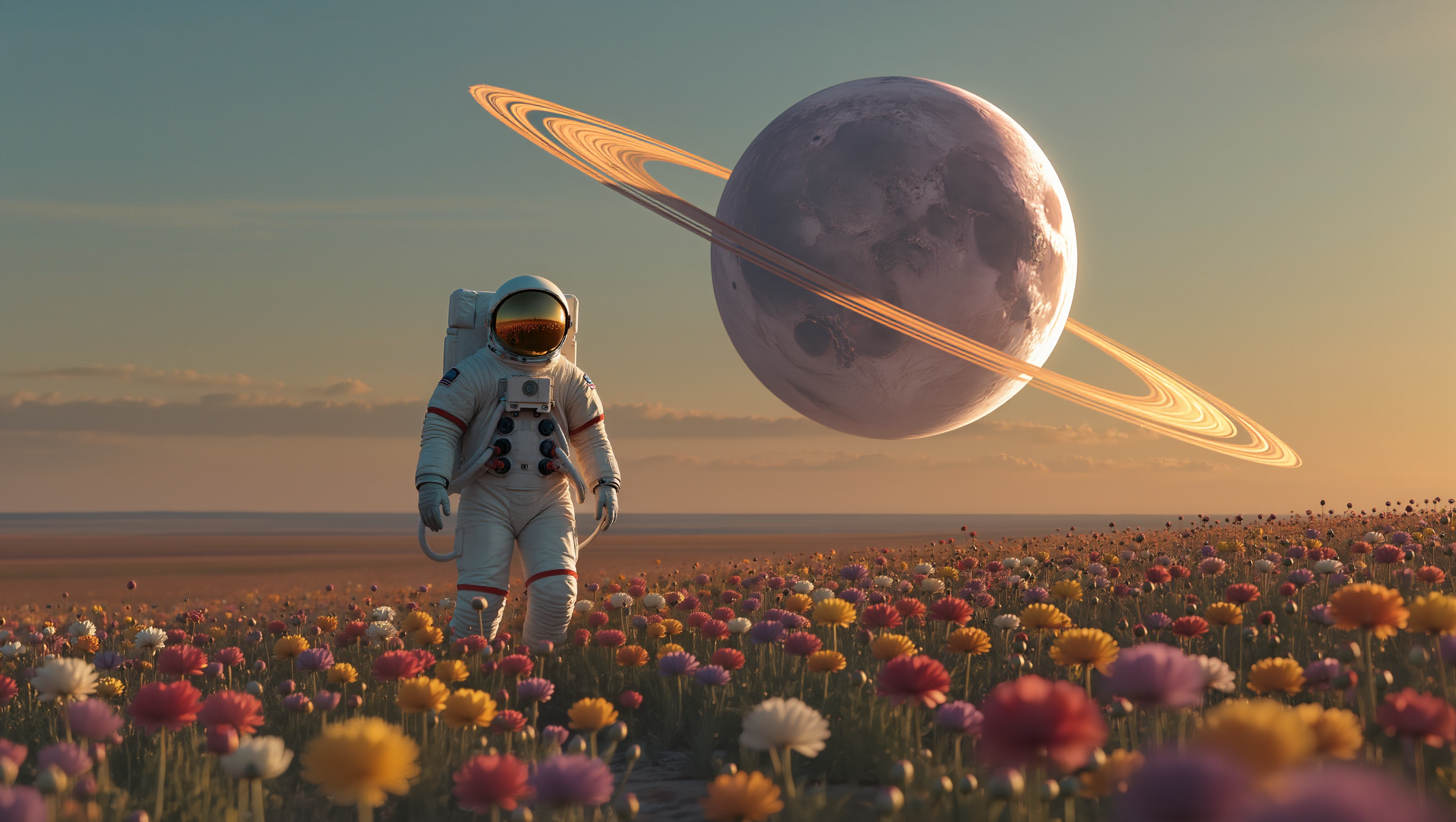


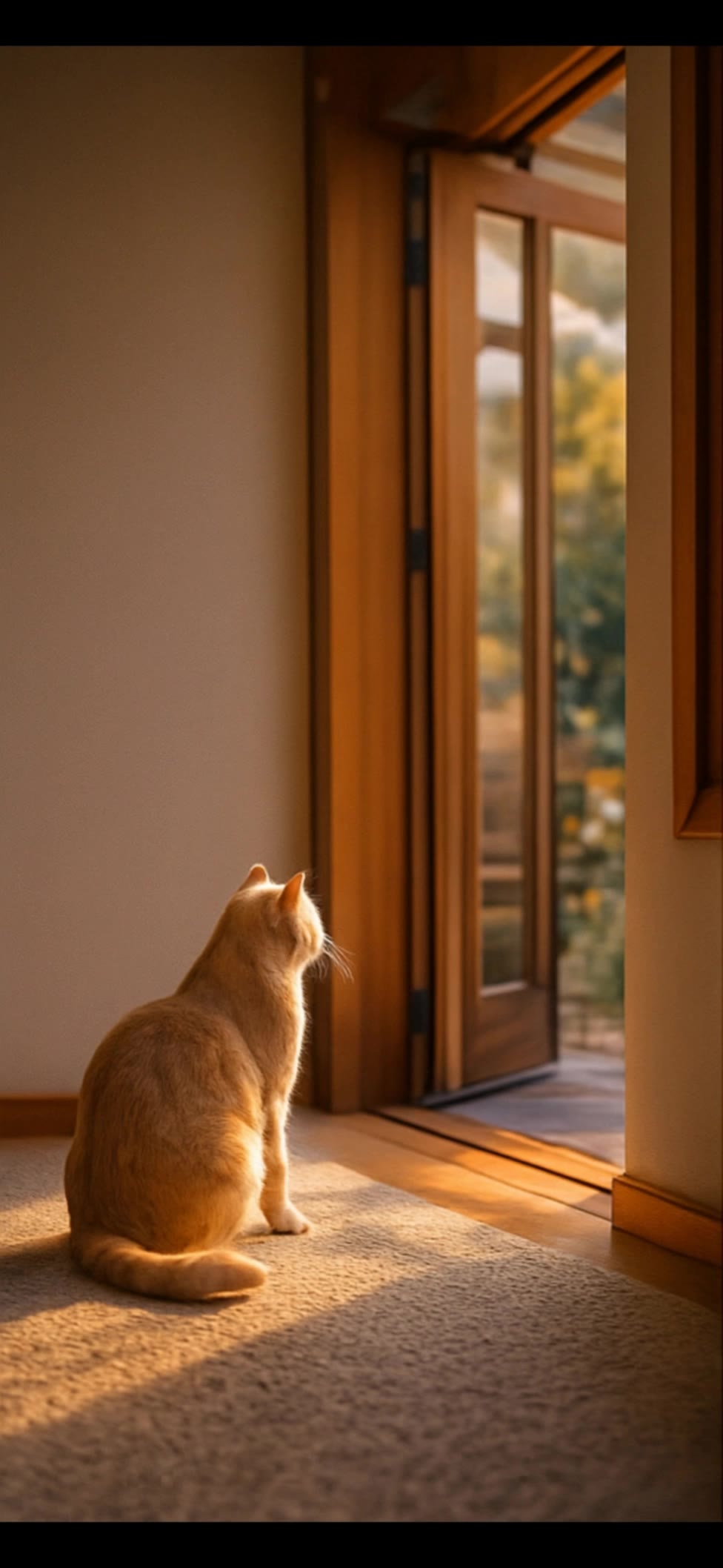





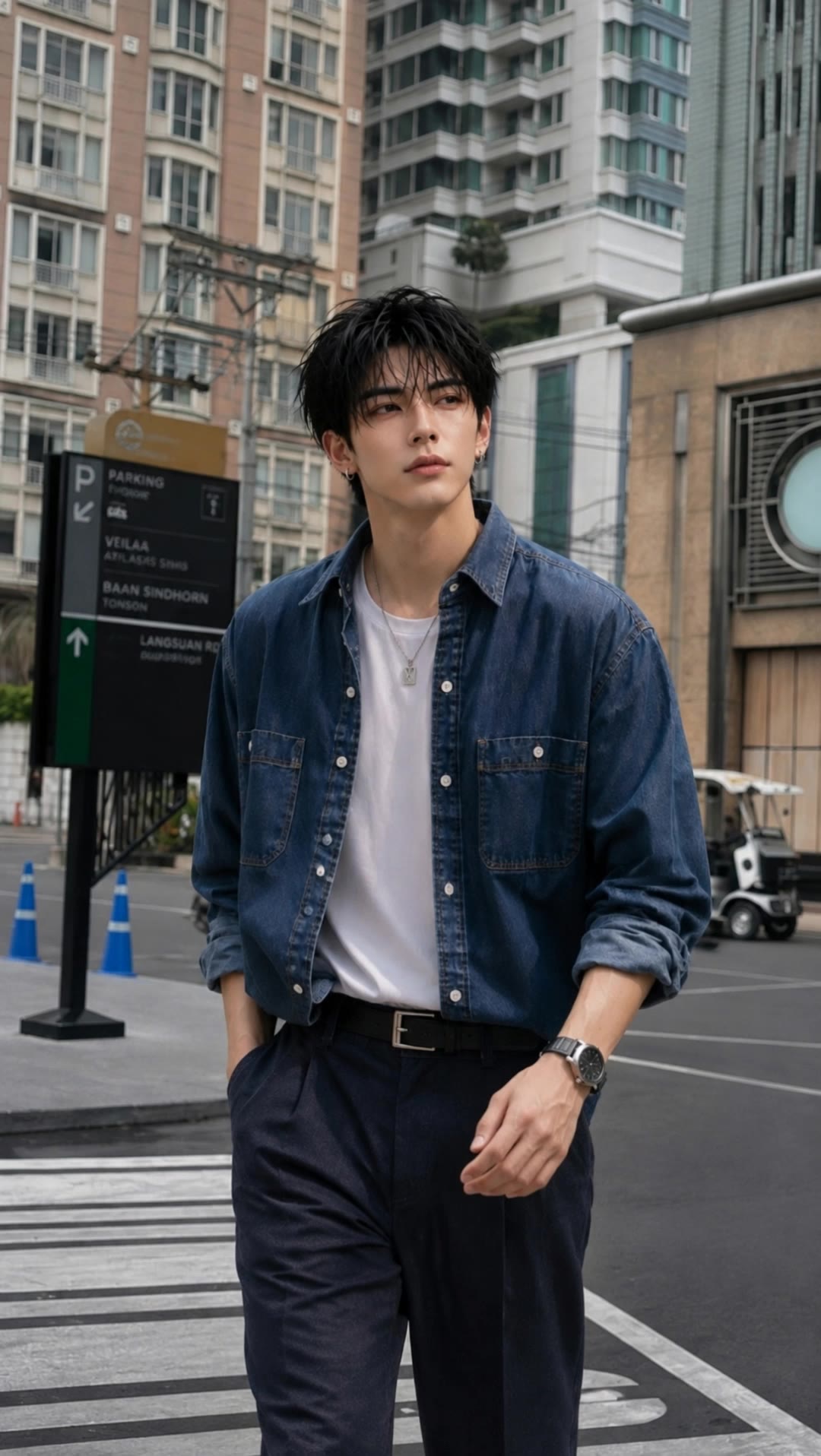
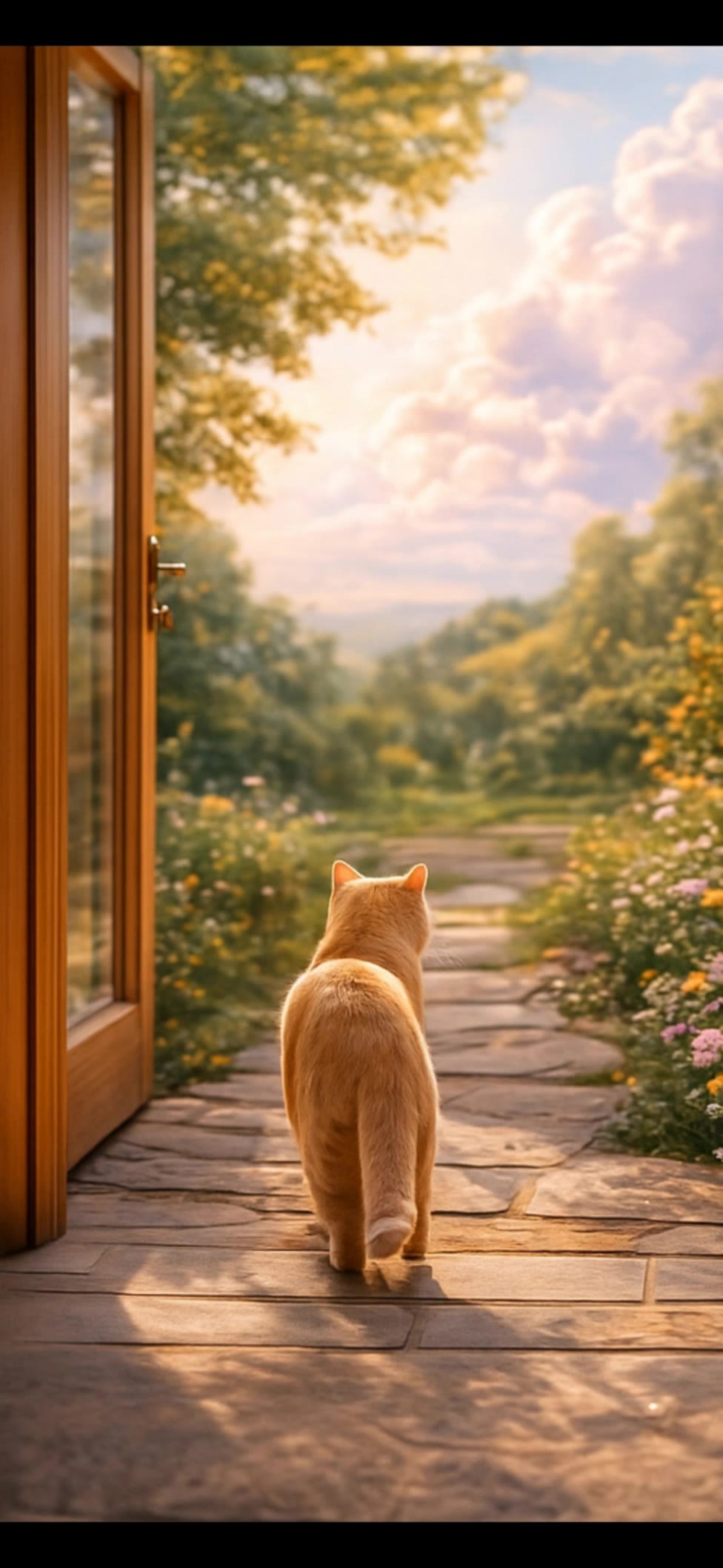

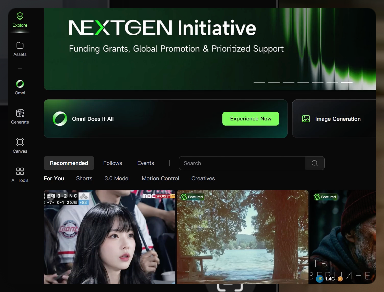
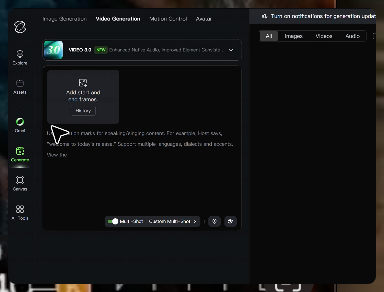
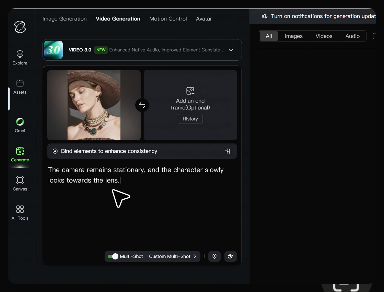
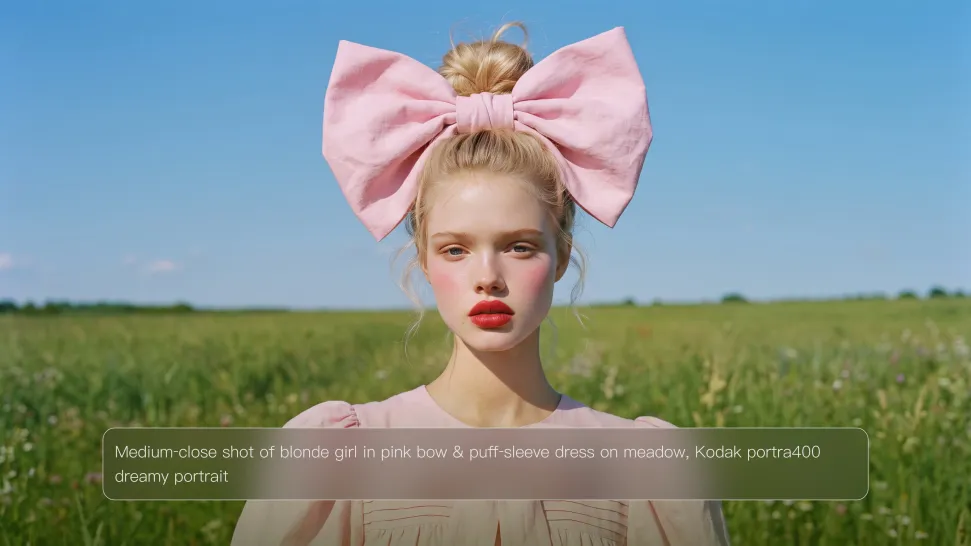
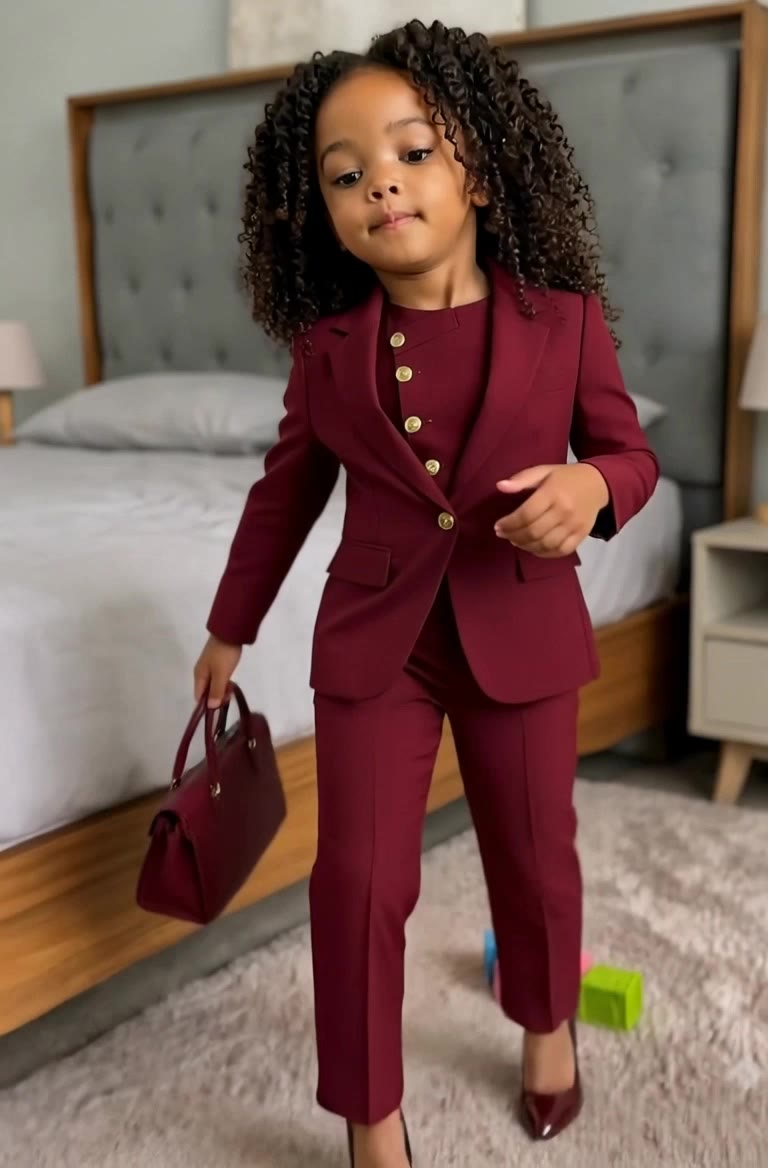
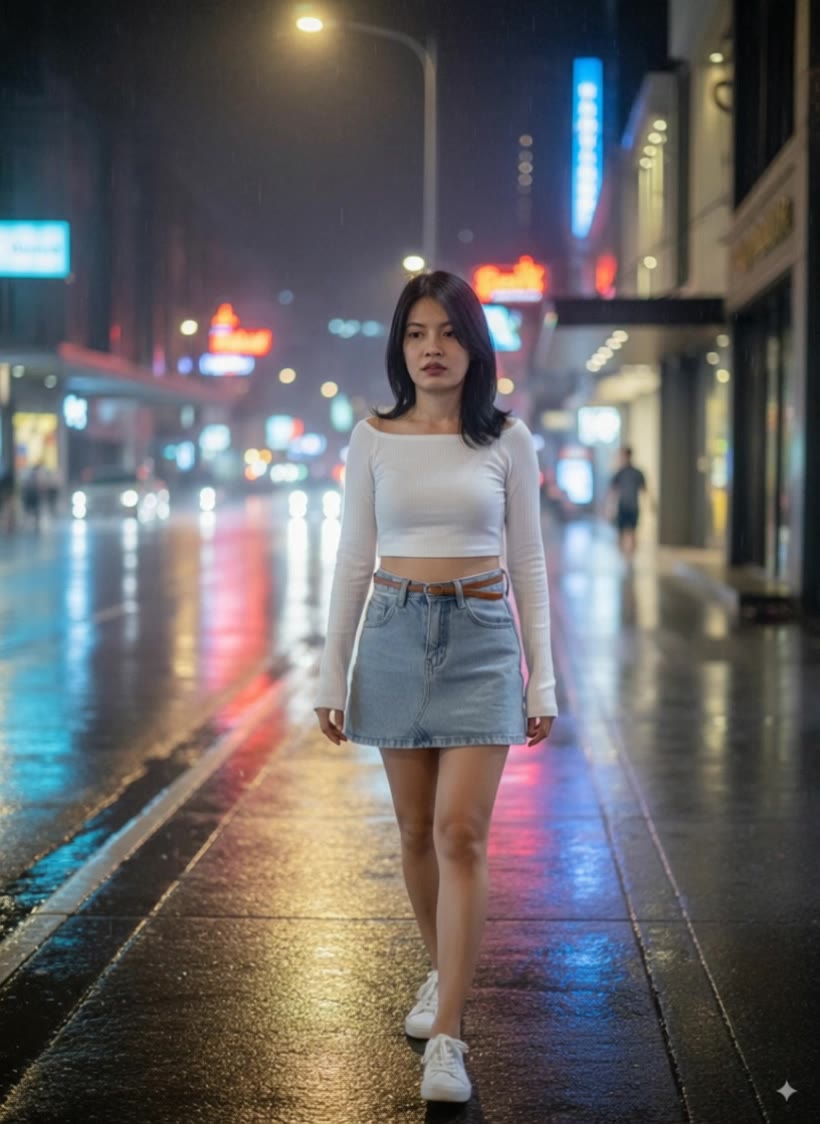
Start with a text prompt to shape an original character, from facial features and hairstyle to clothing, expression, pose, and visual style. If you already have a specific look in mind, add reference images to guide the result more closely. Kling IMAGE 3.0 Omni supports creative directions ranging from realistic and cinematic characters to anime-inspired, fantasy, and CG-style designs.
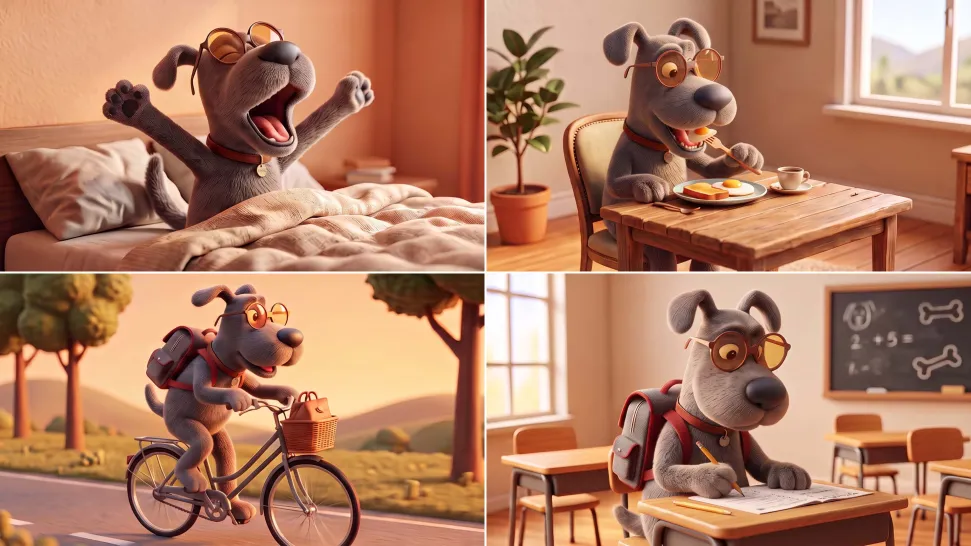
Once you have a character you like, use Kling IMAGE 3.0 Omni Series Mode to build a connected set of images around it. Explore new expressions, viewpoints, scenes, and story moments while keeping the character and overall visual direction consistent across the series. It's well suited for storyboards, comics, campaign concepts, social content, and ongoing character development.
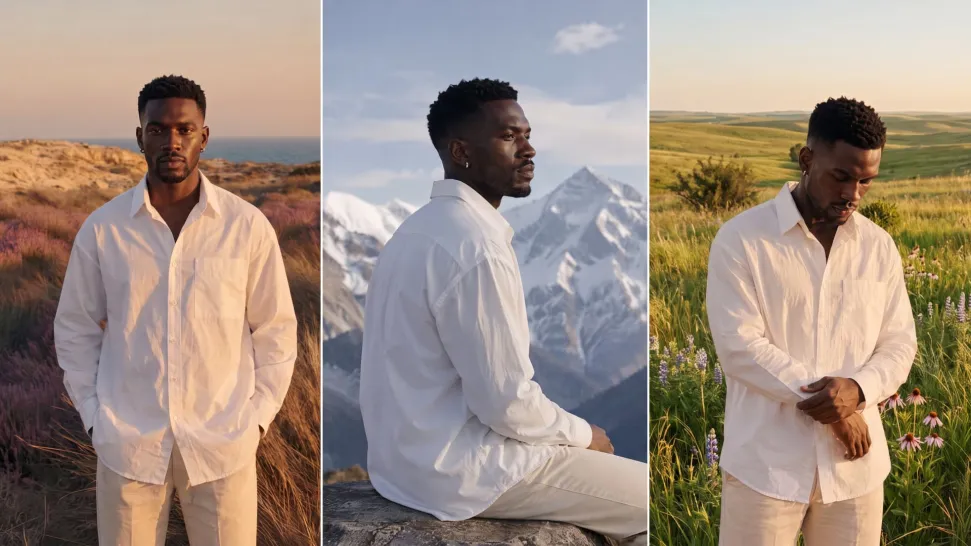
Create a reusable Character Element from a reference image, multiple views, or a supported character video. You can start with one main image and let Kling AI generate additional views, add your own reference angles for more visual information, or use a video to capture richer character details. Once saved, the Element can be called up again in supported image and video workflows without redefining the character from scratch.

















Kling AI has been instrumental in transforming my creative workflow, unlocking new dimensions of artistic expression that were once unimaginable. I use Kling AI extensively to develop high-concept visuals, animate surreal dreamscapes, and create AI-assisted films that blur the line between reality and fantasy. Kling AI’s deep learning capabilities have not only enhanced my creative efficiency but also inspired me to explore storytelling in ways I never thought possible.
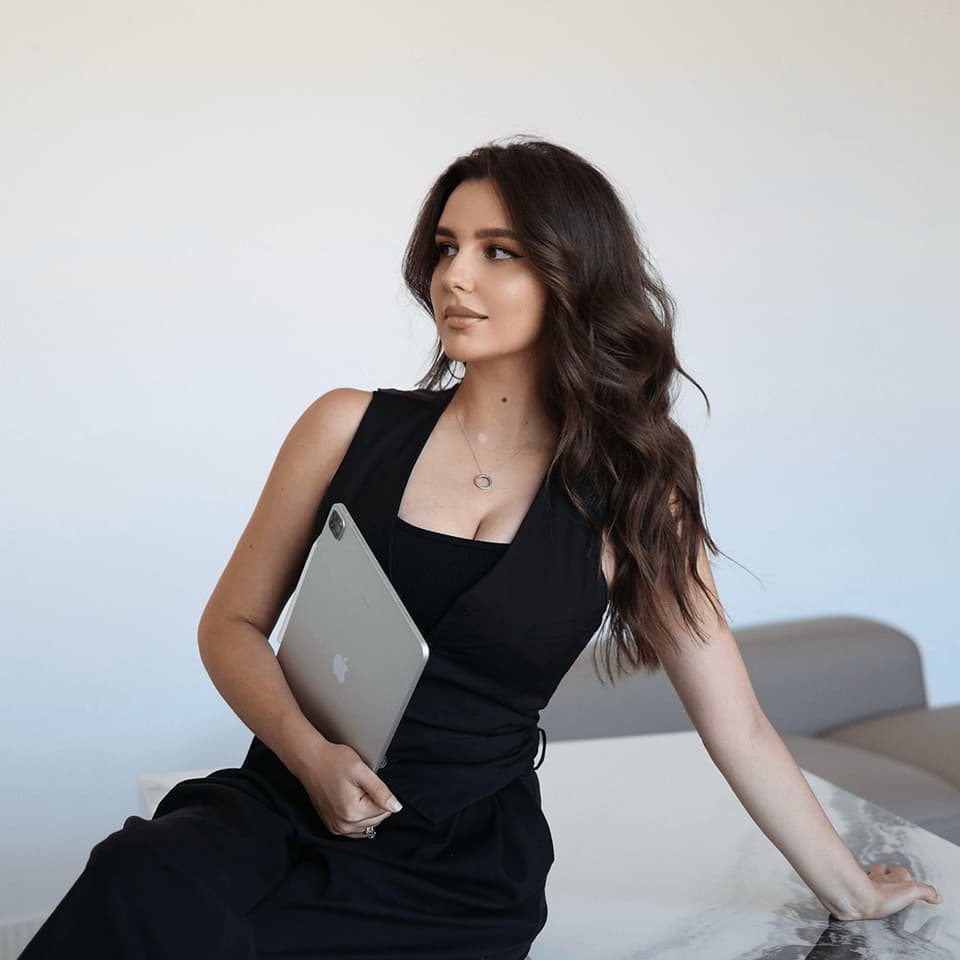
I’m Maria Rubtsova, an AIGC digital artist passionate about creating stunning visuals in the worlds of fashion, aesthetics, and fantasy. I use KlingAi to bring imagination to life through video. My work is all about exploring beauty, emotion, and the limitless possibilities of digital art.
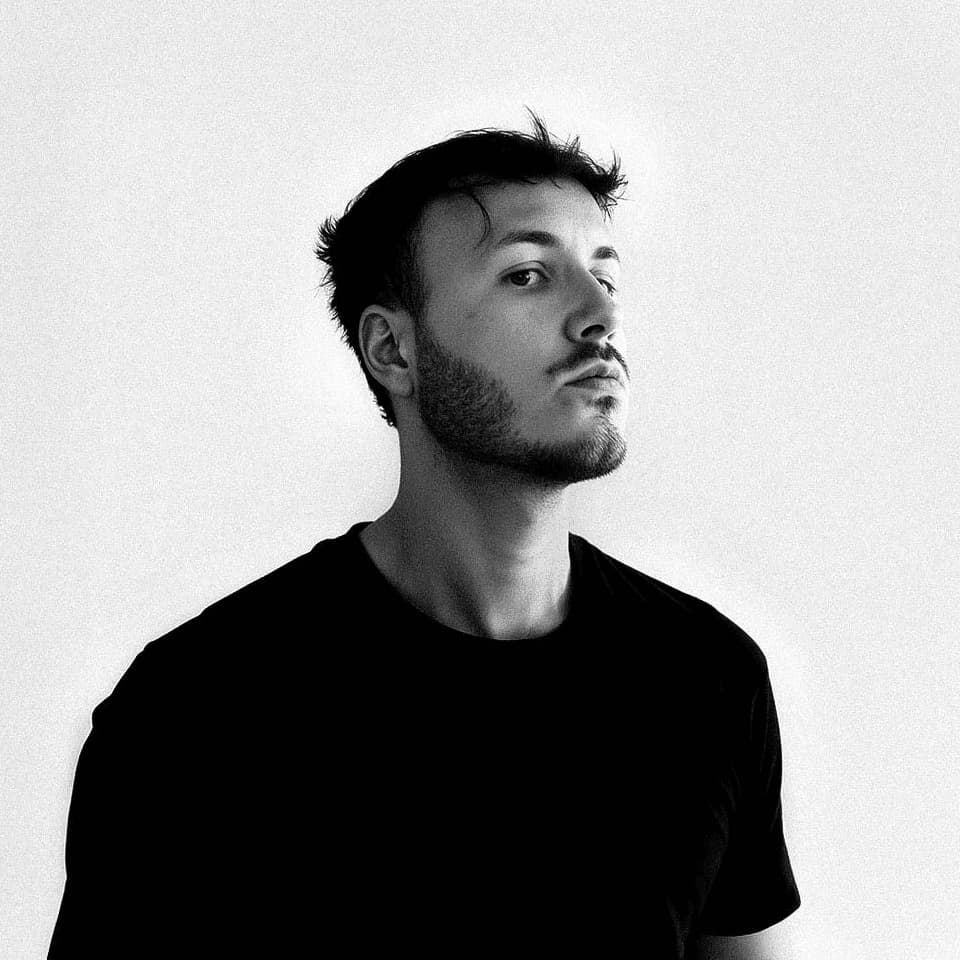
I use Kling AI daily to push the limits of AI filmmaking. It allows me to create highly cinematic content, blending AI and VFX to develop innovative projects. It has significantly impacted my creative process, enabling me to achieve complex animations that would otherwise require high production budgets.
Start with one scene, work out how the camera should tell it, and turn the written beat into a sequence with dialogue, sound, and recurring characters built into the generation.