Creative Studio
API
Resources
Features
About Us
Download

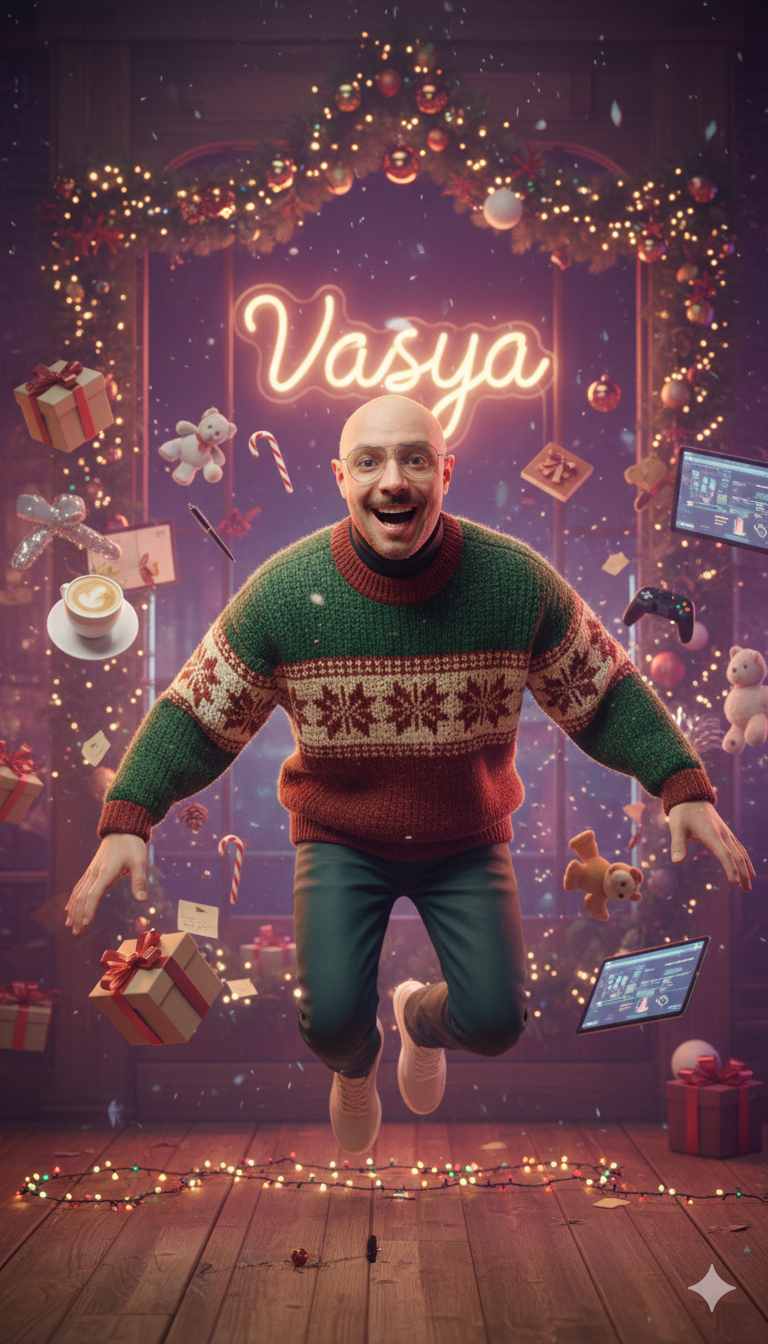
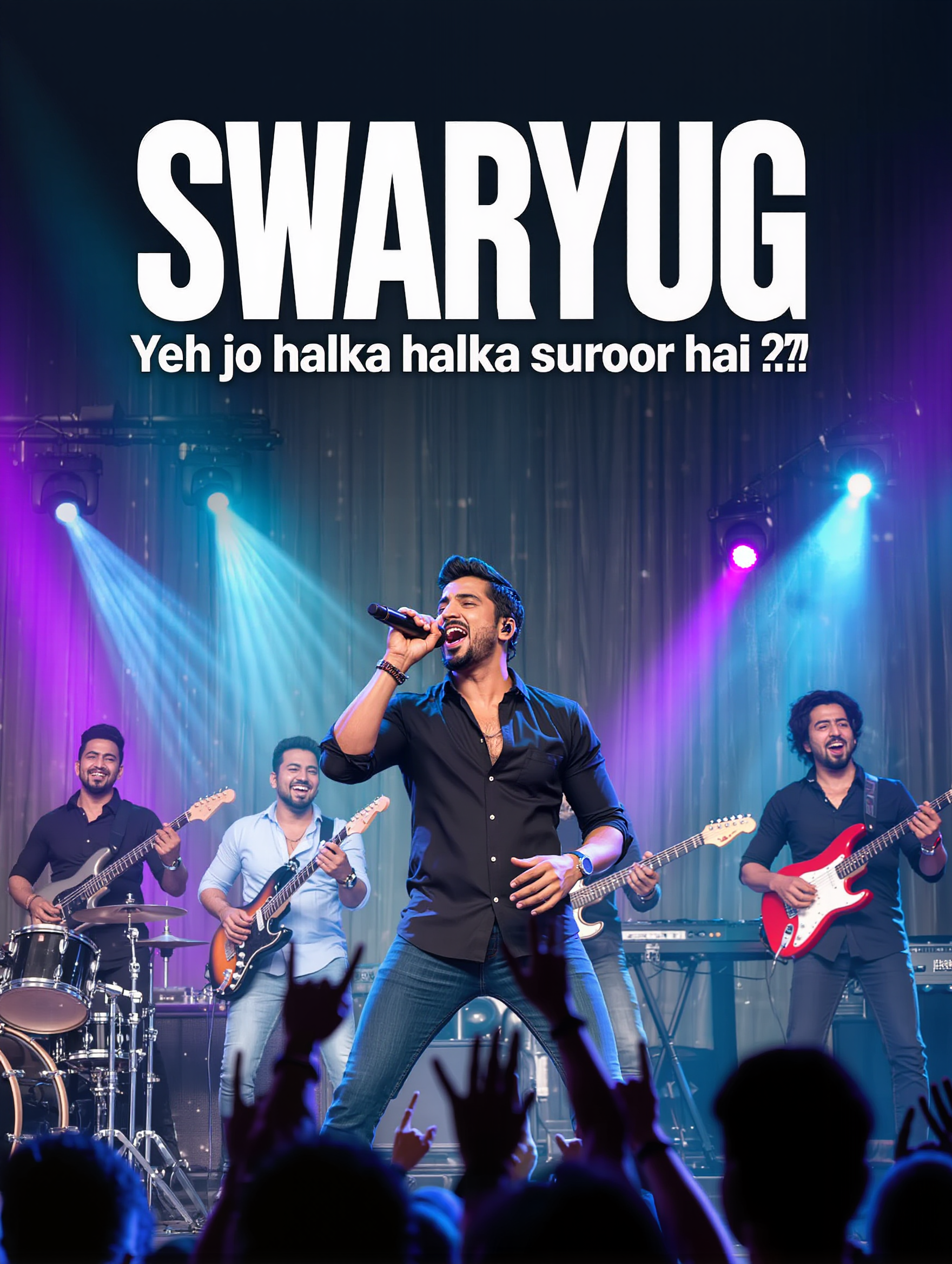
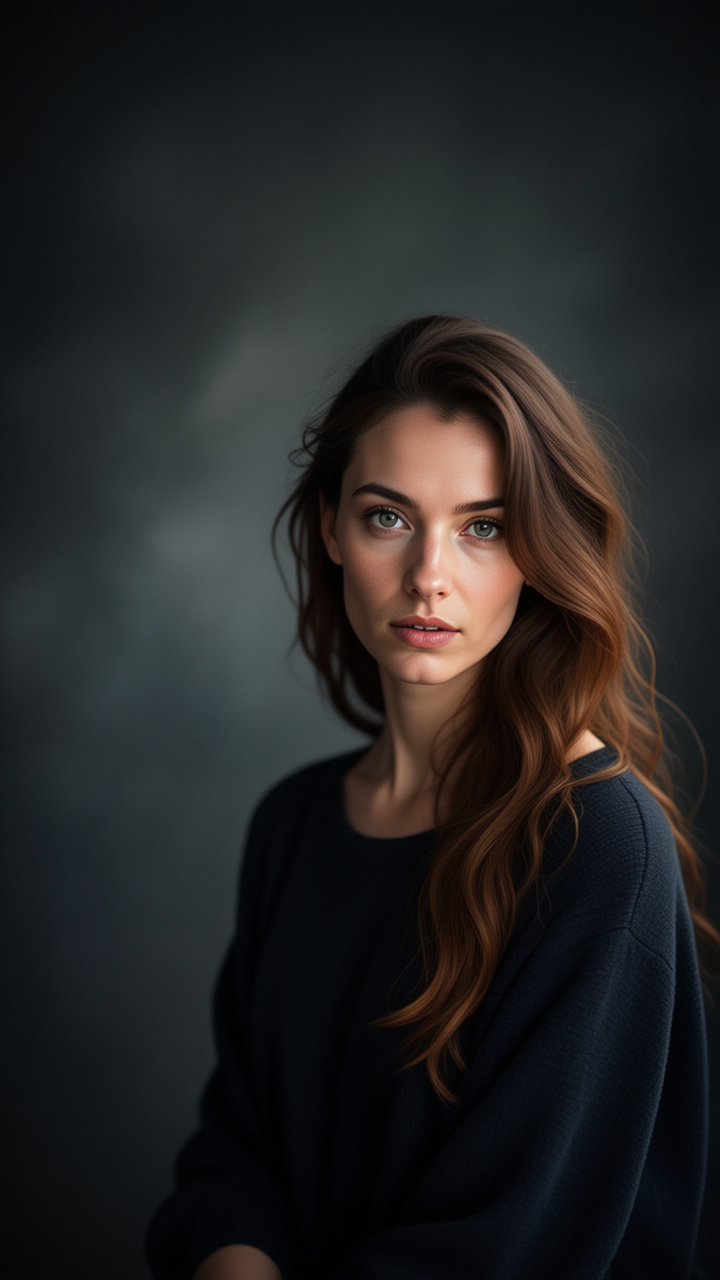
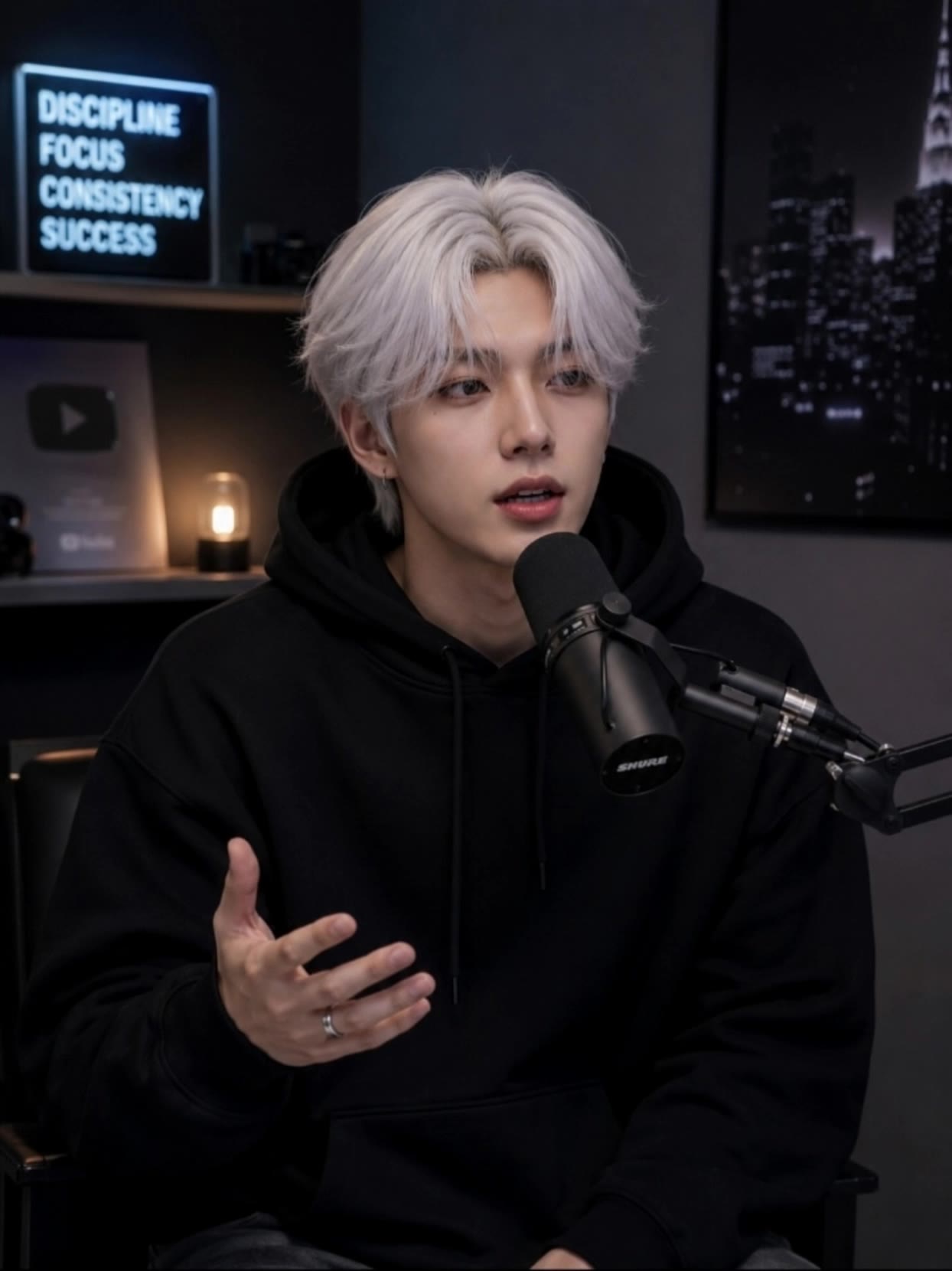
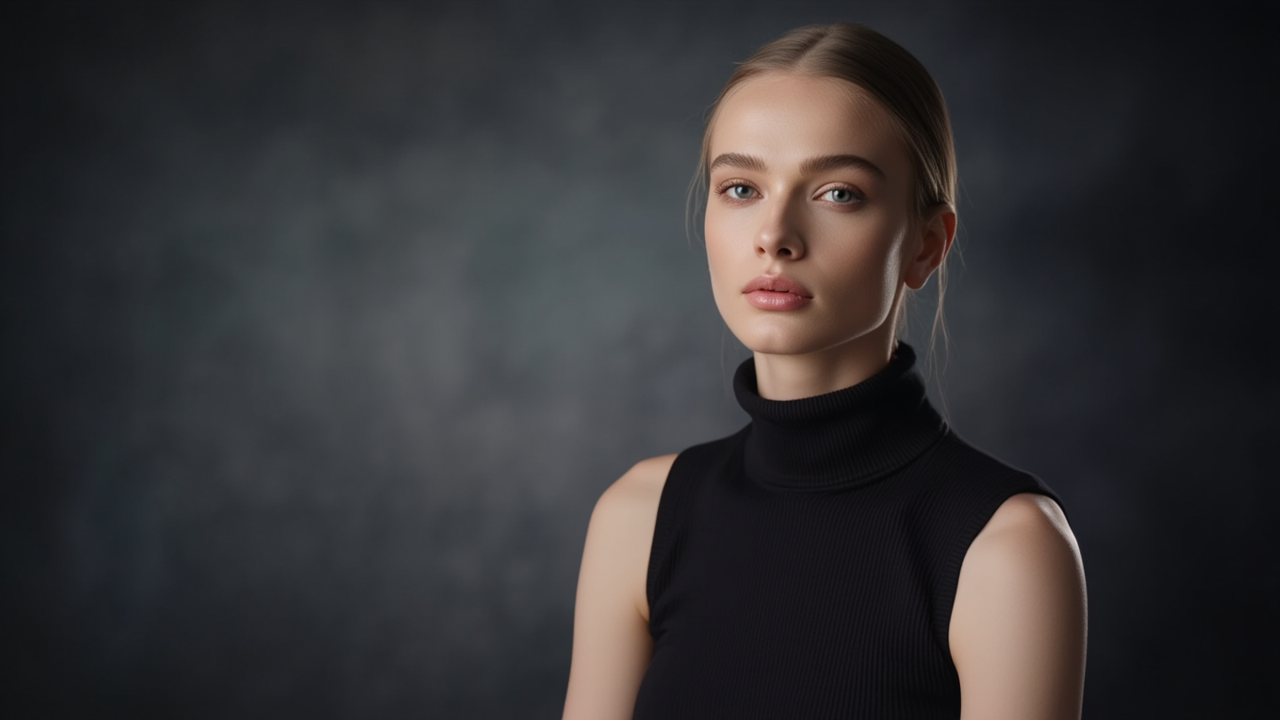
Walk YouTube Thumbnail – AI Image Concepts

Explore AI-generated walk YouTube thumbnails. These designs are created with AI, offering you quick and customizable options to create engaging thumbnails for your videos without needing professional design skills.

Walk YouTube Thumbnail – AI Image Concepts

Recommended

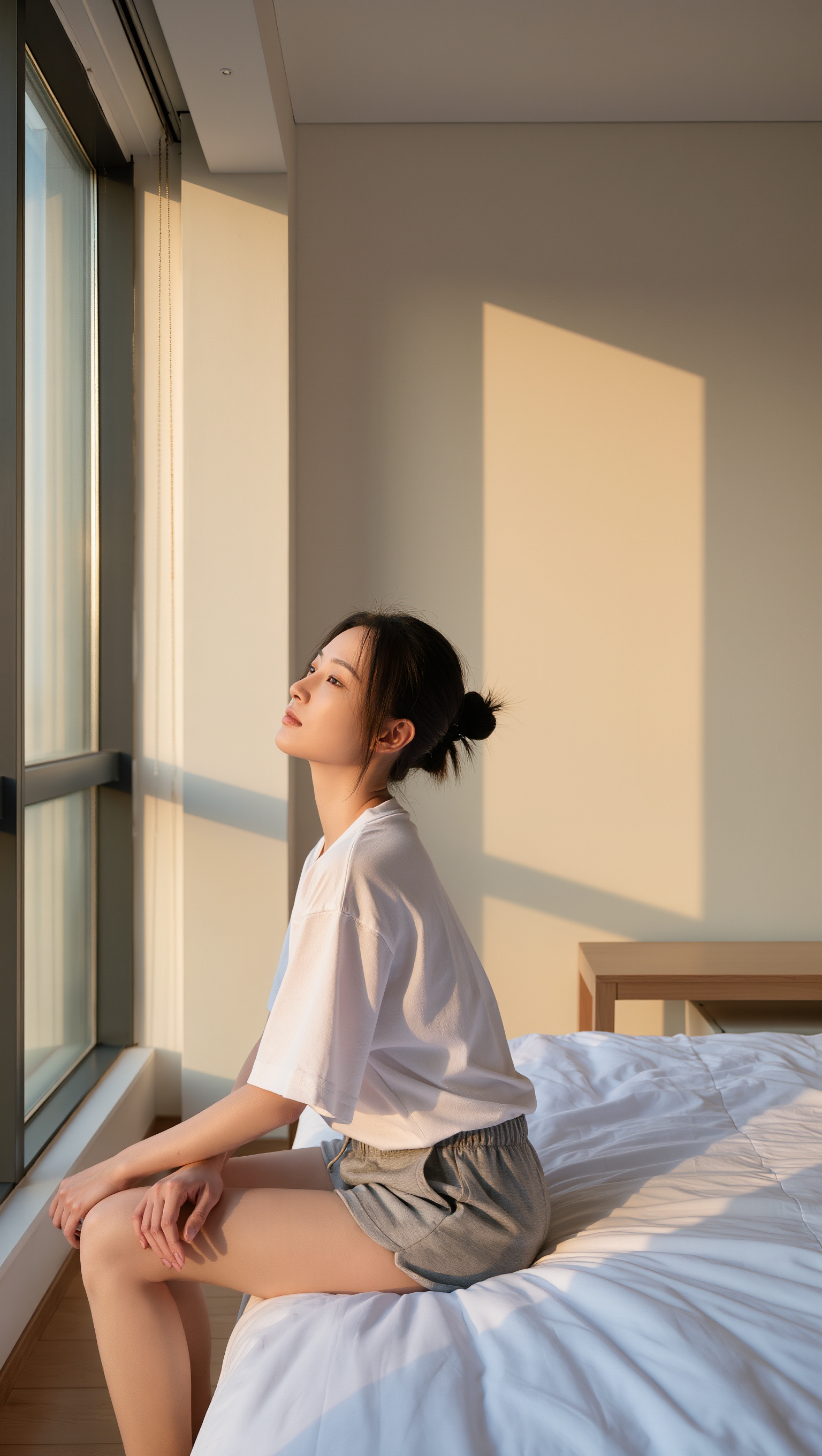
Kling AI work 310446100522478 - walk youtube thumbnail AI image
ORlOPSzF avatar
ORlOPSzF
Kling AI work 297793310501535 - walk youtube thumbnail AI video
WkJIVgQd avatar
WkJIVgQd
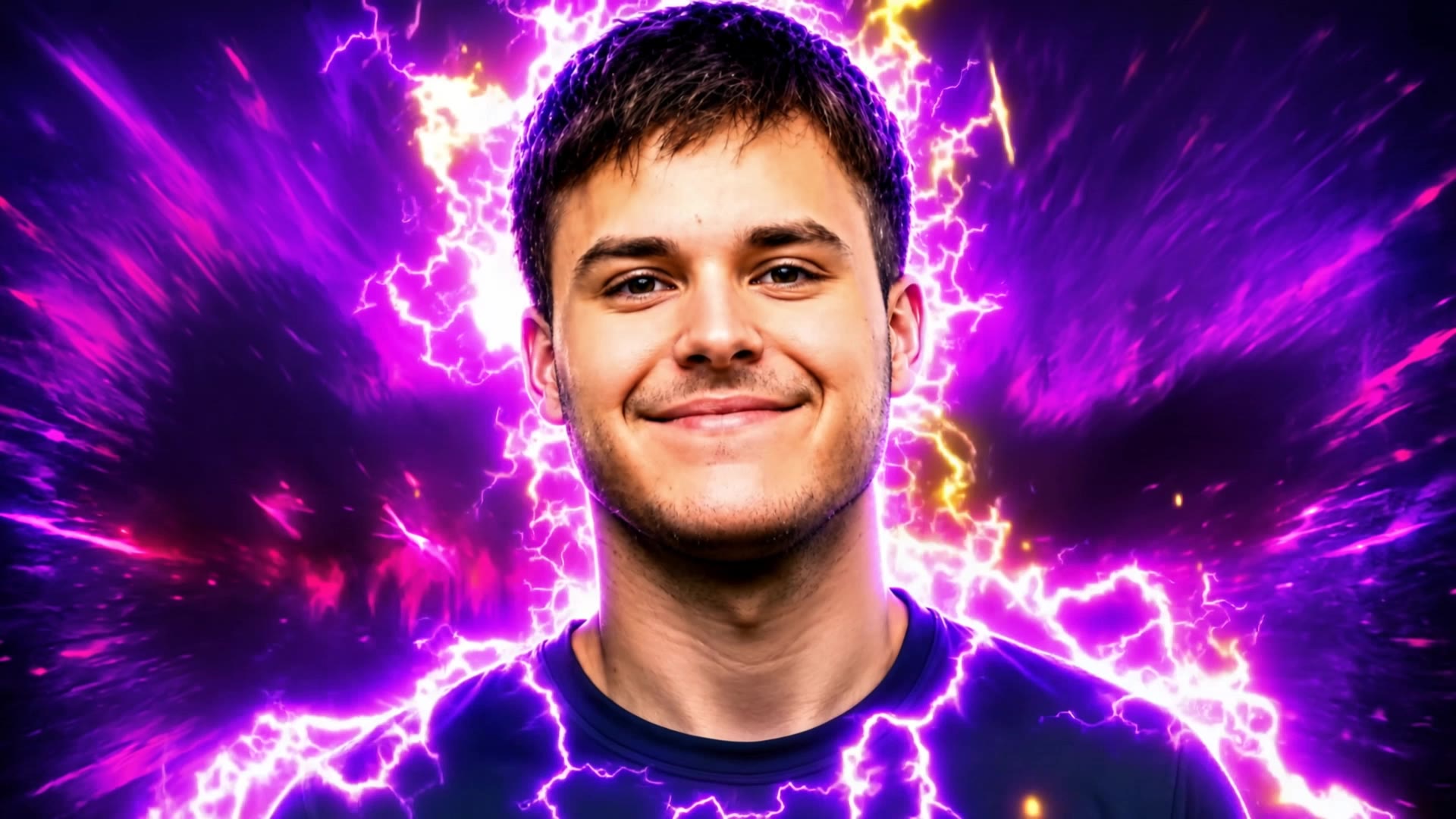
Kling AI work 299787239613018 - walk youtube thumbnail AI image
jUEfOhTq avatar
jUEfOhTq
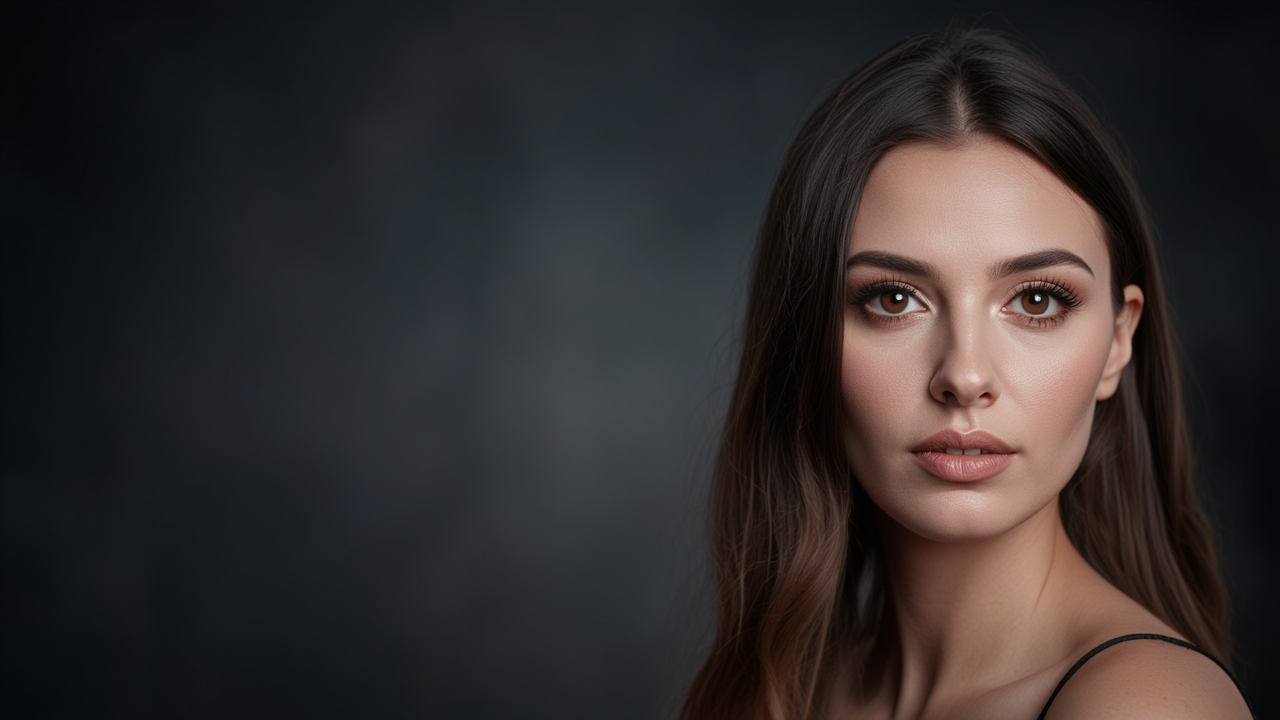
Kling AI work 317642821524166 - walk youtube thumbnail AI image
IHdQEkKw avatar
IHdQEkKw
Kling AI work 317193554307259 - walk youtube thumbnail AI image
IEWbSjnk avatar
IEWbSjnk
Kling AI work 315532622508979 - walk youtube thumbnail AI image
keezounlocked avatar
keezounlocked
Kling AI work 314619108664423 - walk youtube thumbnail AI image
AtBJSUiJ avatar
AtBJSUiJ
Kling AI work 309234009662026 - walk youtube thumbnail AI image
LSqQrVrV avatar
LSqQrVrV
Kling AI work 311407429664849 - walk youtube thumbnail AI video
kApxHeWm avatar
kApxHeWm
Gaming Intro @Ian77 - walk youtube thumbnail AI video
RunbJbBG avatar
RunbJbBG
Kling AI work 298632886527731 - walk youtube thumbnail AI image
VASYA avatar
VASYA
Kling AI work 316944330526809 - walk youtube thumbnail AI image
TAHSPHRg avatar
TAHSPHRg
Kling AI work 315147294663697 - walk youtube thumbnail AI image
ALWLdGnx avatar
ALWLdGnx
Kling AI work 298492465527985 - walk youtube thumbnail AI image
VASYA avatar
VASYA
Kling AI work 312179907613565 - walk youtube thumbnail AI video
QjVycWlP avatar
QjVycWlP
Kling AI work 312100981616453 - walk youtube thumbnail AI image
pwdsGdco avatar
pwdsGdco
Kling AI work 298451220310471 - walk youtube thumbnail AI image
VASYA avatar
VASYA
Kling AI work 316053495615474 - walk youtube thumbnail AI video
mpXXMDwi avatar
mpXXMDwi
Kling AI work 313779716617089 - walk youtube thumbnail AI video
TwJjigEq avatar
TwJjigEq

How to Use Kling AI Art Generator

Start with a Prompt

Start with a Prompt

Open IMAGE 3.0 Omni. Write what you want to make, upload an existing image, or add references that show the character, object, composition, or style you want Kling to follow.

Set the Art Direction

Set the Art Direction

Add the details that matter to the piece: medium, palette, mood, lighting, framing, perspective, or another visual cue. When you use several references, tell Kling what each one contributes instead of leaving the relationship between them ambiguous.

Generate and Keep Working

Generate and Keep Working

Generate the artwork, review the result, and adjust the prompt or creative direction if needed. For connected images, continue the idea with Image Series.

Improve Video Quality Beyond Resolution

Give Your Video a Cinematic Finish in 4K

Give Your Video a Cinematic Finish in 4K

Choose 4K in the output settings to give your footage a finely detailed finish. From the texture of fabric to the contours of a face, bring small details into view for larger screens and close-up shots. Give family recordings, social clips, and creative projects a richer presentation.

Fix Lighting, Color, and the Overall Look

Fix Lighting, Color, and the Overall Look

A good clip can still fall flat because of dull color, poor lighting, or an awkward composition. Use prompts to reduce visible grain and digital noise in low-light footage, then refine the lighting, color, and composition. Turn an ordinary view into an expressive close-up, bring warmth to a dim scene, or change the weather and time of day. Shape the overall look without adjusting every element by hand.

Fill in the Gaps for More Fluid Motion

Fill in the Gaps for More Fluid Motion

Upload your video and describe the missing action or moment you want to add. Add reference images when needed, then use Kling to generate additional footage that helps connect existing moments with less manual editing.

Apps

Image to Video
Image to Video

Image to Video

Text to Video
Text to Video

Text to Video

Omni
Omni

Omni

Digital Human
Digital Human

Digital Human

Restyle
Restyle

Restyle

Text to Image
Text to Image

Text to Image

60M+
60M+
Users
600M+
600M+
AI Videos Generated
4.7 ★
4.7 ★
App Store
Industry-Leading
Industry-Leading
Cinematic 4K

Reviews

Samuele Poggi (@visualsk2)

Samuele Poggi (@visualsk2)

★★★★★

I use Kling AI daily to push the limits of AI filmmaking. It allows me to create highly cinematic content, blending AI and VFX to develop innovative projects. It has significantly impacted my creative process, enabling me to achieve complex animations that would otherwise require high production budgets.

Ozan Sihay

Ozan Sihay

★★★★★

Kling AI allows me to rapidly prototype ideas, refine storytelling elements, and produce visually compelling content efficiently. It has not only accelerated my creative processes, but also deepened my understanding of how AI can enrich visual storytelling.

James Phillips

James Phillips

★★★★★

Kling AI has transformed my workflow by collapsing timelines and democratizing production. It’s shifted my mindset from resource-dependent filmmaking to a boundless creative sandbox, where experimentation yields unexpected beauty.

FAQ

Q1Is Kling AI image generator free to use?
Q2Does Kling AI support 2K or 4K image generation?
Q3How do I create an AI image with Kling AI?

Change the Shot Without Reshooting It

Upload your footage, describe the result, and let Kling rebuild the scene around your direction.

Free tier available | Simple prompt editing | Up to 4K output | Fast generation