
Creative Studio
API
Resources
Features
About Us
Download

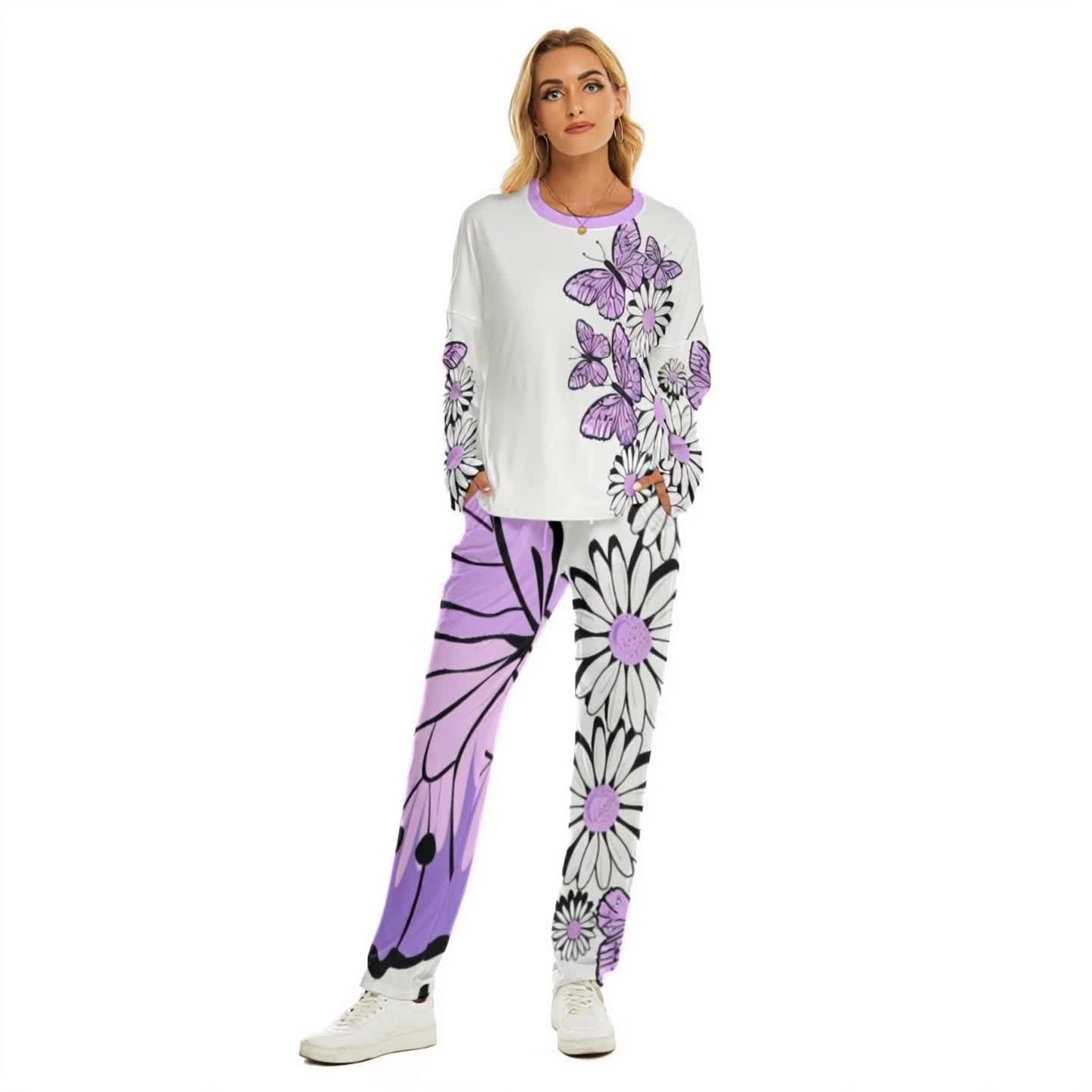
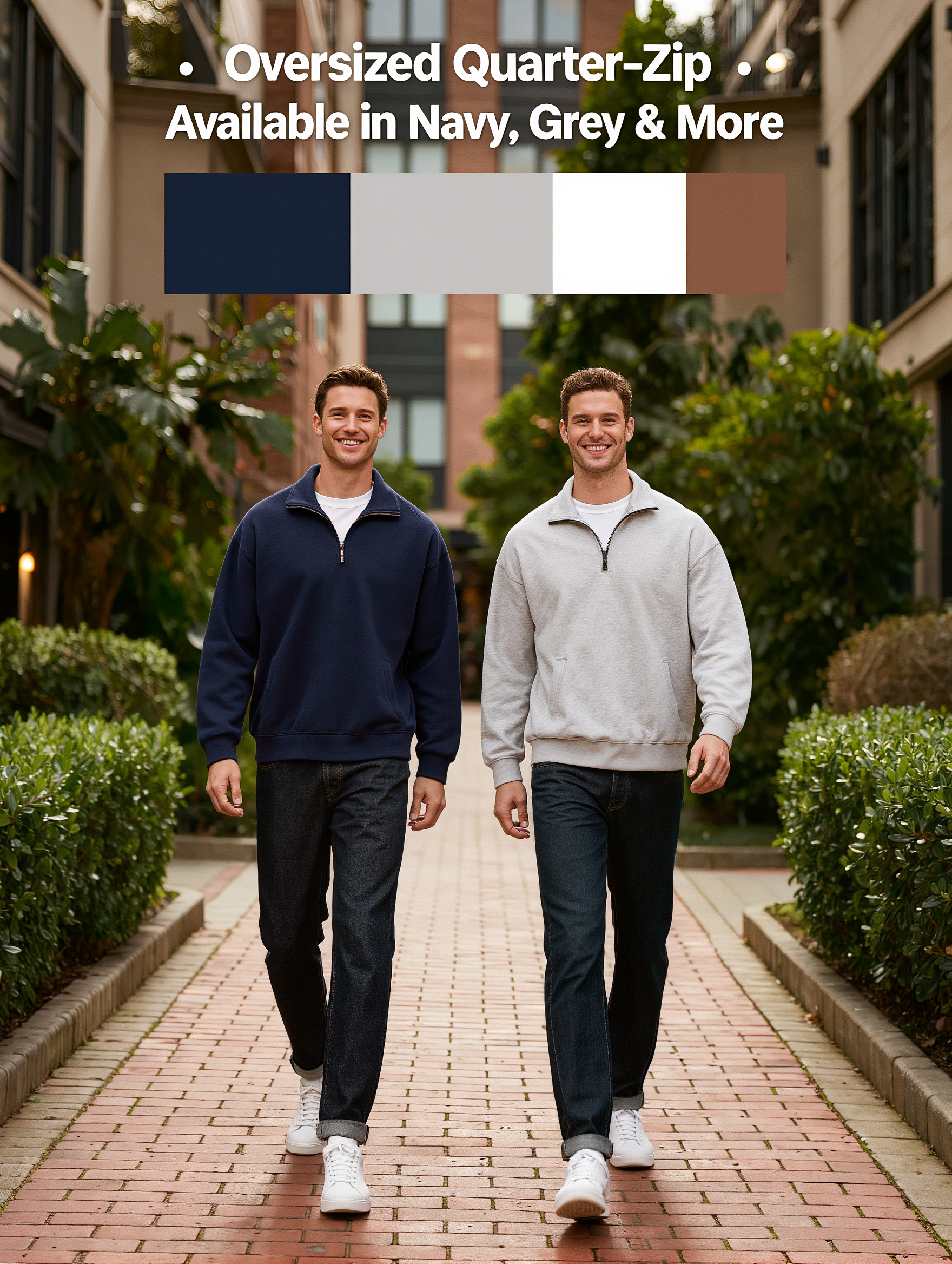
walkway model - outdoor showcase & custom outfit display

Witness the elegance of models showcasing designer outfits on diverse walkways, from serene park paths to bustling street settings. Immerse in the fusion of fashion and environment as each step tells a story. Start exploring walkway model ideas and generate your own content with AI.

walkway model - outdoor showcase & custom outfit display

Recommended

Kling AI work 318066654614421 - walkway model AI video
KKAypvaw avatar
KKAypvaw
photo shooting of new girl model - walkway model AI video
Nobody0 avatar
Nobody0
Woman Out of Time - walkway model AI video
KLING2836 avatar
KLING2836
Kling AI work 311405684505721 - walkway model AI video
Nickoteen avatar
Nickoteen
Live Fashion Model - walkway model AI video
themusetech avatar
themusetech
Kling AI work 313842188502157 - walkway model AI image
dWwnWFeO avatar
dWwnWFeO
Kling AI work 317666764610153 - walkway model AI image
jXAzRLlZ avatar
jXAzRLlZ
ai model  - walkway model AI video
qHKWnWZf avatar
qHKWnWZf
MOdel 1 - walkway model AI video
ЛУна2 avatar
ЛУна2
Kling AI work 297291750618702 - walkway model AI image
Oasis Imagine avatar
Oasis Imagine
A model walks the ramp - walkway model AI image
SfxqjxoY avatar
SfxqjxoY
Kling AI work 317667139524043 - walkway model AI video
jXAzRLlZ avatar
jXAzRLlZ
Extraterrestrial model - walkway model AI video
CSJwOpoQ avatar
CSJwOpoQ
Kling AI work 297291541610166 - walkway model AI image
Oasis Imagine avatar
Oasis Imagine
Kling AI work 307897268666974 - walkway model AI video
PDYFRKQg avatar
PDYFRKQg
Model perform - walkway model AI video
RamZ avatar
RamZ
Elite Creator
Kling AI work 289372374501312 - walkway model AI video
cVOIEAoS avatar
cVOIEAoS
Model - walkway model AI video
QlrtqZoQ avatar
QlrtqZoQ
Model - walkway model AI image
artisticvideo avatar
artisticvideo
Elite Creator

How to Upscale Video to 4K with Kling AI

Upload Your Video

Upload Your Video

Upload the video you want to improve to Kling VIDEO 3.0 Omni. You can work with clips between 3 and 10 seconds, including lower-resolution, blurry, compressed, or AI-generated footage.

Describe the Result You Want

Describe the Result You Want

Enter a prompt for any changes you want alongside the upscale. You can ask for clearer detail or adjust lighting, color, atmosphere, background, and other visual elements while keeping the original footage as your starting point.

Generate Your 4K Video

Generate Your 4K Video

Select 4K as the output resolution and generate your new video. Review the result for clarity, detail, and subject appearance, then refine your prompt or references if you want another version.

Natural Face Swaps Without the Editing Hassle

Image Face Swap Without the Busywork

Image Face Swap Without the Busywork

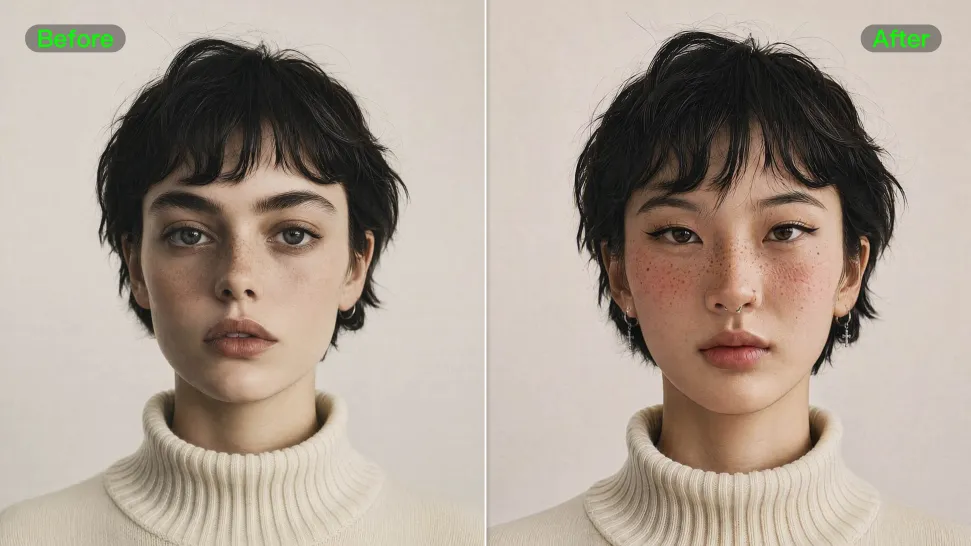
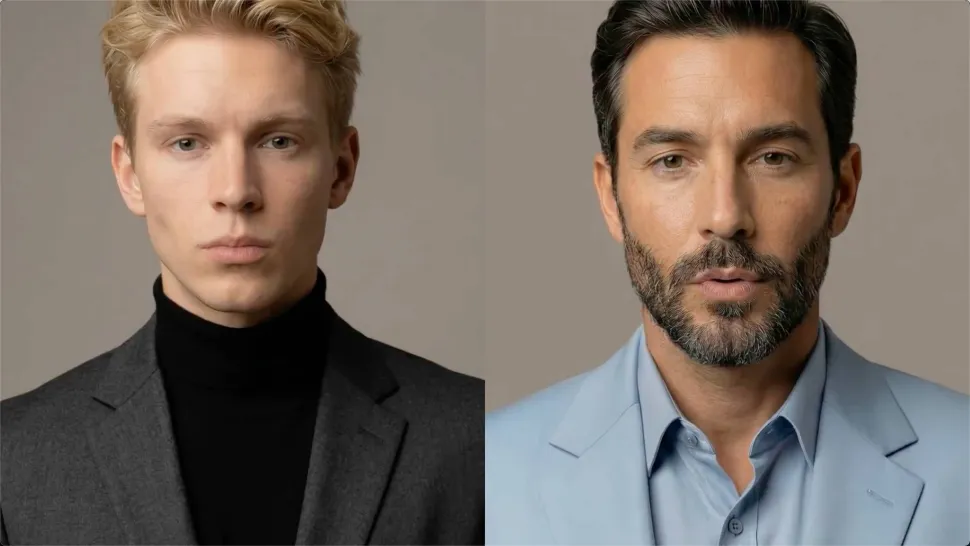
From portrait-style shots to playful creative images, Kling IMAGE 3.0 helps you create more natural and consistent face swaps. Add the photo you want to edit, provide a face reference, and tell Kling AI what you want to change. The edit can stay close to the original photo, helping the new face feel like part of the image rather than something added on top.
Keep the Same Face Across Angles and Shots

Keep the Same Face Across Angles and Shots

A single reference does not always show everything. Add multiple views or use a character element to give Kling AI more information about the person you want to preserve. Kling VIDEO 3.0 Omni uses those references to help maintain key identity features as the subject changes pose, the camera moves, or the scene shifts—especially useful for moving footage and multi-shot videos where consistency matters.
Change the Face, Keep the Scene

Change the Face, Keep the Scene

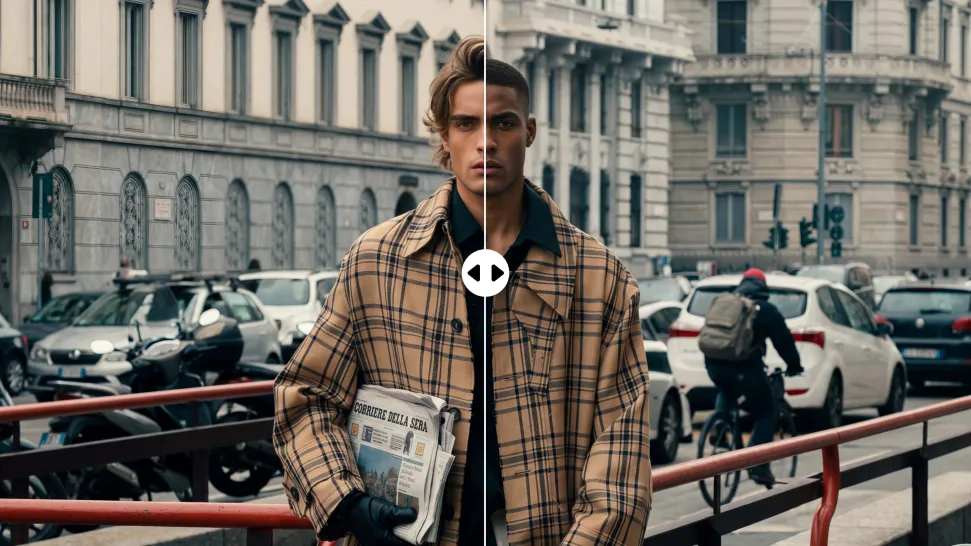
Swap the face, not the whole scene. Kling AI keeps the original lighting, mood, and overall look in place, helping the new face blend naturally into the shot while the setting and visual feel stay true to the original.

Apps

Image to Video
Image to Video

Image to Video

Text to Video
Text to Video

Text to Video

Omni
Omni

Omni

Digital Human
Digital Human

Digital Human

Restyle
Restyle

Restyle

Text to Image
Text to Image

Text to Image

60M+
60M+
Users
600M+
600M+
AI Videos Generated
4.7 ★
4.7 ★
App Store
Industry-Leading
Industry-Leading
Cinematic 4K

Reviews

Vincent Smadja

Vincent Smadja

★★★★★

Kling AI seamlessly integrates into my creative workflow, playing a key role in transforming my images. After generating and upscaling an image, Kling becomes a crucial element, bringing my creations to life with movement and depth.

Jyo John Mulloor

Jyo John Mulloor

★★★★★

Kling AI has been instrumental in transforming my creative workflow, unlocking new dimensions of artistic expression that were once unimaginable. I use Kling AI extensively to develop high-concept visuals, animate surreal dreamscapes, and create AI-assisted films that blur the line between reality and fantasy. Kling AI’s deep learning capabilities have not only enhanced my creative efficiency but also inspired me to explore storytelling in ways I never thought possible.

Samuele Poggi (@visualsk2)

Samuele Poggi (@visualsk2)

★★★★★

I use Kling AI daily to push the limits of AI filmmaking. It allows me to create highly cinematic content, blending AI and VFX to develop innovative projects. It has significantly impacted my creative process, enabling me to achieve complex animations that would otherwise require high production budgets.

FAQ

Q1What styles can I create with an AI profile picture maker?
Q2Can I make a profile picture for YouTube with AI?
Q3What kind of selfie should I use to make a profile picture?

Turn Your Script into a Cinematic Multi-Shot Video

Start with one scene, work out how the camera should tell it, and turn the written beat into a sequence with dialogue, sound, and recurring characters built into the generation.