Creative Studio
API
Resources
Features
About Us
Download

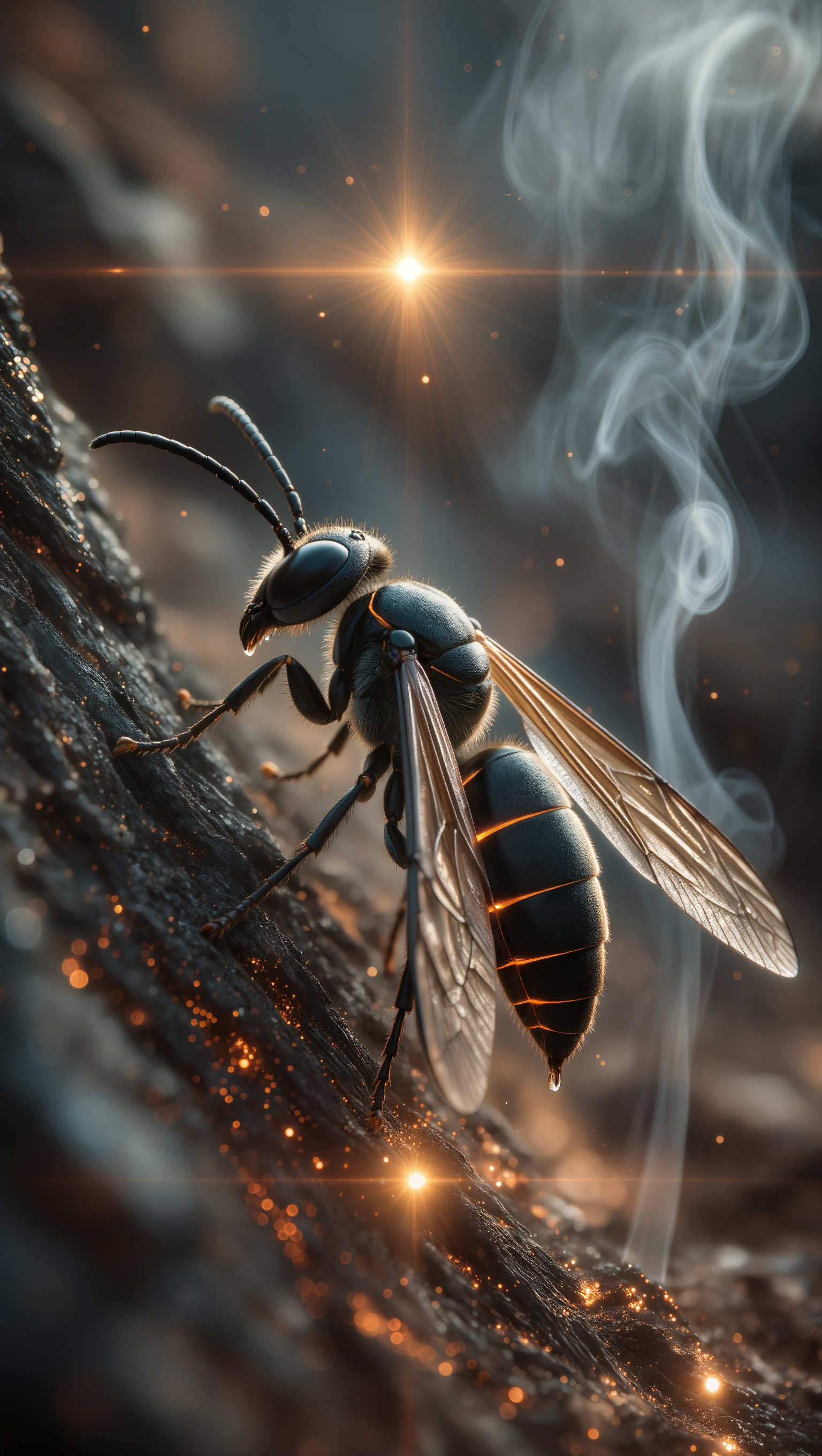
wasp images - crystalline bodies & steampunk designs

Witness wasps with amethyst bodies and carbon-textured exoskeletons in fantastical settings, alongside futuristic giants in surreal light worlds. Start exploring wasp images ideas and generate your own content with AI.

wasp images - crystalline bodies & steampunk designs

Recommended

Kling AI work 298647116658031 - wasp images AI video
yZEhBqTu avatar
yZEhBqTu
Kling AI work 309641722527670 - wasp images AI video
lRZCRUhX avatar
lRZCRUhX
Kling AI work 296092408611414 - wasp images AI image
✧ AlienWorld ✧ avatar
✧ AlienWorld ✧
Kling AI work 298647354610423 - wasp images AI video
yZEhBqTu avatar
yZEhBqTu
Kling AI work 298720918657586 - wasp images AI video
Tony avatar
Tony
Kling AI work 310582289527148 - wasp images AI image
Phobus avatar
Phobus
Kling AI work 317297860305534 - wasp images AI image
TLWSLvKO avatar
TLWSLvKO
Kling AI work 296585085504827 - wasp images AI image
✧ AlienWorld ✧ avatar
✧ AlienWorld ✧
Kling AI work 316940582660396 - wasp images AI video
jeff the robin avatar
jeff the robin
Denim‑Veiled Wasp - wasp images AI image
Wessonverse avatar
Wessonverse
Elite Creator
Kling AI work 318856712521882 - wasp images AI video
LittleThailandGarden avatar
LittleThailandGarden
Kling AI work 296585085527822 - wasp images AI image
✧ AlienWorld ✧ avatar
✧ AlienWorld ✧
Kling AI work 307689511504018 - wasp images AI image
rYJSXbTI avatar
rYJSXbTI
Kling AI work 316484835618806 - wasp images AI video
GXfkHTGr avatar
GXfkHTGr
miko x mannie 😍 - wasp images AI image
miko avatar
miko
Kling AI work 311881705507547 - wasp images AI image
SugikuSynth avatar
SugikuSynth
Kling AI work 307689616536312 - wasp images AI image
rYJSXbTI avatar
rYJSXbTI
Kling AI work 312316827618366 - wasp images AI video
KLING9723 avatar
KLING9723
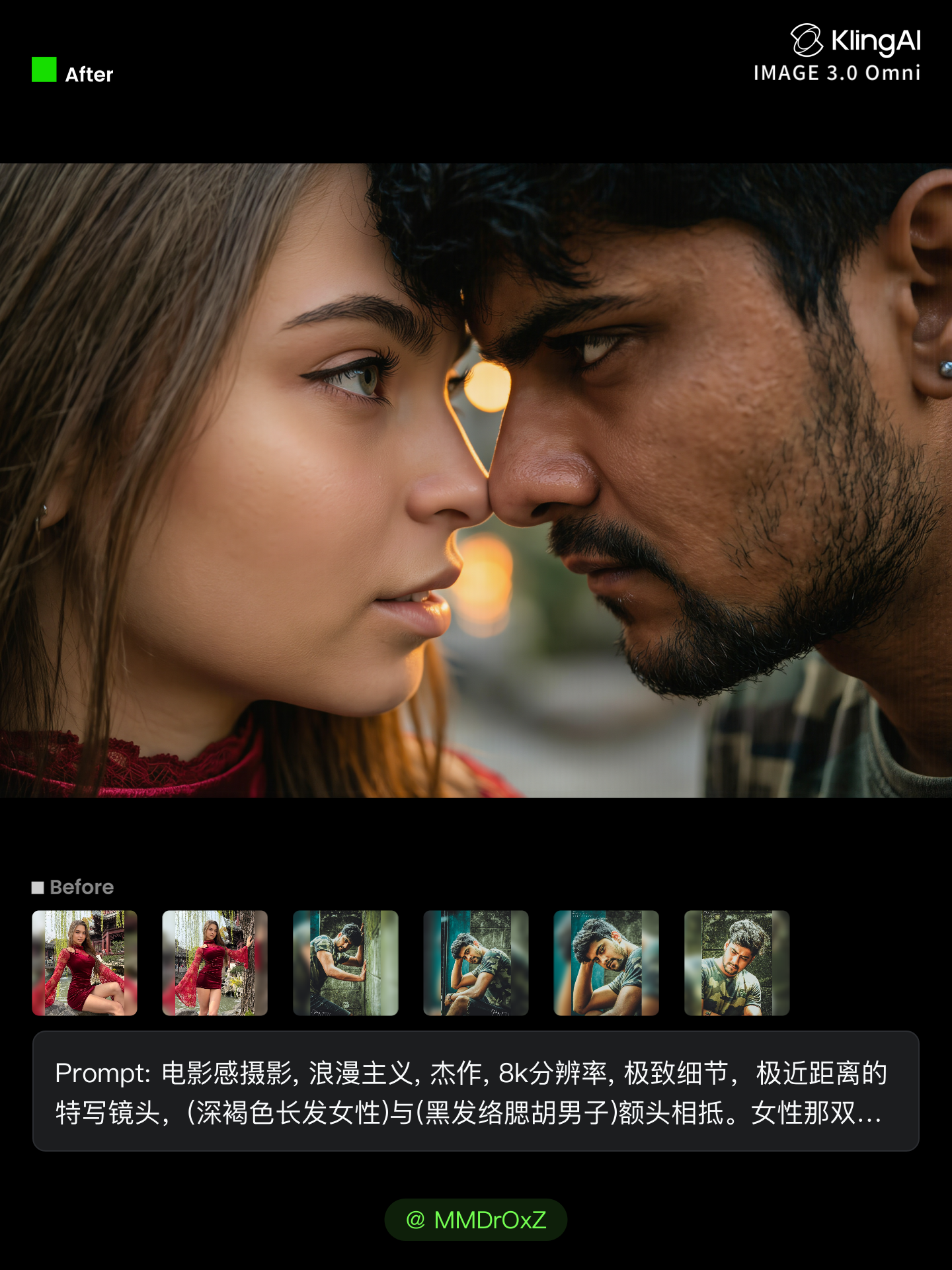
Kling AI work 307712658610223 - wasp images AI image
MMDrOxZ avatar
MMDrOxZ

How to Make an Avatar with Kling

Bring a Photo or an Idea

Bring a Photo or an Idea

Have an original photo to recreate? Upload it and use it as the visual starting point. If you would rather invent someone new, skip the photo and begin with a description.

Make the Look Your Own

Make the Look Your Own

Describe the avater you want to see, including the features, hairstyle, or outfit, or take the whole image into a different art style. The more specific the direction, the easier it is to shape the result around your idea.

Generate Your Avatar

Generate Your Avatar

Choose the available image settings and generate your avatar. Found one that feels close? Use it on other platforms right away.

Edit Any Part with Kling AI

Add, Remove, or Replace Image Content

Add, Remove, or Replace Image Content

Tell Kling what you want to change in text prompts. Replace a person, remove an object, or fine-tune details such as color, material, pose, and expression. Even detailed edits take fewer and easier steps because you can change the photo with AI instead of with traditional photo editing tools. IMAGE 3.0 follows your instruction while keeping the photo’s original style, lighting, and texture in place, so the edited area still belongs in the same shot.

Change the Color, Lighting, or Style

Change the Color, Lighting, or Style

Give an existing photo a different mood effortlessly. Lift a dim scene, soften harsh light, warm or cool the colors, or bring color to a black-and-white photo or line drawing. A short prompt replaces the usual round of manual adjustments. Looking for a bigger shift? Add a style reference or spell out the visual direction. IMAGE 3.0 carries the palette, texture, and atmosphere across the whole image, so the new look feels cohesive rather than pasted on. Use it for studio-style professional headshots, distinctive portrait treatments, cinematic scene design, or a visual style that feels entirely your own.

Rework the Shot or Camera Angle

Rework the Shot or Camera Angle

Tell Kling how you want the shot to look in a text prompt. Turn a front-facing photo into a side view, move the camera higher or lower, or change a wide shot into a close-up. You can explore a new composition around the same subject without setting up another shoot. IMAGE 3.0 rebuilds the scene from the angle you request, adjusting the perspective, camera height, shot size, focal length, and depth of field along with it. The result is a newly generated view based on the source photo, rather than hidden details recovered from outside the original frame.

Apps

Image to Video
Image to Video

Image to Video

Text to Video
Text to Video

Text to Video

Omni
Omni

Omni

Digital Human
Digital Human

Digital Human

Restyle
Restyle

Restyle

Text to Image
Text to Image

Text to Image

60M+
60M+
Users
600M+
600M+
AI Videos Generated
4.7 ★
4.7 ★
App Store
Industry-Leading
Industry-Leading
Cinematic 4K

Reviews

James Phillips

James Phillips

★★★★★

Kling AI has transformed my workflow by collapsing timelines and democratizing production. It’s shifted my mindset from resource-dependent filmmaking to a boundless creative sandbox, where experimentation yields unexpected beauty.

PJ Ace

PJ Ace

★★★★★

Kling AI has made it easy for us to generate world class visuals for Fortune 500 companies, TV shows and music for big artists. We love the easy of use of the platform and the quality of the generations. My first time using Kling AI, I got 22 million views on just one video. It's that good.

KakuDrop

KakuDrop

★★★★★

I have successfully collaborated with world-renowned artists and well-known companies that are recognized globally

FAQ

Q1Can I improve image quality without changing the original style?
Q2Can AI enhance blurry photos and restore details?
Q3Can I adjust my image after enhancement?

Remove Watermarks, Create Clean Visuals

Remove unwanted watermarks, logos, and distractions with Kling AI. Create cleaner visuals while keeping the important elements, style, and character that make your images unique.

Watermark Removal | Logo & Text Removal | 2K/4K output