
GWqKcmGk
0
Immerse in the elegance of luxury timepieces and the powerful theme of silent dominance with unique AI-crafted visuals. Start exploring watch alpha 2018 ideas and generate your own content with AI.





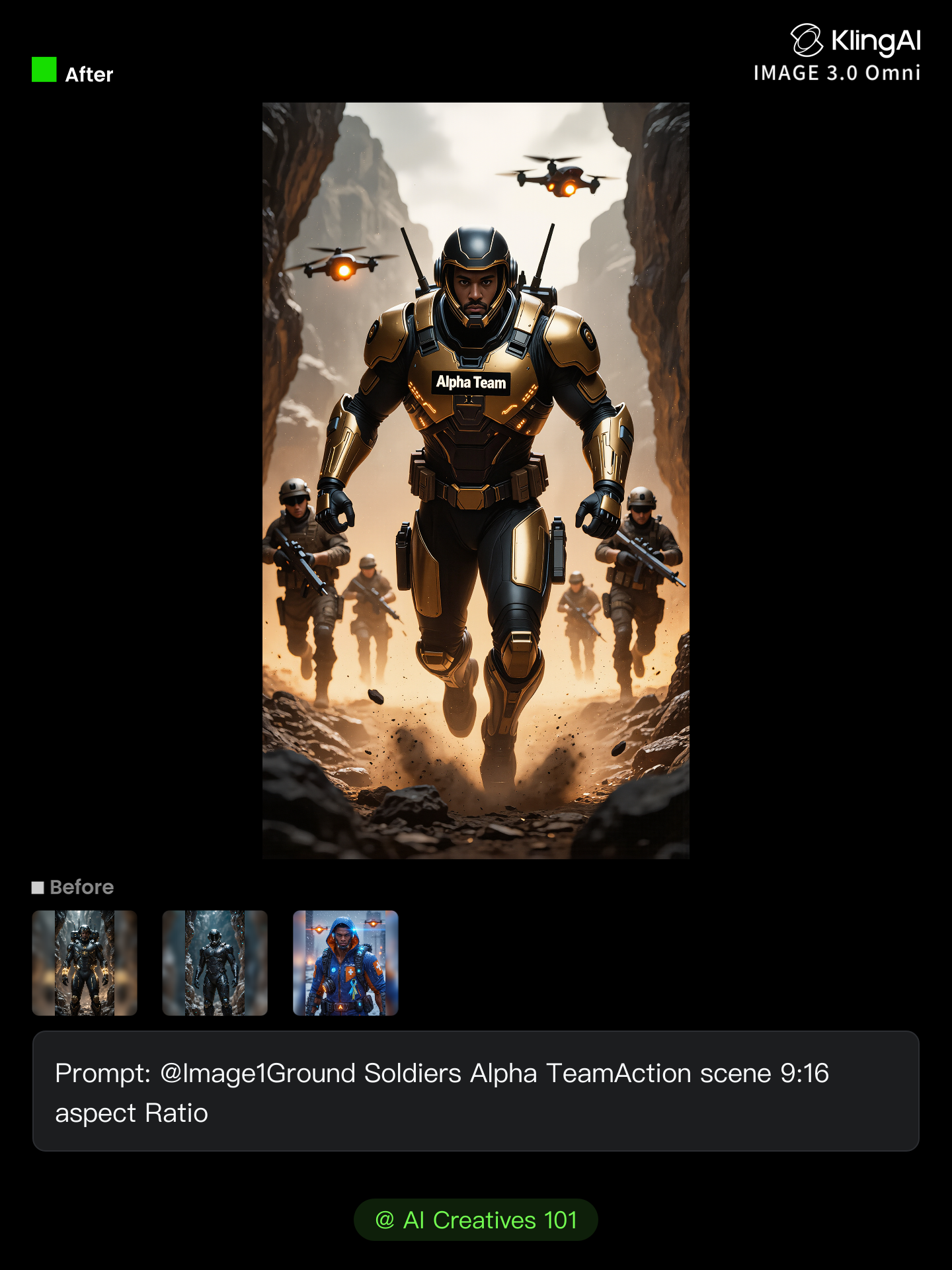











Mix and match details from multiple reference images instead of relying on just one. Assign each reference to a different part of the look, from clothing and footwear to smaller accessories, while IMAGE 3.0 Omni combines them into a single outfit. The result is a more controlled styling process and a final look that stays closer to your creative direction.

Changing the clothes should not make the person look like someone else. IMAGE 3.0 Omni helps keep key details such as the face, hairstyle, pose, and overall appearance familiar and recognizable, making it easier to try casual looks, formalwear, or completely different styles while keeping the same person consistent.

A convincing AI clothes swap should look like the outfit belongs in the original image. IMAGE 3.0 Omni works with the existing lighting, perspective, textures, and surroundings so the new outfit blends more naturally with the scene, helping fabric, folds, accessories, and other details feel less edited and more like part of a real fashion photo.

















Kling AI allows me to rapidly prototype ideas, refine storytelling elements, and produce visually compelling content efficiently. It has not only accelerated my creative processes, but also deepened my understanding of how AI can enrich visual storytelling.

I use AI daily and Kling AI is a crucial part of my workflow, whether for client work or personal projects. What I love most about using Kling AI is that it provides all the tools I need in one place, from keyframes to character references, elements and special effects.

I’ve been using Kling AI since its initial release, and it’s remained one of the leading AI media generators ever since. With Kling AI, I’ve created hundreds of videos, collectively amassing millions of views.
Keep the footage you already have and give it a higher-resolution finish. Upscale short videos to 4K, bring out more visible detail, and use prompts or references when you want more control over the final result.