Creative Studio
API
Resources
Features
About Us
Download

Water-Themed Design Ideas – AI Inspirations

Find AI-generated water-themed design ideas. Create stunning water-related visuals with AI help, perfect for various projects.

Water-Themed Design Ideas – AI Inspirations

Recommended

water world  - water AI video
00:10
AniMaine avatar
AniMaine
water wears away stone - water AI video
Andrey_byvfh avatar
Andrey_byvfh
Water Godess - water AI video
Ivy Oshun avatar
Ivy Oshun
blue water - water AI video
Logotypin avatar
Logotypin
Elite Creator
Girl Made of Water - water AI image
Allsa avatar
Allsa
blue water - water AI video
Logotypin avatar
Logotypin
Elite Creator
water - water AI video
acidburn avatar
acidburn
Woman in water - water AI video
POPONE avatar
POPONE
Elite Creator
Girl Drink Water - water AI video
BladeBaa avatar
BladeBaa
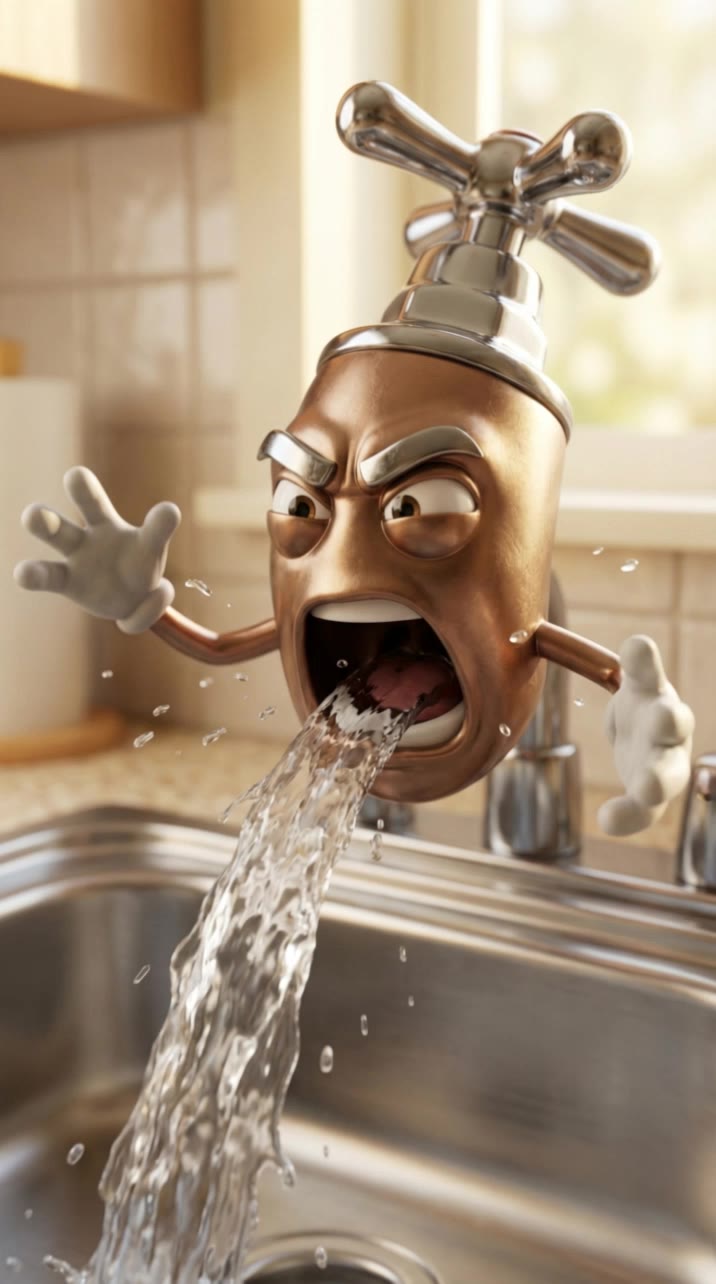
water faucet - water AI video
KLING4648 avatar
KLING4648
water - water AI video
ai_master_ua avatar
ai_master_ua
Underground Water Source - water AI video
ugmbwuOb avatar
ugmbwuOb
Dancing on Water - water AI video
neurodreams.exe avatar
neurodreams.exe
Elite Creator
Power of Water - water AI video
Muhammad Nasir avatar
Muhammad Nasir
showing the water cycle - water AI video
JPfwuJQS avatar
JPfwuJQS
Water drop - water AI video
Pasbau avatar
Pasbau
drop water - water AI video
TZpmsYAE avatar
TZpmsYAE
pure water pours - water AI video
WMBMvBRX avatar
WMBMvBRX
Water - water AI video
Ali avatar
Ali

How to Generate AI Voices from Text with Kling AI

Step 1: Set Up Your Characters

Step 1: Set Up Your Characters

Start with a character in your prompt, or add a supported image, Character Element, or video reference when you already have a specific character in mind.

Step 2: Add Dialogue and Voice Direction

Step 2: Add Dialogue and Voice Direction

Write each character's dialogue and make the speaker clear in your prompt. Add directions for the language, accent, tone, emotion, or delivery when they matter to the scene. For scenes with multiple speakers, keep each character's name, line, and voice direction clearly connected.

Step 3: Generate Videos with Native Audio

Step 3: Generate Videos with Native Audio

Generate with Native Audio to create the dialogue as part of the video itself. Kling VIDEO 3.0 Omni produces voice, facial performance, lip movement, visuals, ambience, and supporting sound within the same generation.

Key Features of Kling AI Text-to-Image Generator

Create Detailed Images From Text Prompts

Create Detailed Images From Text Prompts

Turn your text descriptions into detailed images with Kling AI. Describe the subject, scene, style, and composition you want, and the model transforms your prompt into visuals that match your creative direction. Create realistic portraits, cinematic scenes, product visuals, and artistic images directly from text.

Keep Characters And Visual Elements Consistent

Keep Characters And Visual Elements Consistent

Create characters and visual concepts that remain consistent across different images. Kling IMAGE 3.0 uses reference images to preserve important details, including appearance, clothing, objects, and overall style. This makes it easier to create character designs, brand visuals, and image series with a consistent look.

Explore Different Styles And Variations

Explore Different Styles And Variations

Explore different visual directions with prompts and reference images. Adjust composition, perspective, lighting, and style to create new variations while keeping the main concept consistent. This helps you test different ideas and develop visuals for artwork, marketing materials, and creative projects.

Apps

Image to Video
Image to Video

Image to Video

Text to Video
Text to Video

Text to Video

Omni
Omni

Omni

Digital Human
Digital Human

Digital Human

Restyle
Restyle

Restyle

Text to Image
Text to Image

Text to Image

60M+
60M+
Users
600M+
600M+
AI Videos Generated
4.7 ★
4.7 ★
App Store
Industry-Leading
Industry-Leading
Cinematic 4K

Reviews

Jyo John Mulloor

Jyo John Mulloor

★★★★★

Kling AI has been instrumental in transforming my creative workflow, unlocking new dimensions of artistic expression that were once unimaginable. I use Kling AI extensively to develop high-concept visuals, animate surreal dreamscapes, and create AI-assisted films that blur the line between reality and fantasy. Kling AI’s deep learning capabilities have not only enhanced my creative efficiency but also inspired me to explore storytelling in ways I never thought possible.

James Phillips

James Phillips

★★★★★

Kling AI has transformed my workflow by collapsing timelines and democratizing production. It’s shifted my mindset from resource-dependent filmmaking to a boundless creative sandbox, where experimentation yields unexpected beauty.

Huang Lu (Elson)

Huang Lu (Elson)

★★★★★

I’ve been using Kling AI since its initial release, and it’s remained one of the leading AI media generators ever since. With Kling AI, I’ve created hundreds of videos, collectively amassing millions of views.

FAQ

Q1Will AI restoration change faces in old photos?
Q2How does AI photo restoration work?
Q3Can AI restore faded colors in old photos?

Start Creating AI Videos with Kling

Turn your text or images into a stunning, high-quality video in seconds. No watermarks, No complicated setup.

Free tier includes watermark (Memberships are watermark-free) | 1080p export (Pro unlocks 4K) | Instant results