

Allsa
2
Witness the serene power of water bending through captivating visuals of water dragons and spellcasting amidst ancient, mist-laden jungles. Immerse in the tranquil yet formidable art where every drop and ripple tells a story of control and discipline. Start exploring water bending ideas and generate your own content with AI.

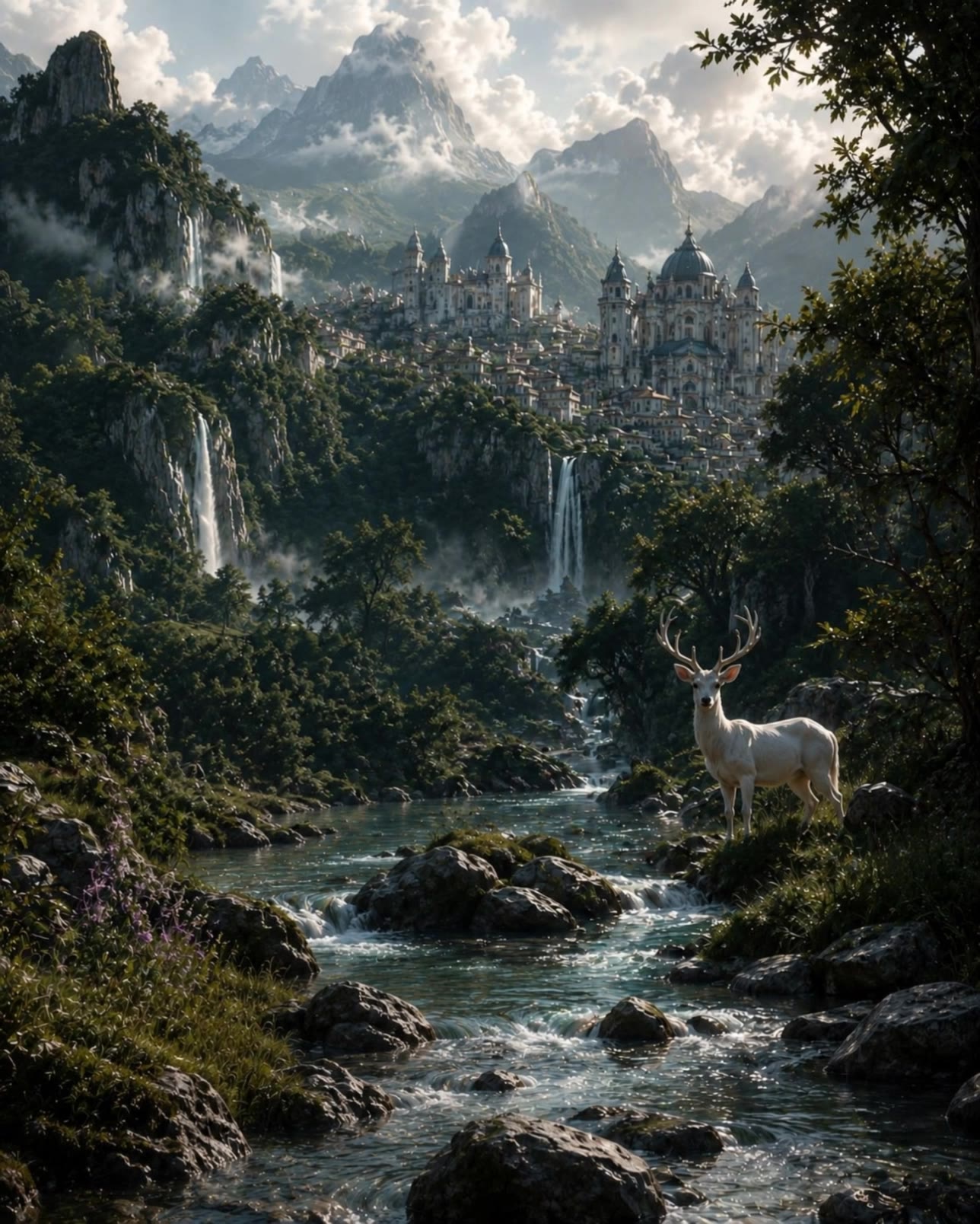




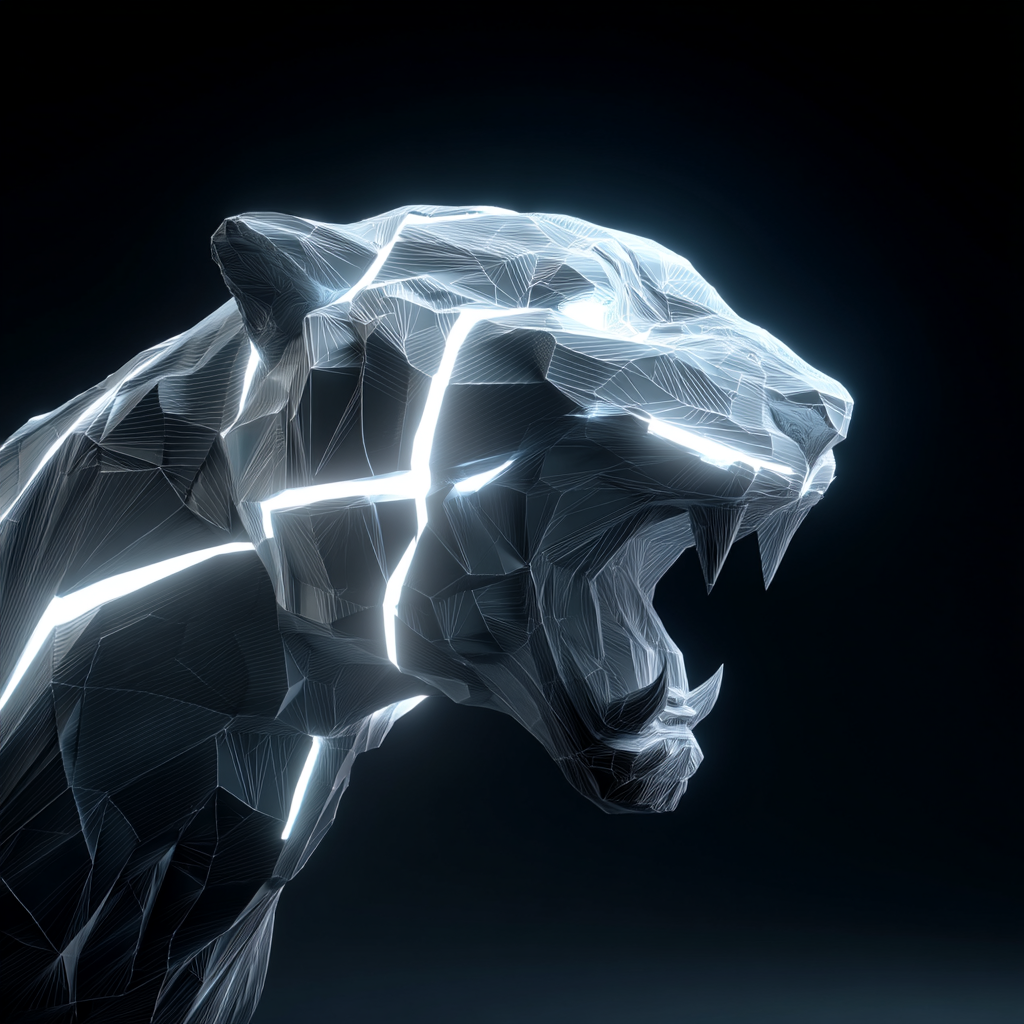


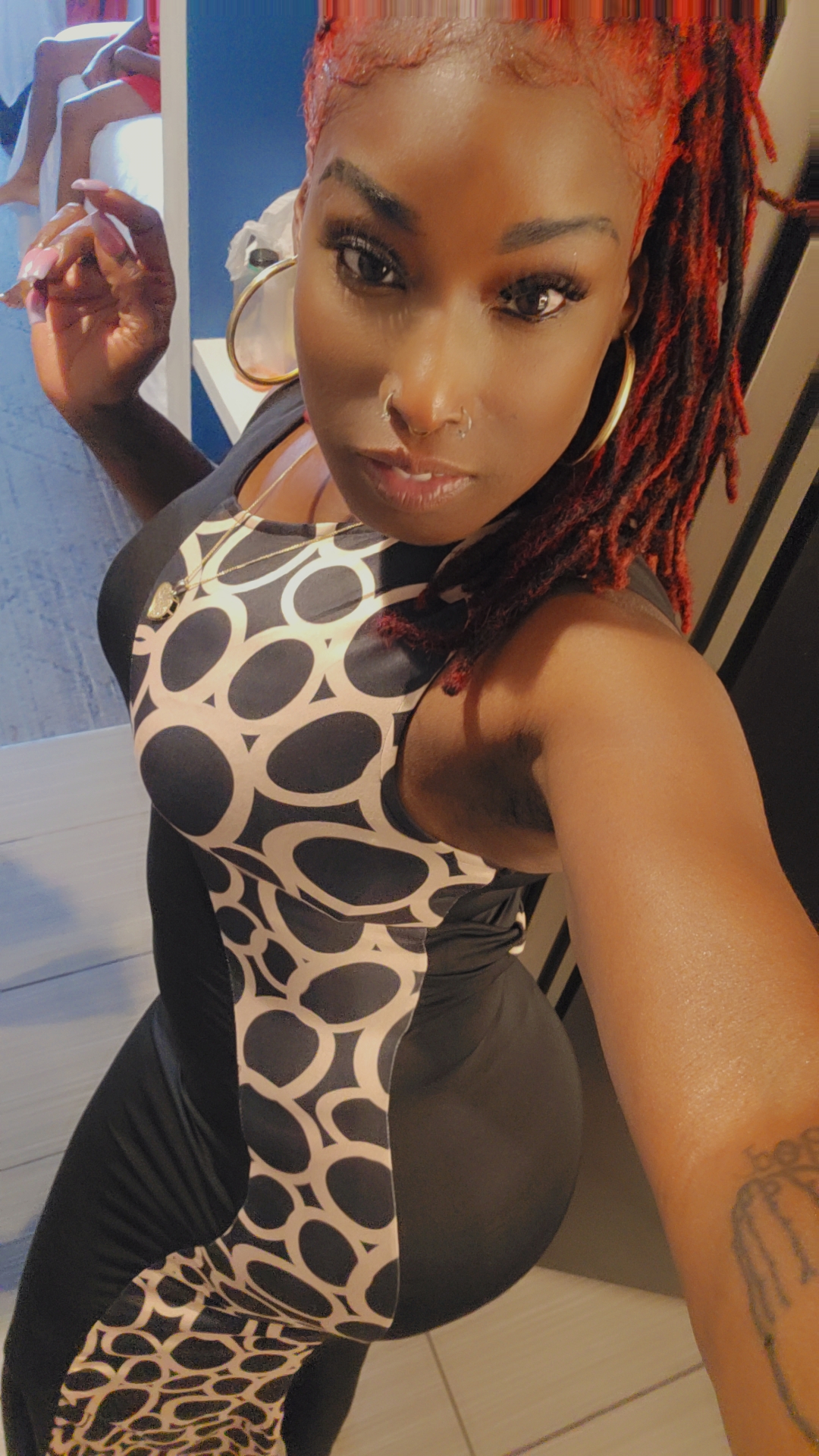


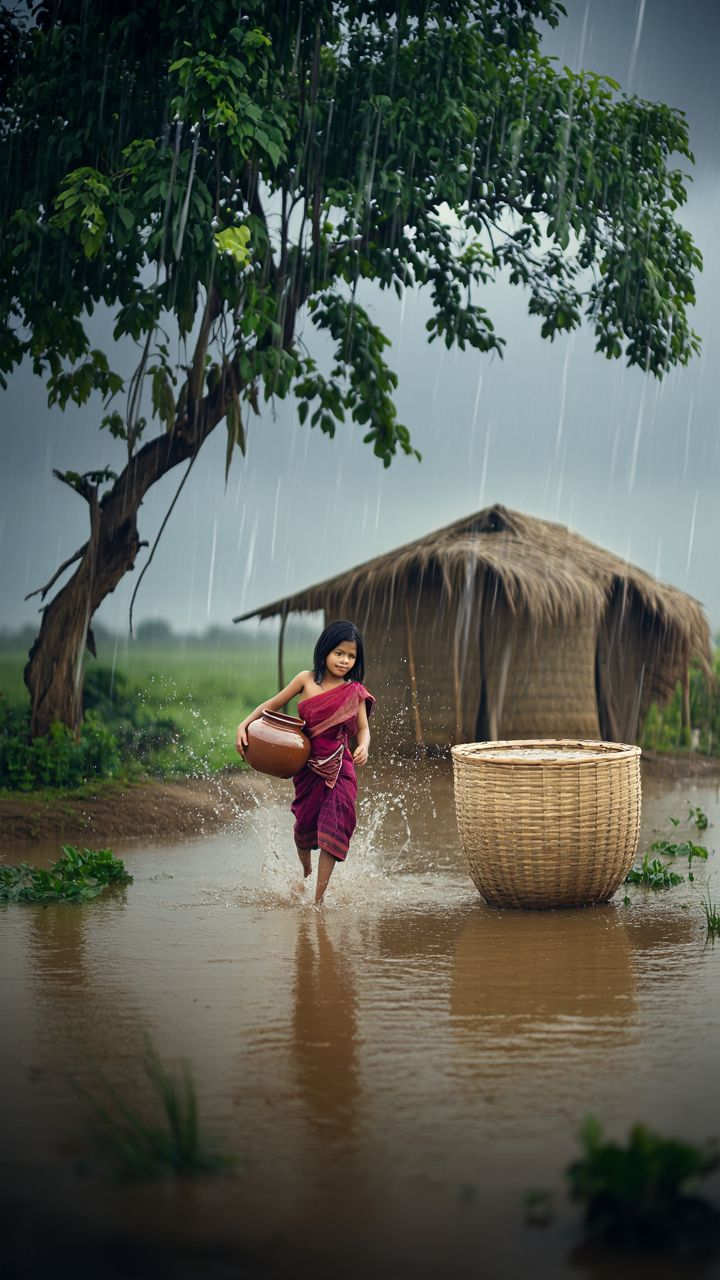


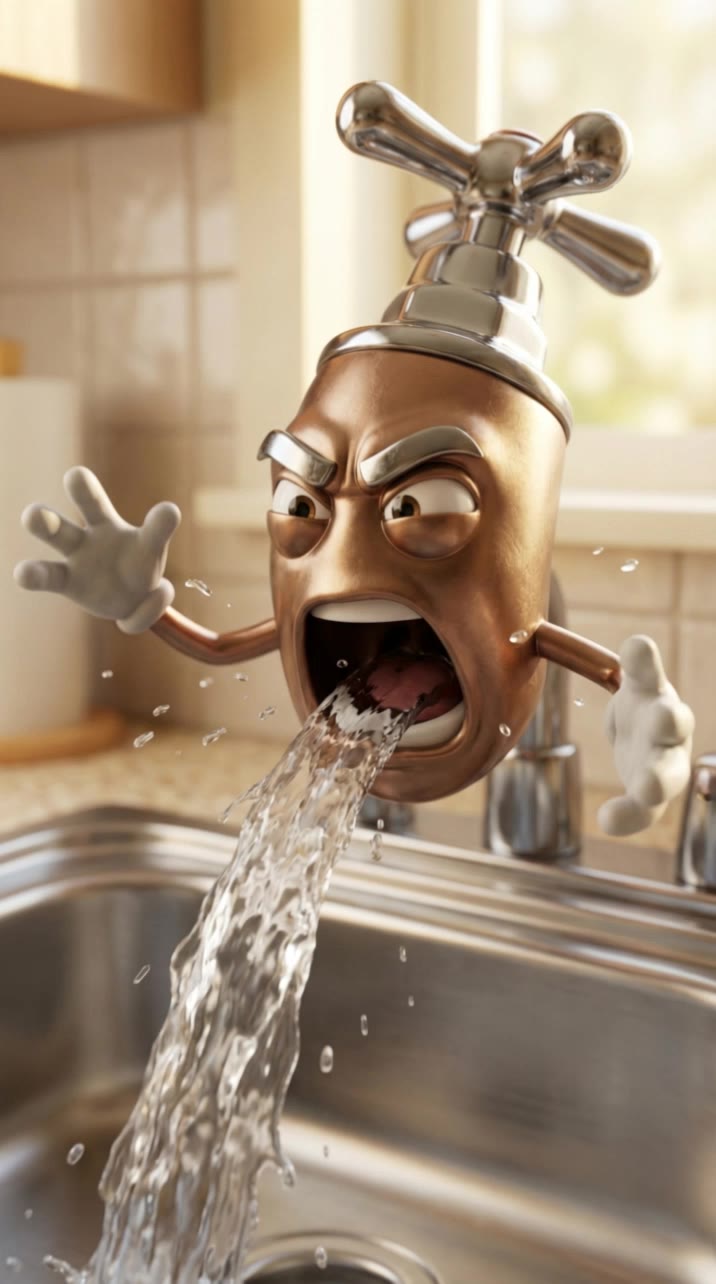




Add new visual space around your existing image while keeping the expansion connected to the original scene. Kling IMAGE 3.0 can follow visual details such as scenery, color, lighting, and texture, helping newly generated content feel consistent with the source image.

Expanding the frame should not change the subject that anchors the image. Kling IMAGE 3.0 automatically preserves your key subjects during extension. Simply specify the person, product, or central element in your prompt to keep them consistent with the original image.

The new space does not have to be left entirely to the model. Describe what you want outside the original frame, from a wider room or distant landscape to more sky, architecture, plants, or decorative details, and let Kling IMAGE 3.0 continue the scene around your idea.

















I use Kling AI every day. It's amazing to see the almost daily progress it makes. I used AI for fun at first, and I now find that Kling AI's animations allow me to gain professional visibility, with three times more views on my animated posts than on my static posts.

I’m Maria Rubtsova, an AIGC digital artist passionate about creating stunning visuals in the worlds of fashion, aesthetics, and fantasy. I use KlingAi to bring imagination to life through video. My work is all about exploring beauty, emotion, and the limitless possibilities of digital art.

Kling AI has been instrumental in transforming my creative workflow, unlocking new dimensions of artistic expression that were once unimaginable. I use Kling AI extensively to develop high-concept visuals, animate surreal dreamscapes, and create AI-assisted films that blur the line between reality and fantasy. Kling AI’s deep learning capabilities have not only enhanced my creative efficiency but also inspired me to explore storytelling in ways I never thought possible.
Create natural voices from text with Kling AI. Turn character dialogue into expressive speech to create realistic character videos.
Native Audio | Multilingual Dialogue | Character Voice Control
