Creative Studio
API
Resources
Features
About Us
Download

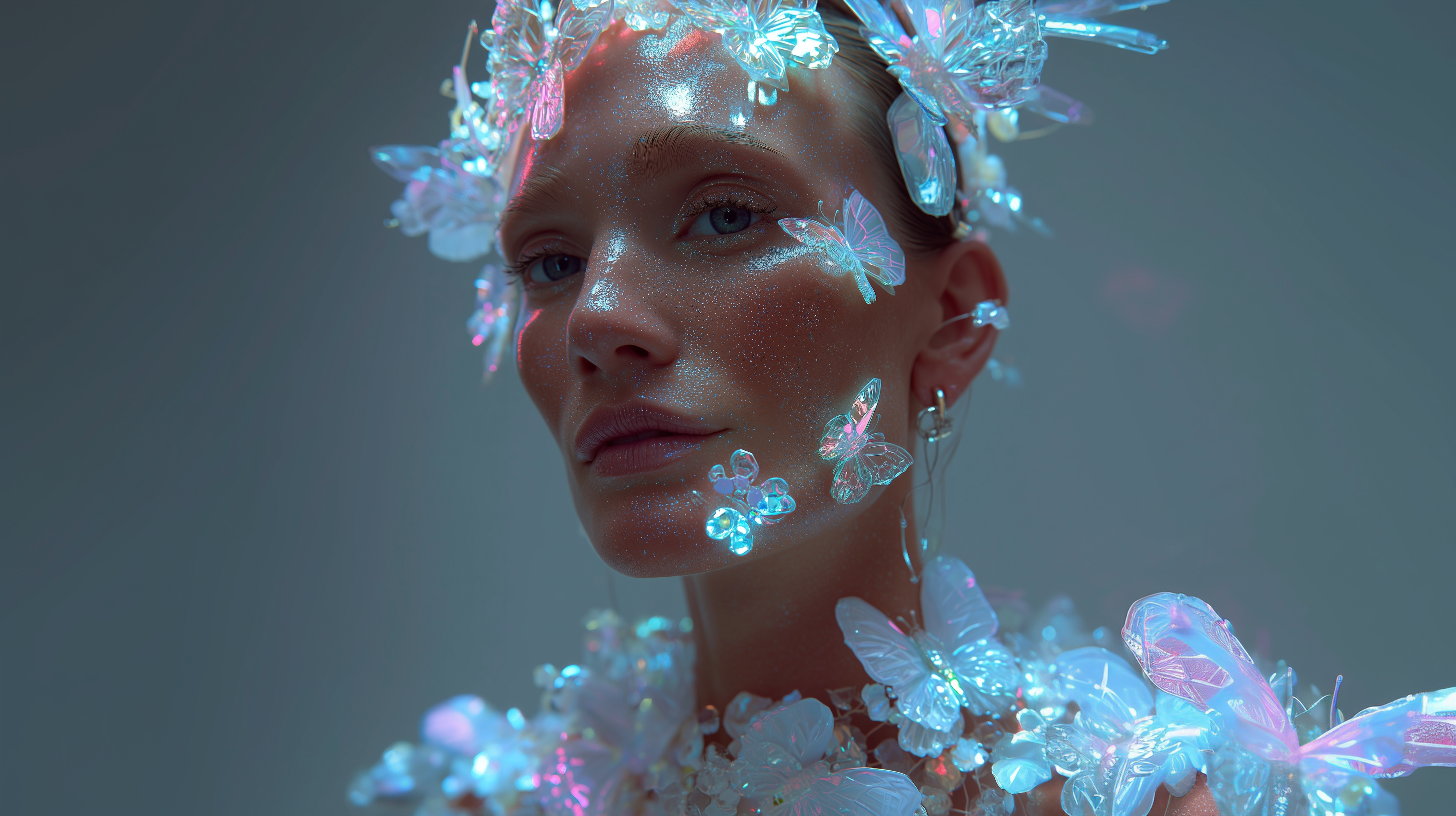
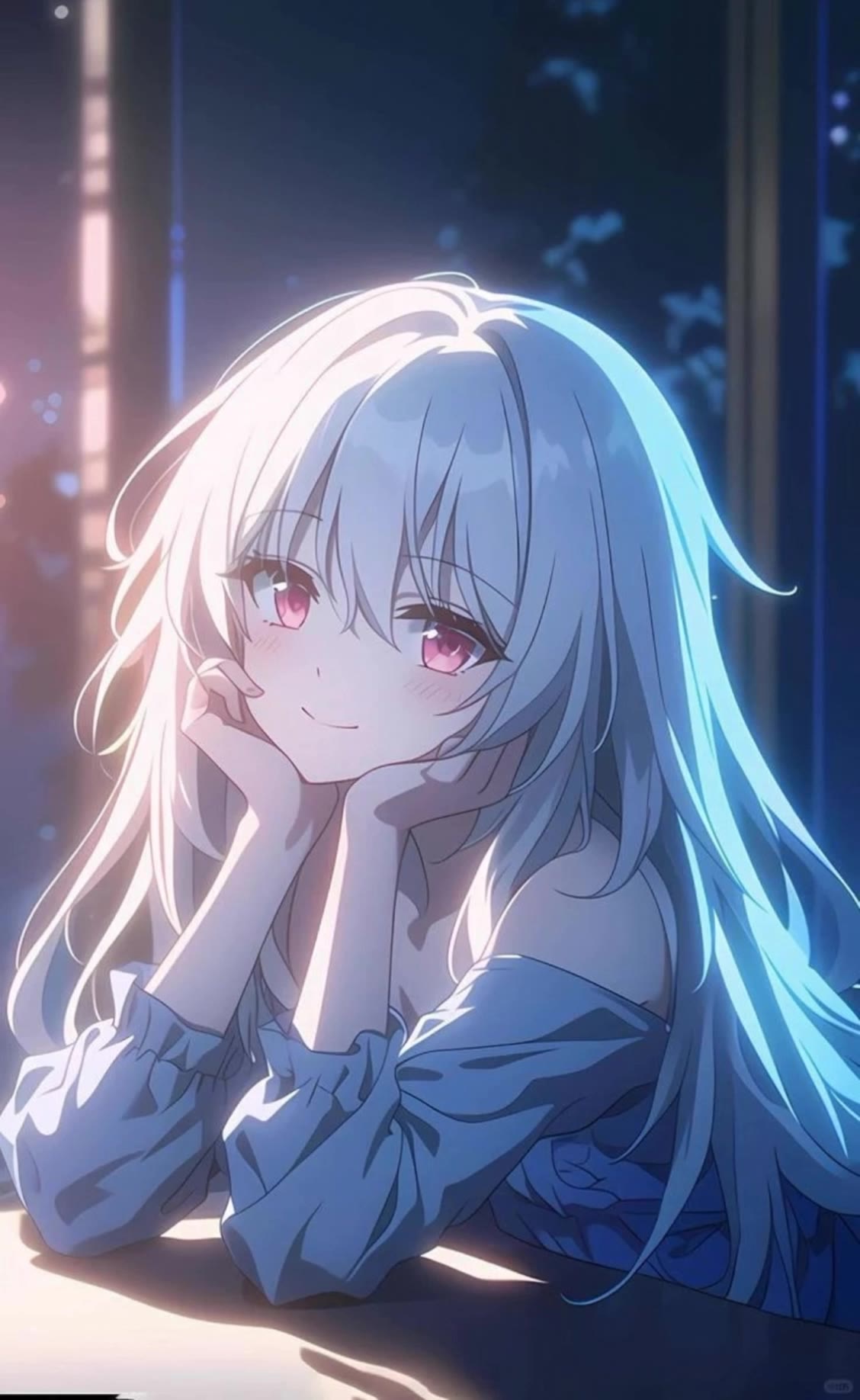
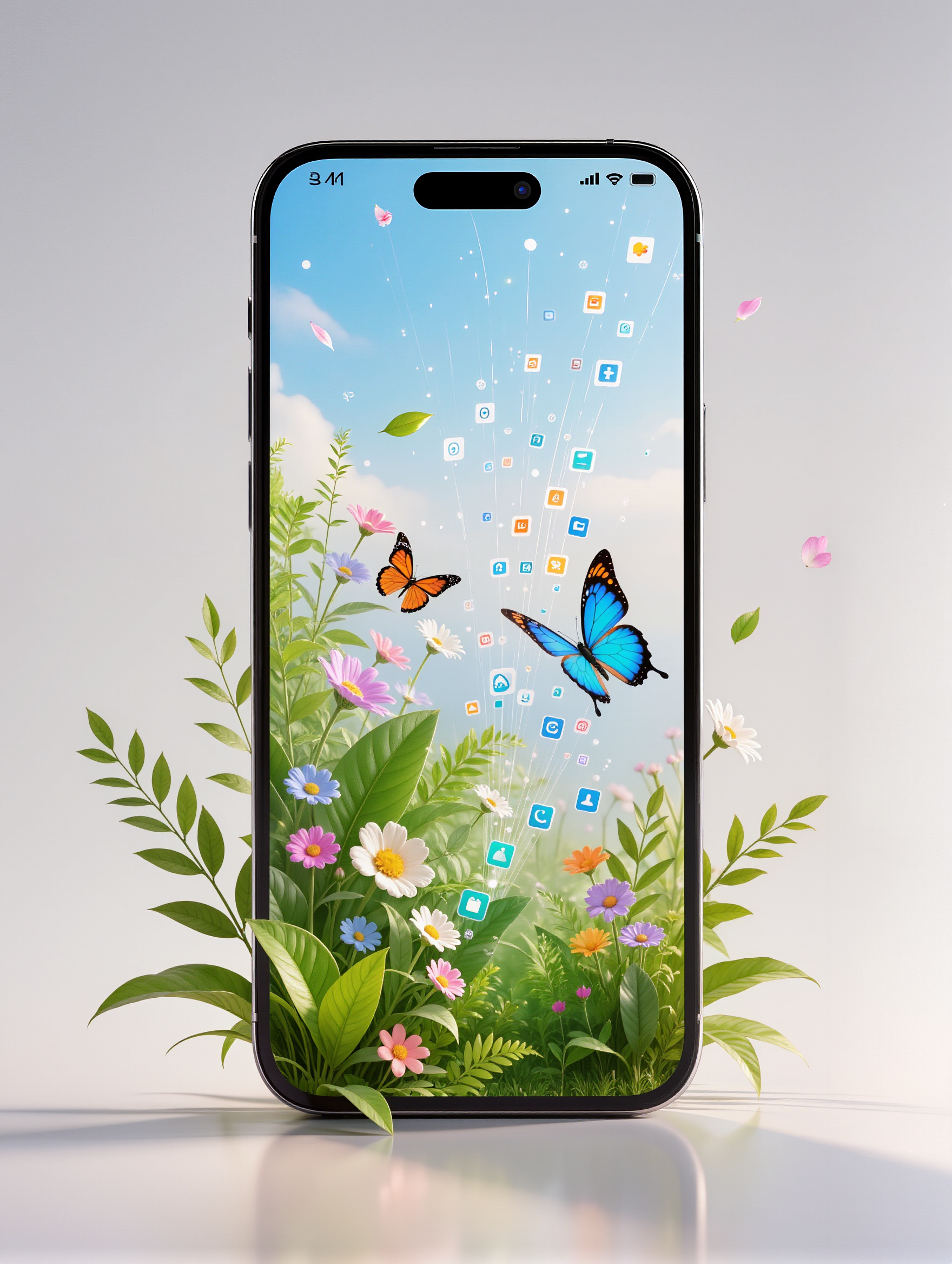
Water Phone Wallpaper Ideas – AI Design Inspirations

Discover AI-generated water phone wallpaper ideas. These designs are perfect for adding a refreshing touch to your device.

Water Phone Wallpaper Ideas – AI Design Inspirations

Recommended

Kling AI work 308230162616531 - water phone wallpaper AI image
SAM_Vinci avatar
SAM_Vinci
At the phone - water phone wallpaper AI video
Julietteuniverse avatar
Julietteuniverse
Kling AI work 310299137616417 - water phone wallpaper AI video
CayOOxjo avatar
CayOOxjo
"Smartphone wallpaper format" - water phone wallpaper AI image
CENCgEKU avatar
CENCgEKU
Kling AI work 296956006526797 - water phone wallpaper AI image
Anime Ai avatar
Anime Ai
Kling AI work 312474589508797 - water phone wallpaper AI video
sFdauqPG avatar
sFdauqPG
Kling AI work 310749546665555 - water phone wallpaper AI image
sn00pz avatar
sn00pz
Kling AI work 296390589503291 - water phone wallpaper AI video
sparta avatar
sparta
phone inside a football  stadium - water phone wallpaper AI image
omar kareem avatar
omar kareem
Kling AI work 307000690502859 - water phone wallpaper AI video
omar kareem avatar
omar kareem
Live Wallpaper - water phone wallpaper AI video
Louis avatar
Louis
Elite Creator
Kling AI work 310749683503972 - water phone wallpaper AI image
sn00pz avatar
sn00pz
Kling AI work 310972006522352 - water phone wallpaper AI image
QpOULOuw avatar
QpOULOuw
Kling AI work 314539786508991 - water phone wallpaper AI image
jEPavyfA avatar
jEPavyfA
Kling AI work 312288007661930 - water phone wallpaper AI image
klFeAEXq avatar
klFeAEXq
Kling AI work 308855324505863 - water phone wallpaper AI image
YAEDnkOg avatar
YAEDnkOg
Kling AI work 316055105665953 - water phone wallpaper AI image
Dreaming avatar
Dreaming
Elite Creator
Friend: “Give me your phone, I w - water phone wallpaper AI image
gSnEnbyH avatar
gSnEnbyH
Kling AI work 311683021503857 - water phone wallpaper AI image
aVHklzIU avatar
aVHklzIU

How to Create AI Characters with Kling AI

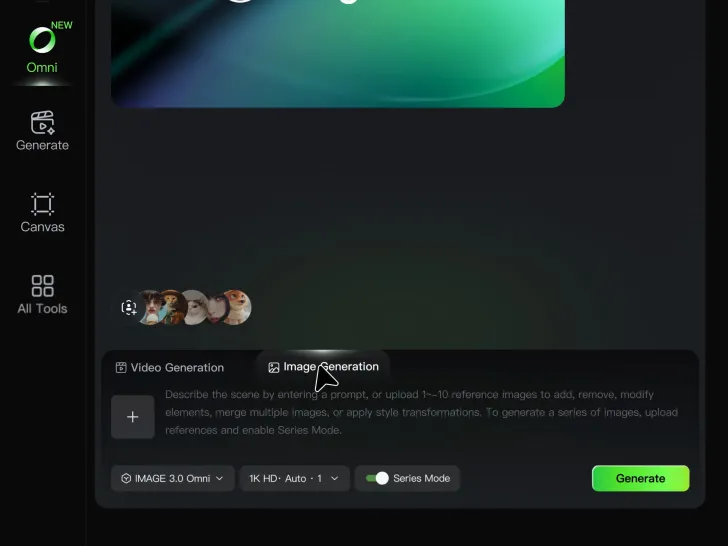
Step 1: Describe Your Character

Step 1: Describe Your Character

Start with a text prompt describing the character you want to create. Define key details such as appearance, hairstyle, clothing, visual style, expression, pose, or setting to help Kling AI generate a character that matches your description.

Step 2: Add Reference Images if Available

Step 2: Add Reference Images if Available

Already have a character design or visual direction in mind? Add one or more reference images to guide the character's appearance and key visual traits. Multiple views can help Kling AI maintain consistency across different angles.

Step 3: Generate and Develop Your Character

Step 3: Generate and Develop Your Character

Generate your character, review the result, and continue refining the design. Explore new poses, scenes, styles, and related images, or reuse the character in later creative workflows.

Create Voices That Match Your Characters

Generate Character Voices Directly with the Video

Generate Character Voices Directly with the Video

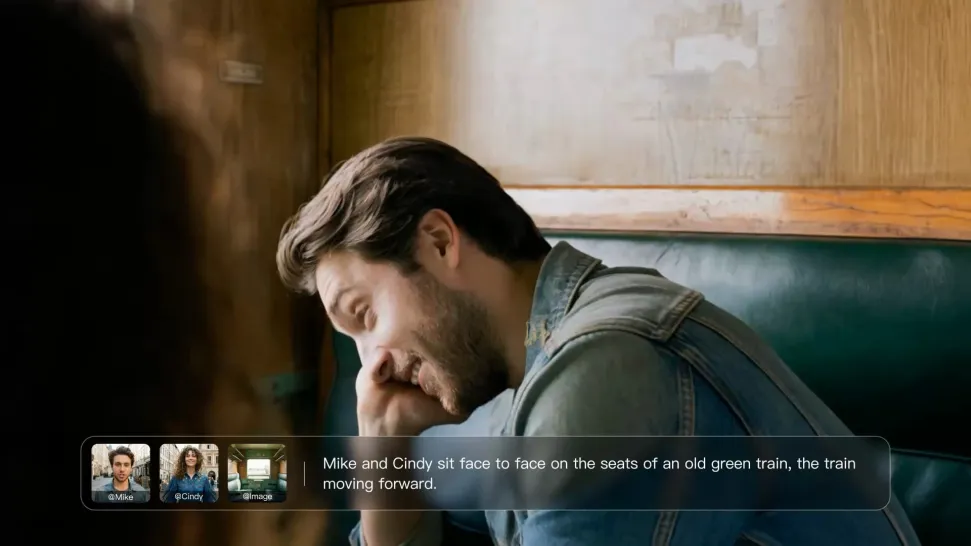
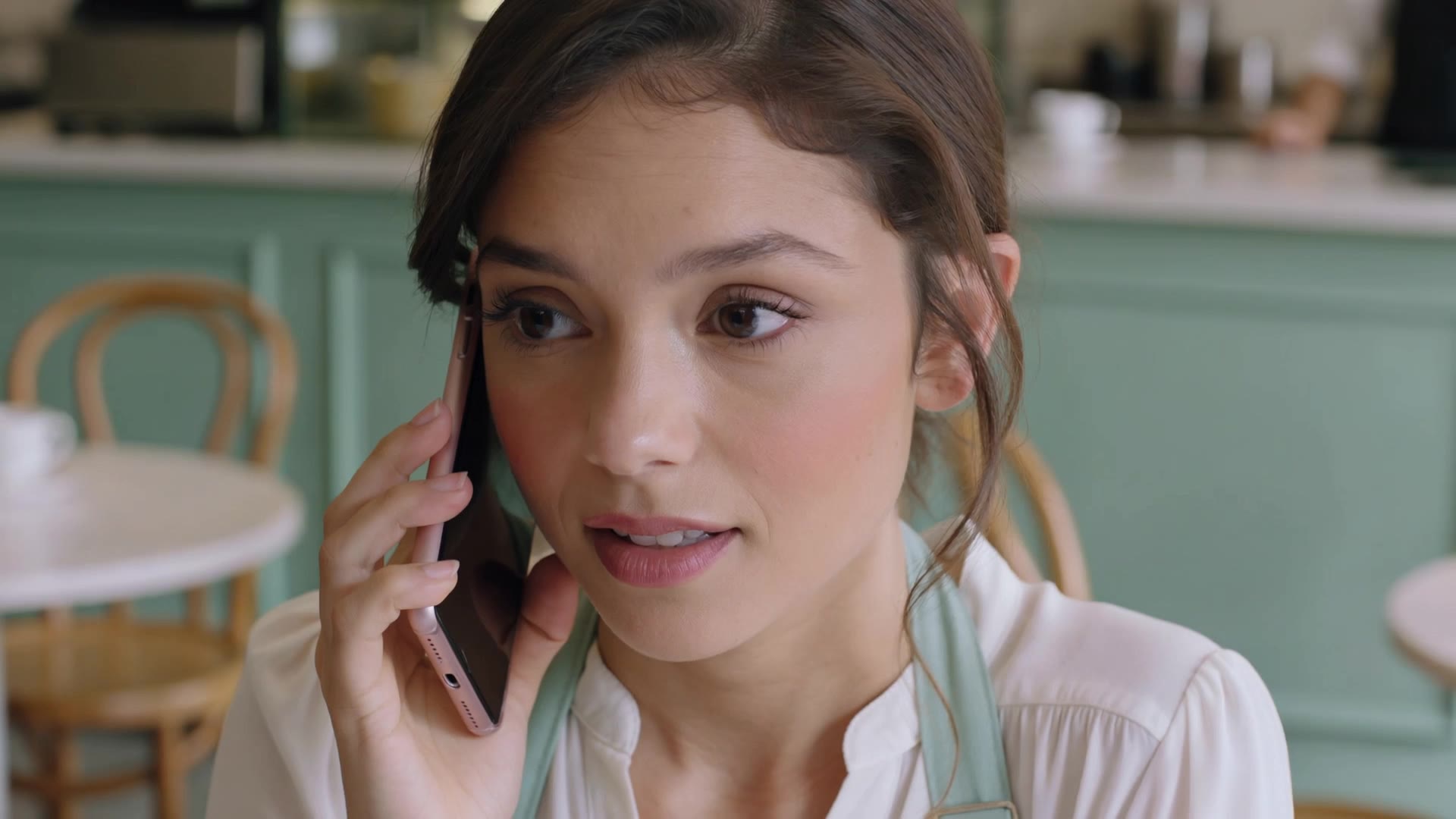
Write the dialogue into your video prompt and let Kling generate the spoken performance together with the scene. Because voice, facial performance, mouth movement, visuals, ambience, and supporting sound are created in the same workflow, the dialogue feels connected to what the character is doing on screen rather than added as a separate layer afterward.
Create Dialogue Across Languages and Accents

Create Dialogue Across Languages and Accents

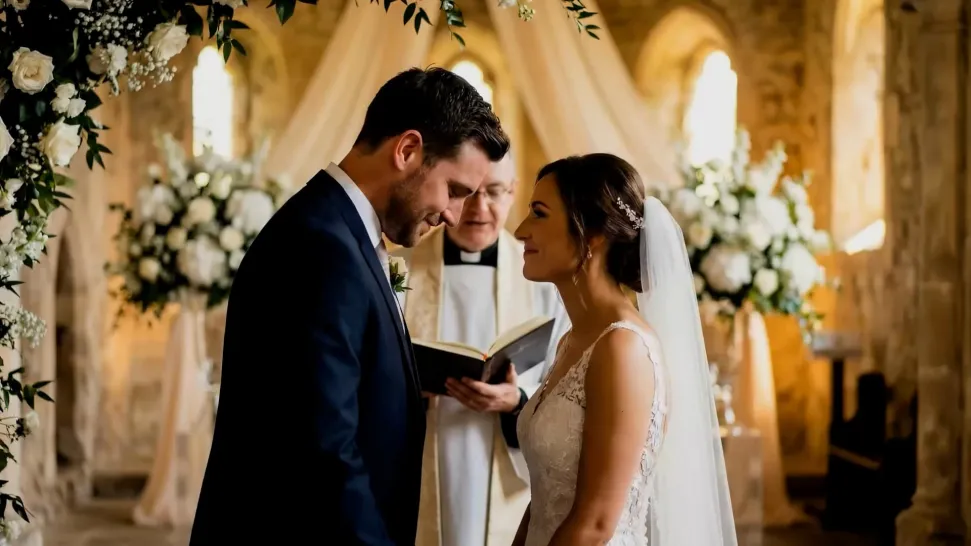
Create character voices in multiple languages, including English, Chinese, Japanese, Korean, and Spanish. You can also customize accents, dialects, and speaking styles to make characters sound more authentic for different regions, cultures, and story settings.
Keep a Character's Voice Consistent Across Scenes

Keep a Character's Voice Consistent Across Scenes

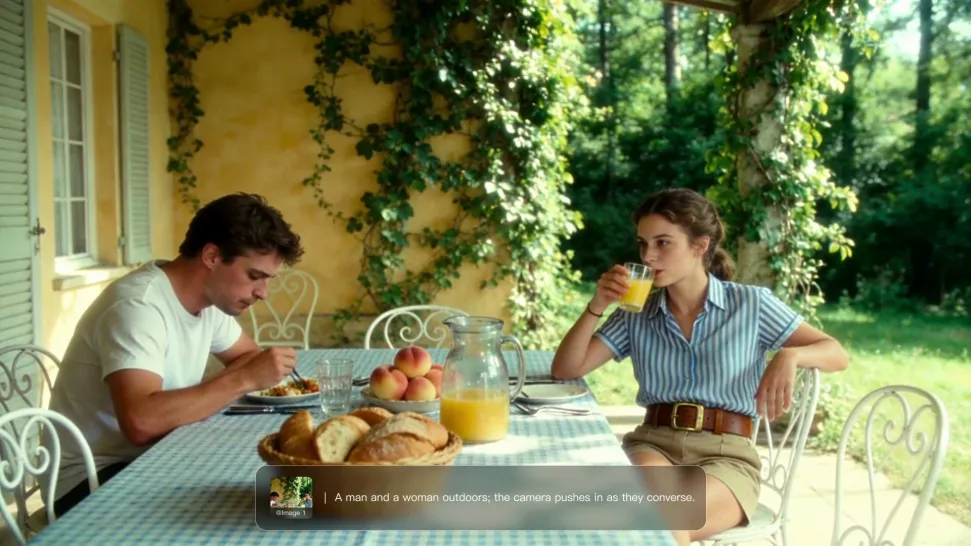
For recurring characters, Kling VIDEO 3.0 Omni lets you add voice to reusable Character Elements. A character can carry both recognizable visual traits and a connected voice into supported future generations. This makes it easier to build recurring presenters, fictional characters, or story leads that not only look familiar across scenes, but also keep a more consistent vocal identity.

Apps

Image to Video
Image to Video

Image to Video

Text to Video
Text to Video

Text to Video

Omni
Omni

Omni

Digital Human
Digital Human

Digital Human

Restyle
Restyle

Restyle

Text to Image
Text to Image

Text to Image

60M+
60M+
Users
600M+
600M+
AI Videos Generated
4.7 ★
4.7 ★
App Store
Industry-Leading
Industry-Leading
Cinematic 4K

Reviews

James Phillips

James Phillips

★★★★★

Kling AI has transformed my workflow by collapsing timelines and democratizing production. It’s shifted my mindset from resource-dependent filmmaking to a boundless creative sandbox, where experimentation yields unexpected beauty.

Ozan Sihay

Ozan Sihay

★★★★★

Kling AI allows me to rapidly prototype ideas, refine storytelling elements, and produce visually compelling content efficiently. It has not only accelerated my creative processes, but also deepened my understanding of how AI can enrich visual storytelling.

KakuDrop

KakuDrop

★★★★★

I have successfully collaborated with world-renowned artists and well-known companies that are recognized globally

FAQ

Q1What Is an AI Avatar?
Q2Can Kling AI Avatars Show Emotions and Gestures?
Q3How to Write a Better AI Avatar Prompt

Make Something Worth Keeping

Start with a sentence, a sketch, or a visual reference. Shape the idea until the style, composition, and details feel like yours.

Free tier available | Text to Art | Reference Images | Style Transfer