

Muhammad Nasir
1
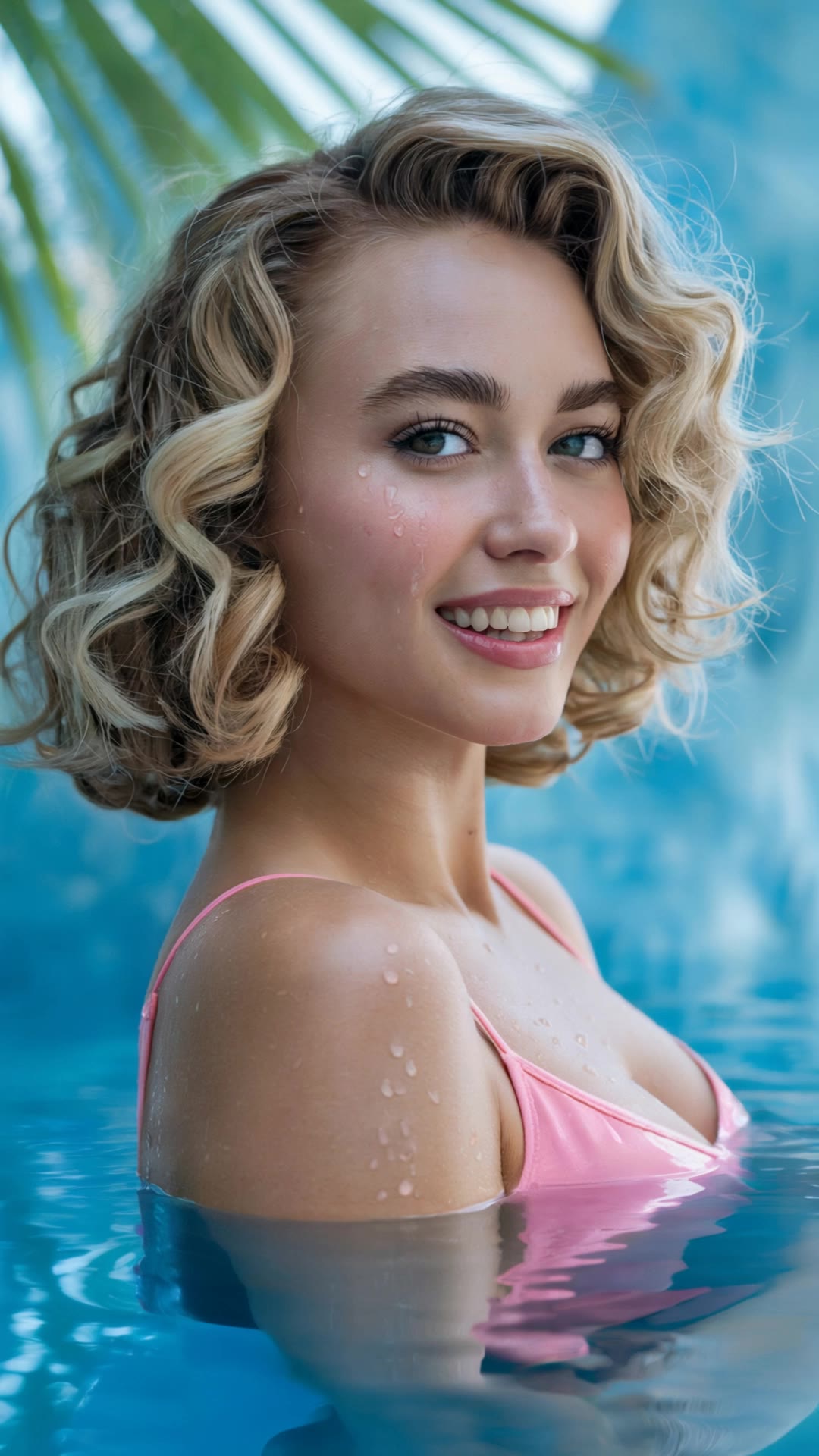
Get inspired with AI-generated water scene ideas. Create serene and calming desktop wallpapers.






-8x.png?x-kcdn-pid=112372&x-oss-process=image%2Fresize%2Cw_100%2Ch_100%2Cm_mfit)







Give footage with limited resolution more room to hold up on larger screens. Upload your clip, choose 4K output, and generate a higher-resolution version with clearer edges and more visible detail for viewing, editing, or final delivery.

Soft footage can lose definition in faces, objects, edges, and backgrounds. Use Kling AI to generate a clearer version with stronger visual definition, whether you are working with an older clip, compressed footage, or a shot that simply looks too soft.

See more definition in skin, fabric, product surfaces, landscapes, water, smoke, and other detailed parts of a scene. Instead of simply enlarging the existing pixels, VIDEO 3.0 Omni generates new visual detail as it creates the higher-resolution result.

















I’m Maria Rubtsova, an AIGC digital artist passionate about creating stunning visuals in the worlds of fashion, aesthetics, and fantasy. I use KlingAi to bring imagination to life through video. My work is all about exploring beauty, emotion, and the limitless possibilities of digital art.

Kling AI has transformed my workflow by collapsing timelines and democratizing production. It’s shifted my mindset from resource-dependent filmmaking to a boundless creative sandbox, where experimentation yields unexpected beauty.

Kling AI seamlessly integrates into my creative workflow, playing a key role in transforming my images. After generating and upscaling an image, Kling becomes a crucial element, bringing my creations to life with movement and depth.
Add a voice or script to turn your character video into a polished lip-sync performance.
Voiceover | Text to Speech | Audio trimming | Realistic, 3D & 2D character