Creative Studio
API
Resources
Features
About Us
Download

AI-generated water style ideas – Explore unique concepts

Water style ideas created with AI. Discover unique and customizable water style concepts that can be adapted to your needs. AI helps you quickly explore different styles and themes.

AI-generated water style ideas – Explore unique concepts

Recommended

Girl Made of Water - water style AI image
Allsa avatar
Allsa
Water jokester Djinn - water style AI video
UN_RE_AI_vision avatar
UN_RE_AI_vision
blue water - water style AI video
Logotypin avatar
Logotypin
Elite Creator
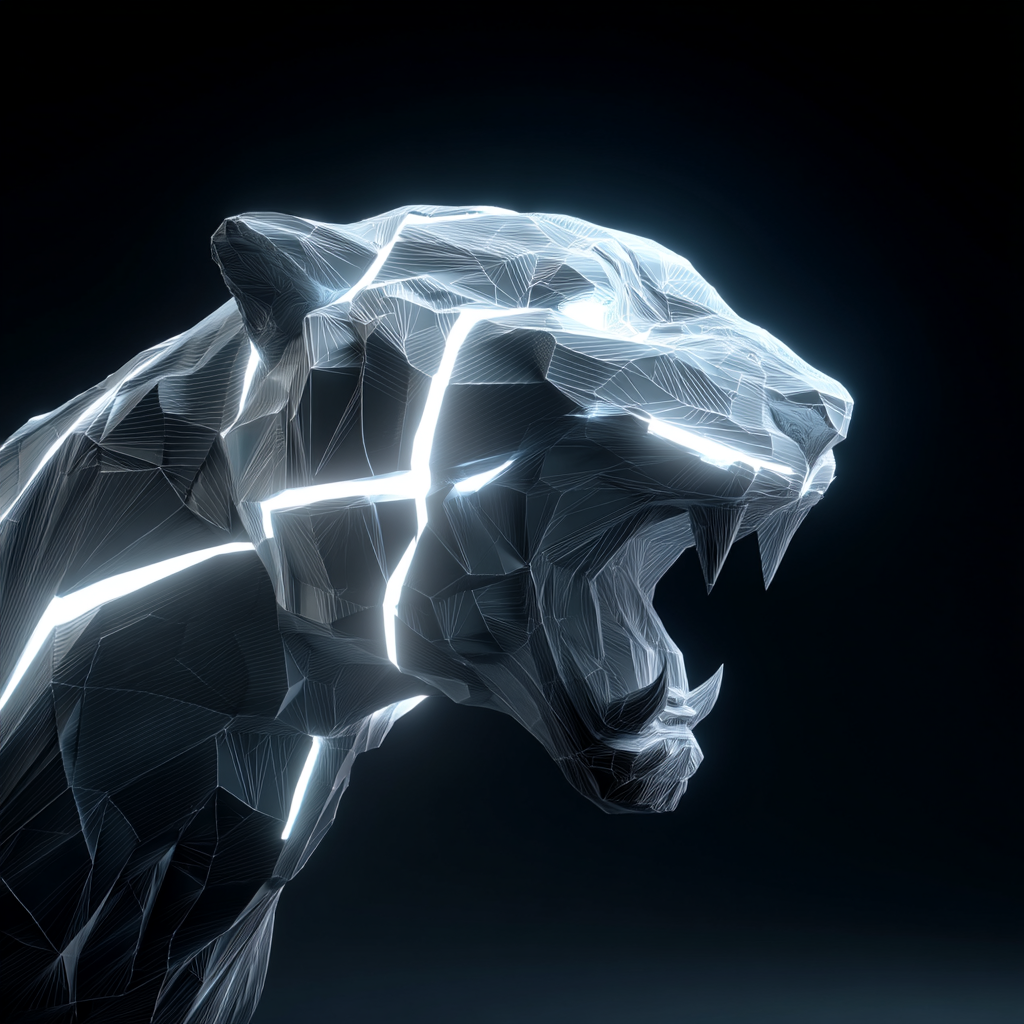
Water Wolf - water style AI image
Wolfie avatar
Wolfie
water wears away stone - water style AI video
Andrey_byvfh avatar
Andrey_byvfh
Dancing on Water - water style AI video
neurodreams.exe avatar
neurodreams.exe
Elite Creator
UV Water tank cleaning  - water style AI image
LLmmULRd avatar
LLmmULRd
water color  - water style AI image
SYJINetC avatar
SYJINetC
showing the water cycle - water style AI video
JPfwuJQS avatar
JPfwuJQS
Water Godess - water style AI video
Ivy Oshun avatar
Ivy Oshun
smooth motion, detailed water te - water style AI video
hzYiCCit avatar
hzYiCCit
Power of Water - water style AI video
Muhammad Nasir avatar
Muhammad Nasir
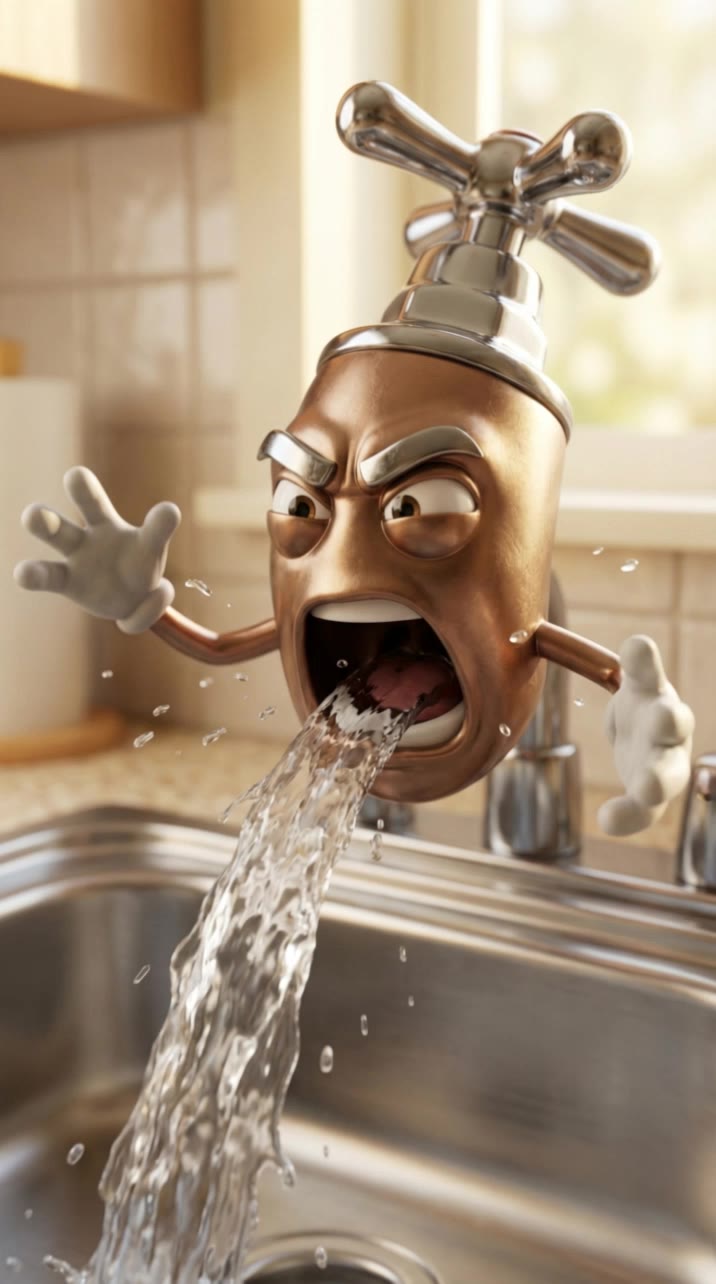
water faucet - water style AI video
KLING4648 avatar
KLING4648
glass, water droplets  - water style AI image
OrtZjTVT avatar
OrtZjTVT
drop water - water style AI video
TZpmsYAE avatar
TZpmsYAE
The Water Country  - water style AI video
oWGsZypg avatar
oWGsZypg
Water drop - water style AI video
Pasbau avatar
Pasbau
making a redbul style ad - water style AI video
nairobi.ai avatar
nairobi.ai
Elite Creator
Little Water Baby 🌸 Otter - water style AI image
Onceuponaraccoon avatar
Onceuponaraccoon
Elite Creator

How to Enhance Image Quality with Kling

Step 1: Upload Your Image

Step 1: Upload Your Image

Upload the image you want to improve to Kling 3.0 Omni. Start with a portrait, product photo, artwork, social visual, or any other existing image you want to recreate at a higher resolution.

Step 2: Generate Up to 4K

Step 2: Generate Up to 4K

Describe what you want to improve, such as facial details, textures, or other important parts of the image. Choose your preferred resolution, including 2K or 4K, then generate the enhanced result.

Step 3: Upscale Existing AI Images

Step 3: Upscale Existing AI Images

Already generated an image with Kling AI? Hover over the result and select Upscale to increase its resolution without uploading the image again. Choose the available output quality that fits your needs.

Why Kling Sets the Standard for Video Creation

Flawless Character Consistency for High-Quality Videos

Flawless Character Consistency for High-Quality Videos

Unlike standard tools that distort faces when moving, Kling Video 3.0 lets you strictly lock a character’s appearance. Upload a single photo, or use a short video/multiple angles as a reference to completely eliminate the “AI morphing” effect.

All-in-One Native Audio & Lip-Sync

All-in-One Native Audio & Lip-Sync

Your video isn’t just silent footage; it speaks. Generate perfectly matched voices and realistic lip movements in multiple languages or regional accents. Even in multi-character scenes, you can precisely assign who speaks—no third-party tools required.

Up to 15s Multi-Shot Cinematic Output

Up to 15s Multi-Shot Cinematic Output

Go beyond a basic 3-second clip. Kling 3.0 extends generation to 15 seconds of smooth, uninterrupted narrative. You can even use native storyboard controls to direct multi-shot sequences in a single click—outputting in crystal-clear 4K for professional use.

Apps

Image to Video
Image to Video

Image to Video

Text to Video
Text to Video

Text to Video

Omni
Omni

Omni

Digital Human
Digital Human

Digital Human

Restyle
Restyle

Restyle

Text to Image
Text to Image

Text to Image

60M+
60M+
Users
600M+
600M+
AI Videos Generated
4.7 ★
4.7 ★
App Store
Industry-Leading
Industry-Leading
Cinematic 4K

Reviews

Jyo John Mulloor

Jyo John Mulloor

★★★★★

Kling AI has been instrumental in transforming my creative workflow, unlocking new dimensions of artistic expression that were once unimaginable. I use Kling AI extensively to develop high-concept visuals, animate surreal dreamscapes, and create AI-assisted films that blur the line between reality and fantasy. Kling AI’s deep learning capabilities have not only enhanced my creative efficiency but also inspired me to explore storytelling in ways I never thought possible.

Maria Rubtsova

Maria Rubtsova

★★★★★

I’m Maria Rubtsova, an AIGC digital artist passionate about creating stunning visuals in the worlds of fashion, aesthetics, and fantasy. I use KlingAi to bring imagination to life through video. My work is all about exploring beauty, emotion, and the limitless possibilities of digital art.

Halim Alrasihi

Halim Alrasihi

★★★★★

I use AI daily and Kling AI is a crucial part of my workflow, whether for client work or personal projects. What I love most about using Kling AI is that it provides all the tools I need in one place, from keyframes to character references, elements and special effects.

FAQ

Q1How do I ask AI to change the background of a photo?
Q2What is an AI background generator?
Q3Can I generate AI backgrounds in 2K or 4K?

See Your Image in a Whole New Color

Explore a different product color, refresh an outfit, rethink a room, or give an existing creative a new direction with Kling IMAGE 3.0. Describe the change, and generate a new version now.