Creative Studio
API
Resources
Features
About Us
Download

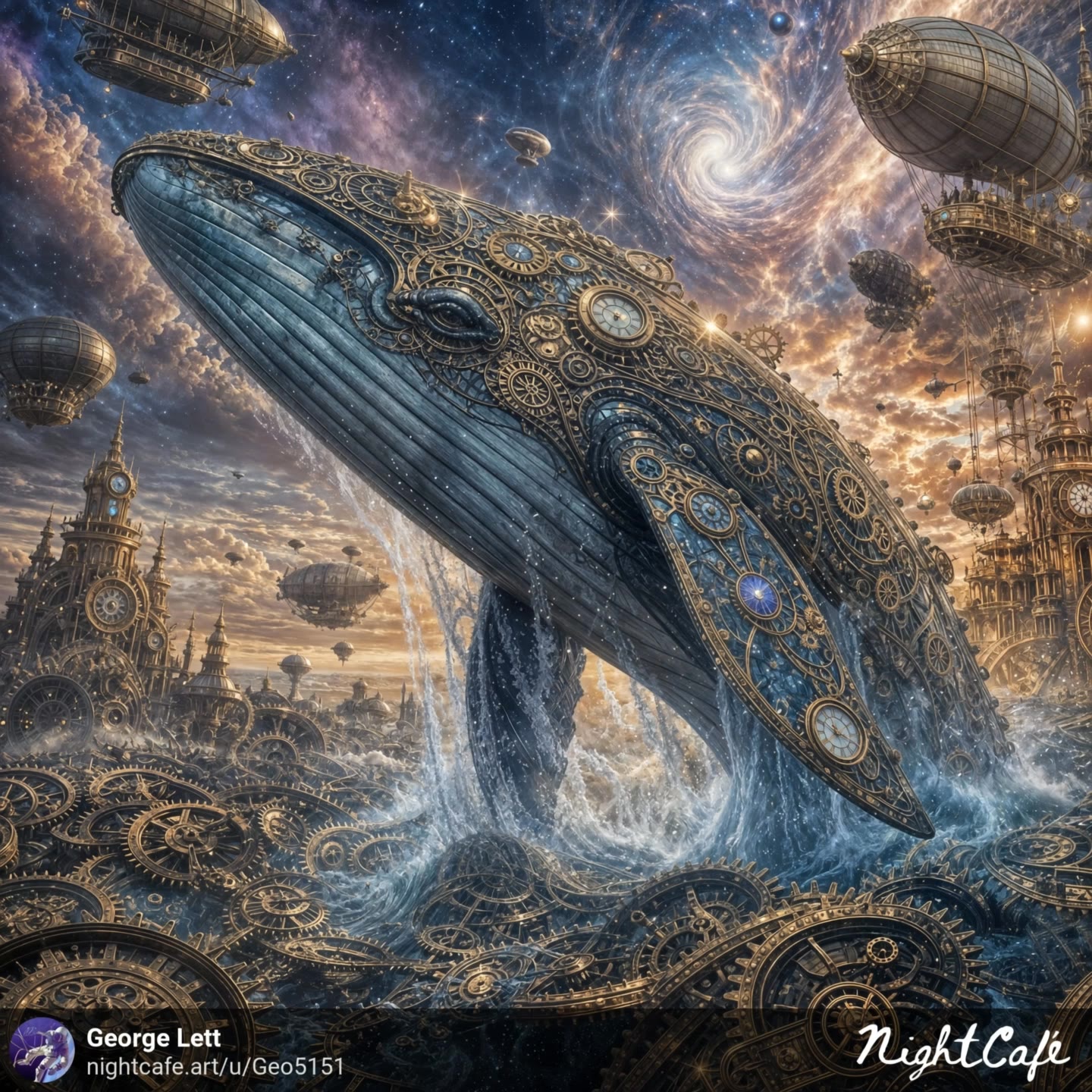
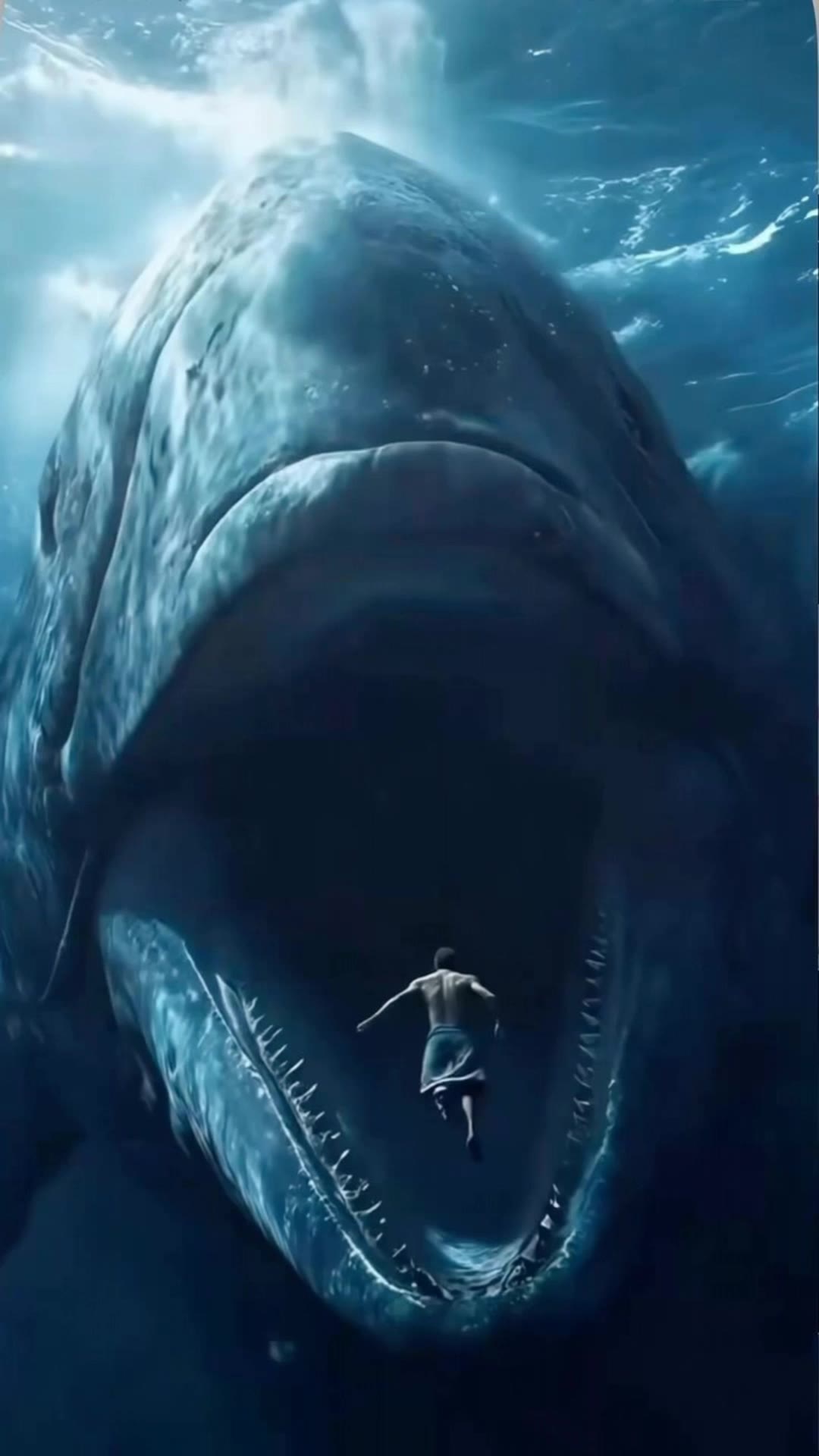
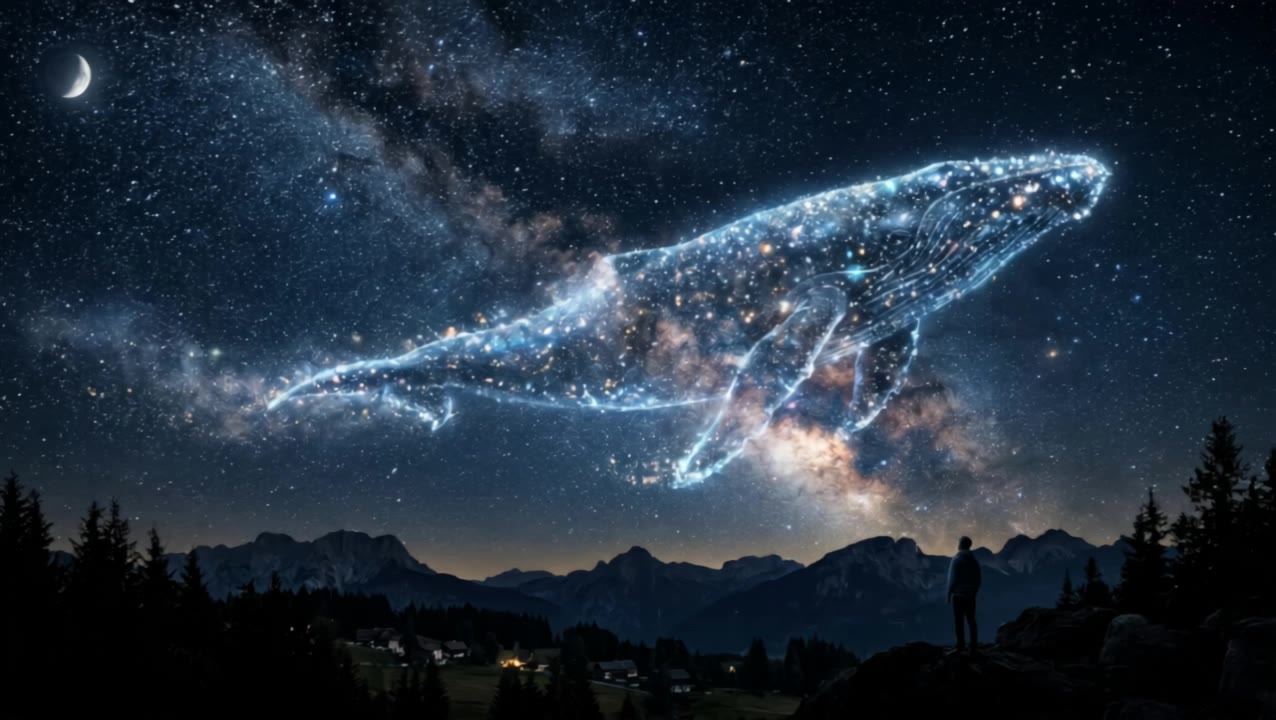
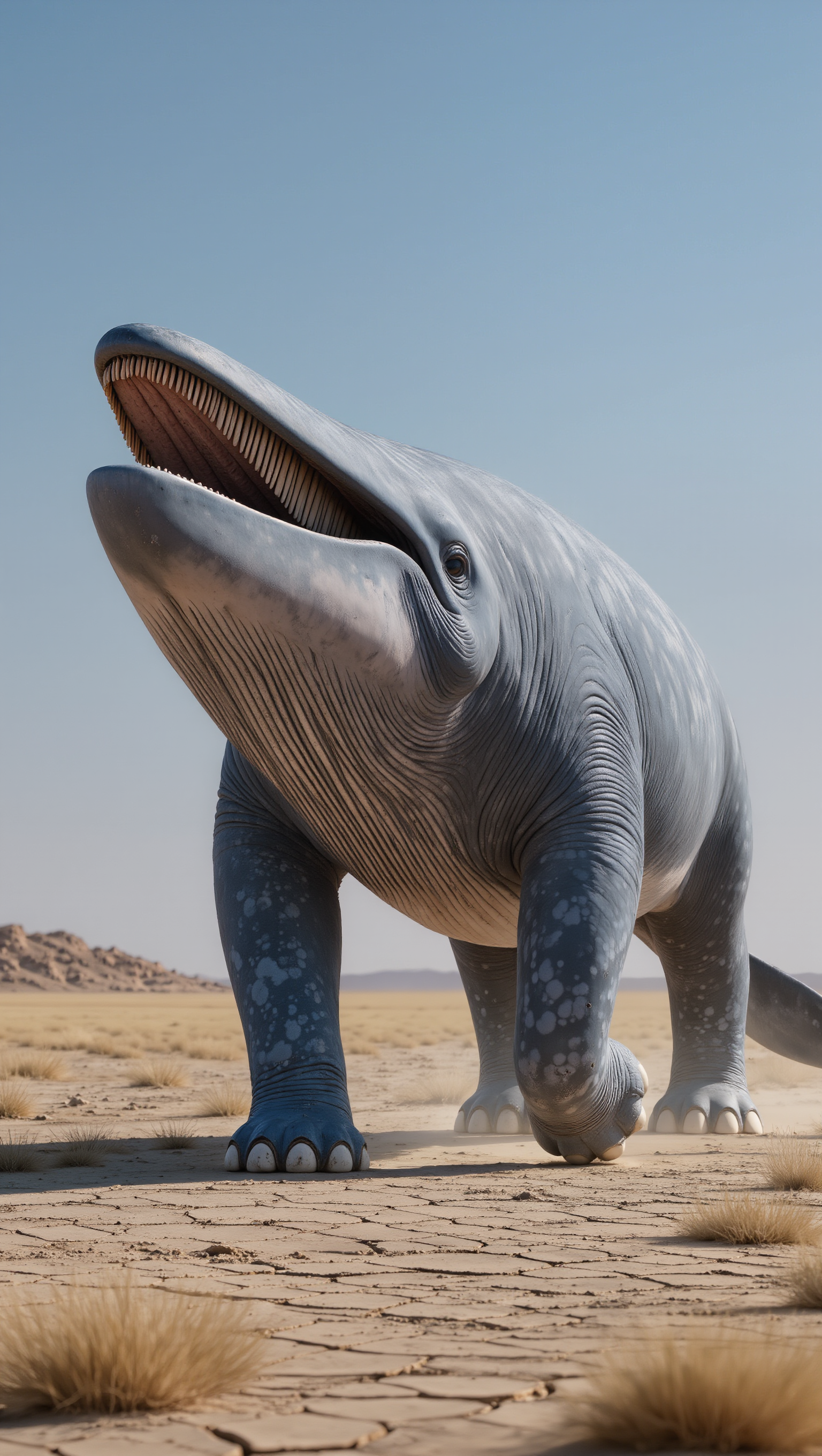
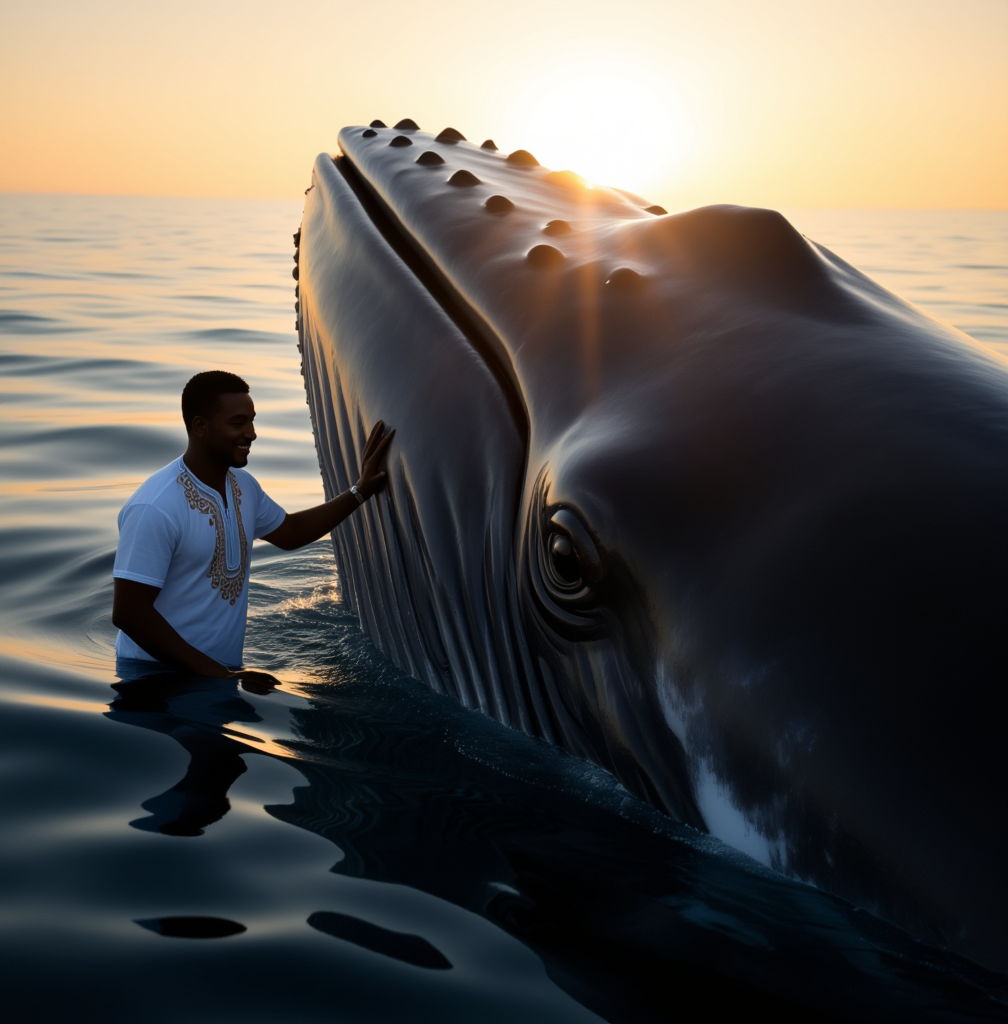
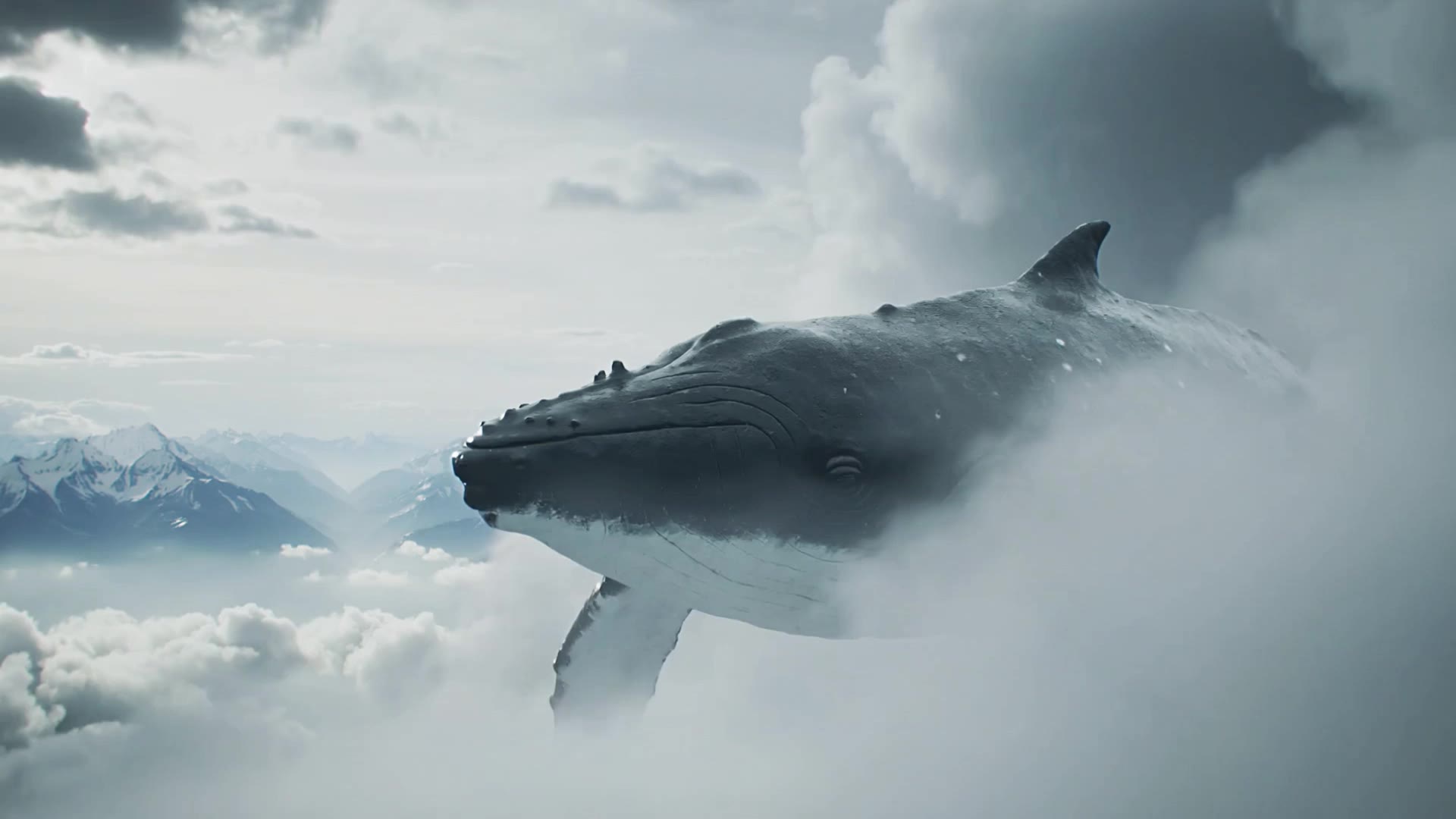
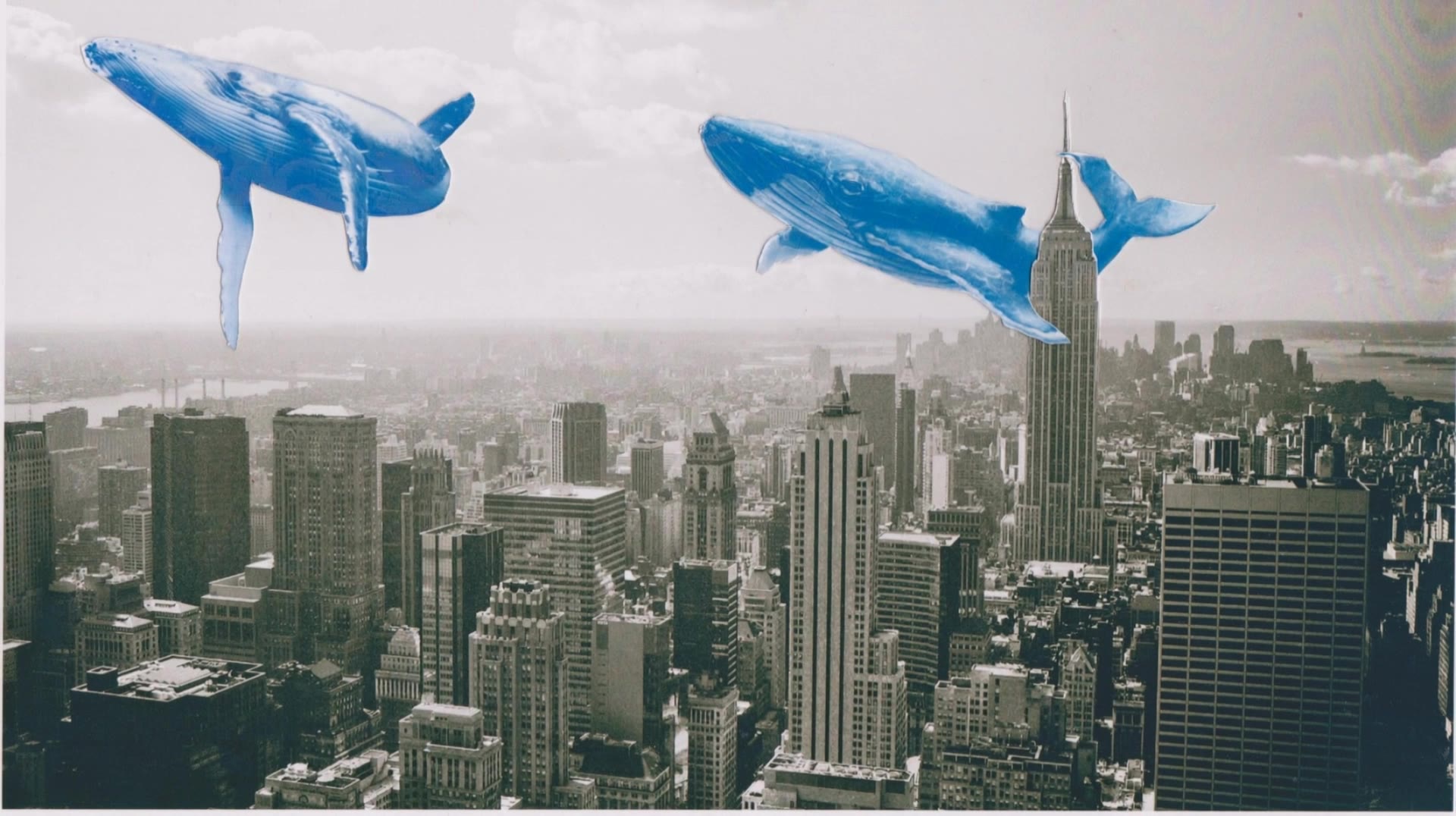
AI-generated whale desktop wallpaper ideas – Majestic designs for your screen

Discover AI-created whale desktop wallpapers. Find majestic designs to enhance your screen. Easy to customize and download.

AI-generated whale desktop wallpaper ideas – Majestic designs for your screen

Recommended

Kling AI work 313241880502844 - whale desktop wallpaper AI image
lKSVPyvV avatar
lKSVPyvV
wallpaper - whale desktop wallpaper AI video
00:21
AxaCwyoe avatar
AxaCwyoe
Kling AI work 296587238611829 - whale desktop wallpaper AI video
ishan avatar
ishan
Kling AI work 306555297617356 - whale desktop wallpaper AI video
ChefJody avatar
ChefJody
Kling AI work 311625398504829 - whale desktop wallpaper AI image
yYeYeAVG avatar
yYeYeAVG
Night the Whale Flew - whale desktop wallpaper AI video
Vladimir 𝗣𝗥𝗢 avatar
Vladimir 𝗣𝗥𝗢
Elite Creator
Kling AI work 315001043617120 - whale desktop wallpaper AI video
QZTBDzNb avatar
QZTBDzNb
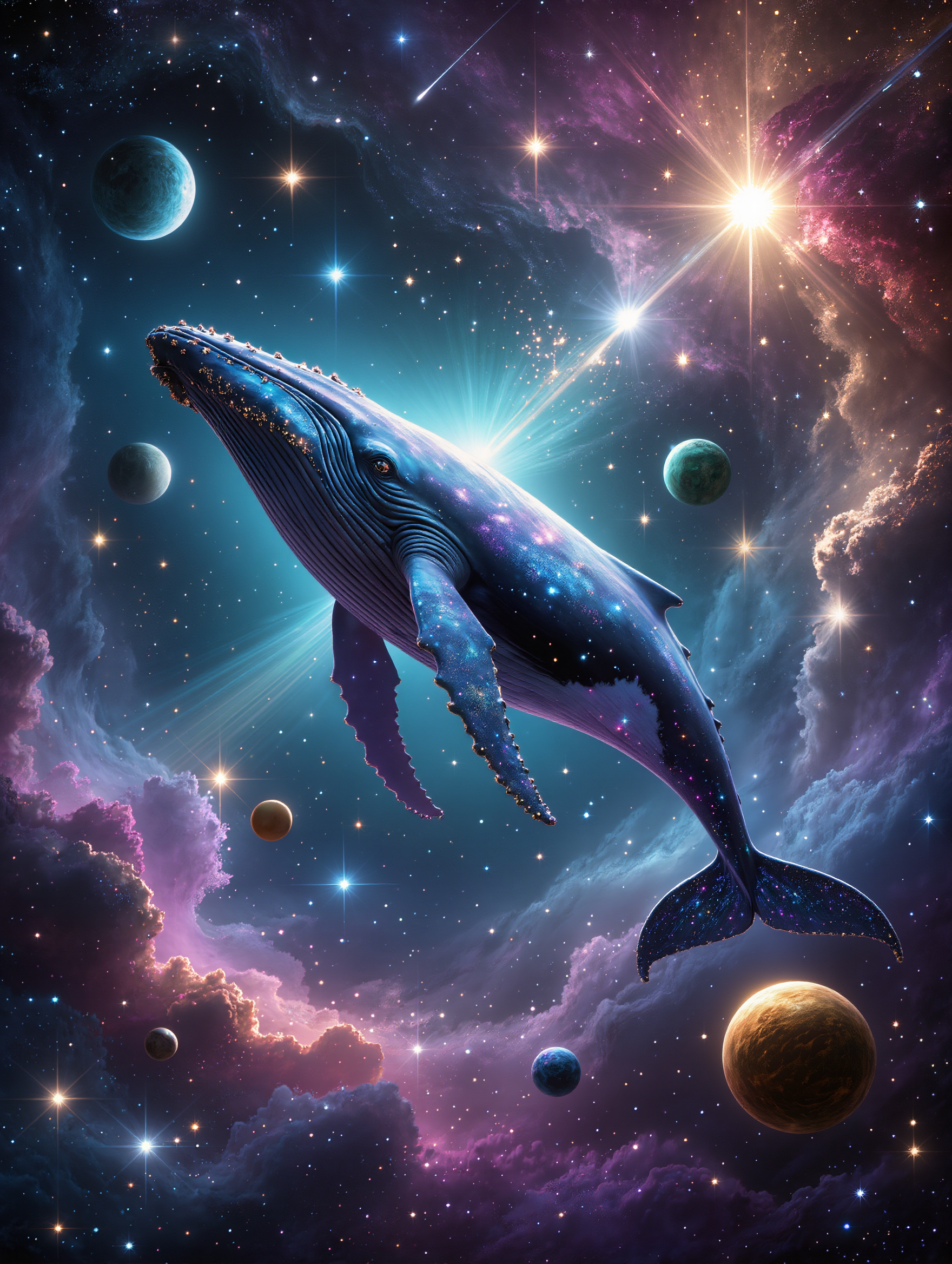
A giant cosmic whale - whale desktop wallpaper AI image
SgyCzHte avatar
SgyCzHte
Kling AI work 314265054527114 - whale desktop wallpaper AI video
Buyo avatar
Buyo
Universal Whale - whale desktop wallpaper AI video
wMLCQaAK avatar
wMLCQaAK
whale - whale desktop wallpaper AI video
Zam.abdiel avatar
Zam.abdiel
A giant whale - whale desktop wallpaper AI video
RamZ avatar
RamZ
Elite Creator
knight wallpaper - whale desktop wallpaper AI video
cristian prado avatar
cristian prado
Kling AI work 310335821661328 - whale desktop wallpaper AI image
Dreaming avatar
Dreaming
Elite Creator
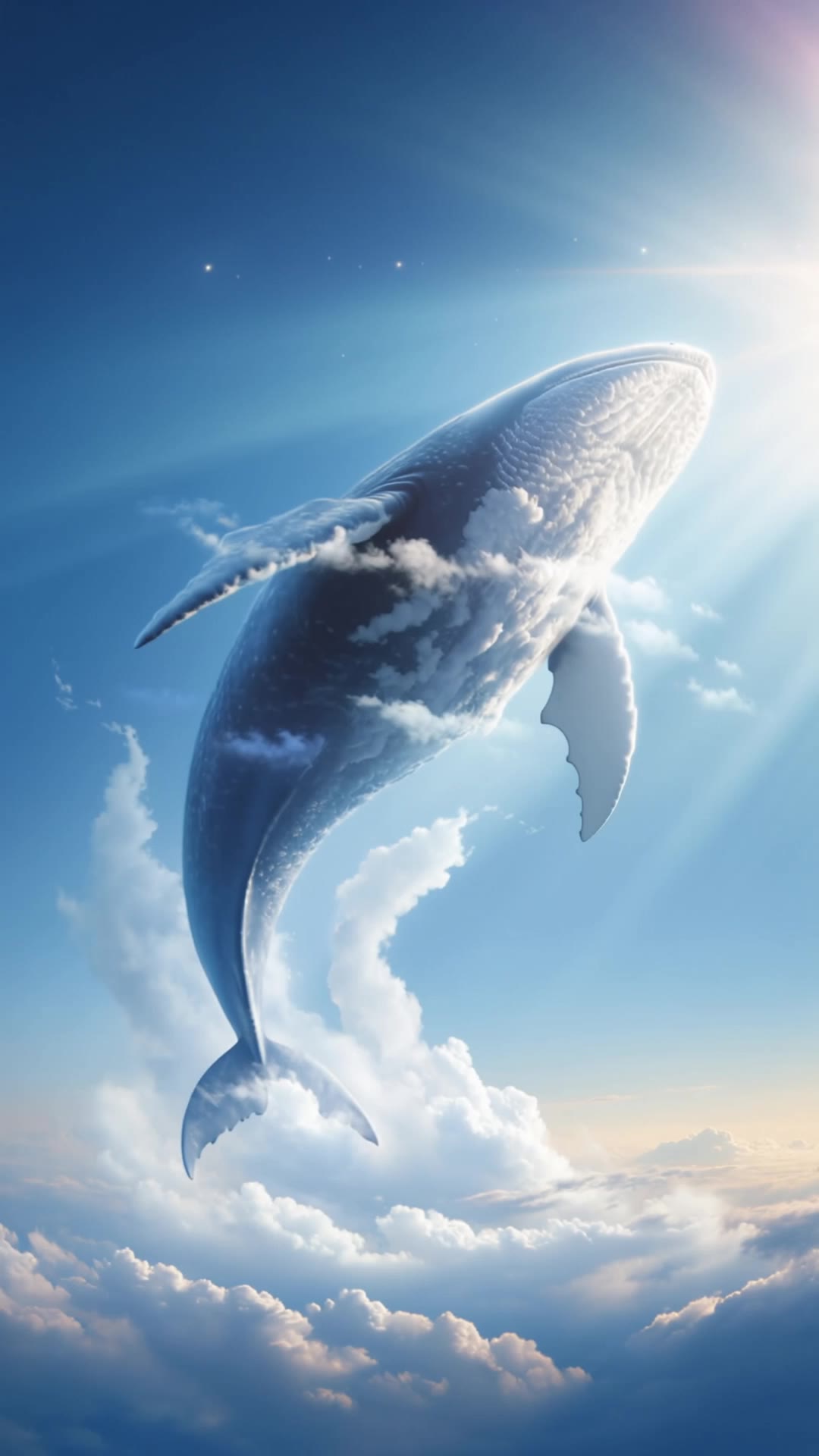
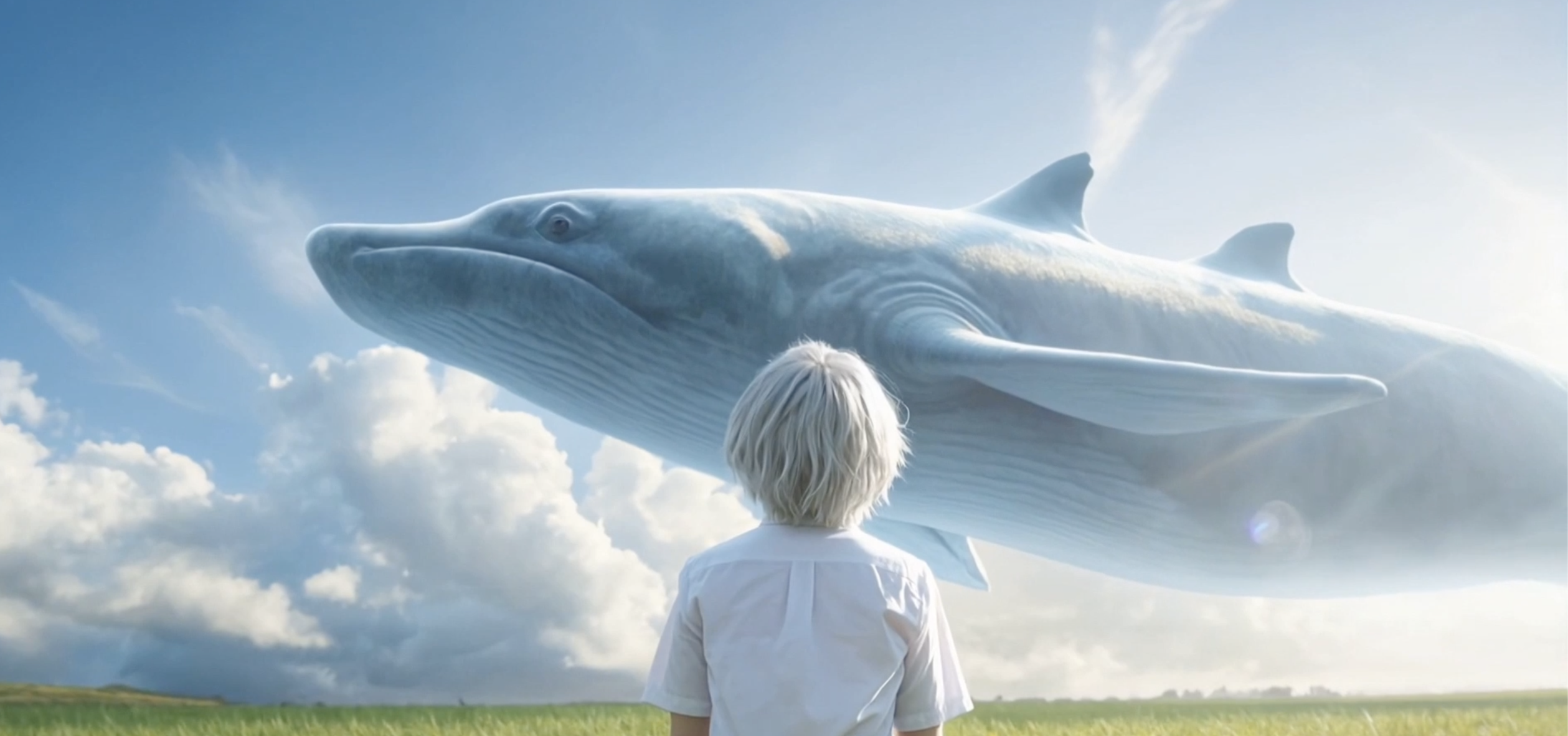
Blue whale in the sky - whale desktop wallpaper AI video
Nik avatar
Nik
Whale Cloud - whale desktop wallpaper AI video
00:15
SHAINA avatar
SHAINA
Whale - whale desktop wallpaper AI video
Dronov_ai avatar
Dronov_ai
Elite Creator

How to Animate an Image

Upload Your Image

Upload Your Image

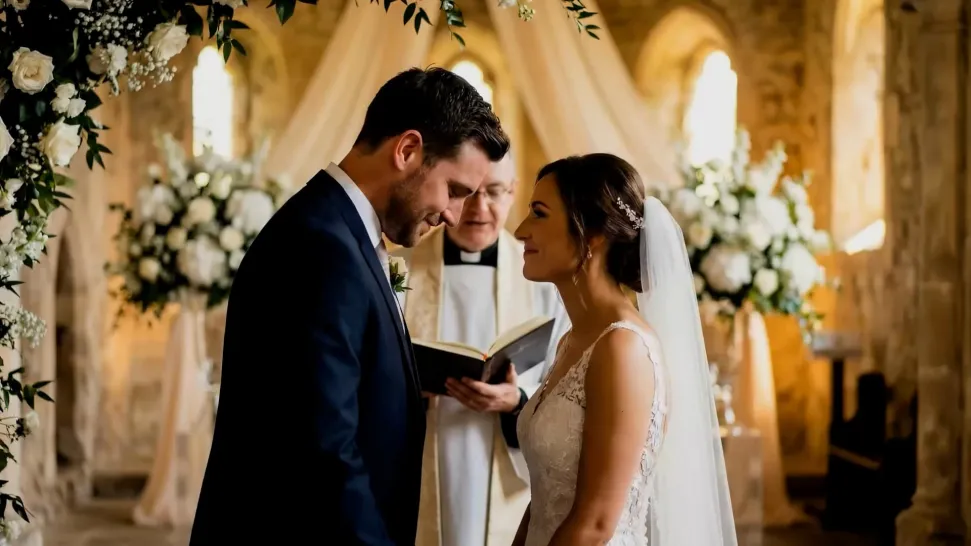
Upload any image—drag and drop a portrait, product photo, or illustration. Kling supports various formats and brings images to life while maintaining consistent, high-quality results.

Describe the Motion

Describe the Motion

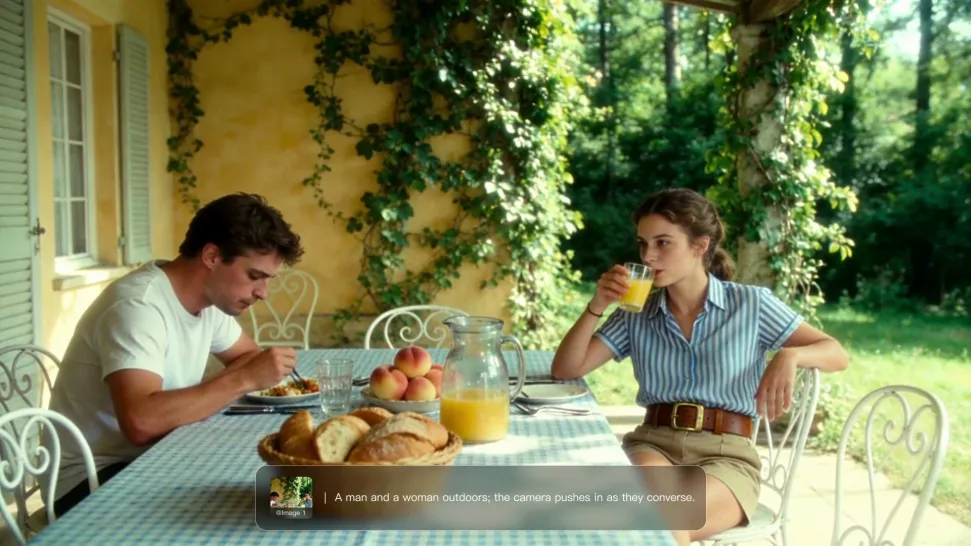
Type what you want to see, like “she turns, smiles, and starts talking to the camera.” For advanced control, you can also upload a start and end frame to define the exact transition.

Generate & Export

Generate & Export

Hit generate, wait a few seconds, and download your animated video. Free image to video generation is available in 1080p, while Pro users can unlock stunning native 4K resolution.

Key Features of Kling AI Text-to-Video Generator

Precise Text-to-video Generation

Precise Text-to-video Generation

Turn your ideas into videos that closely match your prompt. Kling AI understands detailed descriptions and keeps recurring characters consistent across scenes, preserving their appearance, expressions, and movement throughout the video. Videos support up to 4K resolution, 15 seconds in length, and 60fps playback, depending on your plan.

Multi-shot Storyboarding

Multi-shot Storyboarding

Create more complete stories from a single prompt. When your prompt includes multiple scenes, Kling 3.0 can organize them into up to five connected shots with smooth scene transitions, reducing the need for manual editing.

Native Multilingual Audio

Native Multilingual Audio

Create videos with built-in dialogue, sound effects, and ambient audio in five languages: English, Chinese, Japanese, Korean, and Spanish. Regional accent variations are also available, including American, British, and Indian English, to make voices sound more natural.

Apps

Image to Video
Image to Video

Image to Video

Text to Video
Text to Video

Text to Video

Omni
Omni

Omni

Digital Human
Digital Human

Digital Human

Restyle
Restyle

Restyle

Text to Image
Text to Image

Text to Image

60M+
60M+
Users
600M+
600M+
AI Videos Generated
4.7 ★
4.7 ★
App Store
Industry-Leading
Industry-Leading
Cinematic 4K

Reviews

Huang Lu (Elson)

Huang Lu (Elson)

★★★★★

I’ve been using Kling AI since its initial release, and it’s remained one of the leading AI media generators ever since. With Kling AI, I’ve created hundreds of videos, collectively amassing millions of views.

Samuele Poggi (@visualsk2)

Samuele Poggi (@visualsk2)

★★★★★

I use Kling AI daily to push the limits of AI filmmaking. It allows me to create highly cinematic content, blending AI and VFX to develop innovative projects. It has significantly impacted my creative process, enabling me to achieve complex animations that would otherwise require high production budgets.

Maria Rubtsova

Maria Rubtsova

★★★★★

I’m Maria Rubtsova, an AIGC digital artist passionate about creating stunning visuals in the worlds of fashion, aesthetics, and fantasy. I use KlingAi to bring imagination to life through video. My work is all about exploring beauty, emotion, and the limitless possibilities of digital art.

FAQ

Q1What kind of images work best for Motion Control?
Q2What happens if the reference motion and image don’t match?
Q3Can I use the audio from the reference video?

Start Controlling Character Motion

Stop accepting distorted AI movements. Upload your reference and let Kling replicate it precisely.

Works on humans, anime & 3D | High-precision motion | Zero distortion