
Creative Studio
API
Resources
Features
About Us
Download

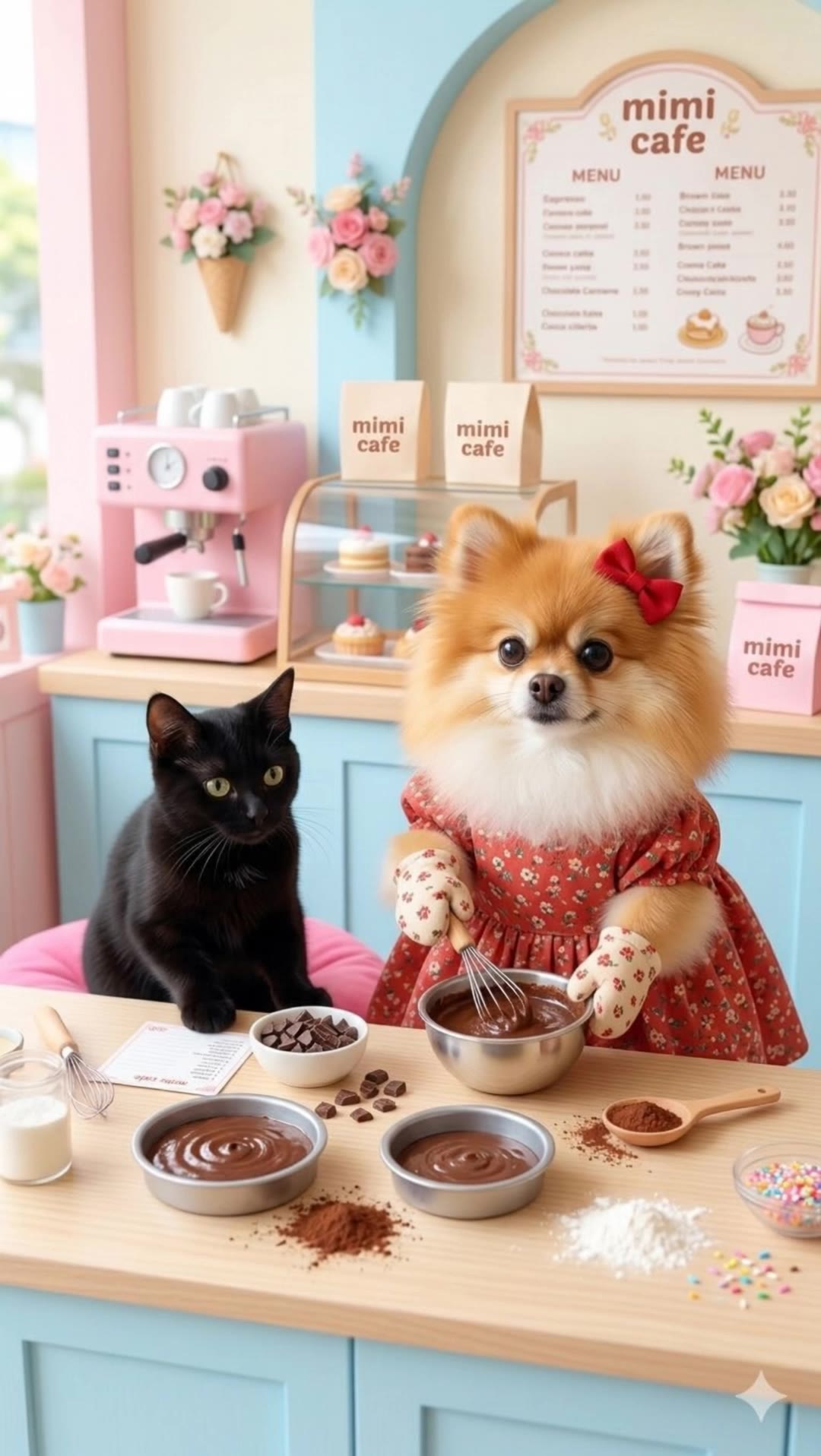
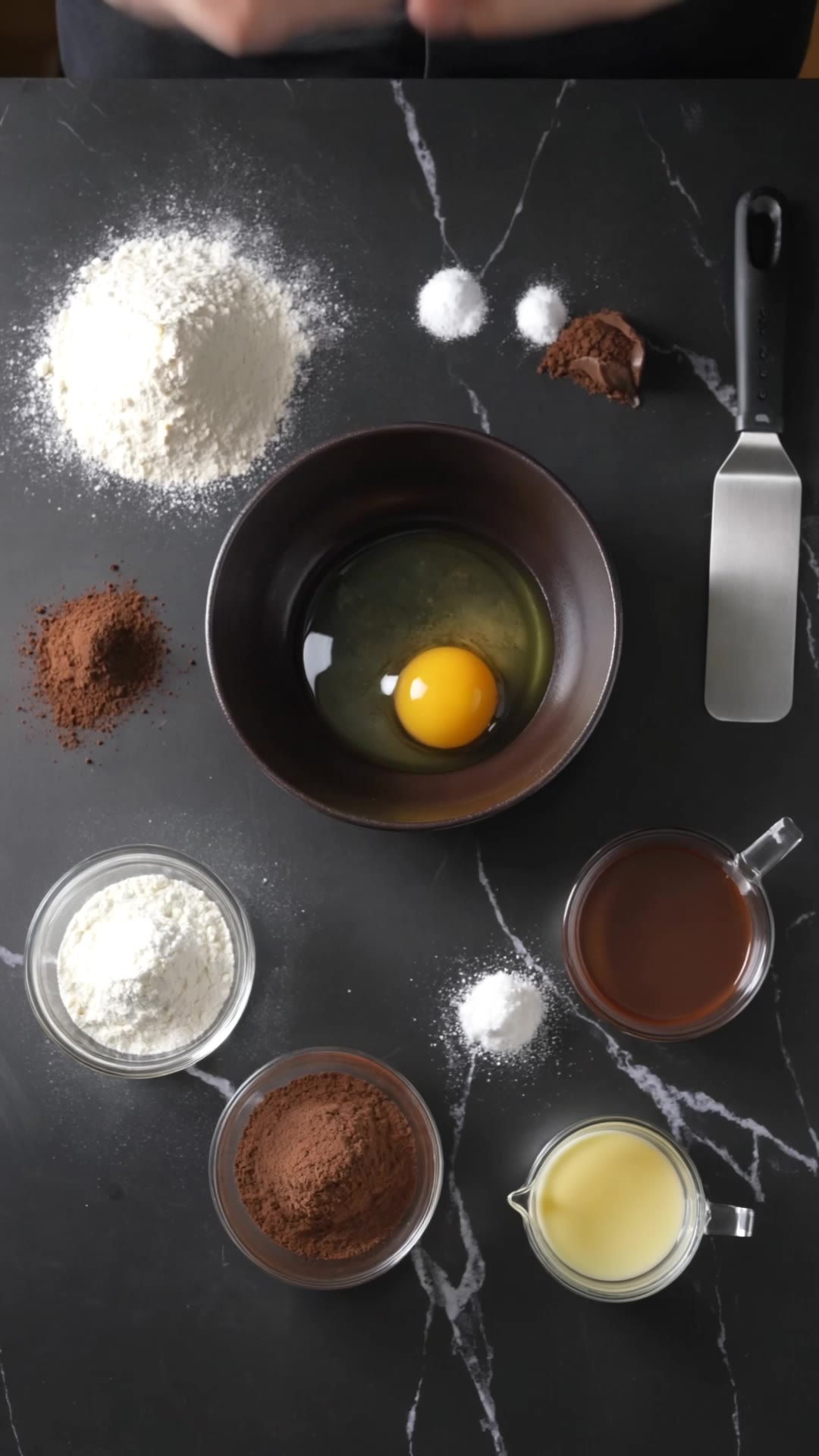
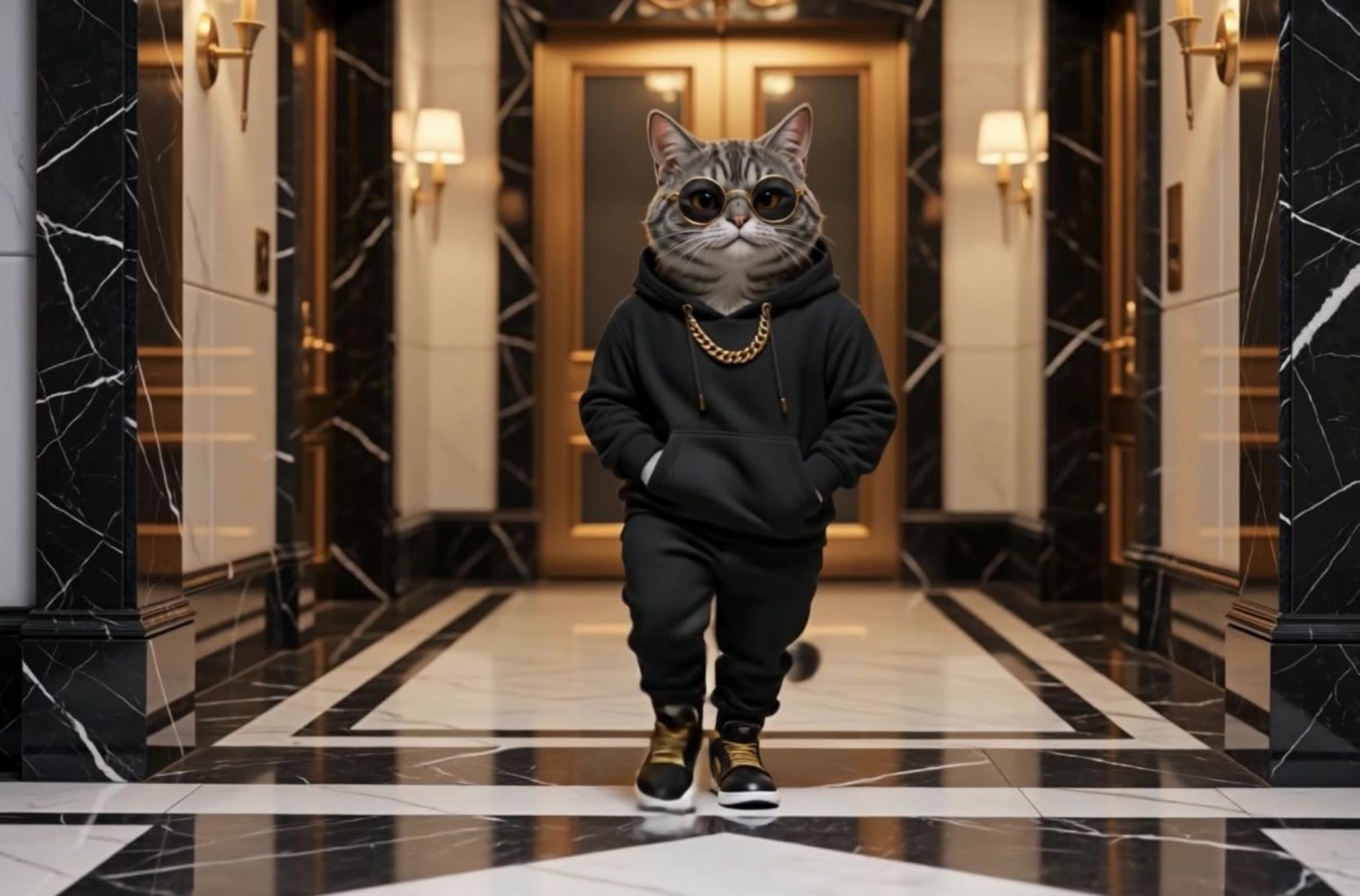
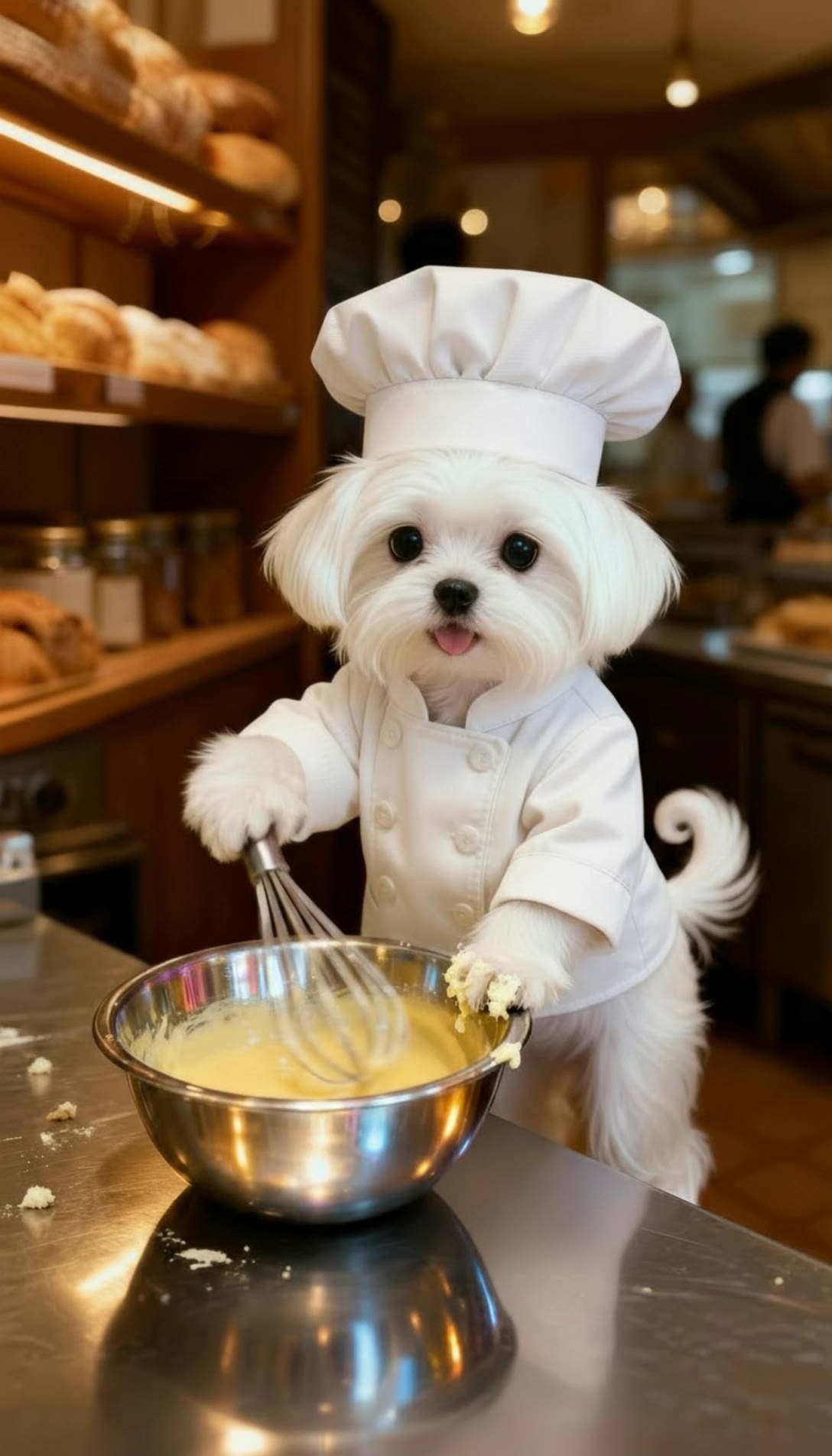
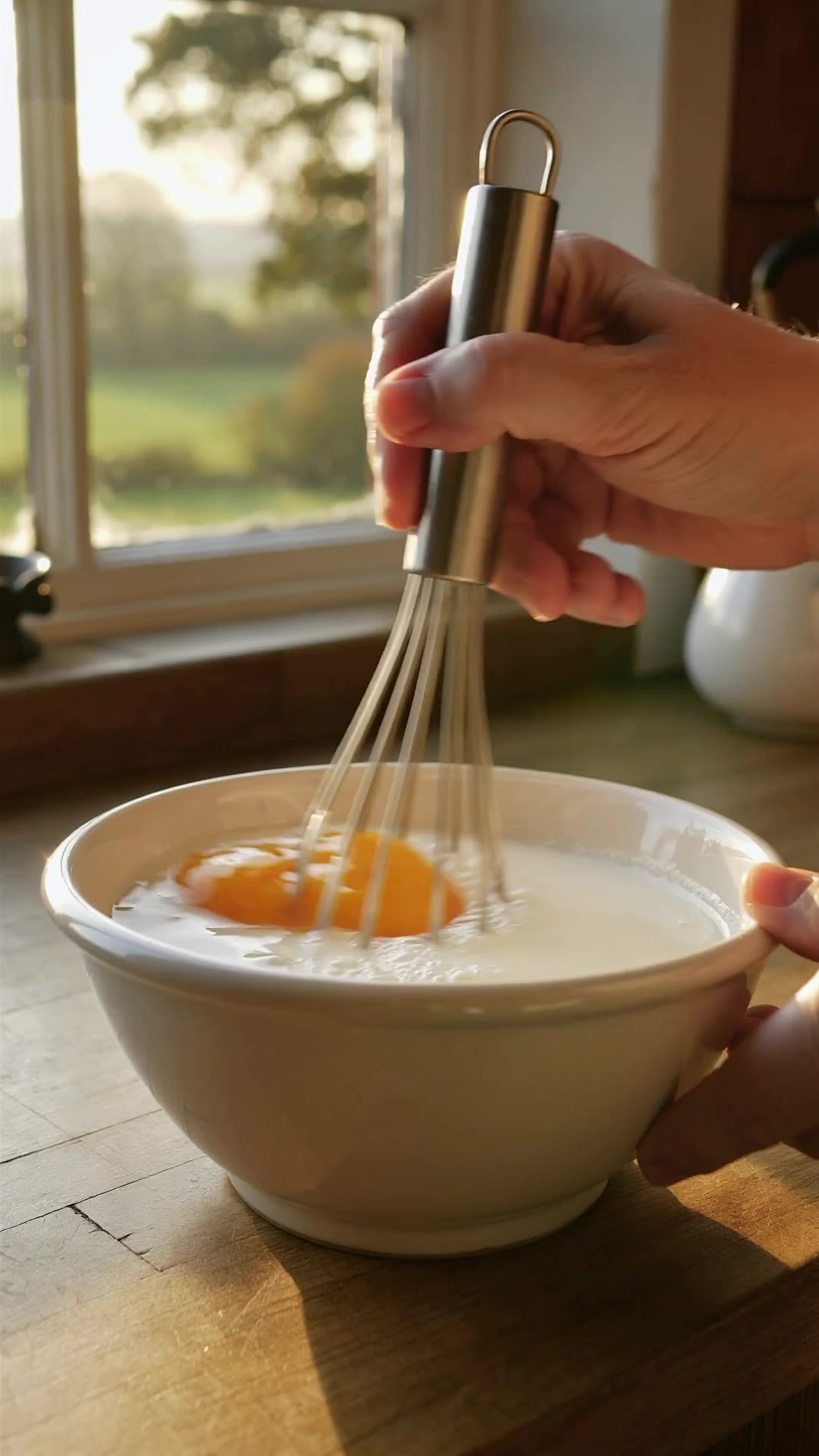
whisk. ai - Baking Moments & Multitasking Chaos

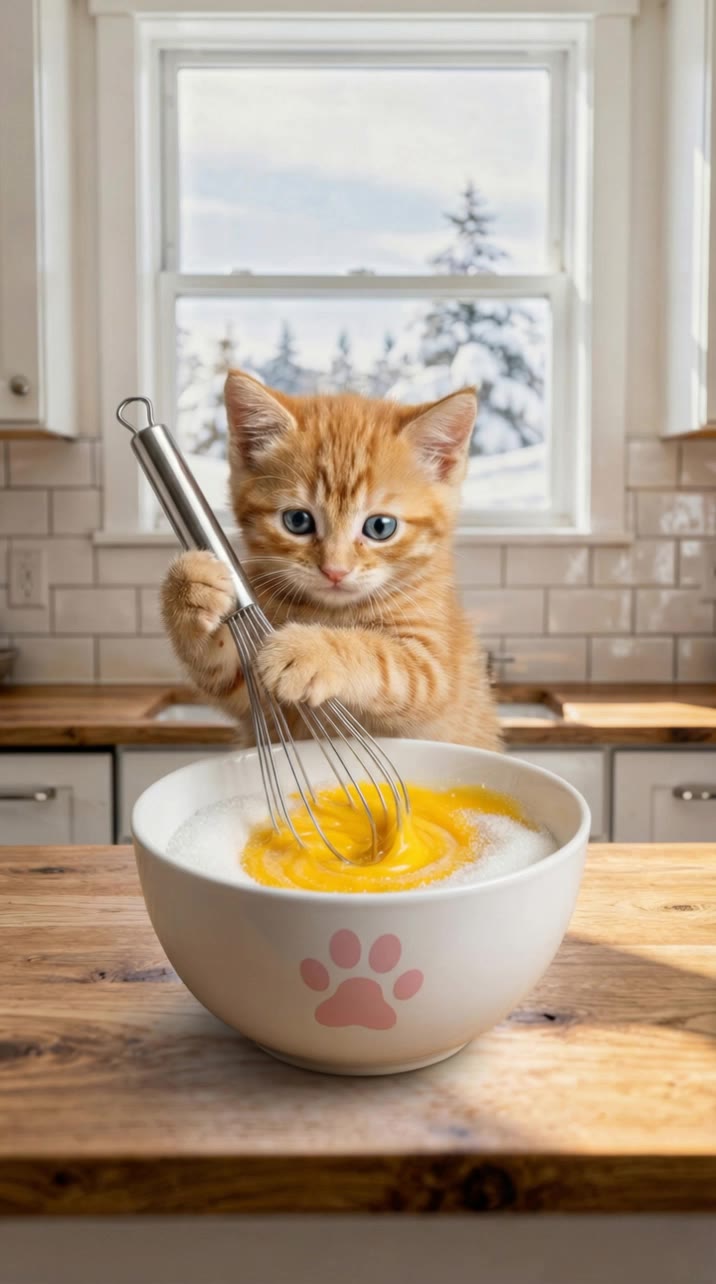
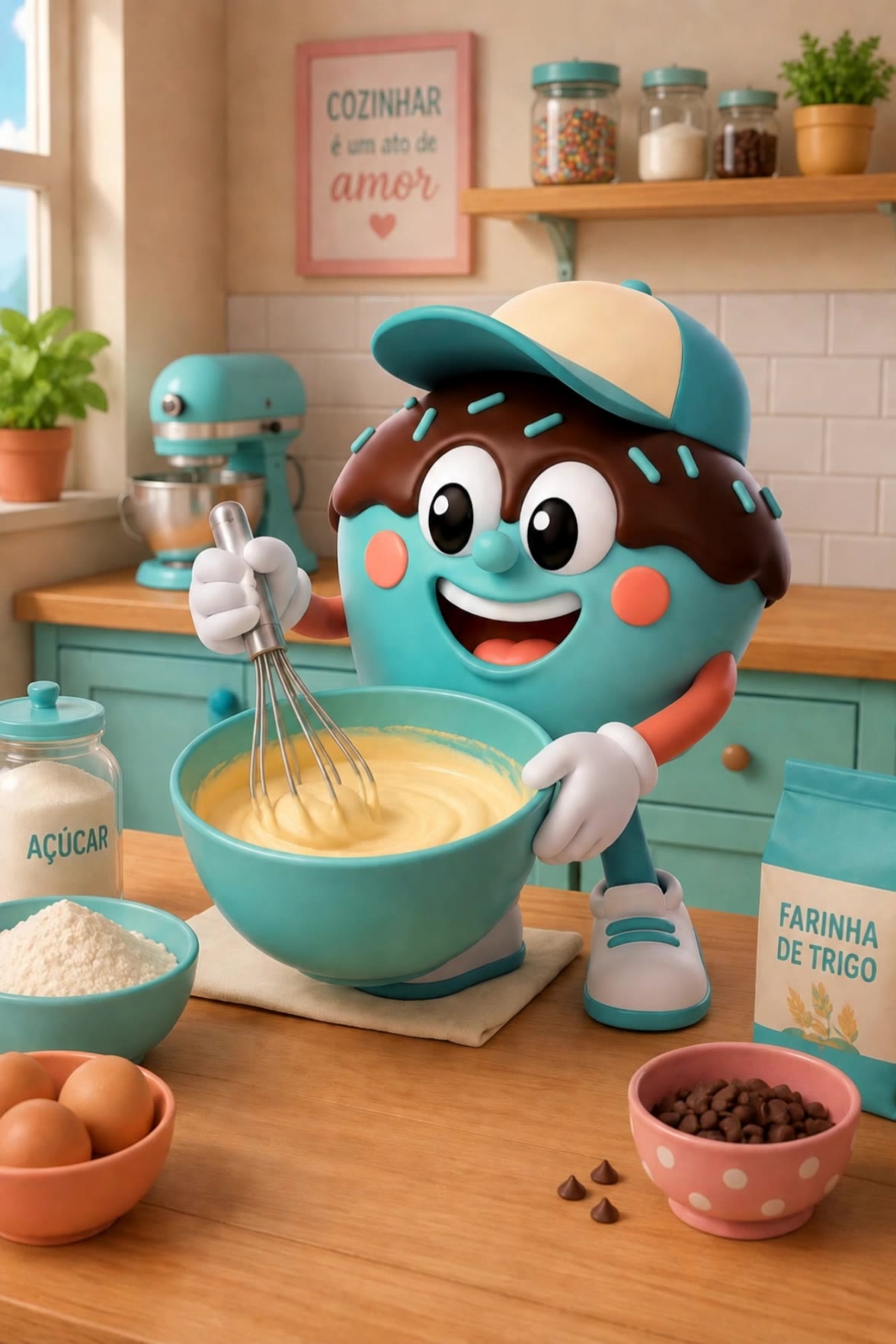
Adorable dogs and skilled chefs create delectable delights with whisk.ai, blending creativity and culinary art seamlessly. Start exploring whisk.ai ideas and generate your own content with AI.


whisk. ai - Baking Moments & Multitasking Chaos

Recommended

Kling AI work 316397518660854 - whisk. ai AI image
jbimnzfT avatar
jbimnzfT
Kling AI work 316404647501594 - whisk. ai AI video
jbimnzfT avatar
jbimnzfT
Kling AI work 309742385663933 - whisk. ai AI video
wcLwULMr avatar
wcLwULMr
Kling AI work 316365720667164 - whisk. ai AI video
jbimnzfT avatar
jbimnzfT
Kling AI work 316397343507673 - whisk. ai AI image
jbimnzfT avatar
jbimnzfT
Kling AI work 299315555300391 - whisk. ai AI video
QBSGvWqA avatar
QBSGvWqA
Kling AI work 317818574618520 - whisk. ai AI video
wQYiSUZk avatar
wQYiSUZk
Kling AI work 316543578611686 - whisk. ai AI video
Oksana avatar
Oksana
Kling AI work 316200599615835 - whisk. ai AI video
jbimnzfT avatar
jbimnzfT
Kling AI work 316364966612376 - whisk. ai AI video
jbimnzfT avatar
jbimnzfT
Tongue-Out Whisk, Maltese Chef - whisk. ai AI video
Yucheol avatar
Yucheol
Kling AI work 300560584308230 - whisk. ai AI video
Snowy avatar
Snowy
Kling AI work 310250976613892 - whisk. ai AI video
OxmudkAZ avatar
OxmudkAZ
Kling AI work 316366407523466 - whisk. ai AI video
jbimnzfT avatar
jbimnzfT
Kling AI work 315225716521664 - whisk. ai AI video
iBksnsoh avatar
iBksnsoh
Matcha - whisk. ai AI video
pwRaMBNj avatar
pwRaMBNj
Kling AI work 316233924617766 - whisk. ai AI video
jbimnzfT avatar
jbimnzfT
Kling AI work 297052805312945 - whisk. ai AI video
Pawfect.ai avatar
Pawfect.ai
Creative Partner
Kling AI work 313971052611213 - whisk. ai AI video
Cozy Oddities ASMR avatar
Cozy Oddities ASMR

How to Enhance Image Quality with Kling

Step 1: Upload Your Image

Step 1: Upload Your Image

Upload the image you want to improve to Kling 3.0 Omni. Start with a portrait, product photo, artwork, social visual, or any other existing image you want to recreate at a higher resolution.

Step 2: Generate Up to 4K

Step 2: Generate Up to 4K

Describe what you want to improve, such as facial details, textures, or other important parts of the image. Choose your preferred resolution, including 2K or 4K, then generate the enhanced result.

Step 3: Upscale Existing AI Images

Step 3: Upscale Existing AI Images

Already generated an image with Kling AI? Hover over the result and select Upscale to increase its resolution without uploading the image again. Choose the available output quality that fits your needs.

Why Kling Sets the Standard for Video Creation

Flawless Character Consistency for High-Quality Videos

Flawless Character Consistency for High-Quality Videos

Unlike standard tools that distort faces when moving, Kling Video 3.0 lets you strictly lock a character’s appearance. Upload a single photo, or use a short video/multiple angles as a reference to completely eliminate the “AI morphing” effect.

All-in-One Native Audio & Lip-Sync

All-in-One Native Audio & Lip-Sync

Your video isn’t just silent footage; it speaks. Generate perfectly matched voices and realistic lip movements in multiple languages or regional accents. Even in multi-character scenes, you can precisely assign who speaks—no third-party tools required.

Up to 15s Multi-Shot Cinematic Output

Up to 15s Multi-Shot Cinematic Output

Go beyond a basic 3-second clip. Kling 3.0 extends generation to 15 seconds of smooth, uninterrupted narrative. You can even use native storyboard controls to direct multi-shot sequences in a single click—outputting in crystal-clear 4K for professional use.

Apps

Image to Video
Image to Video

Image to Video

Text to Video
Text to Video

Text to Video

Omni
Omni

Omni

Digital Human
Digital Human

Digital Human

Restyle
Restyle

Restyle

Text to Image
Text to Image

Text to Image

60M+
60M+
Users
600M+
600M+
AI Videos Generated
4.7 ★
4.7 ★
App Store
Industry-Leading
Industry-Leading
Cinematic 4K

Reviews

Samuele Poggi (@visualsk2)

Samuele Poggi (@visualsk2)

★★★★★

I use Kling AI daily to push the limits of AI filmmaking. It allows me to create highly cinematic content, blending AI and VFX to develop innovative projects. It has significantly impacted my creative process, enabling me to achieve complex animations that would otherwise require high production budgets.

Huang Lu (Elson)

Huang Lu (Elson)

★★★★★

I’ve been using Kling AI since its initial release, and it’s remained one of the leading AI media generators ever since. With Kling AI, I’ve created hundreds of videos, collectively amassing millions of views.

Halim Alrasihi

Halim Alrasihi

★★★★★

I use AI daily and Kling AI is a crucial part of my workflow, whether for client work or personal projects. What I love most about using Kling AI is that it provides all the tools I need in one place, from keyframes to character references, elements and special effects.

FAQ

Q1Can I use AI to generate backgrounds?
Q2Can I generate AI backgrounds in 2K or 4K?
Q3Can I create several backgrounds with the same visual direction?

See Your Image in a Whole New Color

Explore a different product color, refresh an outfit, rethink a room, or give an existing creative a new direction with Kling IMAGE 3.0. Describe the change, and generate a new version now.