Creative Studio
API
Resources
Features
About Us
Download

AI-generated Xmas images – Festive and joyful designs

Discover festive and joyful AI-generated Xmas images. Each image is unique and can be customized to match your style. Enjoy the convenience of AI results you can adapt for a unique look.


AI-generated Xmas images – Festive and joyful designs

Recommended

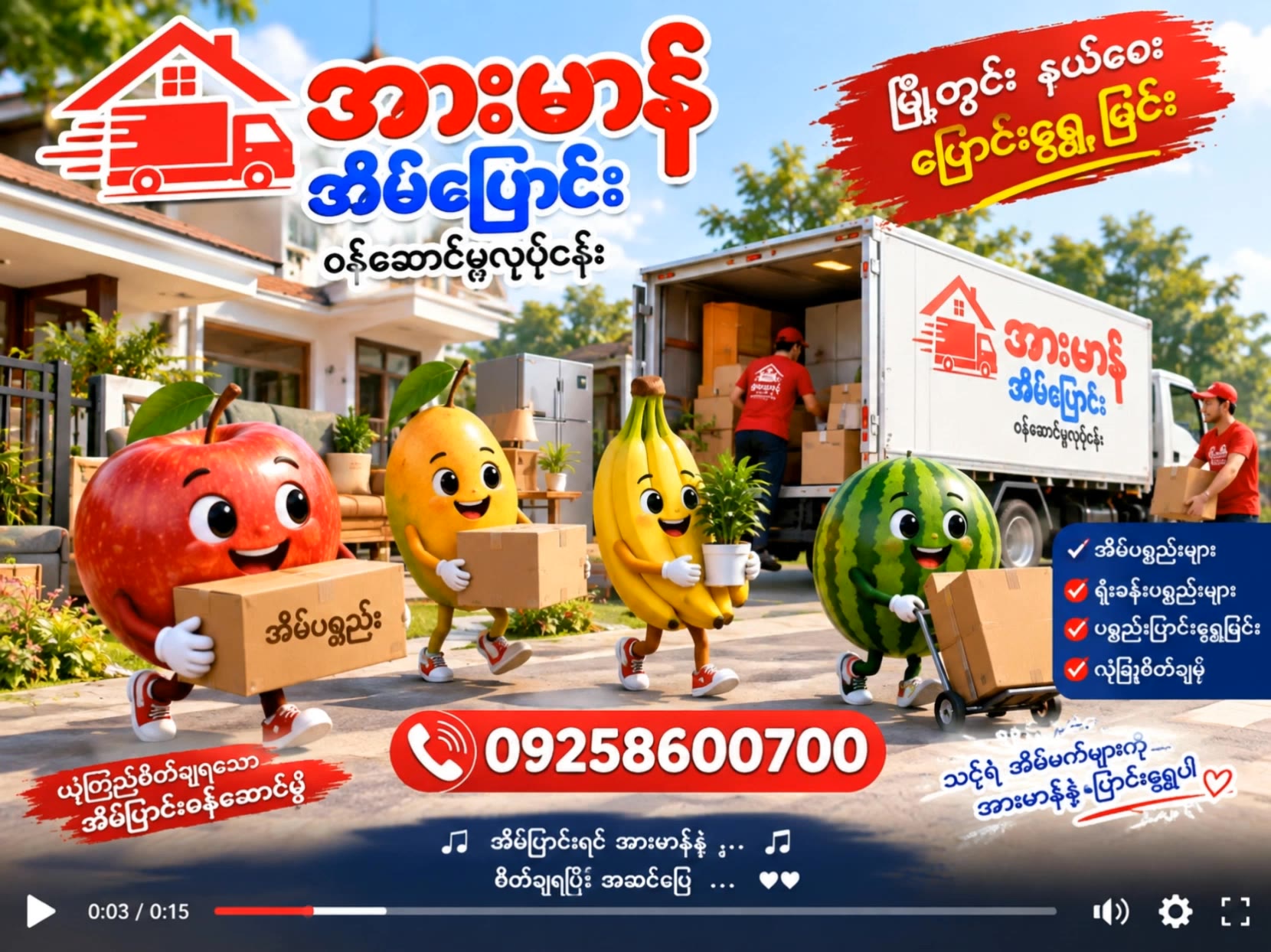
အားမာန်အိမ်ပြောင်းဝန်ဆောင်မှု - xmas ai generator AI video
YbDlHEXa avatar
YbDlHEXa
Kling AI work 309073593616374 - xmas ai generator AI image
yLIXScPO avatar
yLIXScPO
Kling AI work 314126806618227 - xmas ai generator AI video
OjcWLzoR avatar
OjcWLzoR
Prompt generator gambar AI mahak - xmas ai generator AI image
ℹ️MissKAKADU🌼 avatar
ℹ️MissKAKADU🌼
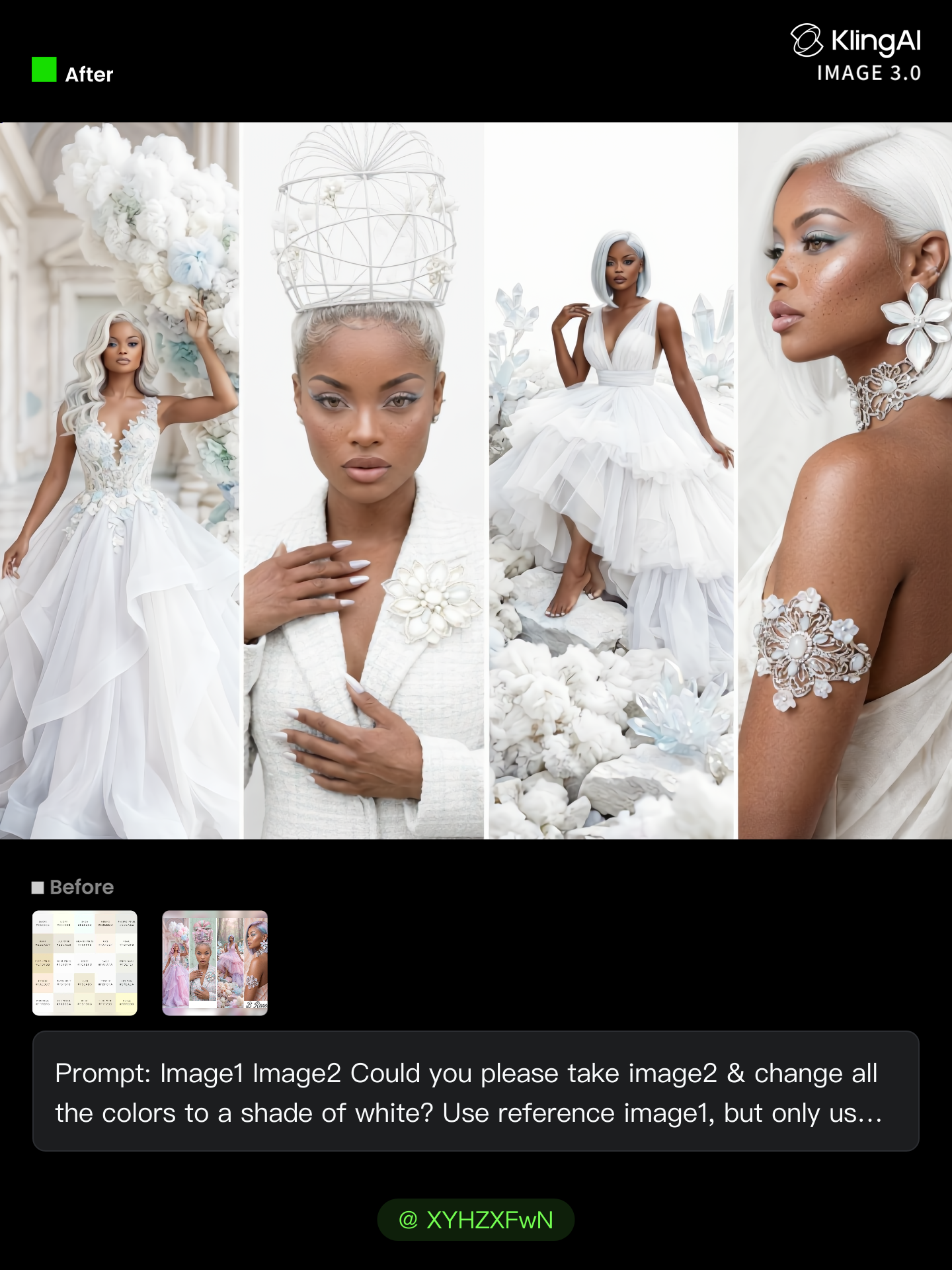
All White Challenge. - xmas ai generator AI image
Breneen avatar
Breneen
Kling AI work 296356195526786 - xmas ai generator AI image
ℹ️MissKAKADU🌼 avatar
ℹ️MissKAKADU🌼
Kling AI work 319012633521024 - xmas ai generator AI image
hjNjXnbY avatar
hjNjXnbY
Kling AI work 315824399617976 - xmas ai generator AI video
SMFyEMiu avatar
SMFyEMiu
Kling AI work 310739389500669 - xmas ai generator AI image
UURTuGBi avatar
UURTuGBi
Xmas Dance - xmas ai generator AI video
Inna avatar
Inna
Elite Creator
X-mas 3D Animation Shorts. - xmas ai generator AI video
00:35
AI artist GONY avatar
AI artist GONY
Elite Creator
Kling AI work 307665785506849 - xmas ai generator AI image
FasBrYnv avatar
FasBrYnv
Kling AI work 319998717664614 - xmas ai generator AI video
MulyMRJr avatar
MulyMRJr
Kling AI work 319012633525027 - xmas ai generator AI image
hjNjXnbY avatar
hjNjXnbY
Merry Xmas - xmas ai generator AI video
SACU avatar
SACU
Kling AI work 297459724523458 - xmas ai generator AI video
VisualWoW avatar
VisualWoW
Elite Creator
Kling AI work 319897179614299 - xmas ai generator AI image
ebYHXonZ avatar
ebYHXonZ
Kling AI work 311875355616321 - xmas ai generator AI video
Akunna  Emelle avatar
Akunna Emelle
Kling AI work 298656762521401 - xmas ai generator AI video
ckQijjsu avatar
ckQijjsu

How to Create an AI Video from a Script

Start with a Scene or Story Beat

Start with a Scene or Story Beat

Paste in the part of your script you want to see on screen. Include the setting, characters, action, and dialogue that matter to the scene. Camera direction and visual style can stay simple at first, you can get more specific when you start shaping the shots.

Turn the Scene into a Shot Sequence

Turn the Scene into a Shot Sequence

Switch on Multi-Shot and let Kling work out the scene transitions and camera coverage from your prompt. Already have the sequence in your head? Open Custom Multi-Shot and lay out the individual shots yourself, including how long they last and what happens in each one.

Generate with Native Audio

Generate with Native Audio

Set the duration and available output options, then generate your sequence. Native Audio can bring dialogue, ambience, and sound effects into the same generation, so the result does not have to begin as a silent set of shots. Kling VIDEO 3.0 supports scenes up to 15 seconds in a single generation.

Create AI Art with More Creative Control

Bring More Than a Prompt to Your Art

Bring More Than a Prompt to Your Art

Start with words, a sketch, a photo, or the references that already capture part of your idea. IMAGE 3.0 can use up to 10 reference images, so you can bring a character from one image, an outfit from another, and a different setting or art style into the same creation. Use references for the details you want to keep, then use your prompt to decide what changes.

Find the Look That Fits Your Idea

Find the Look That Fits Your Idea

Create pencil drawings, watercolor paintings, anime art, comics, concept art, 3D-inspired images, and more. Try a completely different style, or fine-tune the one you already have. Kling AI also gives you control beyond the art style. Reframe the scene, shift the viewing angle, change the lighting or color palette, and keep refining the image until the whole piece comes together

Create a Series, Not Just a Single Image

Create a Series, Not Just a Single Image

Keep a character, setting, or visual style recognizable across multiple pieces of artwork with IMAGE 3.0 Omni. Generate new poses, scenes, and compositions while keeping the details that tie the series together. It works especially well for character concepts, comics, storyboards, and other ideas that need to develop across several images. Generate in native 2K or 4K when you want more detail in the finished artwork.

Apps

Image to Video
Image to Video

Image to Video

Text to Video
Text to Video

Text to Video

Omni
Omni

Omni

Digital Human
Digital Human

Digital Human

Restyle
Restyle

Restyle

Text to Image
Text to Image

Text to Image

60M+
60M+
Users
600M+
600M+
AI Videos Generated
4.7 ★
4.7 ★
App Store
Industry-Leading
Industry-Leading
Cinematic 4K

Reviews

Samuele Poggi (@visualsk2)

Samuele Poggi (@visualsk2)

★★★★★

I use Kling AI daily to push the limits of AI filmmaking. It allows me to create highly cinematic content, blending AI and VFX to develop innovative projects. It has significantly impacted my creative process, enabling me to achieve complex animations that would otherwise require high production budgets.

Jyo John Mulloor

Jyo John Mulloor

★★★★★

Kling AI has been instrumental in transforming my creative workflow, unlocking new dimensions of artistic expression that were once unimaginable. I use Kling AI extensively to develop high-concept visuals, animate surreal dreamscapes, and create AI-assisted films that blur the line between reality and fantasy. Kling AI’s deep learning capabilities have not only enhanced my creative efficiency but also inspired me to explore storytelling in ways I never thought possible.

Maria Rubtsova

Maria Rubtsova

★★★★★

I’m Maria Rubtsova, an AIGC digital artist passionate about creating stunning visuals in the worlds of fashion, aesthetics, and fantasy. I use KlingAi to bring imagination to life through video. My work is all about exploring beauty, emotion, and the limitless possibilities of digital art.

FAQ

Q1Can I use Kling AI to remove a person from a photo?
Q2Do I need to mark the object before removing it?
Q3What kinds of objects can AI remove from a photo?

Create an Avatar That Feels Like Yours

Start with a photo or a prompt, explore different styles, and keep shaping the details until the character fits the look you want.