Creative Studio
API
Resources
Features
About Us
Download

Xmas Banner Design – AI Image Inspiration

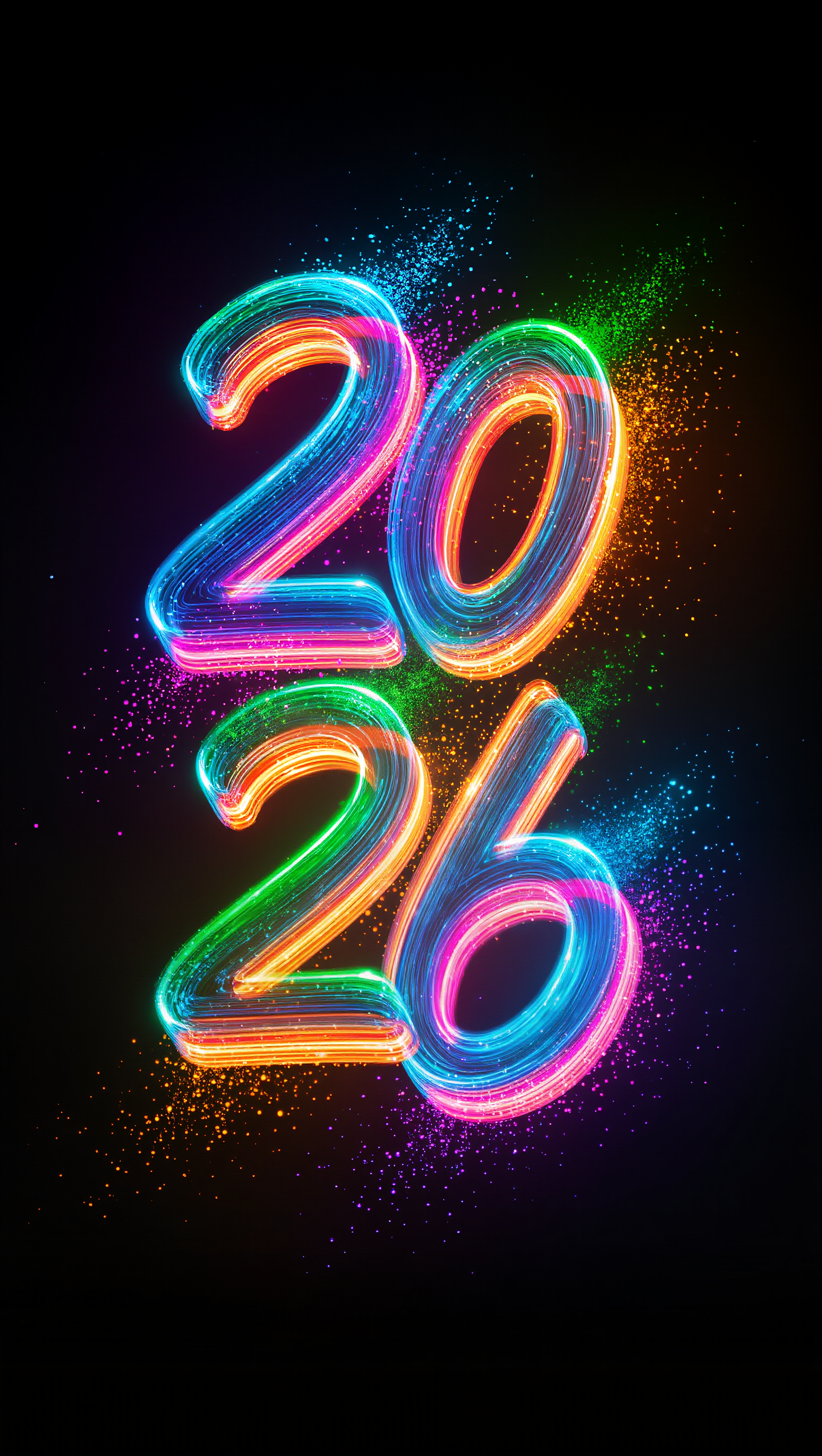
Discover AI-generated Xmas banner designs. These AI-made visuals offer quick and customizable inspiration for creating festive and detailed banners without needing professional design skills.

Xmas Banner Design – AI Image Inspiration

Recommended

Kling AI work 298459046613693 - xmas banner design AI video
gYGpHVfb avatar
gYGpHVfb
Kling AI work 297155072505413 - xmas banner design AI image
Dreamscape AI avatar
Dreamscape AI
Xmas Commercial for CHANEL - xmas banner design AI video
00:22
LIQ STUDIO avatar
LIQ STUDIO
Kling AI work 308999916528538 - xmas banner design AI image
OMLOrqgU avatar
OMLOrqgU
Kling AI work 298656762521401 - xmas banner design AI video
ckQijjsu avatar
ckQijjsu
Kling AI work 296734976508221 - xmas banner design AI image
WOW avatar
WOW
Kling AI work 299167554613464 - xmas banner design AI image
SynthAiVisions avatar
SynthAiVisions
Elite Creator
Kling AI work 296543785661828 - xmas banner design AI video
IgjGHYUe avatar
IgjGHYUe
Kling AI work 298410789520231 - xmas banner design AI image
Xele avatar
Xele
Xmas run - xmas banner design AI video
HadesDesign avatar
HadesDesign
Elite Creator
Kling AI work 317828278523166 - xmas banner design AI image
zxUwUOgs avatar
zxUwUOgs
Kling AI work 297459724523458 - xmas banner design AI video
VisualWoW avatar
VisualWoW
Elite Creator
X-Mas Match - xmas banner design AI video
Xmas Match
7A7PI avatar
7A7PI
Elite Creator
Kling AI work 299167554612471 - xmas banner design AI image
SynthAiVisions avatar
SynthAiVisions
Elite Creator
Kling AI work 307502885663542 - xmas banner design AI video
AnneGod avatar
AnneGod
Winter flower delivery - xmas banner design AI video
gingercookie.ai avatar
gingercookie.ai
Elite Creator
Kling AI work 299857591507858 - xmas banner design AI image
darkangel65 avatar
darkangel65
Kling AI work 297432221305256 - xmas banner design AI video
Anla-shok avatar
Anla-shok
Kling AI work 317464257664016 - xmas banner design AI image
KMyjExIN avatar
KMyjExIN

How to Master AI Motion Control in 3 Steps

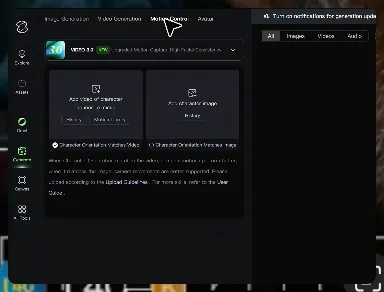
Upload Your Assets

Upload Your Assets

Provide a static character image and a motion reference video showing the exact expressions you want to replicate.

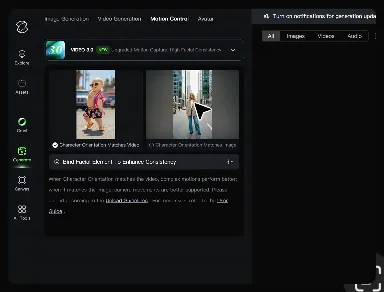
Bind Face Subject

Bind Face Subject

Enable this feature to lock facial consistency. Upload multi-angle photos to create a precise facial reference map.

Generate & Export

Generate & Export

Process your motion-controlled video and download the final render in high resolution.

Create Voices That Match Your Characters

Generate Character Voices Directly with the Video

Generate Character Voices Directly with the Video

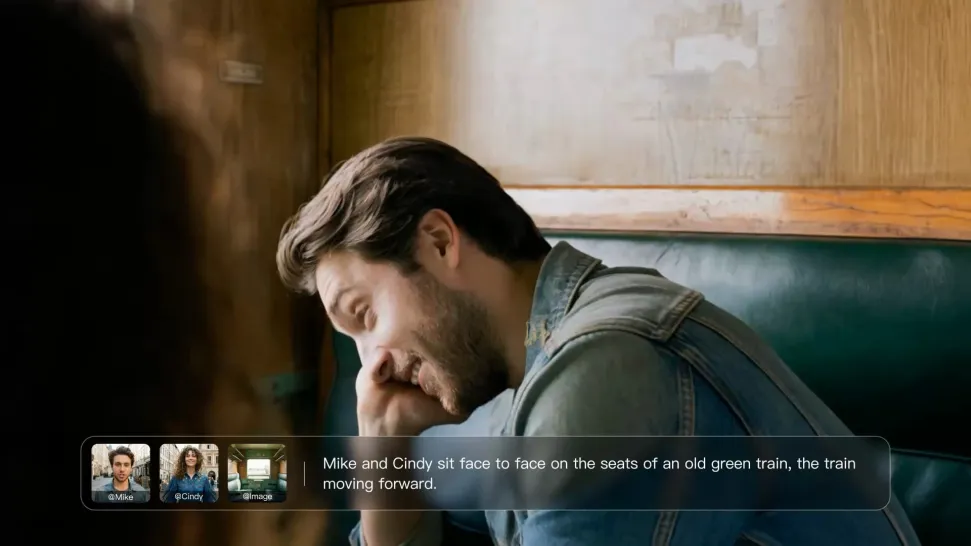
Write the dialogue into your video prompt and let Kling generate the spoken performance together with the scene. Because voice, facial performance, mouth movement, visuals, ambience, and supporting sound are created in the same workflow, the dialogue feels connected to what the character is doing on screen rather than added as a separate layer afterward.
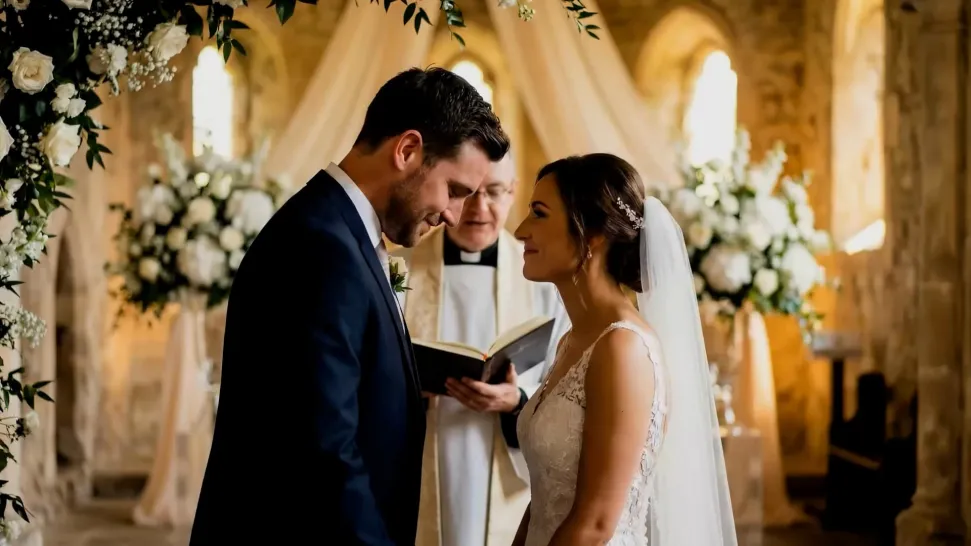
Create Dialogue Across Languages and Accents

Create Dialogue Across Languages and Accents

Create character voices in multiple languages, including English, Chinese, Japanese, Korean, and Spanish. You can also customize accents, dialects, and speaking styles to make characters sound more authentic for different regions, cultures, and story settings.
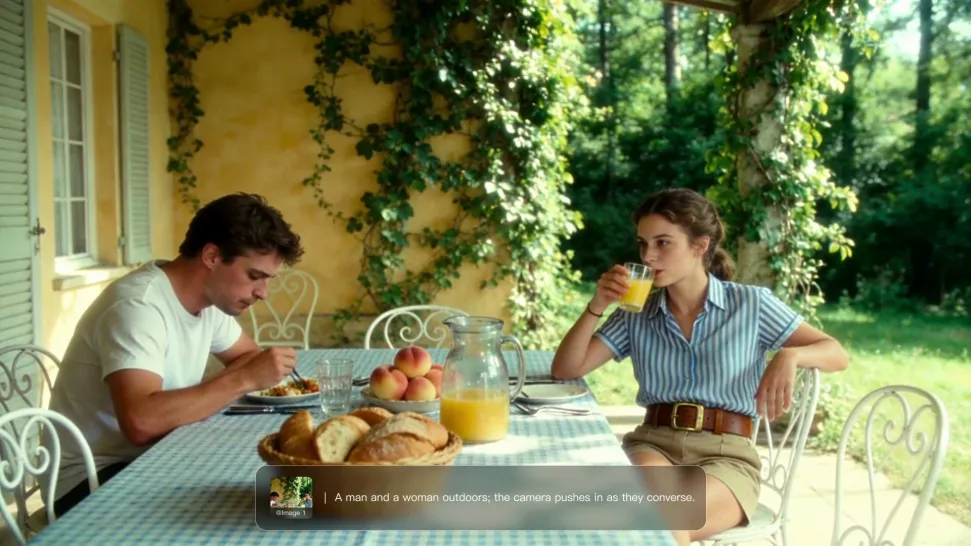
Keep a Character's Voice Consistent Across Scenes

Keep a Character's Voice Consistent Across Scenes

For recurring characters, Kling VIDEO 3.0 Omni lets you add voice to reusable Character Elements. A character can carry both recognizable visual traits and a connected voice into supported future generations. This makes it easier to build recurring presenters, fictional characters, or story leads that not only look familiar across scenes, but also keep a more consistent vocal identity.

Apps

Image to Video
Image to Video

Image to Video

Text to Video
Text to Video

Text to Video

Omni
Omni

Omni

Digital Human
Digital Human

Digital Human

Restyle
Restyle

Restyle

Text to Image
Text to Image

Text to Image

60M+
60M+
Users
600M+
600M+
AI Videos Generated
4.7 ★
4.7 ★
App Store
Industry-Leading
Industry-Leading
Cinematic 4K

Reviews

Maria Rubtsova

Maria Rubtsova

★★★★★

I’m Maria Rubtsova, an AIGC digital artist passionate about creating stunning visuals in the worlds of fashion, aesthetics, and fantasy. I use KlingAi to bring imagination to life through video. My work is all about exploring beauty, emotion, and the limitless possibilities of digital art.

Huang Lu (Elson)

Huang Lu (Elson)

★★★★★

I’ve been using Kling AI since its initial release, and it’s remained one of the leading AI media generators ever since. With Kling AI, I’ve created hundreds of videos, collectively amassing millions of views.

Halim Alrasihi

Halim Alrasihi

★★★★★

I use AI daily and Kling AI is a crucial part of my workflow, whether for client work or personal projects. What I love most about using Kling AI is that it provides all the tools I need in one place, from keyframes to character references, elements and special effects.

FAQ

Q1What is image to image AI?
Q2Can I edit only one part of an image?
Q3Can I combine multiple reference images?

Bring Your Character to Life

Add a voice or script to turn your character video into a polished lip-sync performance.

Voiceover | Text to Speech | Audio trimming | Realistic, 3D & 2D character