Creative Studio
API
Resources
Features
About Us
Download

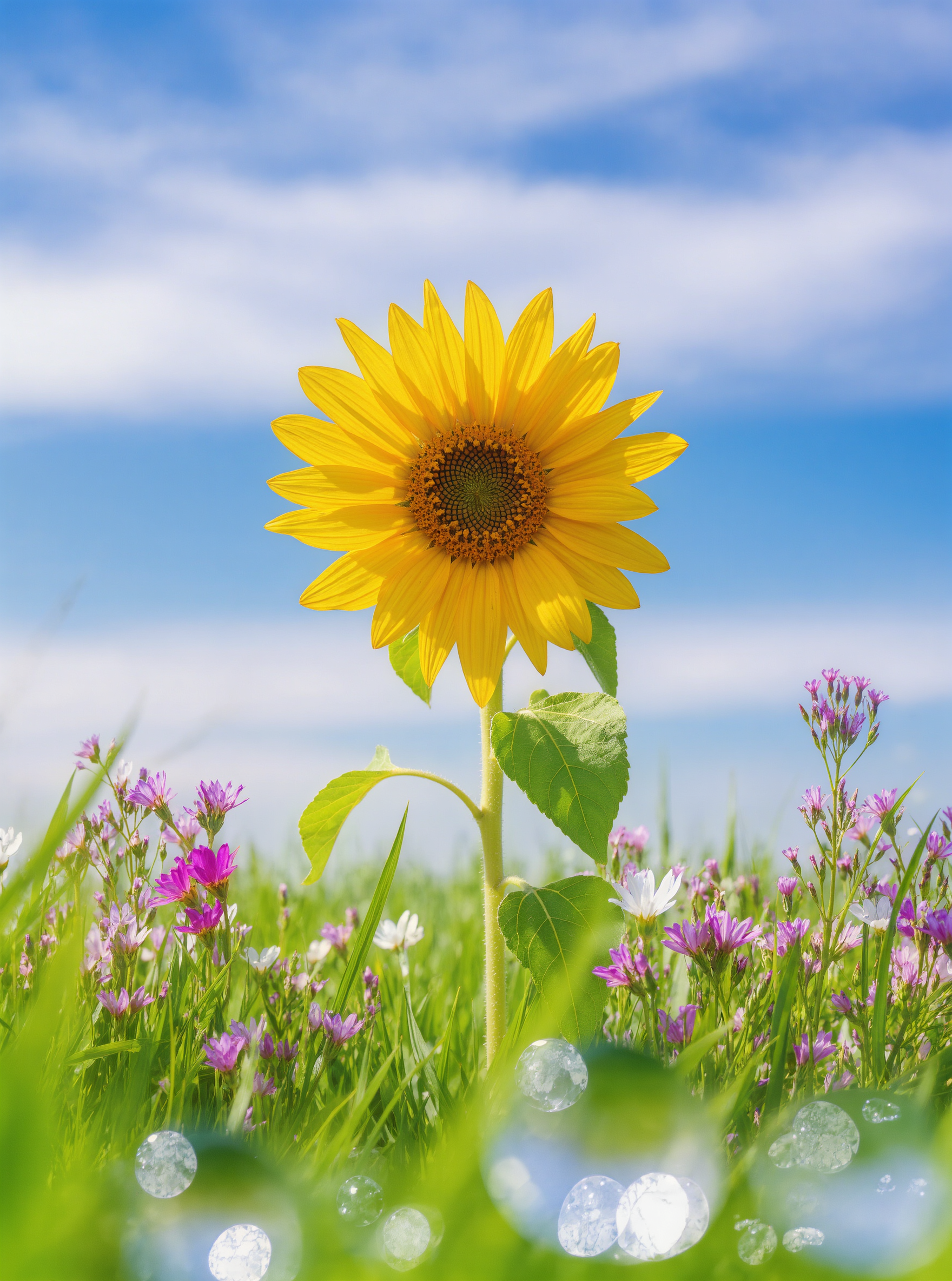
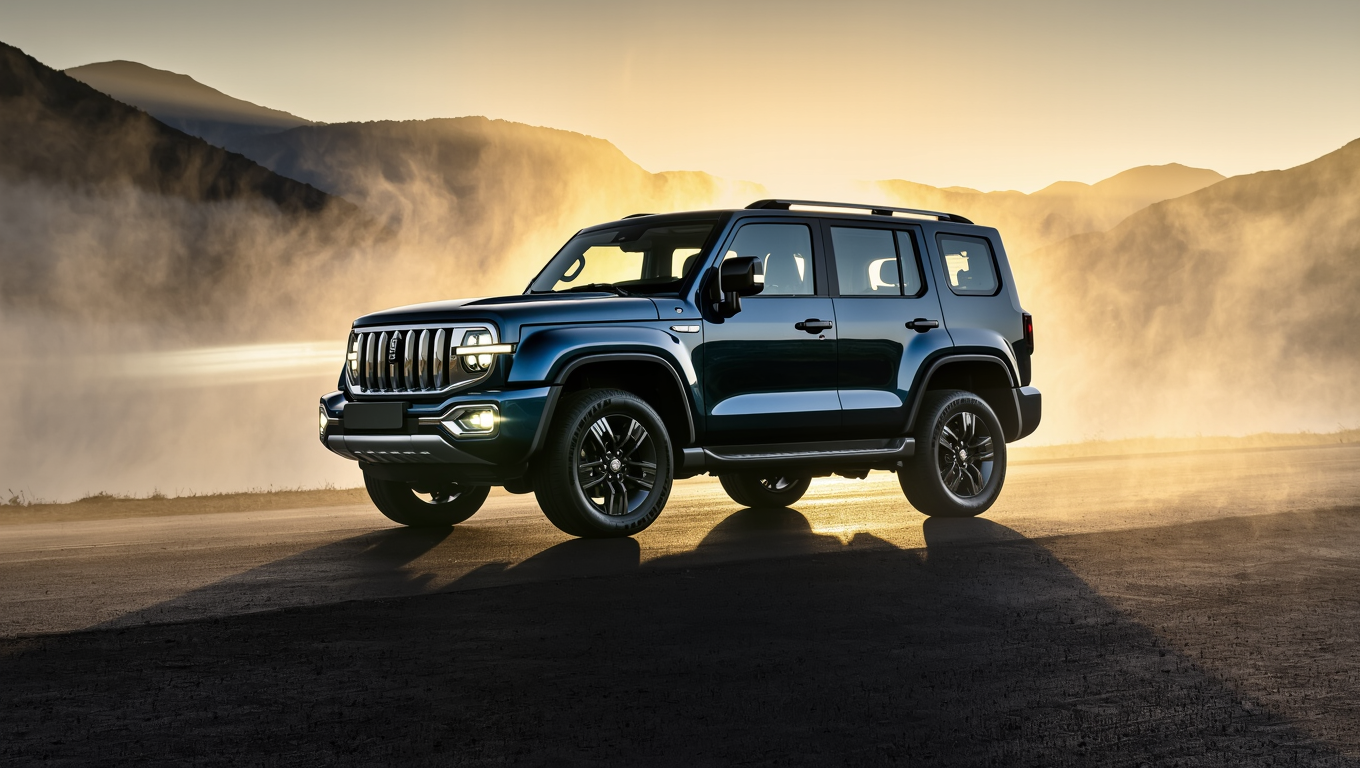
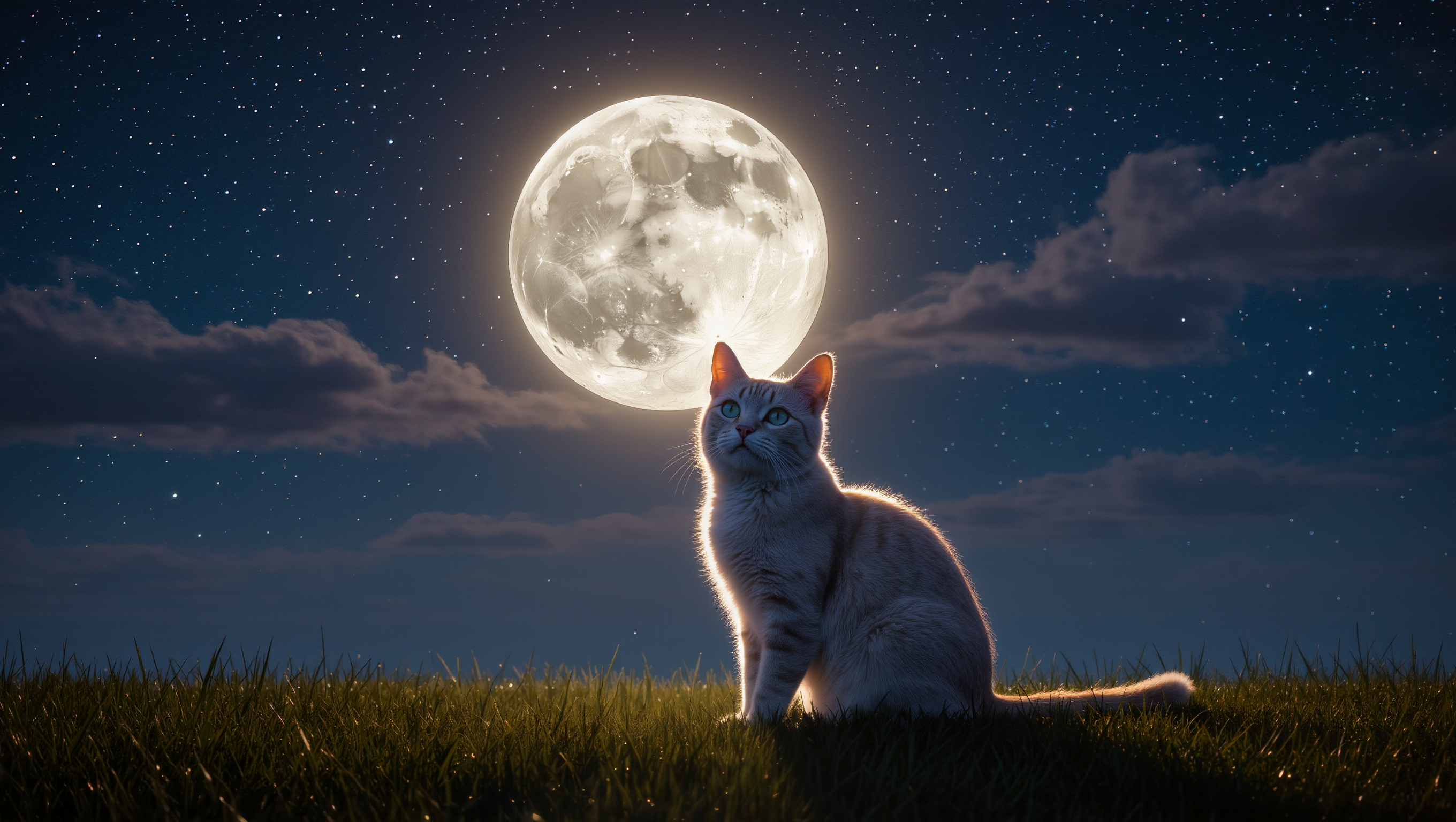
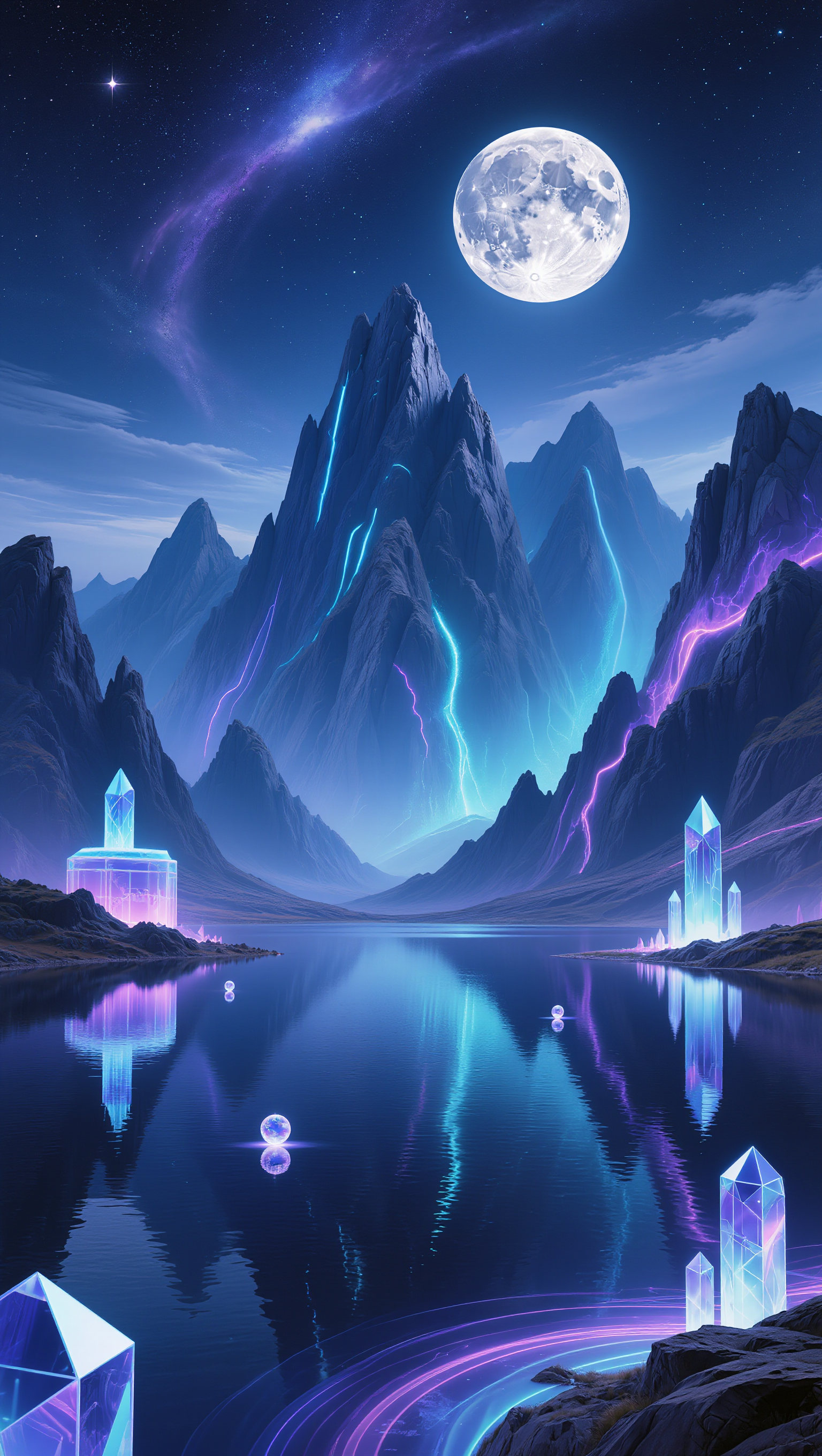
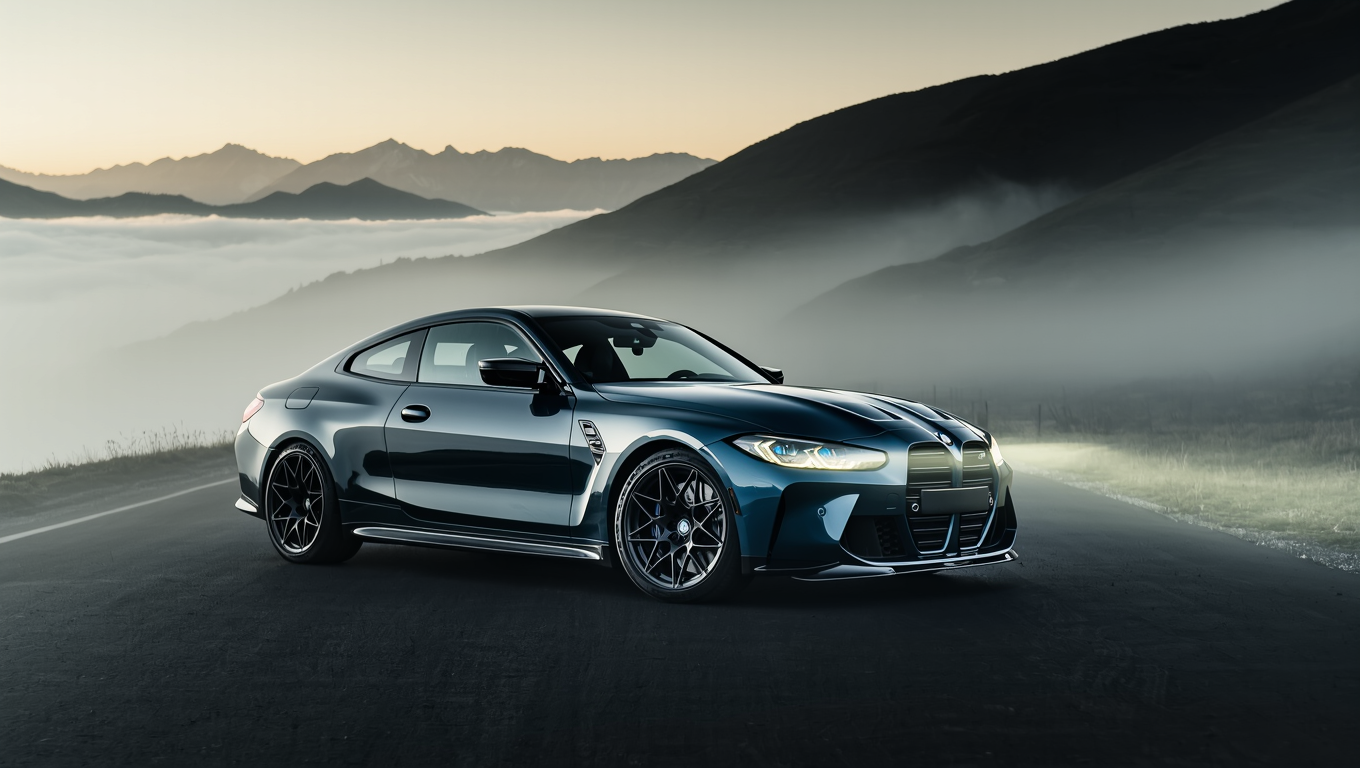
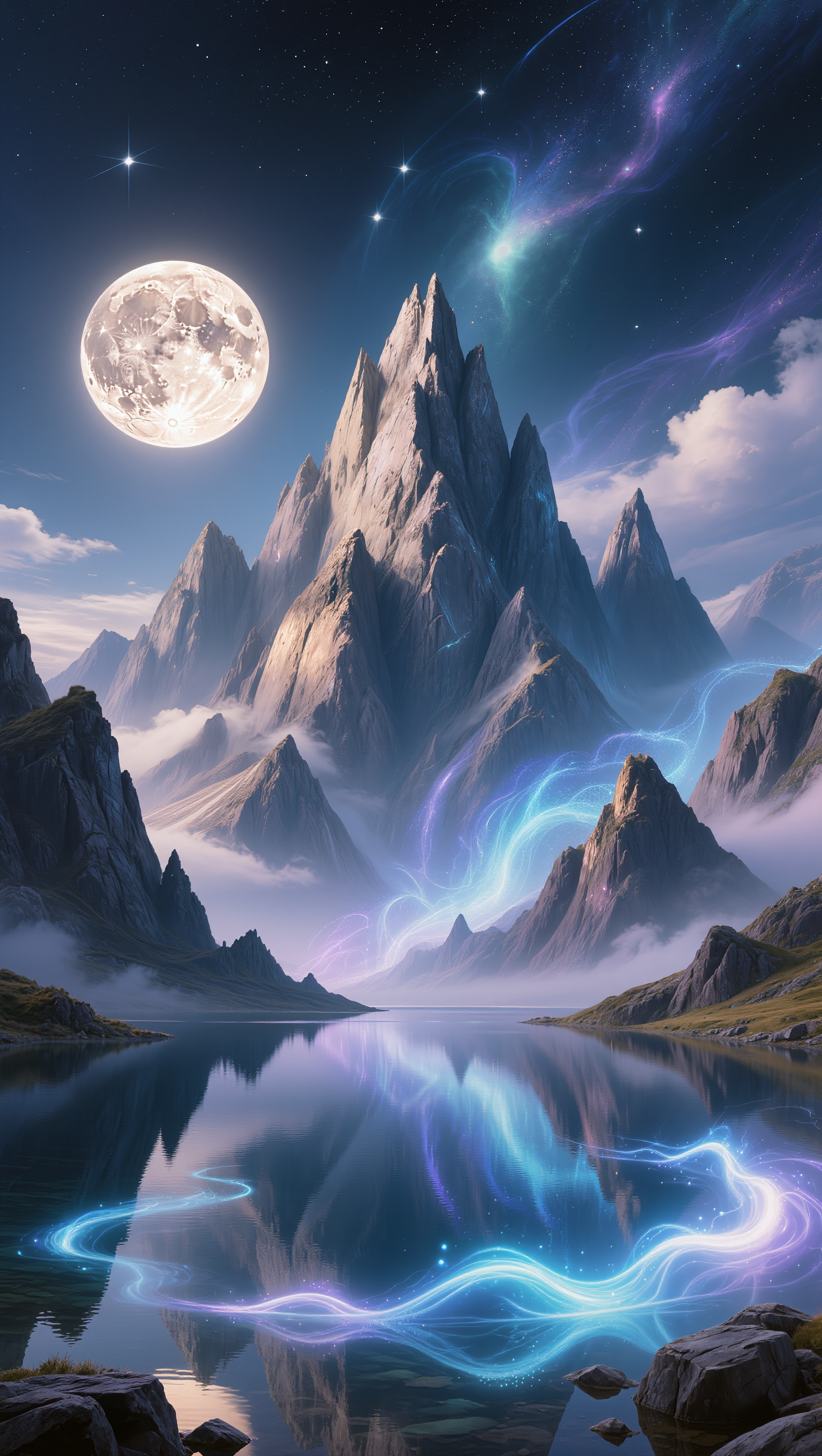
AI-generated Xmas desktop wallpaper ideas – Festive designs for your screen

Browse AI-created Xmas desktop wallpapers. Find festive designs that match your style. Easy to customize and download.

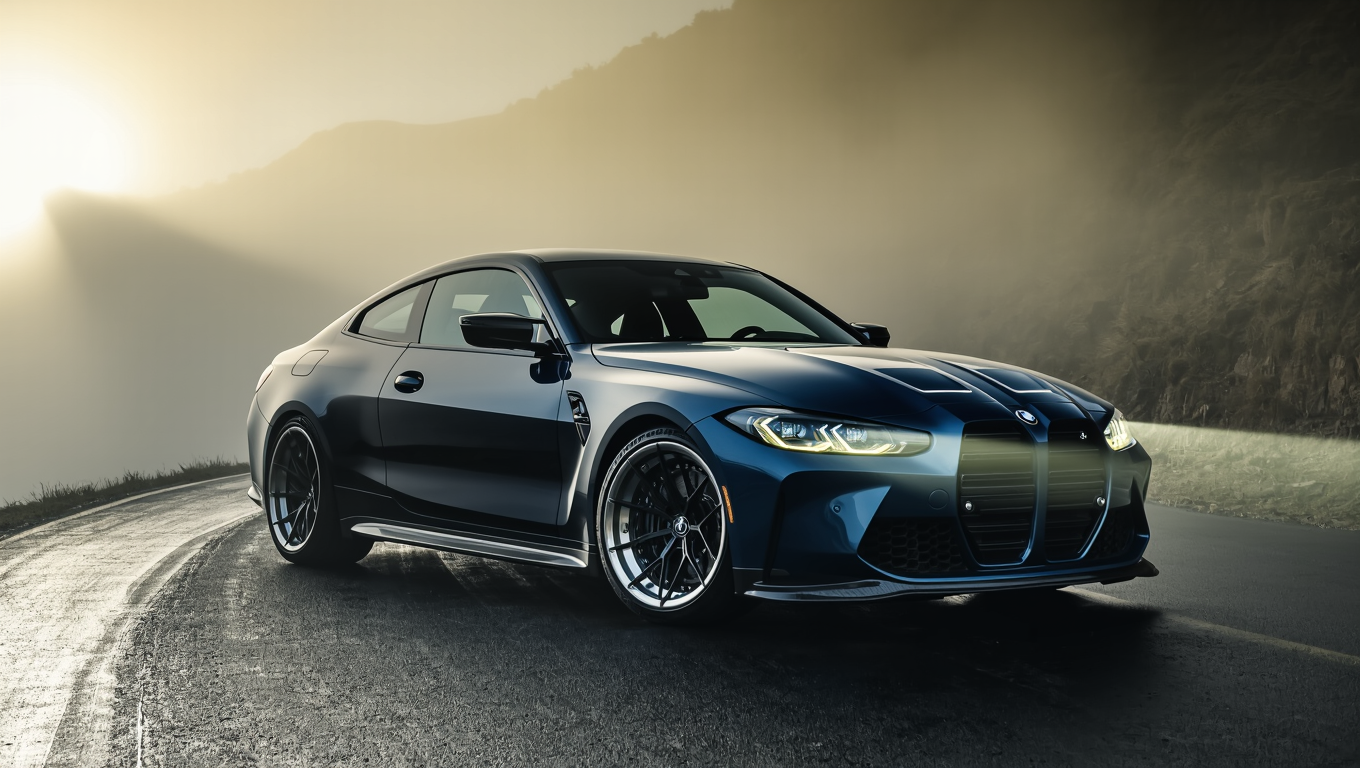
AI-generated Xmas desktop wallpaper ideas – Festive designs for your screen

Recommended

Kling AI work 317581797663735 - xmas desktop wallpaper AI video
obVZVXqQ avatar
obVZVXqQ
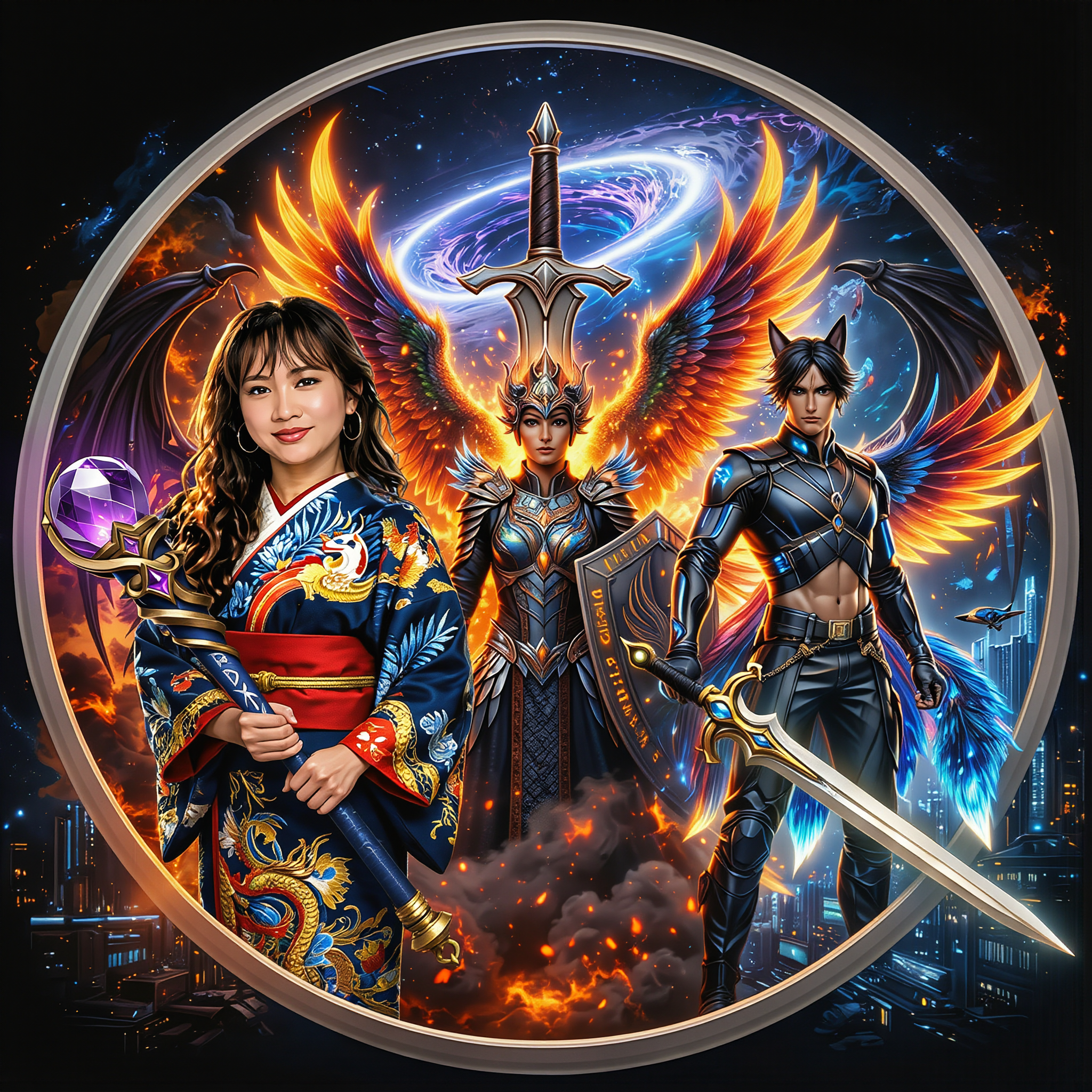
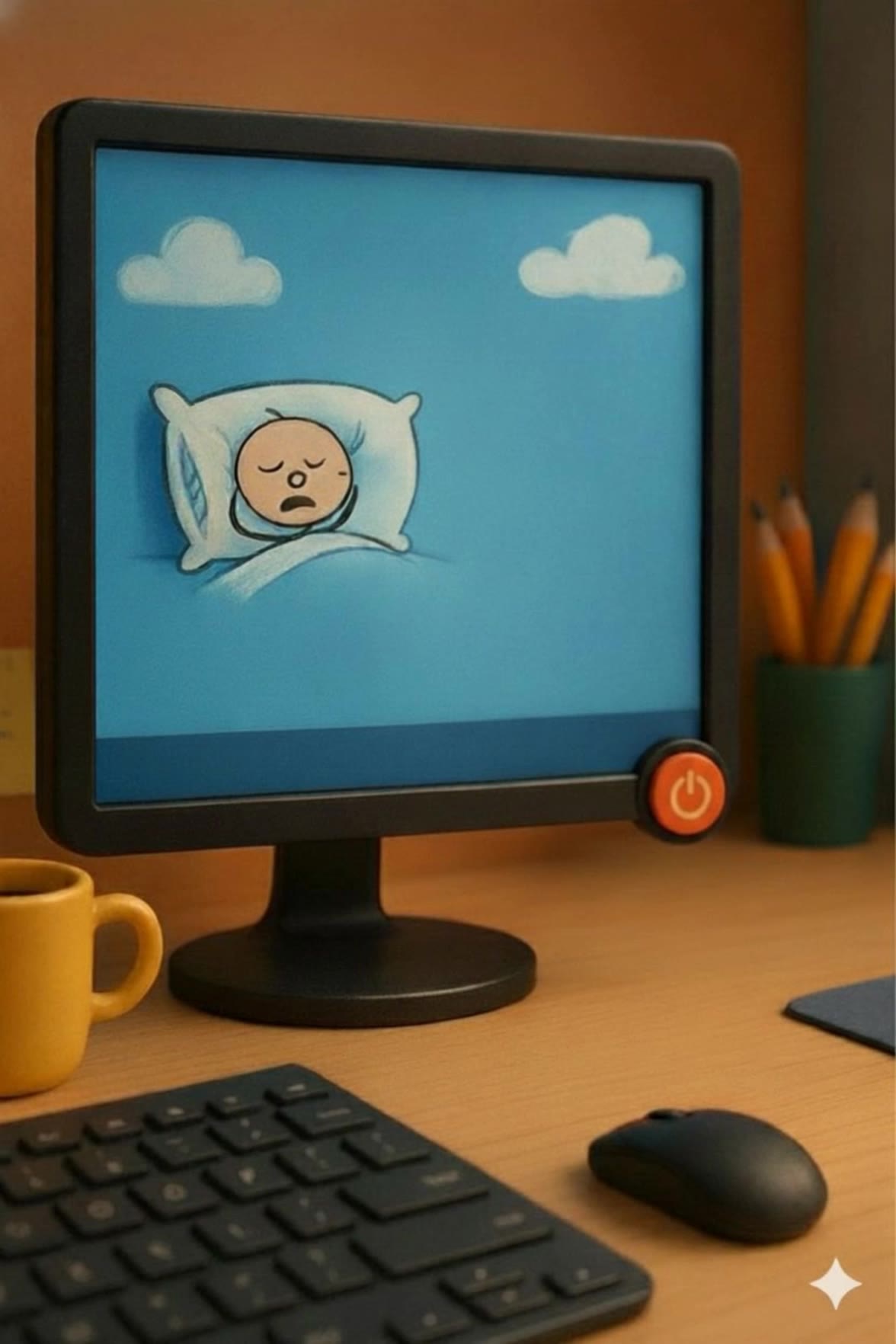
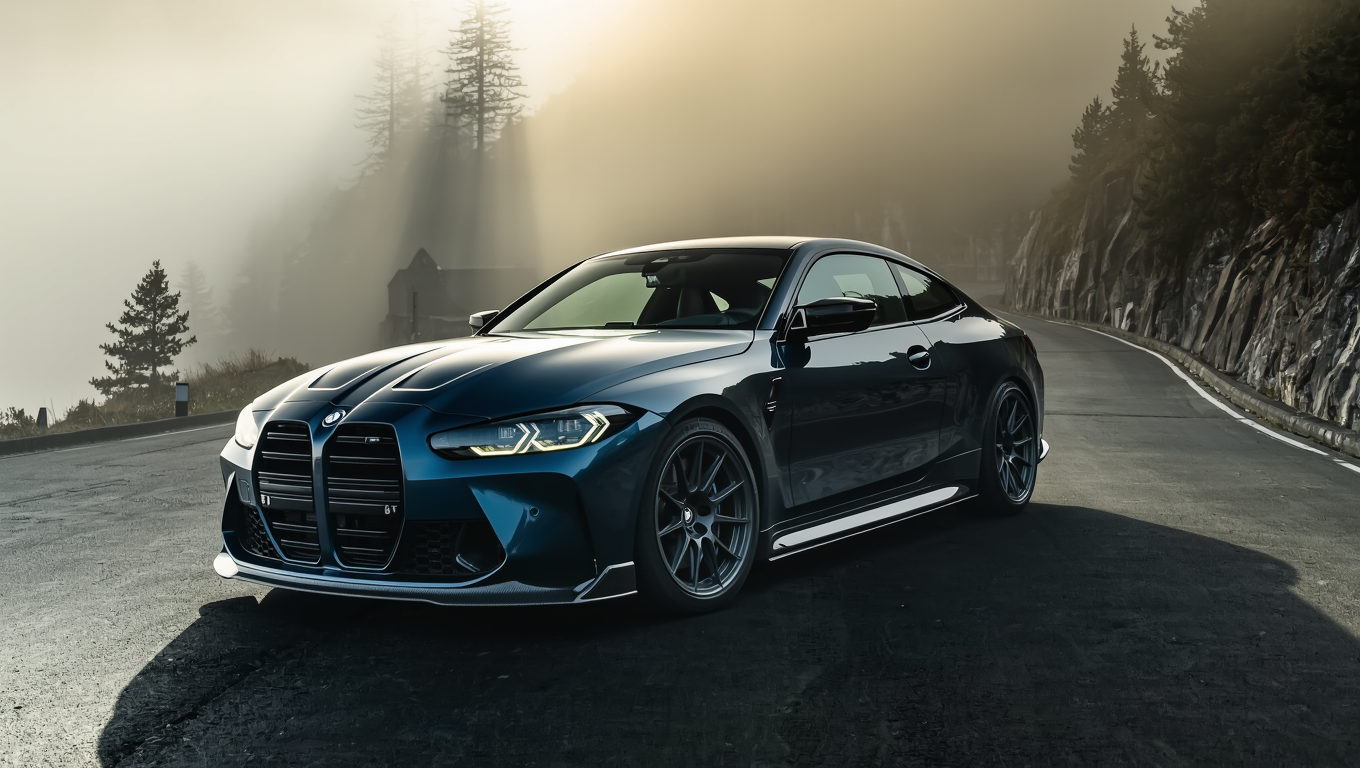
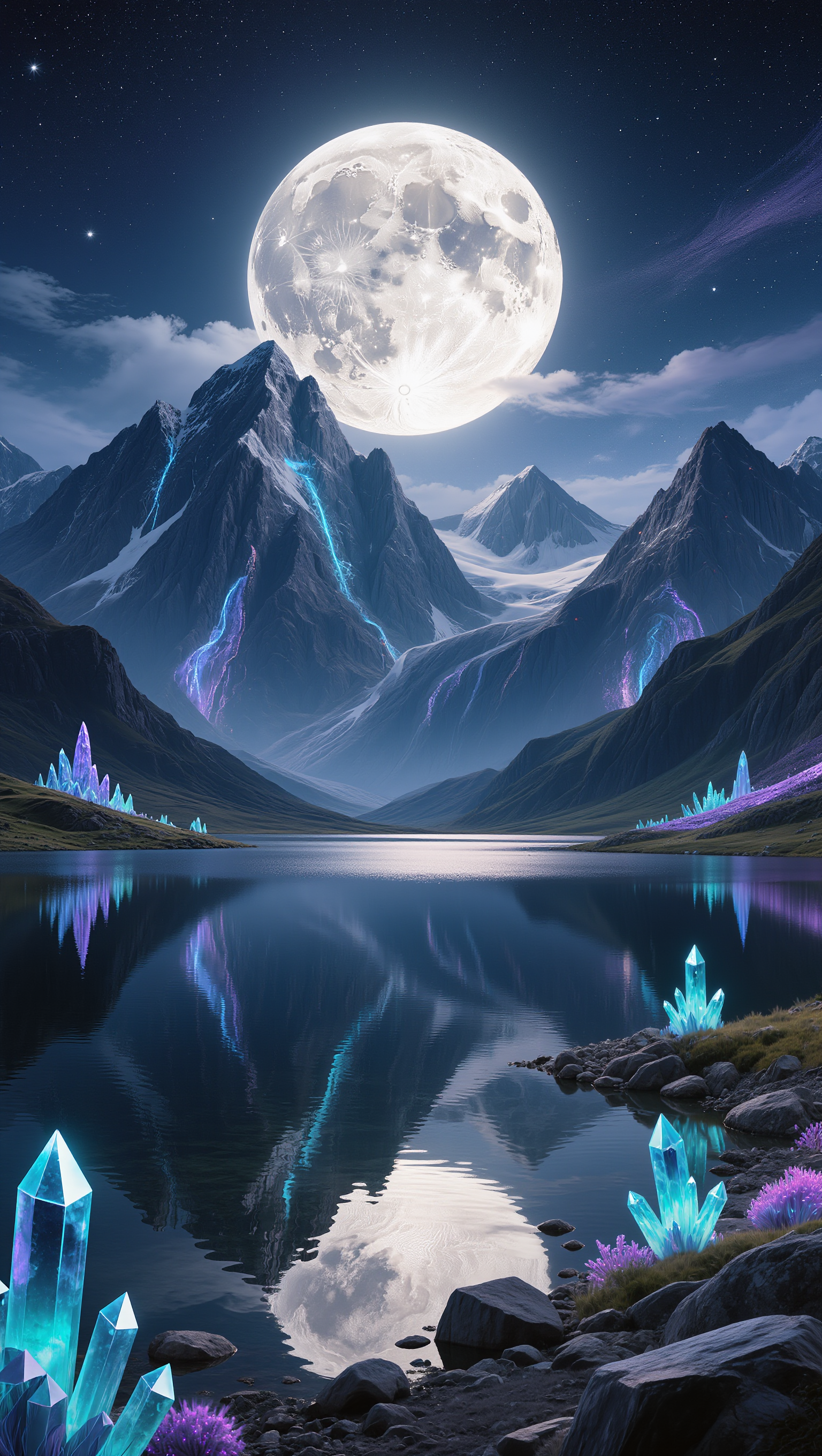
Kling AI work 309755336502052 - xmas desktop wallpaper AI image
Rakesh avatar
Rakesh
Kling AI work 309155892611817 - xmas desktop wallpaper AI image
Dreaming avatar
Dreaming
Elite Creator
Kling AI work 296734976508221 - xmas desktop wallpaper AI image
WOW avatar
WOW
Desktop Oled wallpaper - xmas desktop wallpaper AI video
00:10
vaDUEQlW avatar
vaDUEQlW
Kling AI work 309755263521956 - xmas desktop wallpaper AI image
Rakesh avatar
Rakesh
Kling AI work 296543785661828 - xmas desktop wallpaper AI video
IgjGHYUe avatar
IgjGHYUe
Kling AI work 298734542656947 - xmas desktop wallpaper AI image
VZJipunL avatar
VZJipunL
Kling AI work 314265054527114 - xmas desktop wallpaper AI video
Buyo avatar
Buyo
Kling AI work 297459724523458 - xmas desktop wallpaper AI video
VisualWoW avatar
VisualWoW
Elite Creator
Kling AI work 296461099617933 - xmas desktop wallpaper AI image
TurbM3L0s3/AlohaKaim avatar
TurbM3L0s3/AlohaKaim
Kling AI work 296421693613868 - xmas desktop wallpaper AI video
RXizAqSO avatar
RXizAqSO
Kling AI work 298656762521401 - xmas desktop wallpaper AI video
ckQijjsu avatar
ckQijjsu
Kling AI work 298459046613693 - xmas desktop wallpaper AI video
gYGpHVfb avatar
gYGpHVfb
Kling AI work 309755104616928 - xmas desktop wallpaper AI image
Rakesh avatar
Rakesh
Kling AI work 296461119506570 - xmas desktop wallpaper AI image
TurbM3L0s3/AlohaKaim avatar
TurbM3L0s3/AlohaKaim
Kling AI work 310335821661328 - xmas desktop wallpaper AI image
Dreaming avatar
Dreaming
Elite Creator
Kling AI work 309755081610044 - xmas desktop wallpaper AI image
Rakesh avatar
Rakesh
Kling AI work 296458340663090 - xmas desktop wallpaper AI image
TurbM3L0s3/AlohaKaim avatar
TurbM3L0s3/AlohaKaim

How to Create Images with Kling AI

Write Down You Ideas

Write Down You Ideas

Open the AI Image Generator and choose the model that fits your project. Describe the subject and scene, then add details such as lighting, color, and visual style to shape the result.

Add References Or Not

Add References Or Not

Upload reference images for a character, product, composition, or style. References are optional, but they give Kling AI a clearer visual foundation when specific features, colors, or design details need to carry into the final image.

Generate Your Image

Generate Your Image

Choose your preferred format and output settings, then hit Generate. Once the result is ready, download it directly or open it in the image-to-video workflow to bring it to life with motion.

Remove Objects from Images with More Control

Remove Objects with Simple Text Prompts

Remove Objects with Simple Text Prompts

Skip complex masks and manual retouching. Tell Kling IMAGE 3.0 what you want gone in a text prompt, and it interprets your instruction as a targeted image edit. It gives you a faster way to clean up photos without a complicated editing workflow.

Target the Exact Object You Want Gone

Target the Exact Object You Want Gone

When several similar people or objects appear in the same image, describe the target by its position, appearance, or nearby context. Clearer instructions give you more control over which element is removed while helping reduce unintended changes to unrelated parts of the scene.

Keep the Edited Area Visually Consistent

Keep the Edited Area Visually Consistent

Removing an object also means recreating the area it once covered. Kling IMAGE 3.0 is designed to preserve surrounding style, lighting, and texture during targeted edits, helping the cleared area feel more connected to the rest of the image instead of standing out as an obvious edit.

Apps

Image to Video
Image to Video

Image to Video

Text to Video
Text to Video

Text to Video

Omni
Omni

Omni

Digital Human
Digital Human

Digital Human

Restyle
Restyle

Restyle

Text to Image
Text to Image

Text to Image

60M+
60M+
Users
600M+
600M+
AI Videos Generated
4.7 ★
4.7 ★
App Store
Industry-Leading
Industry-Leading
Cinematic 4K

Reviews

KakuDrop

KakuDrop

★★★★★

I have successfully collaborated with world-renowned artists and well-known companies that are recognized globally

Maria Rubtsova

Maria Rubtsova

★★★★★

I’m Maria Rubtsova, an AIGC digital artist passionate about creating stunning visuals in the worlds of fashion, aesthetics, and fantasy. I use KlingAi to bring imagination to life through video. My work is all about exploring beauty, emotion, and the limitless possibilities of digital art.

Halim Alrasihi

Halim Alrasihi

★★★★★

I use AI daily and Kling AI is a crucial part of my workflow, whether for client work or personal projects. What I love most about using Kling AI is that it provides all the tools I need in one place, from keyframes to character references, elements and special effects.

FAQ

Q1Can I Use My Own Voice or Audio?
Q2Which Languages Does Kling AI Avatar Support?
Q3How to Write a Better AI Avatar Prompt

Make Something Worth Keeping

Start with a sentence, a sketch, or a visual reference. Shape the idea until the style, composition, and details feel like yours.

Free tier available | Text to Art | Reference Images | Style Transfer