Creative Studio
API
Resources
Features
About Us
Download

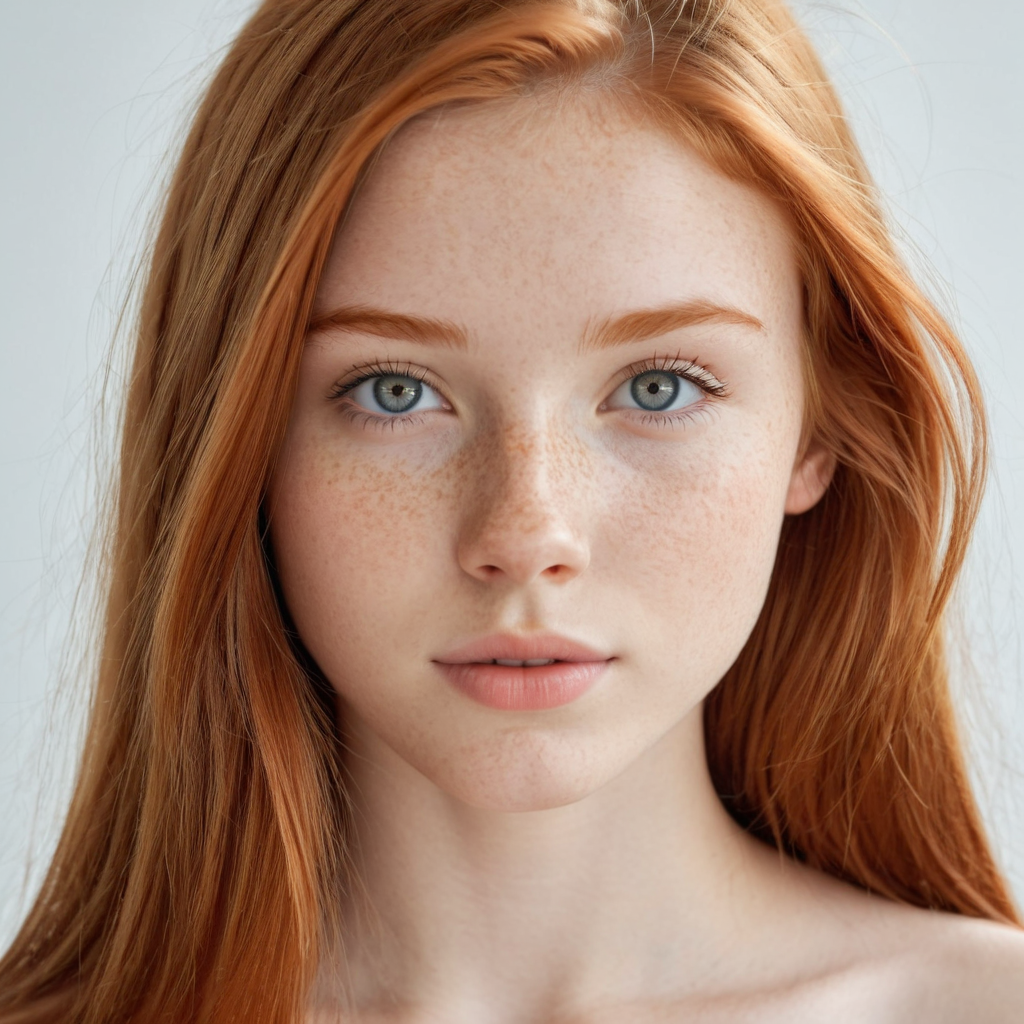
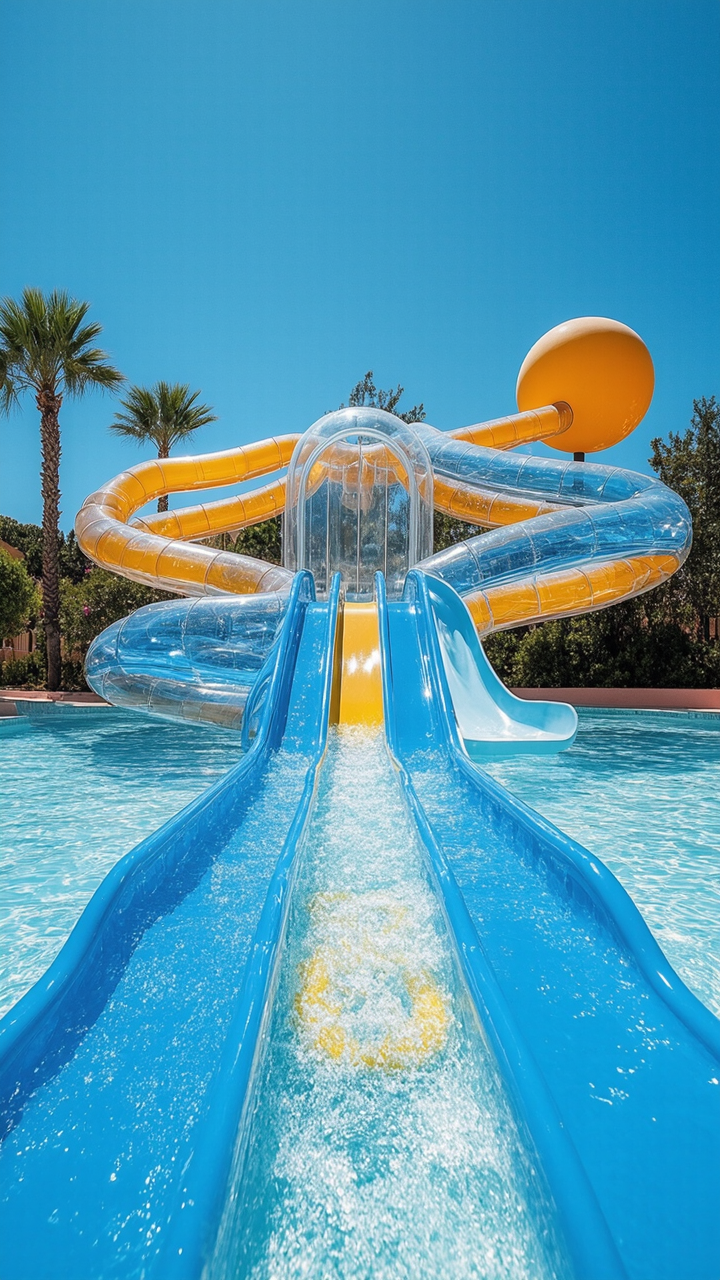
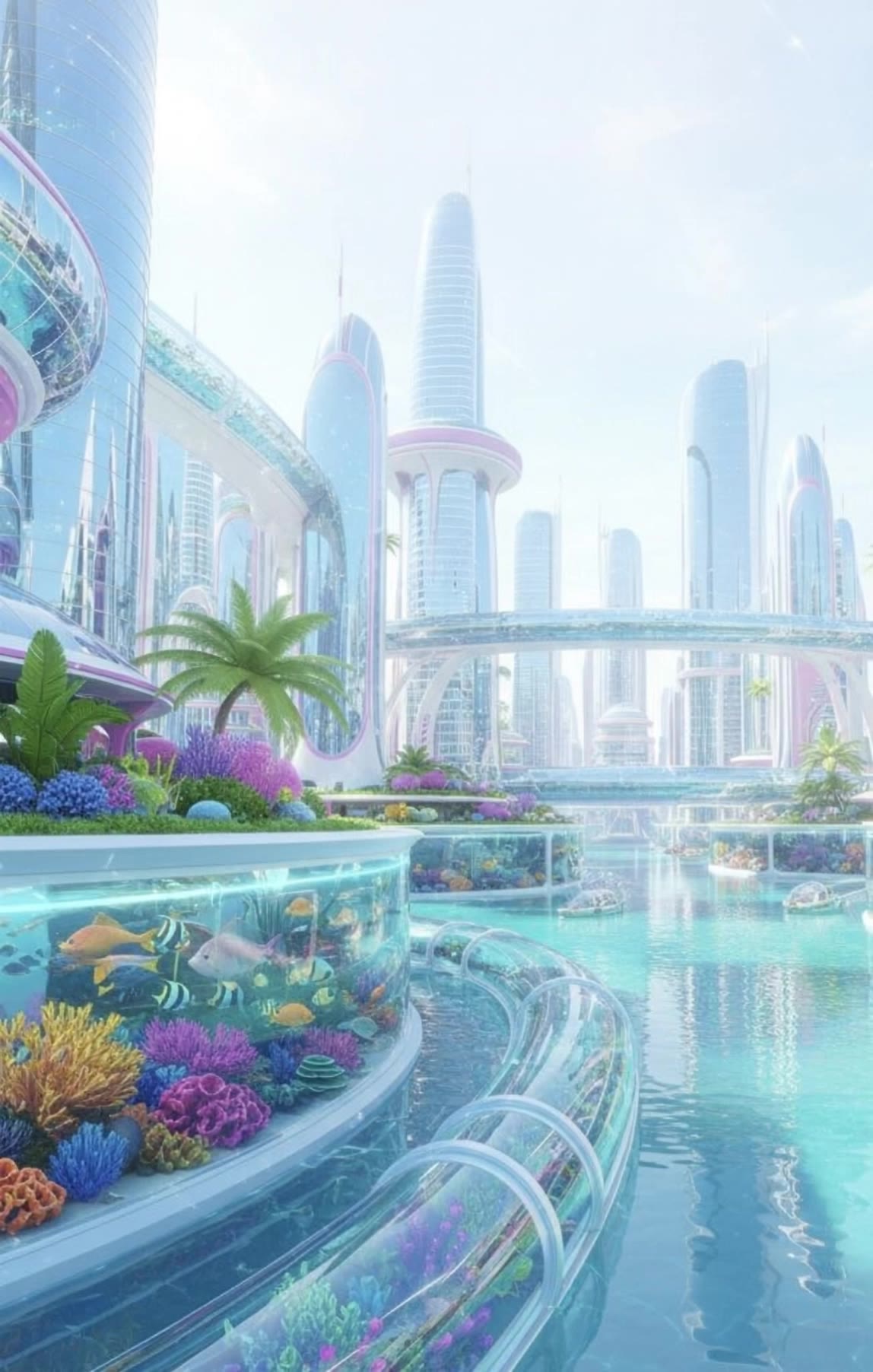
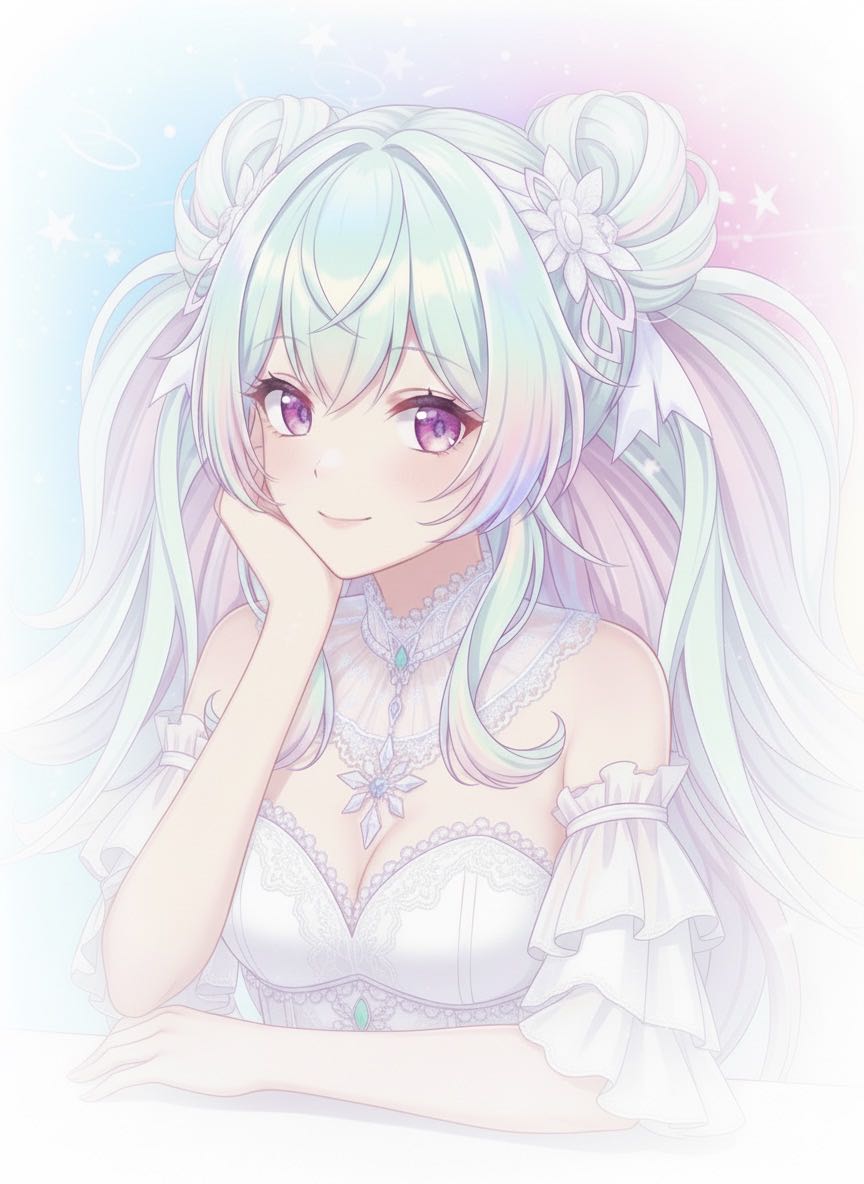
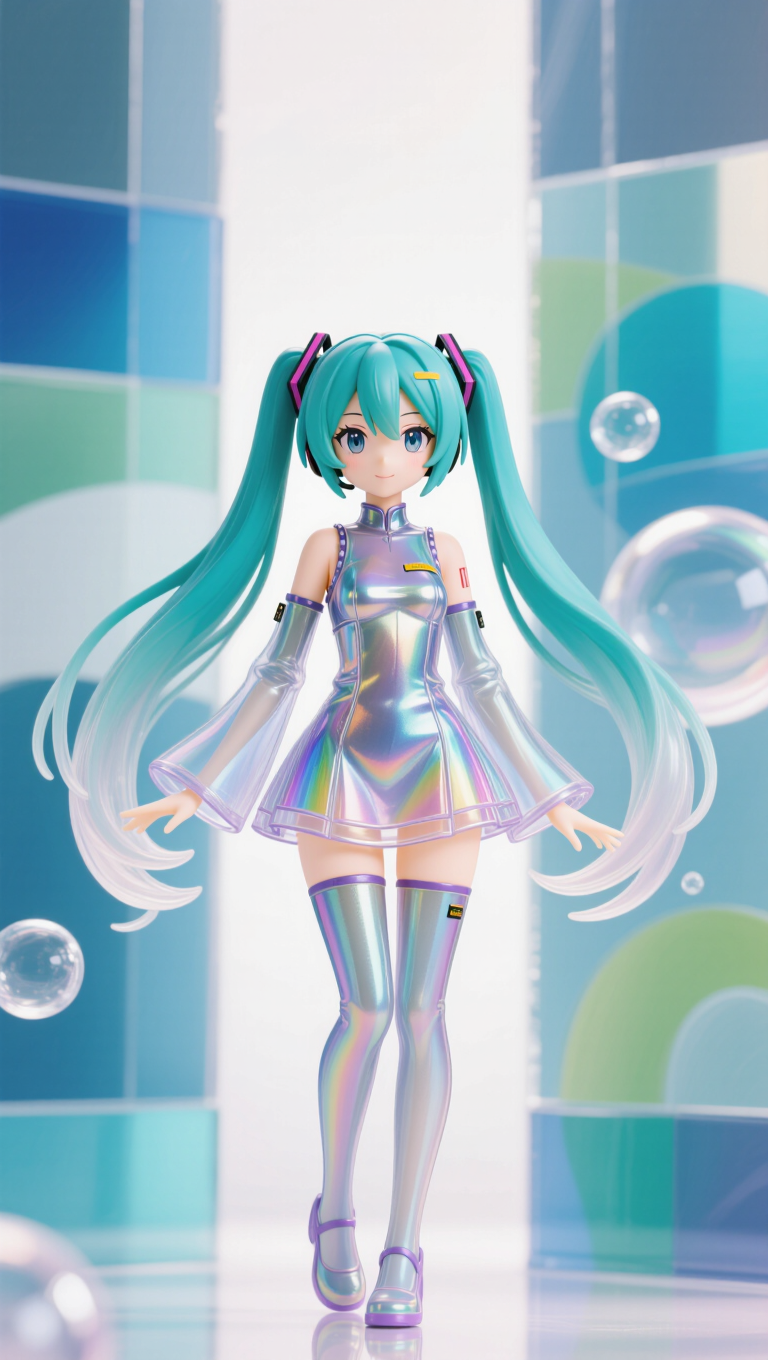
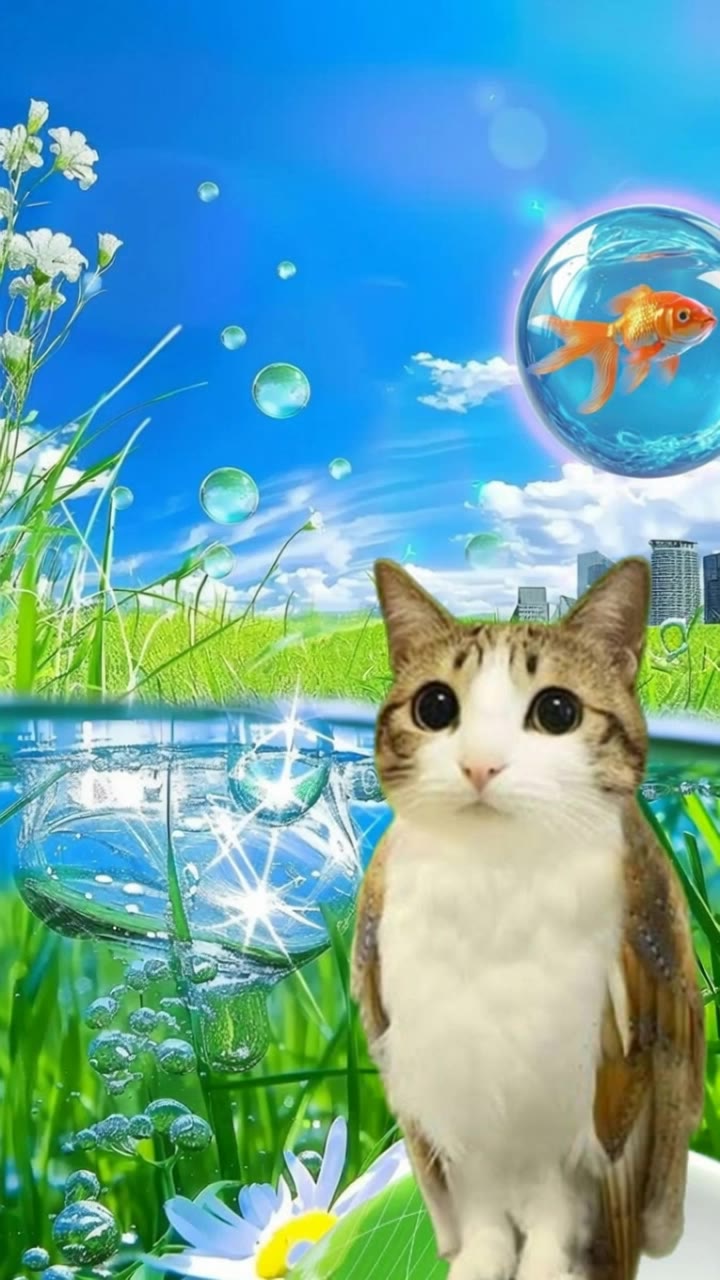
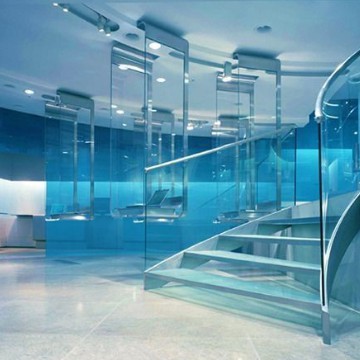
y2k aesthetic frutiger aero - aqua living room & natural lighting

Immerse in the nostalgic y2k aesthetic with Frutiger Aero themes featuring aqua elements and sporty-chic visuals. Dive into unique designs inspired by translucent glass, cyan blues, and luxurious kidcore vibes. Start exploring y2k aesthetic frutiger aero ideas and generate your own content with AI.

y2k aesthetic frutiger aero - aqua living room & natural lighting

Recommended

Kling AI work 316072263528328 - y2k aesthetic frutiger aero AI video
FsLPCpJs avatar
FsLPCpJs
Kling AI work 316050655664308 - y2k aesthetic frutiger aero AI video
FsLPCpJs avatar
FsLPCpJs
Kling AI work 276264338524765 - y2k aesthetic frutiger aero AI video
FqOyaFDU avatar
FqOyaFDU
Golden Hour Aesthetic ✨ - y2k aesthetic frutiger aero AI video
Vicky avatar
Vicky
Kling AI work 276269306535566 - y2k aesthetic frutiger aero AI image
FqOyaFDU avatar
FqOyaFDU
Kling AI work 297700770527611 - y2k aesthetic frutiger aero AI video
GkKoErPU avatar
GkKoErPU
Kling AI work 311346565668496 - y2k aesthetic frutiger aero AI image
QuYWMira avatar
QuYWMira
Kling AI work 307374135667637 - y2k aesthetic frutiger aero AI video
kBMLThsn avatar
kBMLThsn
Kling AI work 316113312527597 - y2k aesthetic frutiger aero AI video
FsLPCpJs avatar
FsLPCpJs
Kling AI work 315207705661913 - y2k aesthetic frutiger aero AI video
jTszXtvP avatar
jTszXtvP
Kling AI work 312132430663740 - y2k aesthetic frutiger aero AI image
ubcsIQjH avatar
ubcsIQjH
Kling AI work 316072334521841 - y2k aesthetic frutiger aero AI video
FsLPCpJs avatar
FsLPCpJs
Kling AI work 314297357668949 - y2k aesthetic frutiger aero AI image
爱果 avatar
爱果
Kling AI work 294878138616803 - y2k aesthetic frutiger aero AI video
gIHZmVbM avatar
gIHZmVbM
Kling AI work 300660636501752 - y2k aesthetic frutiger aero AI video
Coolvibes290 avatar
Coolvibes290
Kling AI work 310277067616703 - y2k aesthetic frutiger aero AI image
EJQZCVMC avatar
EJQZCVMC
Kling AI work 308147699663155 - y2k aesthetic frutiger aero AI image
QjBRMYlr avatar
QjBRMYlr
遊動的金魚 - y2k aesthetic frutiger aero AI image
rxvfEnDs avatar
rxvfEnDs
Kling AI work 317288653505648 - y2k aesthetic frutiger aero AI image
UKlBldOD avatar
UKlBldOD

How to Remove an Object from an Image with Kling

Step 1: Upload the Photo You Want to Clean Up

Step 1: Upload the Photo You Want to Clean Up

Upload the photo you want to edit. Start with a clear source image where the unwanted object and surrounding details are easy to distinguish.

Step 2: Describe What You Want to Remove

Step 2: Describe What You Want to Remove

Tell Kling IMAGE 3.0 which object, person, text, or other element you want to remove. Add details such as its position, appearance, or nearby context when the image contains similar elements, and specify what should stay unchanged around the edit.

Step 3: Generate Your Cleaned Image

Step 3: Generate Your Cleaned Image

Choose your preferred image ratio and output quality, then generate your edited image. Select up to 2K resolution for clearer, higher-resolution output.

Edit the Parts That Matter

Change Subjects, Backgrounds, and Style

Change Subjects, Backgrounds, and Style

Keep what works and change what does not. Replace a character or product, update an outfit, remove a distraction, or move the action into a different setting. You can also change the weather, lighting, time of day, or overall look. With Kling VIDEO 3.0 Omni, you can start with a prompt and add a reference image when a face, product, or branded detail needs a closer match.

Reframe the Shot

Reframe the Shot

Keep the original action, then change how the moment is framed. Move in for a close-up, open to a wider view, shift the angle, or rebalance the composition around the subject. The source footage keeps the motion and scene context in place while your prompt sets the new framing.

Extend the Video

Extend the Video

Continue a clip beyond its current ending without building the next scene from scratch. Kling carries the subject, motion, and setting into the new footage; add a prompt when you want to steer what happens next. Use Video Extension when a clip ends too soon, an action needs more time, or the next beat is still missing.

Apps

Image to Video
Image to Video

Image to Video

Text to Video
Text to Video

Text to Video

Omni
Omni

Omni

Digital Human
Digital Human

Digital Human

Restyle
Restyle

Restyle

Text to Image
Text to Image

Text to Image

60M+
60M+
Users
600M+
600M+
AI Videos Generated
4.7 ★
4.7 ★
App Store
Industry-Leading
Industry-Leading
Cinematic 4K

Reviews

Maria Rubtsova

Maria Rubtsova

★★★★★

I’m Maria Rubtsova, an AIGC digital artist passionate about creating stunning visuals in the worlds of fashion, aesthetics, and fantasy. I use KlingAi to bring imagination to life through video. My work is all about exploring beauty, emotion, and the limitless possibilities of digital art.

Ozan Sihay

Ozan Sihay

★★★★★

Kling AI allows me to rapidly prototype ideas, refine storytelling elements, and produce visually compelling content efficiently. It has not only accelerated my creative processes, but also deepened my understanding of how AI can enrich visual storytelling.

Samuele Poggi (@visualsk2)

Samuele Poggi (@visualsk2)

★★★★★

I use Kling AI daily to push the limits of AI filmmaking. It allows me to create highly cinematic content, blending AI and VFX to develop innovative projects. It has significantly impacted my creative process, enabling me to achieve complex animations that would otherwise require high production budgets.

FAQ

Q1Can I Use My Own Voice or Audio?
Q2Can Kling AI Avatars Show Emotions and Gestures?
Q3How Is an AI Avatar Generator Different From an Avatar Maker?

Make Something Worth Keeping

Start with a sentence, a sketch, or a visual reference. Shape the idea until the style, composition, and details feel like yours.

Free tier available | Text to Art | Reference Images | Style Transfer